Back to Prompts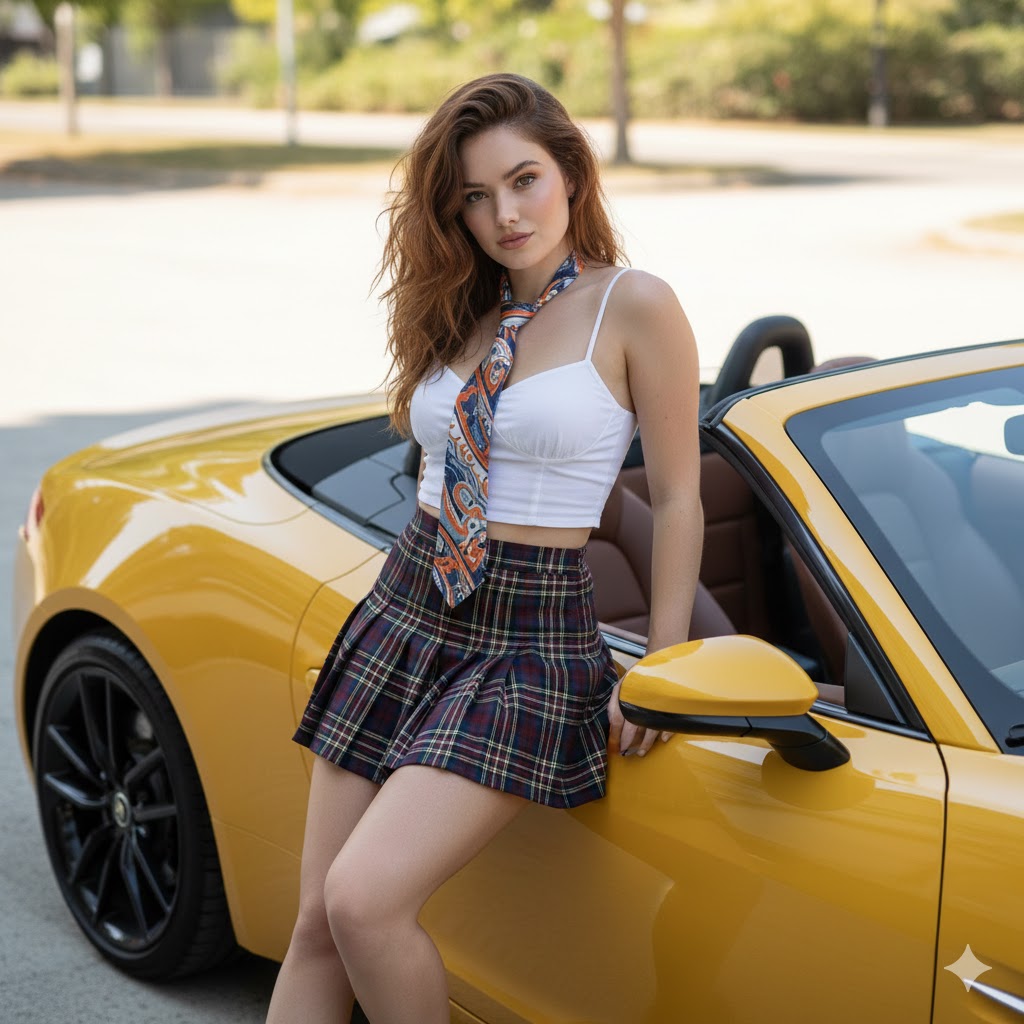
Attire Vehicle Setting Format
Example Images
Edit Your Prompt
Replace placeholders like {{YOUR_NAME}} or {{SUBJECT}} with your own values
Add Reference Images (Optional, up to 5)
Click to upload, or press ⌘V / Ctrl+V to paste from clipboard
Add reference images to guide the AI generation
Aspect Ratio
Select AI Model
Nano Banana
2 credits🔥
Fast and affordable standard quality AI images.
Nano Banana PRO+
6 creditsPremium quality, more realistic and detailed results.
Tags
Nano Banana Pro
This Attire Vehicle Setting Format prompt is built to produce consistent, high-quality images. Adjust the wording to your taste, choose an aspect ratio, and let the AI handle the rest.
What is the Attire Vehicle Setting Format prompt?
A prompt is the text instruction that tells an AI image model what to create. The attire vehicle setting format prompt packages a detailed description — subject, style, lighting, and mood — so you get a predictable result without having to describe every element yourself.
How to use the Attire Vehicle Setting Format prompt
- 1Read through the prompt and adjust the wording to match your idea
- 2Add up to a few reference images if you want to guide the style or subject
- 3Choose the AI model and aspect ratio that fit your use case
- 4Generate, review, and regenerate for variations until you're happy
Tips for better results
- Keep the most important details near the start of the prompt
- Add reference images when you want a particular face, object, or style preserved
- Regenerate a few times — small variations between runs are normal
- Use aspect ratio to match where you'll post: square for feed, 9:16 for stories
FAQs about the Attire Vehicle Setting Format prompt
It spells out subject, style, lighting, and composition explicitly, which gives the model clear direction and reduces blurry or off-style output.
Absolutely. Treat the attire vehicle setting format prompt as a starting point — add your own subjects, settings, or stylistic twists and regenerate.
New accounts get free credits, which is enough to test the prompt and decide whether you want to generate more.
Yes — every result can be downloaded in full resolution, ready to post or use in your projects.