AI Photo Editor
Every AI photo editing tool in one place. Remove backgrounds, erase objects and text, upscale, restore old photos, generate headshots — or just describe the edit you want in plain language.
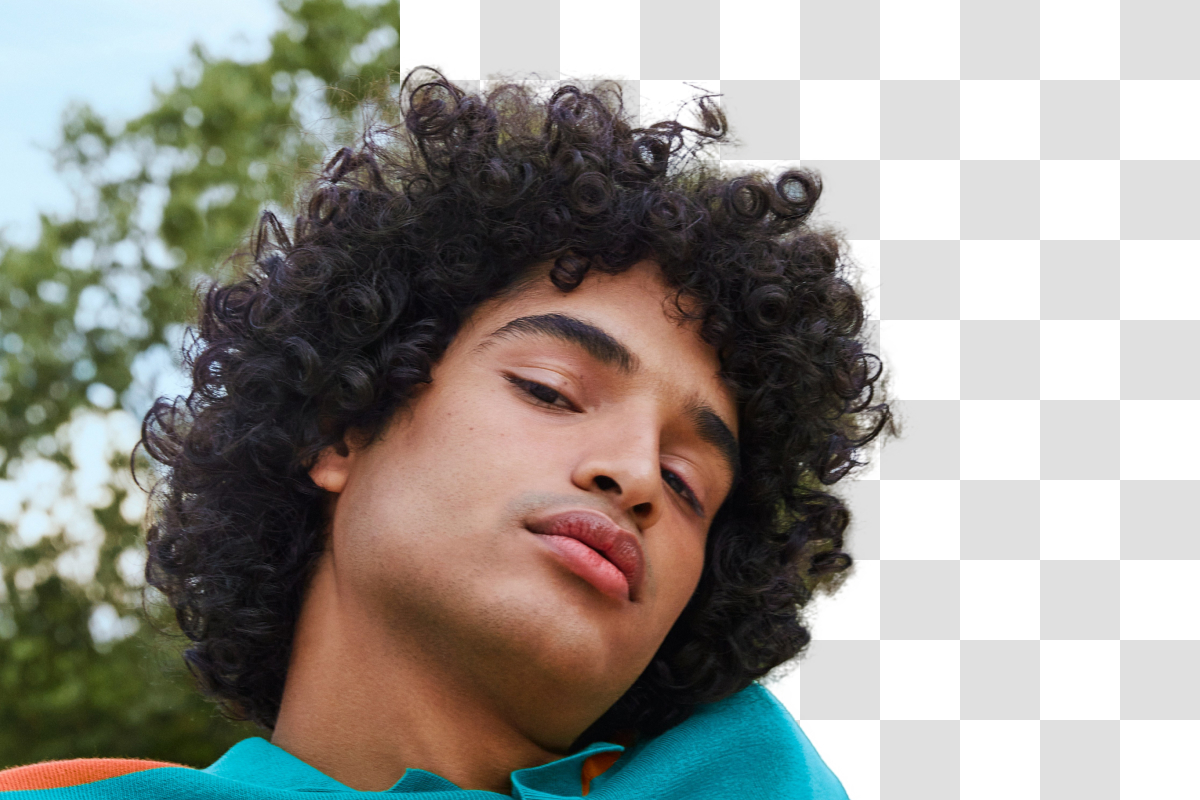
Background Remover
Remove image backgrounds automatically and export transparent PNGs — perfect for product photos and profile pictures.
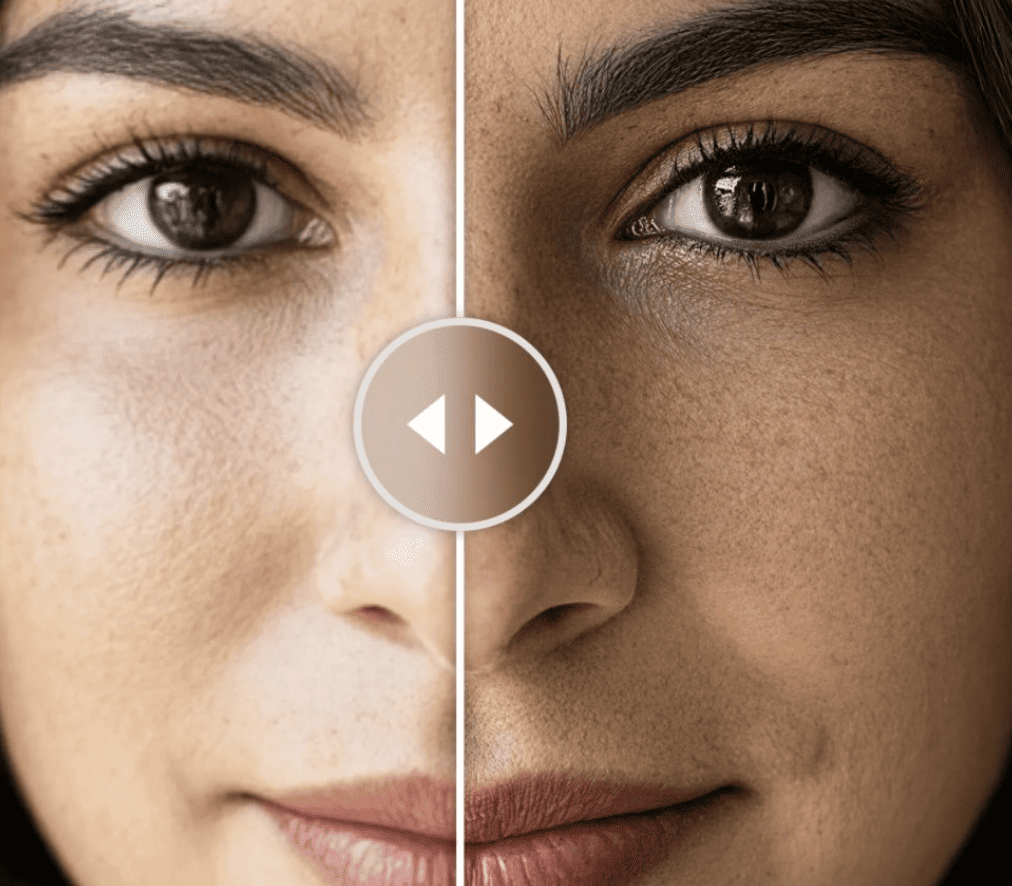
Image Upscaler
Boost photo resolution with AI — sharpen low-res images for print, zoom views, and crisp social posts.
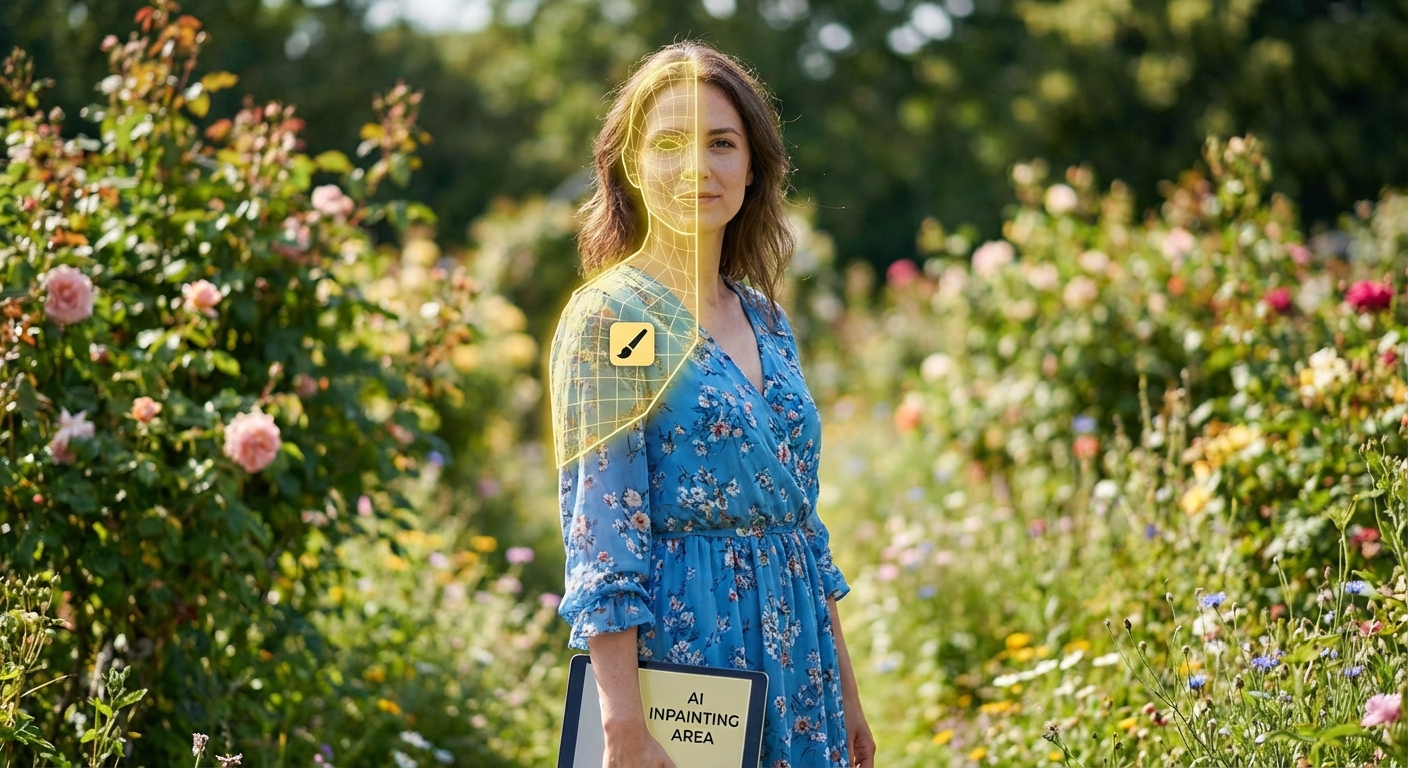
Text Remover
Erase captions, watermark text, and unwanted lettering from any photo with the AI eraser.
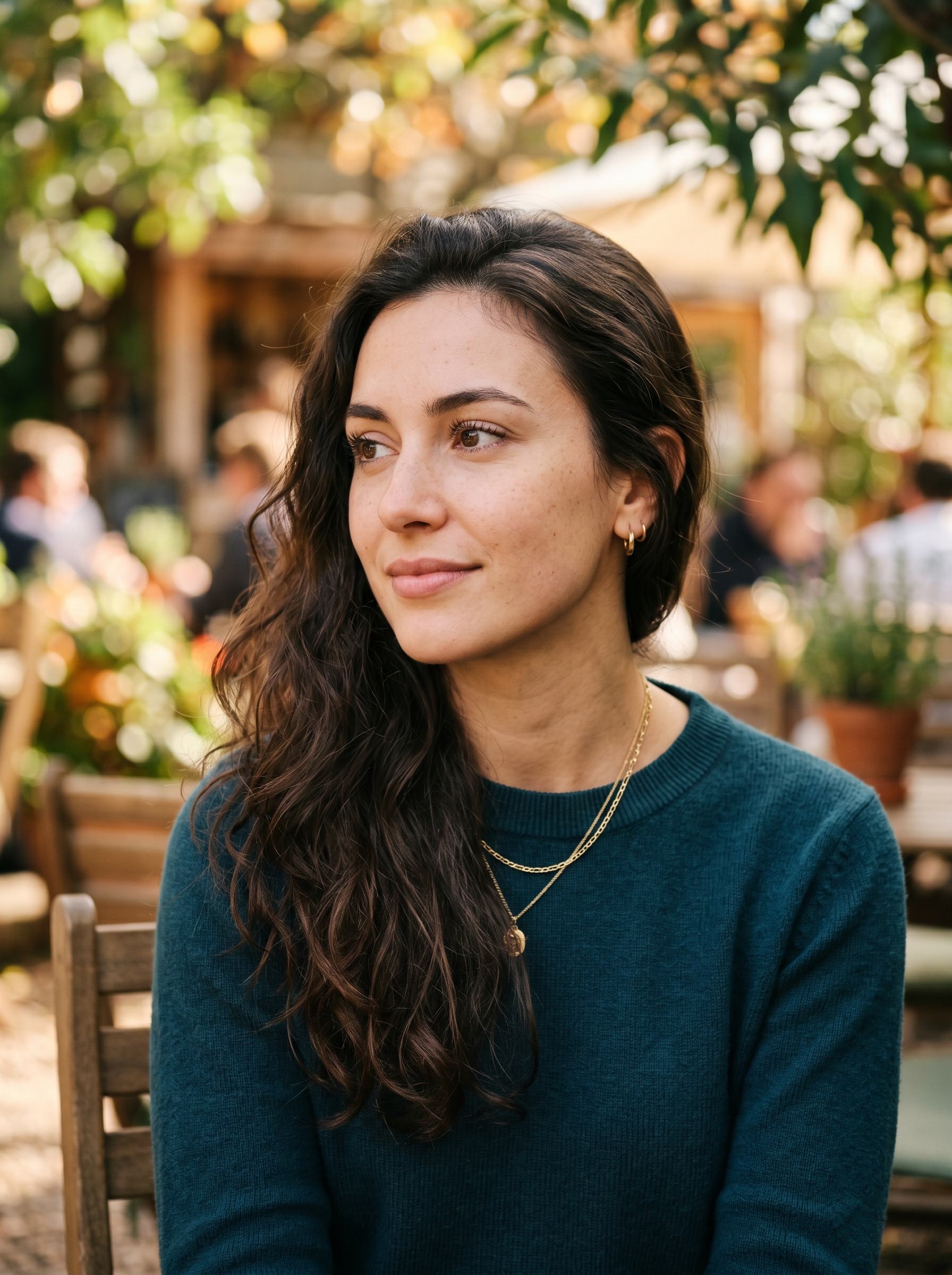
Photo Restoration
Repair old, damaged, and faded photos — remove scratches, recover detail, and colorize black-and-white shots.
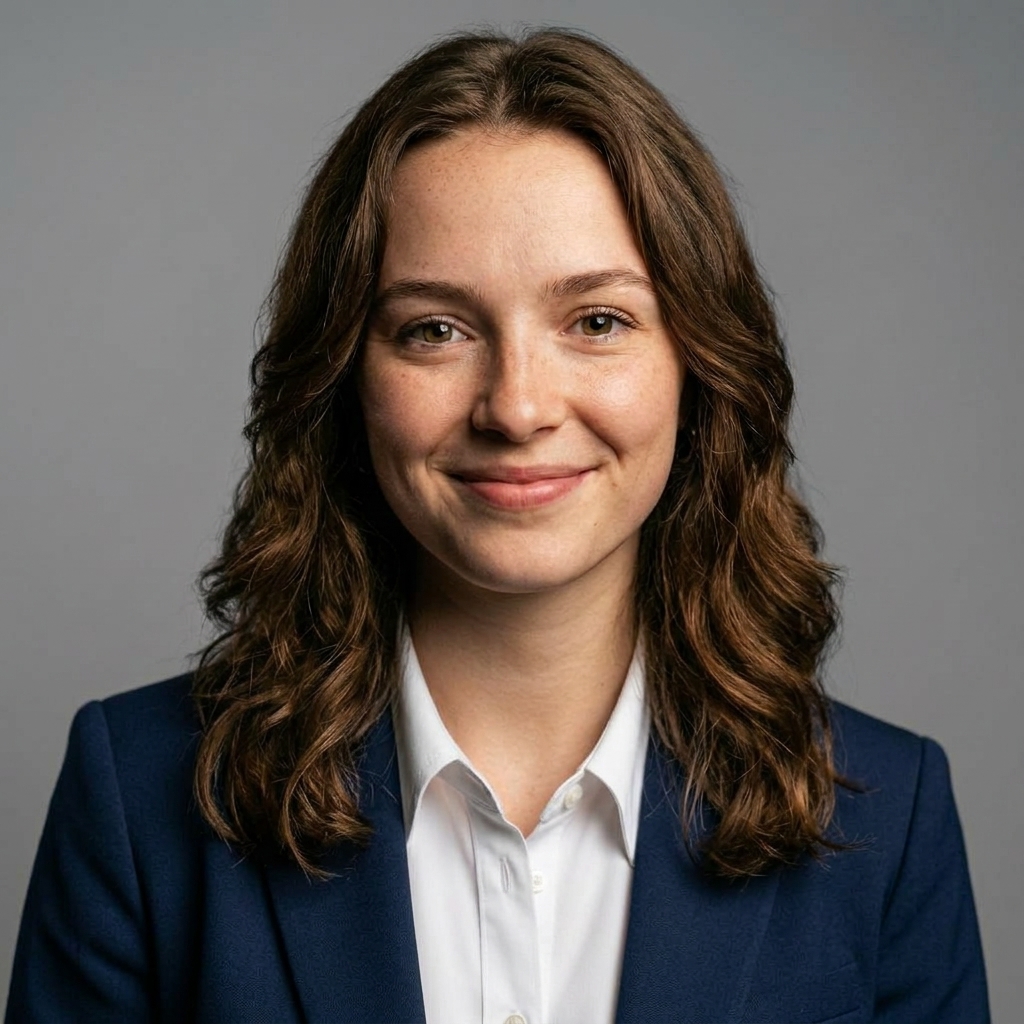
AI Headshot Generator
Turn a selfie into professional headshots in 54+ styles — studio, LinkedIn, creative, and artistic looks.
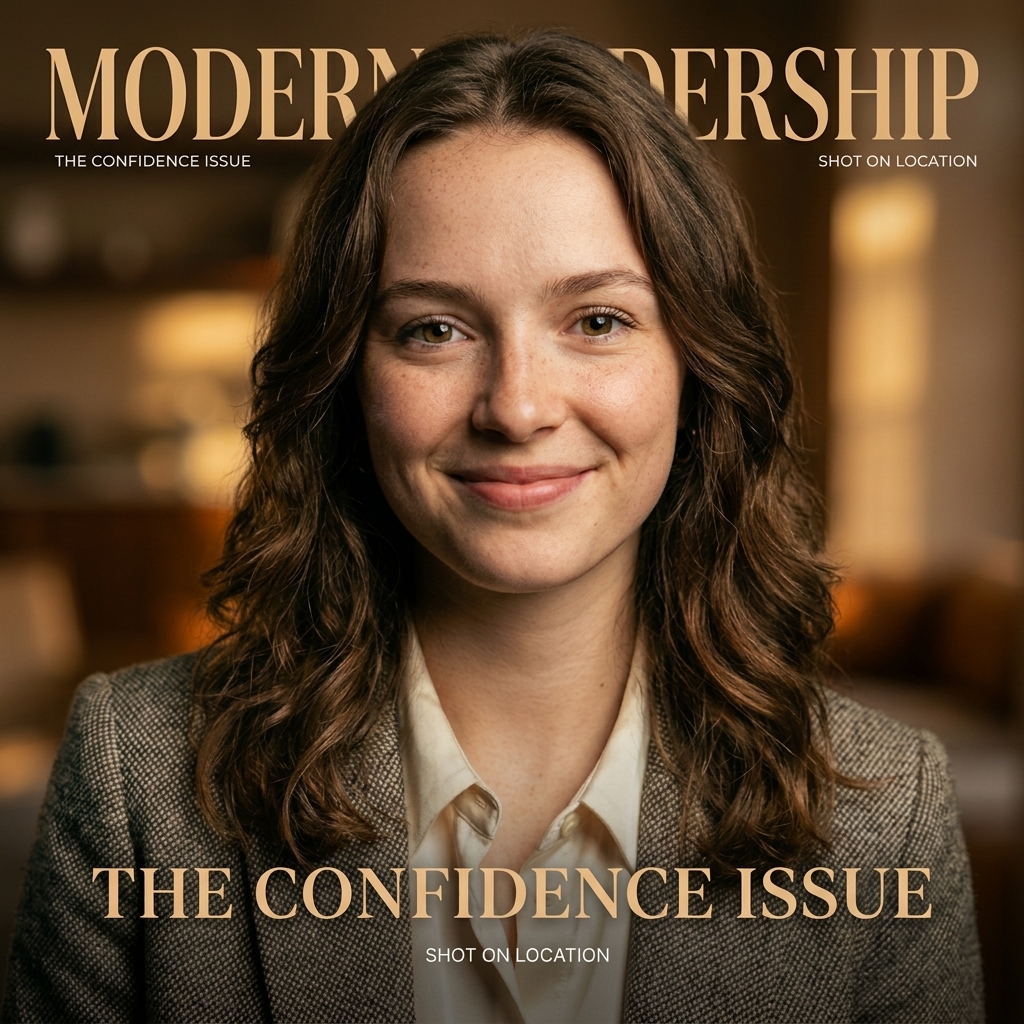
AI Haircut Generator
Preview new hairstyles and colors on your own photo before committing at the salon.
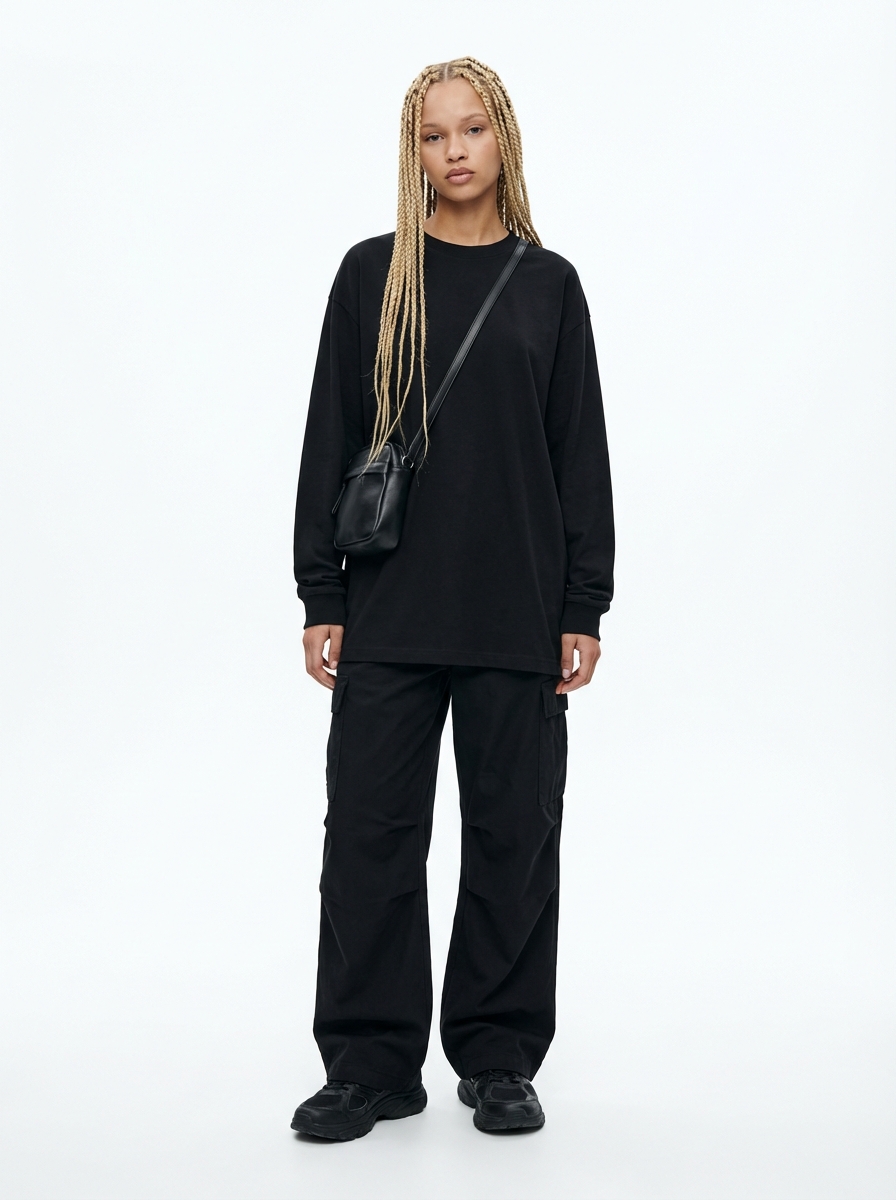
Object Eraser & AI Edits
Open the full editor: erase objects with a brush, replace backgrounds, relight scenes, or describe any edit in plain language.

AI Photo Generator
Generate realistic new photos from selfies or prompts — styled portraits, trend photos, and social visuals.
Edit Photos by Describing the Change
The imageat editor includes AI Edit — type what you want changed ("remove the person in the background", "make the sky sunset orange", "clean up the table") and the AI applies it. For precise removals, the object eraser lets you brush over anything — objects, people, text — and erase it seamlessly. Mask-based inpainting gives you even finer control.
Common Editing Workflows
Product listing photo
Remove the background → place it in a new scene with the AI product photo generator → upscale for zoom-ready detail.
Profile photo refresh
Generate professional headshots from a selfie → preview a new look with the AI haircut generator → cut out the background for a clean avatar.
Family photo rescue
Restore the old photo → erase scratches, stains, or photobombers with the object eraser → upscale for reprinting.
Need a New Image Instead?
Editing fixes what you have; generation creates what you don't. Make new visuals from text or reference photos with the AI image generator, realistic people shots with the AI photo generator, or dive straight into the advanced generator.
Frequently Asked Questions
Is the AI photo editor free?
Sign up is free and each edit uses credits from a monthly plan; subscribers can top up anytime with one-time credit packs. You only spend credits on the edits you run.
Do I need to install software?
No — everything runs in the browser on desktop and mobile. Upload a photo, edit, download the result.
What file formats are supported?
JPG, PNG, and WebP uploads are supported across the tools. Background removal exports transparent PNG; other tools export high-quality JPG or PNG.
Can I edit AI-generated images?
Yes — anything you create with the generator can go straight into the editing tools: remove the background, upscale it, or refine details with inpainting.
Start Editing Your Photos
Free sign up, pay per edit. Upload a photo and see the result in seconds.
Open the AI Photo Editor