Cinematic Product Launch
Make a luxury fragrance film with lifelike glass, water droplets, mist, and cinematic camera movement.
Marketing3 min estimate
 Try in Claude Claude with
 imageat
One connection. Create without leaving your conversation.
imageat Complete
 Create in Claude
Explore an idea, preview the result, and try it with imageat in your AI client.
Make a luxury fragrance film with lifelike glass, water droplets, mist, and cinematic camera movement.
Try in ClaudeBuild a social-ready creator concept and generate a natural product performance.
Try in ClaudeCreate a believable fashion photograph with tactile fabrics, warm light, and a considered set.
Try in ClaudeEnhance one master visual and prepare clean variants for every social format.
Try in ClaudeCreate one campaign idea and deliver coordinated ads for every social placement.
Try in ClaudeTell a surprising historical story through stylized scenes and cinematic motion.
Try in ClaudeMove a studio portrait to a Mediterranean terrace while keeping the person, outfit, and pose.
Try in ClaudeCreate the visual assets and art direction for a conversion-focused product page.
Try in ClaudeYou'll paste this into the custom-connector dialog in the next step.
https://mcp.imageat.com/mcp
Add a custom connector, name it “imageat”, paste the URL above, and leave OAuth fields empty. Or open the dialog with imageat filled in.
Claude opens imageat in your browser — sign in and click Allow. No API key to copy. Usage is billed to your credits; a “Claude (MCP)” key appears on your Projects page (revoke anytime).
Nano Banana Pro, GPT Image 2, Seedream & more — 1K–4K.
Veo, Kling, Seedance — text-to-video and image-to-video.
Remove background, relight, virtual try-on, object eraser…
Read your balance before running a job.
Stay in the conversation. imageat turns your prompt and references into a finished visual, then returns it to your AI client.
@imageat Create an eight-second luxury fragrance film: an unbranded amber glass perfume bottle on wet black basalt, condensation on the glass, fine mist, and warm sunrise reflections. Start close on the droplets, then slowly orbit and pull back to reveal the bottle. Photorealistic materials, one continuous shot, no text.
Glass, water, light, and a deliberate camera move. Turn a written brief into a cinematic product moment.
Generate a still, animate it, then refine the result without leaving the conversation.
 Nano Banana Pro
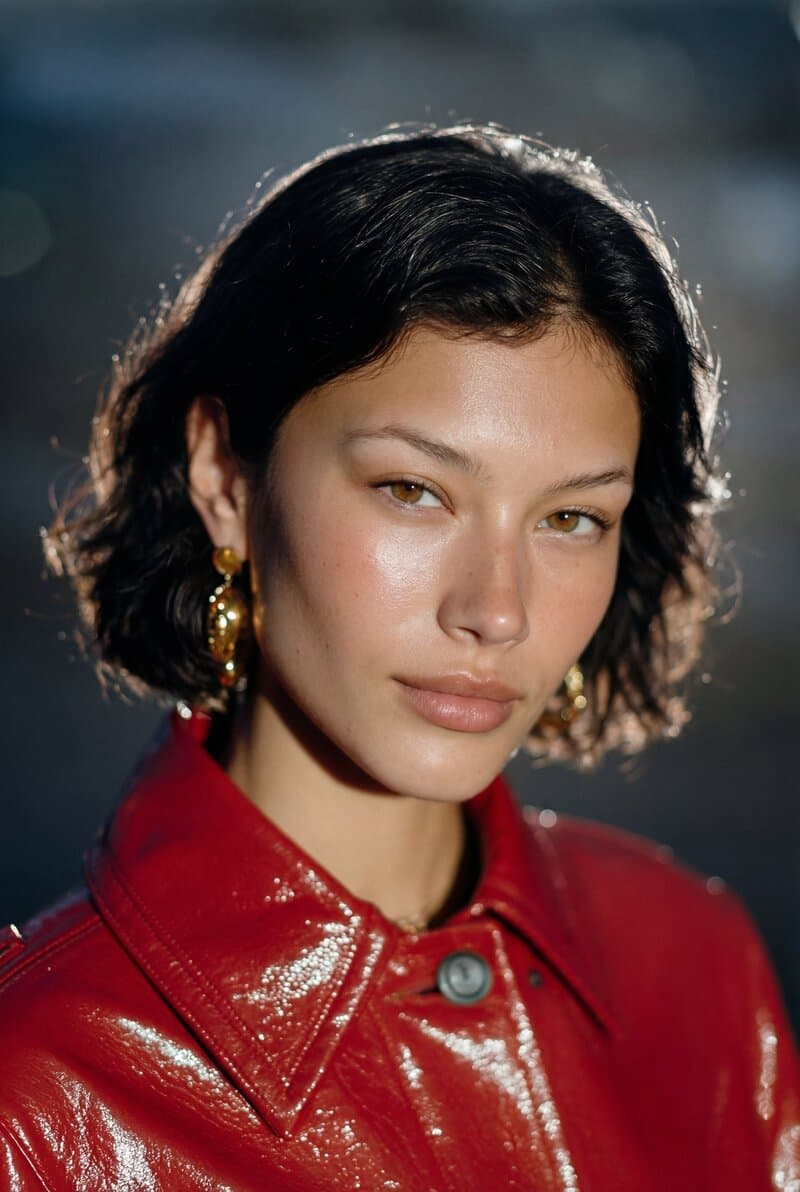
 GPT Image 2
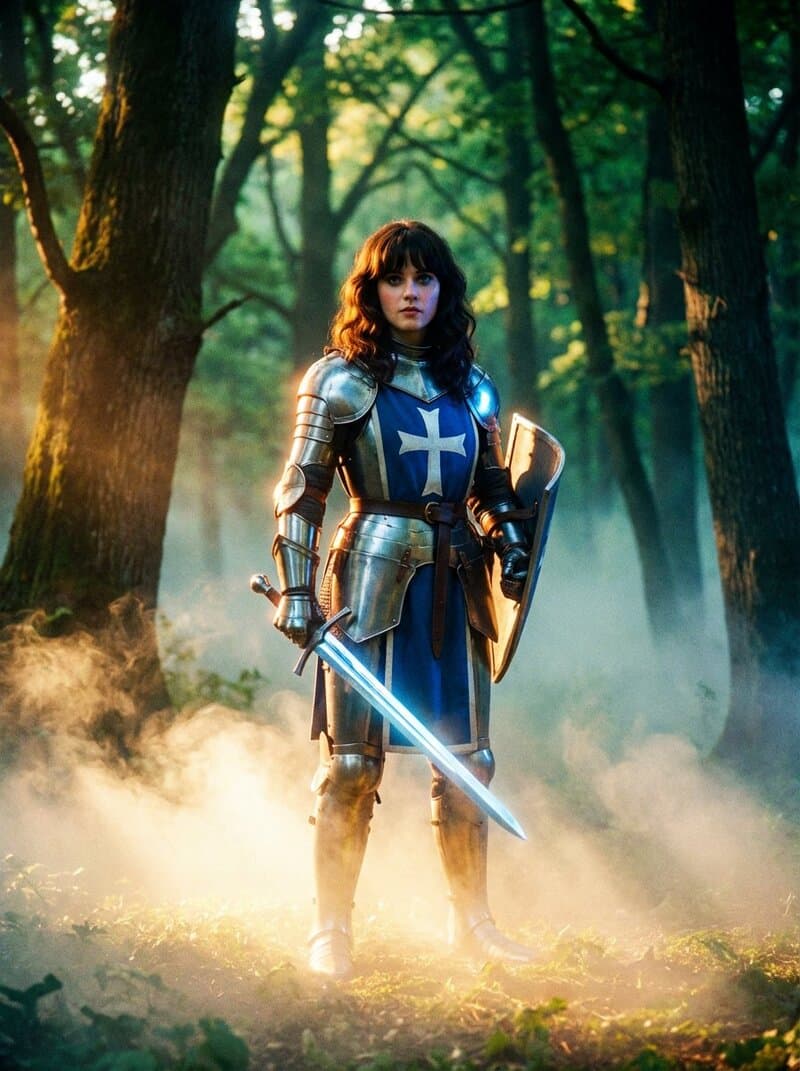
 Seedream 4.5Seedance 2.5Veo 3.1
 Kling 3.0
 Grok Imagine
 Pixverse
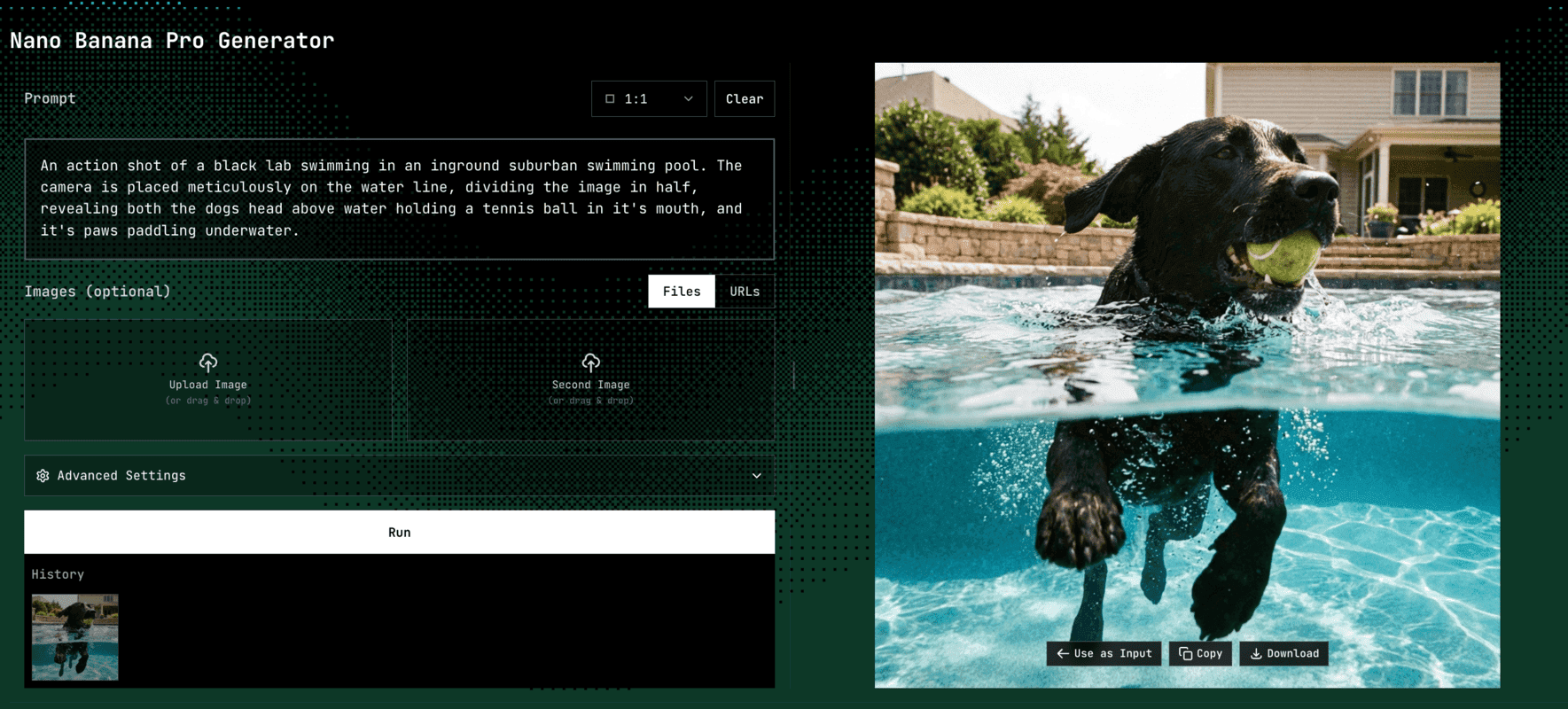
We've answered the most frequently asked ones.
It's a Model Context Protocol server that gives AI clients — Claude, ChatGPT, Cursor, OpenClaw, Hermes, and others — tools to generate images, generate video, and run imageat's editing features. Every call is billed against your imageat account credits, same as generating on the site.
claude.ai, ChatGPT, and OpenClaw: add the connector and sign in — no key to paste. Claude Desktop, Cursor, and Hermes: grab an API key from Projects and add it to your config.
Full setup, tools, and error codes in the API documentation.
SAvailable onSmithery