AI Text Remover
Remove text from any image with imageat. Brush over captions, subtitles, date stamps, or watermark lettering — the AI erases the text and rebuilds the background behind it.
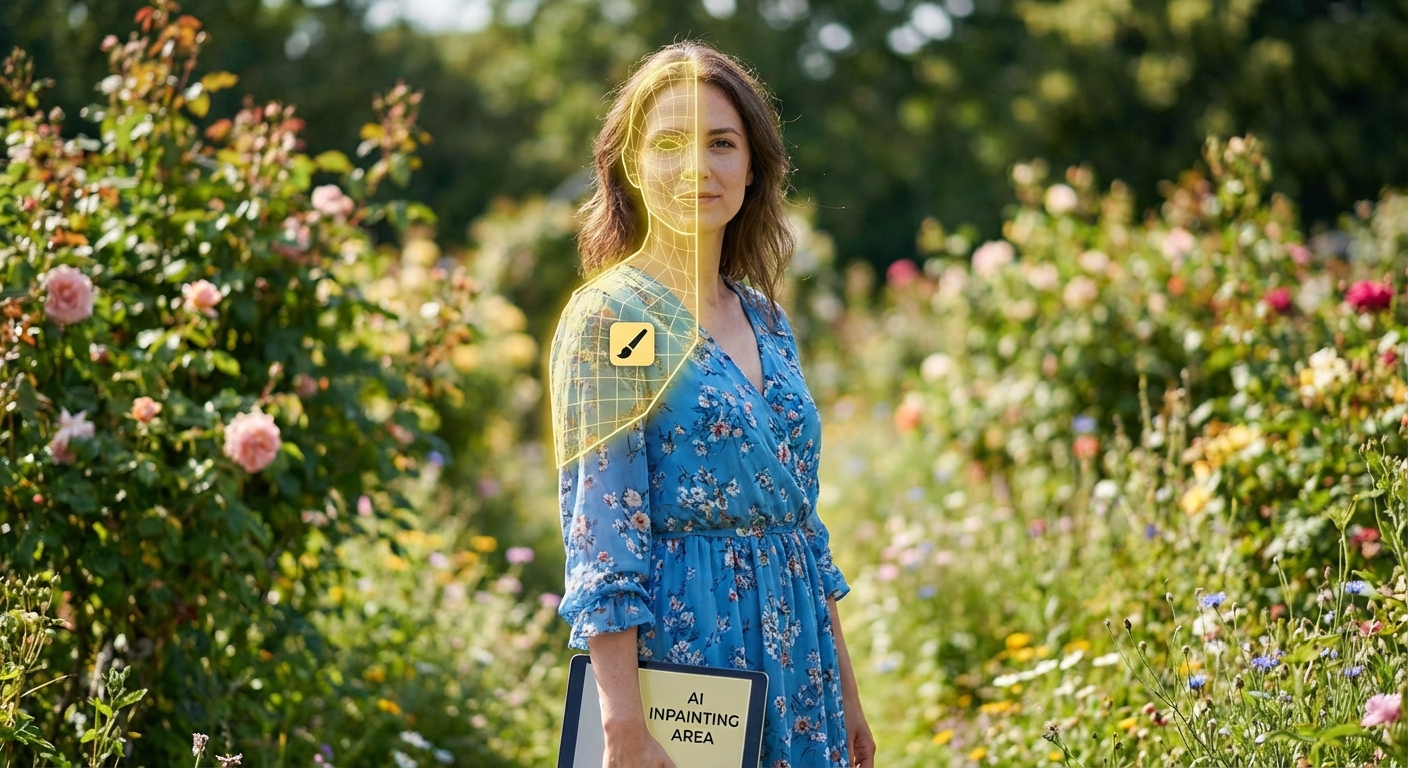
Brush over any text or object in the editor — the AI erases it and rebuilds the background.
How to Remove Text from an Image
1. Upload Your Image
Open the editor and upload the photo with the unwanted text.
2. Brush Over the Text
Select the eraser tool and paint over the letters — a rough selection is fine, the AI handles the edges.
3. Erase & Download
The AI removes the text and reconstructs the background behind it. Download your clean image.
What You Can Remove
The AI text remover handles any lettering baked into a photo: social media captions and subtitles on saved images, date and time stamps from cameras, price tags and labels in product shots, graffiti and signage in backgrounds, and watermark text on your own images. Because it's a general-purpose eraser, it works just as well on objects — photobombers, wires, logos — anything you brush over.
For pixel-precise control, the mask-based inpaint tool lets you refine tricky areas, and Gemini/Nano Banana Pro watermarks have a dedicated watermark remover that restores the original pixels losslessly.
Frequently Asked Questions
Does it work on busy backgrounds?
Yes — the AI reconstructs textures like skies, walls, fabric, and skin behind the removed text. For very complex patterns, run a second pass or refine with the inpaint tool.
Is the text remover free?
Sign up is free and each removal uses credits from a monthly plan; subscribers can top up anytime with one-time credit packs.
Can I remove watermarks from other people's images?
Only remove text and watermarks from images you own or have rights to edit. Removing watermarks from copyrighted content you don't own may violate copyright law.
Can I add new text or graphics after removing?
Yes — after erasing, keep editing in the AI photo editor or generate a whole new visual with the AI generator.
Clean Up Your Image
Free sign up, pay per edit. Upload your photo, brush over the text, and download the clean result.
Remove Text from My Image