Image to Video AI
Turn any photo into an AI video with imageat. Upload an image, describe the motion, and generate cinematic clips with Seedance, Kling, and Veo — ready for social media and ads in minutes.
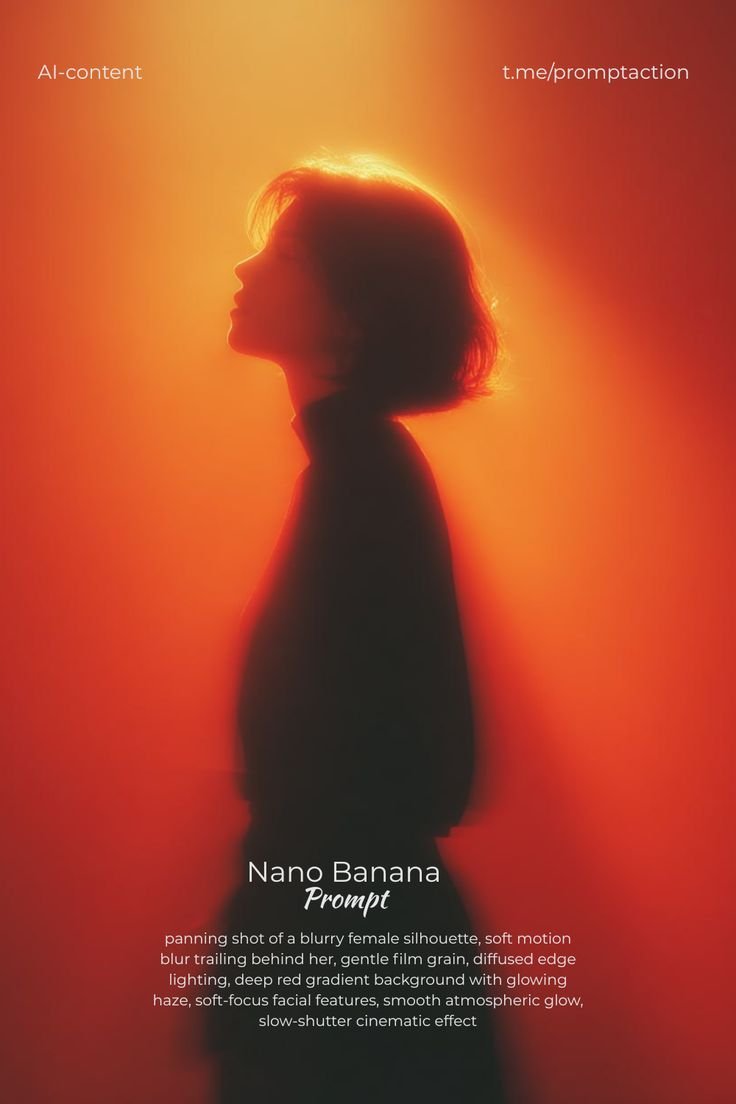
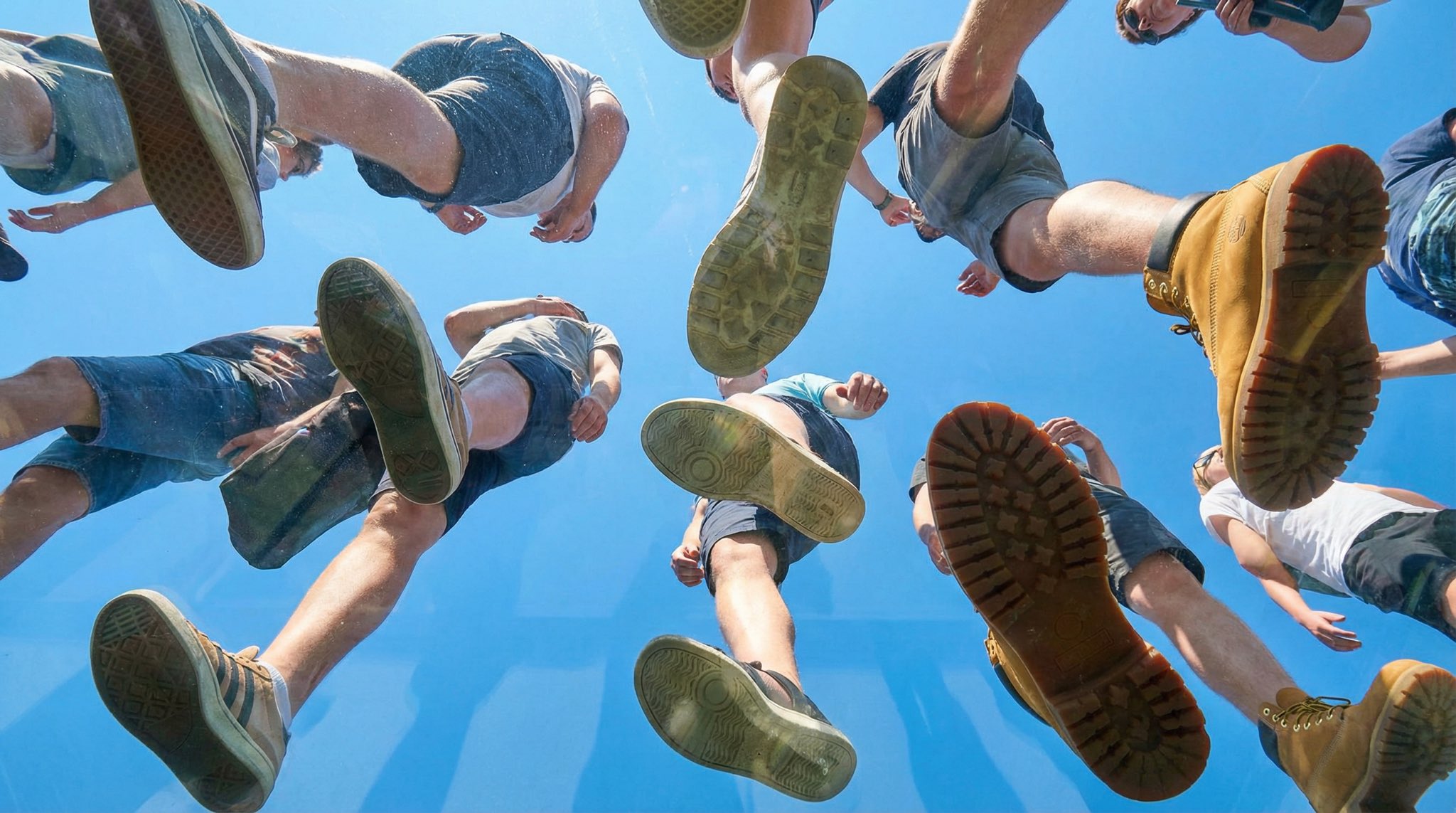
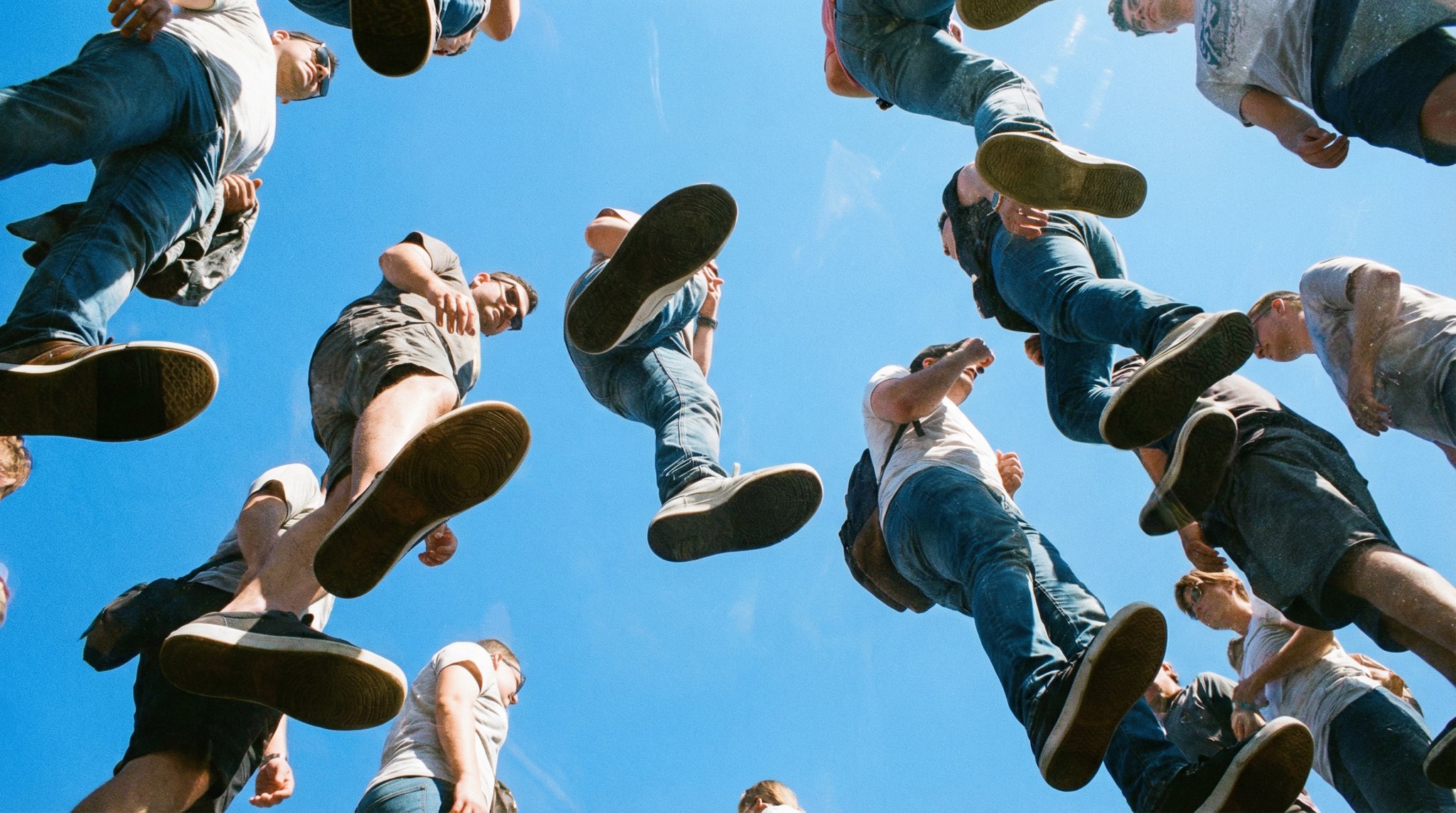
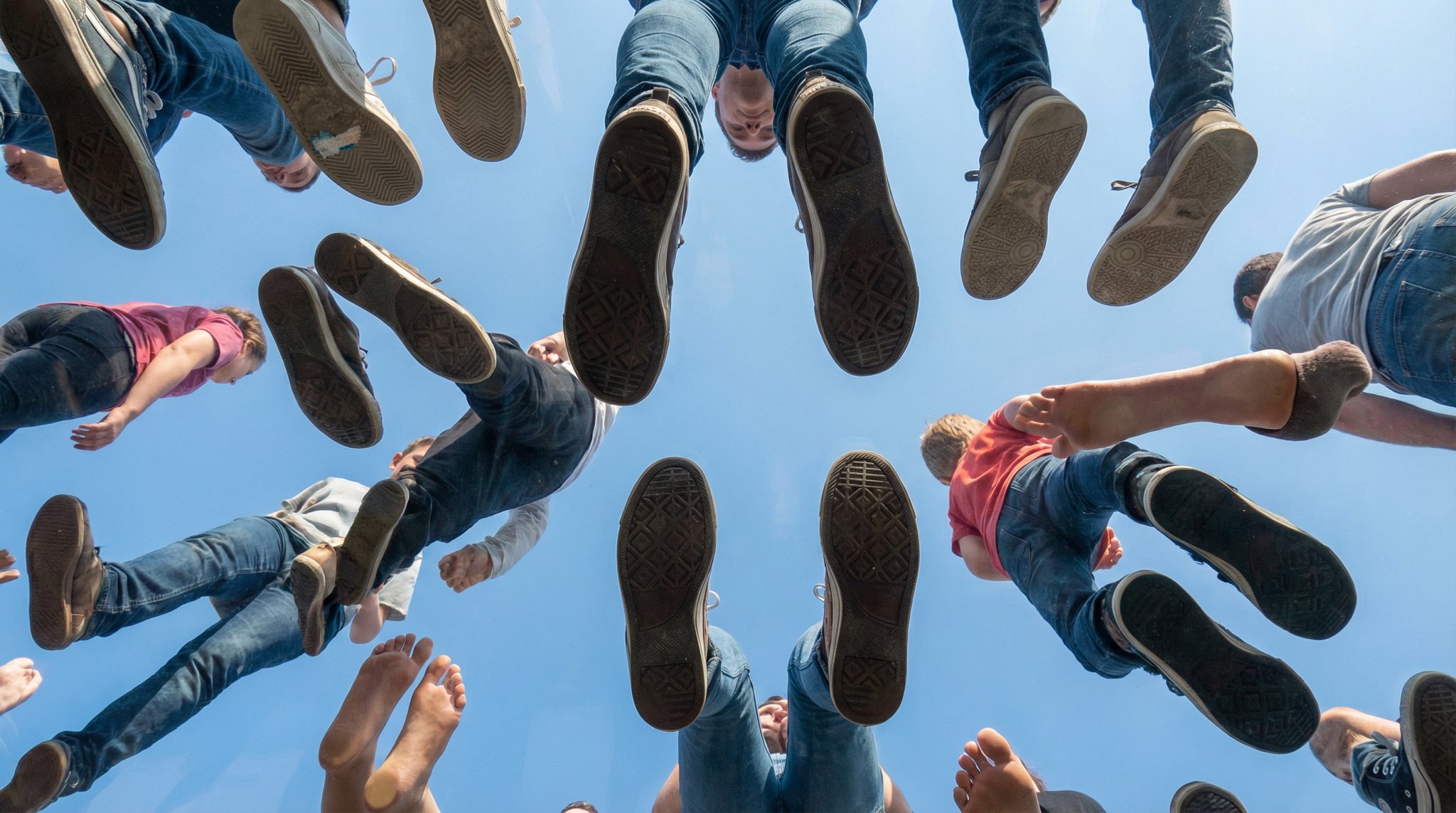
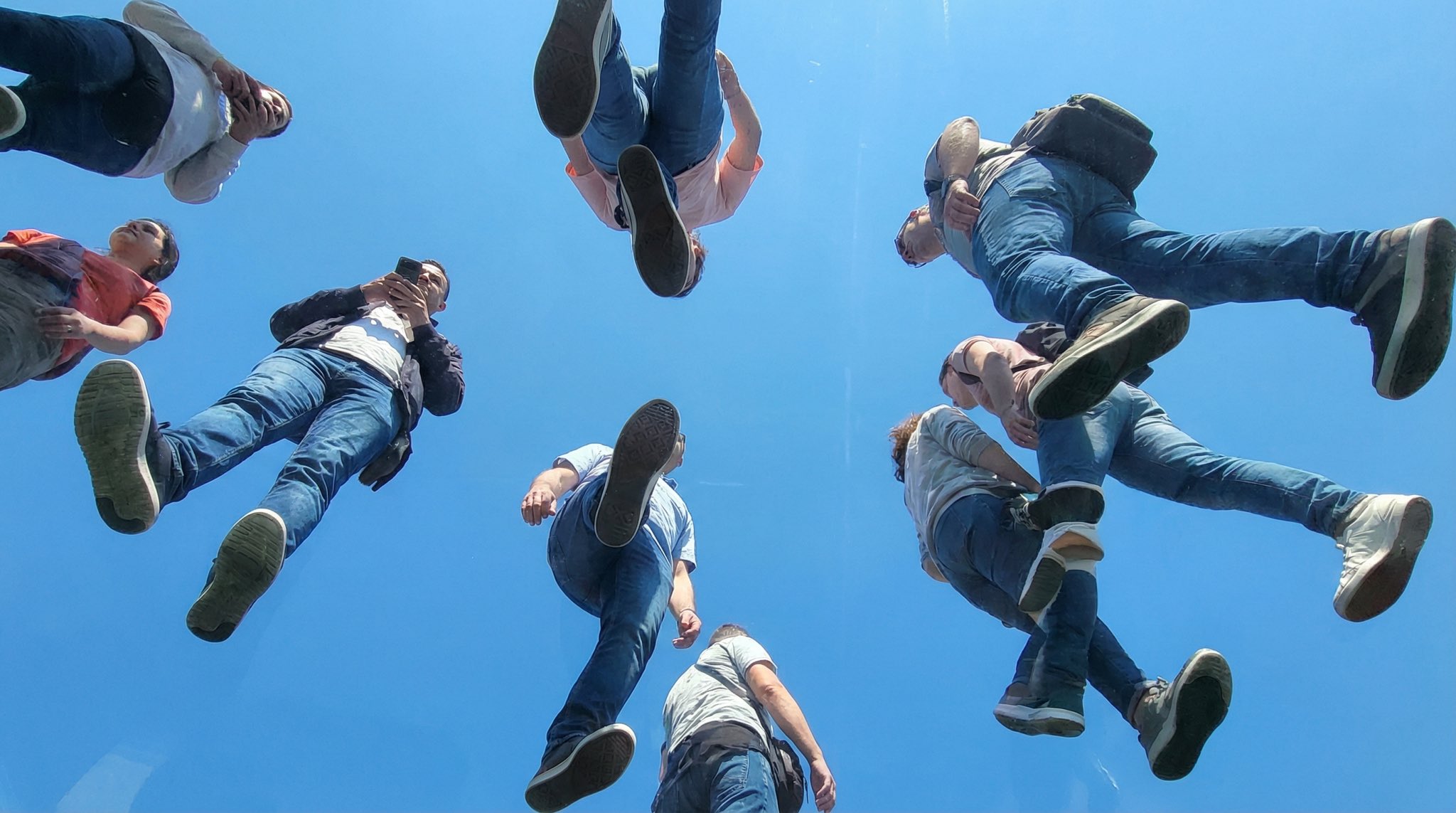
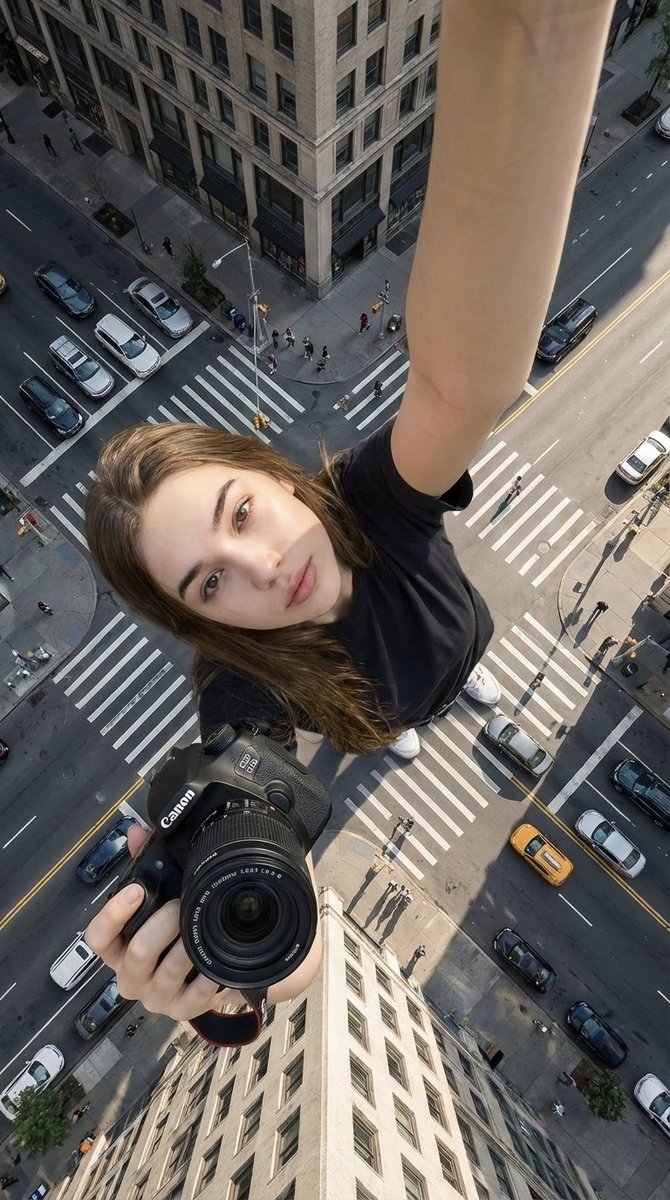
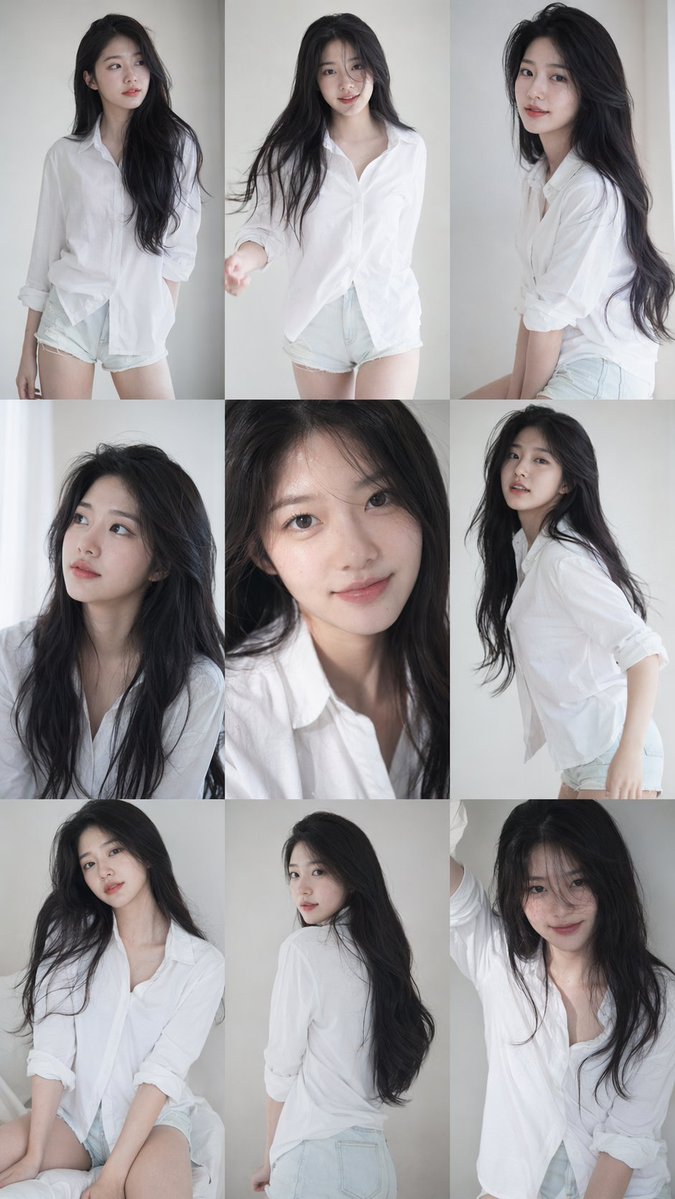
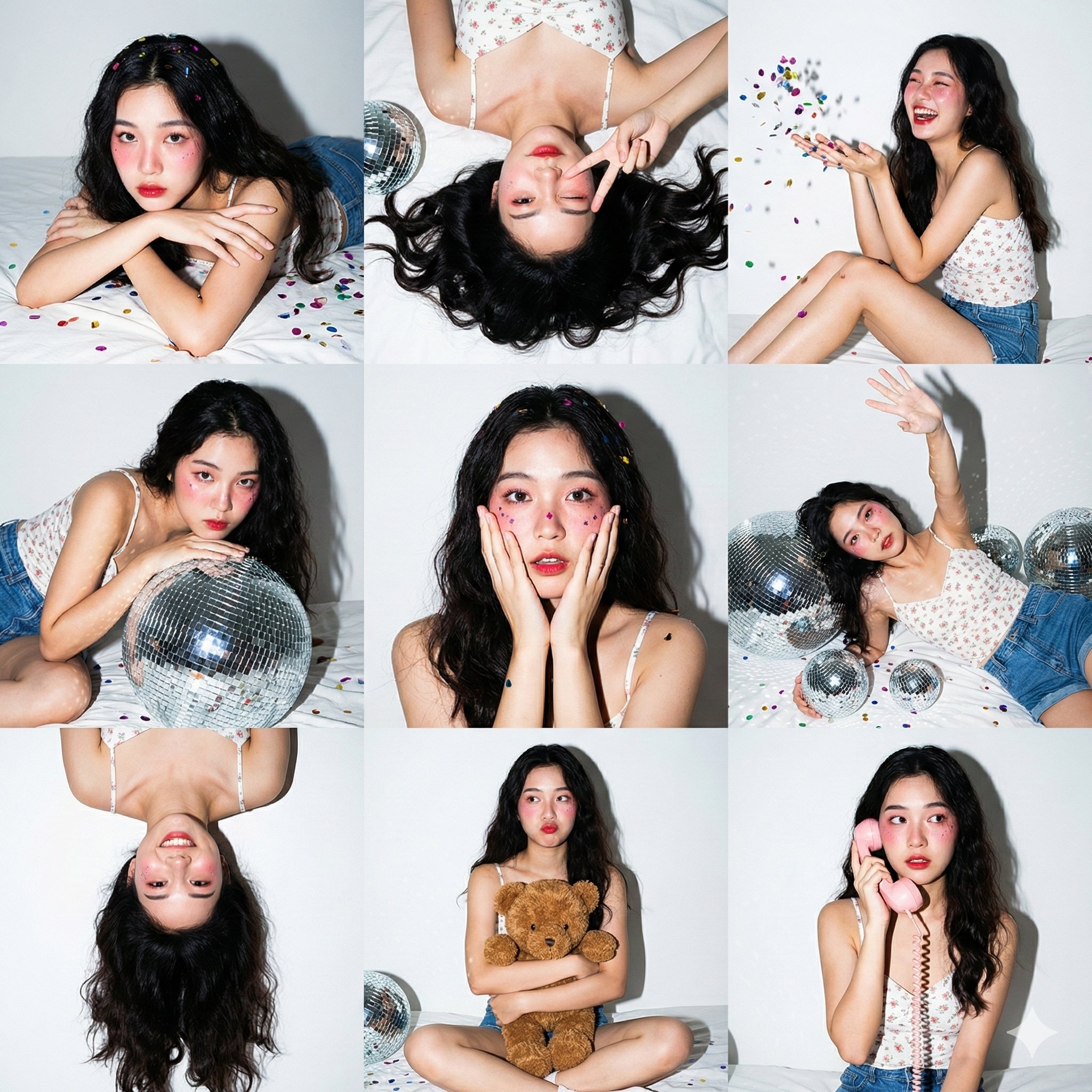
Upload a photo like these — portraits, products, landscapes — and animate it into a clip.
How Image to Video AI Works
Upload a still image — a photo, illustration, or an image you generated with the AI image generator — then write a short prompt describing the motion: camera moves, subject action, and ambient effects. The AI animates your image while keeping the subject consistent, and you download the clip in up to 1080p.
- 1
Upload your image
JPEG, PNG, or WebP — portraits, products, landscapes, and artwork all work.
- 2
Describe the motion
Camera move + action + atmosphere, e.g. "slow push-in, hair moving in the breeze, soft light".
- 3
Pick a model
Seedance 2.0, Kling 3, Kling 2.6, Veo 3.1, PixVerse V6, or Happy Horse 1.0 — each has different strengths.
- 4
Generate & download
Most clips are ready in 2–5 minutes, up to 1080p, in 16:9, 9:16, or 1:1.
Best Prompts for Image to Video
The best image-to-video prompts describe motion, not the image itself — the AI already sees your photo. Focus on the camera move, what the subject does, and the atmosphere:
"Animate this portrait with a slow zoom-in, subtle head turn toward the camera, hair drifting gently in the wind, soft natural lighting"
"Bring this product photo to life: slow 360° orbit around the bottle, soft studio reflections moving across the surface, clean background"
"Animate this mountain landscape: clouds drifting across the sky, light fog rolling through the valley, gentle parallax camera push-in"
"Animate this selfie: natural blinking, a slight smile forming, soft breeze in the hair, cinematic shallow depth of field"
"Animate this dish: steam rising slowly, camera dolly-in over the plate, warm restaurant lighting, appetizing and cinematic"
"Animate this illustration: ambient particles drifting, subtle light flicker, parallax between foreground and background layers"
Image to Video for Social Media
Static posts get scrolled past — motion stops thumbs. Animate your best photos into Reels, TikToks, and Shorts: a portrait that turns toward the camera, a travel photo where the clouds drift, a trend photo brought to life. Vertical 9:16 output is supported across models, and viral formats are collected in the trends gallery.
For creator-style talking content, pair image-to-video with the AI UGC generator to produce authentic-looking user-generated content at scale.
Image to Video for Product Ads
Turn a single product photo into an ad-ready clip: 360° orbits, slow push-ins, steam and particle effects, light sweeping across the surface. It's the fastest way to get video creatives for ecommerce listings and paid social without a studio shoot. Start from an existing photo, or generate a clean product shot first with the AI product photo generator and animate it.
AI Models for Image to Video
ByteDance Seedance 2.0
Fluid, high-fidelity motion with excellent frame-to-frame coherence — a top choice for animating photos naturally. Dive deeper on the Seedance 2.0 video generator page.
Kling 3 & Kling 2.6
Kling 2.6 is fast and social-friendly (including 1:1 square); Kling 3 adds 1080p Pro quality, up to 15-second clips, and auto sound.
Google Veo 3.1
Cinematic realism with built-in audio, plus a first-and-last-frame mode for smooth transitions between two images.
Prefer starting from text instead of an image? Browse text-to-video models or open the full AI video generator.
Frequently Asked Questions
Is image to video AI free?
Sign up is free and generation uses credits from a monthly plan; subscribers can top up anytime with one-time credit packs. You only spend credits on the videos you generate.
What images work best for image to video?
Clear, well-lit images with a distinct subject work best. Portraits, product photos, landscapes, and AI-generated images all animate well — avoid heavily compressed or blurry sources.
How long can the videos be?
Depending on the model, clips run from 4 up to 15 seconds, at up to 1080p, in 16:9, 9:16, 1:1 and more aspect ratios.
Can I generate the starting image with AI too?
Yes — create an image with the AI image generator, then animate it. This text → image → video workflow gives you full control over the first frame.
Turn Your Photos into Videos
Free sign up, pay per generation. Upload a photo, describe the motion, and get your clip in minutes.
Start Image to Video