AI Image Generator
Create AI images from text prompts or your own photos with imageat. Generate realistic photos, social visuals, product shots, portraits, and creative concepts in minutes — sign up free and pay only for what you generate.
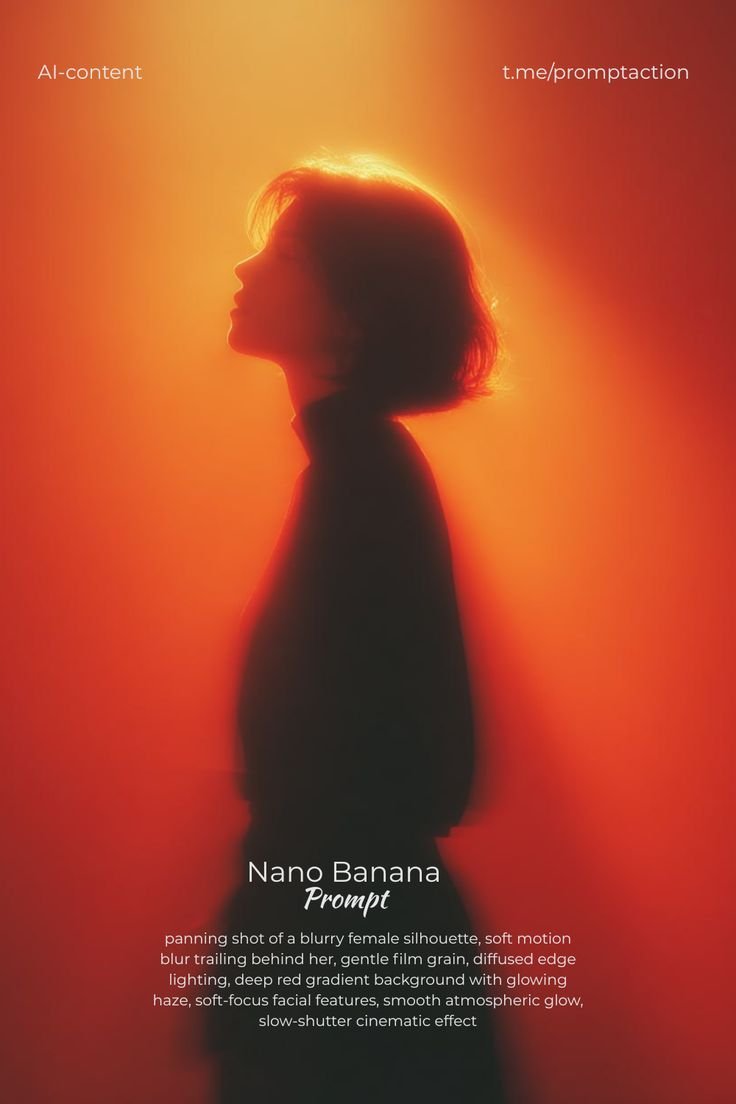
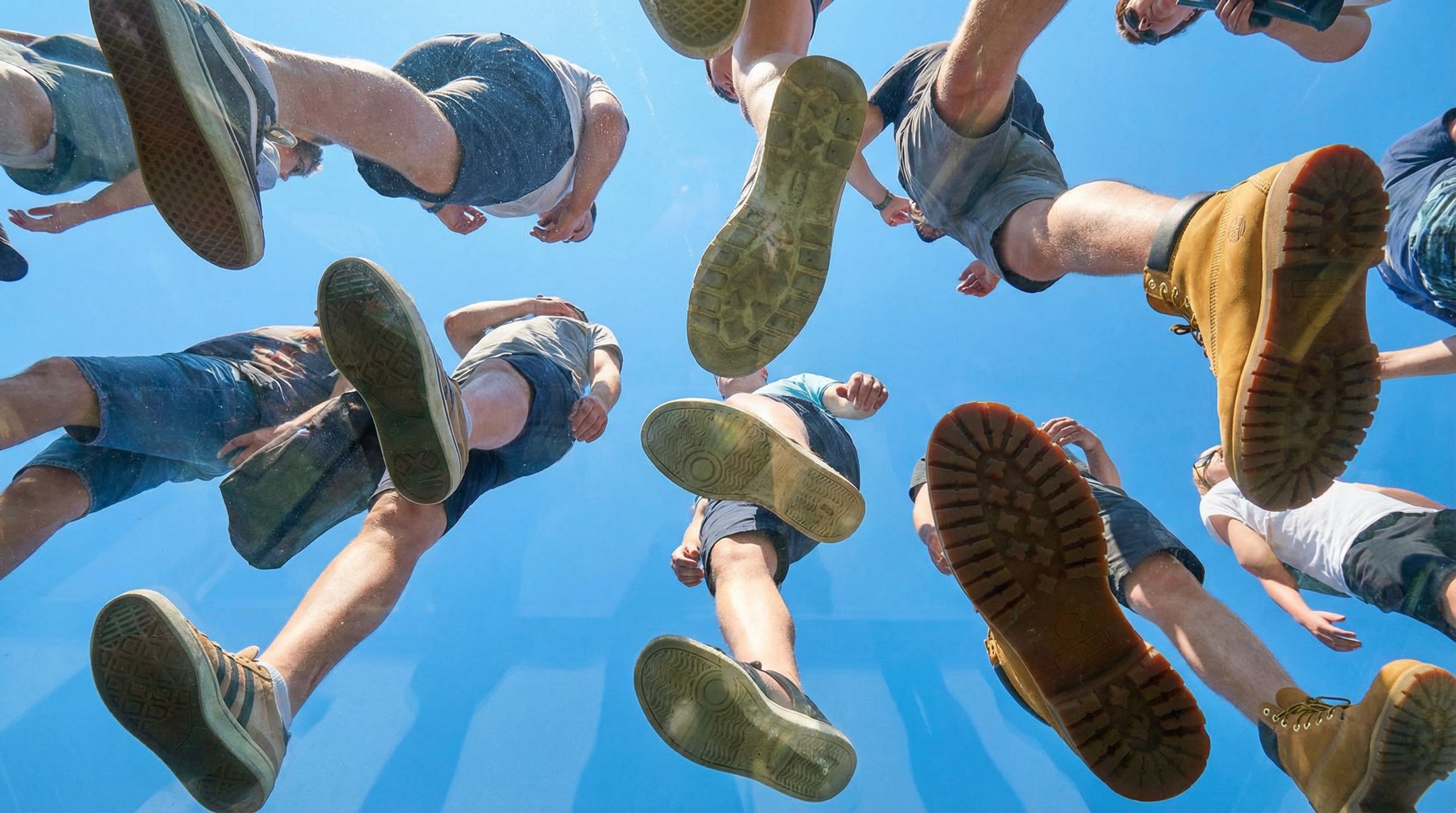


Real images generated on imageat with Nano Banana Pro & GPT Image — click any to start.
Text to Image
Type a description and imageat turns it into an image. The text-to-image mode understands subjects, styles, lighting, and composition — describe a "photorealistic portrait in golden hour light" or an "isometric illustration of a coffee shop" and get results in seconds. You can pick from multiple leading AI models in one place, including Nano Banana Pro and GPT-2-Image.
Start in the image generator or browse text-to-image models and examples to compare styles before you generate.
Image to Image
Upload a reference photo and describe the change: restyle it, place the subject in a new scene, merge multiple references, or keep a character consistent across generations. Image-to-image is perfect for turning selfies into styled portraits, remixing product photos, or iterating on a concept without starting from scratch. Use the advanced generator to combine up to multiple reference images in a single generation.
What You Can Create
Realistic AI Photos
Generate photorealistic portraits, lifestyle scenes, and candid-style photography. For selfie-based portraits and profile photos, try the dedicated AI photo generator or the AI headshot generator.
Social Media Visuals
Create post backgrounds, story graphics, thumbnails, and trend visuals sized for Instagram, TikTok, and YouTube. Browse trending AI styles for ready-made ideas, or make a matching phone and desktop set with the AI wallpaper generator.
Product & Ad Visuals
Generate clean product shots, lifestyle backgrounds, and ad creatives for ecommerce and campaigns. The AI product photo generator is built specifically for this workflow.
Edit & Enhance After Generating
Polish your results with the AI background remover and the image upscaler — export transparent PNGs or upscale to print-ready resolution.
Every Style, One Generator
Posters, 3D renders, illustrations, UI mockups, product art — a few examples generated on imageat:


AI Image Prompt Examples
Copy a prompt, tweak it to your idea, and generate. For hundreds more, browse the AI prompt library.
"Photorealistic portrait of a woman with freckles, golden hour window light, 85mm lens, shallow depth of field, natural skin texture"
Try this prompt"Minimal product photo of a matte black water bottle on a stone pedestal, soft studio lighting, light gray seamless background, subtle shadow"
Try this prompt"Bold Instagram post background, abstract gradient waves in coral and violet, smooth glassy texture, modern and clean, room for text overlay"
Try this prompt"Isometric illustration of a cozy coffee shop interior at night, warm lighting, detailed miniature style, soft pastel color palette"
Try this prompt"Turn this photo into a watercolor painting with loose brushstrokes, soft edges, and a warm autumn color palette"
Try this prompt"Dynamic ad visual of sneakers mid-air surrounded by colorful paint splashes, high-speed photography look, white studio background"
Try this promptFrequently Asked Questions
Is the AI image generator free?
Sign up is free and generation uses credits from a monthly plan; subscribers can top up anytime with one-time credit packs.
What's the difference between text to image and image to image?
Text to image creates a new image purely from your description. Image to image starts from a photo you upload and transforms it — restyling, editing, or placing the subject in a new scene while keeping it recognizable.
Which AI models can I use?
imageat brings multiple leading image models into one generator — including Nano Banana Pro, GPT-2-Image, and Seedream. Compare model output on the AI model benchmark.
Can I use the generated images commercially?
Yes — images you generate can be used in ads, ecommerce listings, social content, and other commercial projects. See the terms of service for details.
Can I turn my images into videos?
Yes. Generate an image, then animate it with the image to video AI or the full AI video generator.
Start Generating AI Images
Free sign up, pay only for what you generate. Type your first prompt and see the result in seconds.
Open the Image Generator