Subject Supercar_details Micro_details
Example Images
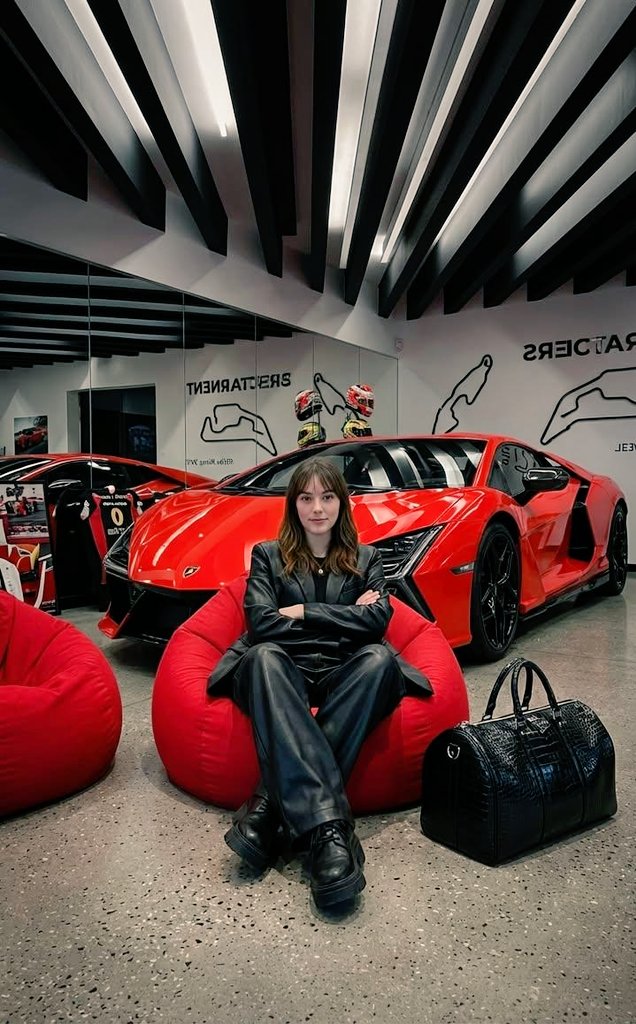
Edit Your Prompt
Replace placeholders like {{YOUR_NAME}} or {{SUBJECT}} with your own values
Add Reference Images (Optional, up to 5)
Click to upload, or press ⌘V / Ctrl+V to paste from clipboard
Add reference images to guide the AI generation
Aspect Ratio
Select AI Model
Fast and affordable standard quality AI images.
Premium quality, more realistic and detailed results.
Tags
Use the Subject Supercar_details Micro_details prompt to skip the trial-and-error of writing your own. It already encodes the lighting, composition, and detail that make this look work — just swap in your own subject and generate.
What is the Subject Supercar_details Micro_details prompt?
The subject supercar_details micro_details prompt is a carefully worded template that guides the AI toward a specific aesthetic. Well-structured prompts like this one mention composition, color, and detail explicitly, which is why they produce cleaner output than a one-line request.
How to use the Subject Supercar_details Micro_details prompt
- 1Copy the prompt and paste it into the editor above
- 2Swap in your subject, then refine adjectives for style and mood
- 3Select an aspect ratio (square for posts, vertical for stories)
- 4Generate and save the full-resolution image
Tips for better results
- Regenerate a few times — small variations between runs are normal
- Use aspect ratio to match where you'll post: square for feed, 9:16 for stories
- Remove placeholders like {{SUBJECT}} before generating, or the model may render them literally
- Try the PRO model for more realistic, detailed output on complex scenes