Brand marks, explored fast
AI Logo Generator
Turn a short brand brief into visual logo directions. Give the name, the industry and the symbol you have in mind, and see a concept you can react to in seconds.
Original results · Eight logo types · A starting point, not a finished identity
Made with imageat
Directions, generated from a brief
Each mark below came from the prompt shown with it. Open one in the generator and swap in your own name, industry and symbol.
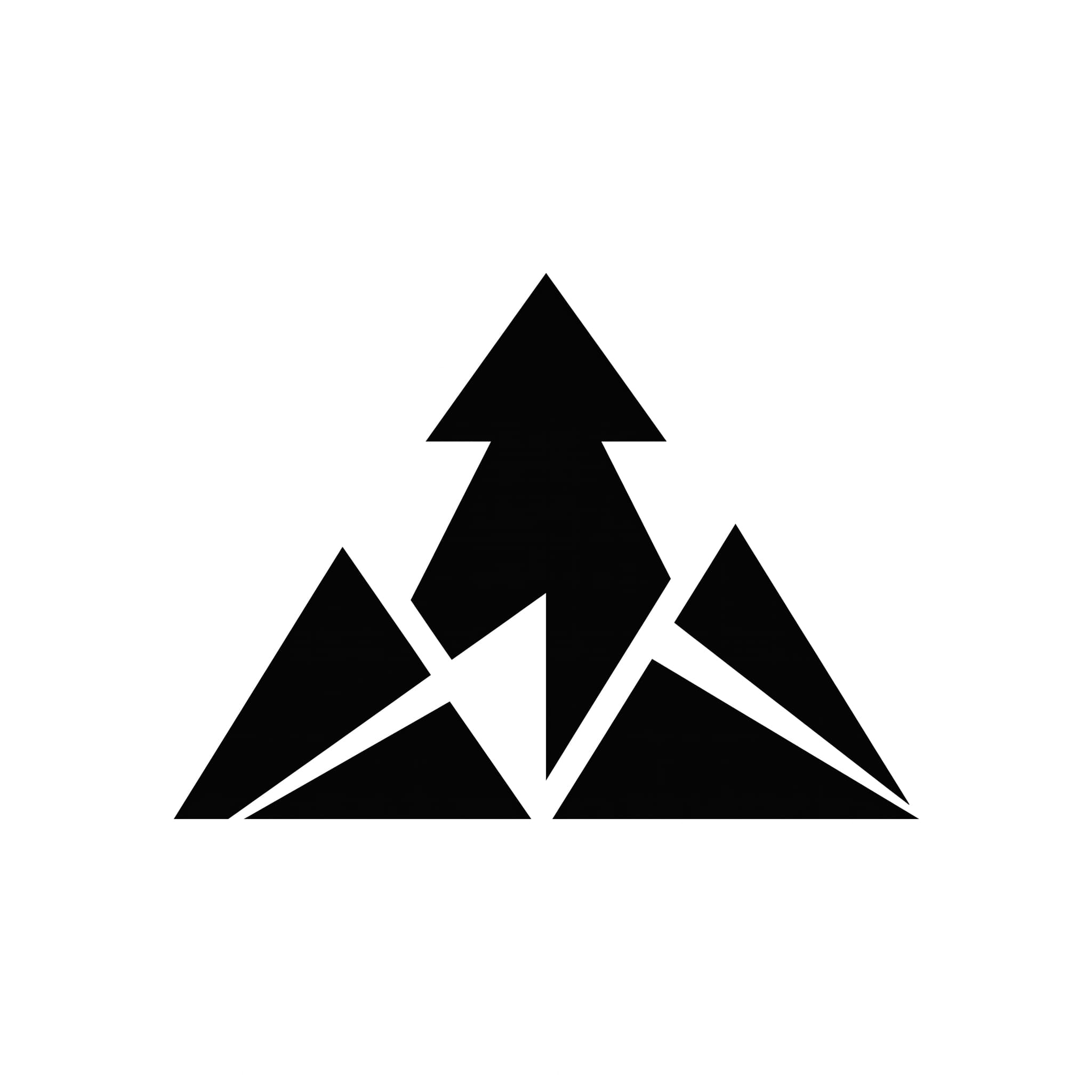
Paper Peak
1:1 · Icon
Icon mark
A folded peak that doubles as an arrow, built from flat planes.
Show the promptHide the prompt
A logo mark of a folded paper mountain peak that also reads as an upward arrow, abstract icon mark alone with simple memorable geometry that works at small sizes, flat vector-style rendering, pure black on a plain white background, centred with generous margins, no text, no watermark
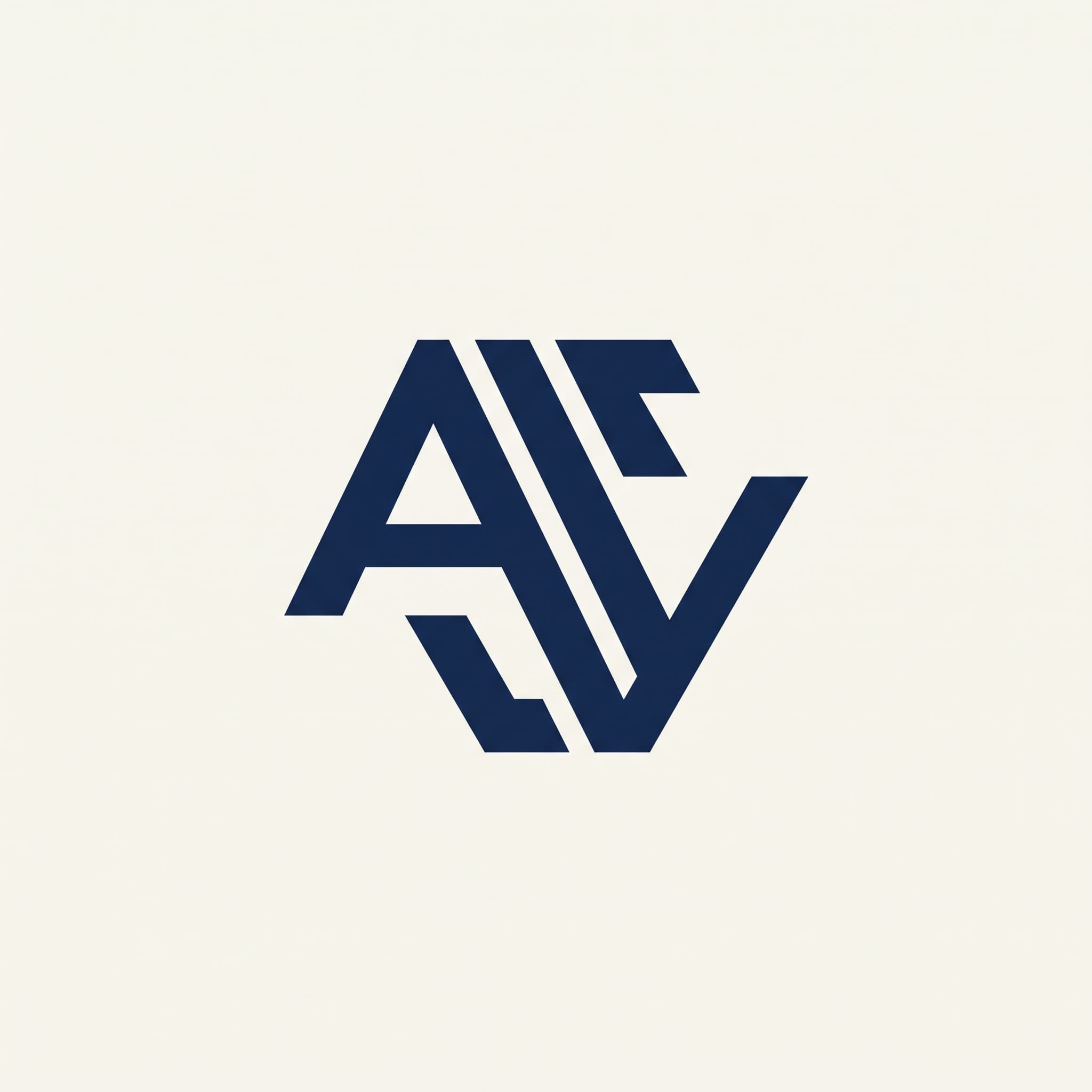
Interlocking Monogram
1:1 · Monogram
Monogram
Two initials locked into one symmetrical shape.
Show the promptHide the prompt
A monogram logo of two interlocking initials forming a single balanced symmetrical mark, strong geometric letterforms, flat vector-style rendering, deep navy on a plain bone background, centred with generous surrounding space, crisp edges, no extra text, no watermark
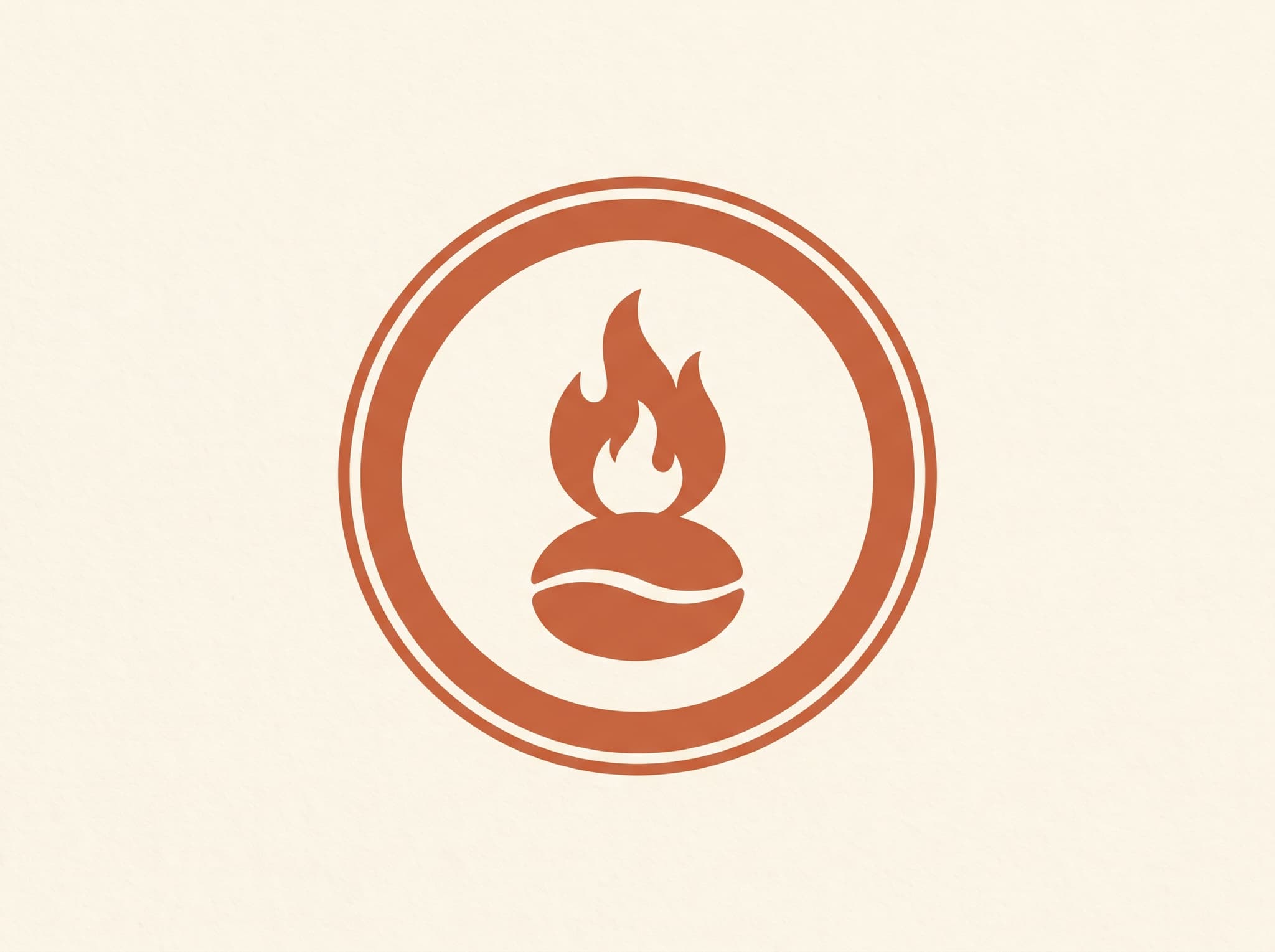
Roastery Emblem
4:3 · Emblem
Emblem
A contained badge mark, the kind that suits a cup or a sign.
Show the promptHide the prompt
A circular emblem logo for a coffee roastery, a simple coffee bean and flame motif enclosed within a clean badge ring, emblem construction that is contained and traditional, flat two-colour rendering in warm terracotta on cream, centred, no extra text, no watermark
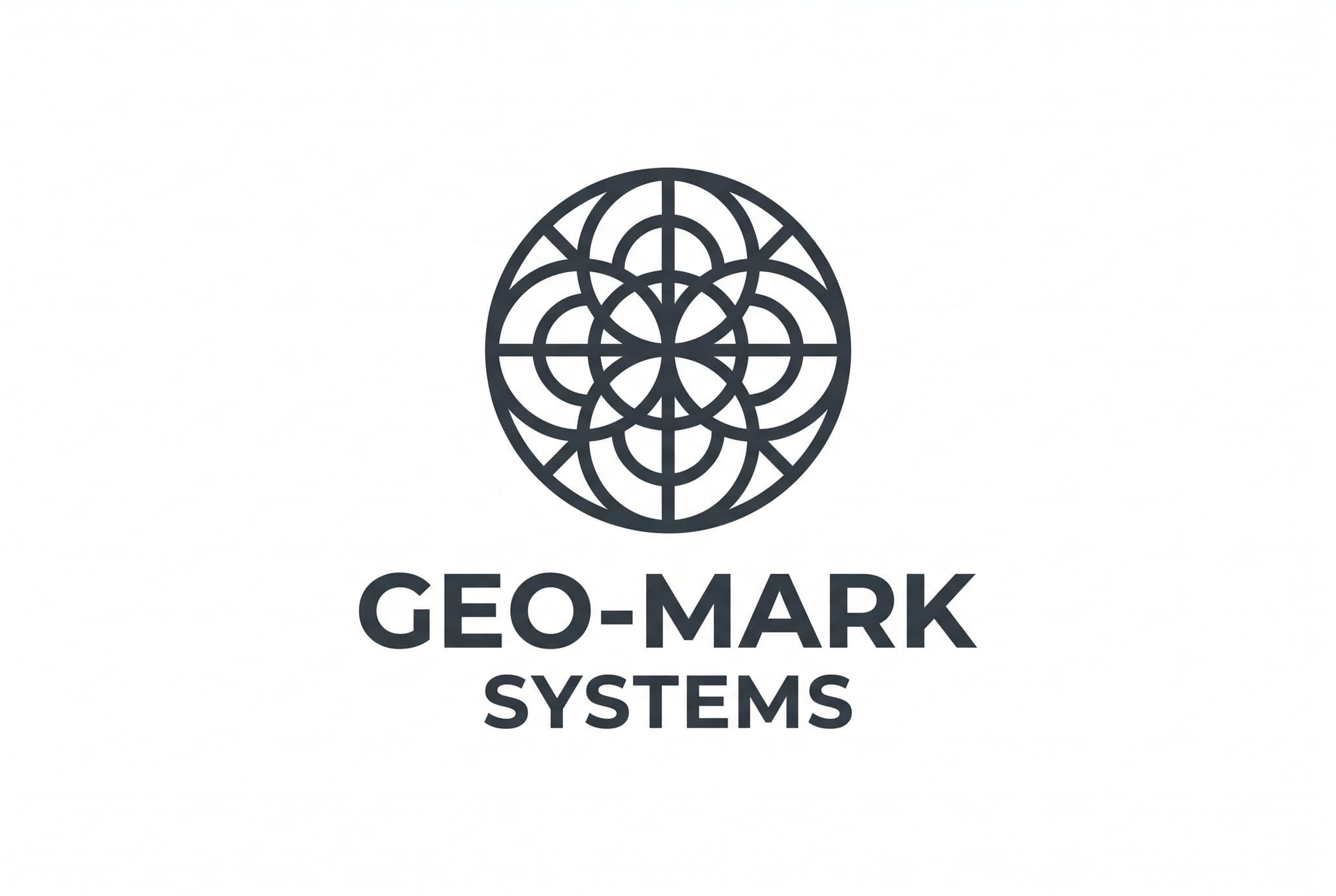
Mark and Type
3:2 · Lockup
Combination mark
An icon over type, with the hierarchy already resolved.
Show the promptHide the prompt
A combination mark logo, a simple geometric circular icon sitting directly above clean modern lettering, clear hierarchy between symbol and type, precise grid-built construction, flat single-colour rendering in near-black on a plain white background, generous margins, no watermark
Eight ways to build a mark
Pick the type before the picture
The construction matters more than the drawing. A wordmark and an icon solve completely different problems, even for the same brand. Each card below runs the same Northbound brief through a different construction.
Wordmark
wordmark logo, the full name set as custom lettering, careful letter spacing, no icon
Lettermark
lettermark logo built from the initials only, strong geometric letterforms, tight construction
Monogram
monogram logo, interlocking initials forming a single balanced mark, symmetrical construction
Emblem
emblem logo, the name enclosed within a badge or crest shape, contained and traditional
Icon
abstract icon mark alone, simple memorable geometry, works at small sizes, no lettering
Combination Mark
combination mark, a simple icon sitting above the name, clear hierarchy between symbol and type
Mascot
mascot logo, a friendly stylised character mark, bold clean shapes, flat colour
Minimal
minimal logo, reduced to the fewest possible shapes, generous surrounding space, single colour
Where it helps
Find a direction before you commit
Founders, designers and small teams use this to explore quickly — then rebuild the strongest direction properly.
Explore directions fast
See ten different takes on a concept in the time it takes to write one brief.
Pitch and moodboard
Put real visual options in front of a client or a team instead of describing them.
Side projects and MVPs
Give a project a face early, and replace it later if the project earns a full identity.
Social and avatar marks
Generate a square mark that still reads at profile-picture size.
Rebrand exploration
Test whether a new direction has legs before committing a design budget to it.
A starting point for designers
Use a generated direction as reference, then rebuild it properly in vector.
Prompt guide
Briefs that produce usable marks
Name a concrete object the mark can be built from, say how it should be constructed, and ask for a plain background so the mark is easy to cut out.
Technology lettermark
1:1A lettermark logo built from the initials N and V, strong geometric letterforms sharing one vertical stem, technical and engineered with precise grid-built construction, flat rendering in electric green on near-black, centred with generous margins, no extra text, no watermark
Wellness studio
1:1A minimal logo of a single continuous line forming both a leaf and a wave, reduced to the fewest possible shapes, calm and organic, flat single-colour rendering in deep forest green on bone, generous surrounding space, no text, no watermark
Bakery mascot
4:3A mascot logo of a friendly stylised wheat sheaf character with simple round eyes, bold clean shapes and flat colour, warm and approachable, two-colour rendering in warm terracotta on cream, centred on a plain background, no text, no watermark
Design studio wordmark
3:2A wordmark logo setting the name ATLAS as custom geometric lettering with careful even letter spacing and one subtly modified letterform, modern and precise, flat rendering in pure black on white, generous margins around the lettering, no icon, no watermark
How it works
From brief to visual direction
- 01
Write the brief
Enter the brand name and industry, then describe the symbol or concept you have in mind. Naming a concrete object gives far better marks than abstract adjectives alone.
- 02
Choose type, personality and colour
Pick a logo type such as wordmark, monogram or icon, add a personality and a colour direction, and choose the output ratio for the lockup you need.
- 03
Generate, iterate and refine
Generate several directions and compare them. Lettering may need more than one attempt, so regenerate or adjust the wording, then rebuild the strongest direction in a vector editor before you use it.
FAQ
Questions about AI logos
What is an AI logo generator?
It turns a short brand brief into visual logo directions. You give the name, the industry, the symbol you have in mind and a personality, and it generates marks you can react to — which is a fast way to find a direction before any detailed design work starts.
Do I get an editable vector or SVG file?
No. The generator produces high-resolution raster images, not vector files. For a logo you actually ship, treat the result as a visual direction and rebuild it as vector artwork in a tool like Illustrator, Figma or Affinity Designer so it scales cleanly and can be recoloured.
Will the text in my logo come out correctly?
Not always. AI image models still make mistakes with lettering, especially with longer names and unusual spellings. The Reve model is selected by default here because it handles text and layout more accurately, but expect to generate more than once — and to set the final wordmark in real type rather than relying on the generated letters.
Is my logo unique or trademark-free?
No. Nothing here checks trademarks, and a generated mark is not automatically exclusive to you — a similar prompt can produce a similar result for someone else. Before using a logo commercially, run a proper trademark search in the territories you operate in and take professional advice.
Which logo type should I choose?
A wordmark suits names you want read; a lettermark or monogram suits long names that need a compact mark; an icon suits products that need a small app or favicon shape; an emblem suits traditional or hospitality brands; a combination mark gives you both a symbol and the name in one lockup.
What makes a logo prompt work better?
Name a concrete object or an idea the mark can be built from, then say how it should be constructed — geometric, continuous line, symmetrical, flat two-colour. Add that it should work at small sizes, and ask for a plain background with generous margins so the mark is easy to cut out.
Can I use a generated logo for my business?
Under the imageat terms of service you own the images you generate and imageat does not claim ownership of them. That is not the same as trademark clearance or exclusivity, so review the terms of service, run your own originality and trademark checks, and rebuild the mark in vector before committing it to signage, packaging or an app icon.
Generated marks are visual directions, not a cleared brand identity. Run your own trademark and originality checks, and rebuild the mark as vector artwork before using it commercially. Rights and permitted use are governed by the imageat terms of service.
Describe the mark you want
Enter a name, pick a logo type and a personality, and generate a handful of directions. Keep the one worth developing.