A goal, not a queue
Tell your dot what you want to achieve and which decisions it can make. It coordinates the work in ChatGPT.
GPT Dots × imageat MCP
Give your dot the brief. Give it imageat’s creative tools. Come back to images, videos, and campaign assets ready for your review.
Uses your imageat credits. Dots access and connected-tool support depend on your ChatGPT account.
Tell your dot what you want to achieve and which decisions it can make. It coordinates the work in ChatGPT.
imageat MCP turns the plan into images, video, and edits using your connected imageat account.
Review the results, change the brief, or pause ongoing work through Dots. Define the budget before generation.
Meet your dot
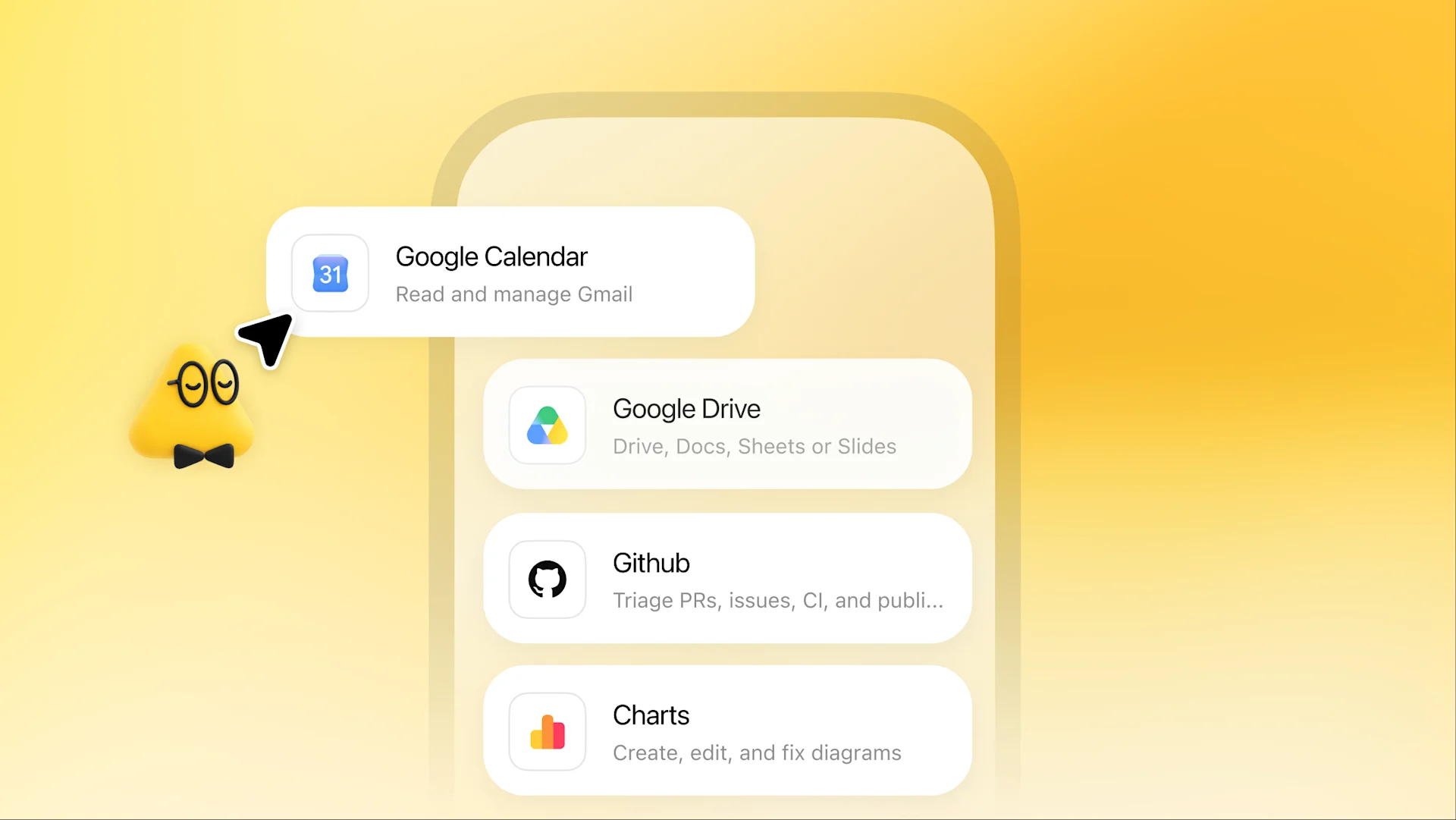
Give your dot the background and references it needs to understand your goal.
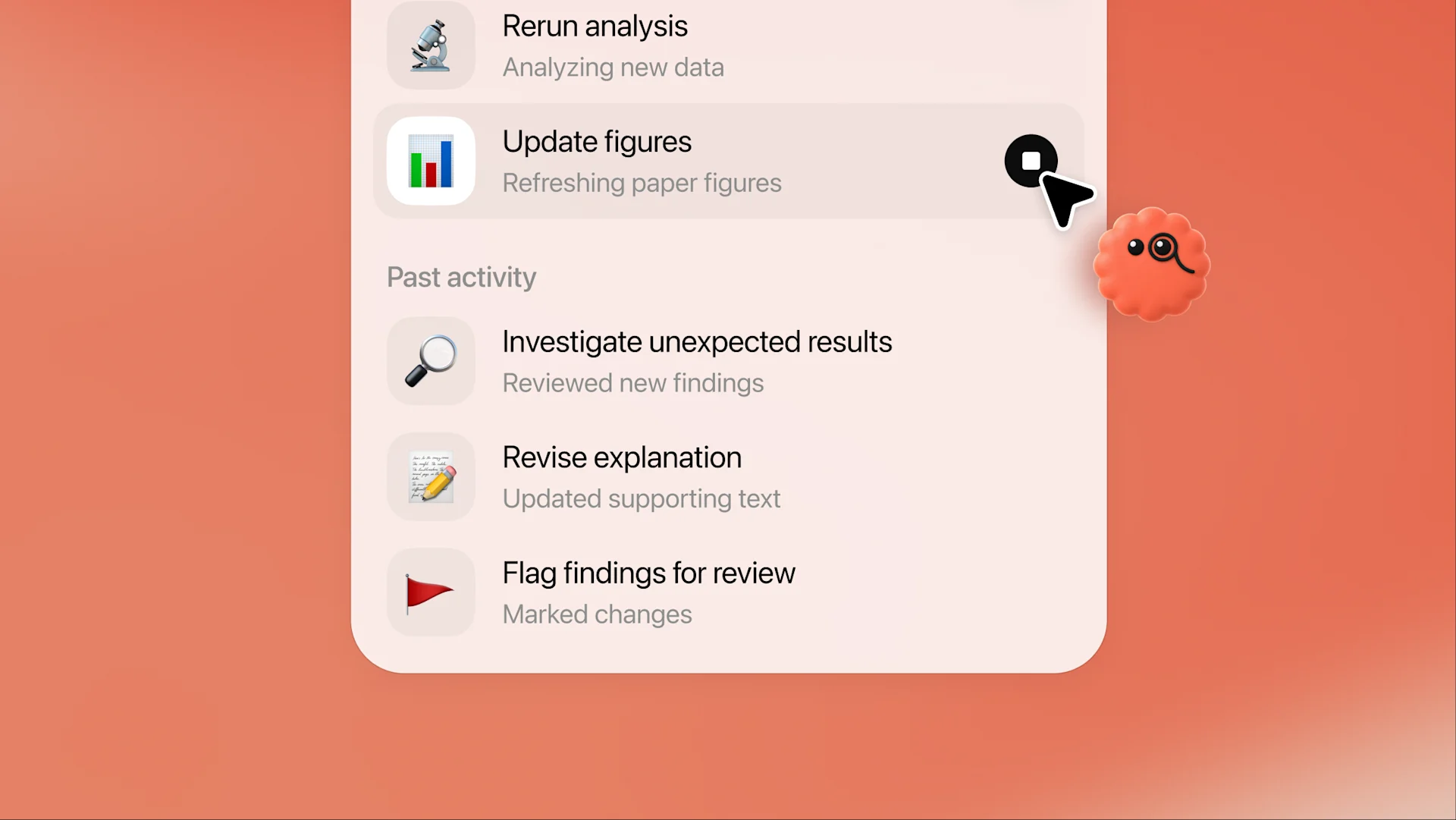
Describe the outcome and the decisions your dot can make along the way.
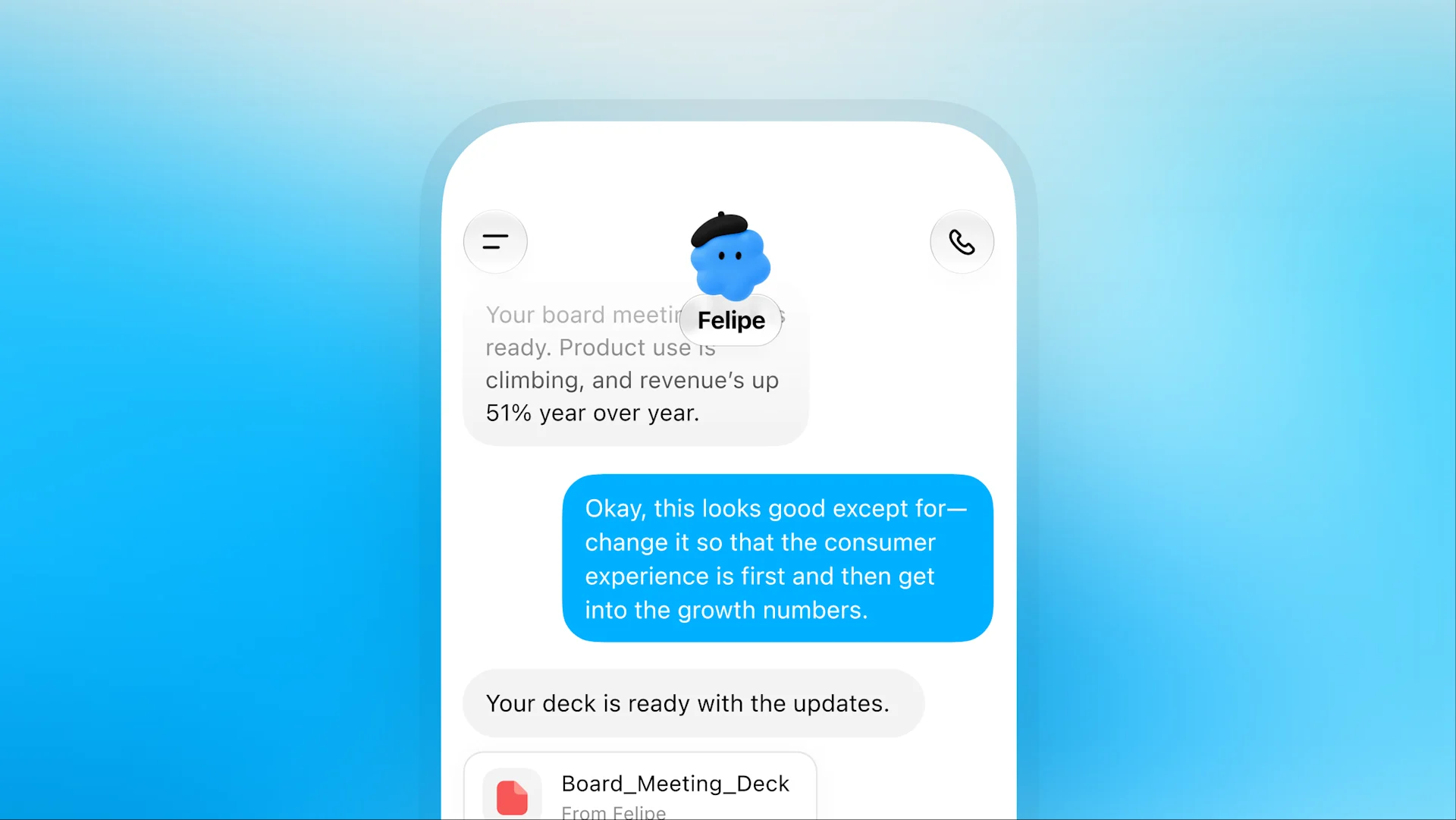
Review progress and guide the next step as the work develops.
Official Dots screenshots from OpenAI. These show ChatGPT; connect imageat separately through MCP.
A brief becomes something you can see
A product hero, an editorial image, a poster, or a short film. These existing imageat outputs illustrate the assets you can request through the connected creative tools; they are not a recorded Dots run.
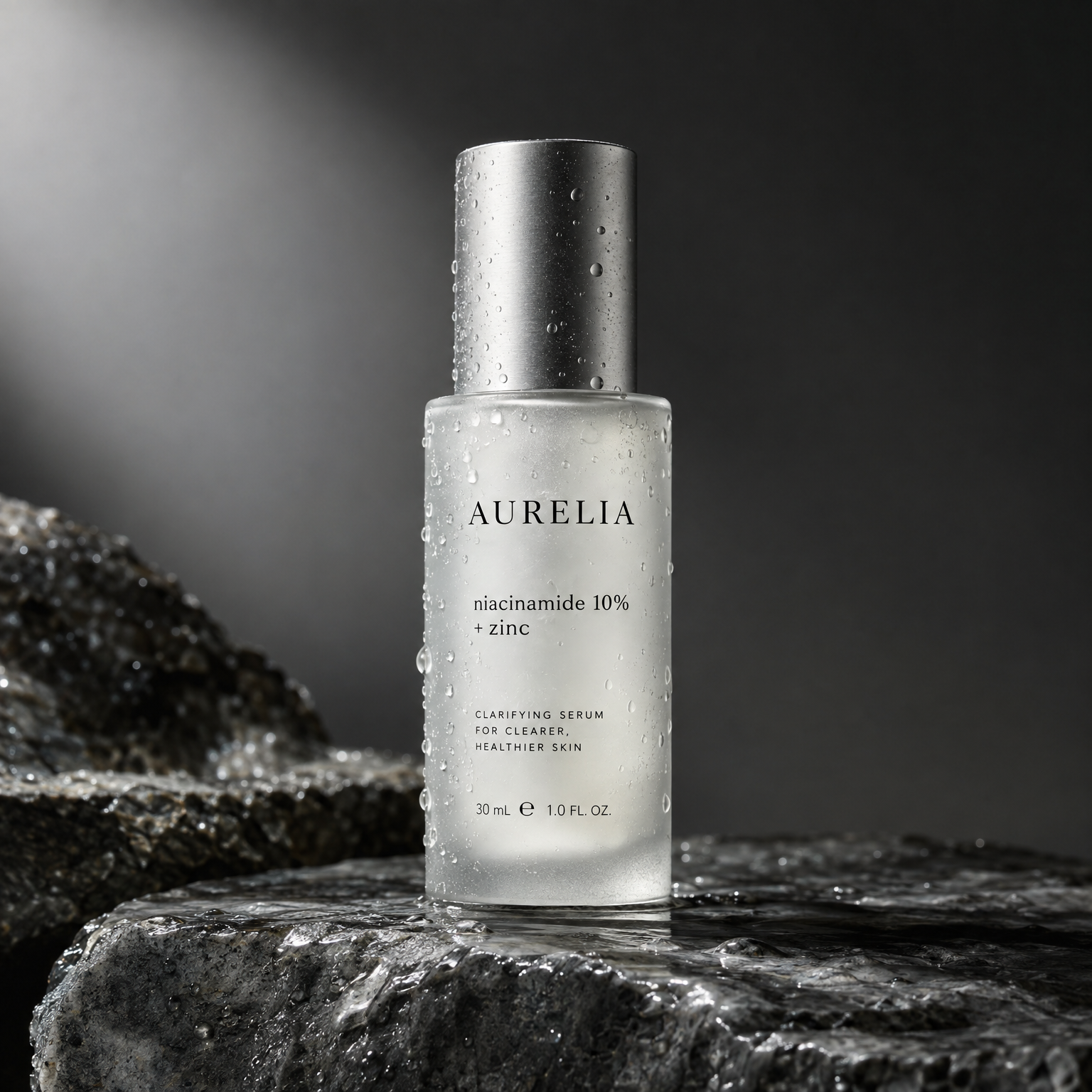
GPT Image 2.5 · imageat example
Ask for a product image with a clear lighting, material, and composition brief.

GPT Image 2.5 · imageat example
Define the mood and visual language for the next campaign or social post.
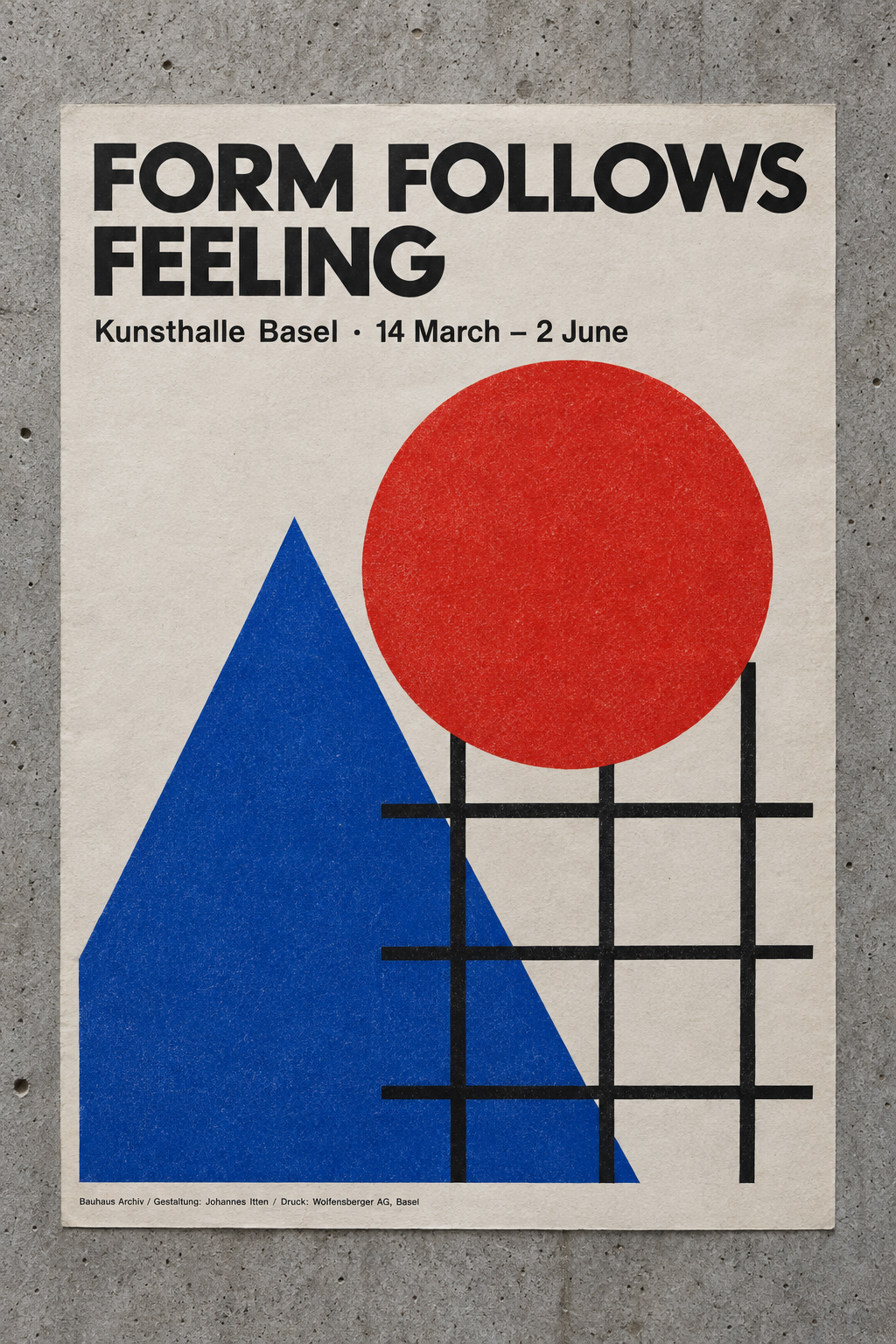
GPT Image 2.5 · imageat example
Give your dot the headline, layout, palette, and format to turn into a visual.
Seedance 2.5 · imageat example
Ask your dot to plan a camera move and animate an approved image. This miniature Istanbul clip shows the kind of motion direction you can include in your brief.
Start with a brief
Copy a workflow into ChatGPT after connecting imageat. Your dot will ask for the references and details it needs.
ONE BRIEF. A FULL DIRECTION.
Give your dot a product, an audience, and a visual direction. Ask for a coordinated set of campaign images to review.
Act as my creative producer using imageat MCP. Ask me for the product reference, brand colors, audience, and campaign goal. Plan three matching campaign images: a hero, a product detail, and a lifestyle scene. Check available models and my credits, then tell me the expected cost and ask me to approve the batch. Generate the approved images, preserve the product identity, and return the asset links with a short review of each. Ask before any paid retry or additional generation. Do not publish anything.
GIVE YOUR PRODUCT A LITTLE LIFE.
Start with an approved image and a motion brief. Let your dot choose a supported video workflow and bring back the result.
Use imageat MCP to animate the product image I provide into a short vertical video. First confirm the source image, supported duration, camera motion, and model. Check my credits and get my approval for the generation cost. Keep the product shape, logo, materials, and colors consistent. Use one slow camera move with realistic lighting. Track the generation until complete and return the video link. Review the result if you can inspect it; otherwise say that visual review is still needed. Ask before spending on a retry. Do not publish.
A REPEATABLE CREATIVE ROUTINE.
Define a recurring brief in Dots: a small set of social visuals, consistent branding, and a clear credit budget.
Help me set up a weekly content workflow using imageat MCP. Ask for my brand references, content themes, output formats, schedule, and maximum imageat credit budget per run. Confirm the schedule and permissions before starting recurring work. On each approved run, plan three social visuals, check credits and available models, and generate only within the agreed budget. Return asset links and suggested captions for my review. Notify me when the batch is ready or a decision is needed. Stop if credits are insufficient, and ask before paid retries. Keep publishing under my control.
Use imageat’s remote MCP server with OAuth sign-in. Start with a small creative task, then give your dot an ongoing brief when Dots and the connection are available in your account.
https://mcp.imageat.com/mcp
In ChatGPT’s connector settings, use Developer mode to add the remote MCP URL. Available labels and settings may vary by client and workspace.
Complete the OAuth sign-in and authorize the connection. No manual API key is needed for this remote connection.
Where supported, make imageat available to your dot. Copy a workflow above, add your references, and define the output, credit budget, and review checkpoints.
Ask for the generated asset links. Review the first batch before expanding the workflow or setting an ongoing schedule in Dots.
Dots are OpenAI’s ongoing agents in ChatGPT. You give a dot a goal and define what it can do independently. It can continue work between conversations using connected apps and return results for review. Dots access is rolling out gradually.
imageat MCP gives compatible AI clients tools for image generation, video generation, and editing. Connect your imageat account, make the connection available to your dot where your client supports it, and describe the assets you want.
Yes. You can use the same MCP server for individual tasks in ChatGPT, Claude, Cursor, Codex, and other compatible clients. Dots adds ongoing responsibility where it is available.
imageat tool calls use your imageat account credits, just like generation on the website. Your ChatGPT plan and Dots availability are separate. Set a budget in your brief and check credits before starting a batch.
Contact methods and background scheduling are managed by Dots in ChatGPT, subject to your account’s supported features. imageat supplies the creative tools and generated assets; this page does not enable a separate imageat messaging service.
Learn about ongoing agents and availability in OpenAI’s Dots documentation. imageat is an independent creative platform.
Bring the idea. Connect the tools. Set your dot to work.