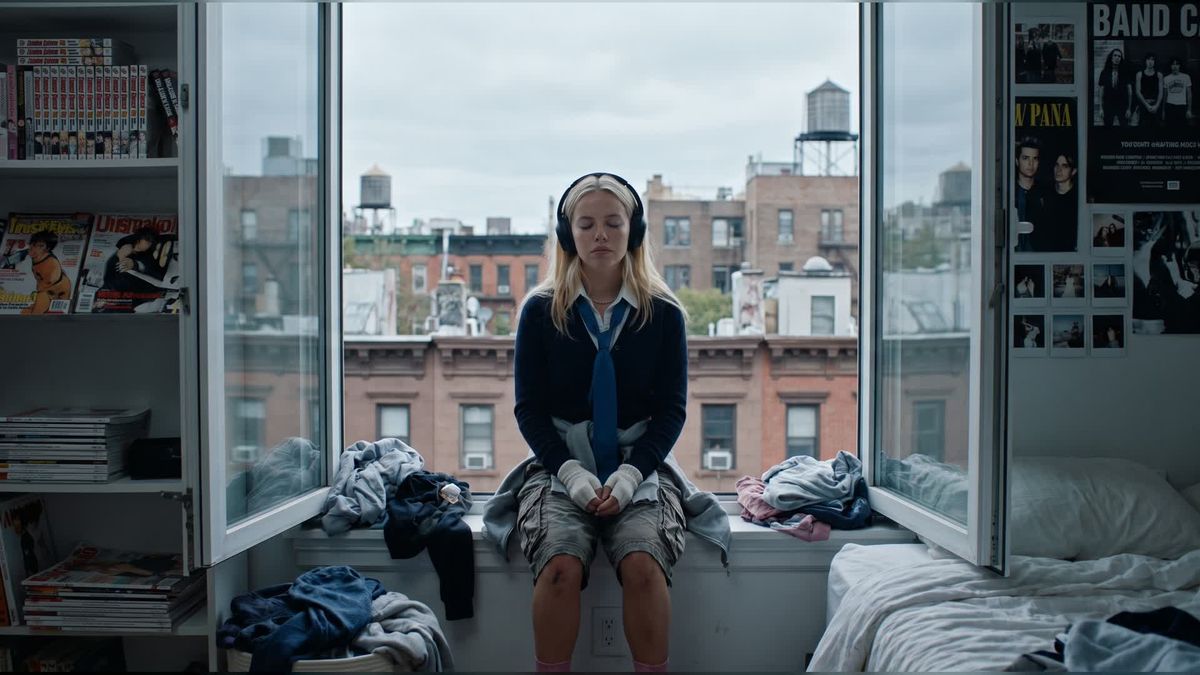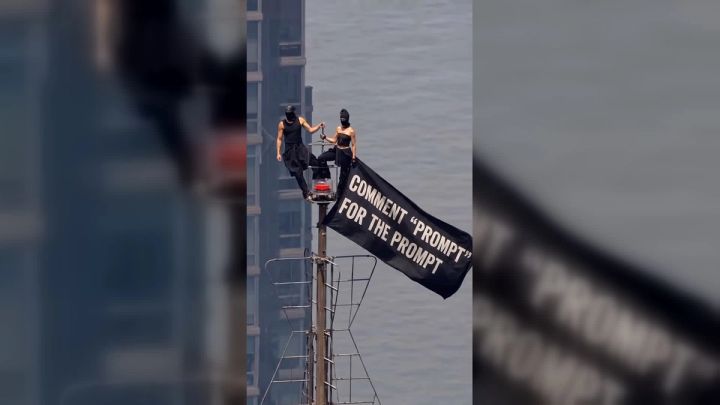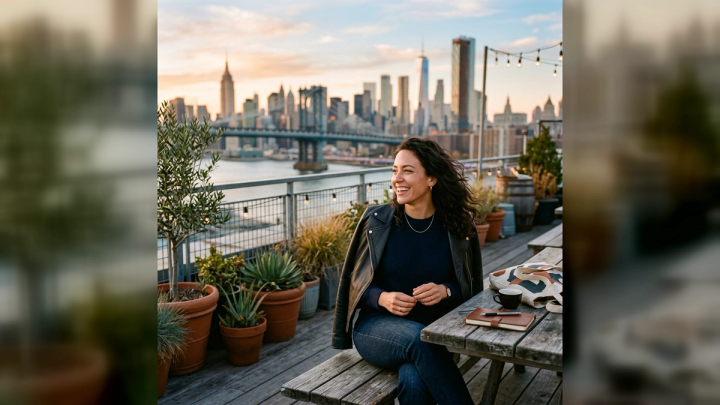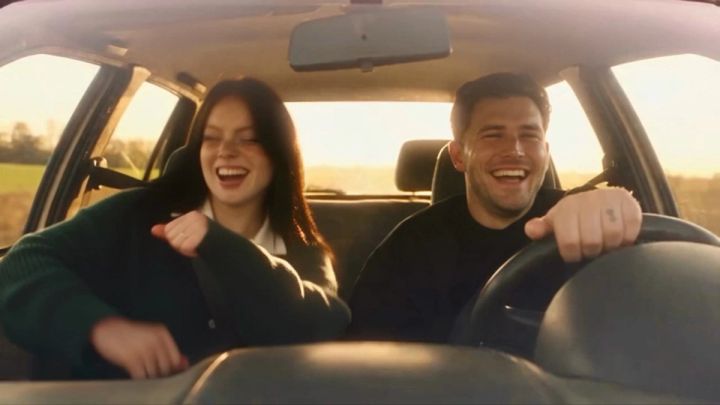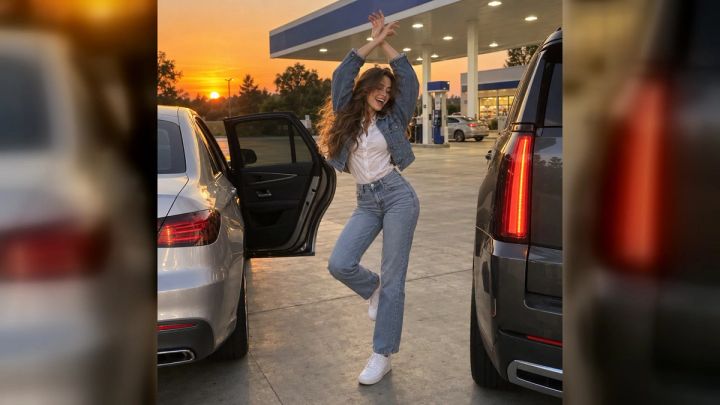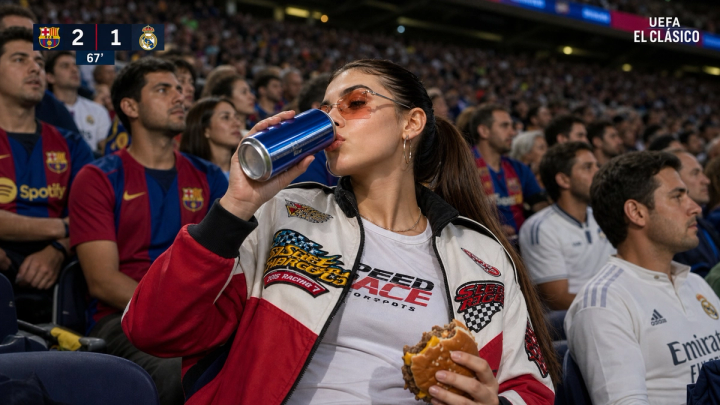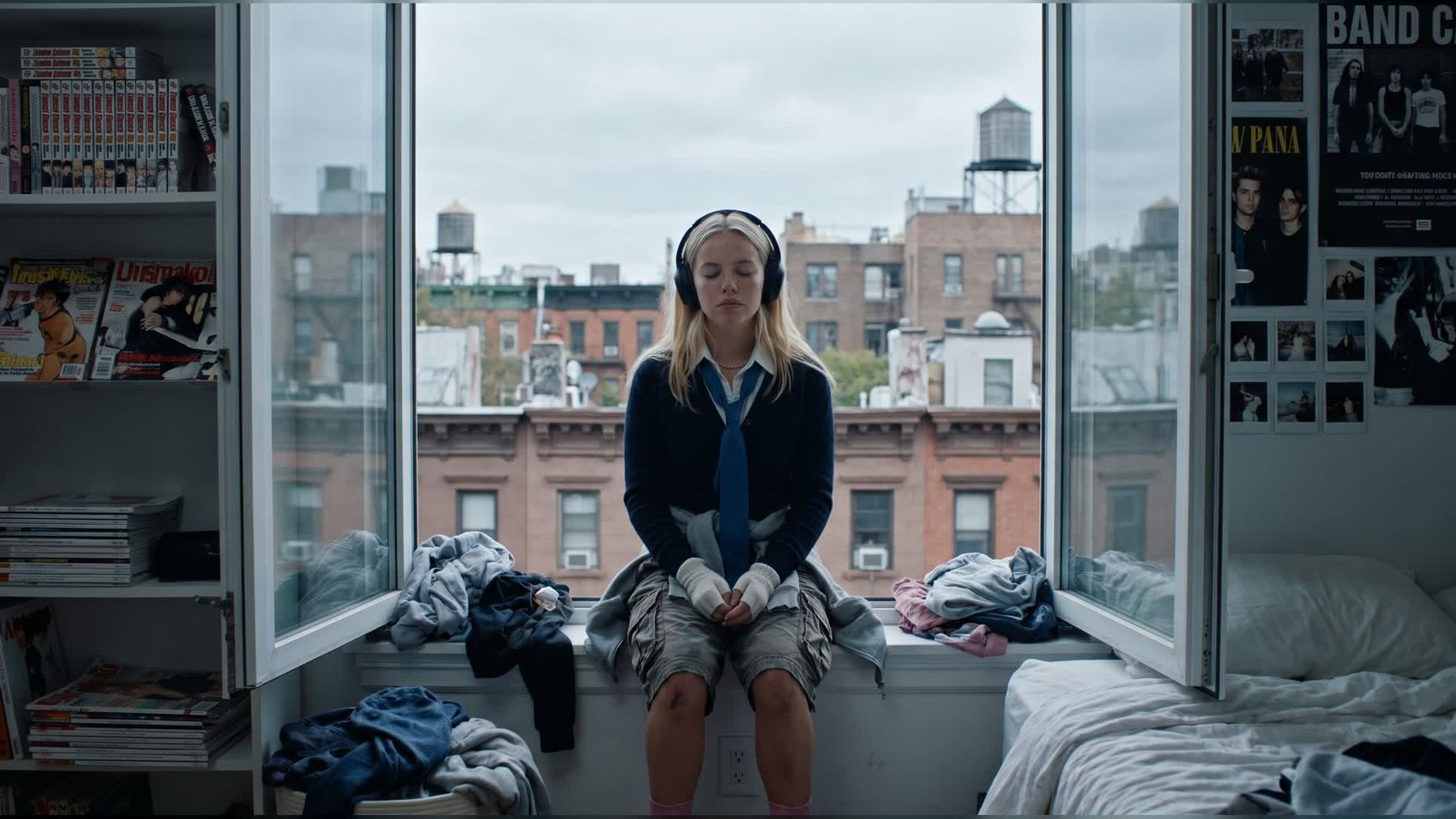
The Spider-Man NYC AI video trend works because it turns a simple portrait into a fast, vertical city-action clip: a windowsill intro, a dramatic fall-back move, and a cinematic swing through New York-style streets. You can make this directly with imageat using the AI Spider-Man Swing Video Generator.
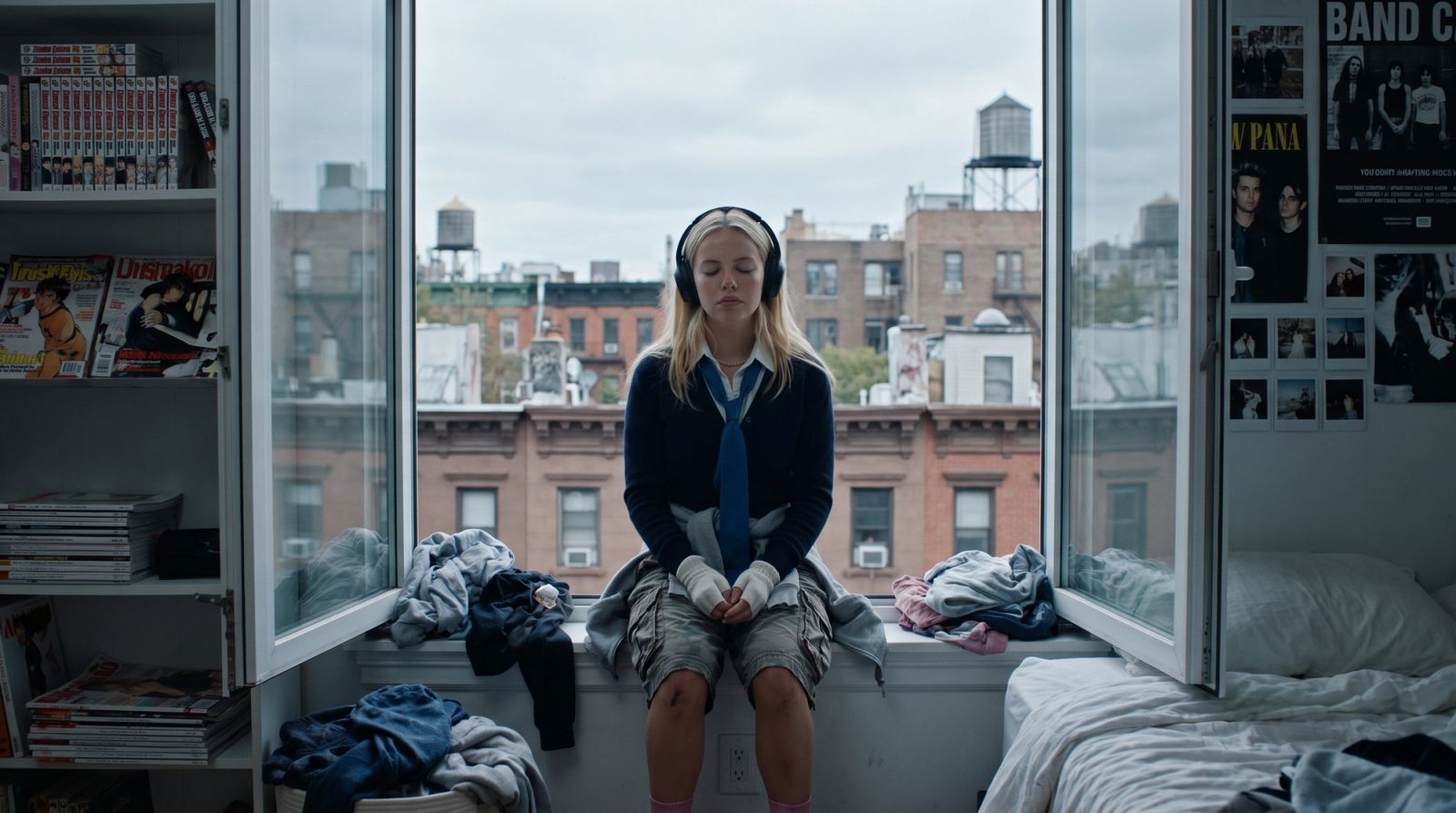
What the trend does
This trend is built for short-form platforms. Instead of making a static superhero poster, the workflow creates a motion sequence from one uploaded photo. The result feels like a social-ready AI video: cinematic framing, city movement, headphones or casual street styling, and a rooftop-style finish.
How to make it on imageat
- Open the AI Spider-Man Swing Video Generator.
- Upload a clear portrait or full-body photo.
- Use a source image with good lighting and a visible face.
- Generate the vertical video.
- Download the result and post it as a Reel, TikTok, or YouTube Short.
Best photos for this trend
Use a photo where the subject is centered, sharp, and not covered by heavy shadows. Streetwear, hoodies, headphones, rooftop photos, and city backgrounds all fit the NYC swing look. Avoid photos with crowded backgrounds, logos, or hands covering the face.
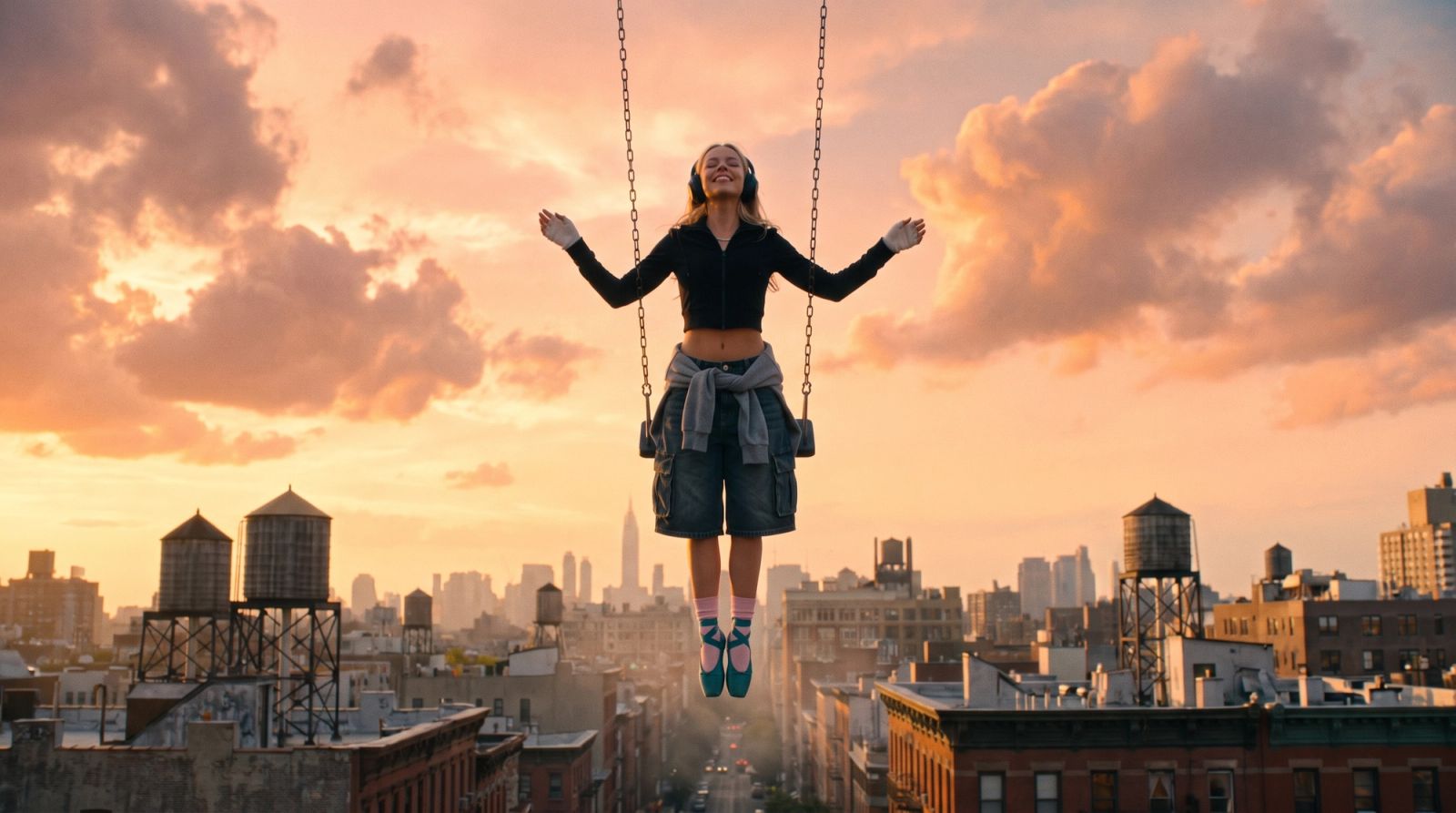
Brand-safe prompt angle
If you want a safer version of the same idea, describe it as a superhero-style NYC swing video instead of trying to copy an official character exactly. A good prompt direction is: cinematic city swing, golden-hour rooftops, dynamic camera motion, vertical short-form video, energetic superhero-style movement.
Related imageat tools
After generating the video, you can also use Image to Video AI for other photo-to-video ideas, AI Video Generator for text or image-based video creation, and AI Photo Generator for matching still images.
FAQ
Can I make the Spider-Man NYC AI trend from one photo?
Yes. Upload one clear photo to the imageat trend page and generate a vertical swing-style AI video.
Is this only for Spider-Man style videos?
No. You can use the same idea as a broader superhero-style NYC video without relying on official character branding.
What format works best for TikTok and Reels?
A vertical 9:16 video works best for TikTok, Instagram Reels, and YouTube Shorts.
Try it
Start with the AI Spider-Man Swing Video Generator, then test a second version with a different outfit or city-style portrait.