GPT Image 2
Precise image generation and editing
Create and edit images with detailed instruction following, flexible quality levels, reference-image input, and production-ready output formats.
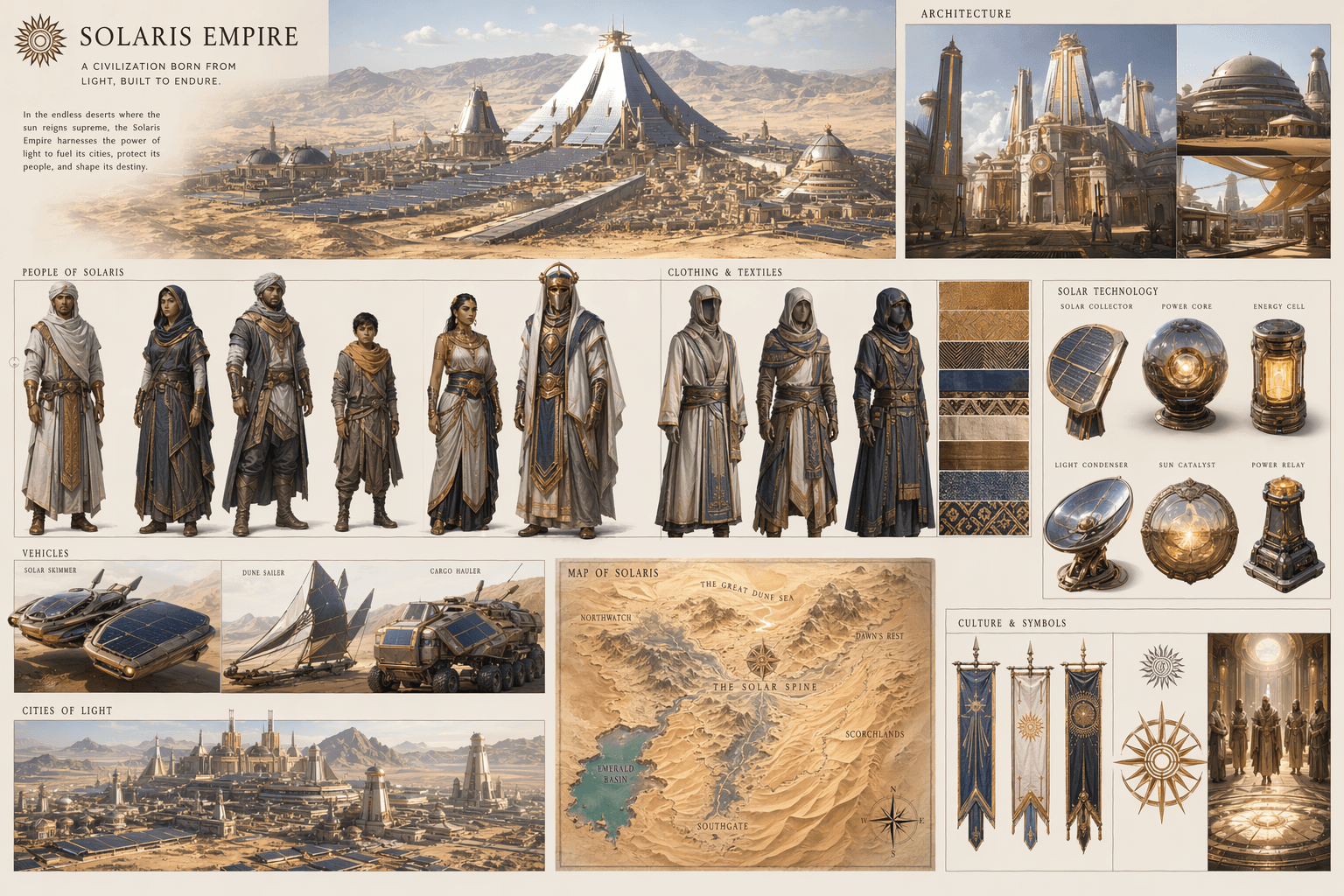 Made with GPT Image 2

Live playground
Try GPT Image 2 in your browser
Generate or edit an image with your imageat account, then use the same model through the API.
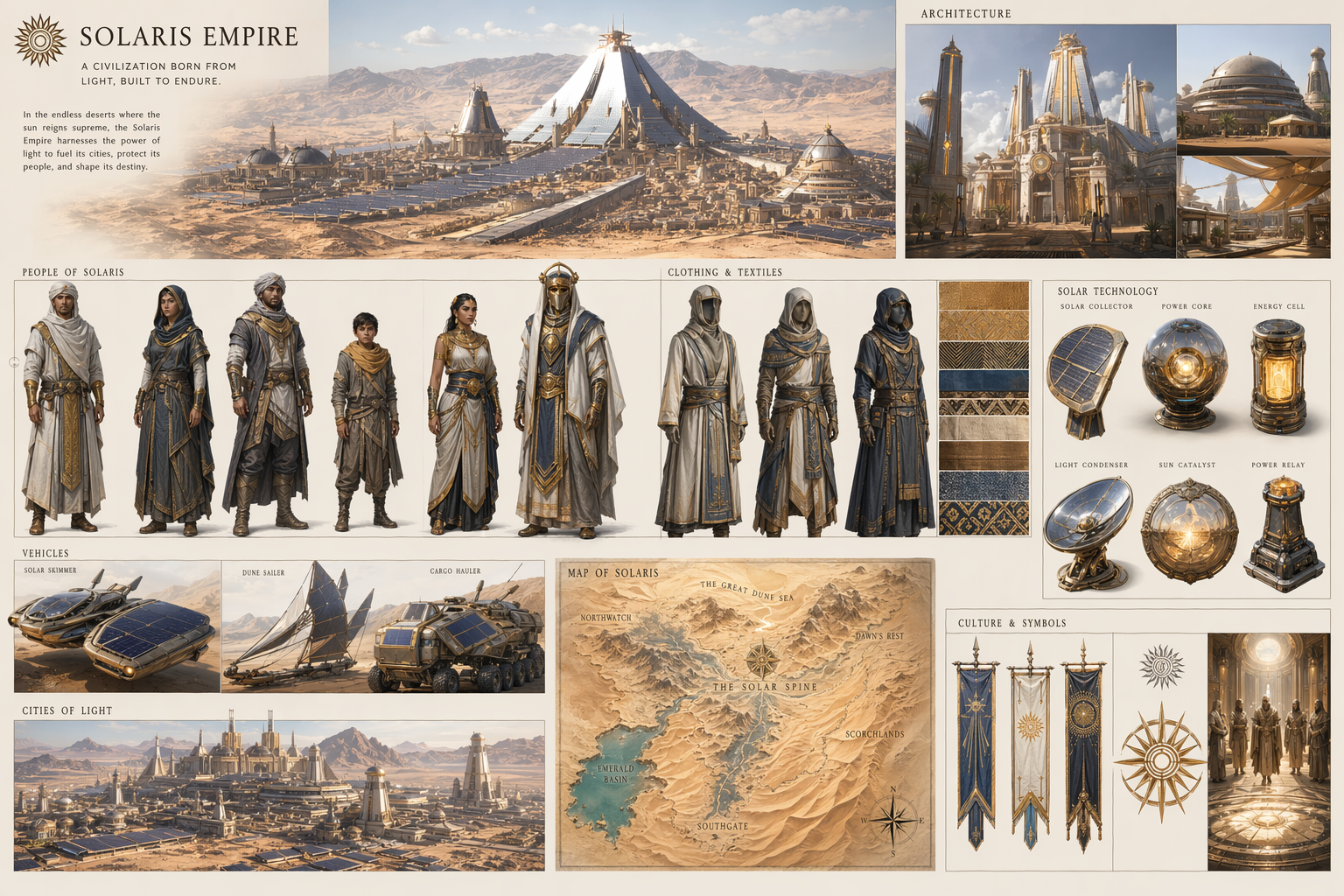
Generate from text
Turn natural-language art direction into finished images.
Edit with references
Guide composition, subject, identity, or style with existing images.
Production output
Choose resolution, aspect ratio, quantity, and output format per request.
Build image workflows with GPT Image 2
Create and edit images with detailed instruction following, flexible quality levels, reference-image input, and production-ready output formats. Use the playground for quick visual testing, then copy the JSON request into a server-side integration with the same settings.
- Detailed prompt and instruction following
- Low, medium, and high quality tiers
- Reference-based generation and editing
- Transparent workflow-friendly image formats
Ready to integrate GPT Image 2?
Create an API key and send your first image request with the same settings you tested above.