Analog Flash Photography Portrait Prompt With Identity Lock
A highly specific JSON prompt for generating an analog-inspired digital portrait of a young woman. It enforces a strict identity lock (100% facial accuracy), specifies a 'joyful, playful' expression, and mandates vintage film flash photography lighting with strong, soft highlights and authentic flash contrast against a minimalist white wall background.
Example Images
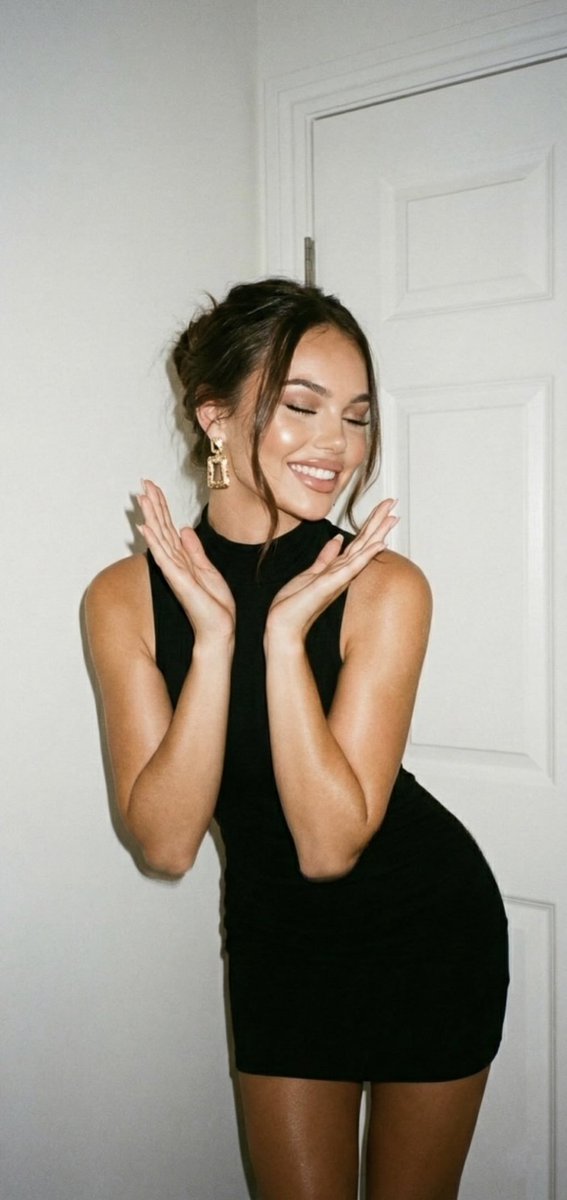
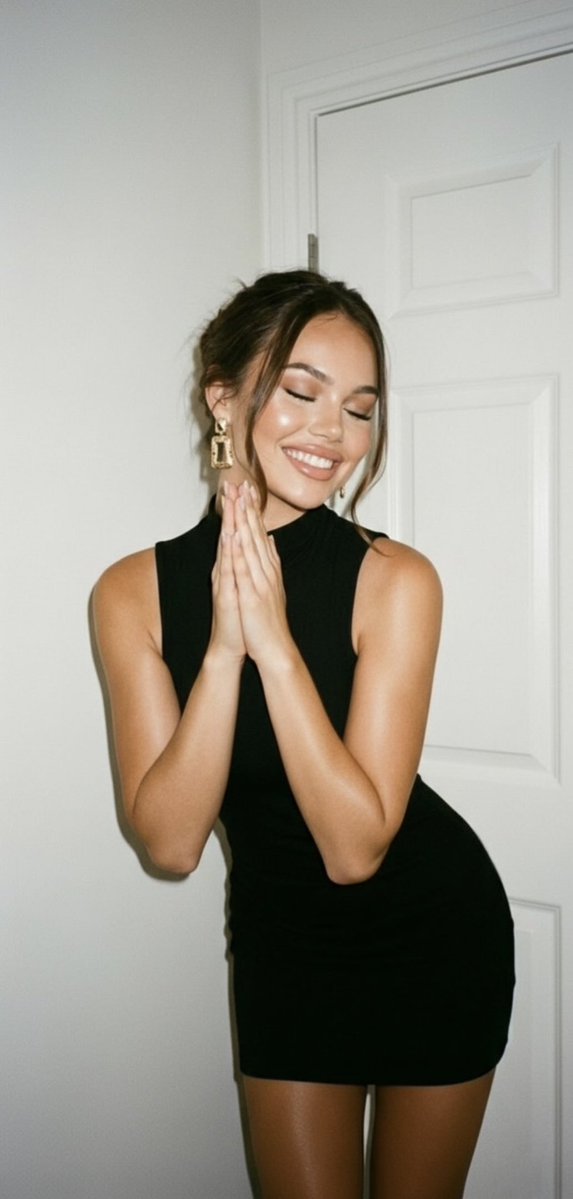
Edit Your Prompt
Replace placeholders like {{YOUR_NAME}} or {{SUBJECT}} with your own values
Add Reference Images (Optional, up to 5)
Click to upload, or press ⌘V / Ctrl+V to paste from clipboard
Add reference images to guide the AI generation
Aspect Ratio
Select AI Model
Fast and affordable standard quality AI images.
Premium quality, more realistic and detailed results.
Tags
The Analog Flash Photography Portrait Prompt With Identity Lock prompt is a ready-to-use template for generating AI images in this exact style. Copy it, tweak the placeholders to fit your subject, and run it through the generator to get a polished result in seconds.
What is the Analog Flash Photography Portrait Prompt With Identity Lock prompt?
A prompt is the text instruction that tells an AI image model what to create. The analog flash photography portrait prompt with identity lock prompt packages a detailed description — subject, style, lighting, and mood — so you get a predictable result without having to describe every element yourself.
How to use the Analog Flash Photography Portrait Prompt With Identity Lock prompt
- 1Read through the prompt and adjust the wording to match your idea
- 2Add up to a few reference images if you want to guide the style or subject
- 3Choose the AI model and aspect ratio that fit your use case
- 4Generate, review, and regenerate for variations until you're happy
Tips for better results
- Try the PRO model for more realistic, detailed output on complex scenes
- Mention lighting (golden hour, studio, neon) to strongly steer the mood
- Trim contradictory adjectives — they confuse the model and soften the result
- Save prompts that work well so you can reuse them across projects