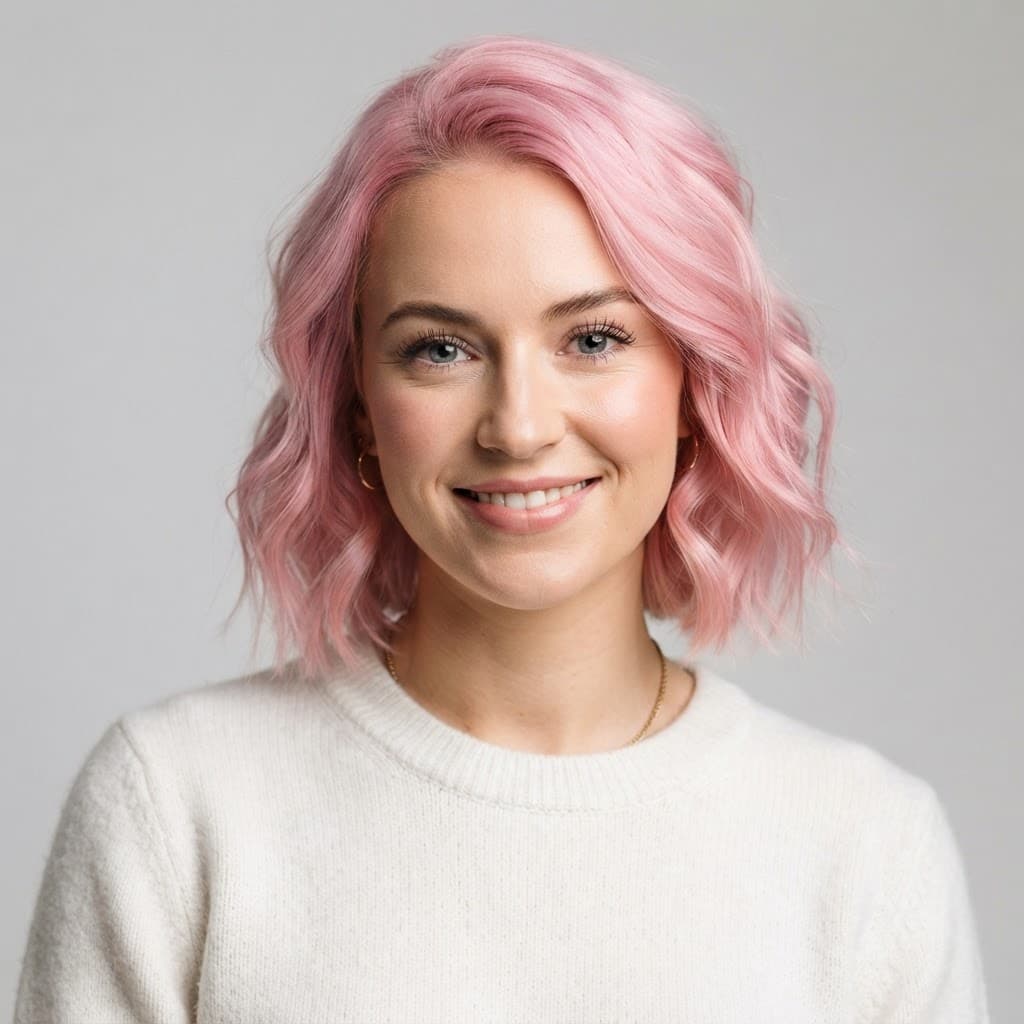
AI Hairstyle Changer
imageat's AI Hairstyle Changer lets you change your hairstyle and hair color on any photo — no wig, no dye, and no editing skills required. Upload a picture, swap in a completely new look, and see the result in seconds.
Want to see yourself as a blonde, go platinum, try long waves, or switch to a short bob? The AI redraws your hair while keeping your face and identity exactly the same. If you'd rather preview a real salon cut before your appointment, use our AI Haircut Generator instead.
Change Your Hairstyle, Your Color, or Both
💇 New Hairstyle
Go from short to long, straight to curly, or try a bob, pixie, waves, braids, and more — all applied realistically to your own photo.
🎨 New Hair Color
Recolor your existing hair or your new style — blonde, platinum, black, dark or light brown, red, auburn, and gray. See how any shade suits you before you commit.
Hairstyles You Can Try On
Use it as a virtual hairstyle try-on: instead of guessing from a salon lookbook, preview the cut on your own face first. These are the looks people test most often before booking an appointment.
Bob
Chin-length and blunt, or softly layered.
Pixie cut
Short, cropped, and face-framing.
Long waves
Added length with a loose, natural wave.
Curly hair
Tight coils or soft curls on straight hair.
Bangs / fringe
Blunt, curtain, or side-swept bangs.
Braids
Box braids, cornrows, and braided updos.
AI Hair Color Changer
Changing color is the lowest-risk way to test a new look, and the one hardest to undo in real life. Recolor your current hair or a new style, and compare shades side by side before you commit to dye.
How to Change Your Hairstyle with AI
Upload Your Photo
Drag and drop, paste, or snap a clear front-facing photo. JPG, PNG, or WebP up to 10MB works best.
Pick a Style & Color
Choose a new hairstyle, a new hair color, or both. Mix and match until the look feels right.
Generate & Download
Compare your new hair against the original side by side, download it, or keep experimenting with other looks.
Frequently Asked Questions
How does the AI hairstyle changer work?
Upload a clear photo, pick a new hairstyle and color, and the AI redraws your hair while keeping your face, skin tone, and identity untouched — a realistic new look in seconds.
Can I change only my hair color?
Yes. Keep your current style and just recolor it — blonde, platinum, black, brown, red, auburn, or gray — or change the cut and color together.
Is the AI hairstyle changer free?
Sign up for free and start changing hairstyles right away. Each generation uses credits, and you can buy more or subscribe for a monthly allowance.
Can I try on hairstyles before going to the salon?
Yes. That's the most common use — upload a selfie and preview a bob, pixie, bangs, curls, or long waves on your own face, so you can show your stylist a reference instead of describing it.
Will it still look like me?
Yes. The AI preserves your facial features and identity. Only your hair — style, length, and color — is changed.
What's the difference from the haircut generator?
The hairstyle changer focuses on transforming your hair and color for fun or to test a bold new look. If you want salon-ready haircut recommendations for your face shape, use the AI Haircut Generator.
Change Your Hairstyle in Seconds
Upload a photo and try new hairstyles and hair colors on yourself with AI. No commitment, no dye, no scissors.
See what AI Hairstyle Changer creates
Real results generated with this tool — no cherry-picking, this is what you get.