Lego Brick Pet Effect AI Photo Generator
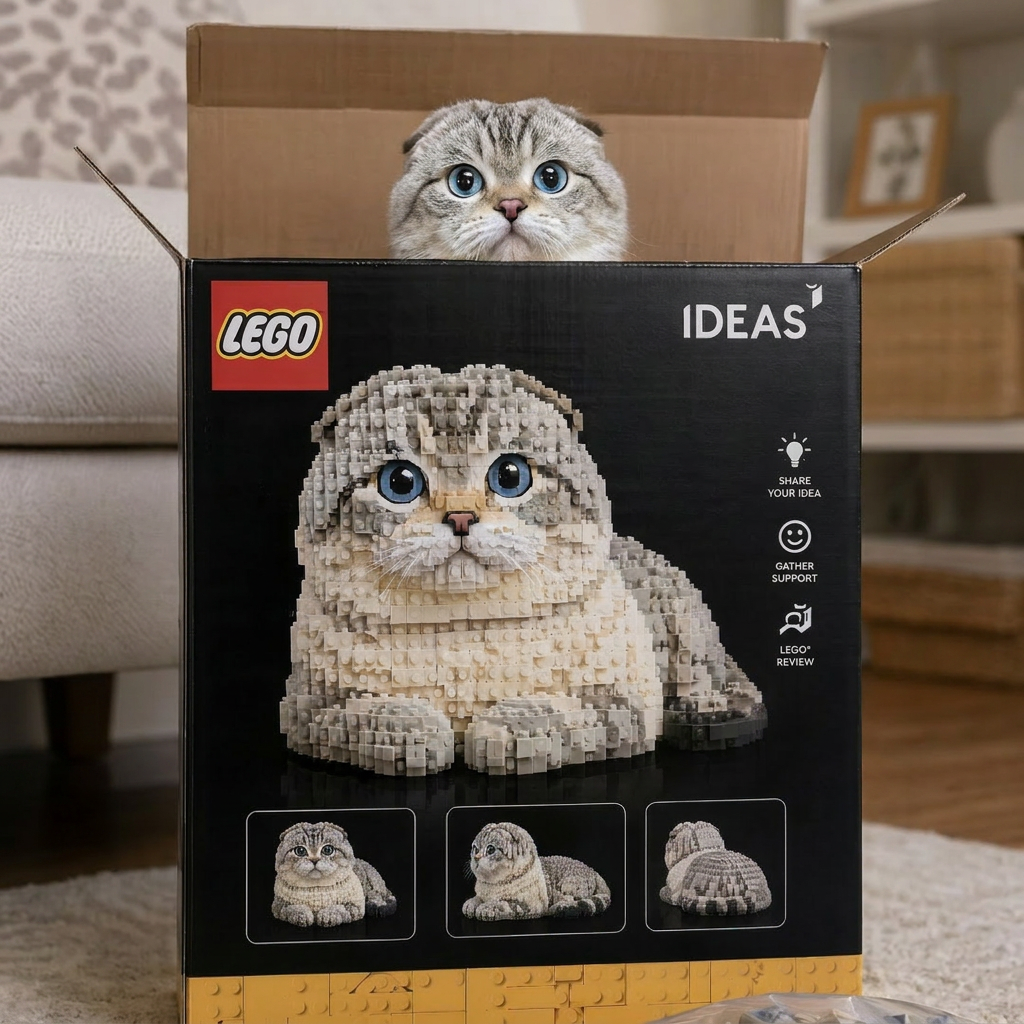
Upload your pet's photo and turn them into their own brick-toy set. They peek out from inside the open box while a detailed brick sculpture of them sits on the front cover — a charming, ultra-realistic collectible moment perfect for sharing.
Example results
Preview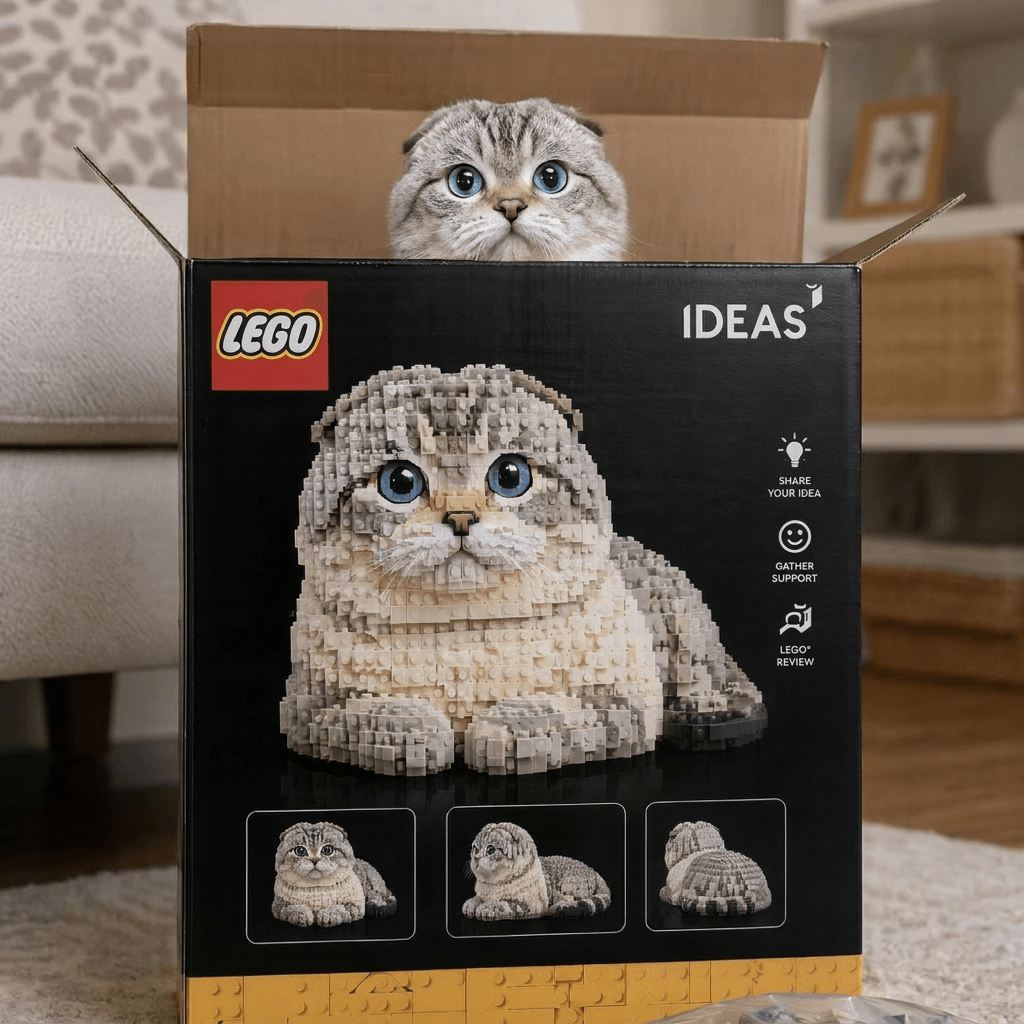
AI Lego Brick Pet Effect Generator
AI Lego Brick Pet
Upload Your Photo
To do the AI Lego Brick Pet trend, upload one clear photo where your face is easy to see, then press generate. imageat recreates your photo in the trend's look, and the image is ready to download when it finishes. One generation costs 3 imageat credits; no prompt writing or editing app is needed.
What is the AI Lego Brick Pet Effect Generator?
The AI Lego Brick Pet Effect Generator trend is taking social media by storm. Create stunning AI-generated photos that capture attention and engagement.
The AI Lego brick pet effect generator is a social media photo trend that turns pet pictures into collectible toy set packaging. In the image, a cardboard box styled after a LEGO Ideas set displays a toy-brick sculpture of the dog or cat on the front cover, while the real pet peeks out from inside the open box. Pet owners share these custom toy-brick portraits across TikTok and Instagram to present their companions as official buildable sets. On imageat, you can create your own lego pet image by uploading a single clear photo of your pet.
How to Do the AI Lego Brick Pet Trend
Here is how to make your own version on imageat:
- 01Choose a clear, well-lit photo of your pet looking toward the camera.
- 02Upload the picture into the Pet photo slot.
- 03Click generate to create your custom brick-set image.
- 04Save the finished photo to your device and share it on Instagram or TikTok.
Tips for best results
- Use high-quality photos for best results
- Good lighting makes a big difference
- Try different angles and poses
- Experiment with various styles
- Share your creations on social media
Best prompts for AI Lego Brick Pet Effect Generator
Want more control over the look? Copy one of these prompts and use it in our AI image generator to fine-tune the ai lego brick pet effect generator style.
AI Lego Brick Pet Effect Generator style portrait, keeping the original face and pose, cinematic lighting, high detail, sharp focus
AI Lego Brick Pet Effect Generator aesthetic with soft diffused light, pastel color grade, gentle film grain, shallow depth of field
High-contrast ai lego brick pet effect generator version, saturated colors, dramatic rim lighting, glossy editorial finish
AI Lego Brick Pet Effect Generator effect at night, neon ambiance, deep shadows, reflective highlights, atmospheric haze
AI Lego Brick Pet Effect Generator at a glance
What to upload
Pet.
What you get
An AI image, ready to download and post on TikTok, Reels or Shorts.
What it costs
3 imageat credits per image. The price is shown before you generate, and a failed generation is refunded.
FAQs about AI Lego Brick Pet Effect Generator
Create this trend with imageat
Create unlimited variations beyond the ai lego brick pet effect generator with imageat's AI image generator.
Similar trends
View all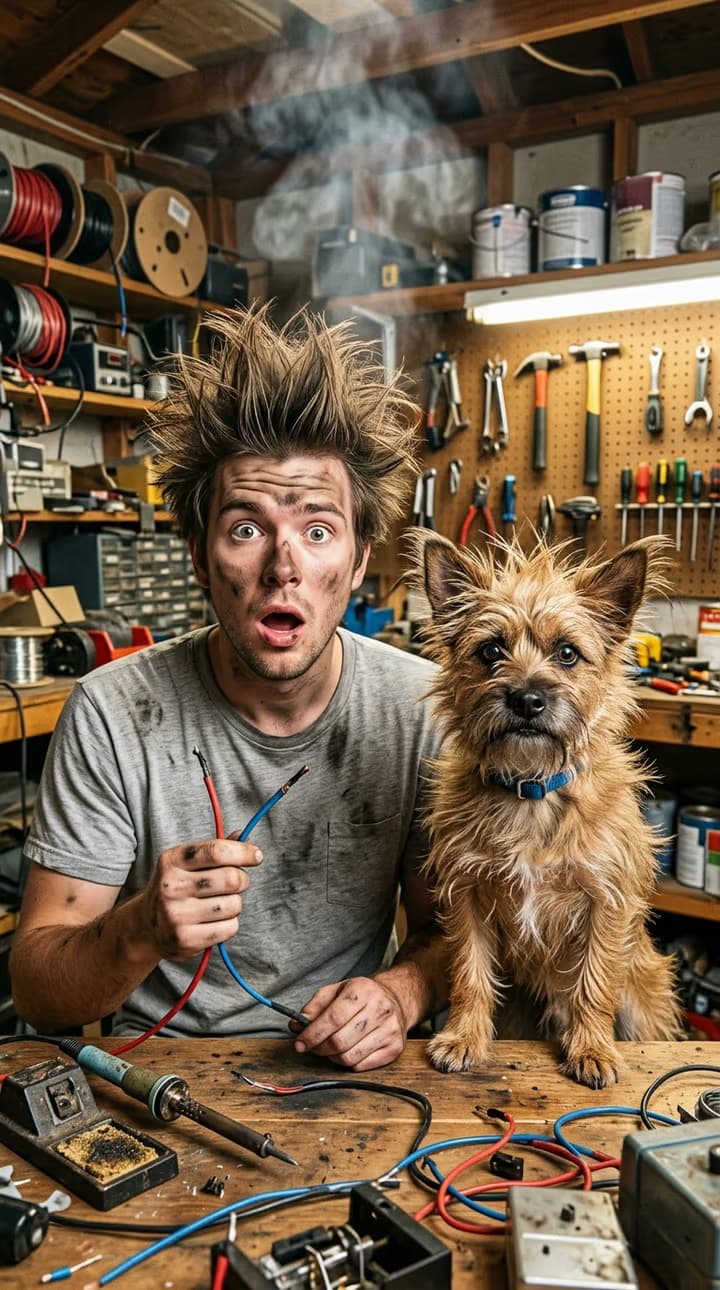
Electric Shock Pet Filter
Electric Shock Pet Filter
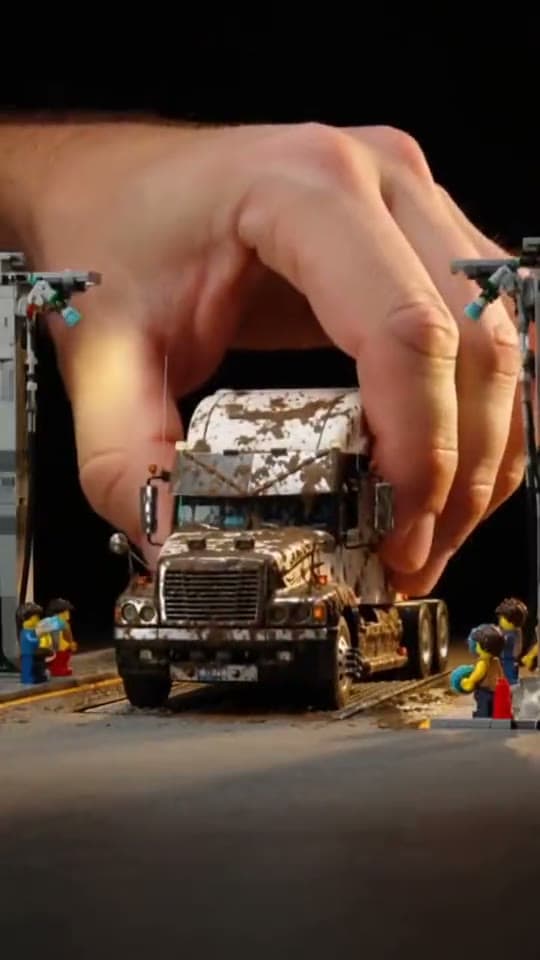
Toy Car Wash
Toy Car Wash

City Travel Vlog
City Travel Vlog Video Generator
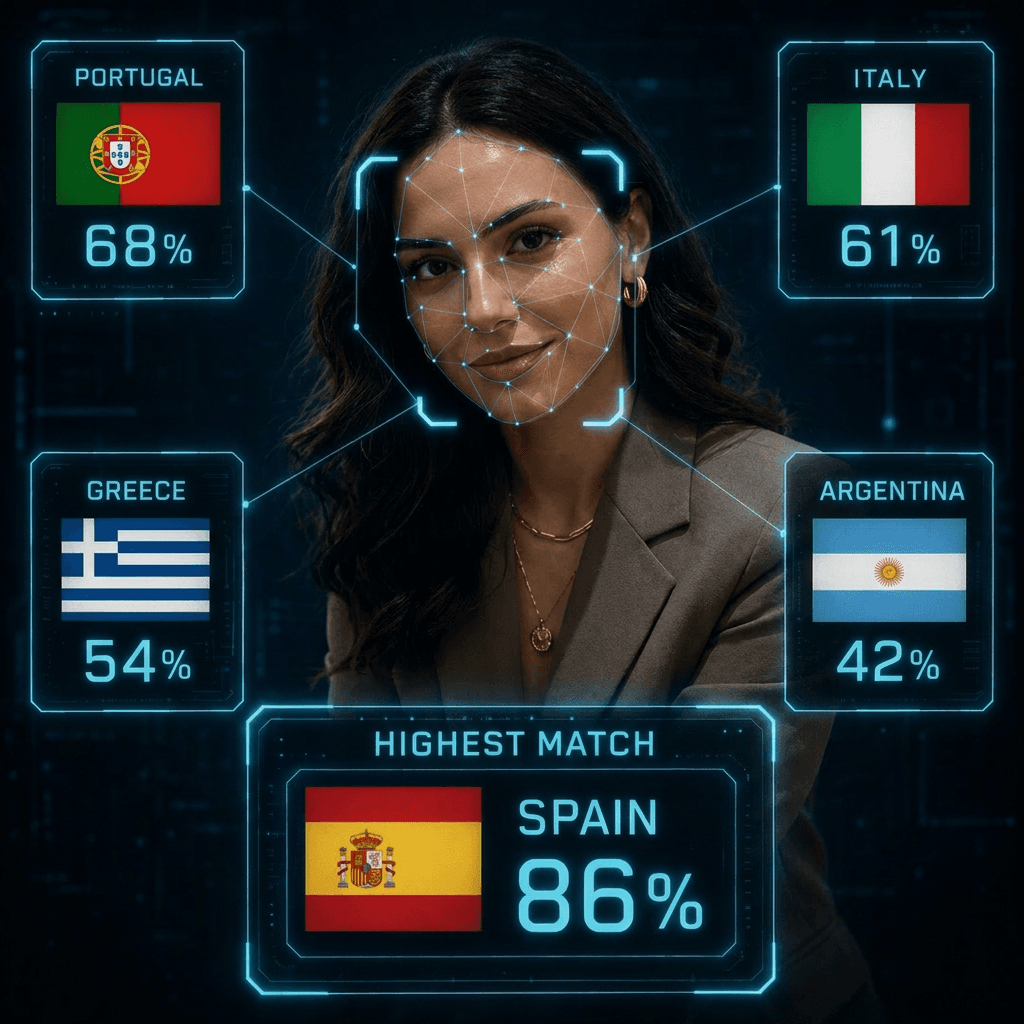
Nationality Match
Nationality Match Effect Generator

I Need You Serenade
I Need You Serenade Video Generator
Plastic Doll Dance
Plastic Doll Dance Video Generator
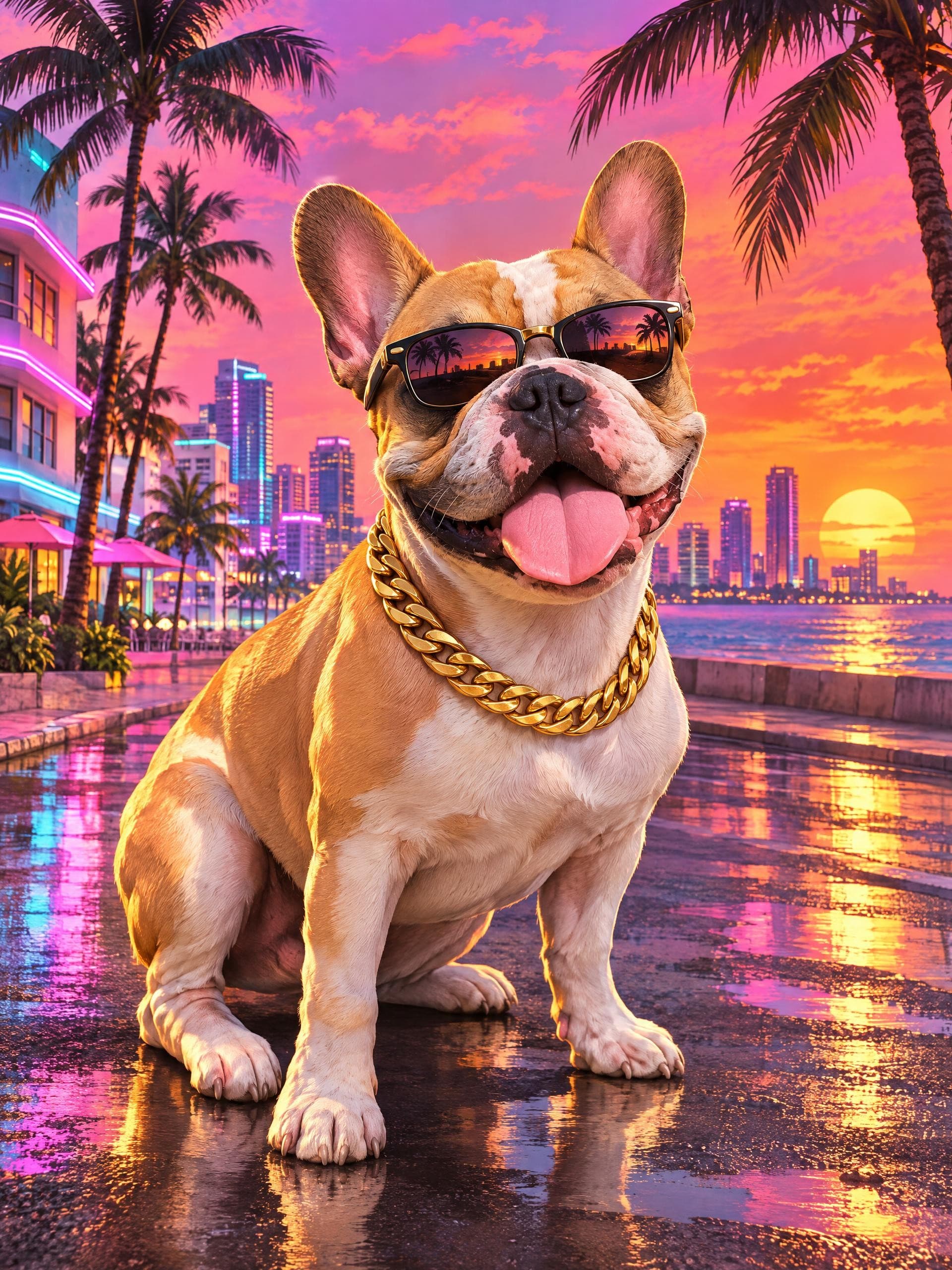
GTA 6 Car and Pet Loading Screen AI Photo
GTA 6 Car and Pet Loading Screen AI Photo
Pet Barista
Pet Barista AI Video Generator
Hype Pop Dance
Hype Pop Dance Generator
Smooth Pop Dance
Smooth Pop Dance Generator
AI Spider-Man Swing
AI Spider-Man Swing Video Generator