Paparazzi Moment AI Video Generator
You step out of a black car in a glamorous look, a black fur coat and ivory satin gown or a sharp black blazer look, and pose as photographers flash behind the barriers.
Example results
Watch video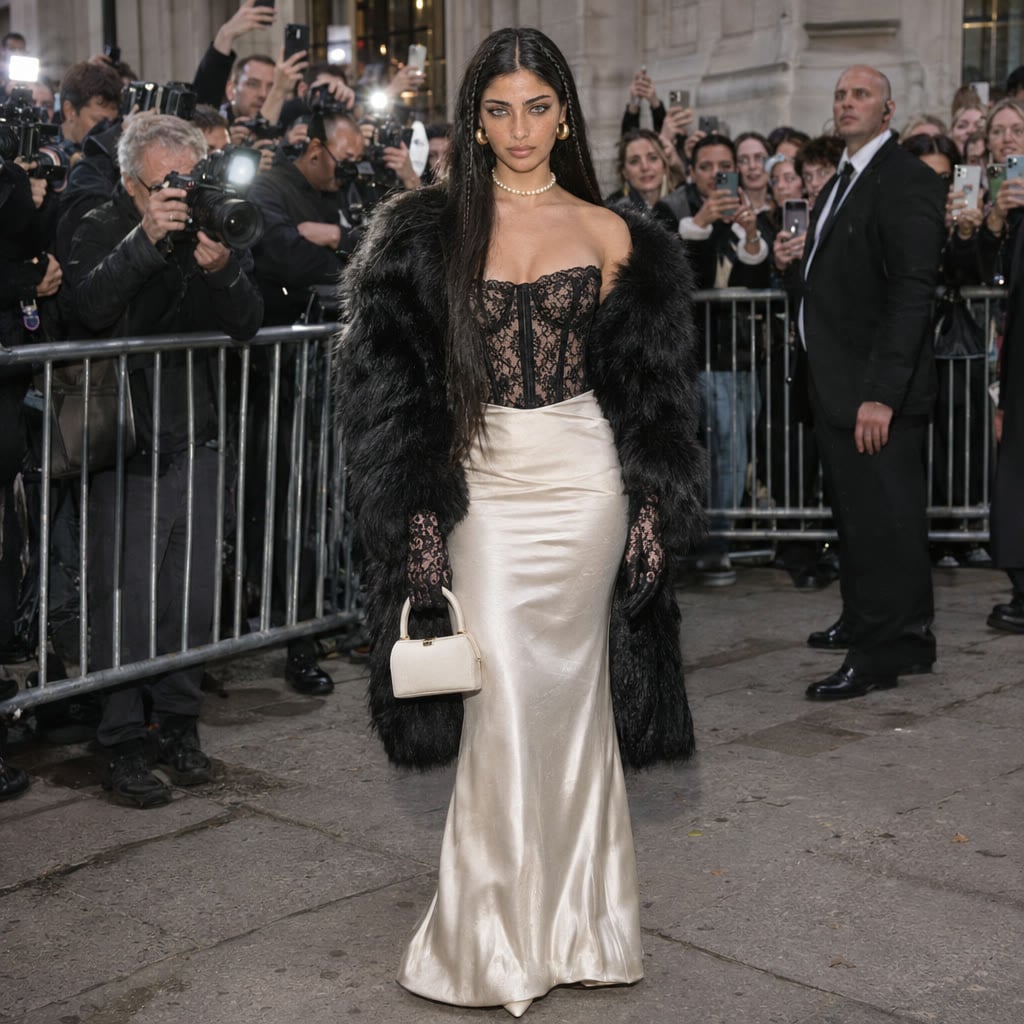
Paparazzi Moment Video
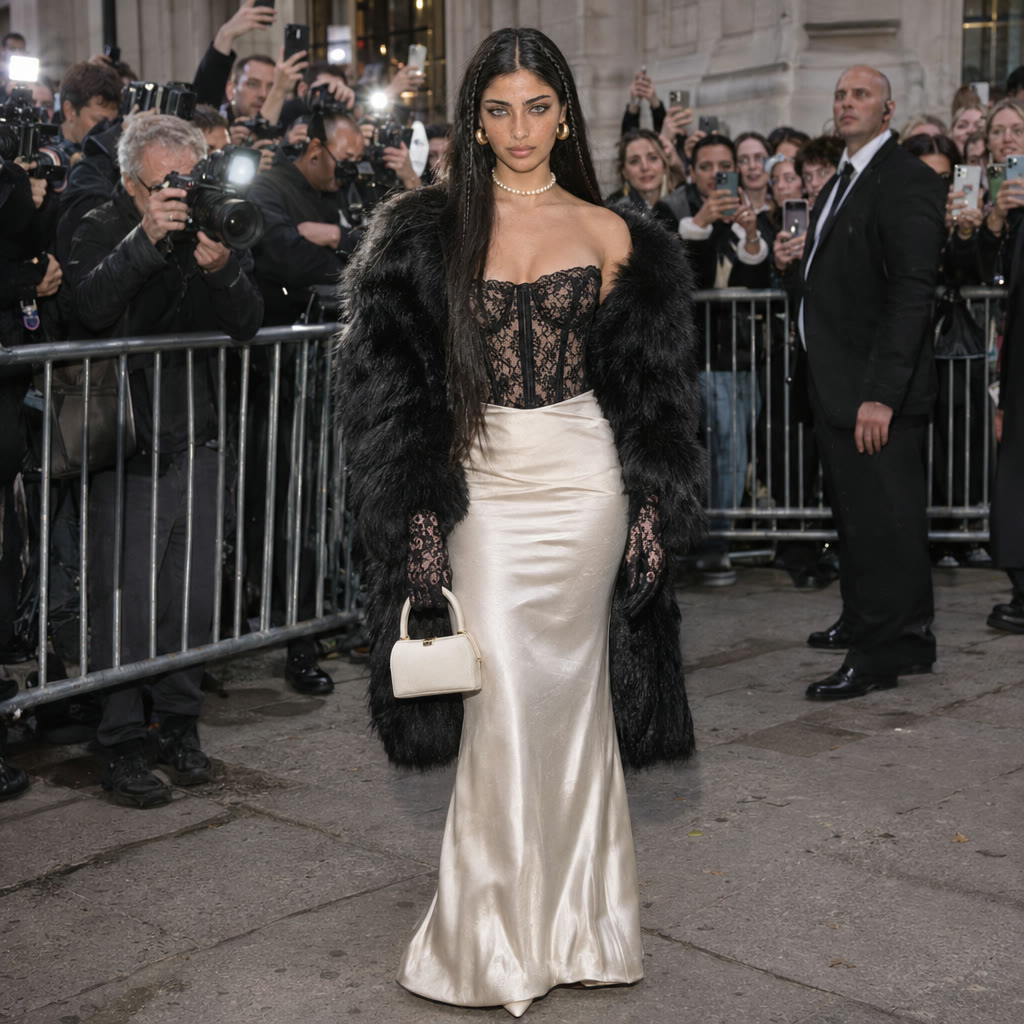
Paparazzi Moment Video
Upload Your Photo
Upload one clear photo of yourself. You are dressed in the red-carpet look: a black fur coat and ivory satin gown for women, a black blazer look for men. Likeness is not guaranteed.
Resolution
13s · 9:16 · source audio. Higher resolution uses more credits per generation.
13s · 9:16 · source audio
Quick answer
To do the Paparazzi Moment trend, upload one clear photo where your face is easy to see, then press generate. imageat places you into the trend's original video, and the video is ready to download when it finishes. One generation costs 48 imageat credits; no prompt writing or editing app is needed.
Every fashion week has that moment: the car door opens, the crowd goes up on its toes, and a hundred phones point at one person. This template gives you that arrival, filmed like a fan's phone video from behind the barrier. Upload one photo. The template first dresses you in the red-carpet look on an identity sheet (a black faux-fur coat over an ivory satin gown for women, a cropped black double-breasted blazer and wide black trousers for men), then follows the original clip for the walk, the poses, the crowd and the sound. About 13 seconds in vertical 9:16; choose 480p for a lower-credit draft or 720p for a sharper result.
What is the Paparazzi Moment Video?
Paparazzi Moment is a celebrity-arrival clip: you step out of a black car and pose for a crowd of photographers in a glamorous look. This template puts you in it from one photo.
How to Do the Paparazzi Moment Trend
Here is how to make your own video on imageat:
- 1Upload one clear photo: Your photo, face clear.
- 2Choose 480p or 720p and check the credit cost on the button.
- 3Generate the video. Your identity sheet is prepared first, then the clip is filmed.
- 4Preview and download your MP4.
Tips for Best Results
- Use a clear, front-facing photo in good light.
- Full-body photos help keep your proportions in the full-length shots.
- The outfit is fixed by the template; your face and hair come from your photo.
Paparazzi Moment Video at a Glance
What to upload
Your photo, face clear.
What you get
An AI video (13s · 9:16 · source audio) that follows the trend's original take, ready to download and post on TikTok, Reels or Shorts.
What it costs
48 imageat credits per video at 480p. The price is shown before you generate, and a failed generation is refunded.
FAQs About Paparazzi Moment Video
Create this trend with imageat
Go beyond the paparazzi moment video — generate any AI video from text or an image with Veo, Kling, Seedance and more.
Similar trends
View all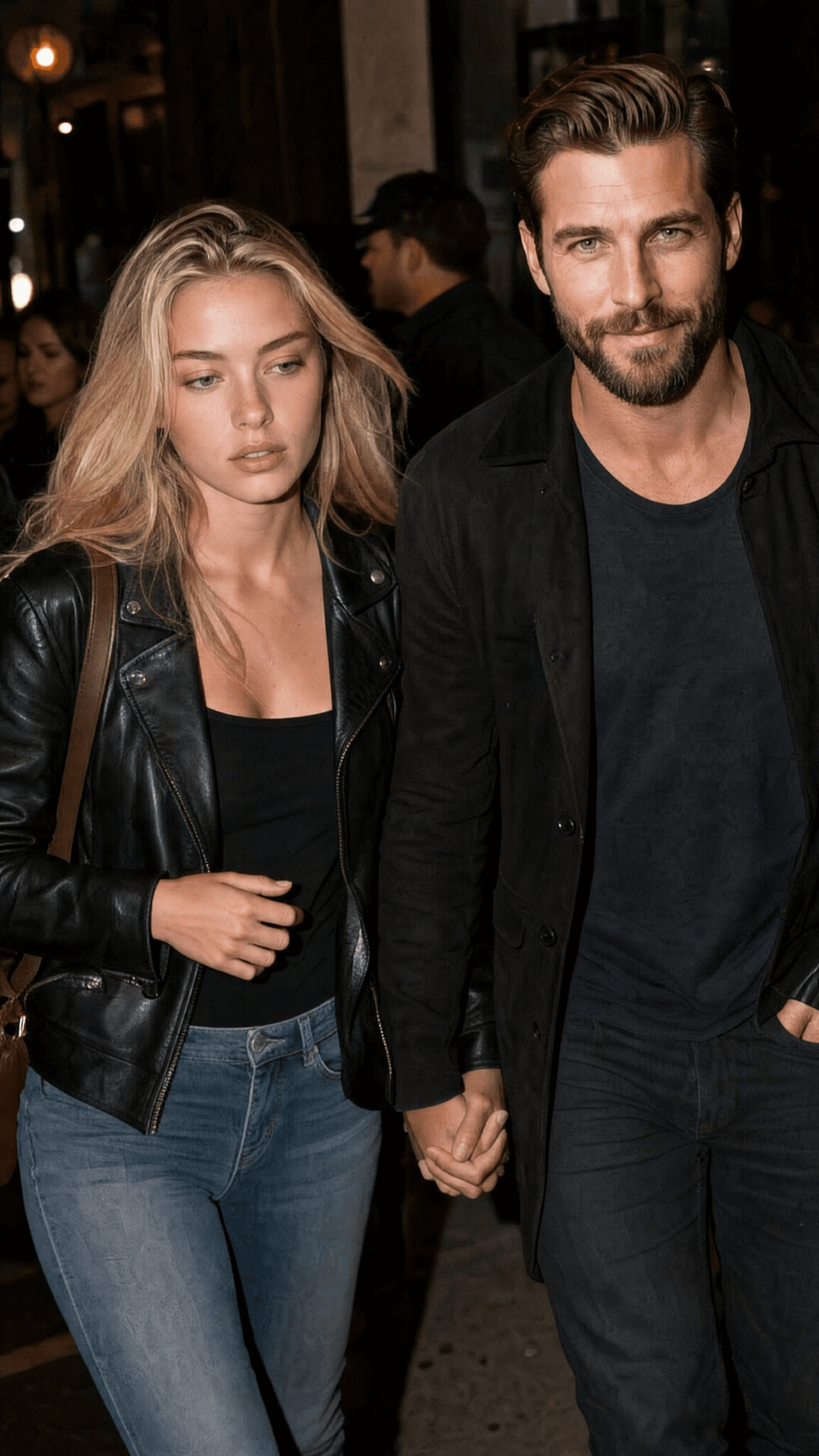
Paparazzi Couple
Paparazzi Couple Photo Generator
Petal Burst Clap Video
Petal Burst Clap Video
Thanksgiving Parade Balloon Video
Thanksgiving Parade Balloon Video
Main Character Dinner Clip
Main Character Dinner Clip
Music Video Era Trio Dance
Music Video Era Trio Dance
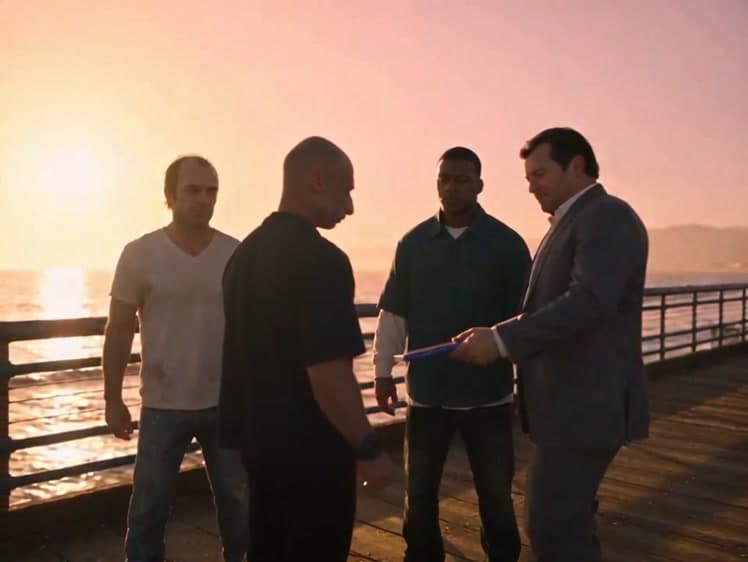
Sunset Pier Swap GTA Moment
Sunset Pier Swap GTA Moment Video Generator
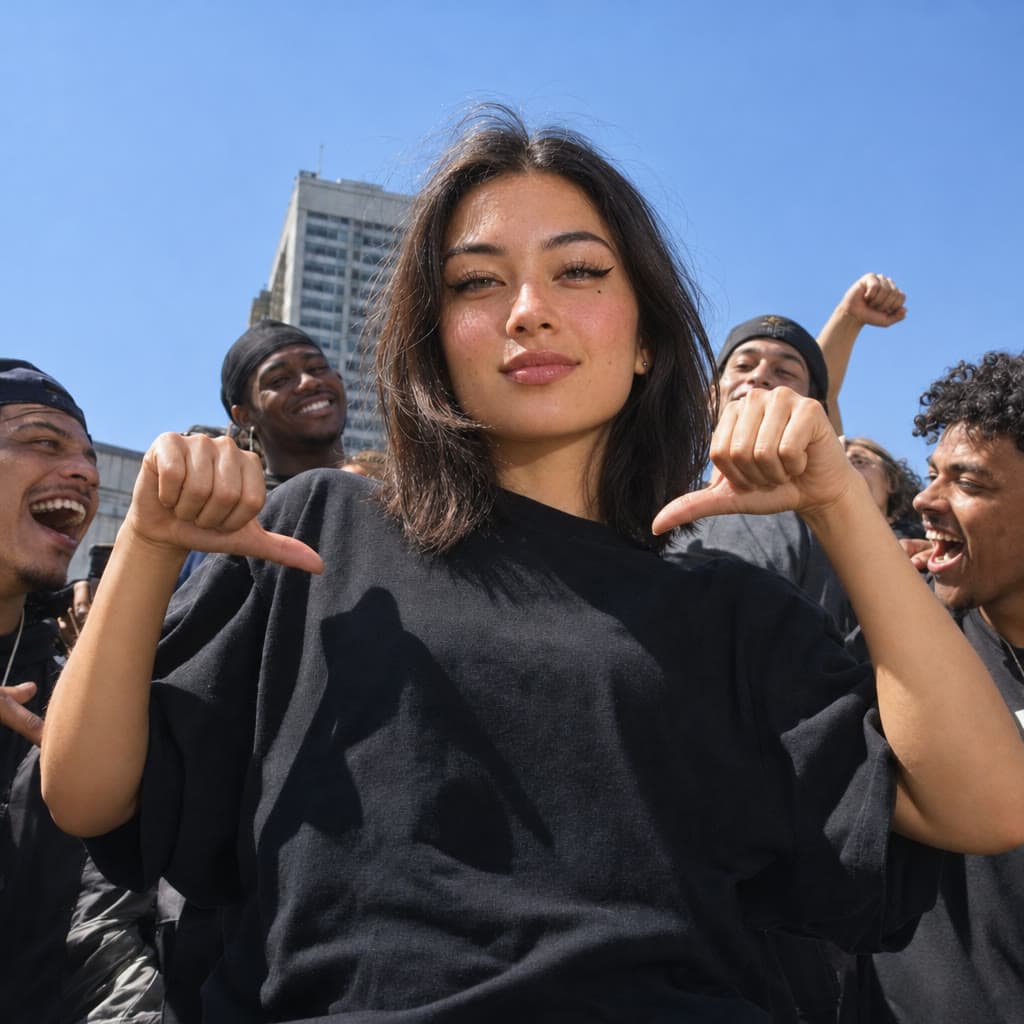
Rooftop Crew Hype Music Clip
Rooftop Crew Hype Music Clip
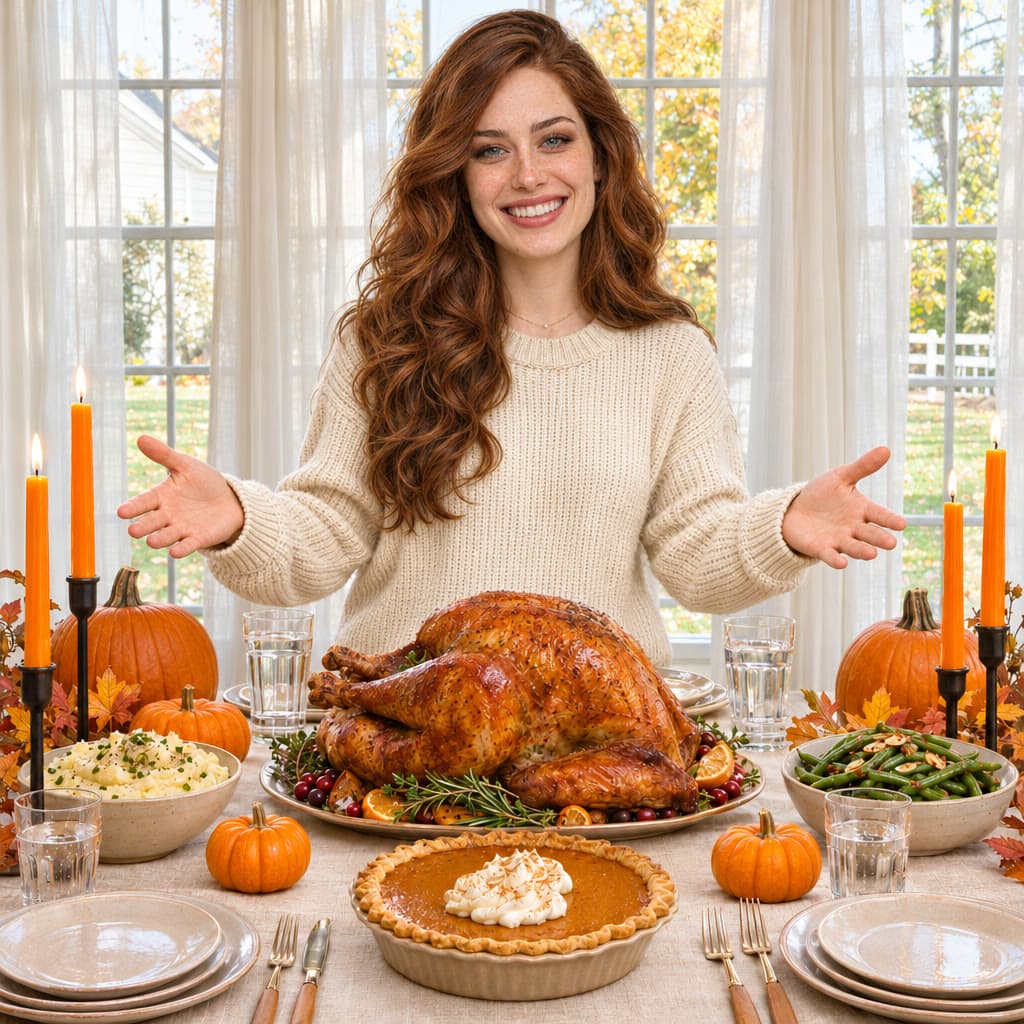
Thanksgiving Dinner Cooking Video
Thanksgiving Dinner Cooking Video

DJ Chef Flame Video
DJ Chef Flame Video