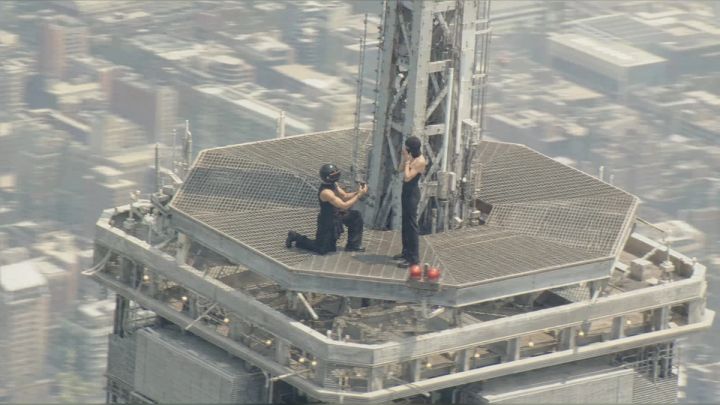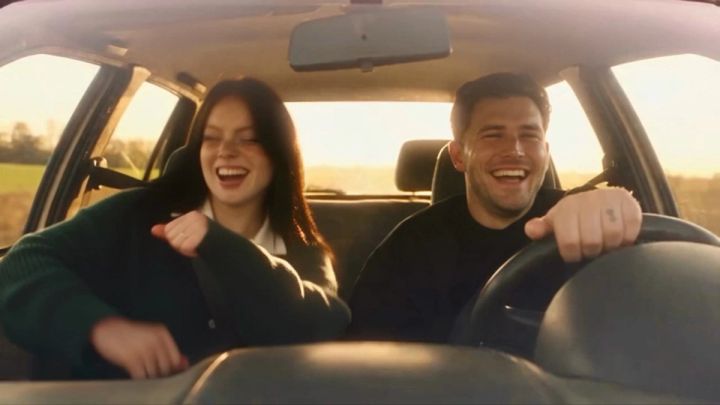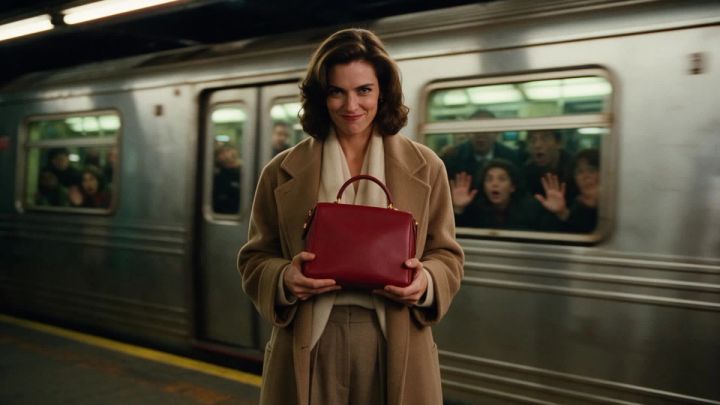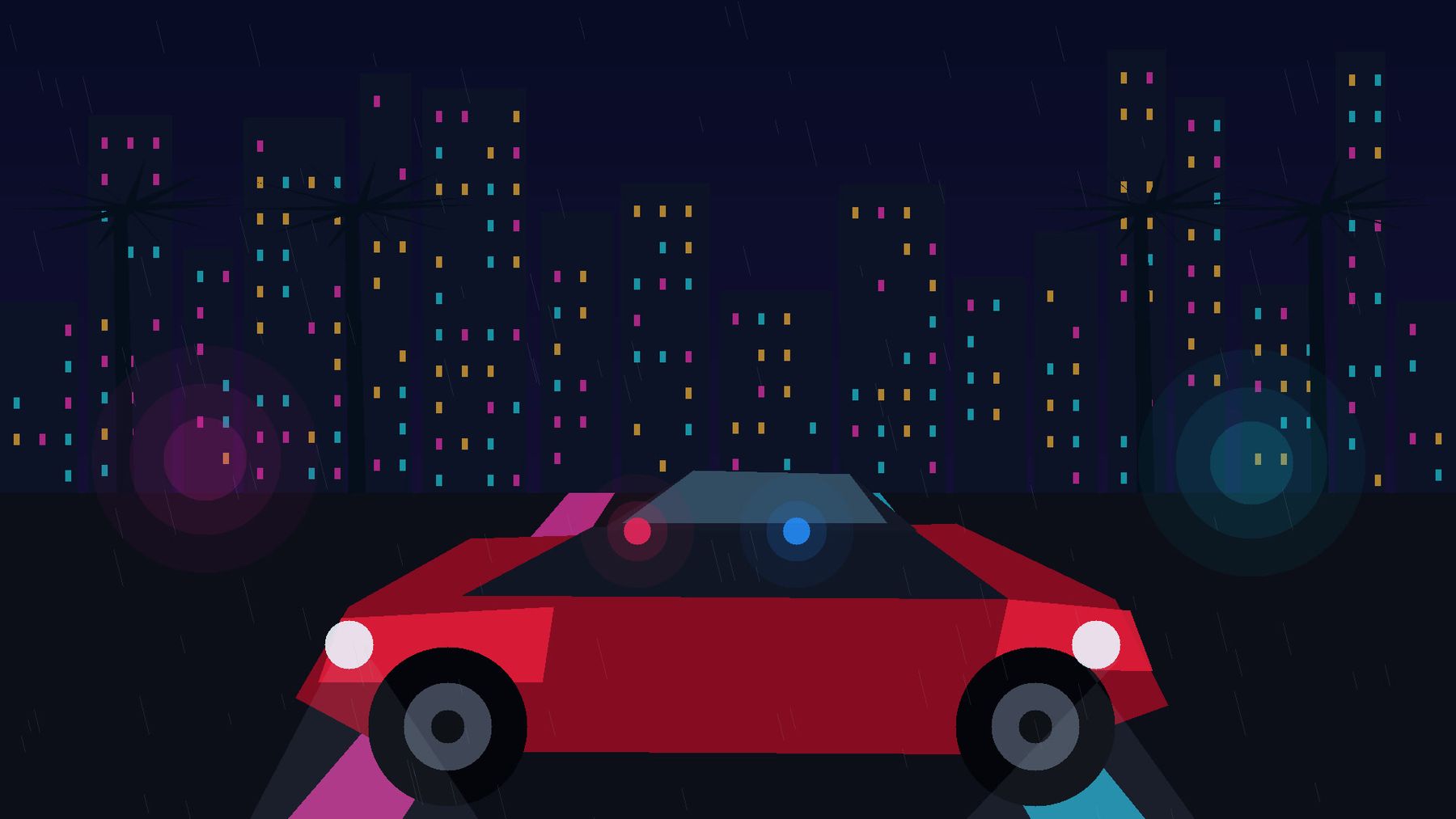
A cinematic car chase video works when it establishes a driver, creates a clear sense of speed, escalates the pursuit, and ends on a memorable close-up. The Neon Pursuit Drive trend on imageat packages that structure into a 23-second vertical template: upload one clear photo, choose a resolution, and the driver in the neon convertible is replaced with the person in your image.
The template is useful for creators who want a stylized night-drive sequence without filming a moving vehicle. It preserves the red convertible, neon hotels, shoreline, smoke, police lights, camera moves, cuts, and source audio while changing the driver’s face, hair, and outfit. This guide explains how to choose a source photo, why the shot sequence feels cinematic, what commonly goes wrong, and how to prepare the finished clip for Reels, TikTok, or Shorts.
What makes a car chase video feel cinematic?
A cinematic car chase is not simply a fast car on screen. It is a compact visual story built from geography, pressure, movement, and reaction. Viewers need to understand where the driver is, what is approaching, and why the next shot matters.
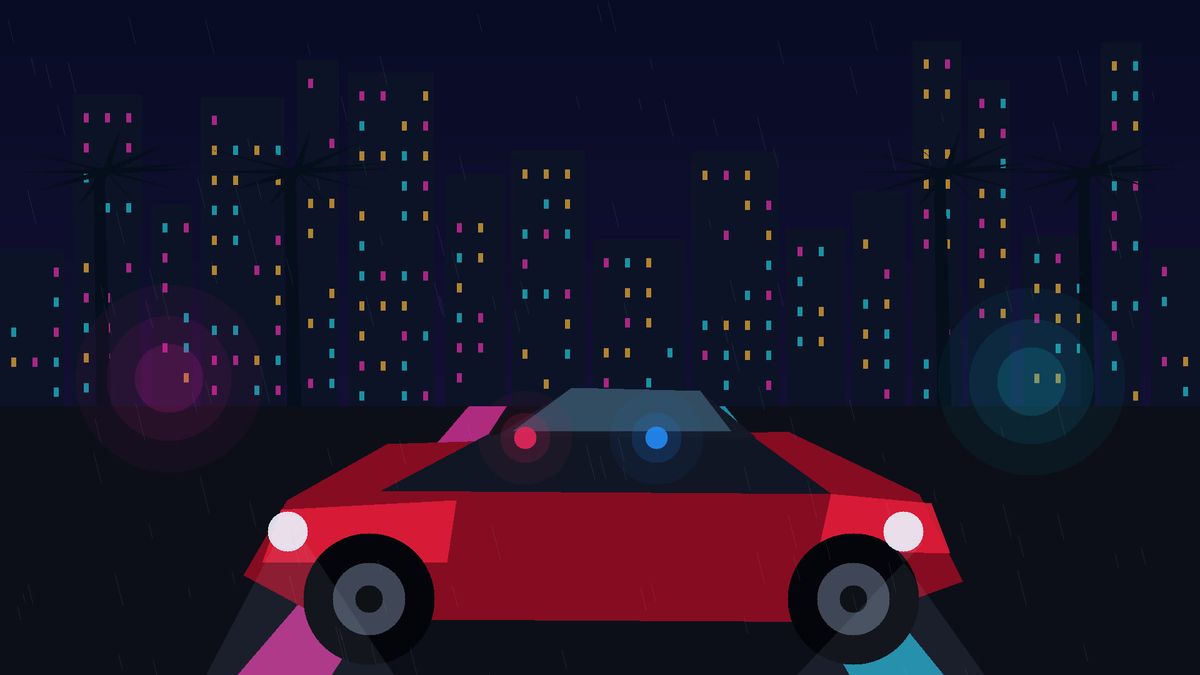
The Neon Pursuit Drive sequence uses four recognizable beats:
- Immediate placement: The driver appears inside a red convertible on a neon-lit coastal strip.
- Visible acceleration: Burnout smoke, road movement, and shifting city lights create momentum.
- Pursuit pressure: Police lights remain visible behind the car, giving the movement a reason.
- A personal ending: The final in-car selfie turns an action sequence into a shareable character moment.
That last beat is especially important. A chase made only of wide shots can feel like anonymous stock footage. Ending close to the driver makes the clip feel personal and gives the transformation a visual payoff.
What the Neon Pursuit Drive template actually does
This is a fixed motion-transfer template rather than an open-ended text-to-video prompt. You upload one photo of one person. The system maps that person into the driver role while retaining the existing vehicle, locations, movement, framing, smoke, pursuit lights, and audio.
The live page currently describes the output as:
- 23 seconds long
- vertical 9:16 format
- delivered with source audio
- available at 480p or 720p
- based on one clear photo of one person
- focused on replacing the driver while the rest of the sequence stays fixed
The landing-page preview is labeled as source reference footage, not a personalized result. Your output can therefore vary, and likeness is not guaranteed. Treat the preview as a guide to the planned shots and timing, not proof that every face or outfit will reproduce perfectly.
Generation uses credits from a paid plan. Check the current cost on the Generate Video button before submitting because resolution and product pricing can change. Higher resolution uses more credits.
How to make the car chase video step by step
1. Choose one person for the driver
Use a photo containing one clearly identifiable person. Group photos introduce ambiguity: the system may select the wrong face, blend features, or struggle to decide whose clothing should carry into the result.
A solo portrait also helps you review consent. Use a photo you own or have permission to use, especially when the finished video will be posted publicly.
2. Pick a clear, front-facing source photo
The best source image is sharp, evenly lit, and large enough to show facial features without compression artifacts. A front-facing or slightly turned pose usually transfers more reliably than an extreme profile.
The final sequence includes a close selfie, so facial clarity matters more here than it would in a distant action shot. Avoid sunglasses that hide the eyes, hands covering the face, heavy motion blur, harsh shadows, or tiny faces cropped from a larger photo.
If the photo is too small, prepare it with the image resizer rather than repeatedly saving a compressed screenshot. Resizing cannot invent lost detail, but it can help you upload a correctly formatted file without unnecessary messaging-app compression.
3. Choose the outfit deliberately
The live template states that the person’s outfit comes from the uploaded image. That makes clothing part of the creative direction, not an incidental detail.
A simple top with a clear neckline generally gives the model an easier boundary to follow. Very small patterns, reflective sequins, dangling accessories, or clothing covered in readable words can become unstable across moving frames. Solid colors and broad shapes tend to remain more coherent.
Choose an outfit that suits a fictional neon-night scenario without copying a recognizable game character or branded costume. The scene already supplies the atmosphere; your source image only needs to provide a clean identity and a compatible look.
4. Upload the image and review the crop
Open the Neon Pursuit Drive page, upload a JPG, PNG, or WEBP, and confirm that the visible crop still includes the full face. The page recommends an upper-body image and accepts files up to the displayed upload limit.
Do not assume that a portrait looks good merely because the uploader accepts it. Zoom in before generation and check:
- Are both eyes visible?
- Is the face in focus?
- Is the head cut off?
- Is another person visible at the edge?
- Does the clothing contain a large logo or readable slogan?
- Is the image already heavily filtered?
Fixing the source photo is usually more effective than generating the same weak input again.
5. Select 480p or 720p
Use 480p when you want a lower-cost draft to evaluate identity, wardrobe, and the final selfie. Choose 720p when the source photo is strong and you are ready for a sharper export.
Resolution does not solve every problem. A blurry face rendered at a larger output size remains based on blurry evidence. Test the composition and likeness first, then spend additional credits only when the source image is doing its job.
6. Check the button, then generate
Confirm the credit amount shown on the Generate button. Generation is a paid-credit action; it should not be described as free, and a fixed credit figure may become outdated.
Submit once and allow the video to finish processing. Avoid rapidly starting duplicate jobs unless you intentionally want multiple variations. When the output is ready, watch the entire clip rather than judging it from the opening frame.
7. Review the result shot by shot
Look for consistency across the complete sequence:
- Does the same person remain recognizable in each driver shot?
- Does the hairline remain stable?
- Does the outfit stay visually consistent?
- Are the hands and steering-wheel contact believable enough for the quick edit?
- Does the face hold up in the closing selfie?
- Are there strange letters, logos, or accidental visual marks?
A fast action cut can hide a small imperfection that becomes obvious when paused. Review at normal speed first, then scrub through the close-up ending.
8. Download and prepare the post
The 9:16 output is already shaped for vertical platforms. If you need a smaller file, use the video compressor after downloading. Avoid repeated exports through multiple apps because each pass can soften facial detail and neon gradients.
If you add a title card or caption, keep it away from the lower and right-side interface zones used by social apps. The video editor can help with trimming, text placement, and a clean end frame without changing the underlying transformation.
How to choose the best source photo
Use even light, not dramatic light
The finished video already introduces magenta, cyan, and blue lighting. A source photo with neutral, even illumination gives the transformation room to adopt those colors. A face lit by one strong red lamp may carry that color bias into a scene that is already visually busy.
Window light, soft indoor light, or an outdoor portrait in open shade are practical choices. Avoid a blown-out forehead beside a nearly black cheek.
Keep the face large enough to read
A full-body photo may show the outfit, but it can leave too few pixels for the face. An upper-body portrait usually offers a better compromise: enough clothing context for the driver’s look and enough facial detail for the close selfie.
If the person occupies only a small part of the frame, crop the source first. Do not enlarge a tiny social-media thumbnail and expect it to behave like a high-resolution portrait.
Avoid strong beauty filters
Filters that reshape the jaw, enlarge the eyes, erase all skin texture, or add artificial lashes can create an unstable identity. Motion transfer has to interpret those edited features from changing angles. A lightly corrected original often works better than a heavily stylized selfie.
Remove distracting bystanders
Even a partial second face can compete for attention. Crop it out or choose another image. If you need to isolate the subject from a crowded background, the background remover can create a cleaner source, though a normal uncluttered portrait is often sufficient.
Why the shot sequence works
The setting is established before the payoff
Neon architecture, palms, shoreline, and the open-top car create a readable world in seconds. The visual language suggests a fictional coastal nightlife setting without needing explanatory text.
Motion has multiple layers
The car moves, the background slides, smoke expands, lights flash, and the camera changes position. These overlapping cues produce speed more convincingly than a single moving object against a static background.
Color guides attention
The red convertible separates from blue and magenta city lighting. Police lights supply alternating warm and cool accents. The driver remains framed by the darker cabin, helping the face stay legible even in a saturated scene.
The final selfie changes the emotional tone
The ending converts pursuit tension into a playful reveal. For a personalized template, that close-up is the real product moment: viewers see who has been cast as the driver.
Seven creative directions for your finished clip
The template has a fixed story, but your source image, caption, cover frame, and post-production can give it a different tone.
1. The overconfident getaway
Choose a confident portrait and pair the final selfie with a short caption about arriving late but making an entrance. Keep the joke fictional and avoid implying a real crime.
2. The unexpected driver reveal
Use a photo whose everyday styling contrasts with the dramatic chase. The tension between an ordinary portrait and an action-film setup creates the punchline.
3. The group-chat character test
With each participant’s permission, make separate versions rather than putting multiple people in one upload. Ask viewers which friend would stay calm behind the wheel. Do not upload someone else’s image as a surprise if they have not agreed to the transformation.
4. The fashion-night version
Select a clean evening outfit and use the neon lighting as a virtual editorial backdrop. Keep logos and trademarked costume elements out of the source photo.
5. The creator intro
Use the chase as an energetic opening for a short-form series, then cut from the closing selfie into your real footage. The shift from fictional action to a direct-to-camera introduction can create a strong hook.
6. The “one photo, four scenes” comparison
Pair the result with other image-to-video experiments to show how one portrait can support different visual stories. The broader image-to-video tool is useful when you need an open-ended scene rather than this template’s fixed sequence.
7. The poster-frame edit
Extract a clean frame from your personalized result, then upscale it with the image upscaler for a thumbnail. Use your own generated output rather than the reference preview, and do not add official game logos or pretend that the result is licensed promotional art.
Prompt starters for a custom car chase concept
The Neon Pursuit Drive template does not require a prompt; its action, camera sequence, car, lighting, and audio are predetermined. If you instead build a custom scene with the AI video generator, start with short creative fragments and finish the details yourself:
- “A fictional red convertible crossing a rain-slicked coastal boulevard at night…”
- “Low tracking shot beside a generic sports car, neon reflections stretching across wet asphalt…”
- “Interior close-up of a calm driver as distant pursuit lights flicker behind…”
- “Wide aerial view of a fictional beach city, palm silhouettes and a winding night road…”
- “Final handheld selfie inside a parked convertible after a dramatic night drive…”
Add your own setting, camera movement, pacing, weather, color palette, and identity-preservation requirements. Keep the vehicle generic, avoid real logos, and do not request an exact recreation of copyrighted game artwork or characters.
Common mistakes and how to fix them
Mistake: Uploading a group photo
Why it fails: The driver identity becomes ambiguous.
Fix: Crop to one consenting person or use a solo portrait.
Mistake: Choosing a distant face
Why it fails: The closing selfie exposes the lack of facial detail.
Fix: Use a sharp upper-body photo with a larger face.
Mistake: Expecting a custom plot
Why it fails: This is a fixed template. It preserves the chase, car, camera moves, and ending.
Fix: Use the template when you want this exact structure. Use an open-ended generator when you need a different vehicle, location, action, or ending.
Mistake: Treating 720p as a repair tool
Why it fails: More output pixels cannot recover identity detail absent from the source.
Fix: Improve the input first and use a lower-resolution draft to test it.
Mistake: Reusing the page preview as your post
Why it fails: The preview is identified as source reference footage, not your personalized result.
Fix: Generate and share your own output. Use the reference only to understand timing and scene structure.
Mistake: Adding official branding
Why it fails: A fan-made style template is not an official game product, and logos can mislead viewers about affiliation.
Fix: Describe the mood as a fictional neon coastal chase. If you mention the inspiration, make the fan-made, unaffiliated nature clear.
Mistake: Ignoring the audio before posting
Why it fails: Platform rules and account types can affect how audio is handled.
Fix: Preview the source audio, check the destination platform’s current rules, and replace or mute audio when your use requires it. Do not assume a template grants every possible music or commercial-use right.
Safety, consent, and IP checks
Use your own photo or one you have permission to transform. Do not use the template to impersonate a real person, manufacture evidence of real conduct, or suggest that someone took part in a dangerous or criminal event.
Keep captions clearly fictional when the chase could otherwise be mistaken for a real incident. Do not tag a real police department, location, or person in a way that implies involvement.
The page states that the template is fan-made and is not affiliated with Rockstar Games or Take-Two Interactive. Avoid official logos, character names used as endorsements, copied key art, or captions claiming the video is leaked gameplay. A style reference should not become a false claim of sponsorship or authenticity.
For a broader overview of permitted use, review imageat’s responsible-use terms before publishing sensitive or commercial work.
Frequently asked questions
Can I make a car chase video from one photo?
Yes. The Neon Pursuit Drive template accepts one clear photo of one person and places that person in the driver role across a fixed 23-second vertical chase sequence. The car, city, pursuit, camera moves, and audio remain part of the template.
Do I need to write a prompt?
No. This template uses a prepared motion and scene sequence, so no prompt writing is required. Use a general video generator if you need to define a different car, setting, shot list, or ending.
What kind of photo works best?
Use a sharp, evenly lit, front-facing or slightly turned upper-body portrait of one person. Make sure both eyes are visible, the face is not tiny, and no other person appears at the edge.
Does the template change the car or location?
No. The live page says the driver changes while the red convertible, neon hotels, shoreline, police lights, smoke, cuts, and source audio stay fixed.
Is the result official GTA footage?
No. The page describes the experience as a fan-made style template and says it is not affiliated with Rockstar Games or Take-Two Interactive. Do not present a generated result as official footage or leaked gameplay.
How much does generation cost?
Generation uses paid-plan credits. The amount can vary with resolution and may change, so use the current cost displayed on the Generate button rather than relying on an older fixed figure.
Should I choose 480p or 720p?
Start with 480p when testing a source photo. Choose 720p when you are satisfied with the identity and outfit transfer and need a sharper final export. Higher resolution uses more credits.
Can I upload a celebrity photo?
Do not upload a person’s image without permission or use the result to impersonate them. Use your own portrait or a photo you have the rights and consent to transform.
Make the chase personal, not misleading
The strongest result starts with a clean portrait and a clear understanding of what the template controls. You provide the driver’s identity and outfit; the template supplies the red convertible, neon coastal setting, pursuit, smoke, camera sequence, source audio, and closing selfie.
Prepare one well-lit solo image, test the transfer, review the complete output, and keep the final post fictional and clearly unaffiliated. When you are ready, make your cinematic chase with the Neon Pursuit Drive trend and check the current credit cost on the Generate button before you submit.