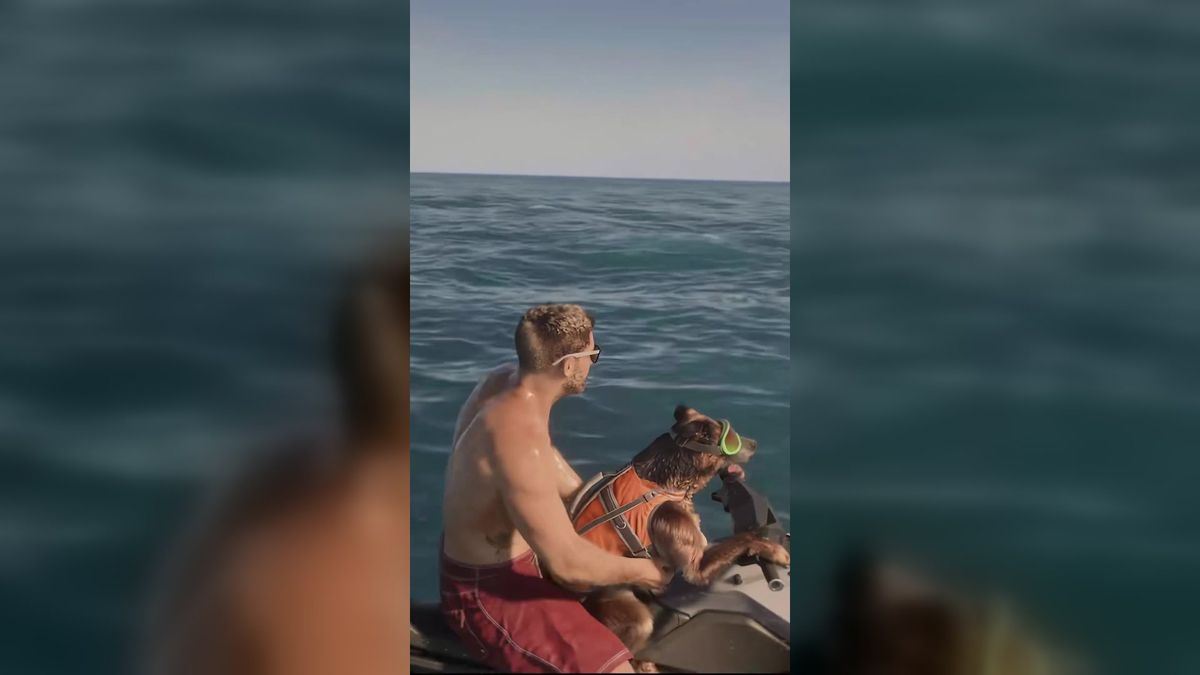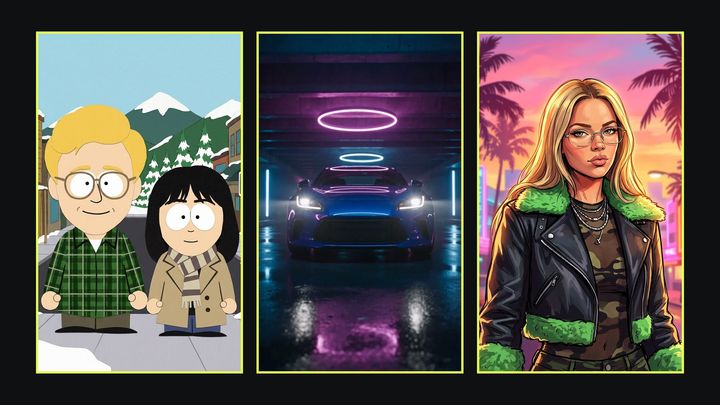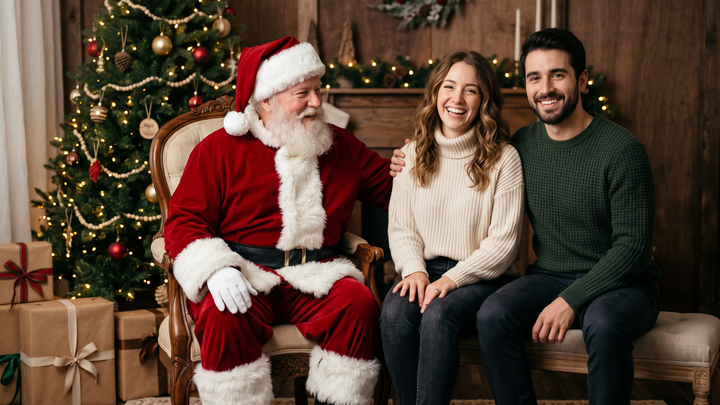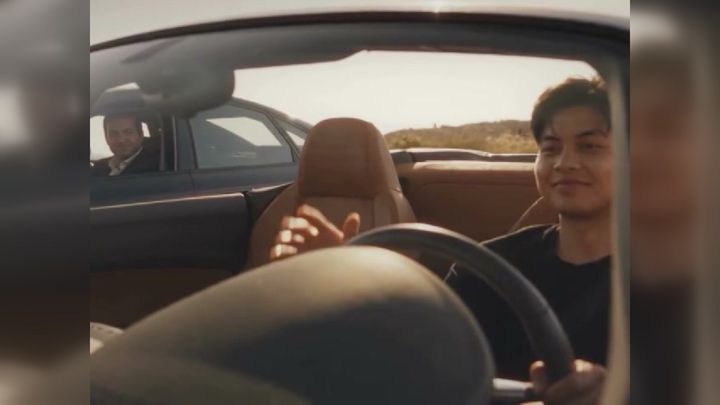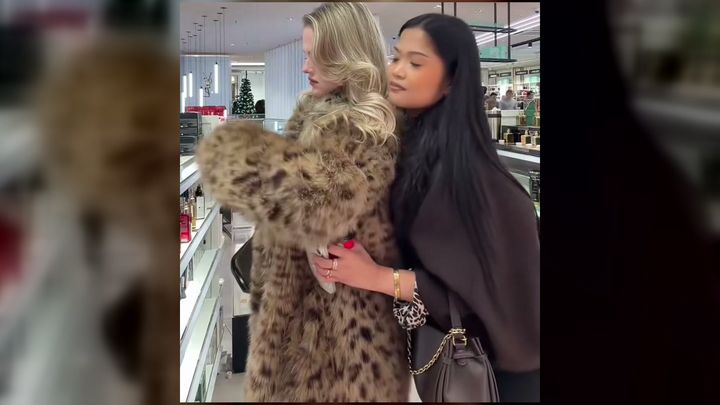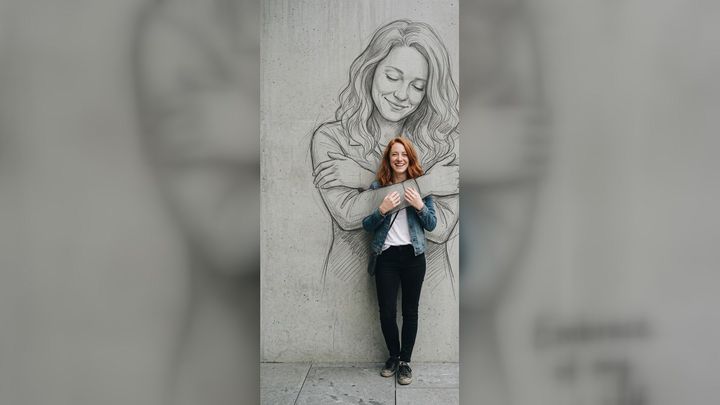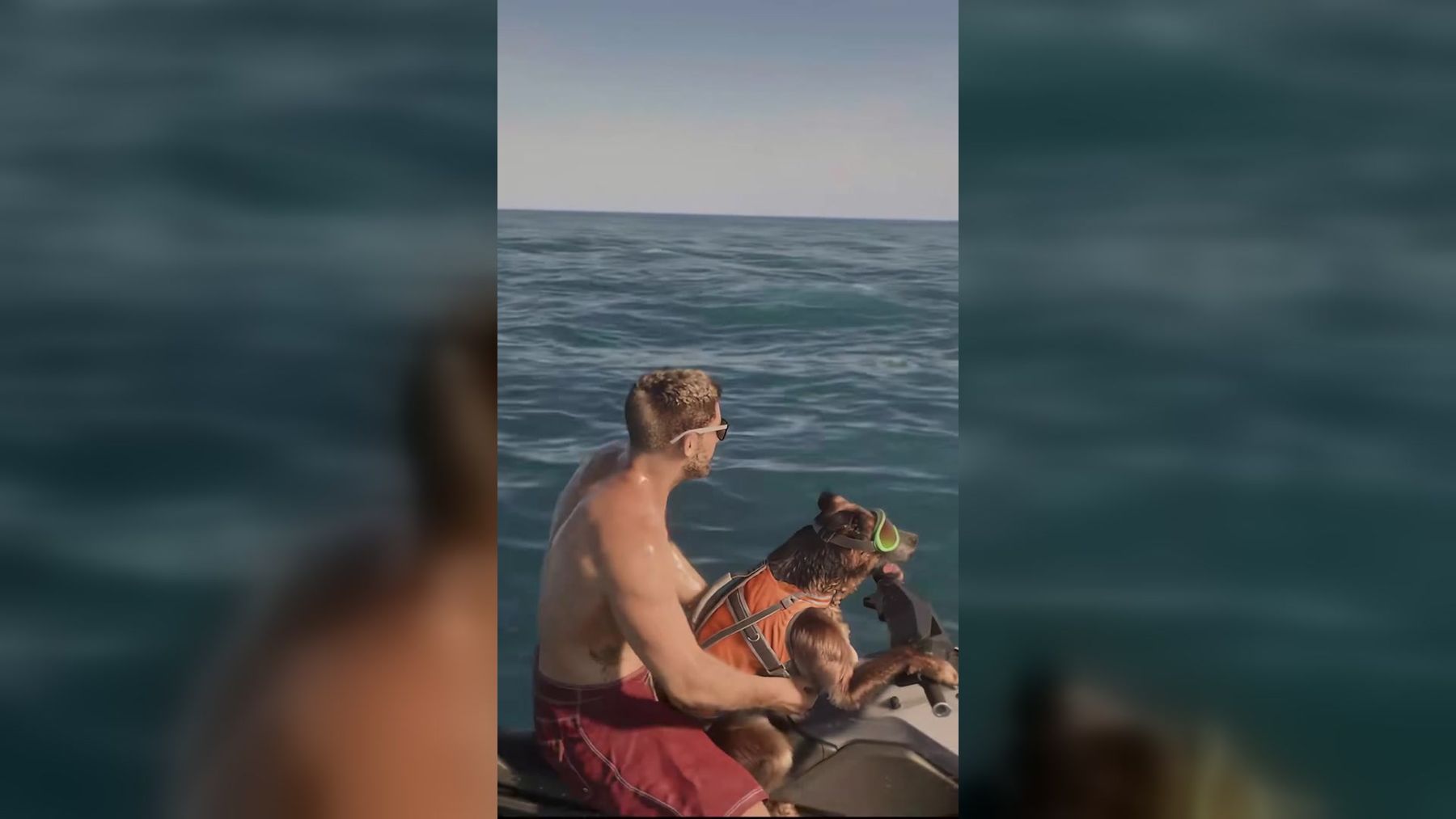
AI pet videos work best when they turn one recognizable habit into a short, readable story. Start with a clear photo, assign the pet one simple role, and choose an action viewers can understand before they scroll away. The GTA 6 Jet Ski Dog video is a useful example: one pet becomes the unlikely hero of a fixed sea-rescue scene.
You do not need to put an animal on a jet ski—or film any risky stunt—to make the joke. A generated scene can place a dog, cat, rabbit, or other pet in an exaggerated fictional role while the real animal stays safely at home. This guide covers source-photo selection, ten adaptable ideas, a practical creation workflow, and fixes for the problems that make AI animals look generic or inconsistent.
The short answer: how do you make an AI pet video?
To make an AI pet video:
- Choose one sharp photo with the pet's face and body clearly visible.
- Decide whether you want a fixed template or a custom image-to-video workflow.
- Give the pet one role and one main action.
- Keep the first clip short, usually five to fifteen seconds.
- Describe the setting, camera, motion, and mood without overloading the prompt.
- Generate a draft, then check the face, coat pattern, paws, tail, props, and background.
- Make one focused revision or choose another source photo.
- Export in the aspect ratio required by the destination.
- Label realistic results as AI-generated when viewers could mistake them for real footage.
A fixed trend template is the fastest option because its scene, camera path, duration, and sound are already defined. A custom AI video generator offers more creative control but requires a clearer brief and usually more iteration.
What makes a funny AI pet video work?
The strongest pet clips have three ingredients: a recognizable animal, an instantly legible situation, and a small escalation. The pet does not need to perform ten actions. It only needs to appear committed to one ridiculous job.
A dog steering a rescue vehicle works because the role is clear before the story develops. A cat working behind a tiny bar works for the same reason. The outfit or prop identifies the job, the pet's familiar expression supplies personality, and the action delivers the joke.
Use this simple story formula:
- Identity: the pet should still look like the source animal.
- Role: chef, driver, detective, drummer, weather presenter, or another obvious character.
- Goal: rescue someone, deliver an item, finish a task, or react to a problem.
- Complication: one harmless thing goes slightly wrong.
- Payoff: the pet succeeds, fails proudly, or looks directly at the camera.
Do not confuse complexity with comedy. A five-second clip of a serious cat ringing a hotel bell can be funnier than a crowded chase with changing costumes and six camera moves.
Choose the right pet photo
The source image gives the model its evidence. If the animal is tiny, blurry, hidden behind furniture, or partly outside the frame, the generated version has to invent important details.
Show the face and body
Use a photo where the eyes, muzzle, ears, chest, and general body shape are visible. A full-body or three-quarter view is especially useful when the scene includes walking, dancing, driving, or using props. A close portrait can work for talking-head or reaction videos, but it gives the model less information about legs, markings, and proportions.
Keep the pet large in the frame
Crop away empty floor, distant scenery, and unrelated people. The animal should be the obvious subject. You can prepare an awkward source file with the image resizer, but avoid cutting through ears, paws, or the tail just to match a vertical frame.
Prefer even light and sharp eyes
Soft daylight and a focused face make coat color and markings easier to preserve. Deep shadows can hide one side of the muzzle. Motion blur can change eye shape or merge fur with the background. Heavy beauty filters and aggressive sharpening can also introduce details the generated clip repeats inconsistently.
Use one pet unless the scene needs more
A single-animal photo gives the clearest identity reference. If a tool requests one upload, do not assume it can separate three pets from a group picture. For a duo concept, use a workflow that explicitly supports multiple references or create separate character images first.
Match the angle to the action
A front-facing sitting dog is a good source for a presenter, driver, or reaction shot. A side view can help with walking or running. A standing full-body image is a better starting point for dance and costume scenes. The closer the source pose is to the intended role, the less anatomy the system must invent.
10 funny AI pet video ideas
Each idea below has one clear story job. Use the prompt starter as a direction, then finish it with your pet's species, markings, setting, camera choice, and desired mood.
1. The unlikely rescue driver
Put the pet in charge of a fictional rescue vehicle while an adult waits for help. The humor comes from reversing the usual relationship: the human depends on the animal, and the animal behaves like a trained professional.
The jet ski format is a ready-made version. On the current imageat page, one clear pet photo replaces the dog in a 15-second vertical scene. The pet wears an orange life vest and green goggles, reaches an adult swimmer, and carries him away. The swimmer remains fixed; only the animal is personalized. The page currently offers 480p and 720p generation, with the exact credit cost displayed before the run.
Prompt starter: “A determined [pet] arrives as the rescue driver…” Add the safe fictional setting, vehicle, weather, and final reaction.
Keep this obviously imaginary. Do not stage a real rescue, place a pet near dangerous machinery, or imply that generated footage documents a real emergency.
2. The extremely serious bartender
A small bar scene gives the animal familiar props and a clear sequence: inspect a glass, add one ingredient, slide the drink forward, then wait for approval. A deadpan expression makes the contrast stronger.
For a fixed version, the Dog Bartender trend supplies the established action. For a custom clip, simplify the counter and avoid bottles with readable labels. Ask for one deliberate paw movement rather than a complicated cocktail routine.
Prompt starter: “A focused [pet] works behind a miniature hotel bar…” Finish the drink color, lighting, camera height, and closing look.
3. The snack critic
Turn the pet's real food preferences into a review show. Place one harmless pet-safe treat on a clean table, let the animal inspect it with exaggerated concentration, and end with a decisive reaction.
The joke can be approval, suspicion, or total indifference. Avoid depicting unsafe foods as suitable for animals. If the scene is fully fictional, do not use it as feeding advice. The Cute Dog Snack trend can provide a ready-made starting point for this type of visual gag.
Prompt starter: “A tiny food critic examines one pet-safe snack…” Add the expression, plate style, camera framing, and verdict gesture.
4. The neighborhood weather reporter
Dress the pet for the conditions and let it report from a window, porch, or miniature studio. A windswept dog can lean into the forecast; a cat can remain unimpressed while rain hits the glass.
Use environmental motion instead of making the animal perform too much. Moving curtains, falling rain, or a slowly turning weather prop can make a static source image feel alive. Avoid fake station logos and generated lower-thirds, which often produce unreadable text.
Prompt starter: “A calm [pet] presents today's dramatic weather from…” Finish the location, weather, outfit, and one final reaction.
5. The late office manager
Put the pet behind a neat desk with one obvious task: stamp a paper, answer a toy phone, close a laptop, or stare at an empty meeting room. One prop is enough to establish the role.
This works especially well for pets with naturally stern expressions. Keep screens blank or abstract rather than asking the model to generate readable email. A medium shot also reduces the chance of malformed paws interacting with a tiny keyboard.
Prompt starter: “An overworked [pet] manages a quiet office after hours…” Add the single task, desk color, lighting, and camera move.
6. The dance-crew leader
A dance video can work when the body is clearly visible and the movement is short. Choose one repeatable step, keep the camera stable, and ask background characters to follow rather than perform unrelated routines.
The Dog Dance Crew trend offers a fixed interpretation. For a custom version, prioritize rhythm and silhouette over acrobatics. Four clean steps are more convincing than flips, costume changes, and a spinning camera in one clip.
Prompt starter: “A confident [pet] leads a small dance crew through…” Complete the step, location, beat, framing, and ending pose.
7. The tiny detective
Build the scene around one harmless mystery: a missing toy, an empty treat jar, muddy paw prints, or a squeaky sound behind a cushion. The pet examines two clues and finds the answer.
A low camera angle makes the animal feel important. Use large props that remain visually stable, and avoid rapid cuts between many rooms. If the video tool only creates one continuous shot, let the pet move from the clue to the reveal within the same space.
Prompt starter: “A careful [pet] detective follows a trail of…” Add two clues, the room, lighting, and reveal.
8. The unqualified fitness coach
The pet demonstrates one gentle movement while an adult tries to copy it. A stretch, head tilt, short trot, or proud sitting pose is enough. The payoff can be the pet losing interest while the human keeps exercising.
Do not depict forced animal performance, unsafe equipment, or extreme exercise. A fictional gym mat and an ordinary natural movement are safer and usually funnier than complicated stunts.
Prompt starter: “A patient [pet] coaches one adult through…” Finish the simple movement, room, camera position, and comic ending.
9. The hotel concierge
Place the animal beside a bell, key hook, or luggage cart and give it one guest request. The pet can ring the bell, point toward an elevator, or inspect a suitcase with unreasonable suspicion.
The visual language is familiar, so the clip needs little explanation. Keep the hotel name absent and the keys oversized. This prevents distracting text artifacts and makes paw-object interaction easier to read.
Prompt starter: “A polished [pet] concierge welcomes one guest and…” Add the request, lobby style, uniform detail, and final reaction.
10. The dramatic movie hero
Give the pet a harmless mission with cinematic treatment: carry a favorite toy across a living room, cross a blanket fort, or protect a snack from a robotic vacuum. Use low angles, slow motion, and strong backlight to make an ordinary action feel enormous.
The story should remain original rather than copying a specific movie scene or official character. Broad genre cues—adventure, noir, space opera, or sports drama—give the model enough direction without requiring logos, costumes, or copyrighted dialogue.
Prompt starter: “An ordinary [pet] becomes the hero of a miniature adventure…” Finish the mission, obstacle, camera movement, and victory pose.
A practical AI pet video workflow
1. Pick the format before writing
Choose vertical 9:16 for Reels, TikTok, and Shorts. Use landscape 16:9 for a wider scene or YouTube player. A template may lock the aspect ratio and duration, so read its output details before uploading.
2. Choose template or custom generation
Use a template when you want a known scene with fixed roles, camera, and sound. Use custom generation when the pet's real personality or your own story matters more than reproducing a trend. The template route reduces prompt work; the custom route gives you more control over setting and action.
3. Write a motion brief
Describe what changes over time, not only what the first frame looks like. Include:
- the pet's role and recognizable markings;
- one setting;
- one primary action;
- camera distance and movement;
- lighting and overall tone;
- the final pose or reaction;
- details that should remain stable.
Avoid stacking contradictory instructions. “Static camera” and “fast orbiting shot” cannot both guide the same moment.
4. Generate a short draft
Start with the shortest useful version and a moderate resolution if the workflow offers quality options. AI generation on imageat uses paid credits; it is not a free local rendering process. The live Generate button or pricing shown before the run is the authoritative cost because model and template prices can change.
5. Review identity and motion
Watch the full clip more than once. Check:
- eye color, muzzle shape, ear position, and coat markings;
- number and shape of legs and paws;
- collar, harness, goggles, or clothing continuity;
- whether the body changes size between frames;
- whether props pass through the animal;
- whether the background jumps;
- whether the ending is usable rather than cutting mid-action.
A funny premise does not excuse a broken face or distressing anatomy. If the animal no longer resembles the source, switch photos before spending several attempts on prompt changes.
6. Revise one variable
If the paws fail, simplify the interaction. If identity drifts, reduce camera movement and use a clearer source image. If the joke is confusing, remove a secondary action. Focused revisions reveal what helped; rewriting everything at once does not.
7. Prepare the final file
Trim empty frames only if the template license and workflow permit editing. Keep music and source audio rights in mind. If the output is too large for the destination, use the video compressor after the visual edit is final.
Common problems and how to fix them
The pet changes breed or coat pattern
Use a closer, sharper reference with visible markings. Mention only the identity features that matter most, such as white front paws, one dark ear, or a striped tail. Too many descriptive adjectives can compete with the image.
Paws merge with props
Ask for one broad interaction and use a larger object. Replace “types rapidly on a laptop” with “rests one paw beside a closed laptop.” Side-step tiny utensils, strings, and transparent objects until the main character is stable.
The scene feels random
Give the pet one goal. “A dog in a kitchen” is an image description; “a dog chef plates one biscuit and waits for approval” is a video beat.
The clip looks static
Add subtle environmental motion and one camera instruction: a slow push-in, curtains moving, water rippling, or steam rising. Do not compensate with five unrelated actions.
Text appears garbled
Generate the scene without signs, labels, captions, or logos. Add accurate text afterward in an editor, where spelling and placement are controllable.
The result looks real enough to mislead
Caption it as AI-generated, especially if it shows danger, rescue, public events, or a person who could be identified. Do not present fictional animal behavior as real training, veterinary advice, or documentary footage. Use your own pet photo or obtain permission from the owner, and follow the responsible-use rules.
Frequently asked questions
Can I make an AI pet video from one photo?
Yes. Many fixed templates and image-to-video workflows accept one reference photo. A clear full-body or three-quarter image provides more identity and anatomy information than a distant or heavily cropped picture. The exact input requirements depend on the selected page.
Can I use a cat instead of a dog?
The Jet Ski Dog page states that other pets can work when the face and body are clearly visible. Whether a different species fits another template depends on its instructions and expected motion. Review the preview and input labels before generating.
Do I need to write a full prompt?
Not for a fixed trend template. Its scene and motion are already configured. A custom generator needs a more complete motion brief, but concise instructions usually work better than a long list of unrelated visual details.
Are AI pet videos free to make?
Browsing ideas and preparing a photo can be free, but generation on imageat uses paid credits. Fixed templates and video models can have different prices. Check the amount shown on the live page before confirming a run.
How long should an AI pet video be?
Five to fifteen seconds is enough for one setup and one payoff. Longer clips need additional beats and increase the chance of identity drift. The Jet Ski Dog template currently uses a fixed 15-second vertical format.
Is the Jet Ski Dog example real game footage?
No. The live page describes the result as an AI-generated video that follows source reference footage, not footage from a game. Personalized output replaces the featured dog with the uploaded pet while the established scene remains fixed.
Can I post the result on social media?
Check the current terms, make sure you have rights to the uploaded photo and any added audio, and label realistic synthetic scenes when context could mislead viewers. Do not claim affiliation with a game publisher or present fan-style output as official footage.
Make the first story simple
Choose the joke before the model. One clear pet photo, one role, one action, and one payoff are enough for a memorable first clip. If the rescue-driver idea fits your animal, open the GTA 6 Jet Ski Dog video, confirm the current inputs and credit cost, and generate a fictional version without putting any real pet in danger.