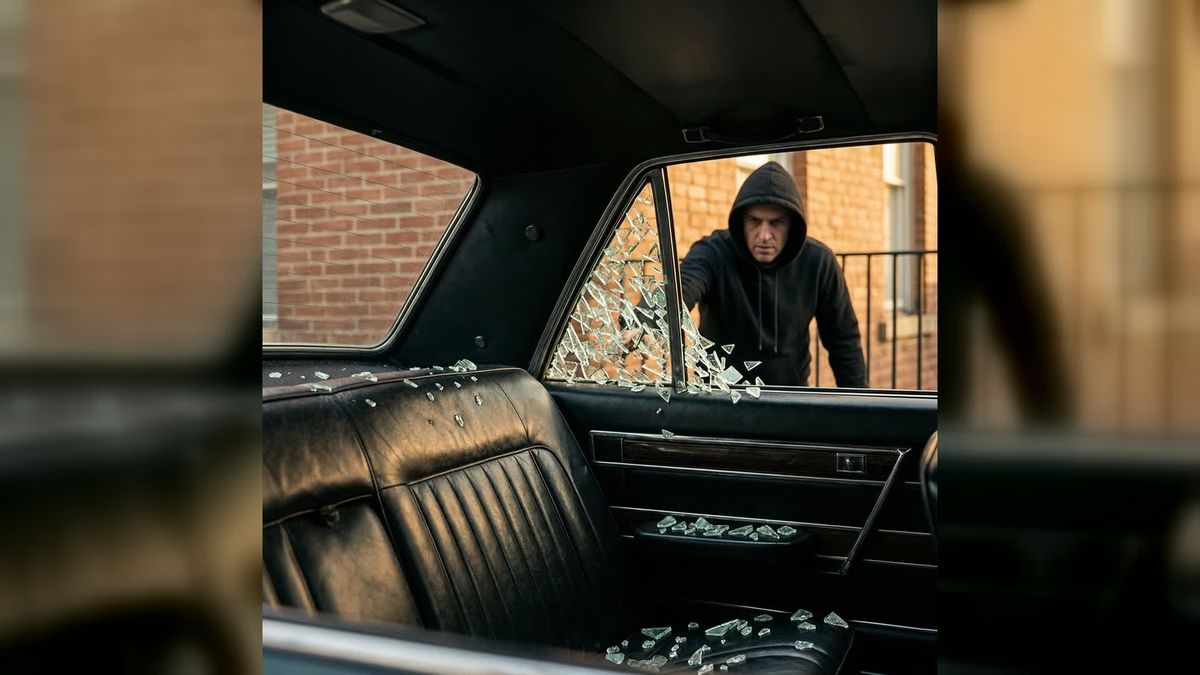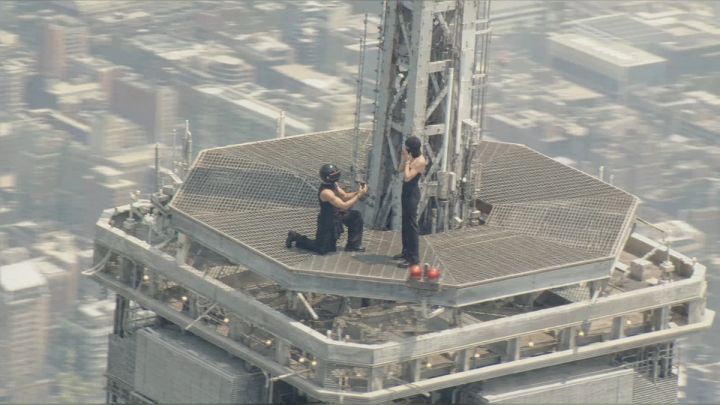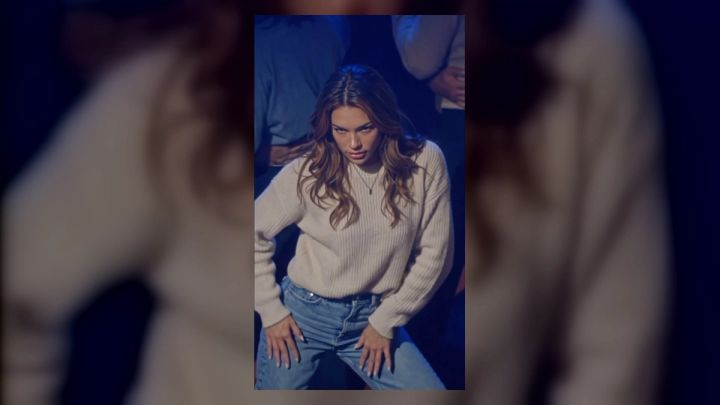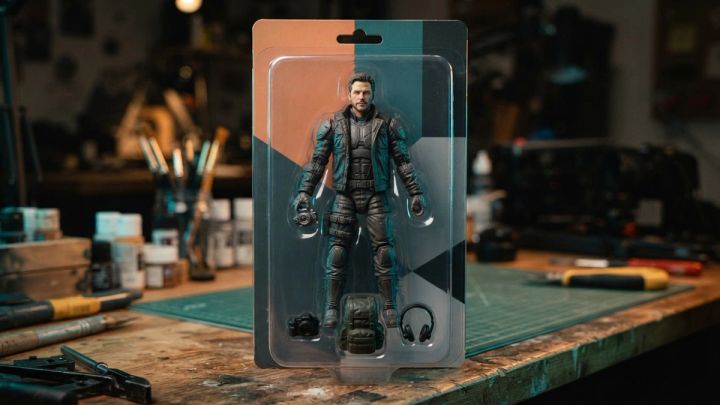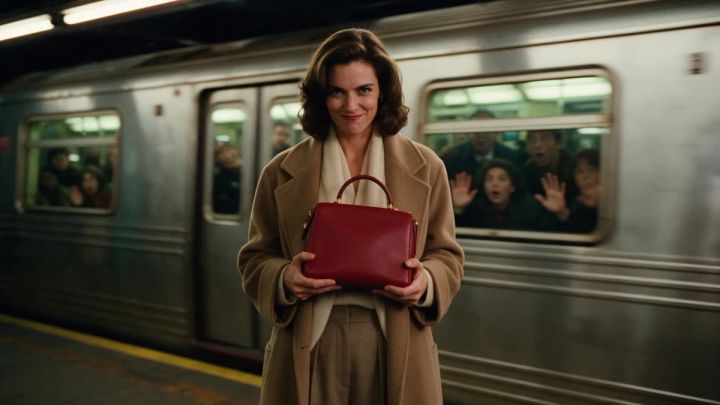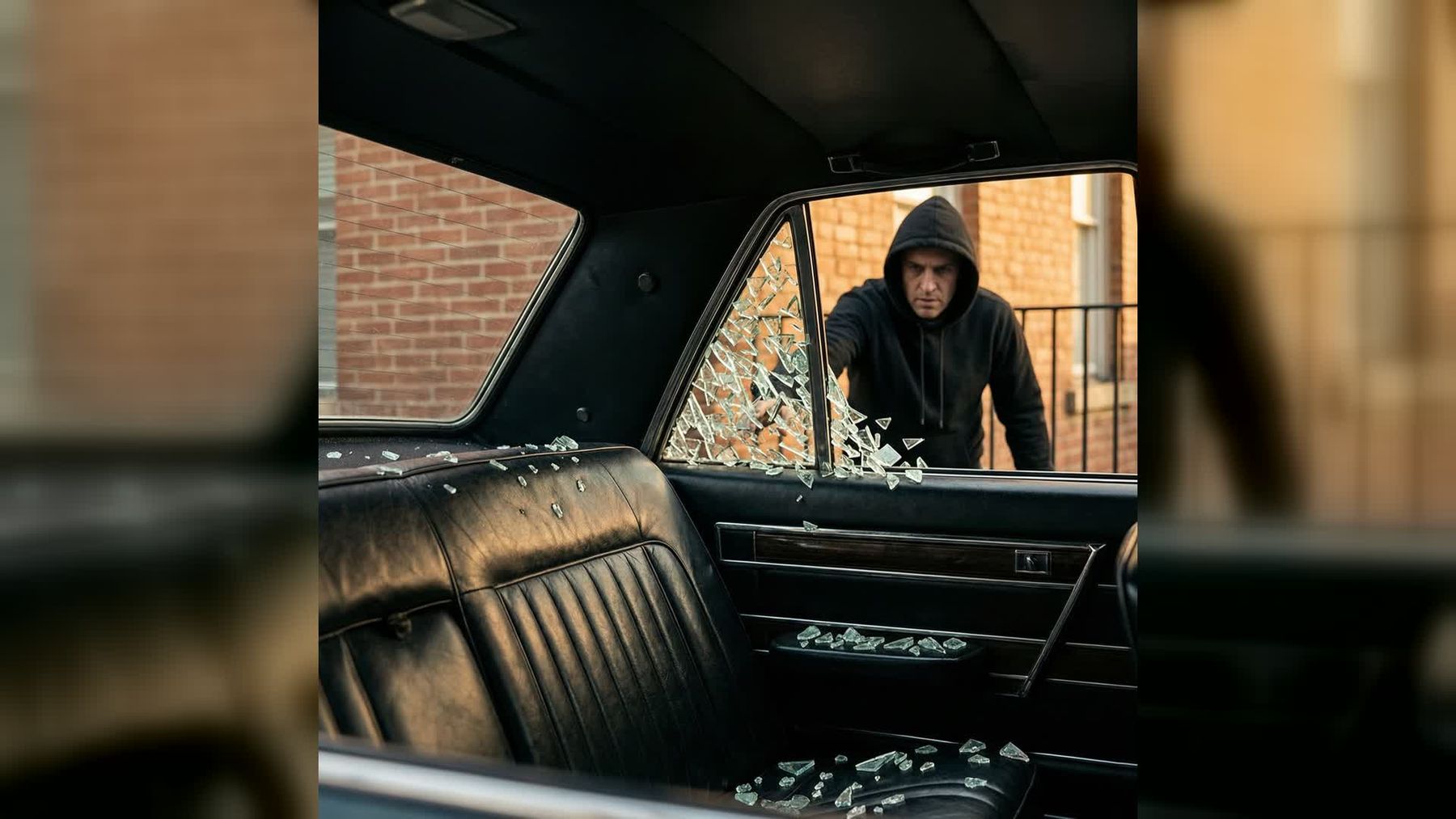
A convincing action short needs more than fast movement. The character, prop, camera, sound, and final getaway must all belong to the same scene. The smash-and-grab AI video generator on imageat packages those beats into a fictional 15-second sequence made from two uploads: one photo defines the on-screen character, and the other defines the object taken from the car.
The result is a vertical, cinematic scene with synchronized ambience, breaking glass, footsteps, and a siren at the end. This guide covers how to prepare both references, choose a prop that moves believably, review the generated action, and present the clip clearly as fictional entertainment—not as a depiction of a real crime.
What the effect creates
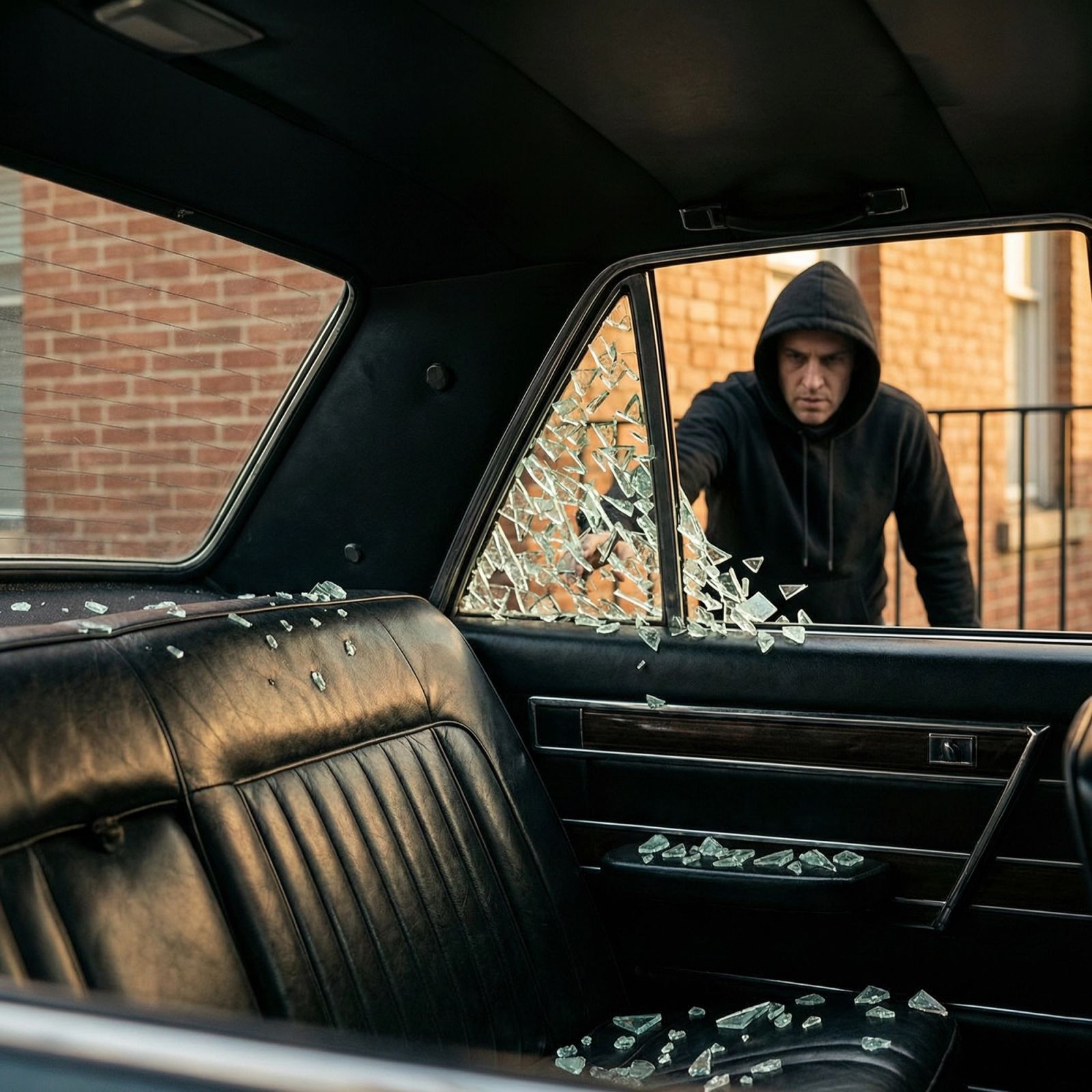
The workflow turns two still images into a complete action beat. The first upload becomes the fictional thief. The second becomes the object visible on the back seat and carried away during the getaway.
The current output is:
- 15 seconds long
- Vertical 9:16
- Available in 480p or 720p
- Delivered with synchronized sound
- Built around a car-window break, object pickup, escape, and approaching siren
The sound layer includes street ambience, the glass impact, footsteps, and a siren that rises near the ending. Because those cues are generated with the scene, the action has a clearer sense of timing than a silent clip with random effects added afterward.
Credit requirements may vary by resolution and can change as the workflow is updated. Check the live page for the current cost before generating.
Keep the concept fictional and safe
This effect is best treated as stylized action storytelling: a movie beat, game-like character scene, costume concept, or exaggerated product reveal. It is not a tutorial for committing theft, damaging a vehicle, selecting a target, bypassing security, or avoiding law enforcement.
For responsible use:
- Use your own face or a person who has clearly agreed to appear
- Avoid presenting a real person as a criminal without consent
- Do not use a real victim, identifiable private vehicle, address, or license plate
- Do not suggest a real brand or public figure endorsed the scene
- Use objects and logos you own or have permission to feature
- Label the post as AI-generated or fictional when the context could be misunderstood
A stylized wardrobe, invented setting, or obviously cinematic caption can reinforce that the clip is entertainment rather than real footage.
What you need before generating
Prepare exactly two reference images in the correct order:
- Person photo: the character who appears in the scene
- Object photo: the item positioned inside the car and carried away
The order matters. Reversing the files can confuse the workflow because each slot has a different purpose.
You can use many kinds of props: a phone, camera, handbag, compact case, small box, or guitar case. The model adapts the character’s grip and carrying motion to the apparent size and shape of the uploaded object. A simple, readable silhouette is easier to animate than a transparent, highly reflective, or visually cluttered item.
Choose a full-body person photo
The final scene shows more than a face. The character approaches the vehicle, interacts with the window, picks up the object, and runs. A full-body reference therefore gives the model useful information about clothing, proportions, and shoes.
Use a photo with:
- One person only
- The entire body visible from head to toe
- A clear face in even light
- Arms and legs separated enough to read the silhouette
- An outfit that is not hidden by a coat, furniture, or another person
- A simple background
- Minimal motion blur or compression
A front-facing or slight three-quarter pose usually provides a clearer identity reference than an extreme side view. Avoid sunglasses, masks, heavy filters, and hands covering the face.
Include the footwear if you want it to remain recognizable during the running shot. A cropped portrait may preserve the face but leaves the model to invent the lower-body styling.
Photograph the object like a product
The second upload should explain the object without requiring the model to separate it from a busy scene. A straightforward product photo works best.
Aim for:
- The entire item inside the frame
- A plain, contrasting background
- A straight-on or simple three-quarter view
- Soft, even lighting
- Sharp edges and visible handles or grips
- No hands covering important details
- No unrelated items beside it
The object should have a plausible scale for the action. A phone, bag, camera, case, or compact package can move naturally from a seat to a person’s hand. If you use an unusually large prop, expect the carrying motion to become more complex.
Fine logos and tiny printed text may change across frames. For commercial work, judge the object by its shape, colour, material, and overall recognition rather than assuming every label will remain exact.
Match the character and prop creatively
The two references can tell a miniature story even before generation. A few combinations:
- A retro-dressed character and an old camera case
- A fictional spy and a sealed silver briefcase
- A masked comic-book-style antihero and a glowing prop box
- A fashion character and a statement handbag
- A game-inspired courier and a rugged equipment case
- A creator filming a parody scene with an oversized novelty item
Keep the concept obviously fictional. Avoid realistic police evidence, real stolen-property claims, or captions that accuse an identifiable person.
Colour coordination can make the object easier to follow. If the character wears dark clothing, a bright prop will remain visible through the fast movement. If both character and object use similar tones, use a simple prop background so the uploaded shape is still unambiguous.
Step-by-step workflow in imageat
1. Open the dedicated video effect
Visit the smash-and-grab trend page. The preset already defines the action order, vertical composition, camera treatment, and synchronized sound.
2. Upload the person first
Choose the full-body reference. Confirm that the preview includes one person, a visible face, complete clothing, and shoes.
3. Upload the object second
Add the clean product-style photo to the object slot. Make sure the file shows the item itself rather than a lifestyle image with several possible products.
4. Choose 480p or 720p
Use 480p for an early test when you are checking identity, prop recognition, or general action. Choose 720p for a sharper final version after the references are working. The live page displays the current credit requirement for each option.
5. Generate the 15-second clip
Keep the browser session available while the job processes. When the result appears, play it from the beginning with sound.
6. Review motion and audio together
Check the whole sequence for:
- A stable face and outfit
- A recognizable object before and after pickup
- A believable grip for the object’s size
- Coherent contact with the window and car
- Natural leg and foot motion in the getaway
- Sound cues aligned with visible events
- No unintended logos, plates, faces, or background details
A single attractive frame is not enough; temporal consistency determines whether an action video feels convincing.
How to improve a weak result
The character’s outfit changes
Use a sharper full-body photo with a simple background and clearly visible shoes. Avoid layered group scenes or partially hidden clothing.
The prop loses its shape
Replace the object reference with a straight-on image on a plain background. Remove hands, decorative packaging, and nearby objects.
The pickup looks unnatural
Choose a prop with an obvious grip or handle. A bag or case often gives the model clearer physical information than an irregular decorative object.
The face drifts during the running shot
Use a high-resolution identity image with even frontal light and no sunglasses or heavy filter. Fast motion is demanding, so simplify other visual details where possible.
The clip looks too real for the intended joke
Use a visibly stylized character, add a clear “AI-generated fictional scene” caption, and avoid recognizable real-world identifiers.
Prompt starters for custom action variations
The dedicated page handles the main scene without requiring a custom prompt. If you later build a separate cinematic variation, start with an incomplete direction and add your own setting, wardrobe, camera, and safety constraints:
- “Fictional action-comedy scene, clearly stylized, one character retrieves…”
- “Fast vertical movie beat with a dramatic object reveal and…”
- “Nighttime cinematic parody, stable character identity, synchronized…”
- “Game-trailer-inspired getaway with an invented vehicle and…”
These are creative starters, not operational descriptions or complete prompts. Keep the event fictional and avoid instructions that could facilitate real wrongdoing.
Edit for a clear social post
The generated 9:16 format is already suited to mobile feeds. A light edit can improve context without overwhelming the sequence.
Add a fiction label early
A short caption such as “AI-generated action scene” or “fictional movie test” helps viewers interpret the video correctly. Place it inside the safe area and keep the character visible.
Preserve the synchronized sound
The glass, footsteps, ambience, and siren form one sound arc. If you add music, lower it enough to retain those cues. Do not move sound effects independently unless you also retime the visual event.
Choose a non-misleading cover
Use a frame that looks cinematic rather than documentary. Avoid a thumbnail that could be mistaken for evidence of a real incident.
Write a story-led caption
Focus on the creative premise:
- “A 15-second fictional getaway scene built from two stills.”
- “What object should the character retrieve in the sequel?”
- “Testing a game-trailer look with synchronized sound.”
Do not tag an uninvolved person or business in a way that suggests the event happened.
Where this effect fits in a creative campaign
The action format can be one part of a larger sequence. A creator could introduce the fictional character in a portrait, use this clip as the central action scene, and follow it with a calmer product close-up.
For a different transformation rhythm, the fan blade outfit change effect focuses on four fashion reveals. The subway freeze video generator offers a landscape product-story format with a time-stop moment instead of a getaway.
FAQ
How many photos do I need?
Two. The first defines the fictional character, and the second defines the object inside the car.
Can I use any object?
The workflow can interpret many objects, but clean, compact items with a clear silhouette and plausible grip generally read best.
Does the generated clip include sound?
Yes. The current effect includes synchronized street ambience, breaking glass, footsteps, and a siren near the ending.
How long and what shape is the video?
The result is a 15-second vertical 9:16 video, available in 480p or 720p.
Is this intended to show a real event?
No. Use it for fictional, stylized, or clearly labeled entertainment. Do not depict a real person as a criminal without consent or present the output as genuine evidence.
Should I upload a portrait or full-body image?
A full-body image is preferable because the final scene shows the character’s outfit, shoes, and running motion.
Create a fictional two-photo action scene
The most reliable setup is simple: a sharp full-body character image, a clean object photo, correct upload order, and an unmistakably fictional concept. Review both movement and audio before sharing, and add context if viewers could mistake the result for a real incident. When both references are ready, open the smash-and-grab AI video generator on imageat to create the complete 15-second sequence.