Plastic Surgery AIExplore your next look.
Preview cosmetic changes, clear blemishes, try eye and hair colors, or discover a new makeup look — all from your own photo.
Make it yours
Preview a different nose shape.
See all before & after examples4 credits per preview
Upload an adult photo you have permission to edit. For body previews, use a fully clothed photo showing the area you want to change.
Example before & after
21 ways to explore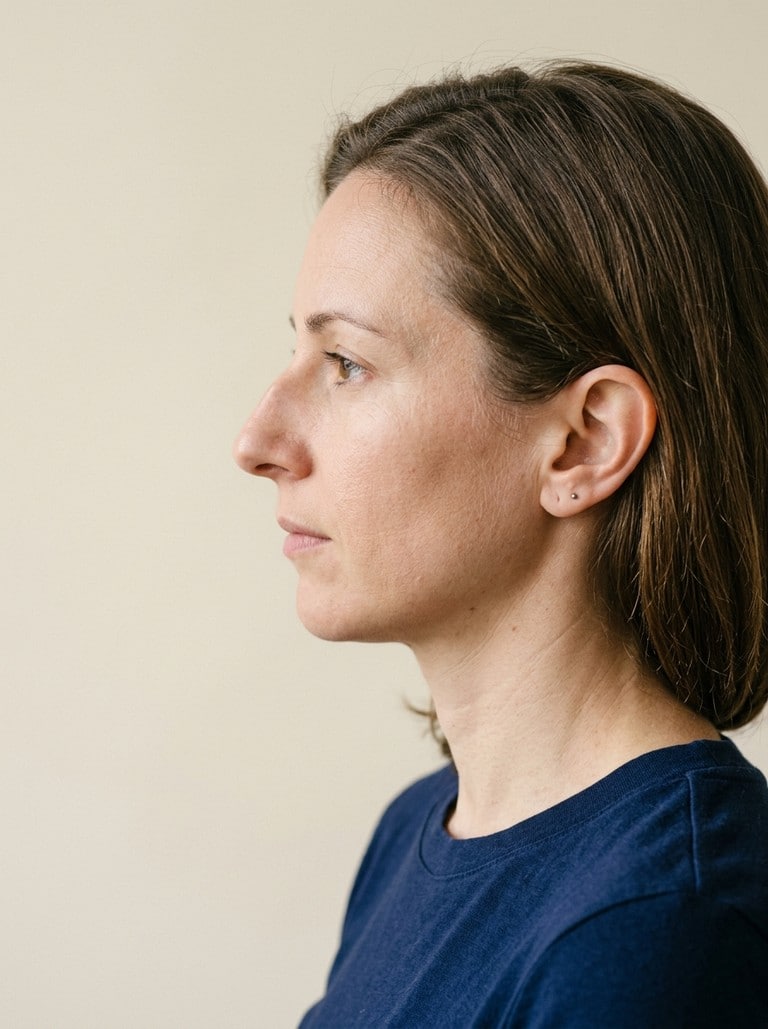
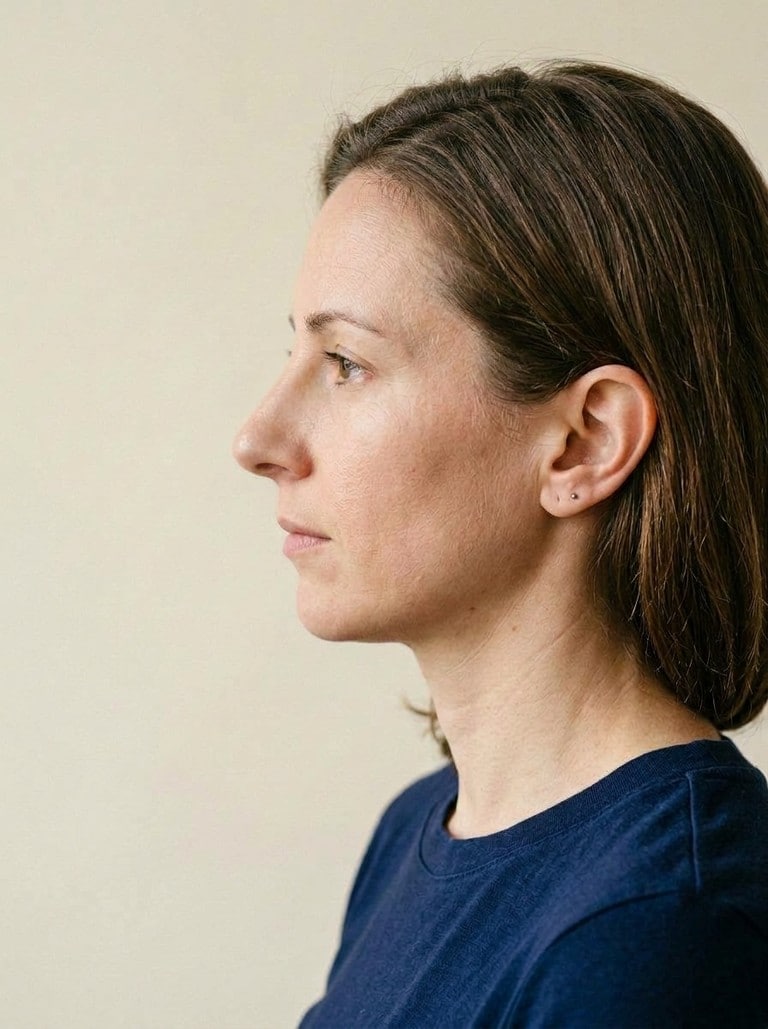
Nose reshaping · Straight bridge
Illustrative AI example · Pronounced intensity. Upload your photo to try your own look.
AI-generated cosmetic simulation. Results can differ from real procedures. This tool does not provide medical advice, diagnosis, or predictions of surgical outcomes.
Find your look. See the change.
A before & after example for every tool. Select a card to try that edit.
Examples show one representative style per tool, generated with Nano Banana 2. Your result will depend on your photo and settings.
Before you try a new look
What photo should I upload?
Use a clear, well-lit adult photo without heavy filters. A front-facing selfie works for makeup and color changes; a profile photo can help you explore nose shapes. Each preview edits the angle in the photo you upload.
Can I preview an actual surgery result?
These images are creative simulations, not medical predictions. Anatomy, treatment and healing affect real outcomes. Discuss procedures with a qualified clinician.
Where can I find my results?
Completed previews are saved to your imageat generation history. You can also download your result here. Each new preview uses the original uploaded photo.