AI GIF
Generator
Type an idea or upload a photo and get a looping animated GIF back in seconds. Text to GIF and photo to GIF in one tool, with 4 to 16 frames and adjustable speed.
The short answer
imageat's AI GIF generator turns a text prompt or a photo into an animated GIF using OpenAI's GPT Image 2.6. Choose 4 to 16 frames, slow, normal or fast playback, and an aspect ratio from 1:1 to 9:16. A GIF costs 3 credits on Low, 4 on Medium and 6 on High quality; sign-up is free and results usually arrive in 15 to 40 seconds.
What you can make
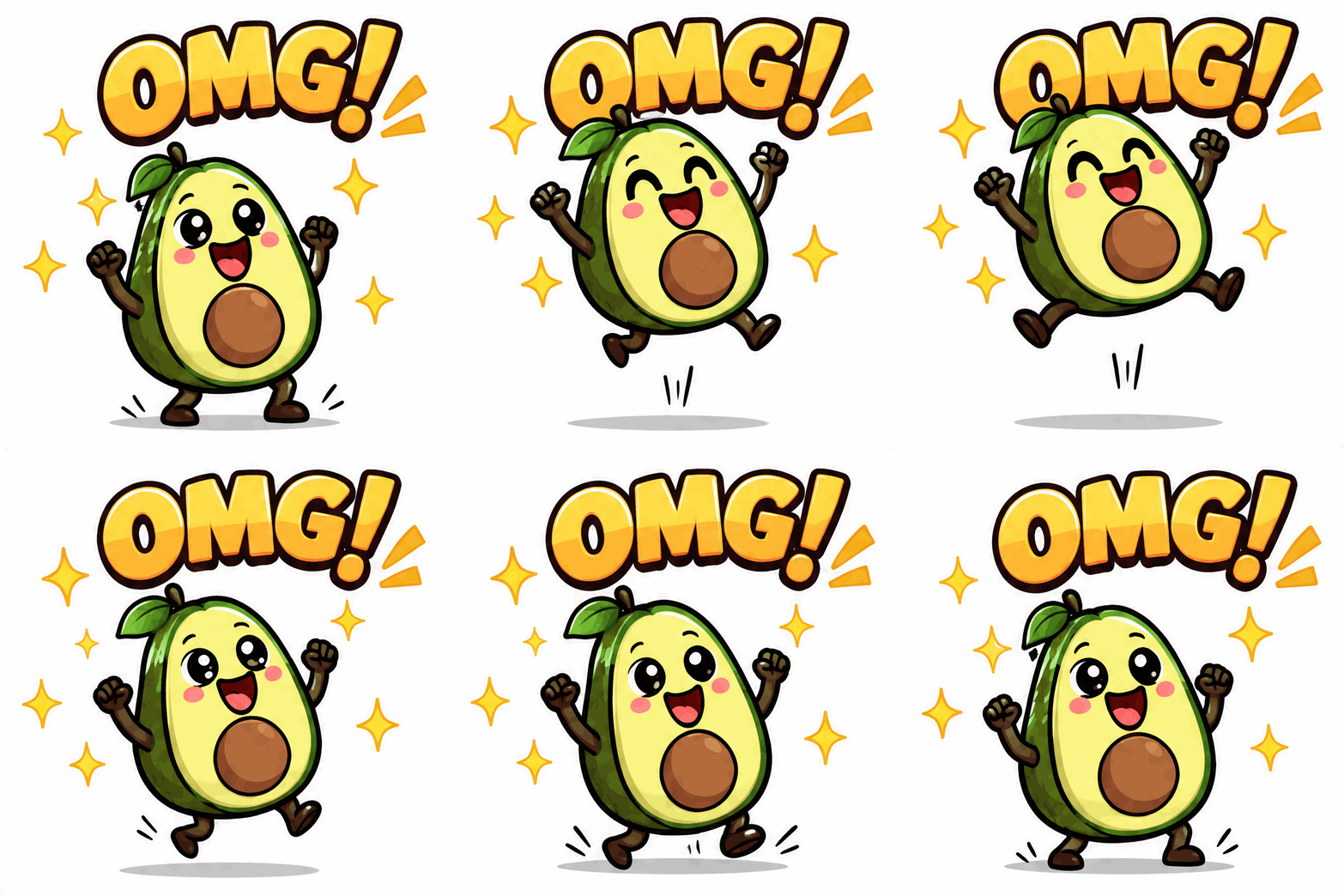
Reaction stickers
Bouncy characters with a word like "OMG!" or "NICE!" for chats, comments and Stories.
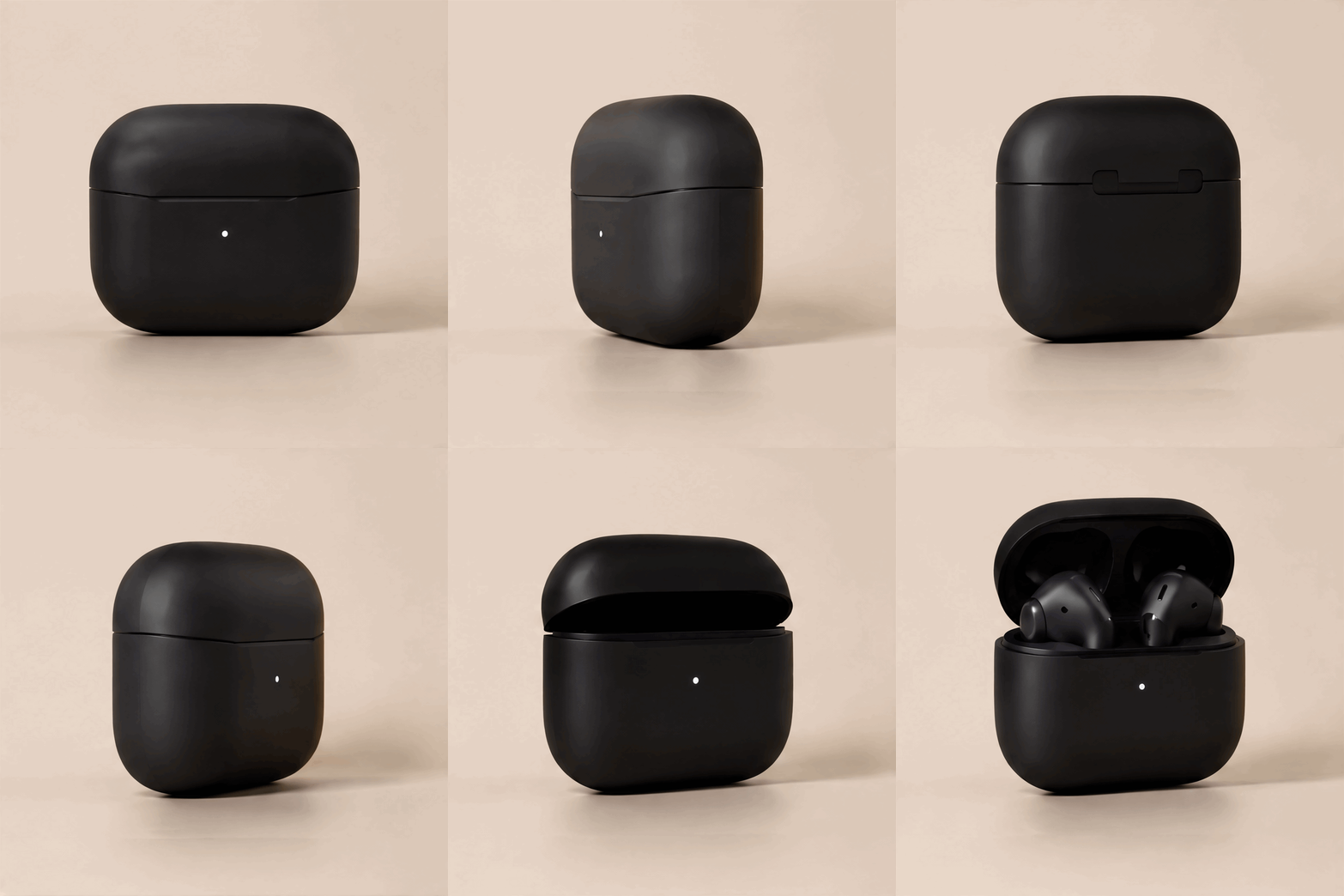
Product spins
A product turning on a clean background for shop listings, ads and email headers.
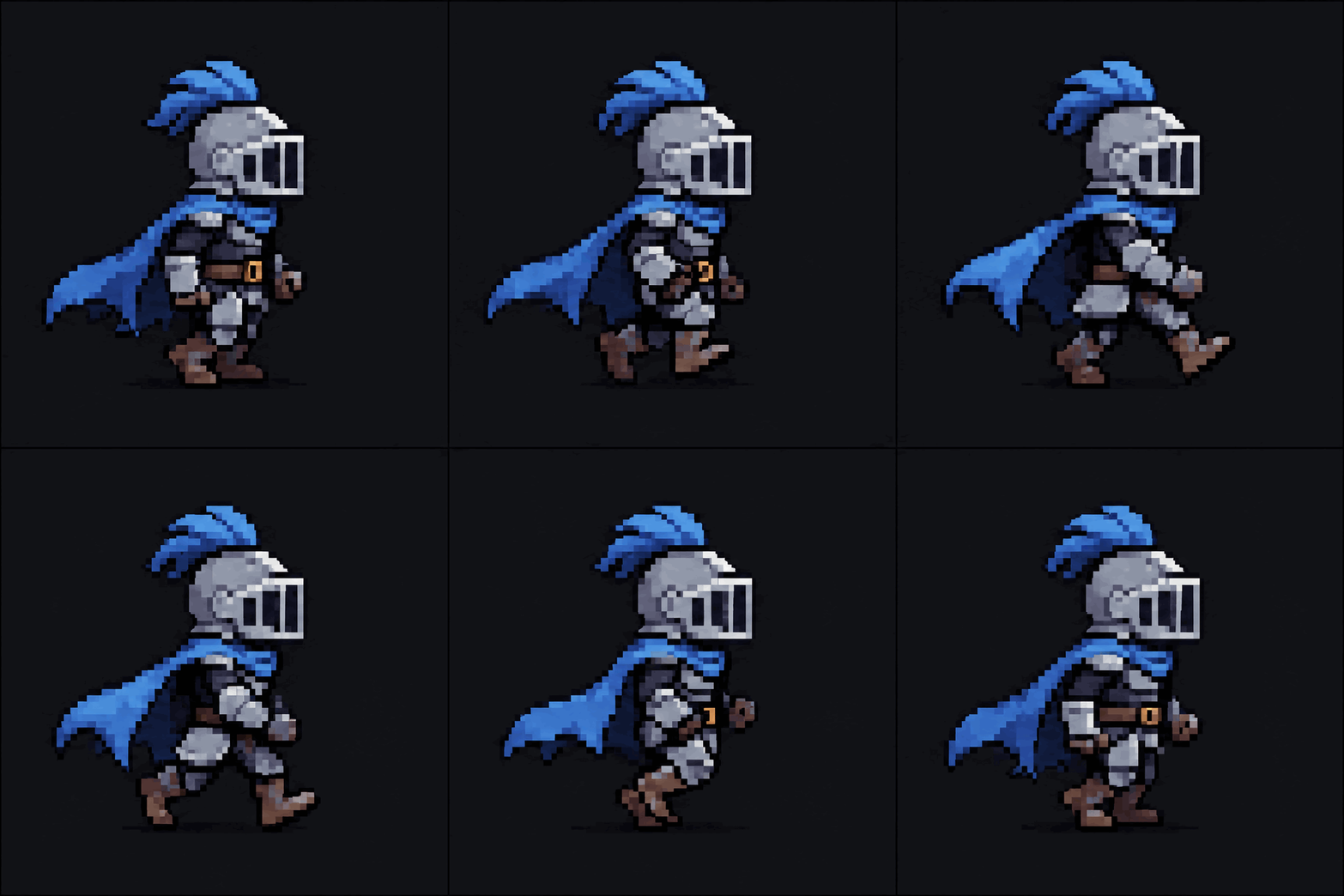
Pixel-art sprites
Walk cycles and idle loops for 2D games, prototypes and retro-style posts.
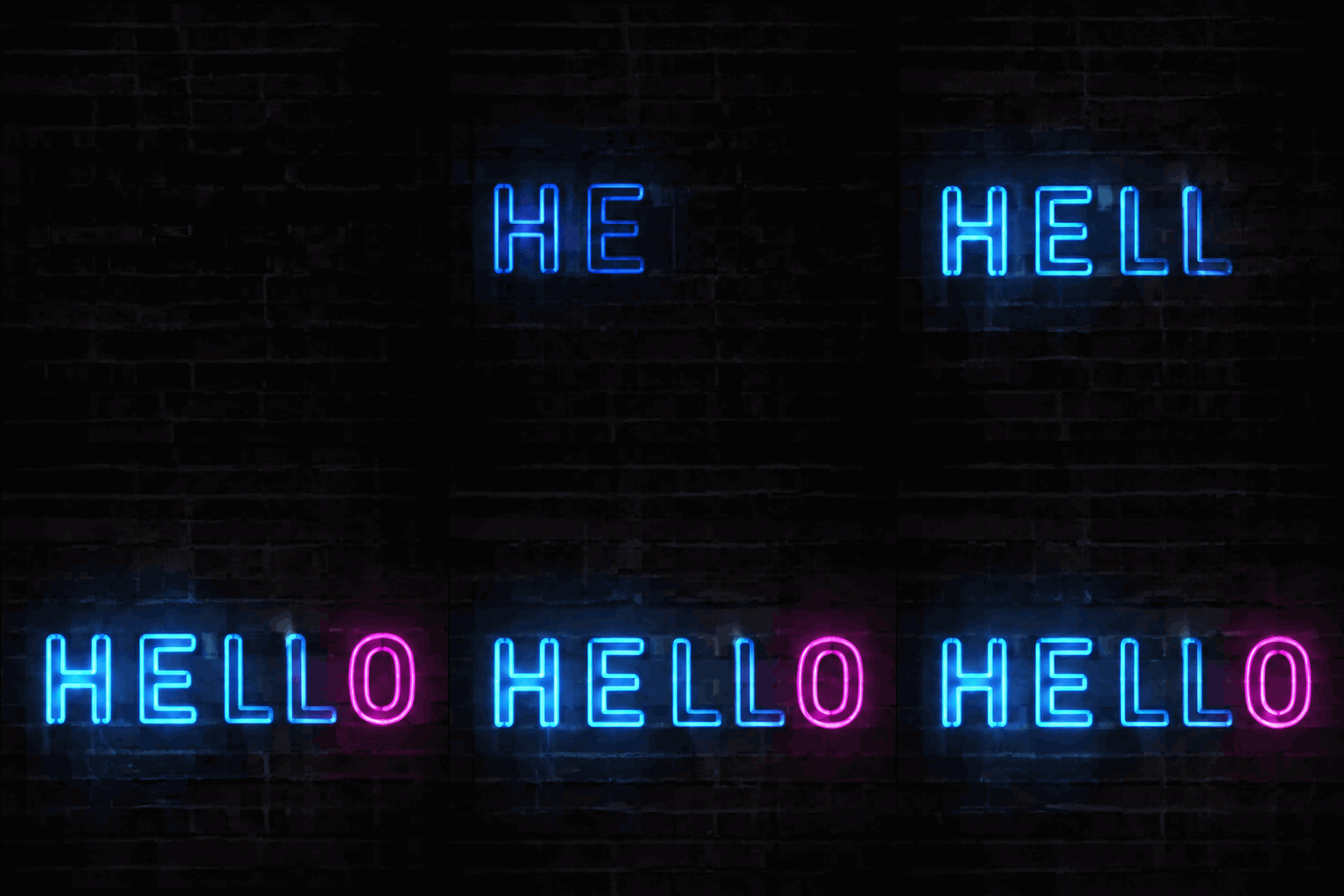
Neon signs and logos
Signs that flicker on letter by letter, glowing logos and animated titles.
Cinemagraph-style photos
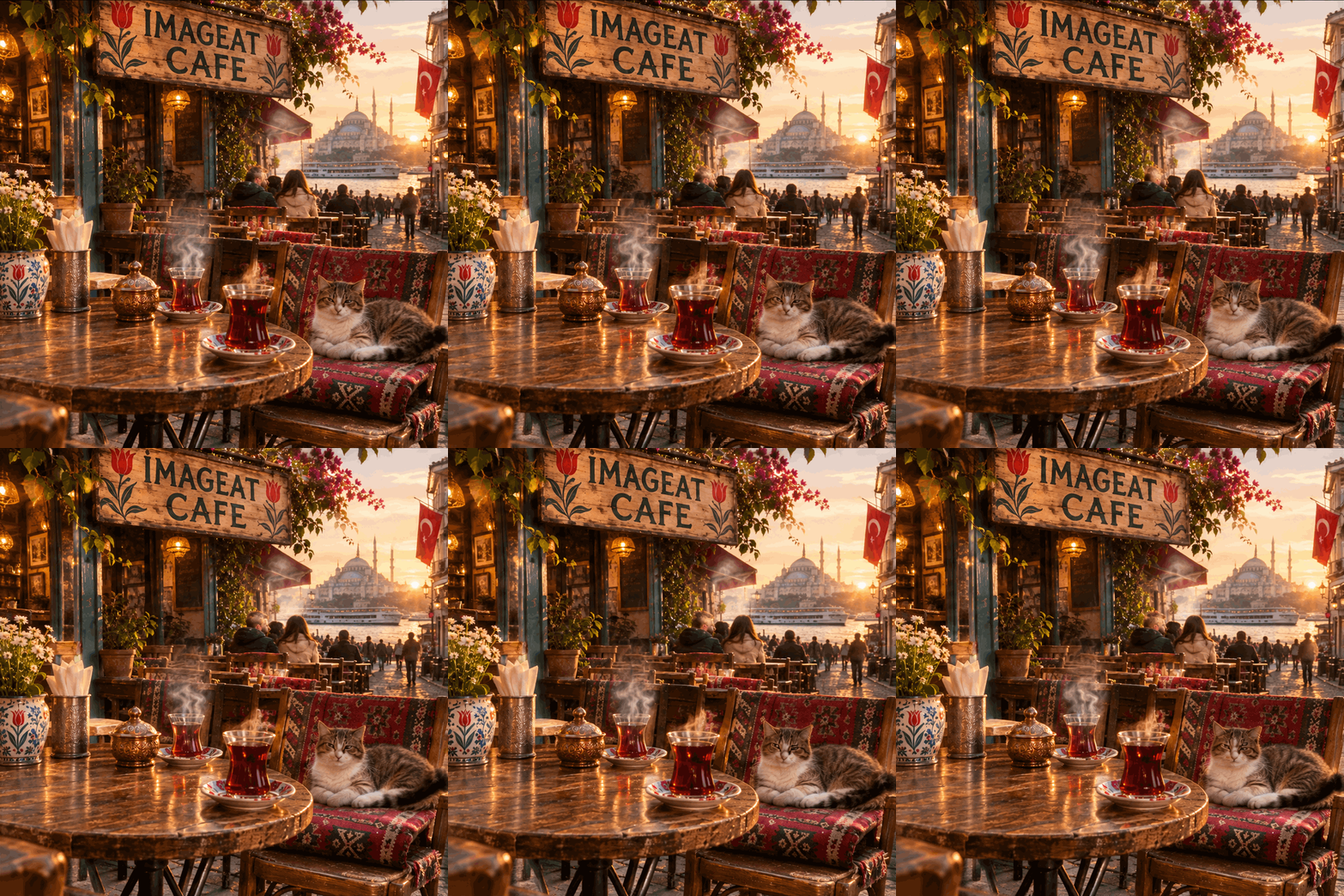
Upload a still and bring one part to life: steam, water, a blinking pet.
GIF examples
Every GIF here was made with GPT Image 2.6. Load a prompt into the generator and make your own version.
 9 frames · 1:1
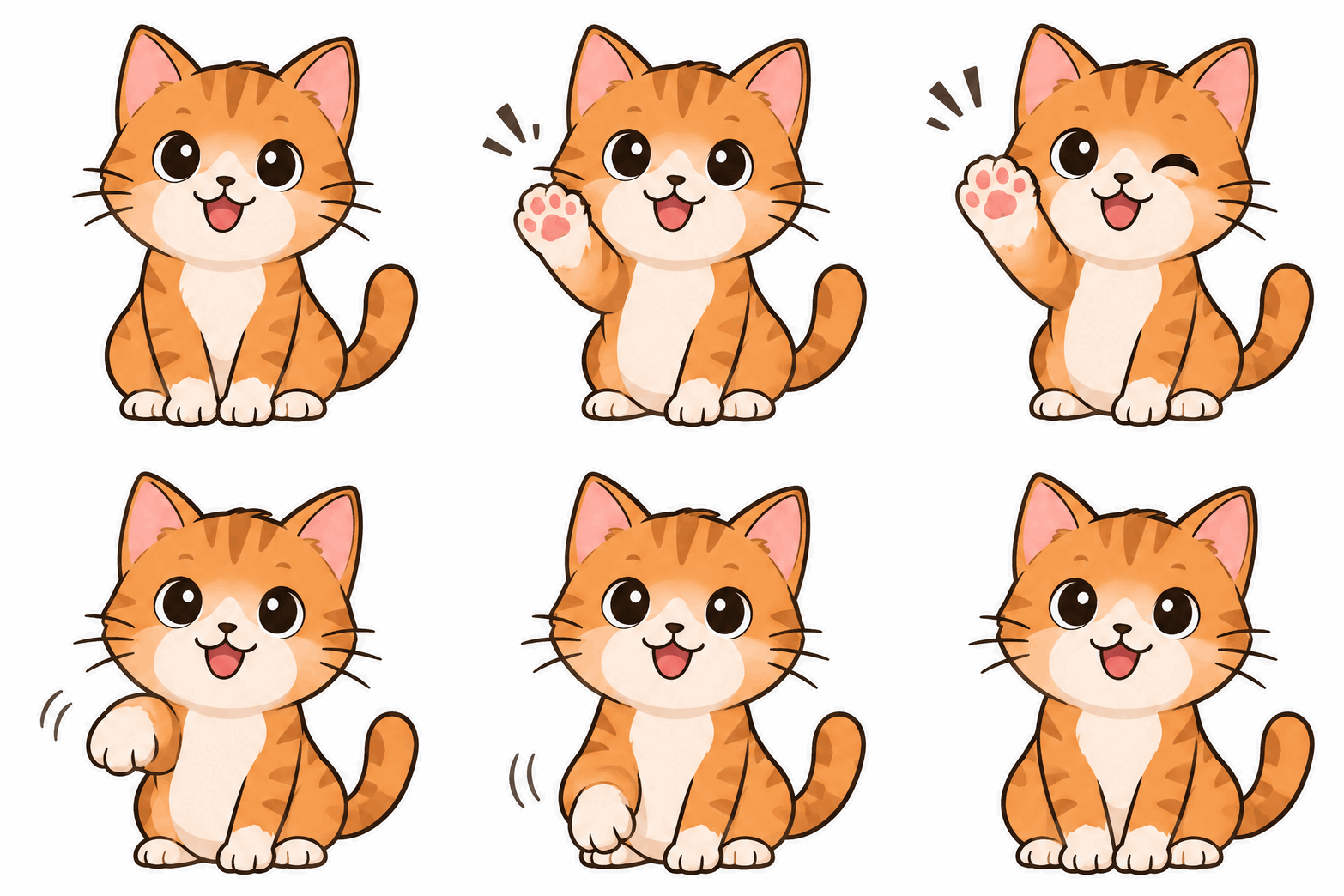
Cartoon character
Try a prompt like: A cute cartoon orange tabby cat sitting and waving its paw at the viewer, bold outlines, plain white background, looping GIF
Use this prompt12 frames · 1:1Animated neon sign
Try a prompt like: A blue and pink neon sign on a dark brick wall that flickers on letter by letter to spell "HELLO", then glows fully lit
Use this prompt8 frames · 1:1 · photo to GIFPhoto to GIF
Uploaded photo + prompt: Animate this scene as a gentle looping GIF: steam rising from the tea glasses, the cat slowly blinking and flicking its tail
 12 frames · 16:9
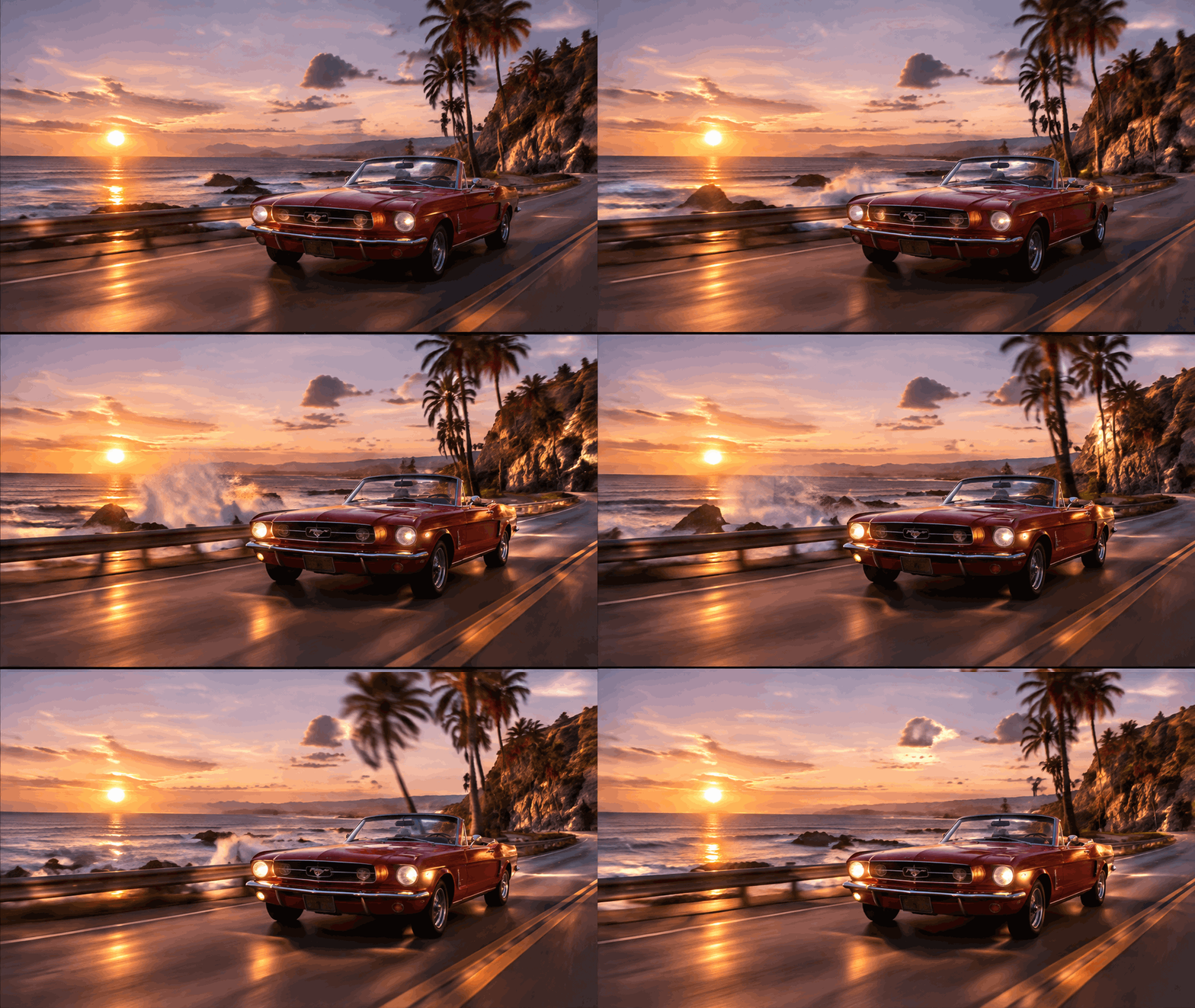
Cinematic loop
Try a prompt like: A red vintage convertible driving along a coastal road at sunset, ocean and palm trees beside it, camera tracking alongside, warm film look
Use this prompt12 frames · 1:1Product spin
Try a prompt like: A matte black wireless earbud case rotating slowly on a plain beige background, soft studio light, smooth product turntable
Use this prompt9 frames · 1:1Reaction sticker
Try a prompt like: A cute cartoon avocado jumping up in excitement with the text "OMG!" popping above it and little sparkles, sticker style on white
Use this prompt8 frames · 1:1Pixel-art sprite
Try a prompt like: Pixel-art knight in silver armor with a blue plume and cape, side view walk cycle, 16-bit game sprite on a dark background
Use this promptHow to make a GIF with AI
Describe the GIF
Write what should move, or upload a photo and describe the motion you want to add to it.
Pick frames and speed
Choose 4 to 16 frames, slow, normal or fast playback, an aspect ratio and a quality tier.
Generate and download
GPT Image 2.6 draws every frame and returns a looping GIF in about 15 to 40 seconds.
Text to GIF or
image to GIF
Start from nothing but a sentence. Best for characters, stickers, signs, sprites and product turntables, where the model designs the whole scene and the motion together.
Upload a picture and describe the motion. The AI animates that image and keeps the scene, like a cinemagraph: steam rising, a cat blinking, water moving.
Tips for better GIF prompts
Name the motion
Say exactly what moves and how: "waves its paw twice", "rotates slowly", "letters light up one by one". Vague prompts give vague loops.
Keep the background simple
A plain or dark background keeps every frame consistent and the file small. Busy scenes are better as photo-to-GIF.
Match frames to the action
6 to 9 frames for a wave, blink or bounce. 12 to 16 for spins, walk cycles and anything that should look smooth.
Quote the text
For stickers and signs, put the exact words in quotes, e.g. a sign reading "HELLO". Short words render best.
Tell it what to keep
With a photo, add what must stay the same: "keep the framing, the people and the lighting". Only the motion you describe changes.
Use the right ratio
1:1 for stickers and chat, 9:16 for Stories and Reels, 16:9 for banners, headers and cinematic loops.
Free sign-upMake your first
AI GIF
GIFs from 3 credits. For more control, including Extra high and Max quality and up to 16 reference images, open GPT Image 2.6 in the image studio.