365 Sampagne Elevator AI Video Generator
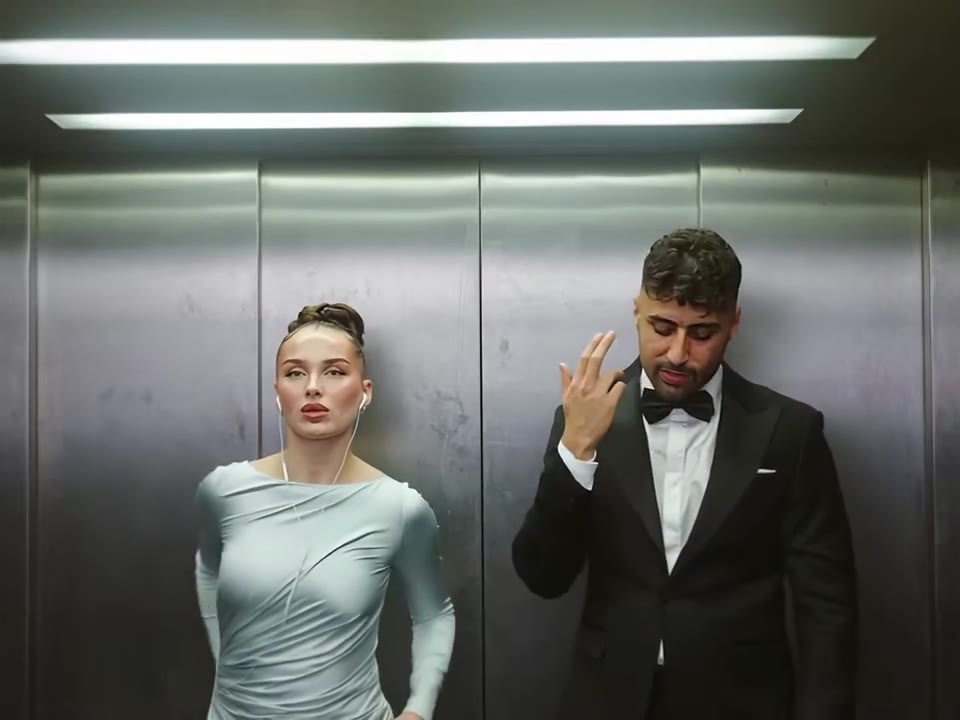
You sing along to 365 in a steel elevator with big hand gestures while your friend walks in, checks a phone and stares straight ahead.
Example results
Watch video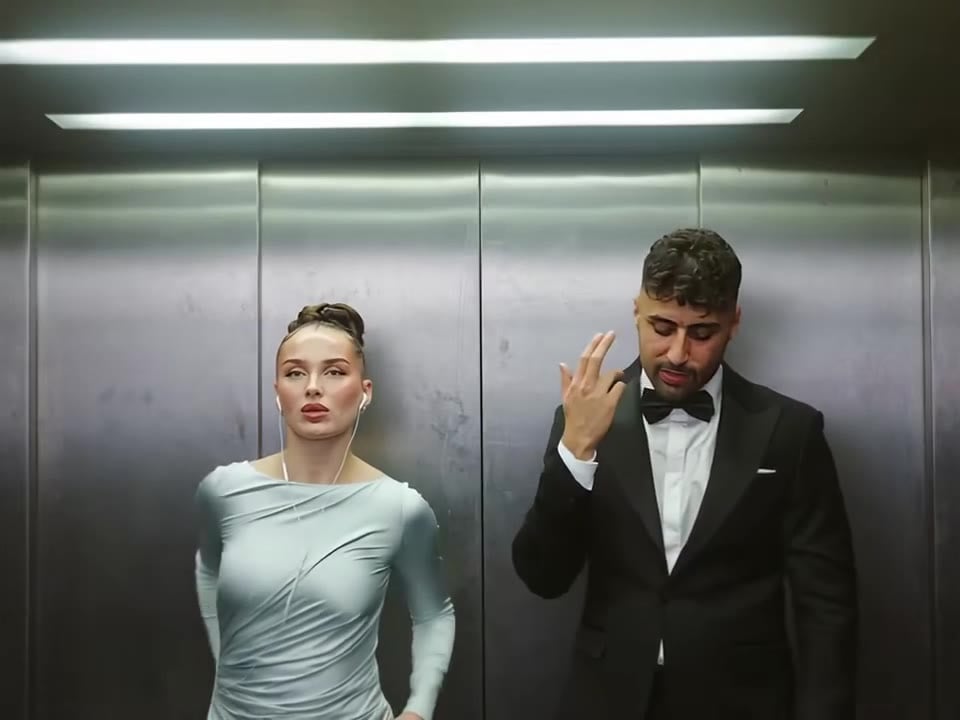
365 Sampagne Elevator
365 Sampagne Elevator
Upload Your Photo
Upload one clear photo of yourself for the singer; add a friend's photo to replace the one who walks in too. One adult per photo, face visible. The elevator, the moves and the song come from the clip. Likeness is not guaranteed.
Resolution
14s · 4:3 · source audio. Higher resolution uses more credits per generation.
14s · 4:3 · source audio
Quick answer
To do the 365 Sampagne Elevator trend, upload 1 to 2 clear photos of the people you want in it, then press generate. imageat places the people from your photos into the trend's original video, and the video is ready to download when it finishes. One generation costs 45 imageat credits; no prompt writing or editing app is needed.
The 365 Sampagne elevator trend is an awkward lift ride set to the song 365: one person sings along at the camera with big hand gestures, the other walks in, checks a phone, glances over, and both end up staring straight ahead. Upload one photo and you become the singer; add a friend's photo and they become the one who walks in. Genjutsu Light keeps every gesture, glance and the song from the original clip. The video runs about 14 seconds in horizontal 4:3; pick 480p for a cheaper draft or 720p for a sharper result.
What is the 365 Sampagne Elevator?
The 365 Sampagne elevator trend is a short comedy clip where one person sings 365 with full commitment in an elevator while the other walks in and pretends nothing is happening.
How to Do the 365 Sampagne Elevator Trend
Here is how to make your own video on imageat:
- 1Upload 1–2 clear photos: You — the singer on the right, one adult, face clear; Optional: your friend — the one who walks in on the left. JPG, PNG or WEBP, up to 10 MB each.
- 2Choose 480p or 720p and check the credit cost on the button.
- 3Generate the video.
- 4Preview and download your MP4.
Tips for Best Results
- Use a sharp, front-facing photo in good light.
- One adult per photo.
- With one photo, the person who walks in keeps the original look.
365 Sampagne Elevator at a Glance
What to upload
You — the singer on the right, one adult, face clear; Optional: your friend — the one who walks in on the left.
What you get
An AI video (14s · 4:3 · source audio) that follows the trend's original take, ready to download and post on TikTok, Reels or Shorts.
What it costs
45 imageat credits per video at 480p. The price is shown before you generate, and a failed generation is refunded.
FAQs About 365 Sampagne Elevator
Create this trend with imageat
Go beyond the 365 sampagne elevator — generate any AI video from text or an image with Veo, Kling, Seedance and more.
Similar trends
View all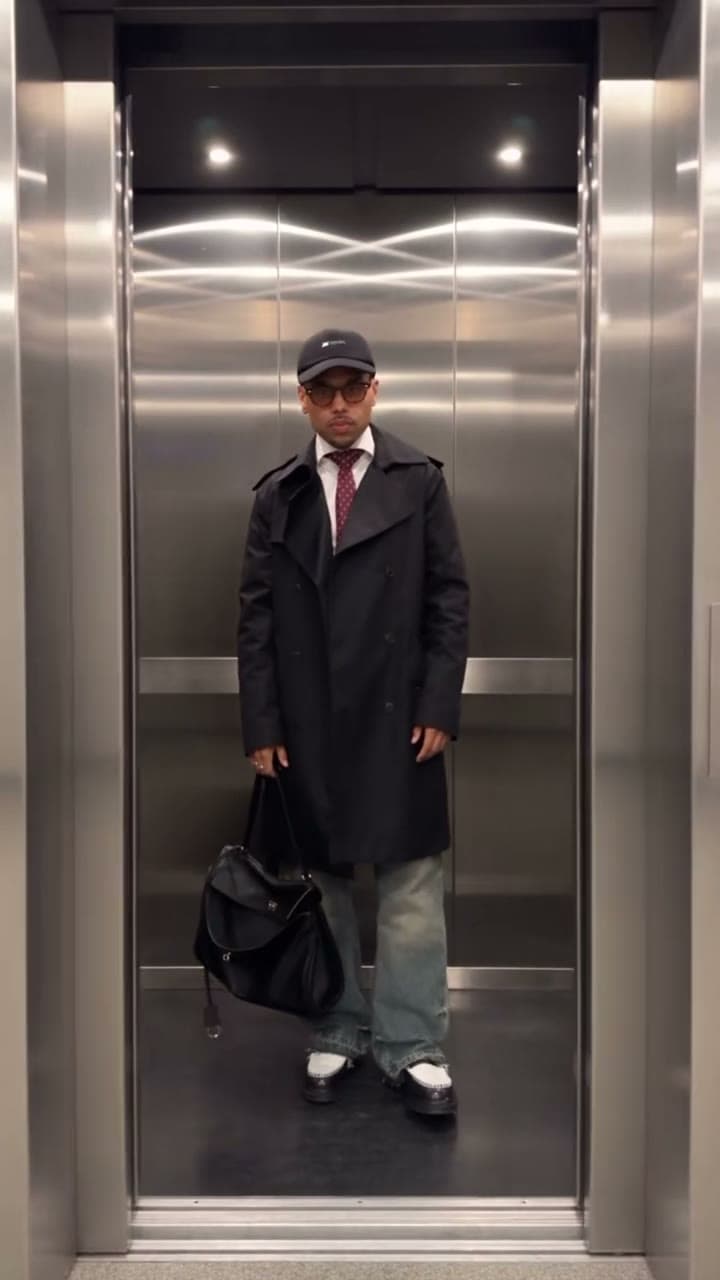
Elevator Outfit Change
Elevator Outfit Change
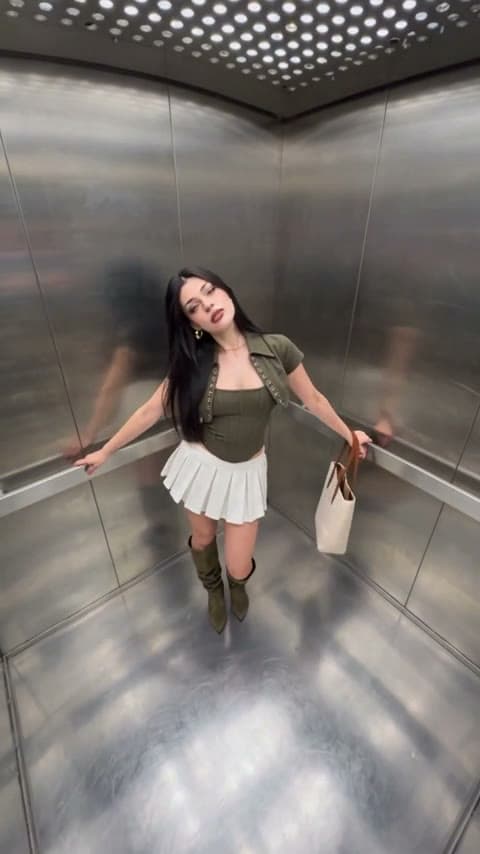
Fisheye Elevator Outfit Change
Fisheye Elevator Outfit Change
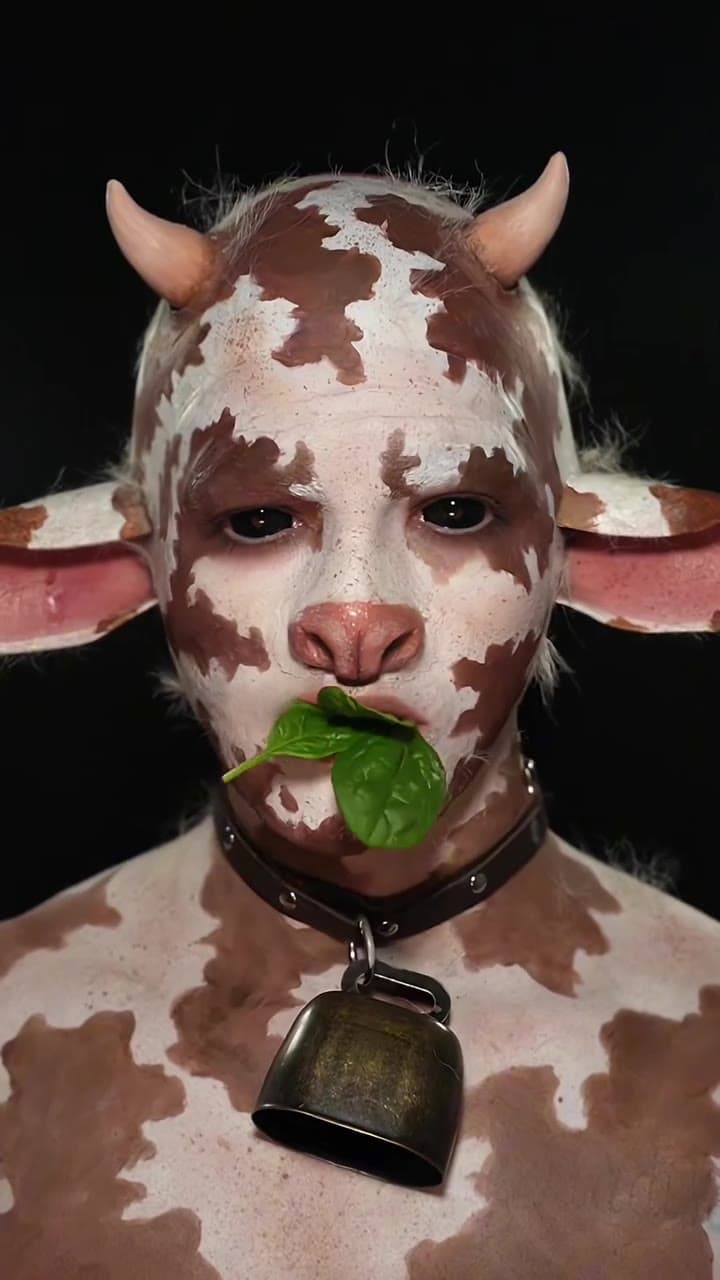
Cow Makeup
Cow Makeup

GTA Wasted Meme AI Photo
GTA Wasted Meme AI Photo

GTA 6 Jet Ski Dog AI Video
GTA 6 Jet Ski Dog AI Video
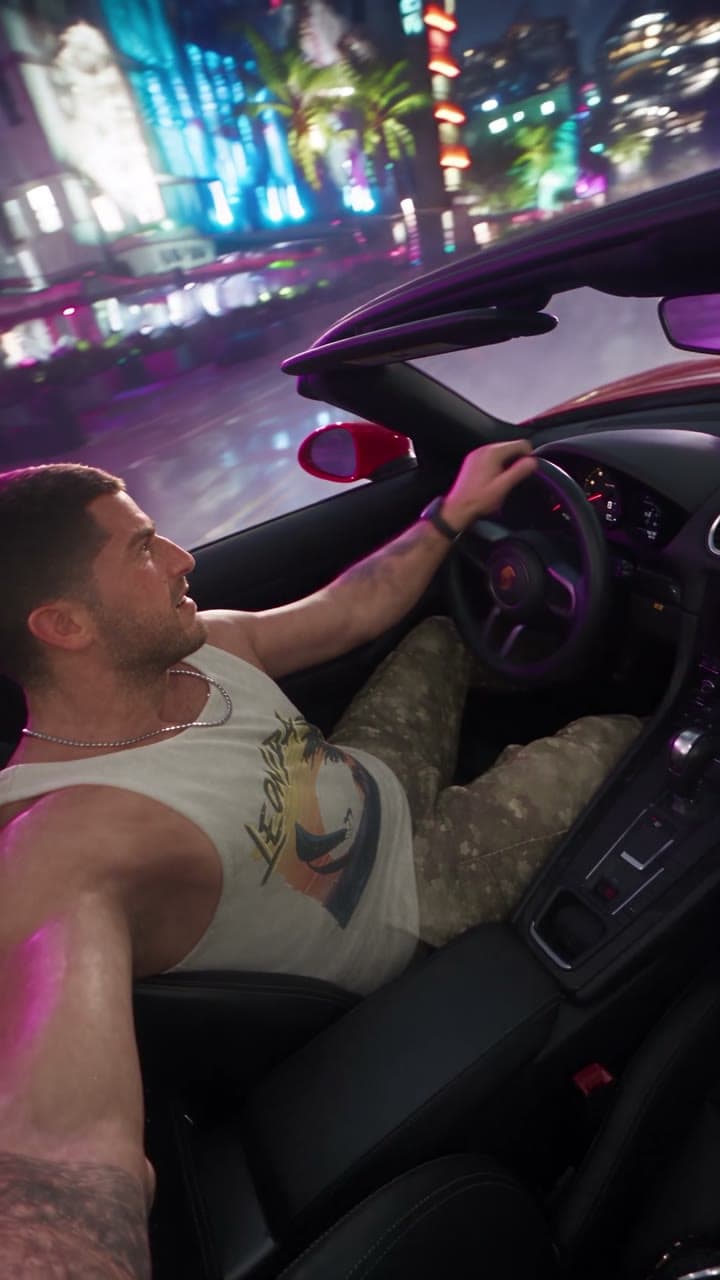
Neon Pursuit Drive GTA 6 Version
Neon Pursuit Drive GTA 6 Version Video Generator
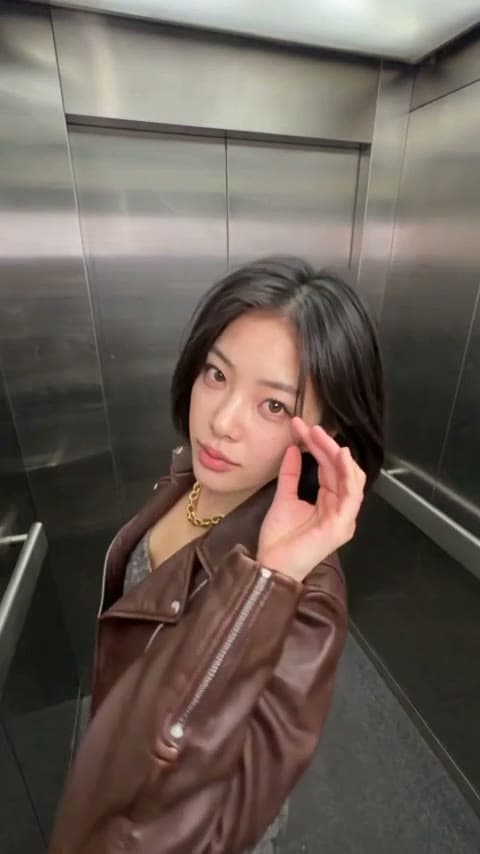
Elevator Outfit Try-On
Elevator Outfit Try-On
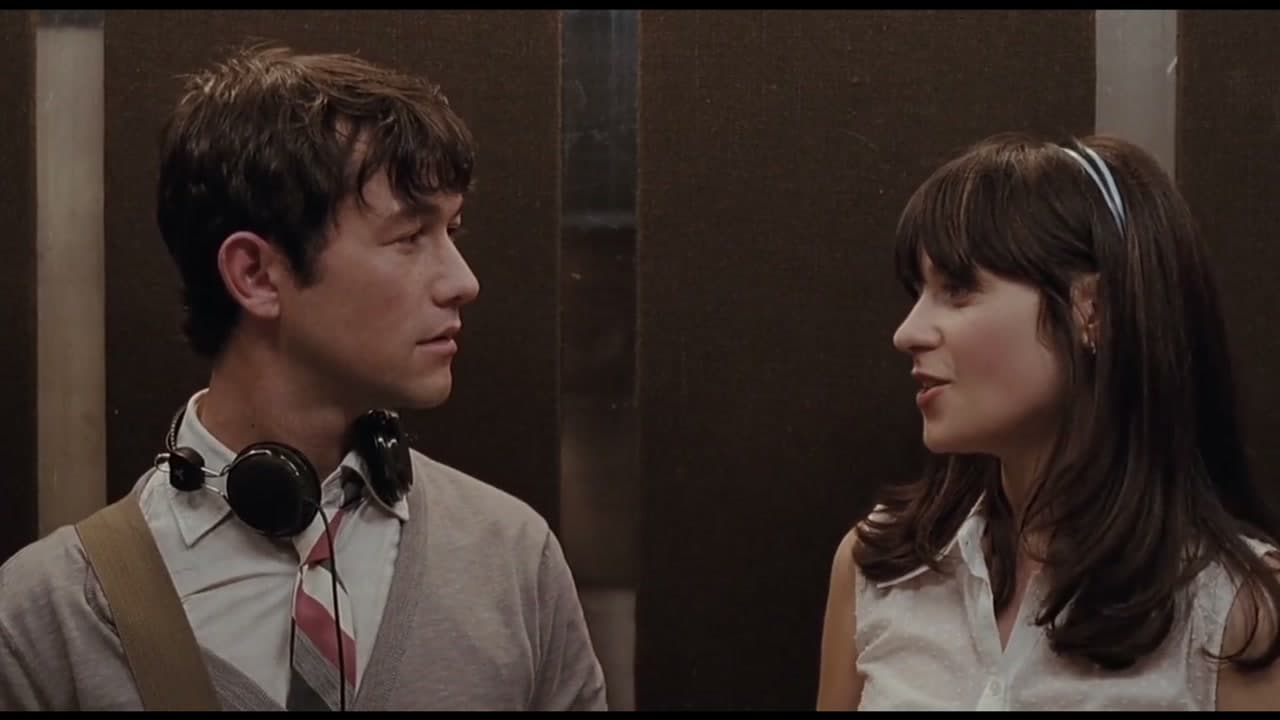
I Love The Smiths Elevator Scene
I Love The Smiths Elevator Scene

Vlogmas Intro Cartoon
Vlogmas Intro Cartoon
GTA Mission Passed Respect+ AI Photo
GTA Mission Passed Respect+ AI Photo
Urban Mission Shine GTA 6
Urban Mission Shine GTA 6 Video Generator