Elevator Outfit Try-On
Upload your photo and any outfit, and strike the elevator fit-check poses in it: kicks, leans, hair flips and snap jump-cuts on the beat.
Example results
Watch video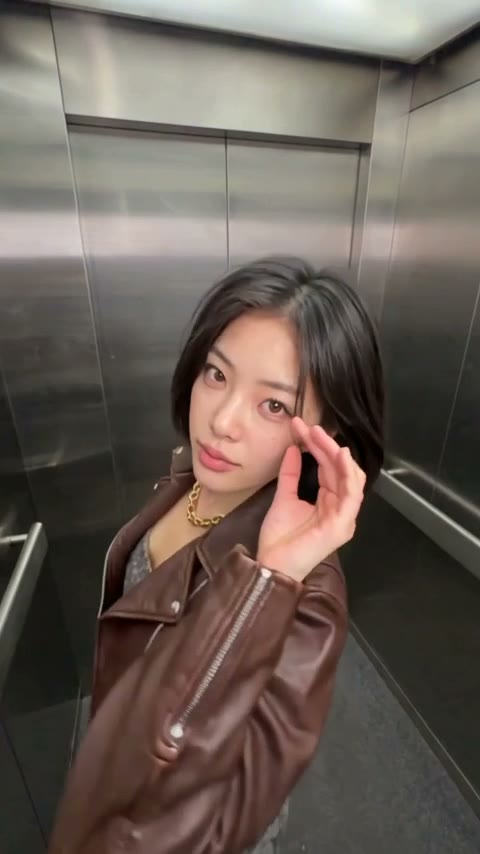
Elevator Outfit Try-On
Elevator Outfit Try-On
Upload Your Photo
Photo 1: one person, full body, face clearly visible. Photo 2 (optional): the outfit to wear, on a person, as a flat-lay or as product photos in one image. Skip it to wear our gold-and-denim look. Likeness is not guaranteed.
Resolution
8s · 9:16 · your outfit · source audio. Higher resolution uses more credits per generation.
8s · 9:16 · your outfit · source audio
By uploading or generating, you confirm you own these photos or have the person's permission, and you won't impersonate real people or celebrities. Responsible use
Quick answer
To do the Elevator Outfit Try-On trend, upload 1 to 2 clear photos of the people you want in it, then press generate. imageat places the people from your photos into the trend's original video, and the video is ready to download when it finishes. One generation costs 115 imageat credits; no prompt writing or editing app is needed.
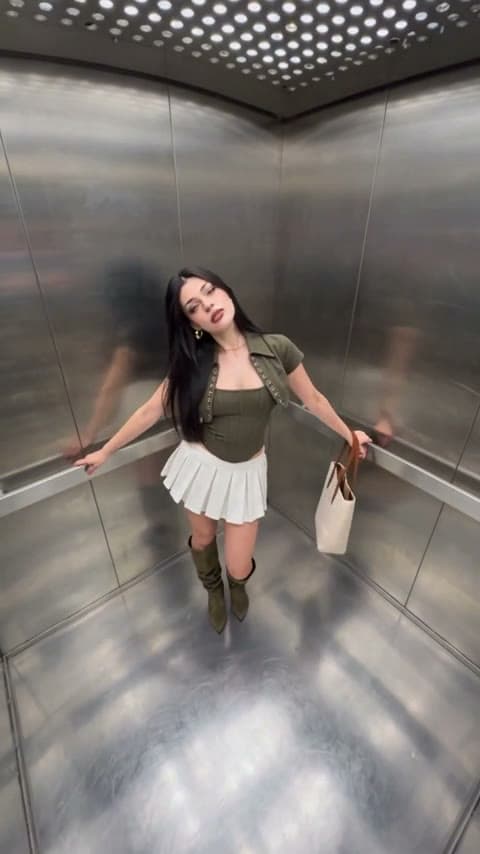
The fit check every fashion account posts: a steel elevator, a wide-angle camera wedged in the corner and a run of poses that snap from one to the next on the beat. A kick, a lean on the rail, a hair flip, a step toward the lens and a final pose with a hand at the face. Upload a photo of yourself and, optionally, the outfit you want to show off: a photo of it worn, a flat-lay or product shots in one image. The template first dresses you in that outfit on an identity sheet, then follows the original clip for every pose, cut and beat while the camera stays locked. Skip the outfit and you wear our gold leaf halter with star-patch denim. About 8 seconds in 9:16; choose 480p or 720p.
What is the Elevator Outfit Try-On?
Elevator Outfit Try-On is an 8-second fit-check video in a steel elevator: playful kicks, leans, hair flips and a final pose, cut on the beat with snap jump-cuts. This template puts you in it wearing an outfit you upload.
How to Do the Elevator Outfit Try-On Trend
Here is how to make your own video on imageat:
- 1Upload a full-body photo of yourself, face clearly visible.
- 2Optionally upload the outfit: worn, as a flat-lay or as product photos in one image.
- 3Choose 480p or 720p and check the credit cost shown.
- 4Generate, then preview and download your 8-second 9:16 fit check.
What outfits work
Any outfit you can show in one image: a photo of someone wearing it, a flat-lay of the pieces, or product shots arranged together. Shoes, bags, jewelry and sunglasses are carried over too. Busy backgrounds or several outfits in one image make it harder to pick the right pieces.
What comes from your photos and from the clip
From your photo: face, hair, skin tone and body. From the outfit image: every garment, shoe and accessory. From the clip: the steel elevator, the fixed wide-angle framing, the poses, the snap jump-cuts and the sound.
Length, resolution and credits
About 8 seconds in 9:16 with the original sound. 57 credits at 480p or 115 credits at 720p, outfit sheet included, shown before you generate. Failed generations are refunded.
About the videos on this page
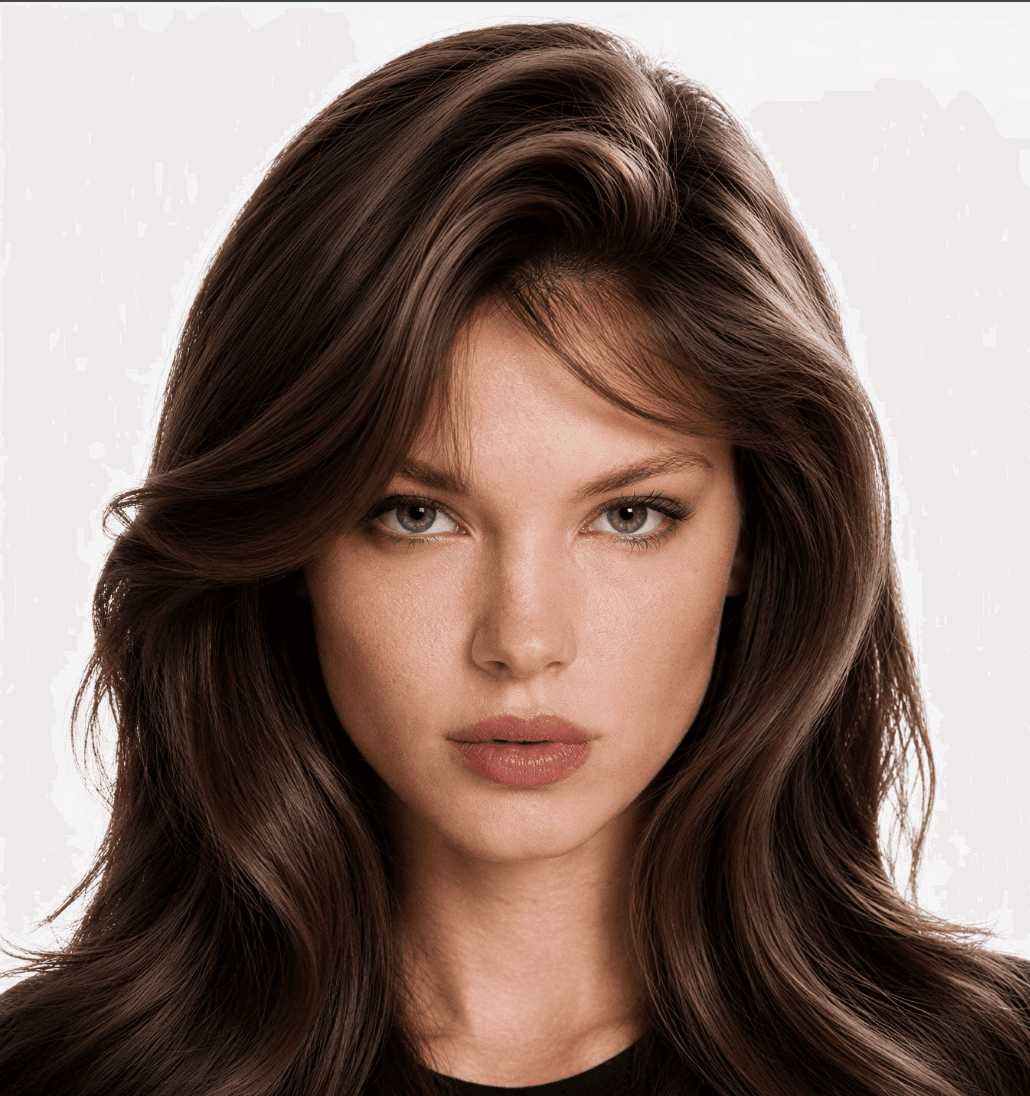
The first video is a real 480p result of this template, made from an AI-generated photo of a fictional person in the built-in outfit. The clip labelled as source footage is the reference the template follows. This is an independent AI template, not affiliated with or endorsed by the person in the source footage, its creator or any fashion brand.
Tips for Best Results
- Full body, head to feet, facing the camera, in good light.
- One outfit per outfit image, on a plain background if you can.
- Logos and printed text may not carry over exactly.
- Only upload photos of people who have agreed to it.
Elevator Outfit Try-On at a Glance
What to upload
Your photo — one person, full body, face clearly visible; Outfit (optional) — worn, flat-lay or product photo.
What you get
An AI video (8s · 9:16 · your outfit · source audio) that follows the trend's original take, ready to download and post on TikTok, Reels or Shorts.
What it costs
115 imageat credits per video at 720p. The price is shown before you generate, and a failed generation is refunded.
FAQs About Elevator Outfit Try-On
Create this trend with imageat
Go beyond the elevator outfit try-on — generate any AI video from text or an image with Veo, Kling, Seedance and more.
Similar trends
View all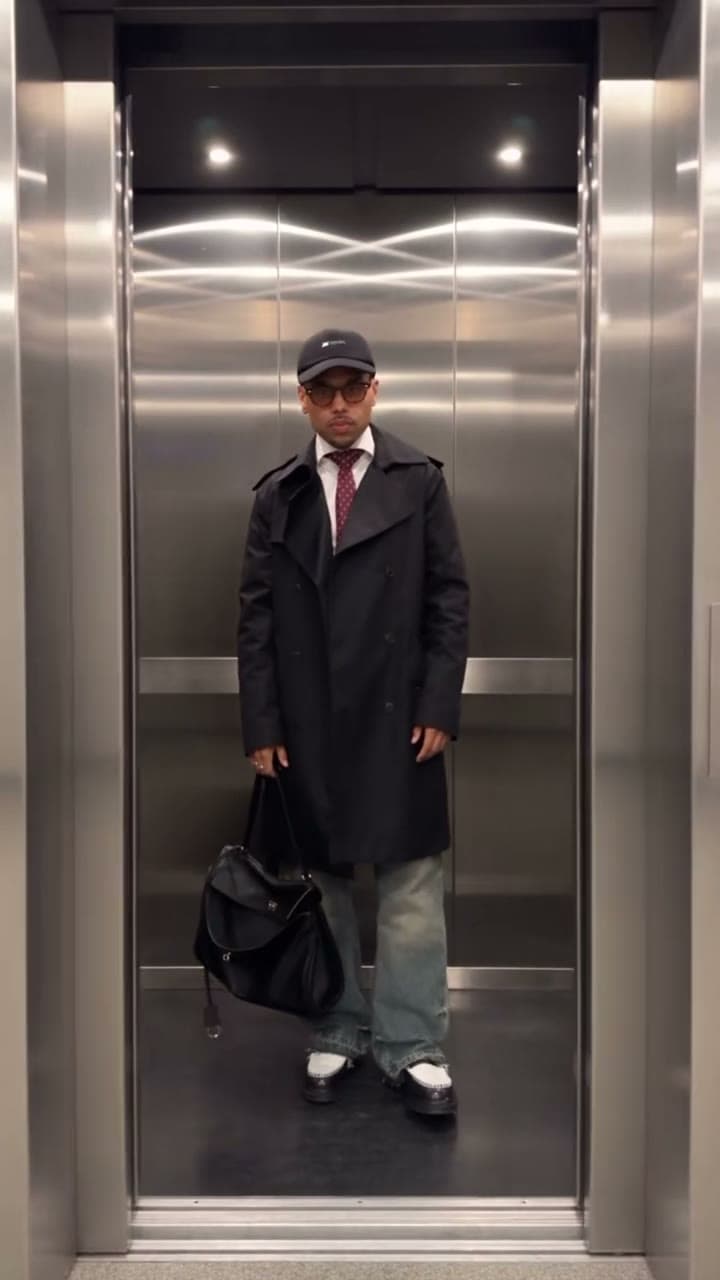
Elevator Outfit Change
Elevator Outfit Change
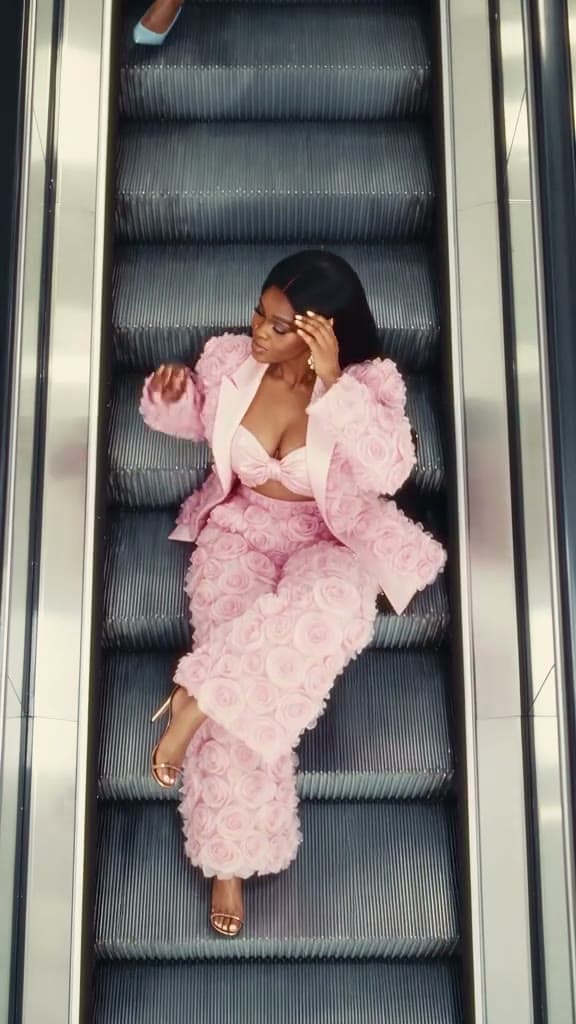
Escalator Outfit Change
Escalator Outfit Change
Popular Duo Dance
Popular Duo Dance

Vice City Getaway Duo
Vice City Getaway Duo

Vice City Collage
Vice City Collage