AI Portrait Studio Photo
Example results
Preview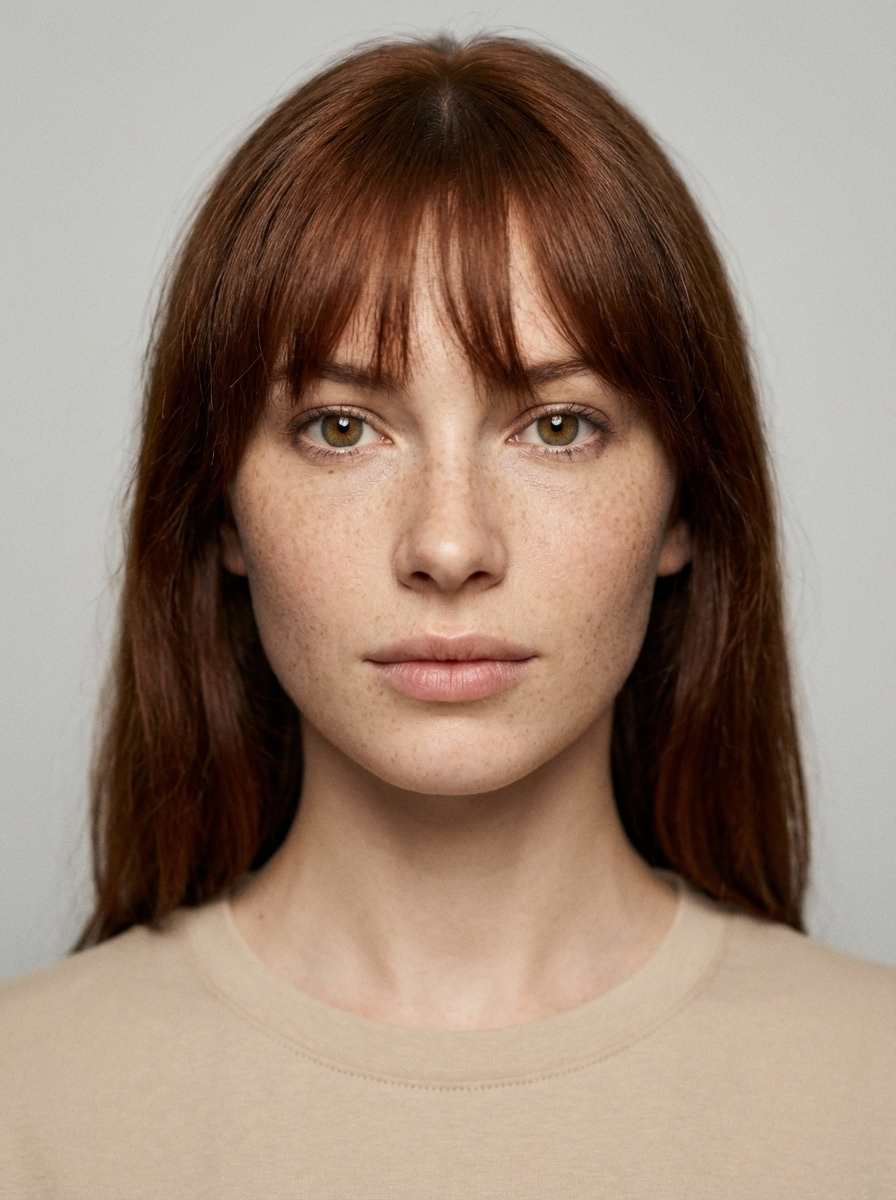
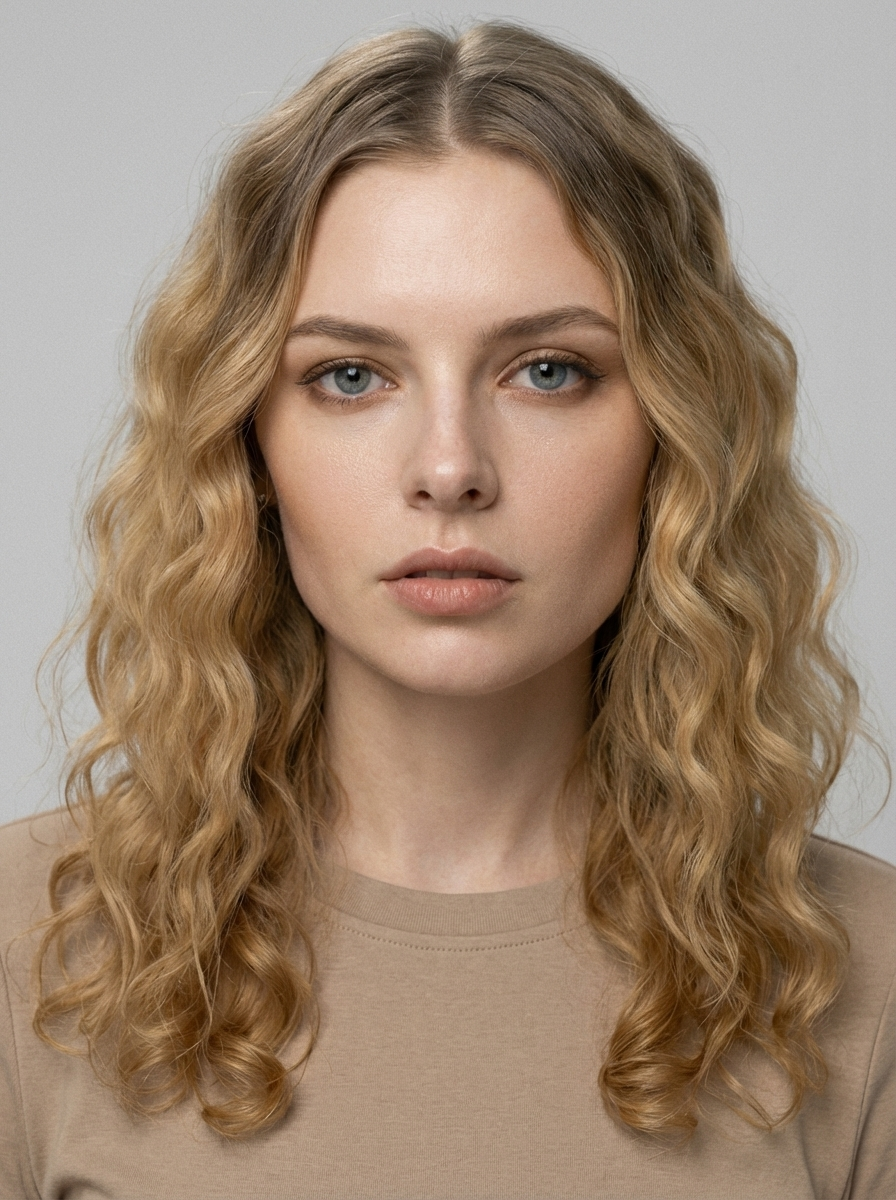
AI Portrait Studio Photo
AI Portrait Studio Photo
Upload Your Photo
From a single selfie, the AI Portrait Studio Photo generator rebuilds your shot in the exact aesthetic that's trending right now. No presets to tweak, no layers to mask — just upload, generate, and share.
What is the AI Portrait Studio Photo?
Think of AI Portrait Studio Photo as a directed photoshoot the AI runs for you. It interprets the trend's lighting, wardrobe, and mood, applies them to your photo, and outputs an image that fits the trend without losing what made the original recognizable.
How to Create Your AI Portrait Studio Photo Photo
Creating your own ai portrait studio photo photo is simple:
- 1Upload a clear, front-facing photo where your features are easy to see
- 2Tap generate — most runs finish within a minute; during busy stretches it may take longer (up to about 10 minutes)
- 3Download the image or share it straight to your story
Tips for Best Results
- Avoid heavy filters on the source — the AI works better on neutral input
- Photos taken in daylight tend to produce richer ai portrait studio photo results
- If the first output isn't quite right, regenerate — small variations are normal
- Crop tight on the subject before uploading for stronger composition
Best Prompts for AI Portrait Studio Photo
Want more control over the look? Copy one of these prompts and use it in our AI image generator to fine-tune the ai portrait studio photo style.
AI Portrait Studio Photo look as a clean studio portrait, even softbox lighting, neutral background, crisp skin texture
AI Portrait Studio Photo style during golden hour, warm backlight, lens flare, natural skin tones, bokeh background
AI Portrait Studio Photo aesthetic as a fashion magazine cover, bold styling, sharp detail, professional color grade
AI Portrait Studio Photo effect with vintage 35mm film grain, faded colors, light leaks, nostalgic mood
Why Choose ImageAt for AI Portrait Studio Photo
Fast turnaround
Most generations finish quickly; busy periods can take longer—we deliver your image here the moment processing completes.
Realistic Transformation
Powered by cutting-edge AI algorithms for incredibly realistic transformations.
Social Media Ready
Create shareable content perfect for TikTok, Instagram, and Twitter.
FAQs About AI Portrait Studio Photo
Create this trend with imageat
Create unlimited variations beyond the ai portrait studio photo with imageat's AI image generator.