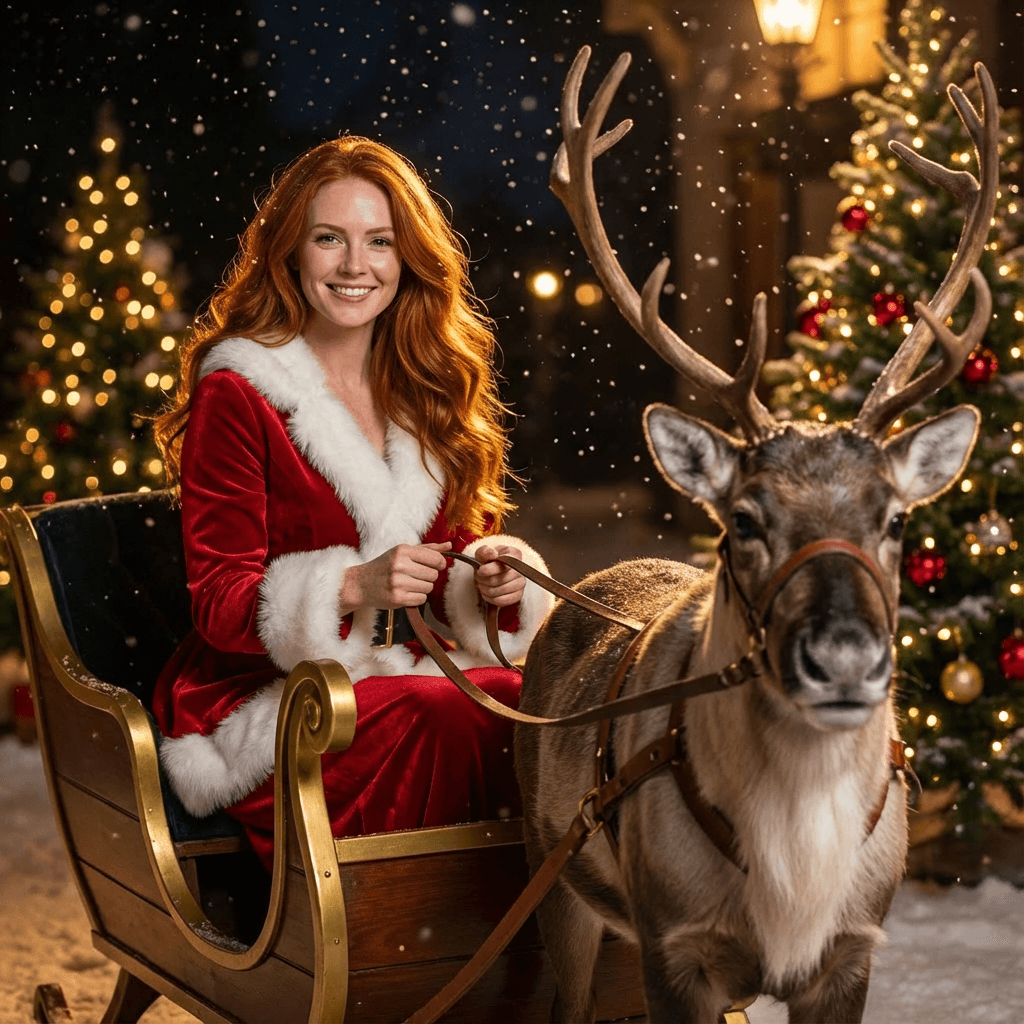
Christmas Tree Portrait
Create cozy “Christmas Tree Portraits” where warm expressions, sparkling holiday lights, and rich festive tones frame the subject in a cinematic, high-end seasonal aesthetic. Brought to life through Nano Banana’s atmospheric glow, refined editorial sharpness, and cozy Christmas contrast, the portrait blends intimate holiday warmth with polished visual storytelling
Example results
Preview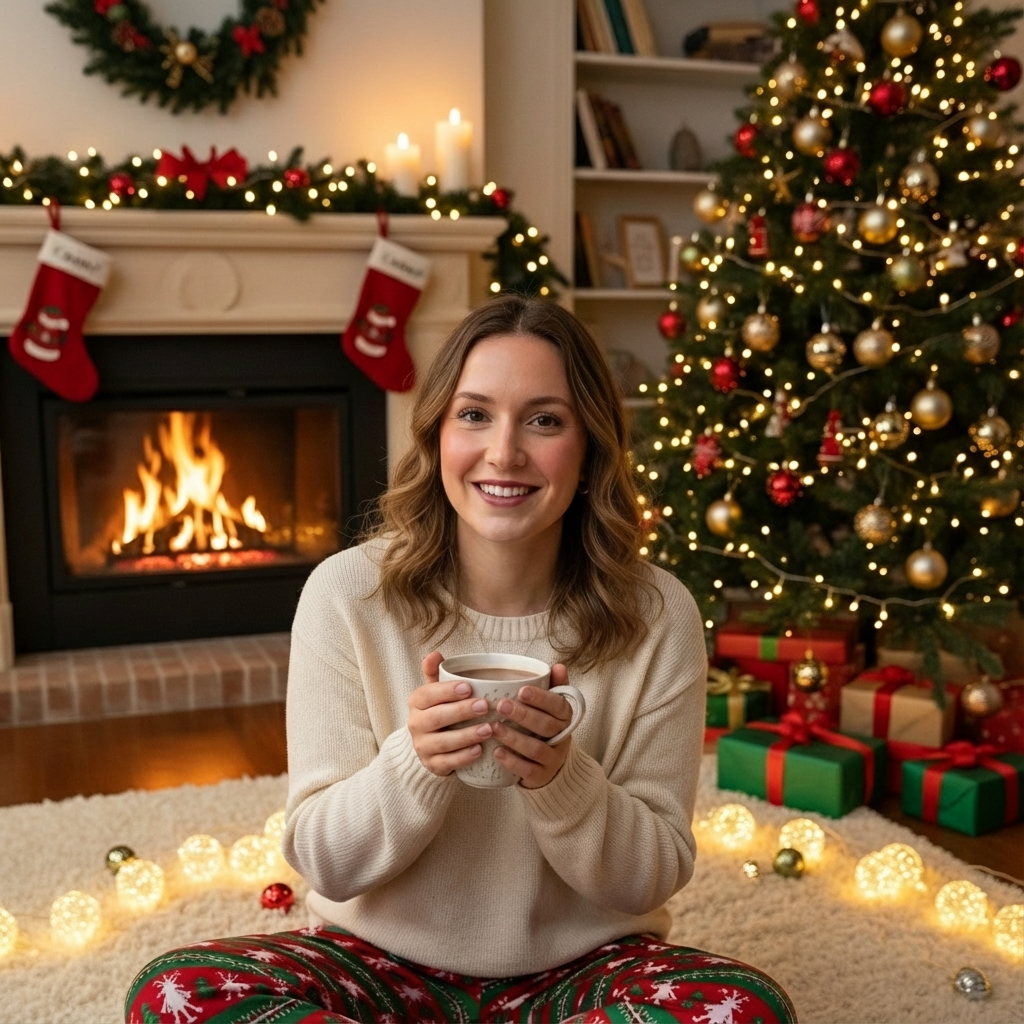
Christmas Tree Portrait
Christmas Tree Portrait
Upload Your Photo
By uploading or generating, you confirm you own these photos or have the person's permission, and you won't impersonate real people or celebrities. Responsible use
Quick answer
To do the Christmas Tree Portrait trend, upload one clear photo where your face is easy to see, then press generate. imageat recreates your photo in the trend's look, and the image is ready to download when it finishes. One generation costs 8 imageat credits; no prompt writing or editing app is needed.
The Christmas Tree Portrait look has been everywhere this month, and now you can create your own version in a single click. Our AI keeps your face and pose intact while applying the trend's distinctive aesthetic for a clean, share-worthy result.
What is the Christmas Tree Portrait?
Christmas Tree Portrait is a viral AI photo trend where a portrait gets re-rendered in a recognizable, highly stylized look. Our model studies the original lighting and pose, then rebuilds the scene so the result still feels like you — just dropped into the aesthetic of the trend.
How to Do the Christmas Tree Portrait Trend
Here is how to make your own version on imageat:
- 1Choose a sharp photo with even lighting and minimal background clutter
- 2Hit generate and let the model rebuild the shot in the Christmas Tree Portrait style
- 3Save the result and post it — no extra editing required
Tips for Best Results
- Crop tight on the subject before uploading for stronger composition
- Plain backgrounds let the christmas tree portrait effect shine through
- Higher-resolution uploads almost always beat compressed phone screenshots
- Use a clear, well-lit photo with your face clearly visible
Best Prompts for Christmas Tree Portrait
Want more control over the look? Copy one of these prompts and use it in our AI image generator to fine-tune the christmas tree portrait style.
Christmas Tree Portrait style portrait, keeping the original face and pose, cinematic lighting, high detail, sharp focus
Christmas Tree Portrait aesthetic with soft diffused light, pastel color grade, gentle film grain, shallow depth of field
High-contrast christmas tree portrait version, saturated colors, dramatic rim lighting, glossy editorial finish
Christmas Tree Portrait effect at night, neon ambiance, deep shadows, reflective highlights, atmospheric haze
Christmas Tree Portrait at a Glance
What to upload
Person.
What you get
An AI image, ready to download and post on TikTok, Reels or Shorts.
What it costs
8 imageat credits per image. The price is shown before you generate, and a failed generation is refunded.
FAQs About Christmas Tree Portrait
Create this trend with imageat
Create unlimited variations beyond the christmas tree portrait with imageat's AI image generator.
Similar trends
View all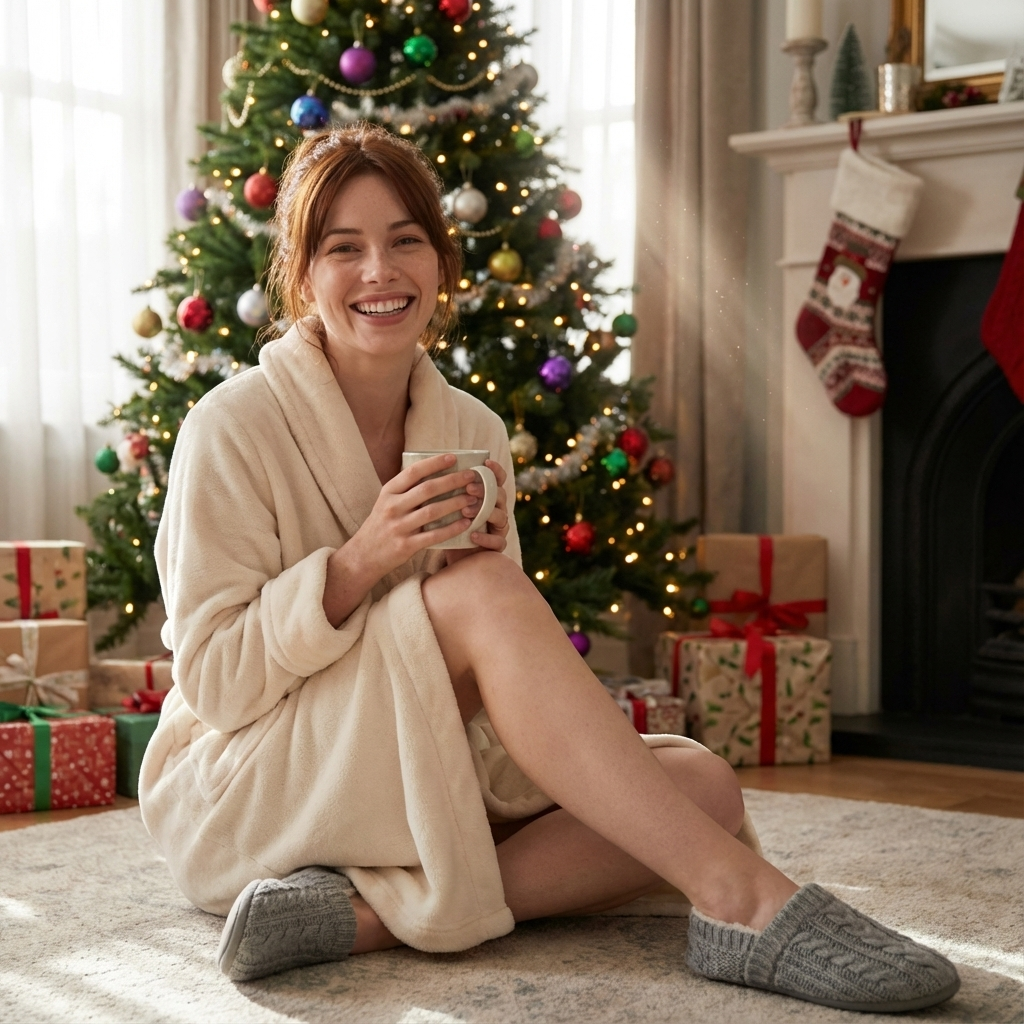
AI Christmas Photo Trend
AI Christmas Photo Trend

Decorating Christmas Tree
Decorating Christmas Tree
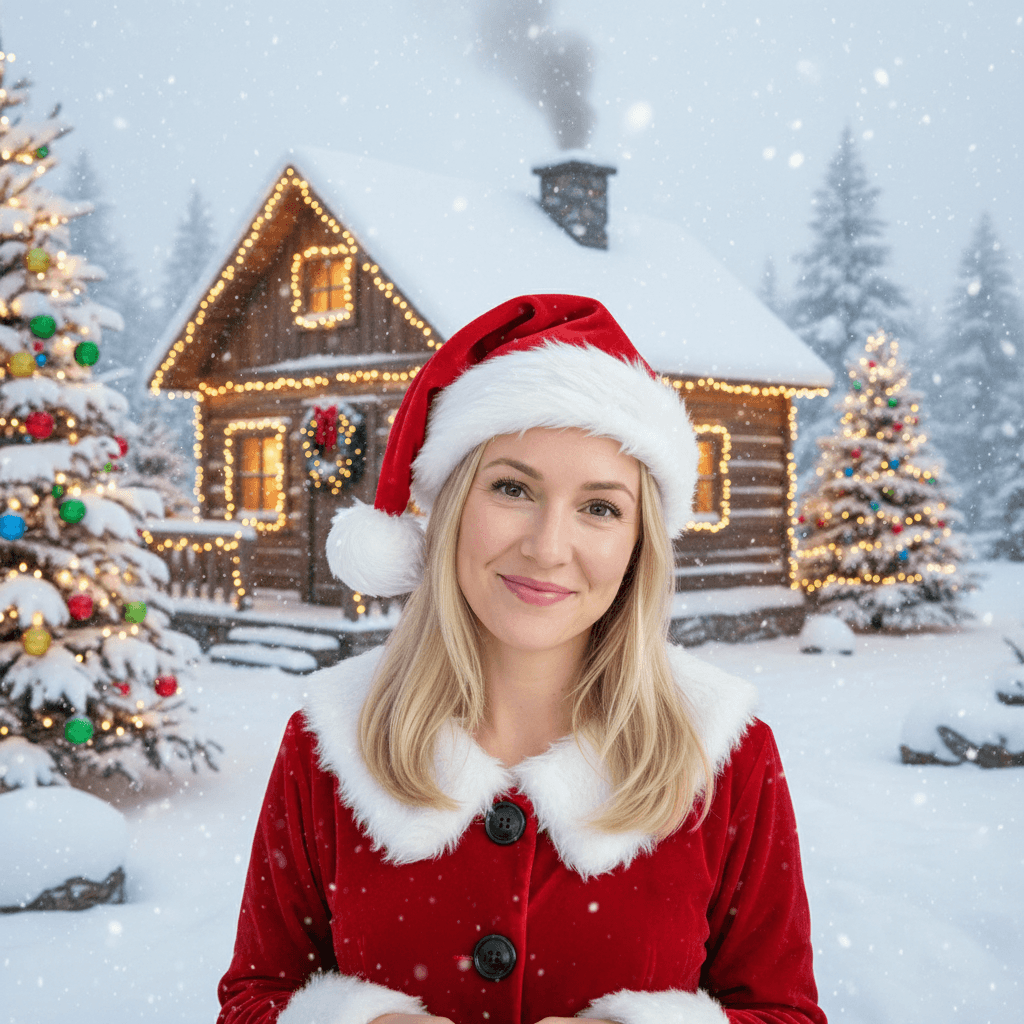
Snowy Christmas Effect
Snowy Christmas Effect
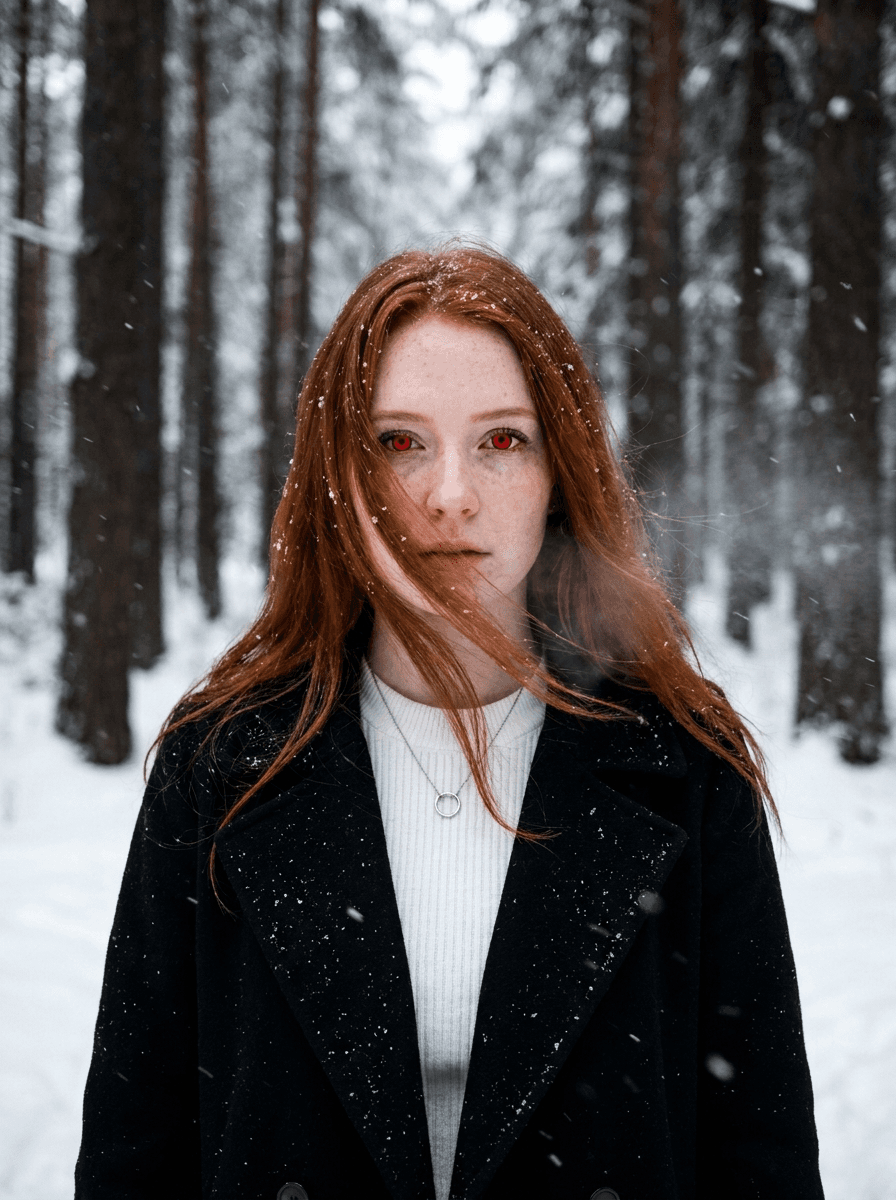
Twilight Effect
Twilight Effect Video Generator
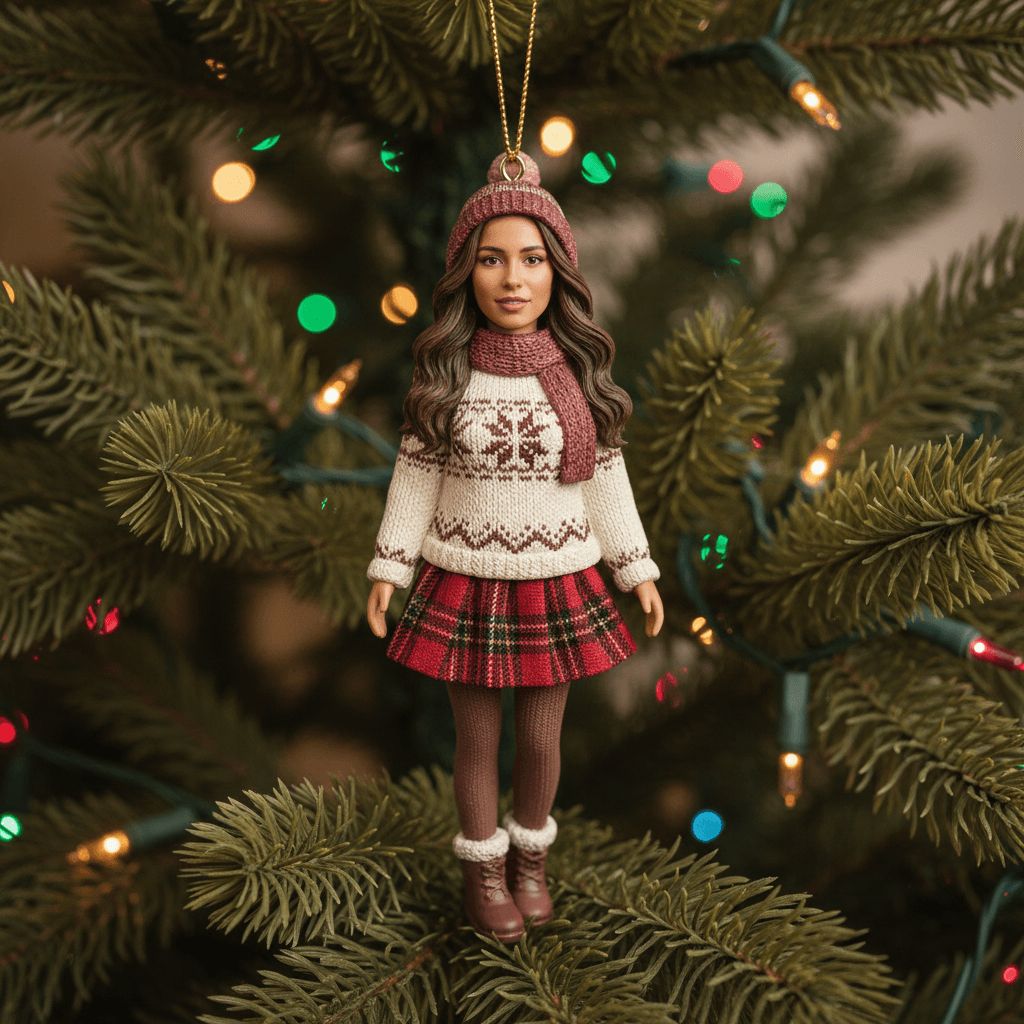
Christmas Ornament Effect
Christmas Ornament Effect
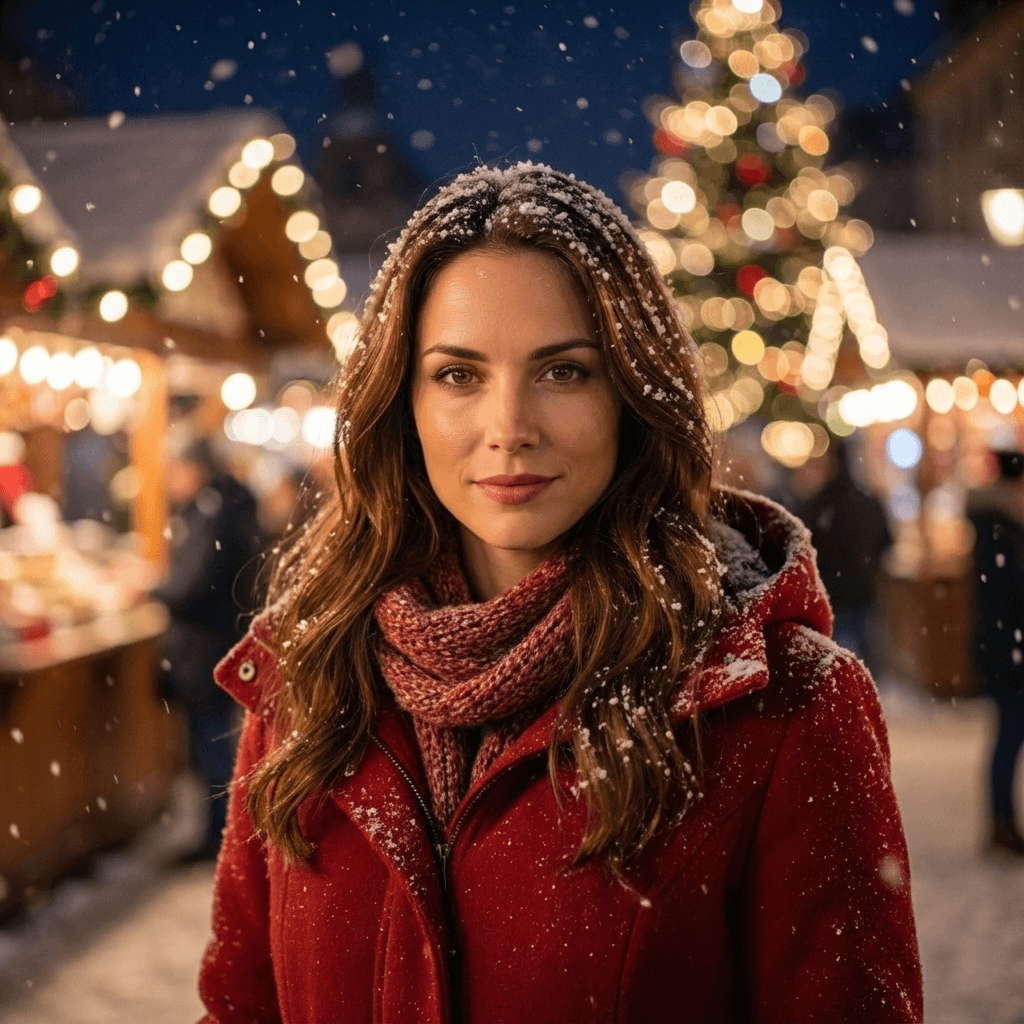
Christmas Market Portrait
Christmas Market Portrait

AI Christmas Couple Trend
AI Christmas Couple Trend
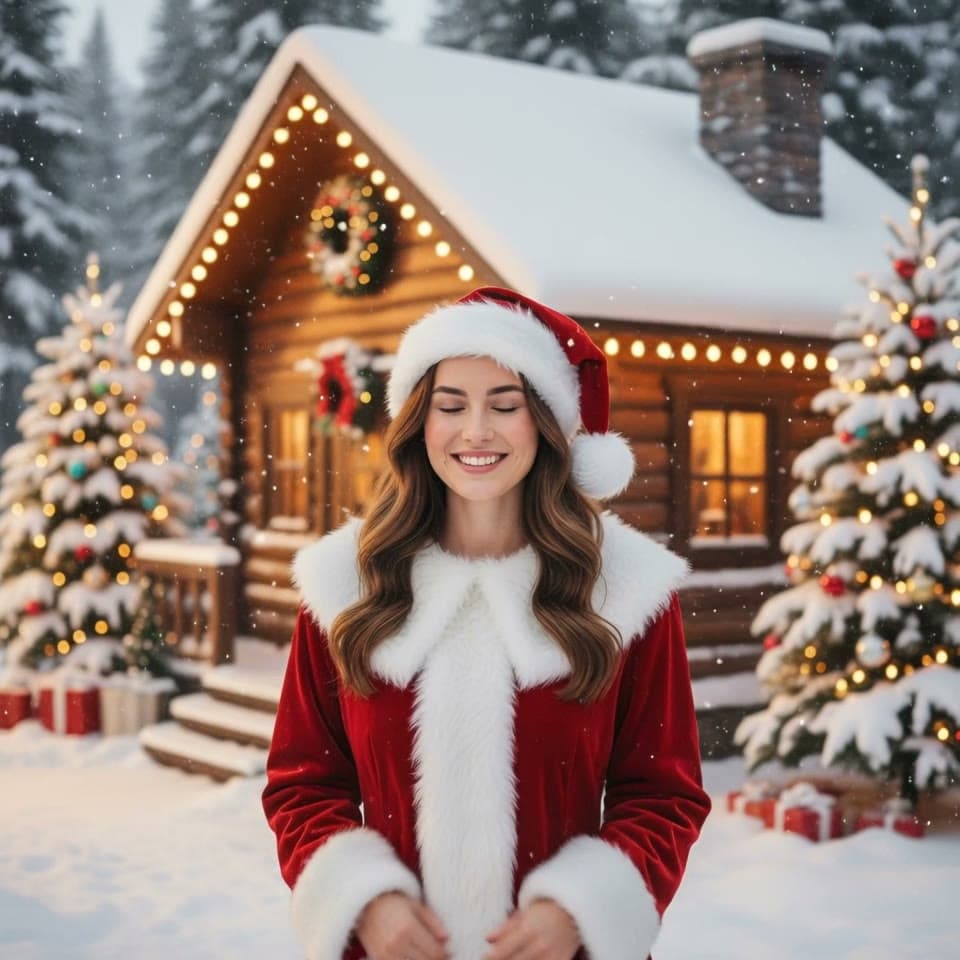
Snowy Christmas Video
Snowy Christmas Video
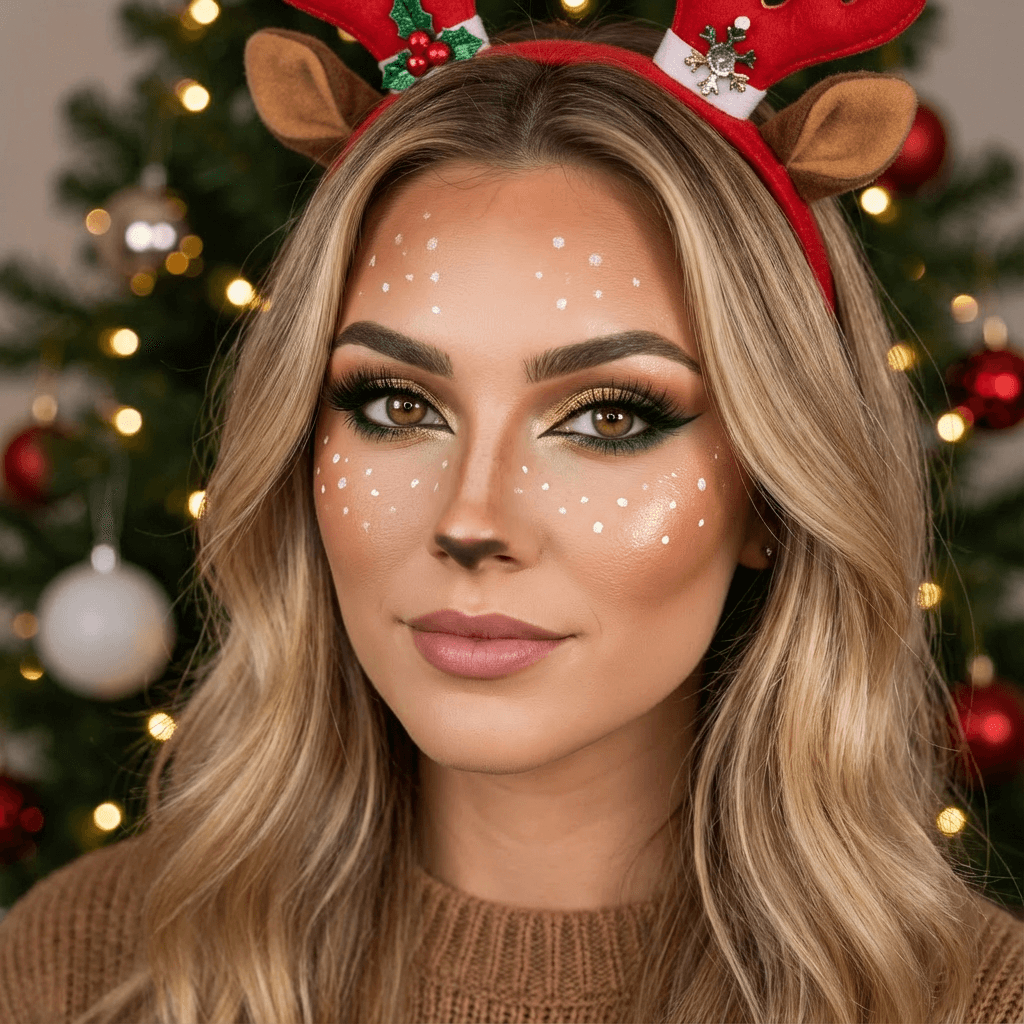
Christmas Reindeer Makeup Effect
Christmas Reindeer Makeup Effect