Character Transformation AI Video Generator
Create your photos with our character transformation video generator AI effect. Create viral-worthy content in seconds.
Example results
Preview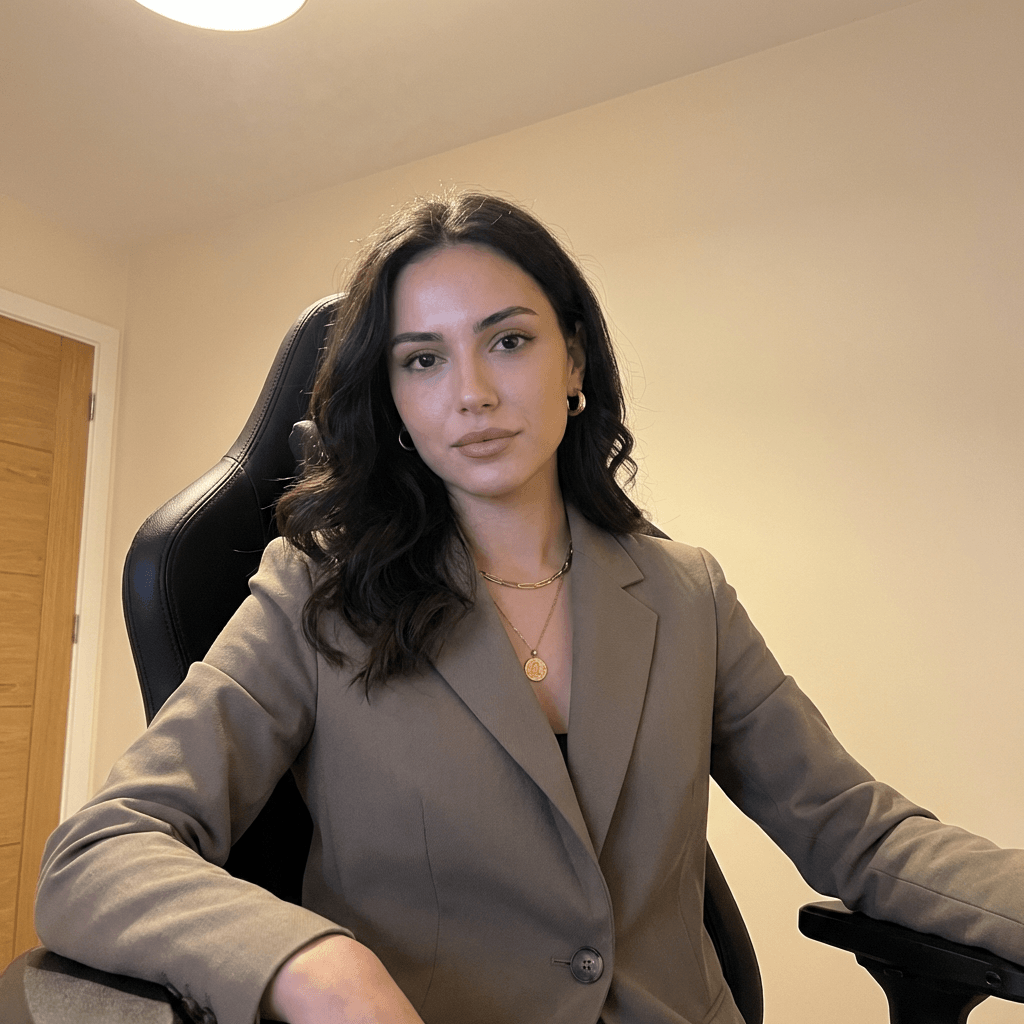
Character Transformation Video Generator
Character Transformation
Upload Your Photo
For the best likeness: one person per photo, face clearly visible from the front, good light, nothing covering the face (phone, sunglasses, hand). Upload the original photo, not a screenshot.
To do the Character Transformation trend, upload 2 clear photos of the people you want in it, then press generate. imageat places the people from your photos into the trend's original video, and the video is ready to download when it finishes. One generation costs 56 imageat credits; no prompt writing or editing app is needed.
What is the Character Transformation Video Generator?
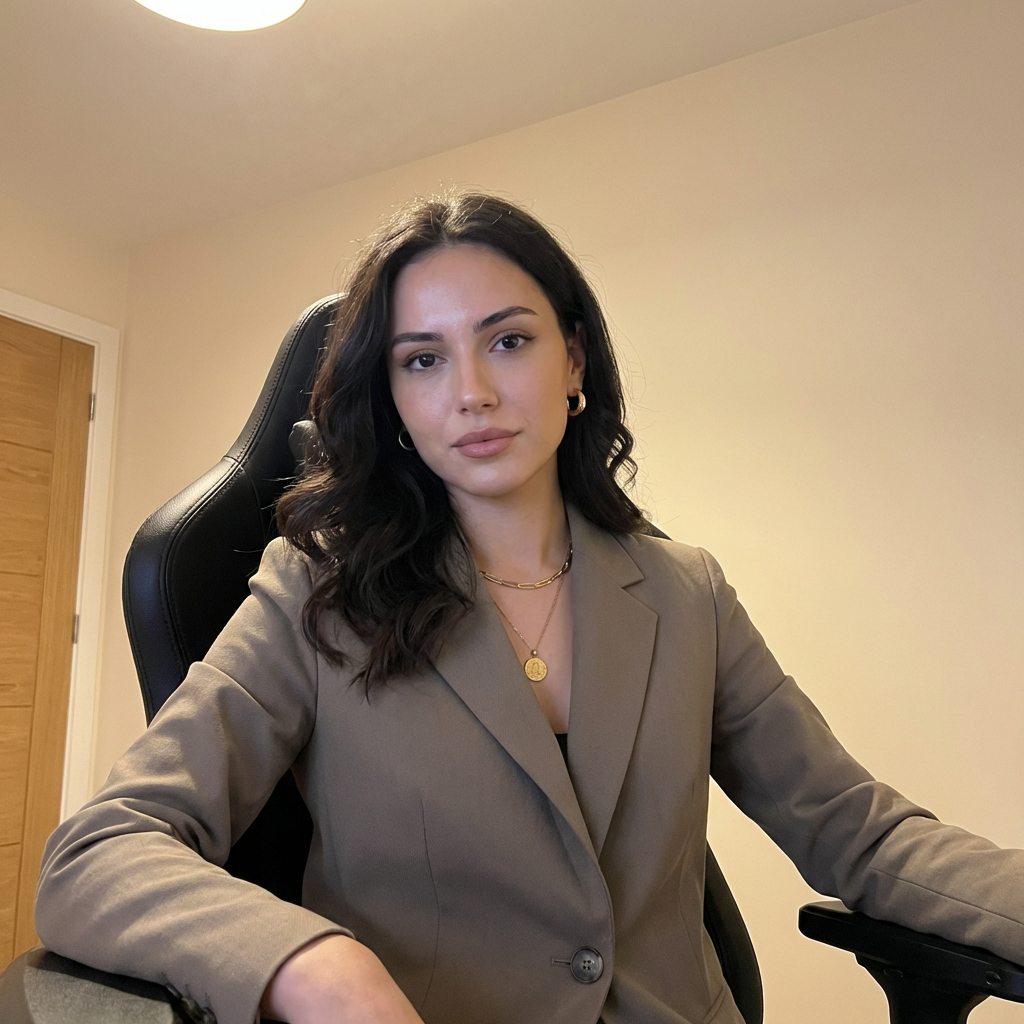
The finished video shows you seated in a black high-back gaming chair inside a bright room with warm indoor light and a door frame in the background. As the camera captures your posture and direct gaze, you transform into your chosen character, holding the exact same seating position while your appearance changes into the new persona. Your uploaded photos supply the facial features, hairstyle, and outfit for both yourself and your selected character. The trend template provides the gaming room backdrop, the black chair, the camera angle, and the motion and timing replayed from the source clip to deliver the final video.
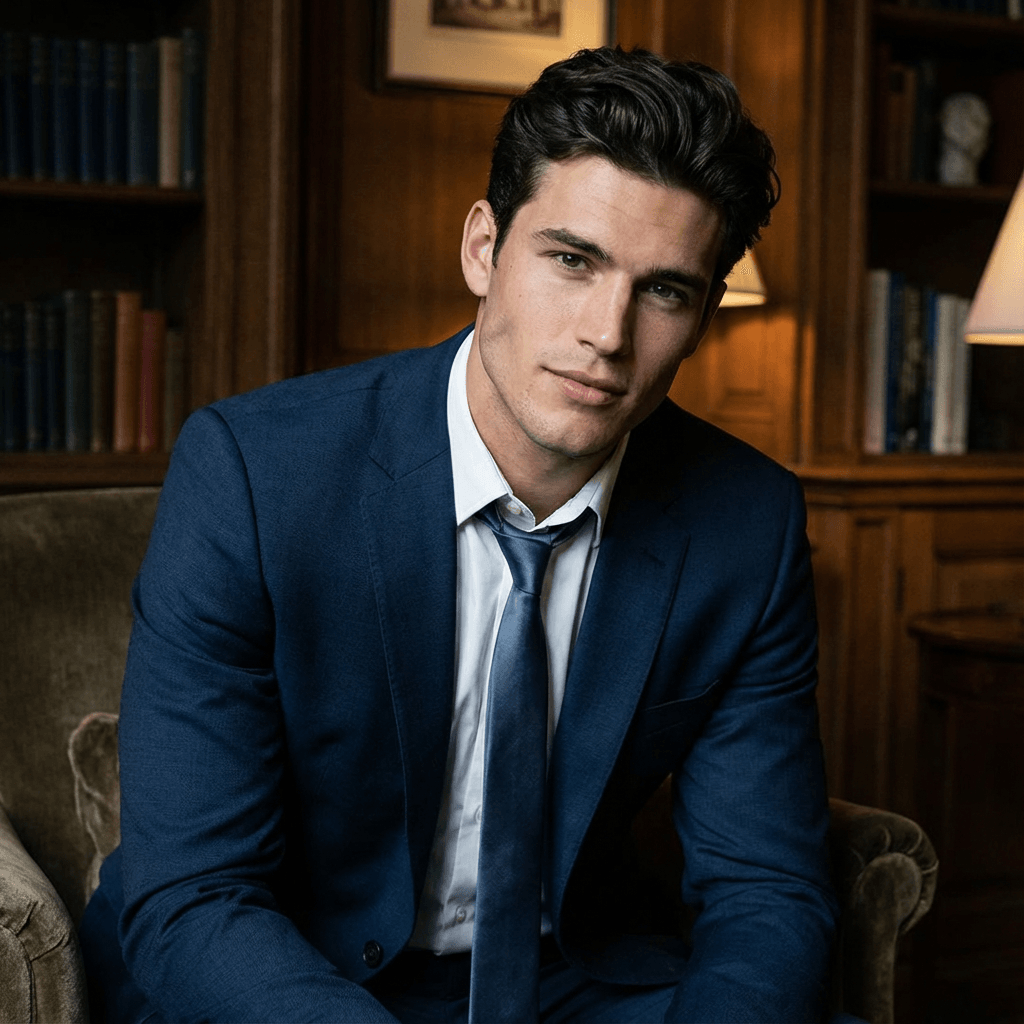
The Character Transformation Video Generator captures the popular social media trend where creators sit in front of a camera and morph into anime figures, game heroes, or movie characters. Popularized across TikTok and Instagram Reels, these transformation clips showcase dramatic reveals while keeping the streamer-style gaming chair and room setup constant. The visual contrast between ordinary room lighting and an iconic fictional persona makes each reveal engaging and shareable. On imageat, you upload a photo of yourself and an image of your favorite character, and the tool builds the transition clip using the template's motion and framing.
How to Do the Character Transformation Trend
Here is how to make your own video on imageat:
- 01Upload a clear portrait of your favorite character into the Character slot.
- 02Upload a clear front-facing photo of yourself into the Person slot.
- 03Click generate to produce your transformation video.
- 04Download the completed video and share it to TikTok or Instagram Reels.
Tips for best results
- Use high-quality photos for best results
- Good lighting makes a big difference
- Try different angles and poses
- Experiment with various styles
- Share your creations on social media
Character Transformation Video Generator at a glance
What to upload
Character; Person.
What you get
An AI video that follows the trend's original take, ready to download and post on TikTok, Reels or Shorts.
What it costs
56 imageat credits per video. The price is shown before you generate, and a failed generation is refunded.
FAQs about Character Transformation Video Generator
Create this trend with imageat
Go beyond the character transformation video generator — generate any AI video from text or an image with Veo, Kling, Seedance and more.
Similar trends
View all
Prison Scene with Full Character Consistency Photos
Prison Scene with Full Character Consistency Photos
Main Character Dinner Clip
Main Character Dinner Clip
Christmas Couple Effect
Christmas Couple Effect
Christmas Effect
Christmas Effect
Football Legend Effect Trend
Football Legend Effect Trend Generator
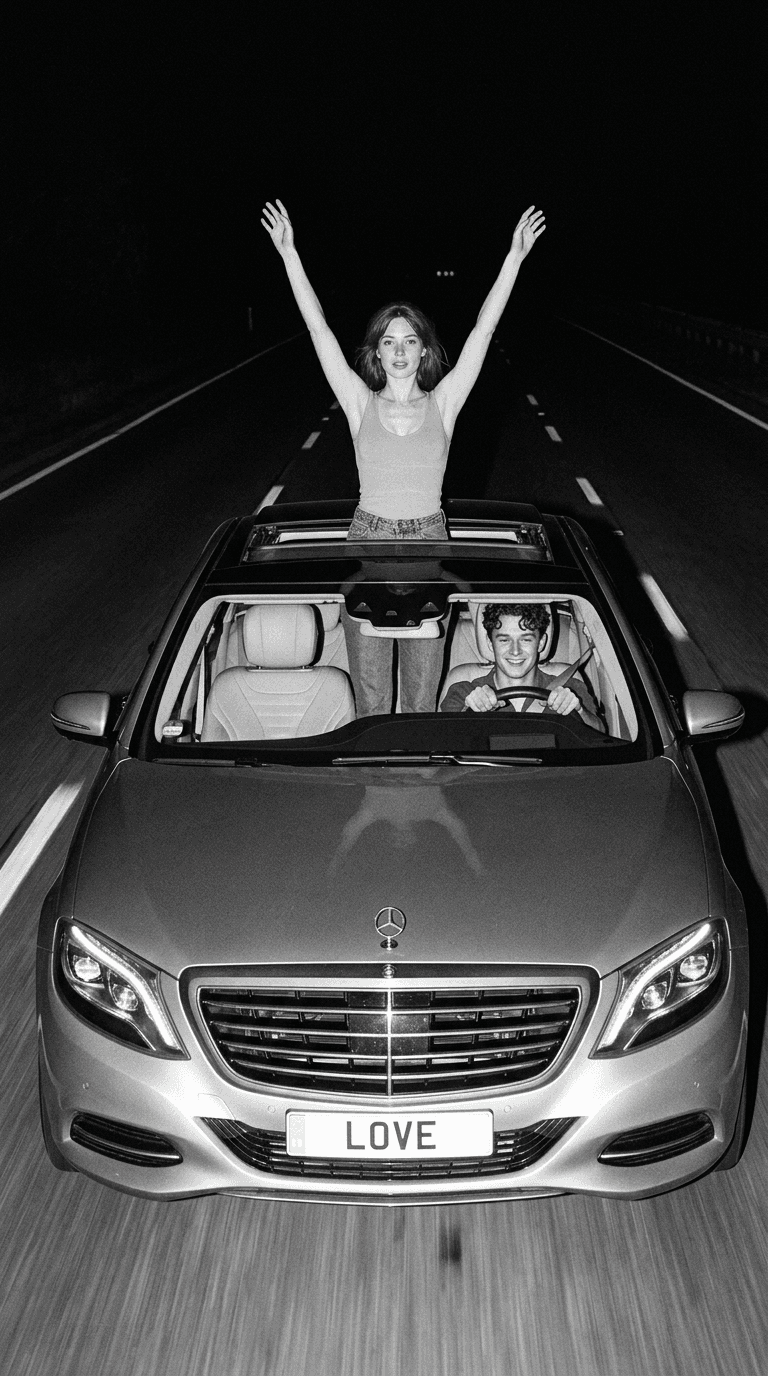
Speed Camera Couple
Speed Camera Couple Photo Generator
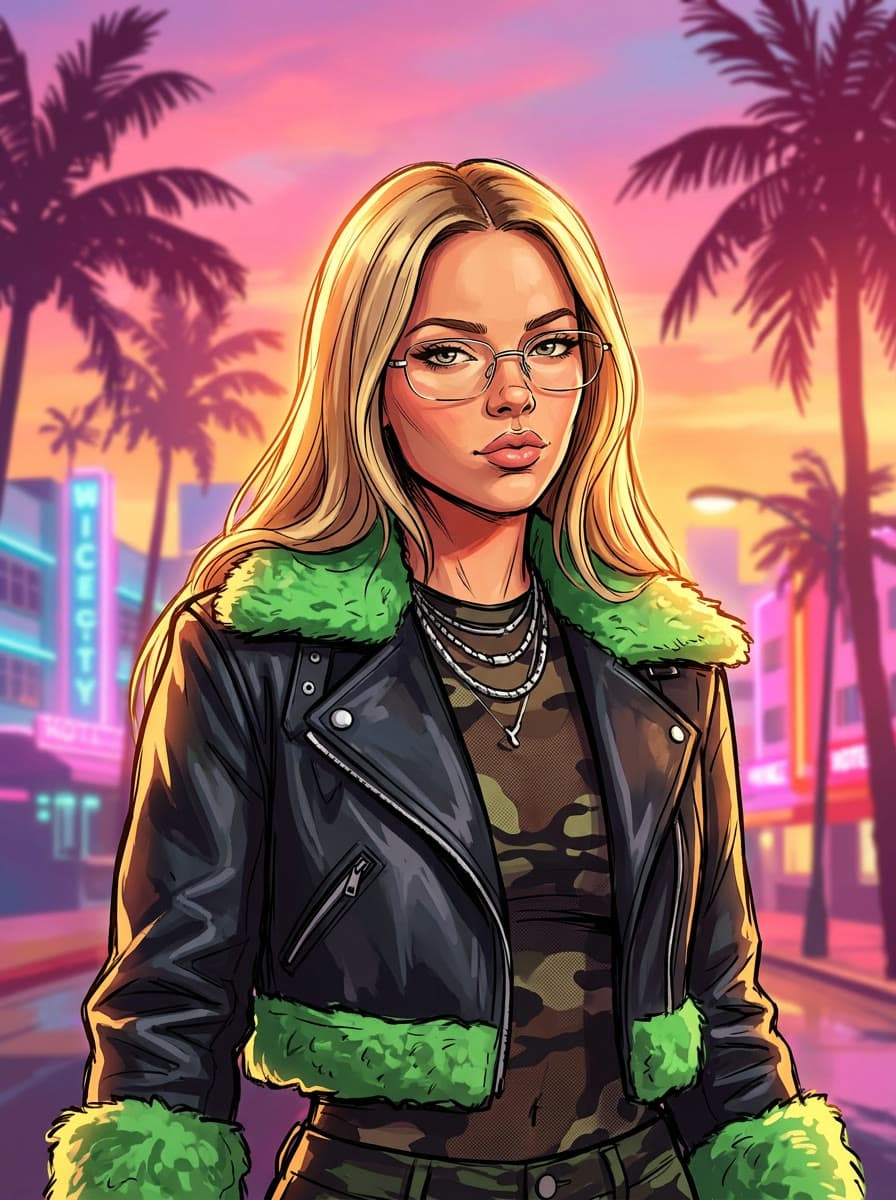
GTA 6 Character AI Photo: Become Jason or Lucia
GTA 6 Character AI Photo: Become Jason or Lucia
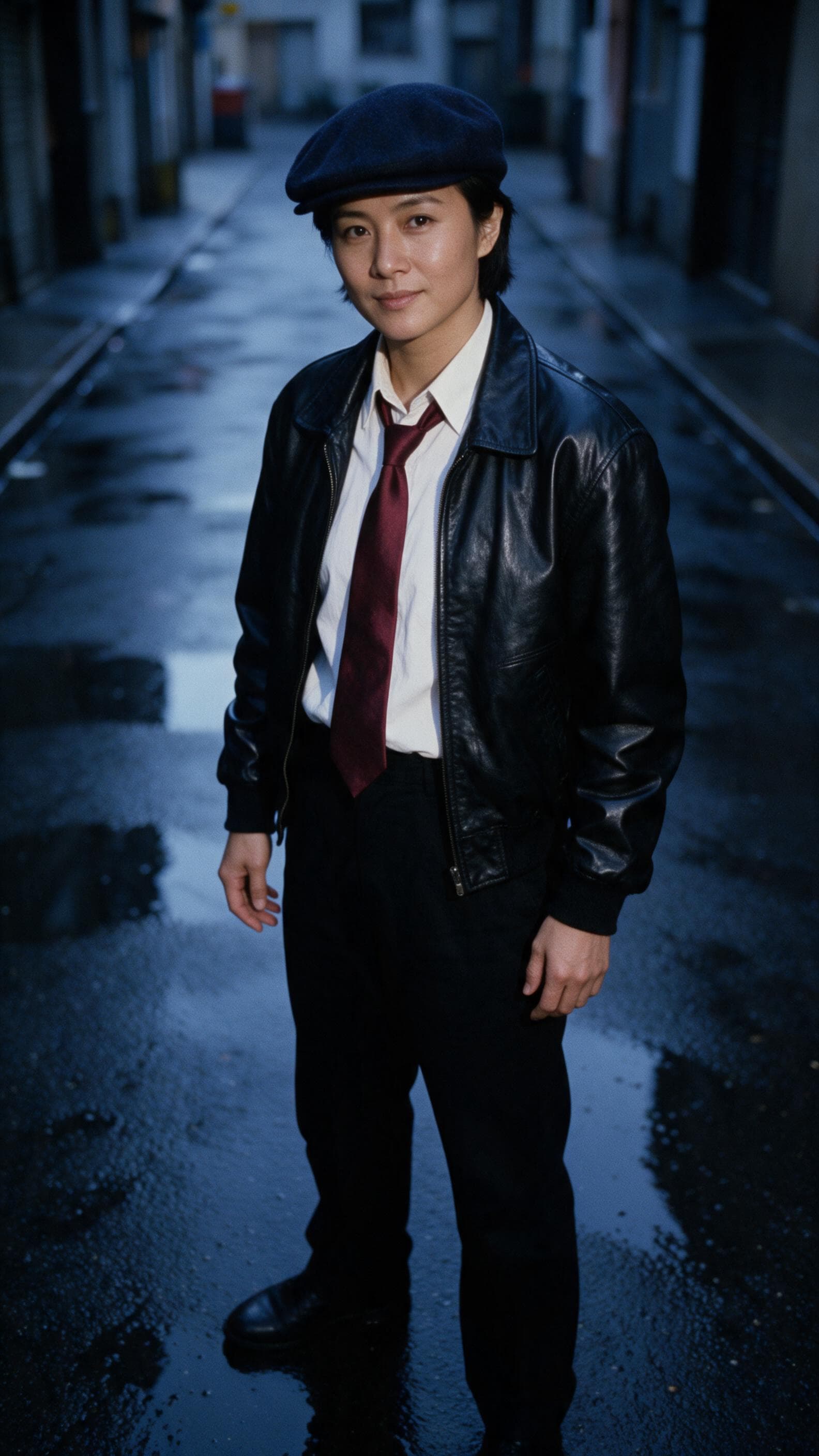
Me as a Mafia Character
Me as a Mafia Character AI Video Generator
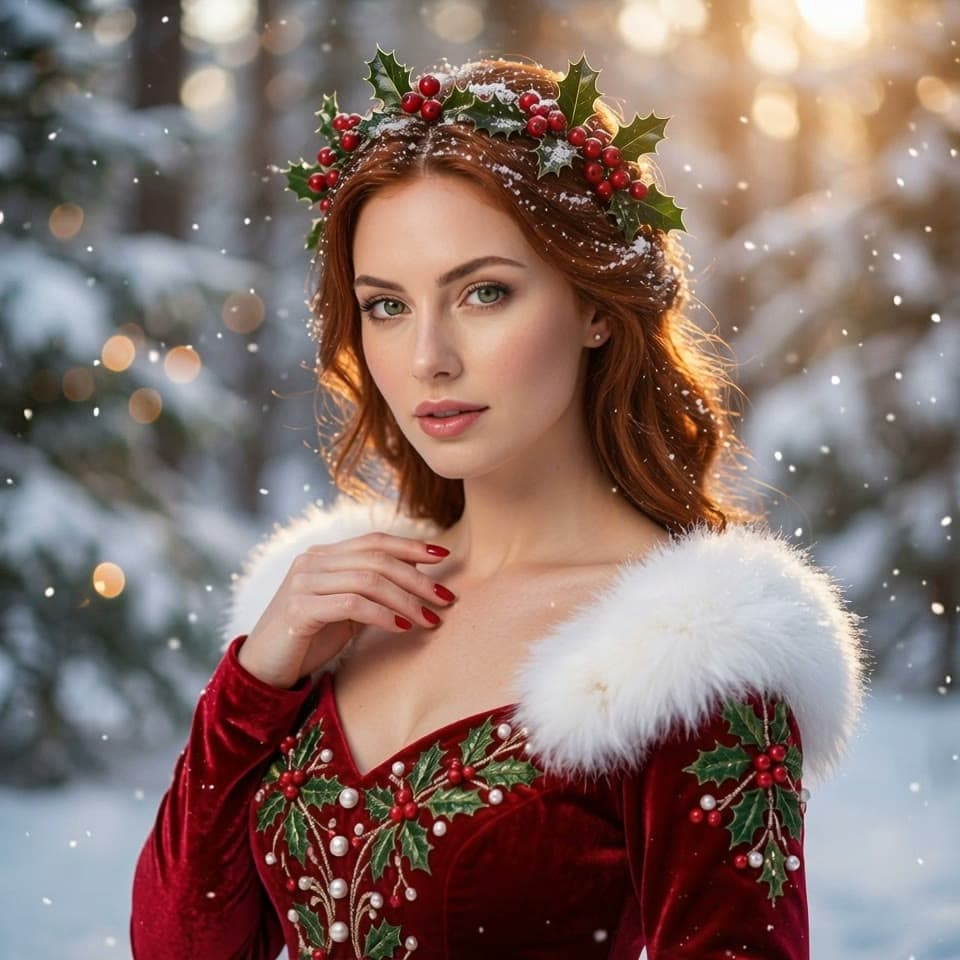
Christmas Effect Video
Christmas Effect Video
Christmas Elf Makeup Effect
Christmas Elf Makeup Effect
Plastic Face Video
Plastic Face Video