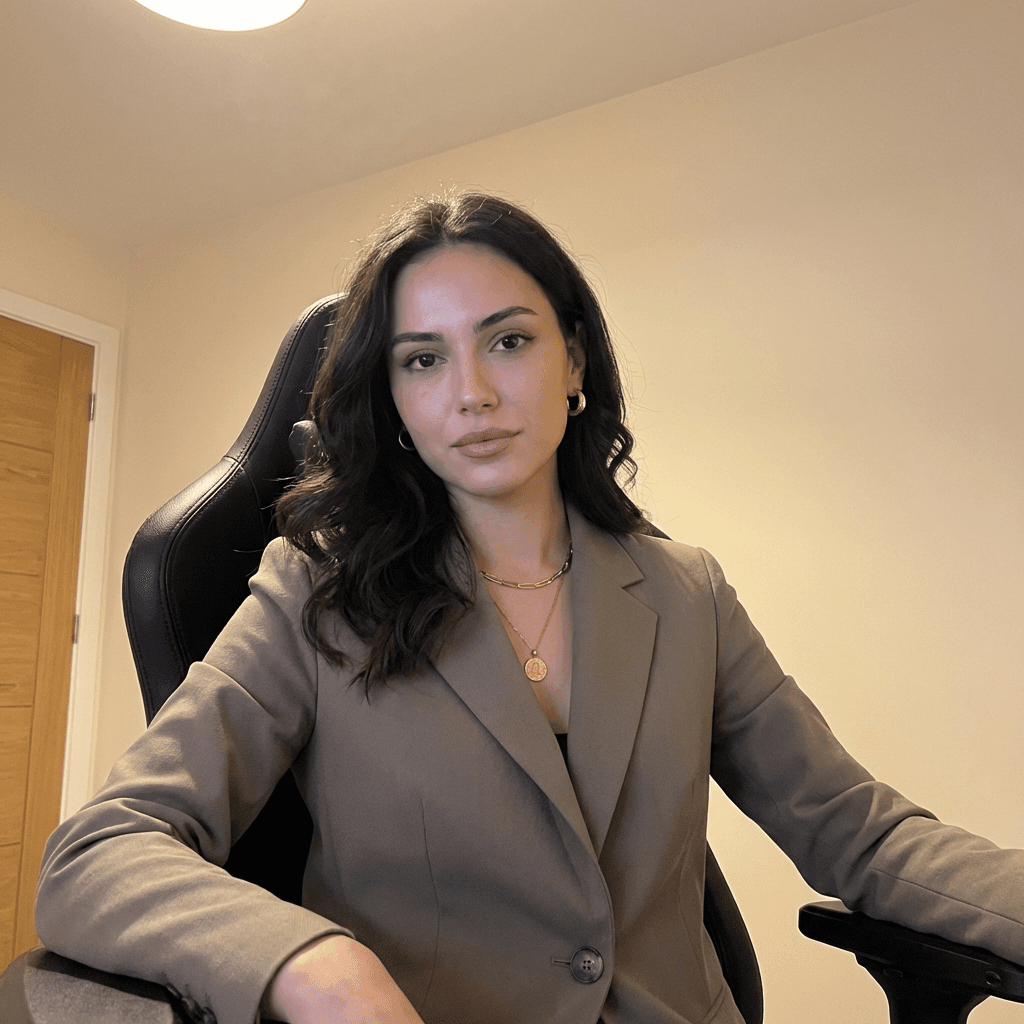
Christmas Effect
Festive Christmas effect with warm tones, soft bokeh, gentle snowfall, and polished seasonal atmosphere.
Example results
Preview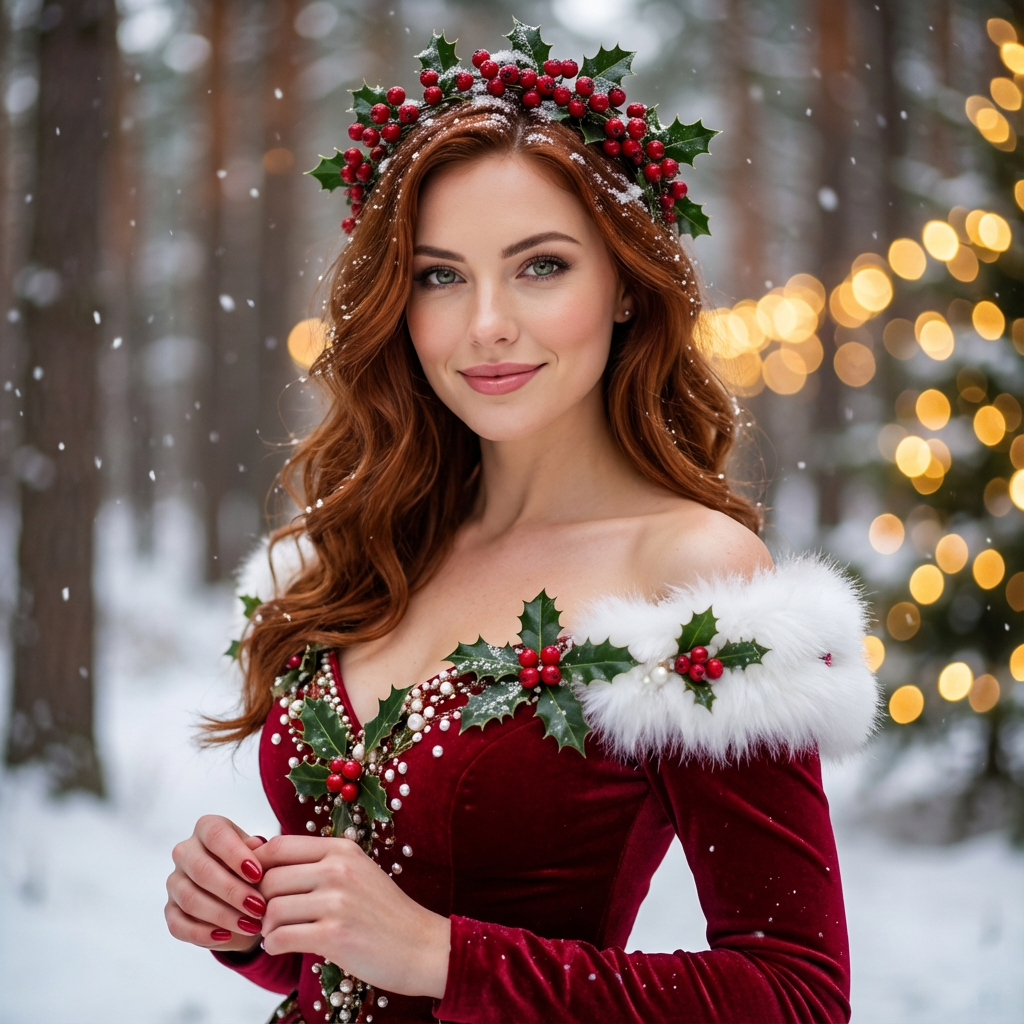
Christmas Effect
Christmas Effect
Upload Your Photo
By uploading or generating, you confirm you own these photos or have the person's permission, and you won't impersonate real people or celebrities. Responsible use
Quick answer
To do the Christmas trend, upload one clear photo where your face is easy to see, then press generate. imageat recreates your photo in the trend's look, and the image is ready to download when it finishes. One generation costs 8 imageat credits; no prompt writing or editing app is needed.
From a single selfie, the Christmas generator rebuilds your shot in the exact aesthetic that's trending right now. No presets to tweak, no layers to mask — just upload, generate, and share.
What is the Christmas Effect?
At its core, the christmas effect transforms a normal photo into a stylized scene that fits the visual language of the trend. The AI preserves identity cues like face shape and expression, while changing background, color, and texture to match the look people are sharing online.
How to Do the Christmas Trend
Here is how to make your own version on imageat:
- 1Pick a photo where your face is well-lit and roughly centered
- 2Press generate — Christmas usually lands within about 30 seconds to a few minutes; peak load can occasionally push toward ~10 minutes
- 3Review the output, regenerate if you want a variation, then download
Tips for Best Results
- If the first output isn't quite right, regenerate — small variations are normal
- Crop tight on the subject before uploading for stronger composition
- Plain backgrounds let the christmas effect effect shine through
- Higher-resolution uploads almost always beat compressed phone screenshots
Best Prompts for Christmas Effect
Want more control over the look? Copy one of these prompts and use it in our AI image generator to fine-tune the christmas effect style.
Photorealistic christmas effect, ultra-detailed skin and hair, realistic lighting, 8k quality, true-to-life colors
Cinematic christmas effect, teal-and-orange grade, anamorphic depth, movie-still composition
Minimal Christmas portrait, simple background, balanced composition, soft natural light
Christmas style with a single dramatic spotlight, chiaroscuro shadows, high contrast, intense mood
Christmas Effect at a Glance
What to upload
Person.
What you get
An AI image, ready to download and post on TikTok, Reels or Shorts.
What it costs
8 imageat credits per image. The price is shown before you generate, and a failed generation is refunded.
FAQs About Christmas Effect
Create this trend with imageat
Create unlimited variations beyond the christmas effect with imageat's AI image generator.
Similar trends
View all
AI Christmas Couple Trend
AI Christmas Couple Trend
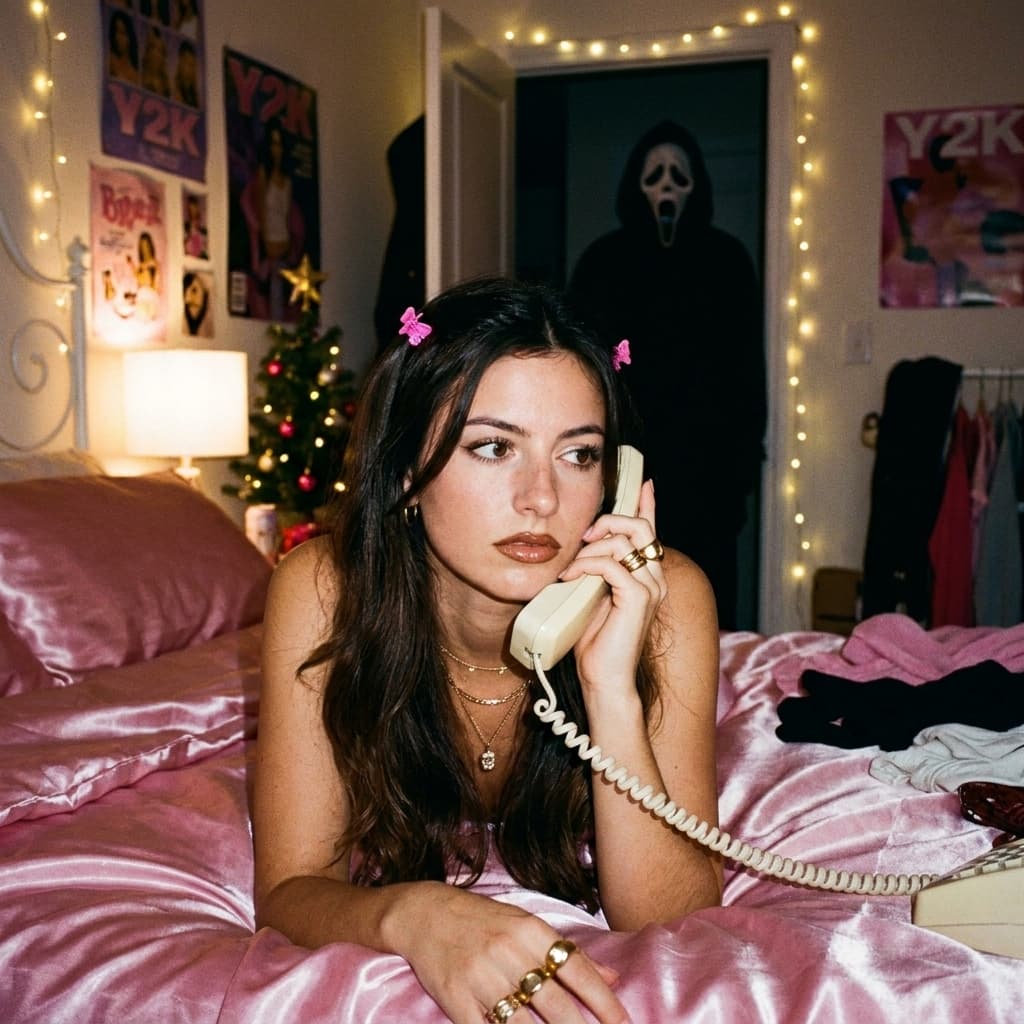
AI Christmas Ghostface Trend
AI Christmas Ghostface Trend
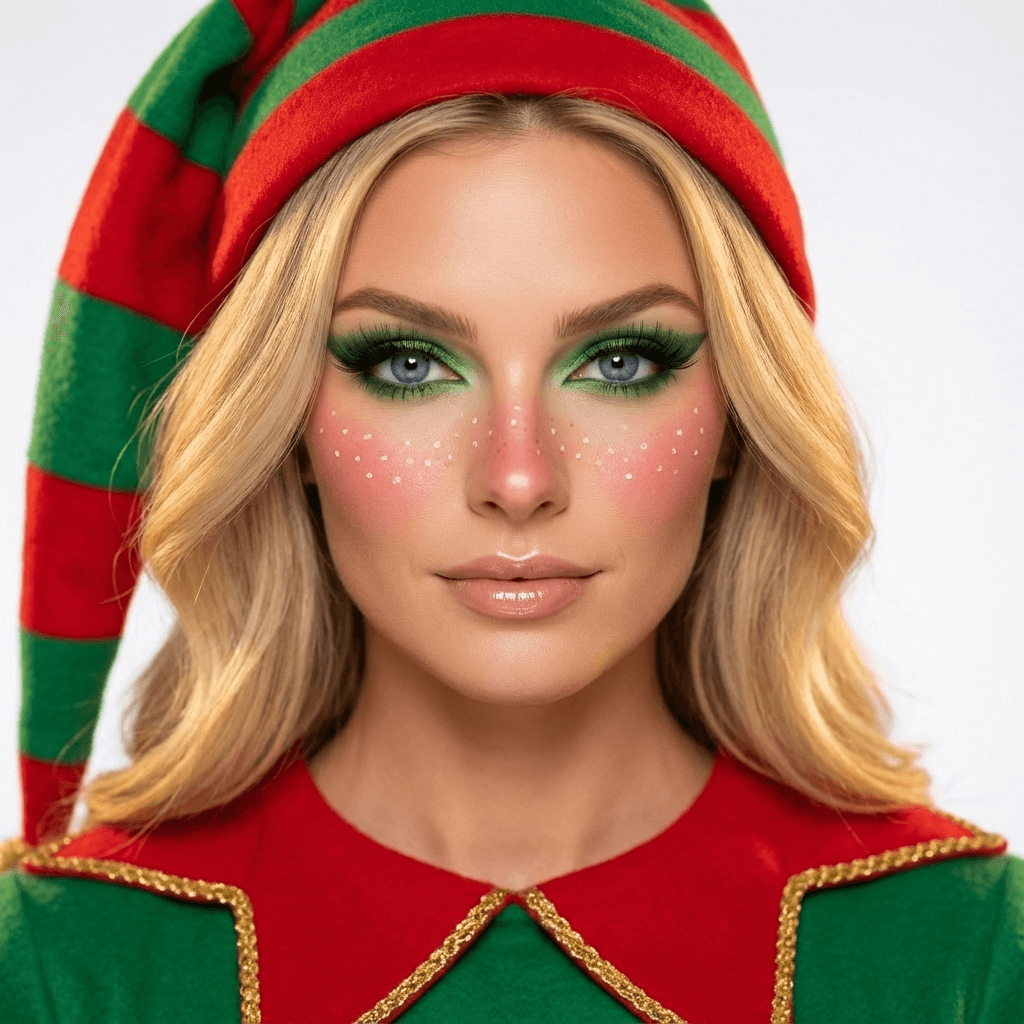
Christmas Elf Makeup Effect
Christmas Elf Makeup Effect
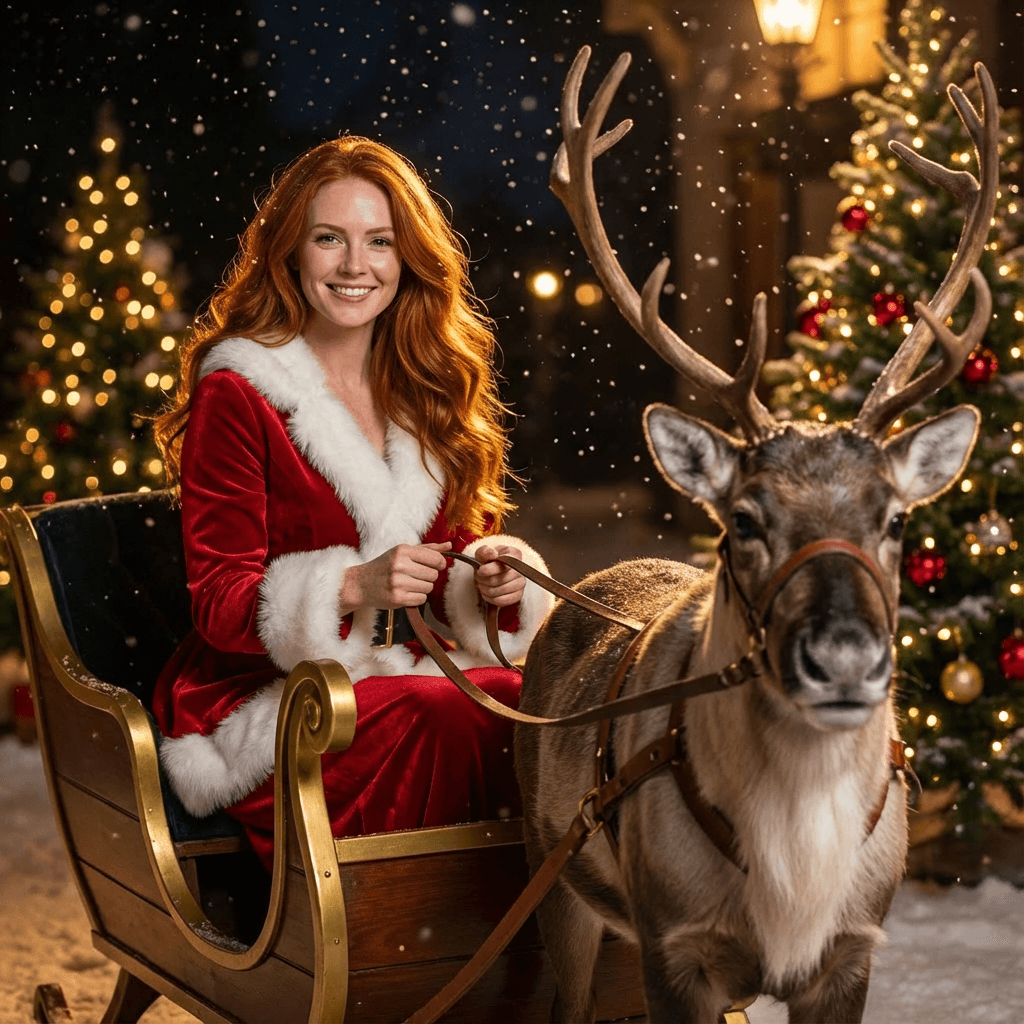
Christmas Night Effect
Christmas Night Effect
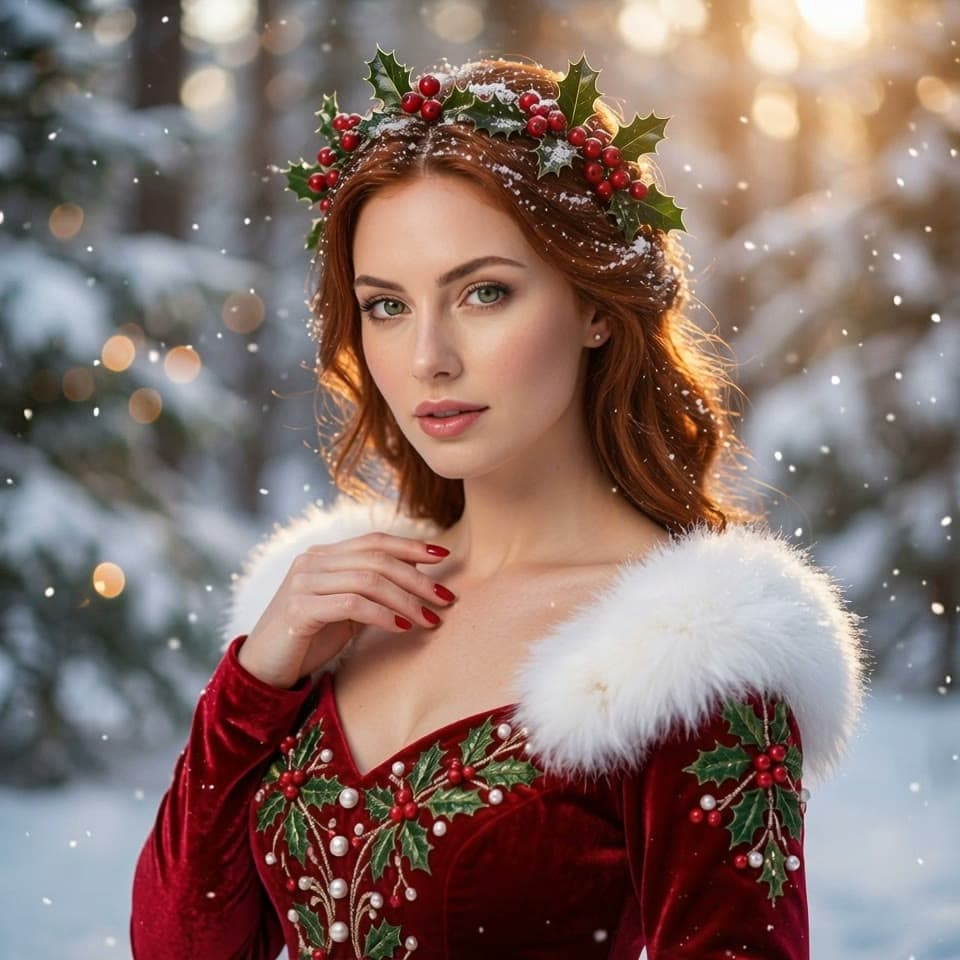
Christmas Effect Video
Christmas Effect Video
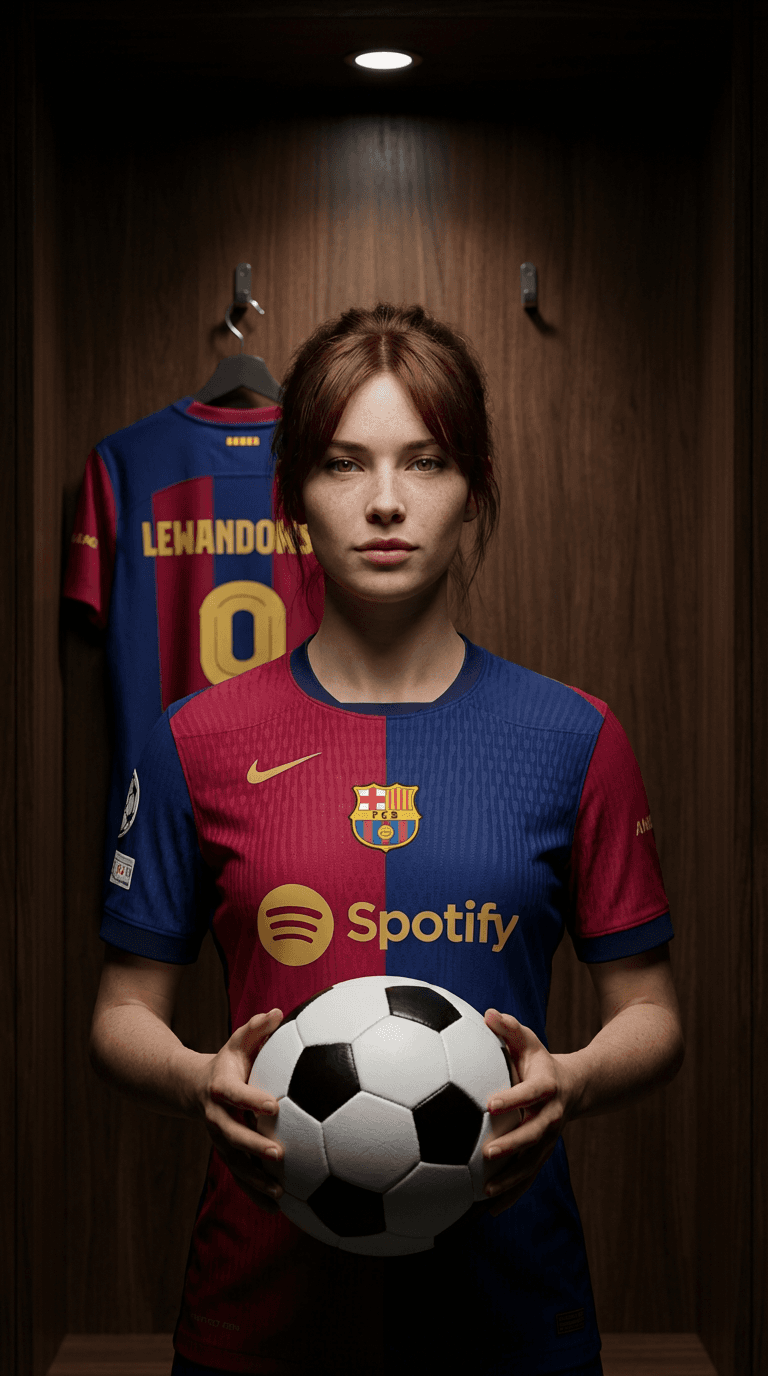
Football Legend Effect Trend
Football Legend Effect Trend Generator
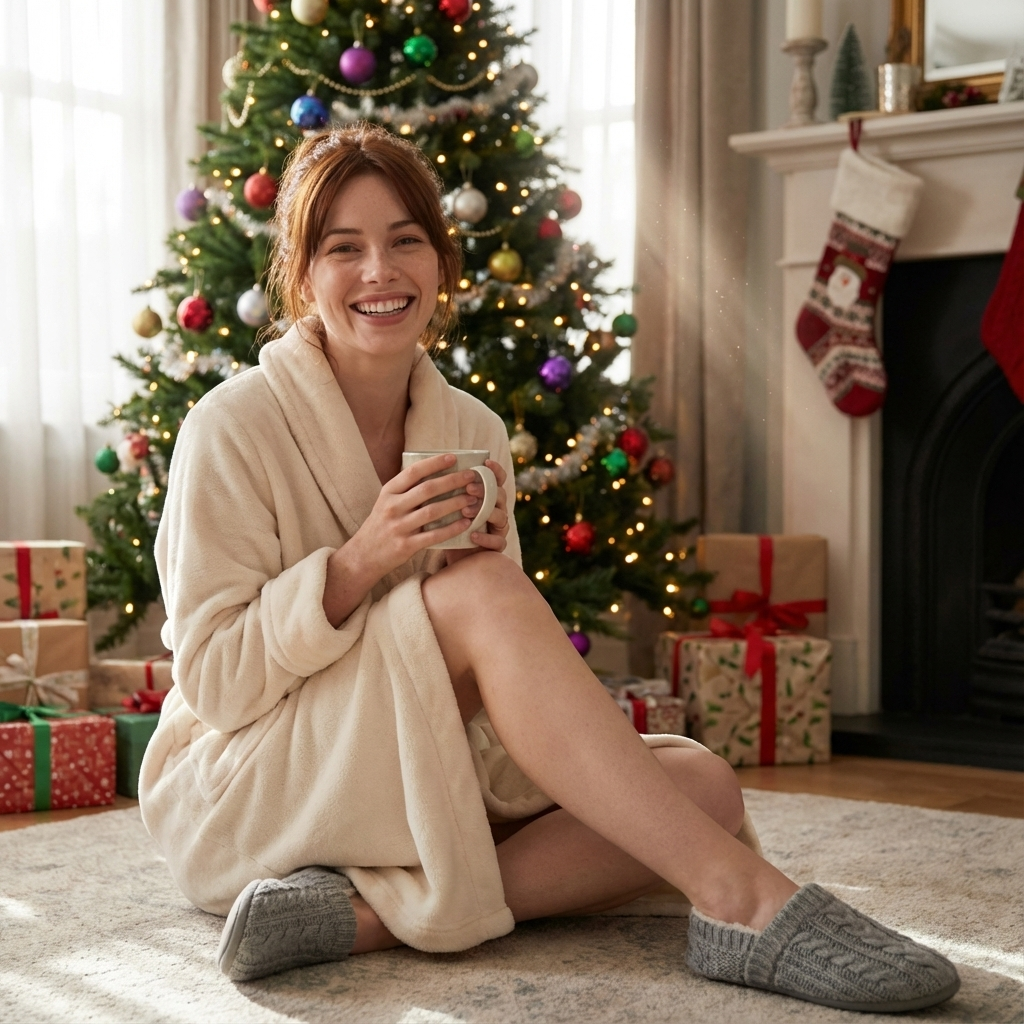
AI Christmas Photo Trend
AI Christmas Photo Trend
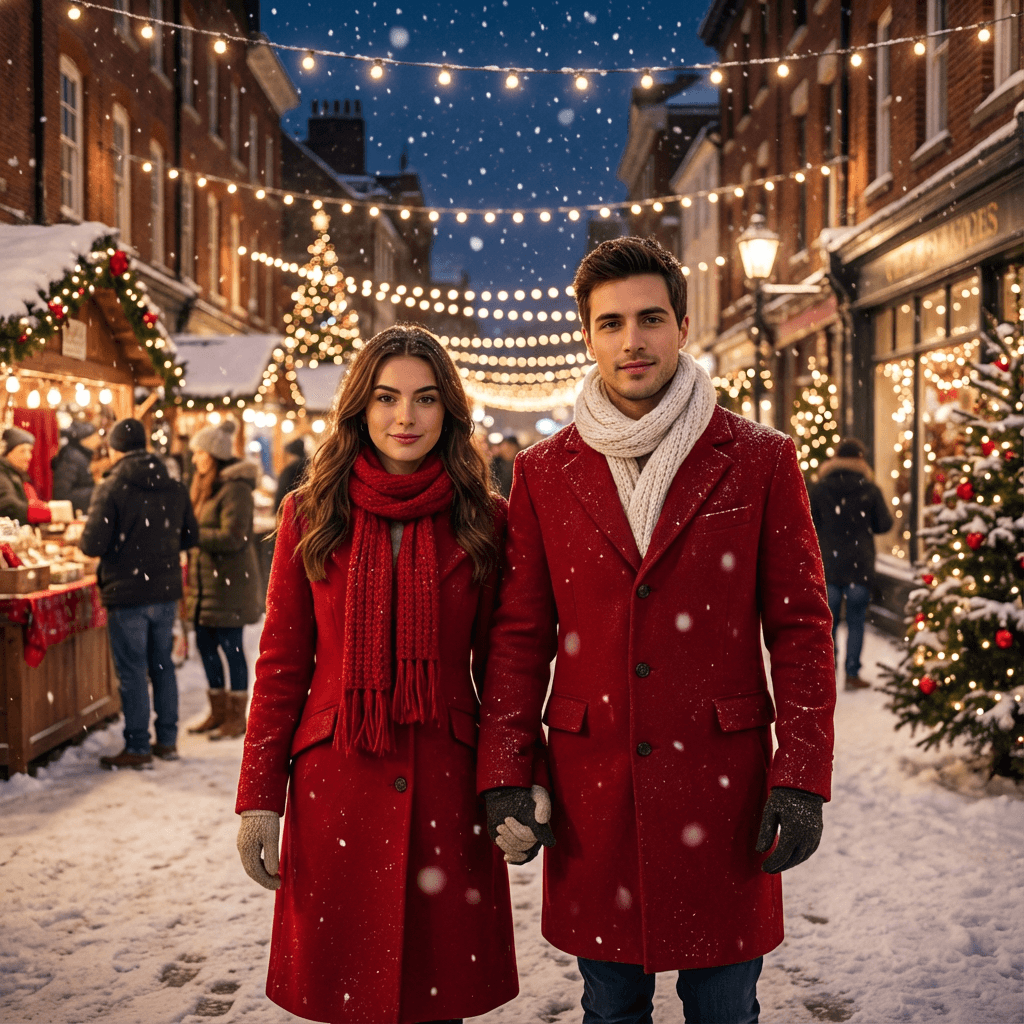
Christmas Couple Effect
Christmas Couple Effect
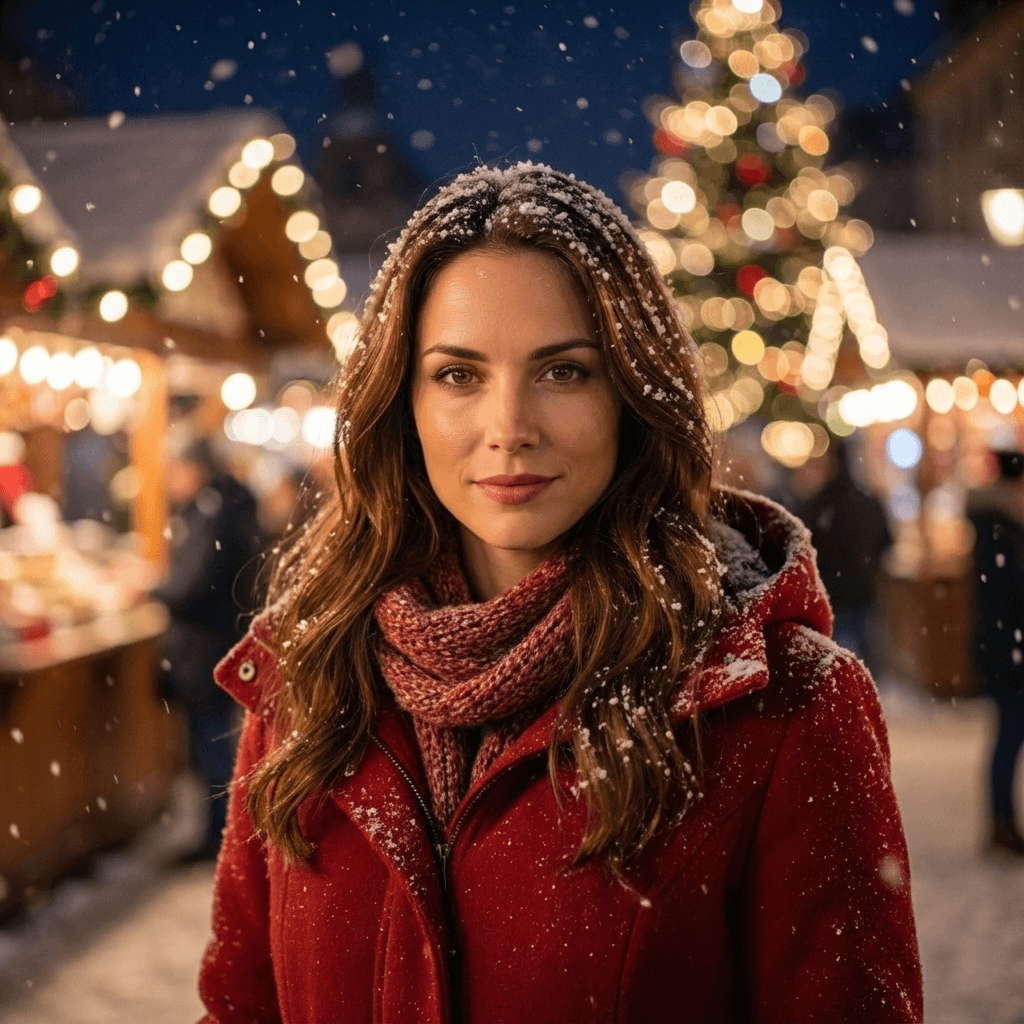
Christmas Market Portrait
Christmas Market Portrait
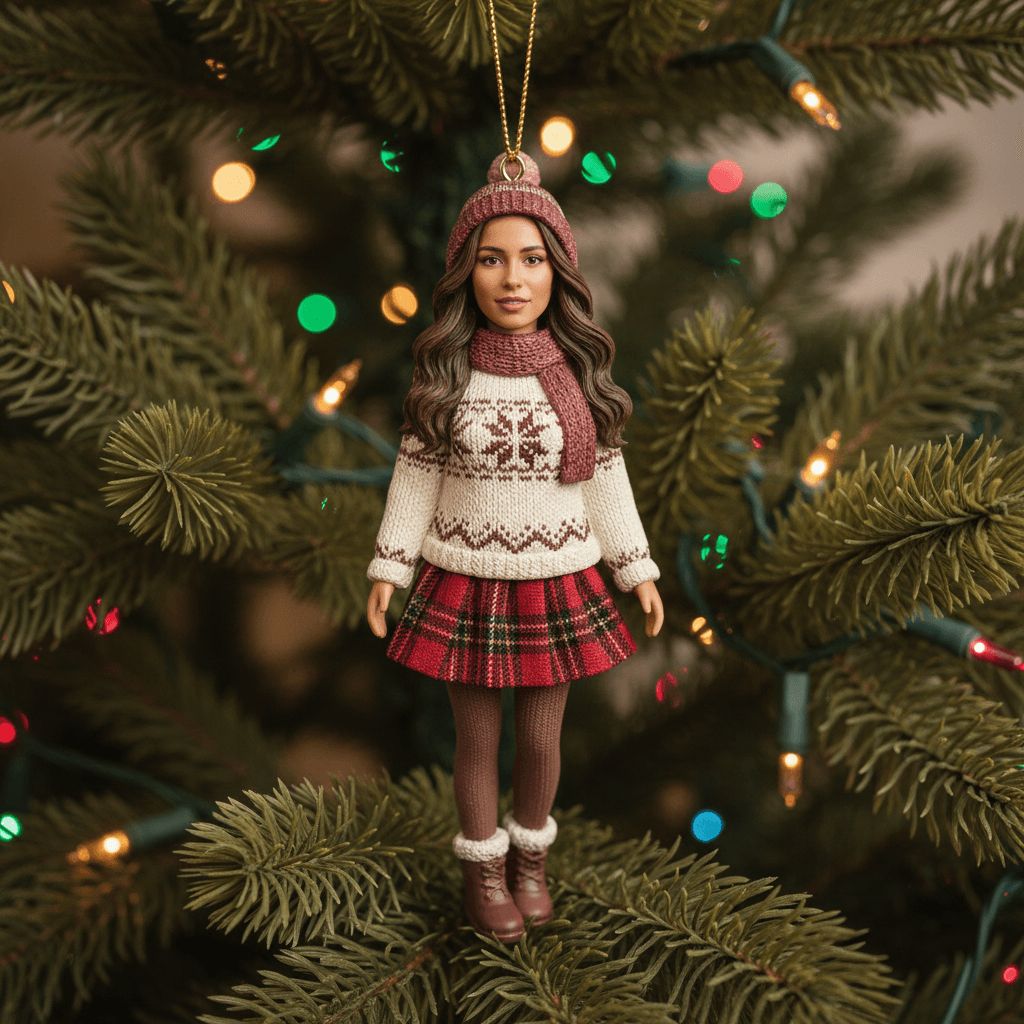
Christmas Ornament Effect
Christmas Ornament Effect