Aerial Pullback AI Video Generator
Example results
Preview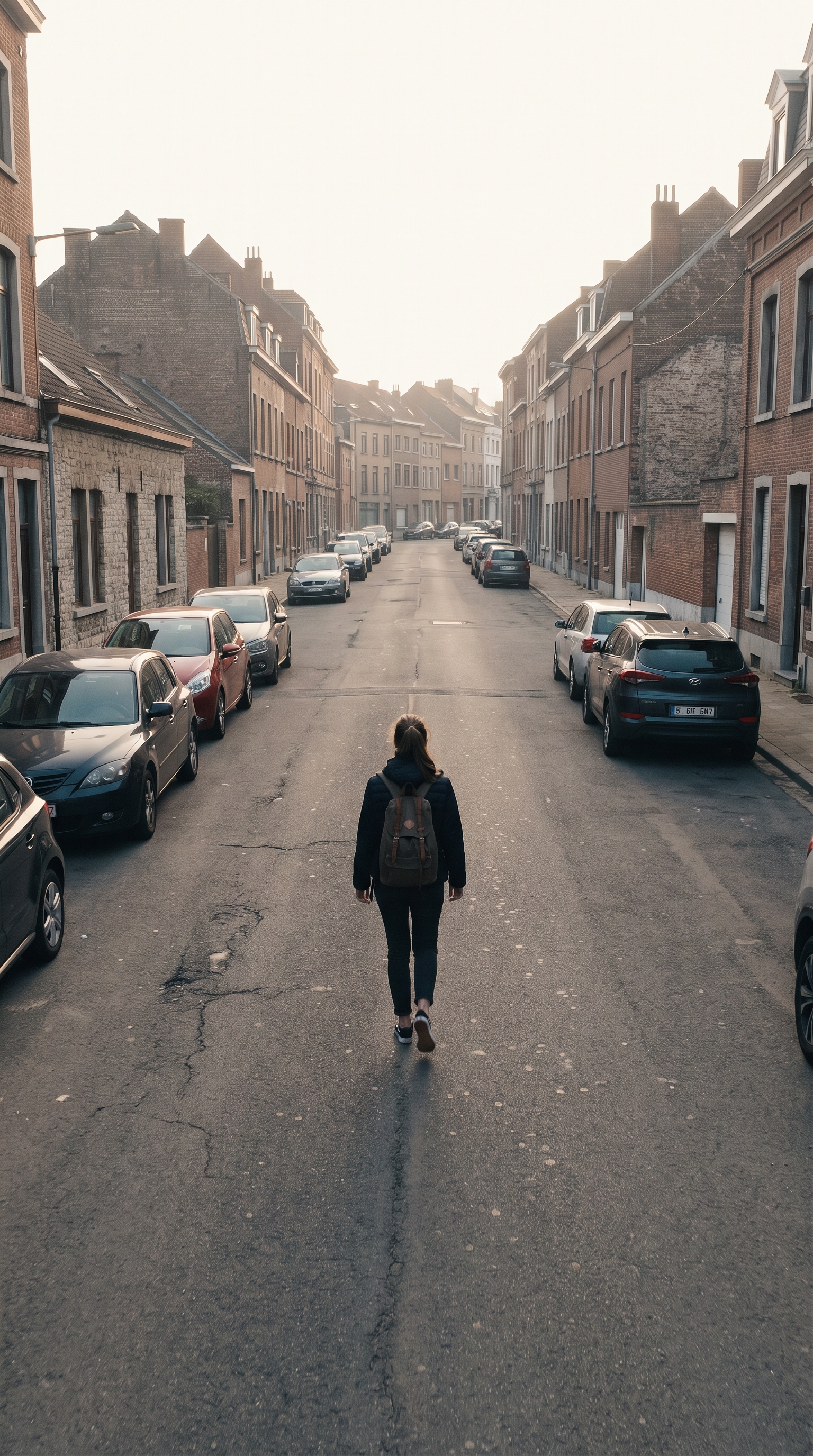
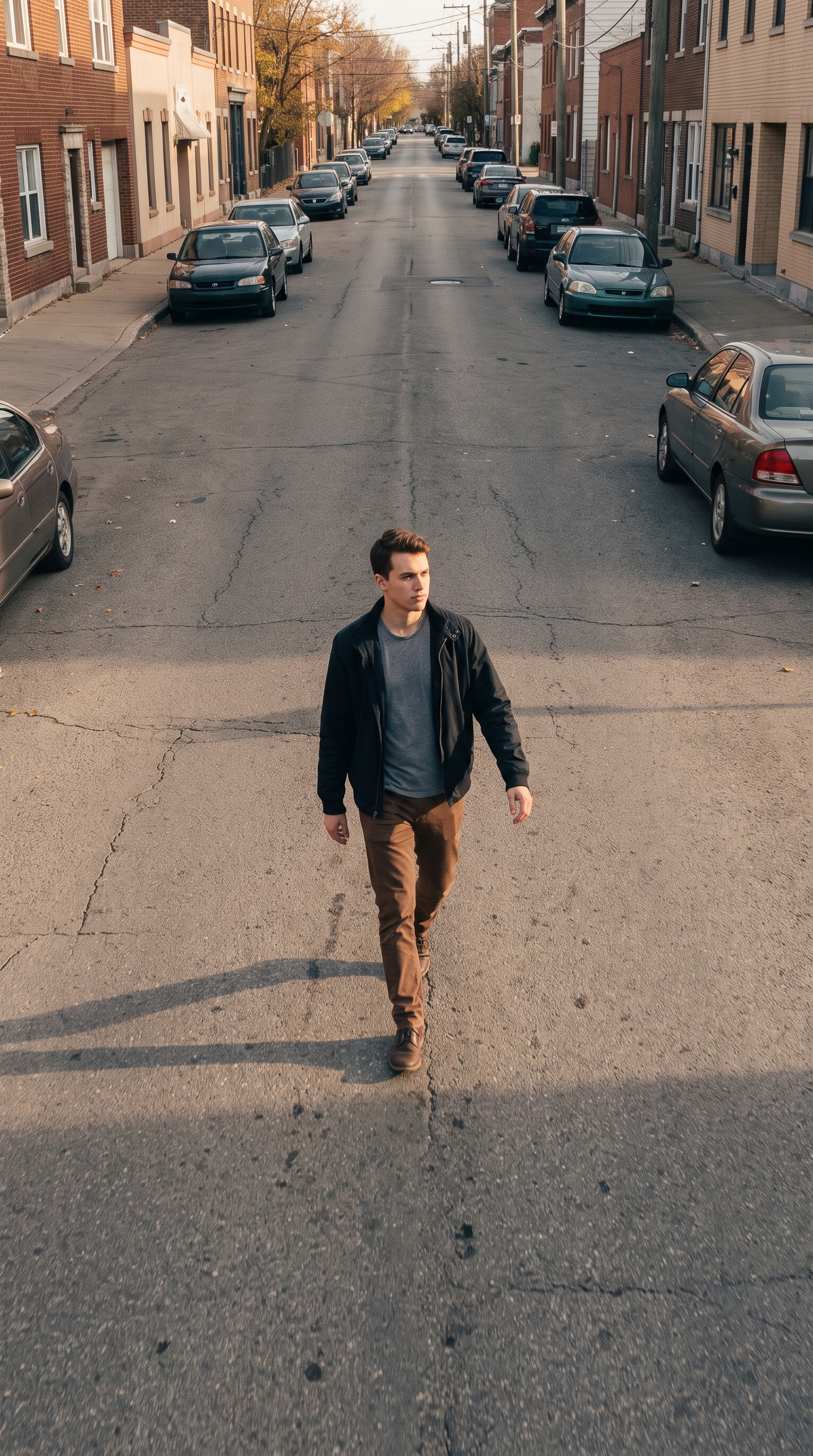
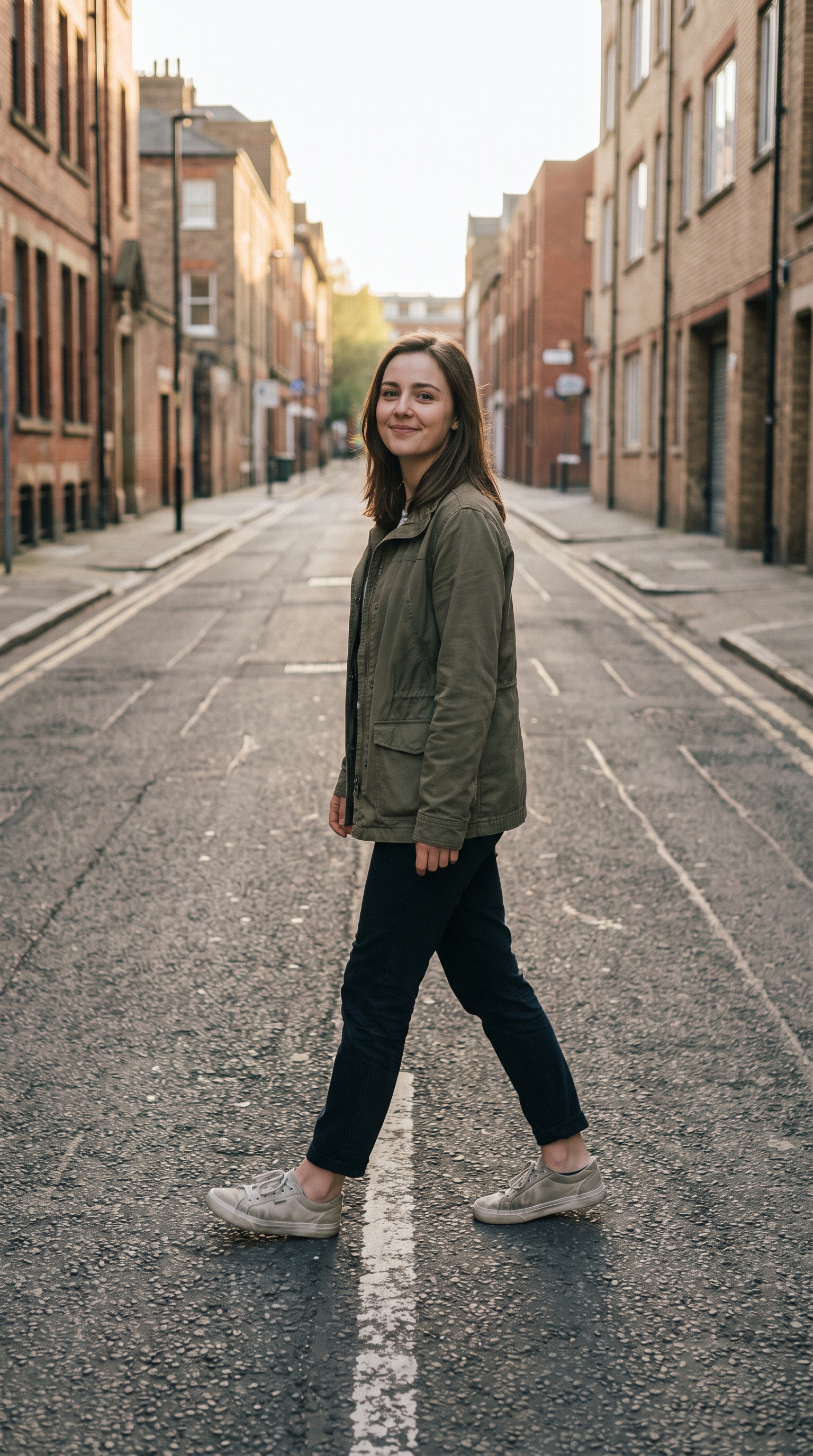
Aerial Pullback AI Video Generator
Aerial Pullback
Upload Your Photo
Create a cinematic aerial pullback from a single photo. The camera begins close to your subject, then rises and retreats like a stabilized drone to reveal the surrounding landscape at an epic scale. This AI video effect is designed for dramatic location reveals, travel clips, real-estate showcases, music-video intros, and vertical social posts.
What is the Aerial Pullback AI Video Generator?
An aerial pullback is a reveal shot in which the camera moves backward and usually upward from a close subject. As the camera retreats, more of the environment enters the frame and the image shifts from an intimate close-up to a wide establishing shot. The effect creates scale, context, and a cinematic sense of discovery without requiring a physical drone, pilot, or editing timeline.
How to Create Your Drone Pull-Back Video Generator Video
Creating your own drone pull-back video generator video is simple:
- 1Upload a sharp photo with one clear subject and enough visible environment for the reveal
- 2Generate the aerial pullback so the virtual camera rises and retreats from the opening frame
- 3Preview the motion, regenerate for a different path if needed, then download the finished video
Tips for Best Results
- Use an outdoor image or a location with visible depth behind the subject
- Keep the main subject near the center so it remains readable as the frame widens
- Choose 9:16 for Reels and TikTok, or 16:9 for cinematic and YouTube output
- A clean, high-resolution starting image produces steadier detail during the retreat
- For a majestic reveal, use a landscape, rooftop, beach, mountain, city, or large interior
Best Prompts for Drone Pull-Back Video Generator
Want more control over the motion? Copy one of these prompts and use it in our AI video generator to fine-tune the drone pull-back video generator style.
Start in a tight close-up on the subject, then execute a smooth vertical crane up and drone pullback, progressively revealing the full landscape, stabilized cinematic motion, natural atmospheric depth
Slow aerial pullback and rise from the subject, reveal a vast mountain valley at golden hour, soft haze between ridges, smooth gimbal motion, epic establishing shot
Fast but smooth drone pullback from a centered subject, rise above the location and reveal the surroundings, strong depth and scale, dramatic opening hook, composed for 9:16
Begin close to the front entrance, pull backward and upward like a professional drone, reveal the entire property and surrounding landscape, stable premium real-estate cinematography
Why Choose ImageAt for Drone Pull-Back Video Generator
Fast turnaround
Most generations finish quickly; busy periods can take longer—we deliver your video here the moment processing completes.
Realistic Transformation
Powered by cutting-edge AI algorithms for incredibly realistic transformations.
Social Media Ready
Create shareable content perfect for TikTok, Instagram, and Twitter.
Shot guide
Build a convincing cinematic drone reveal
The strongest aerial pullbacks have a readable starting subject, a clear direction of travel, and an environment worth revealing. Keep the subject stable while asking the virtual camera to rise and retreat continuously. Atmospheric haze, foreground objects, roads, coastlines, rooftops, and mountain layers help the model communicate depth as the shot widens.
Travel and landscapes
Begin on a traveler, landmark, tent, or viewpoint and reveal the surrounding valley, coastline, forest, or city.
Property and hospitality
Start near an entrance, terrace, pool, or facade, then rise to establish the full building and neighborhood.
Music and social intros
Open on a centered performer or creator, then pull back quickly to expose a dramatic set or unexpected location.
Recommended camera direction
Start close on the subject. Move smoothly backward and upward in one continuous stabilized aerial motion. Keep the subject readable while progressively revealing the complete environment. End on a wide cinematic establishing shot.
FAQs About Drone Pull-Back Video Generator
Create this trend with imageat
Go beyond the drone pull-back video generator — generate any AI video from text or an image with Veo, Kling, Seedance and more.