Gamer Apocalypse Swap GTA 6 Version AI Video Generator
GTA 6 finally drops and you keep playing while a meteor hits the city and a tsunami rolls in outside your window.
Example results
Watch video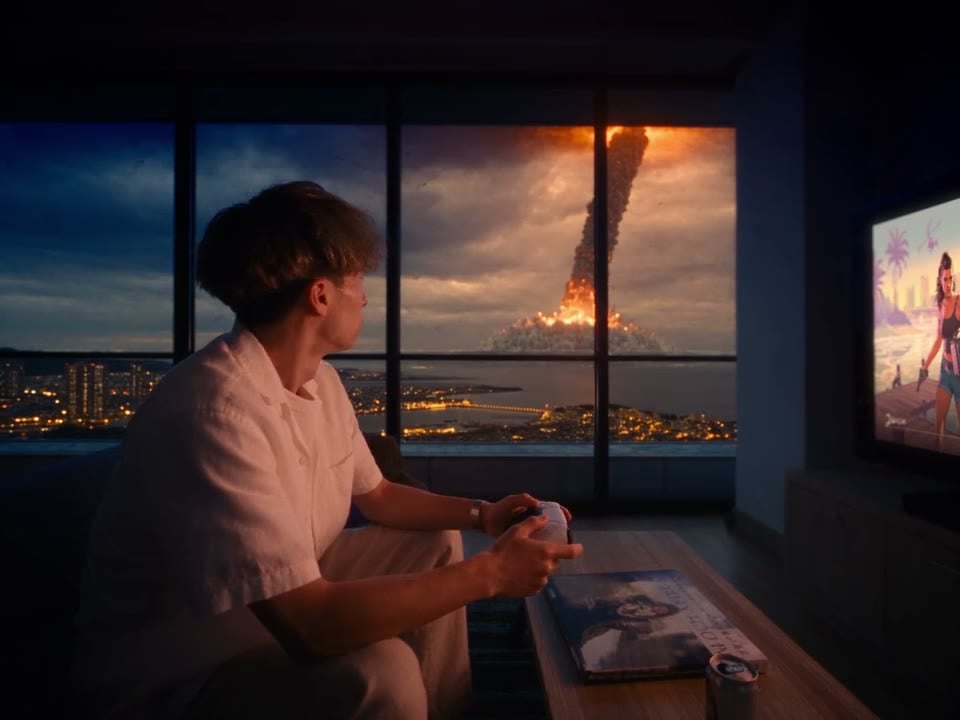
Gamer Apocalypse Swap GTA 6 Version
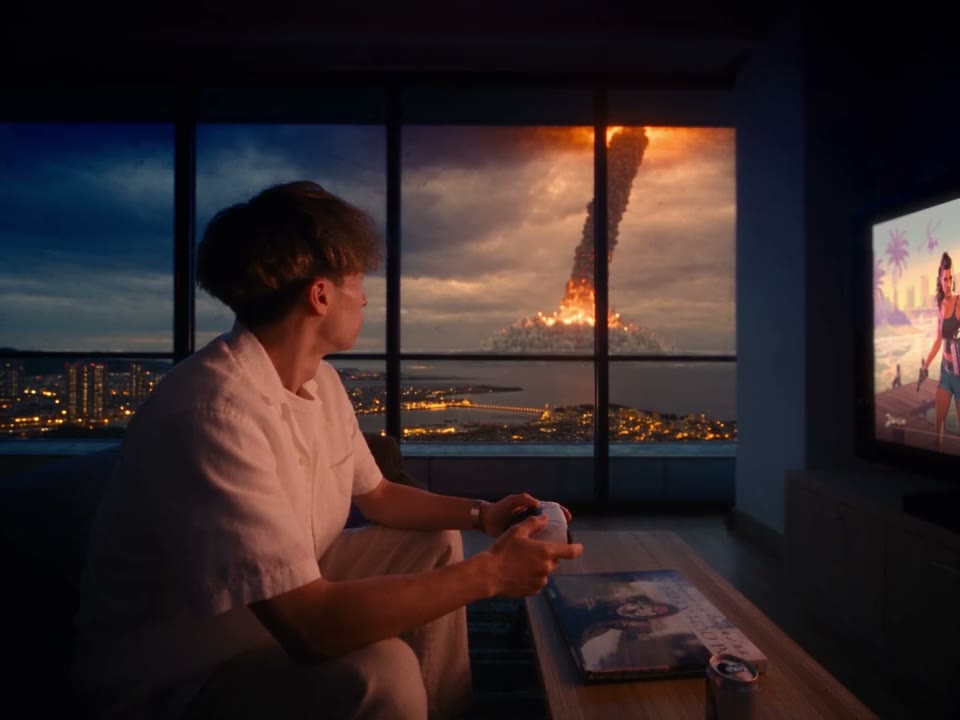
Gamer Apocalypse Swap GTA 6 Version
Upload Your Photo
Upload one clear photo of one person, face visible. You replace the gamer in every shot; the room, the GTA 6 screen, the meteor, the tsunami and the sound come from the clip. Likeness is not guaranteed.
Resolution
19s · 4:3 · source audio. Higher resolution uses more credits per generation.
19s · 4:3 · source audio
Quick answer
To do the Gamer Apocalypse Swap GTA 6 Version trend, upload one clear photo where your face is easy to see, then press generate. imageat places you into the trend's original video, and the video is ready to download when it finishes. One generation costs 128 imageat credits; no prompt writing or editing app is needed.
The Gamer Apocalypse meme is the GTA 6 joke everyone understands: the game is finally out, so nothing else matters, not even the end of the world outside the window. This template puts you on that sofa from one photo. Genjutsu Motion Transfer replaces the gamer in every shot with you, keeping the controller grip, the grin and the calm stare while the meteor and the tsunami hit the city. The room, the window events, the camera and the original sound stay the same. The video runs about 19 seconds in 4:3; choose 480p for a cheaper draft or 720p for a sharper result.
What is the Gamer Apocalypse Swap GTA 6 Version?
Gamer Apocalypse Swap GTA 6 Version is an AI video template that swaps you into the viral meme of a gamer who keeps playing GTA 6 while the world ends outside the window, from one photo.
How to Do the Gamer Apocalypse Swap GTA 6 Version Trend
Here is how to make your own video on imageat:
- 1Upload one clear photo: You — one person, face clear (upper body is best). JPG, PNG or WEBP, up to 10 MB.
- 2Choose 480p or 720p and check the credit cost on the button.
- 3Generate the video.
- 4Preview and download your MP4.
Tips for Best Results
- Use a sharp, front-facing photo with even light.
- One person in the photo.
- Your hair and outfit come from the photo, so pick the look you want in every shot.
Gamer Apocalypse Swap GTA 6 Version at a Glance
What to upload
You — one person, face clear (upper body is best).
What you get
An AI video (19s · 4:3 · source audio) that follows the trend's original take, ready to download and post on TikTok, Reels or Shorts.
What it costs
128 imageat credits per video at 480p. The price is shown before you generate, and a failed generation is refunded.
FAQs About Gamer Apocalypse Swap GTA 6 Version
Create this trend with imageat
Go beyond the gamer apocalypse swap gta 6 version — generate any AI video from text or an image with Veo, Kling, Seedance and more.
Similar trends
View all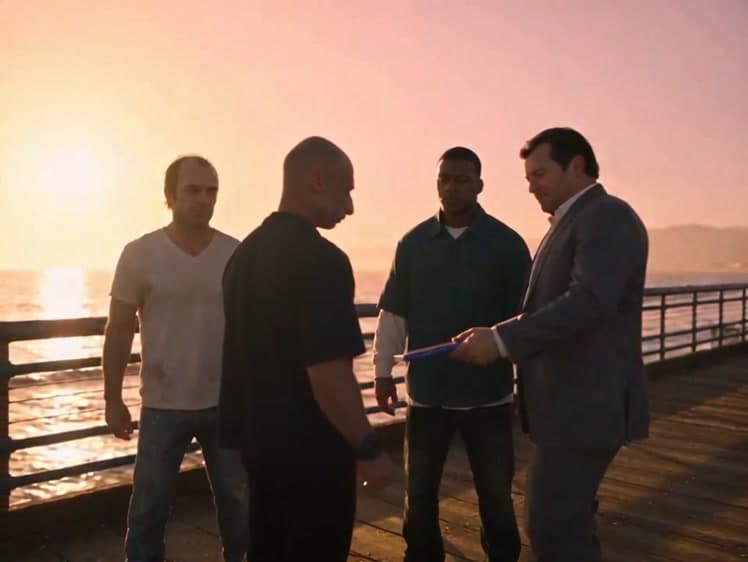
Sunset Pier Swap GTA Moment
Sunset Pier Swap GTA Moment Video Generator
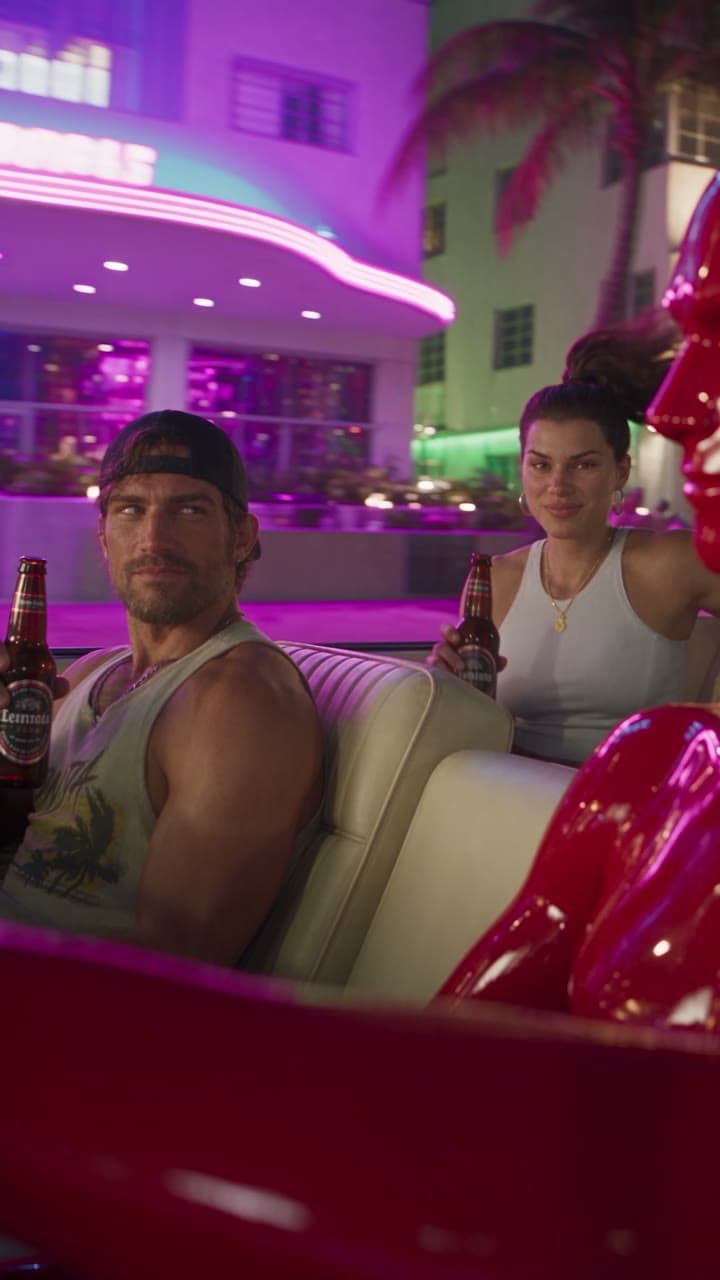
Convertible Drive Recast GTA 6 Version
Convertible Drive Recast GTA 6 Version
GTA 5 Goodbye Farewell Video
GTA 5 Goodbye Farewell Video
You Met Me at a Very Chinese Time in My Life AI Video
You Met Me at a Very Chinese Time in My Life AI Video

Robert Pattinson James Bond 007 Style
Robert Pattinson James Bond 007 Style AI Photo Generator
Airplane Face Swap AI Video
Airplane Face Swap AI Video
Create Viral Fast & Furious Car Swap Photos
Create Viral Fast & Furious Car Swap Photos
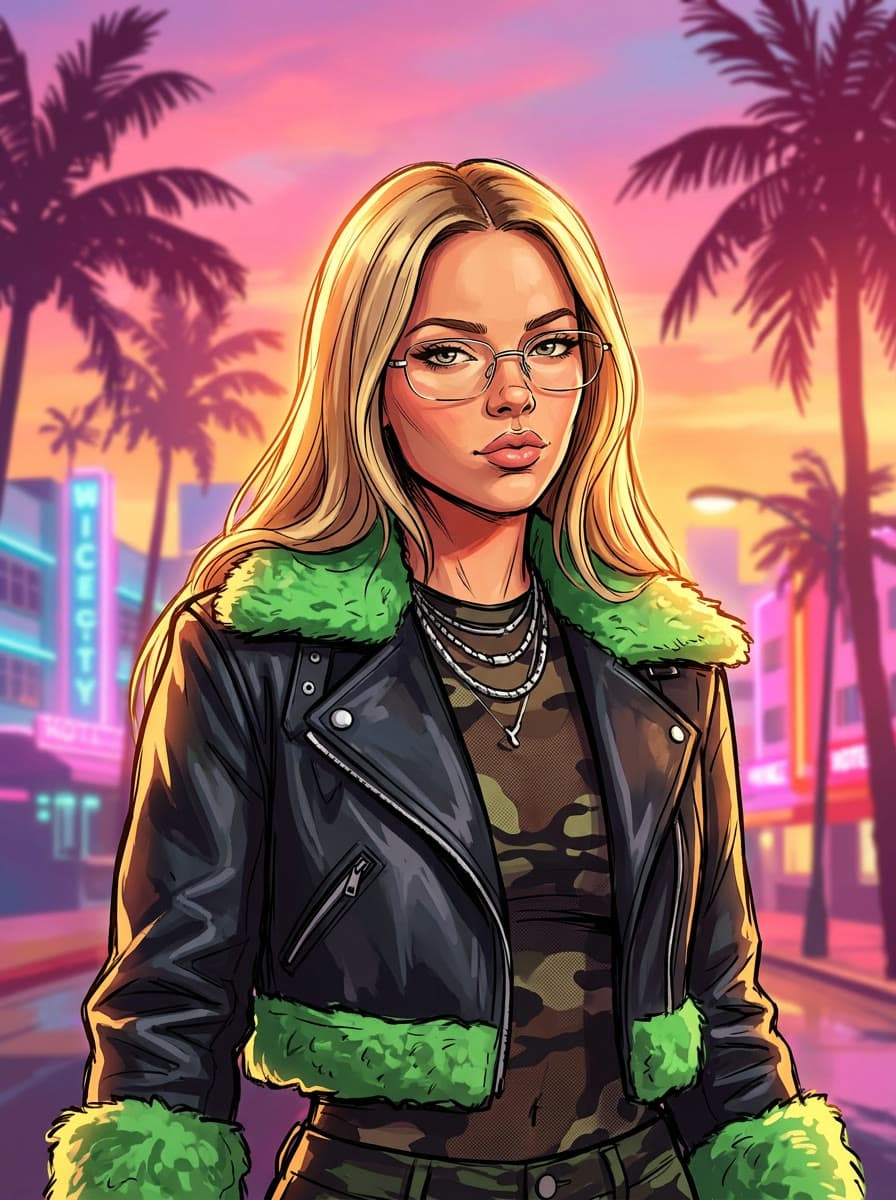
GTA 6 Character AI Photo: Become Jason or Lucia
GTA 6 Character AI Photo: Become Jason or Lucia
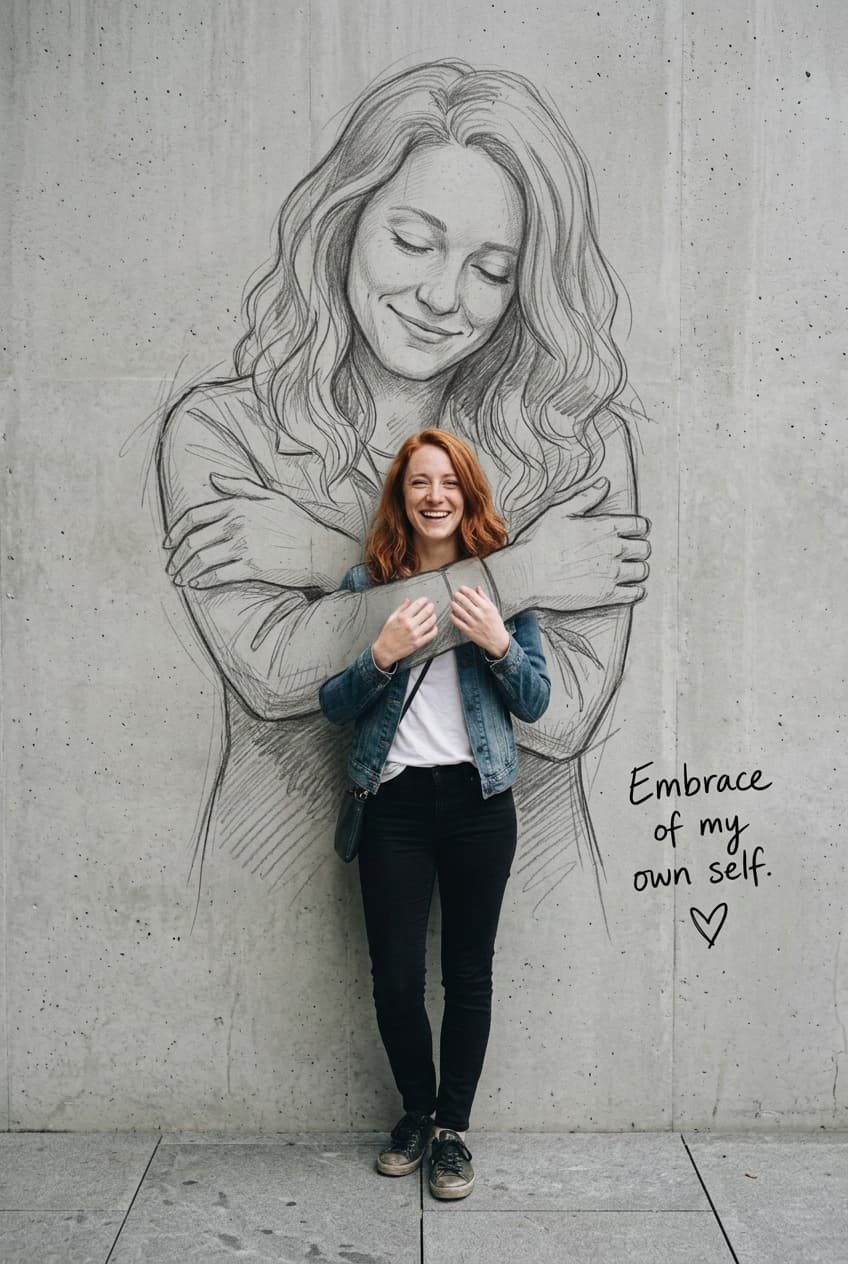
Self Hug Sketch
Self Hug Sketch