GTA 5 Goodbye Farewell AI Video Generator
Say goodbye GTA 5 style: you drive the white convertible past Michael, turn the mirror and Franklin rides up behind you.
Example results
Watch video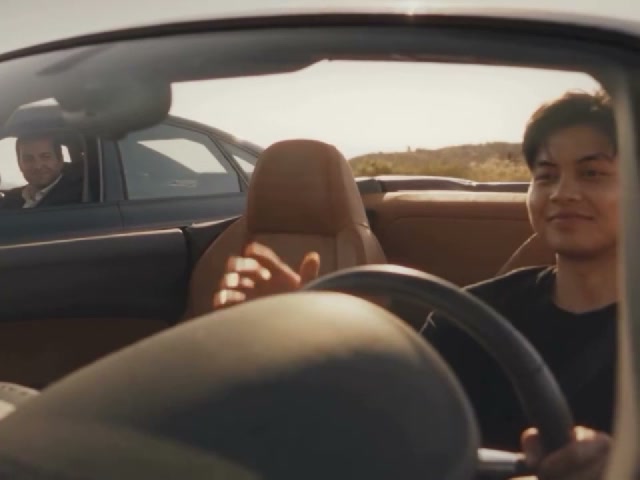
GTA 5 Goodbye Farewell Video
GTA 5 Goodbye Farewell Video
Upload Your Photo
Upload one clear, front-facing photo of one person. You replace the convertible driver in every shot, including the mirror reflection, and your outfit comes from the photo; the other driver, the motorcycle rider, the cars and the music come from the clip. Likeness is not guaranteed.
Resolution
10s · 4:3 · source audio. Higher resolution uses more credits per generation.
10s · 4:3 · source audio
Quick answer
To do the GTA 5 Goodbye Farewell trend, upload one clear photo where your face is easy to see, then press generate. imageat places you into the trend's original video, and the video is ready to download when it finishes. One generation costs 30 imageat credits; no prompt writing or editing app is needed.
The GTA 5 goodbye is a fan-made farewell cinematic in the game's golden-hour style: a young driver in a white convertible rolls up beside Michael's sedan, they share a last smile on the road, and a turn of the rearview mirror reveals Franklin riding up behind on his motorcycle. This generator puts you in the driver's seat. Upload one photo. Genjutsu swaps you into every shot of the 10-second clip, from the blurred foreground past Michael's window to the side profile and your face in the rearview mirror, and keeps your own clothes from the photo. Michael, Franklin, the cars, the desert road and the music stay as they are. Pick 480p for a cheaper draft or 720p for a sharper result.
What is the GTA 5 Goodbye Farewell Video?
The GTA 5 Goodbye Farewell video generator is an AI template that puts you behind the wheel of the convertible in a viral GTA V-style farewell with Michael and Franklin, from one photo.
How to Do the GTA 5 Goodbye Farewell Trend
Here is how to make your own video on imageat:
- 1Upload one clear photo: You — one person, face clear and well lit. JPG, PNG or WEBP, up to 10 MB.
- 2Choose 480p or 720p and check the credit cost on the button.
- 3Generate the video.
- 4Preview and download your MP4.
What changes and what stays
Your face, hair, build and outfit replace the convertible driver in every shot, including the blurred foreground shot and the rearview mirror reflection. Michael in the dark sedan, Franklin on the green motorcycle, both cars, the desert road, the cuts and the music stay the same.
Tips for the best farewell video
Use a sharp, front-facing photo with even light; the mirror shot and the side profile are where likeness matters most. The outfit in your photo is what you wear in the video, so pick a photo that shows it. Avoid sunglasses unless you want them in every shot.
Tips for Best Results
- Use a sharp, front-facing photo with even light.
- One person in the photo.
- Your outfit in the photo is the outfit in the video.
GTA 5 Goodbye Farewell Video at a Glance
What to upload
You — one person, face clear and well lit.
What you get
An AI video (10s · 4:3 · source audio) that follows the trend's original take, ready to download and post on TikTok, Reels or Shorts.
What it costs
30 imageat credits per video at 480p. The price is shown before you generate, and a failed generation is refunded.
FAQs About GTA 5 Goodbye Farewell Video
Create this trend with imageat
Go beyond the gta 5 goodbye farewell video — generate any AI video from text or an image with Veo, Kling, Seedance and more.
Similar trends
View all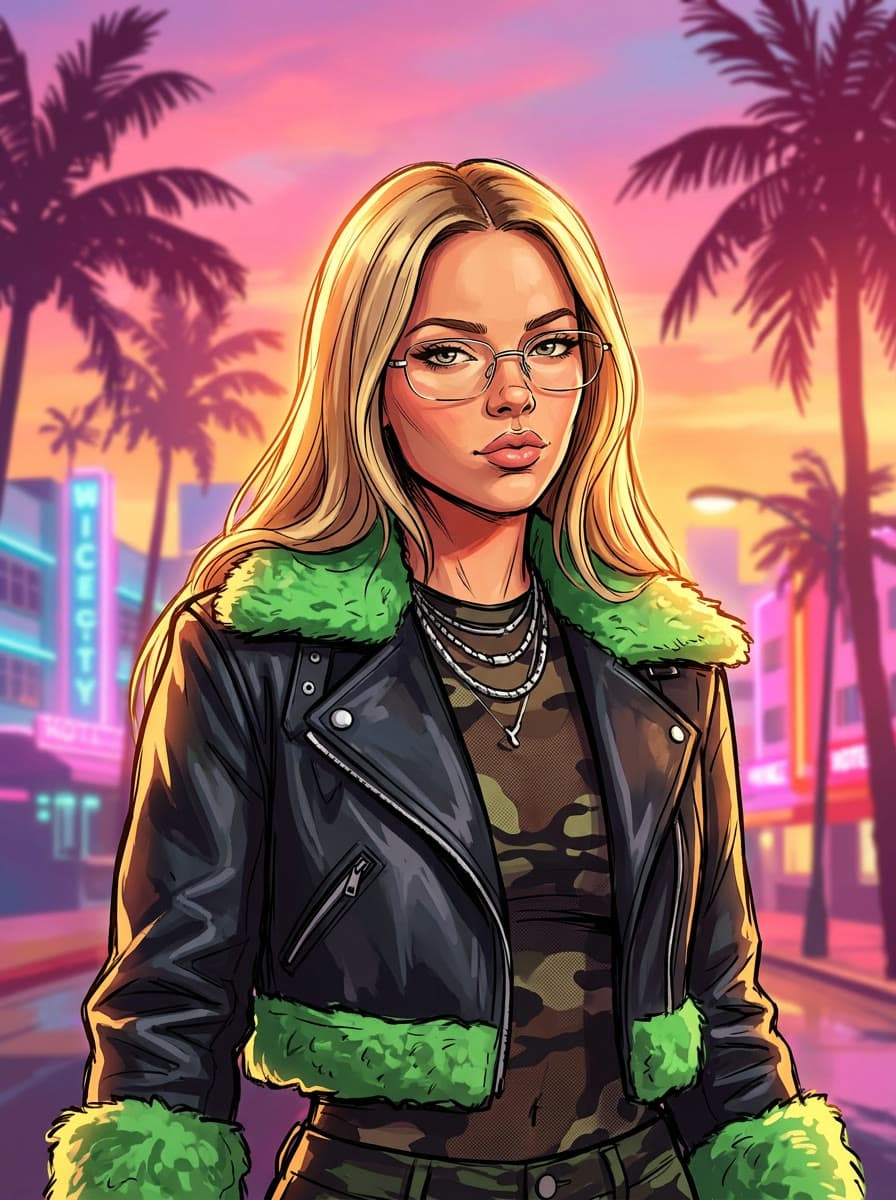
GTA 6 Character AI Photo: Become Jason or Lucia
GTA 6 Character AI Photo: Become Jason or Lucia
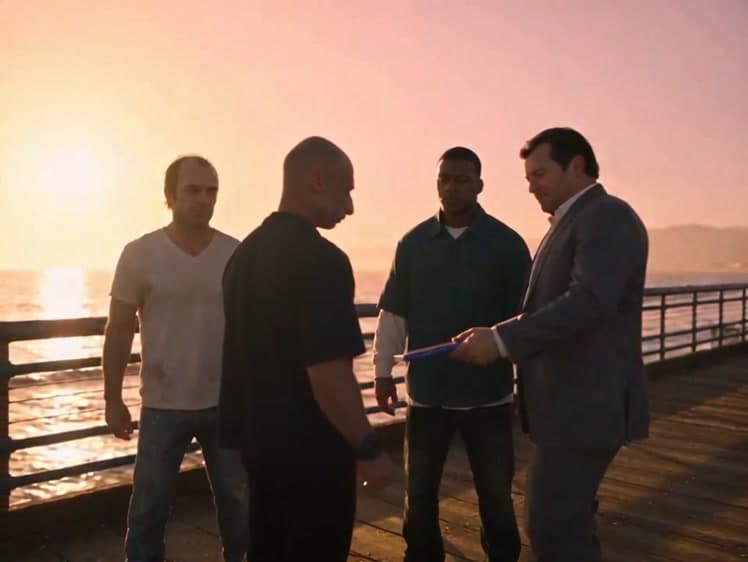
Sunset Pier Swap GTA Moment
Sunset Pier Swap GTA Moment Video Generator
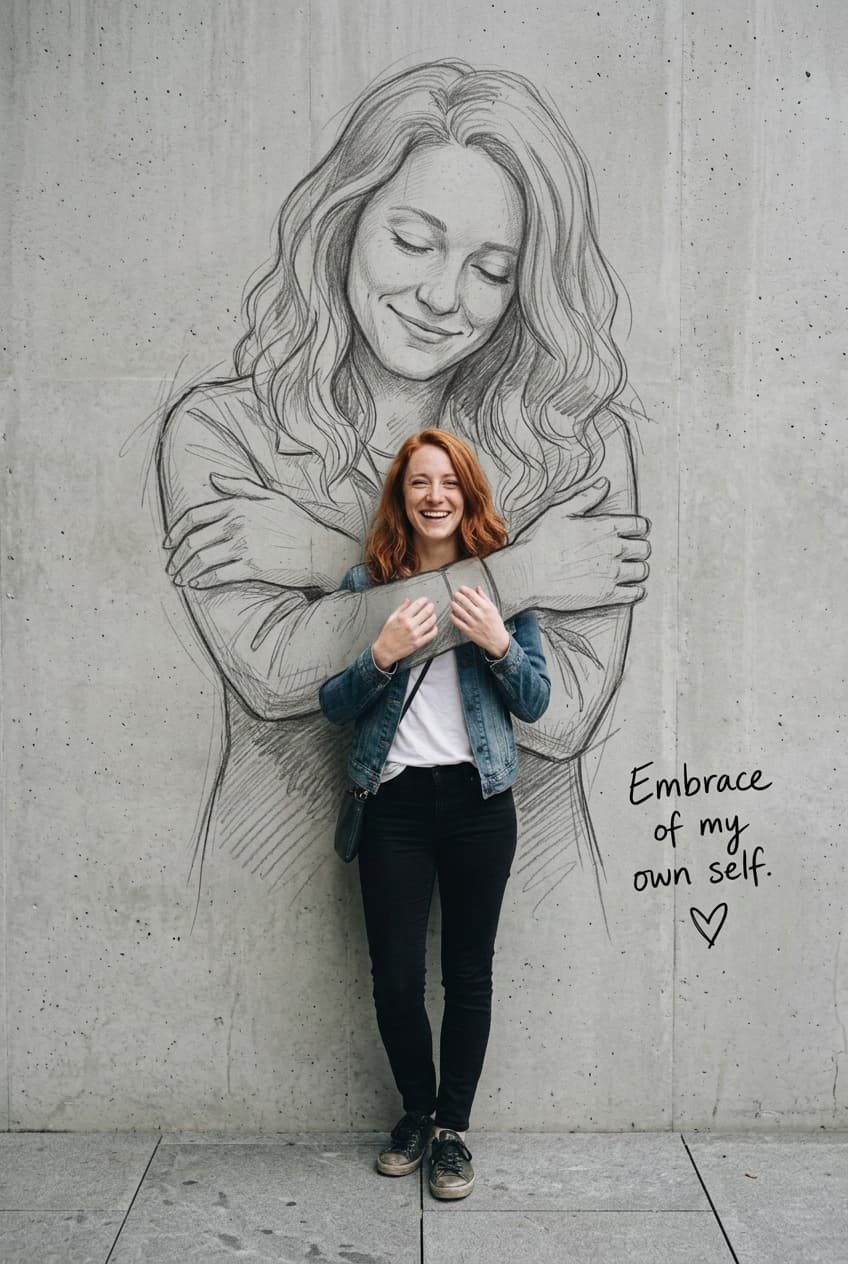
Self Hug Sketch
Self Hug Sketch

Broke Boyfriend Hug
Broke Boyfriend Hug

Grown-Up Santa Photo
Grown-Up Santa Photo
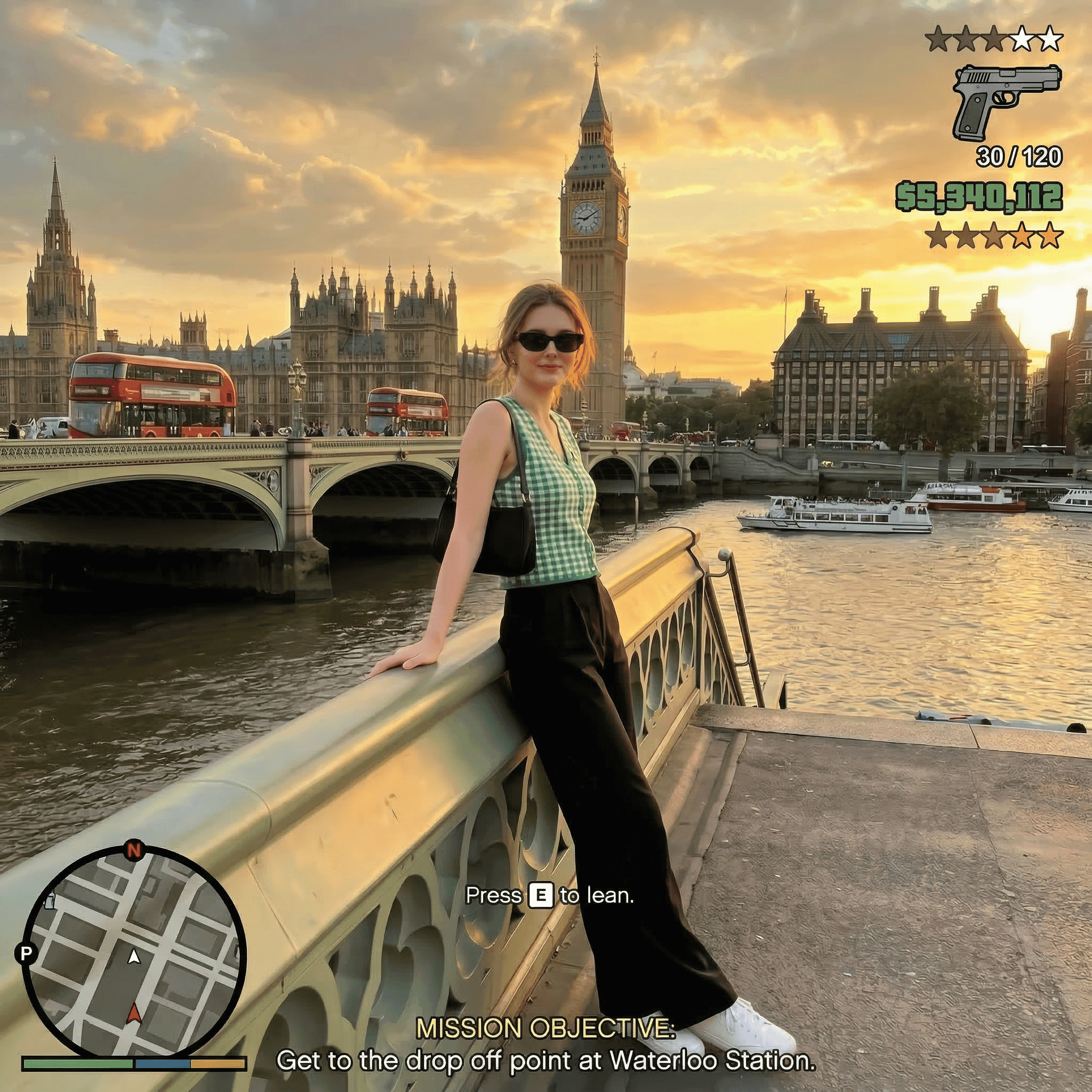
AI GTA V Effect Trend
AI GTA V Effect Trend Photo Generator
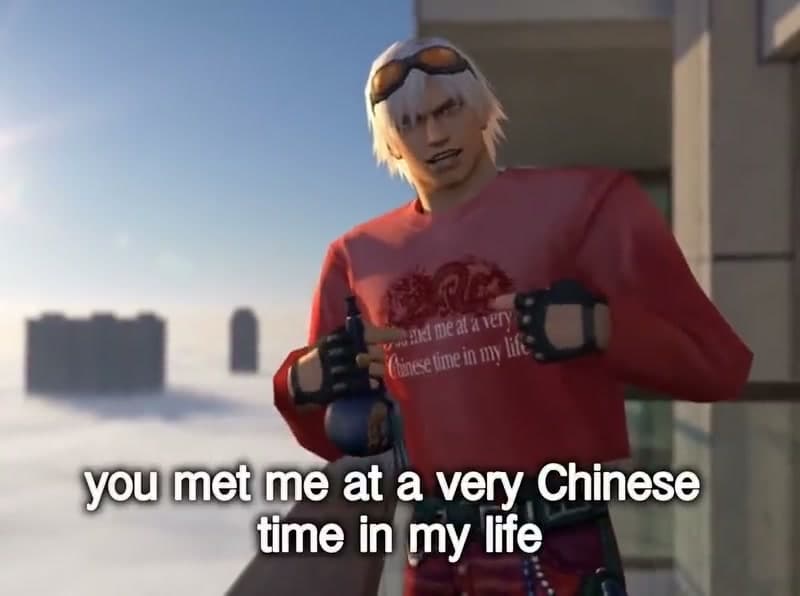
You Met Me at a Very Chinese Time in My Life AI Video
You Met Me at a Very Chinese Time in My Life AI Video
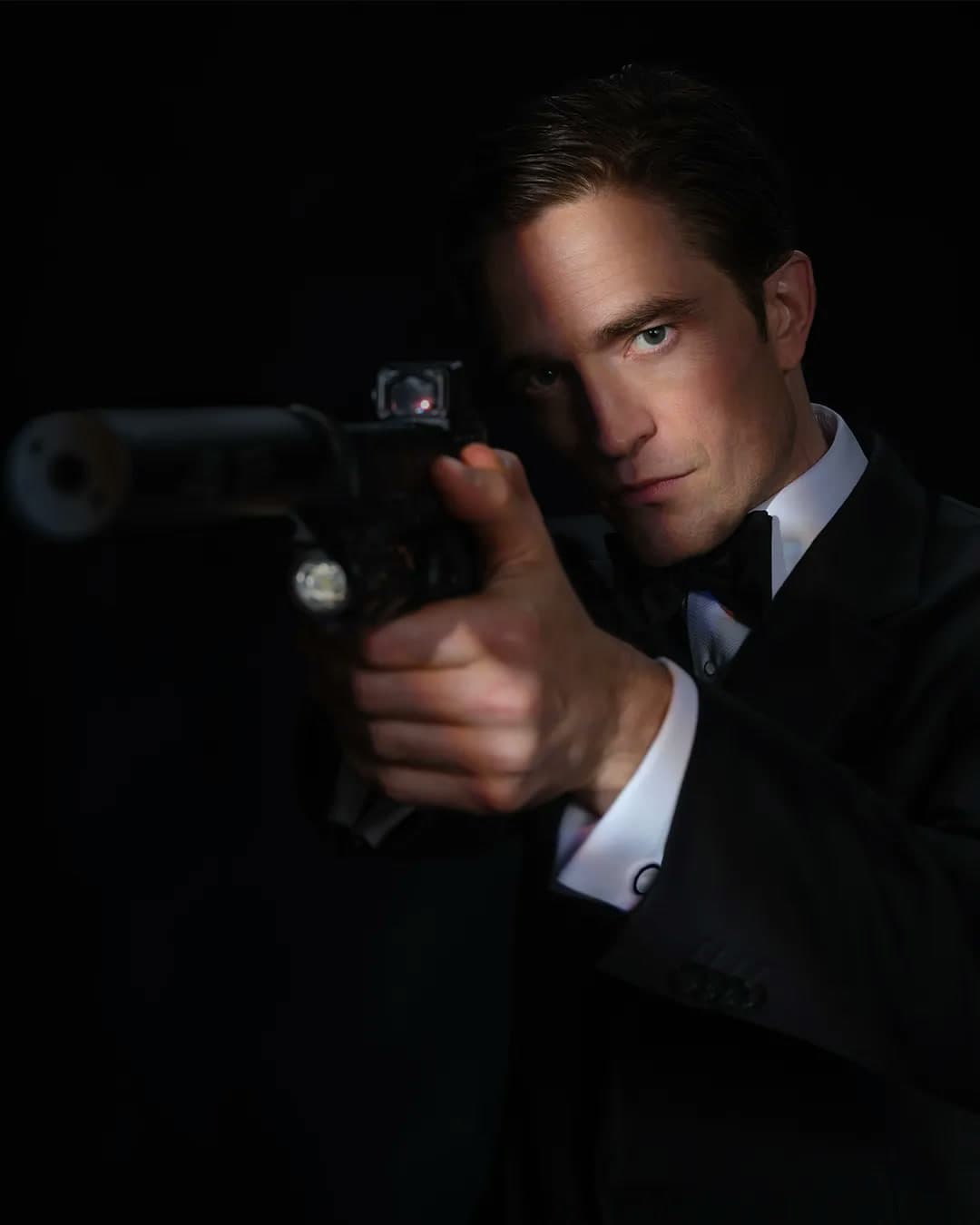
Robert Pattinson James Bond 007 Style
Robert Pattinson James Bond 007 Style AI Photo Generator