Handbag Campaign AI Video Generator
Upload one handbag photo and get a 15-second luxury campaign film: three models, a turntable, studio niches and fast fashion cuts, with music.
Example results
Watch video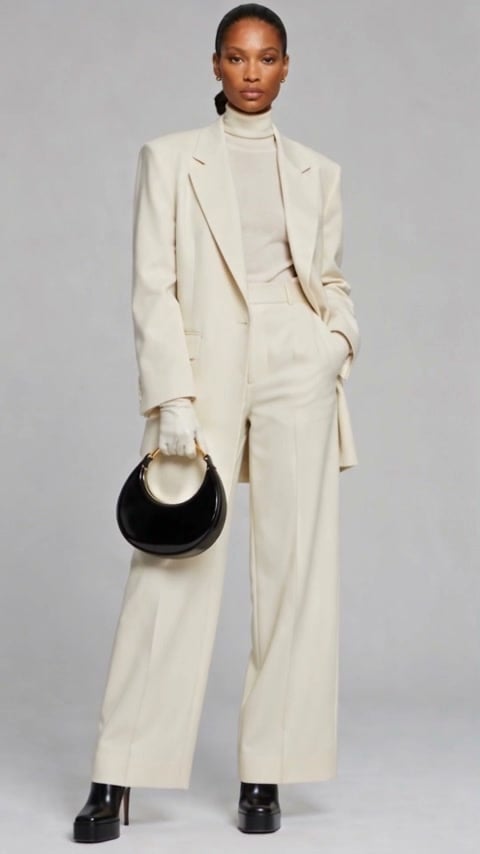
Handbag Campaign AI Video Generator
Handbag Campaign
Upload Your Photo
Upload one clear photo of one handbag, ideally on a plain background with the whole bag visible. The models, studio and music are built in.
Resolution
15s · 9:16 · with music. Higher resolution uses more credits per generation.
15s · 9:16 · with music
Quick answer
To do the Handbag Campaign trend, upload one clear photo where your face is easy to see, then press generate. imageat turns your photo into the trend's AI video, and the video is ready to download when it finishes. One generation costs 64 imageat credits; no prompt writing or editing app is needed.
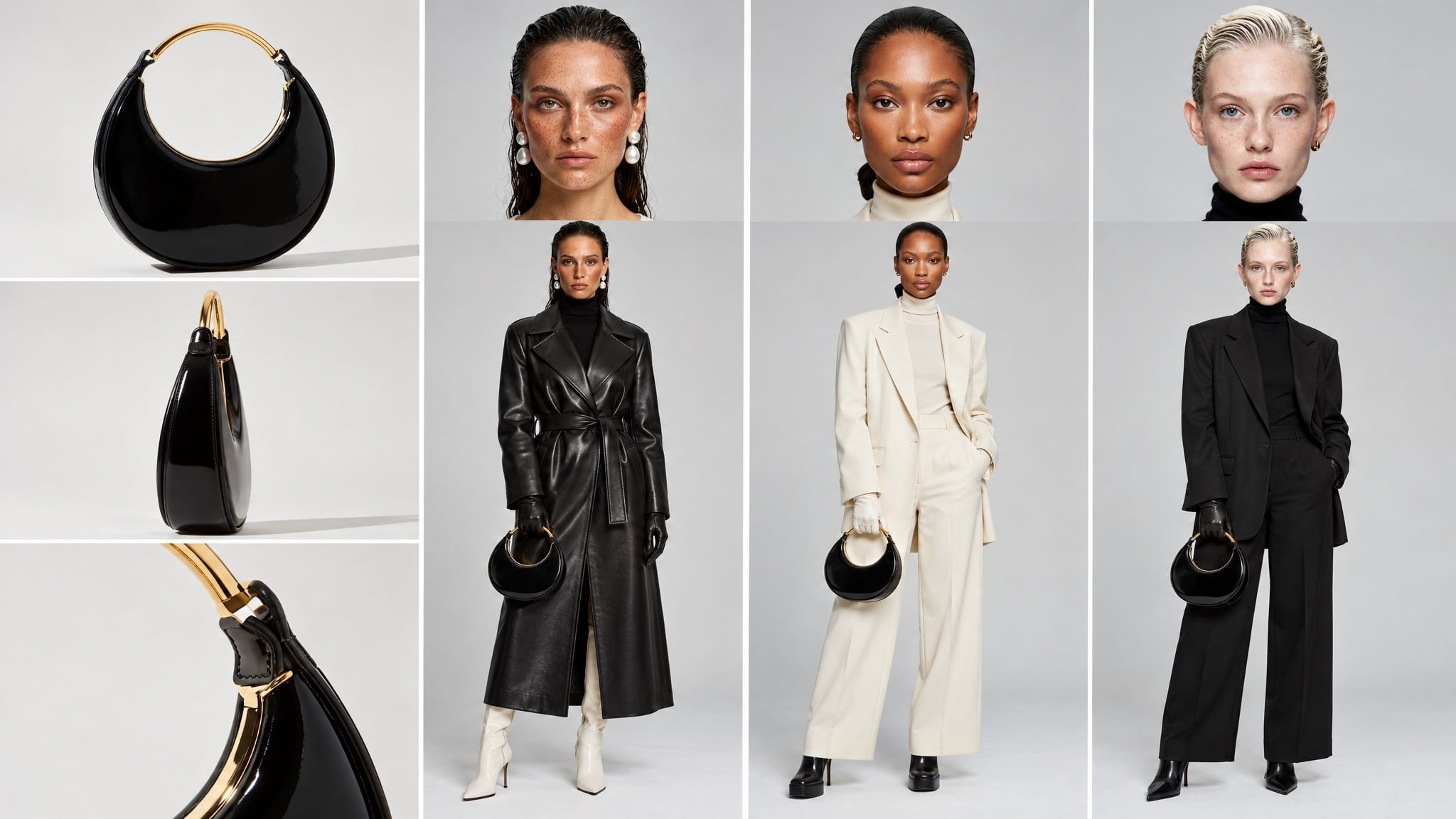
The Handbag Campaign AI Video Generator turns one bag photo into a 15-second vertical campaign film. It first builds a campaign sheet: your bag from three angles and three models dressed to match its colour. Then it films the campaign: a fisheye reach into the lens, a turntable spin with a light glint, a gloved hand lifting the bag, a slow push-in, three-niche wall shot, a slow-motion walk and a final plinth shot fading to white. The bag keeps its shape, colour, material and hardware from your photo, and the soundtrack is added at the end so the video is ready for a shop page, Reels or TikTok.
What is the Handbag Campaign AI Video Generator?
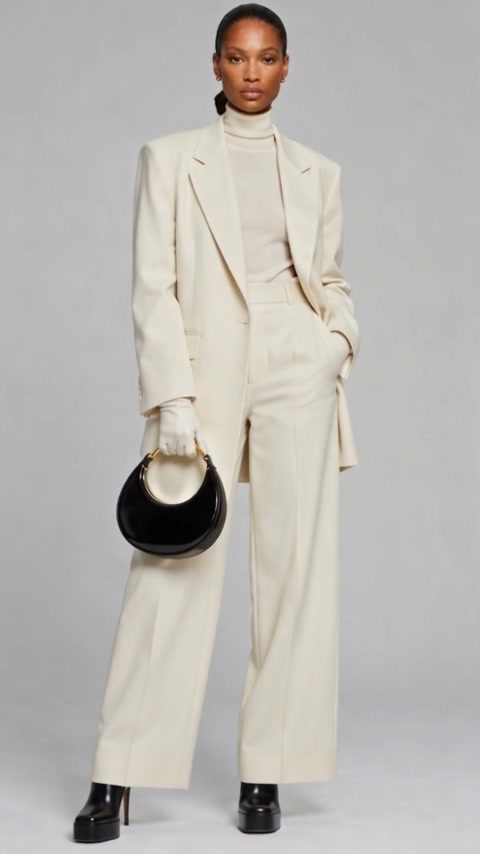
The handbag campaign trend is a short luxury fashion film for one bag: models in a pale grey studio, a fisheye close-up, the bag spinning on a turntable, studio niches and a slow-motion walk, cut fast on the beat. This generator makes the whole film from one product photo.
How to Do the Handbag Campaign Trend
Here is how to make your own video on imageat:
- 1Upload one clear photo of one handbag with the whole bag visible.
- 2Choose 480p or 720p. Length and vertical framing are fixed.
- 3Check the credit cost on the button, then generate.
- 4Preview the result and download the MP4.
What you get
A 15-second 9:16 fashion film with fast cuts: a fisheye reach, a turntable spin, a hand lifting the bag, model shots, a three-niche wall, a slow-motion walk and a plinth finale, with music.
Your bag stays your bag
The bag photo goes into every step, so its shape, colour, material, stitching and hardware are kept. The models' outfits are colour-matched to the bag.
Photo tips
Use a sharp, evenly lit product photo on a plain background. Show the whole bag, handle included, without hands or other products in the frame.
Limitations
Small logos, text and fine hardware can soften in fast-moving shots. Only upload product photos you own or have permission to use.
Tips for Best Results
- A clean packshot on white or grey works best.
- Shoot the bag slightly from the front so its shape reads clearly.
- Try 480p first, then 720p for the version you post.
Best Prompts for Handbag Campaign AI Video Generator
Want more control over the motion? Copy one of these prompts and use it in our AI video generator to fine-tune the handbag campaign ai video generator style.
Handbag Campaign AI Video Generator, smooth controlled camera movement, realistic motion, cinematic lighting, stable composition, natural depth
Handbag Campaign AI Video Generator, immediate visual hook, smooth motion, clear centered subject, polished 9:16 social video
Handbag Campaign AI Video Generator, gradual movement, atmospheric depth, elegant pacing, wide cinematic reveal
Handbag Campaign AI Video Generator, energetic camera movement, strong parallax, dramatic scale, crisp detail
Handbag Campaign AI Video Generator at a Glance
What to upload
Your bag.
What you get
An AI video (15s · 9:16 · with music), ready to download and post on TikTok, Reels or Shorts.
What it costs
64 imageat credits per video at 480p. The price is shown before you generate, and a failed generation is refunded.
FAQs About Handbag Campaign AI Video Generator
Create this trend with imageat
Go beyond the handbag campaign ai video generator — generate any AI video from text or an image with Veo, Kling, Seedance and more.