No Scrubs AI Video Generator
Upload one photo and step into a silver, late-90s-inspired AI music video. Higgsfield Genjutsu transfers the performance, camera movement, and soundtrack from a prepared reference clip.
Preview
Watch video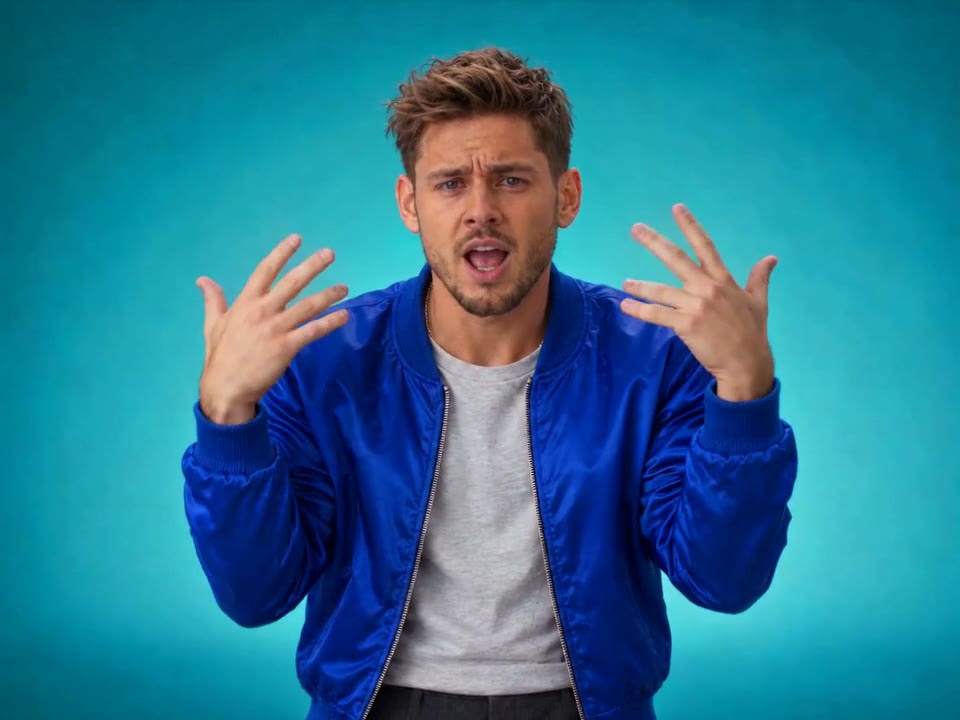
No Scrubs AI Video Generator
No Scrubs
Upload Your Photo
Upload one clear photo with a single visible person. Face the camera, use even lighting, and keep your eyes visible for the best result. Only upload photos of adults who have agreed to it. Likeness is not guaranteed.
Resolution
16s · 4:3 · you as the lead · soundtrack included. Higher resolution uses more credits per generation.
16s · 4:3 · you as the lead · soundtrack included
By uploading or generating, you confirm you own these photos or have the person's permission, and you won't impersonate real people or celebrities. Responsible use
Quick answer
To do the No Scrubs trend, upload one clear photo where your face is easy to see, then press generate. imageat places you into the trend's original video, and the video is ready to download when it finishes. One generation costs 232 imageat credits; no prompt writing or editing app is needed.
No Scrubs AI Video turns one photo into a silver, late-90s-inspired music video starring you. You rise alone in a brushed-steel elevator shaft, point straight into the lens, then take the center spot in front of two backup dancers on a glossy white set, with an overhead shot back in the shaft before the final moves. Higgsfield Genjutsu Motion Transfer carries the prepared performance over to your character: every step, gesture and camera move, in sync with the trend's licensed included soundtrack. Your face, hair and look come from your photo; the set, the choreography, the cuts and the sound come from the reference clip. The video runs about 16 seconds in 4:3. Choose 480p for a lower-credit draft or 720p for a sharper result.
What is the No Scrubs AI Video Generator?
No Scrubs AI Video is an imageat trend template that recreates a silver, late-90s-inspired music video with you as the lead dancer, from one photo, keeping the reference clip's choreography, camera work and soundtrack.
How to Do the No Scrubs Trend
Here is how to make your own video on imageat:
- 1Upload one clear portrait.
- 2Genjutsu transfers the prepared performance to your character.
- 3Preview and download your finished video with sound.
What you get
A roughly 16-second, 4:3 music video with sound. You play the lead in every shot: the elevator rise, the close-up point to camera, the center spot of the dance routine and the overhead elevator shot. The two backup dancers stay as in the reference.
What comes from your photo and from the clip
From your photo: your face, hair, skin tone and look. From the reference clip: the silver set, the choreography and its timing, the camera moves and cuts, and the licensed included soundtrack.
Length, resolution and credits
About 16 seconds in 4:3 with sound. 109 credits at 480p or 232 credits at 720p, shown before you generate. Failed generations are refunded.
About the videos on this page
All videos on this page are AI-generated. The clip labelled "Original Cast" is the reference the template follows; "Woman Lead" is a finished example of the trend. No Scrubs AI Video is an independent AI template. imageat is not affiliated with or endorsed by TLC, their record label, Higgsfield, or the creators of the original music video.
Tips for Best Results
- One person in the photo, facing the camera, eyes visible.
- Even, soft lighting works better than harsh shadows or backlight.
- A waist-up or full-body photo carries your outfit into the video more faithfully.
- Only upload photos of adults who have agreed to it.
No Scrubs AI Video Generator at a Glance
What to upload
Your photo — one clear portrait, face visible.
What you get
An AI video (16s · 4:3 · you as the lead · soundtrack included) that follows the trend's original take, ready to download and post on TikTok, Reels or Shorts.
What it costs
232 imageat credits per video at 720p. The price is shown before you generate, and a failed generation is refunded.
FAQs About No Scrubs AI Video Generator
Create this trend with imageat
Go beyond the no scrubs ai video generator — generate any AI video from text or an image with Veo, Kling, Seedance and more.