Make a Video of Yourself Flying on a Witch's Broom
Upload one photo and fly off on a witch's broom: walk beside a rolling car with a twig broom, glance back, hop on and take off over a misty forest.
Example results
Preview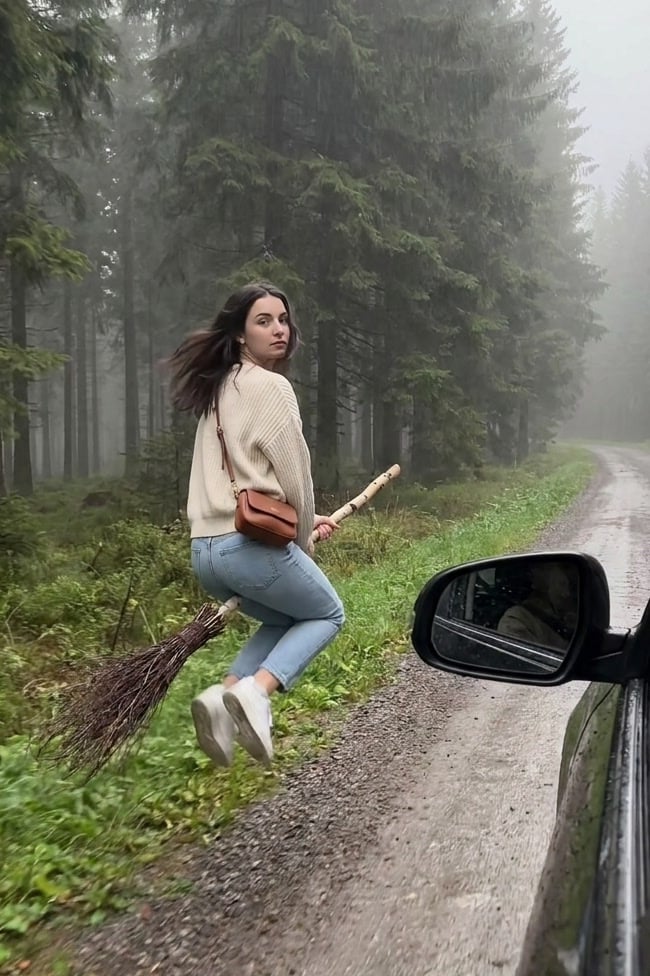
Witch Flying on Broom AI Video Generator
Witch Flying on Broom
Upload Your Photo
Upload one clear full-body or waist-up photo of one person. Your face, hair and the outfit you are wearing are kept in the video.
Resolution
10 seconds · 9:16 · with sound. Higher resolution uses more credits per generation.
10 seconds · 9:16 · with sound
To do the Witch Flying on Broom trend, upload one clear photo where your face is easy to see, then press generate. imageat turns your photo into the trend's AI video, and the video is ready to download when it finishes. One generation costs 43 imageat credits; no prompt writing or editing app is needed.
What is the Witch Flying on Broom AI Video Generator?
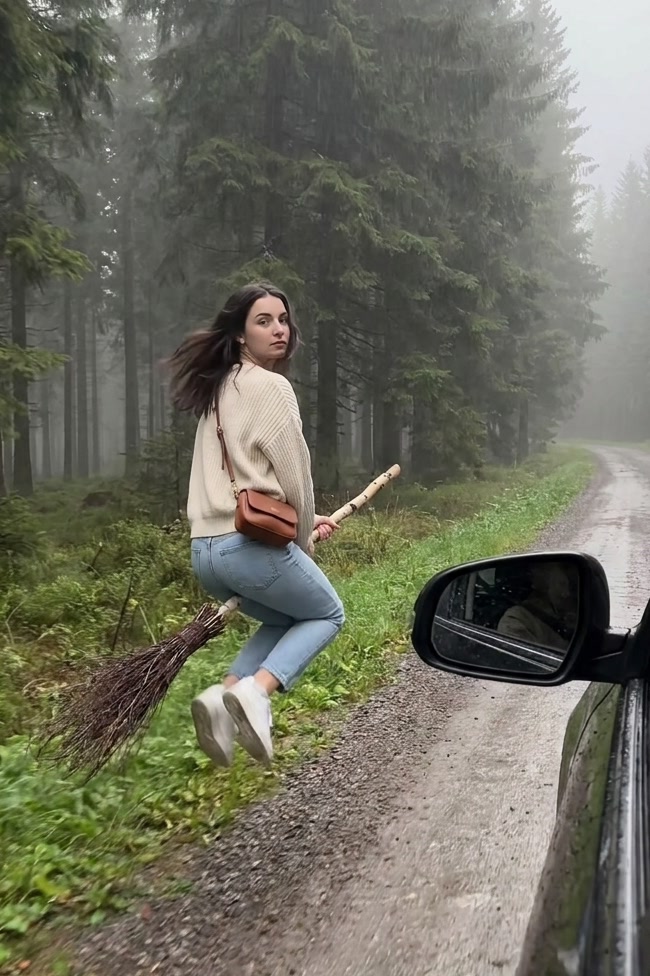
The Witch Flying on Broom AI Video Generator turns one photo into a 10-second vertical clip. The camera rolls along a gravel road beside a misty spruce forest while you walk on the verge with a birch twig broom. You look back over your shoulder, hop on, glide along beside the car at hip height, then climb above the treetops into the grey sky. The video keeps your face, hair and the outfit from your photo. Nothing is swapped into a costume, so it reads like real footage of you taking off.
The witch flying on a broom trend is a vertical clip filmed from a slowly rolling car: someone walks along the roadside dragging an old twig broom, glances back at the camera, swings a leg over and flies off above the trees. This generator puts the person in your photo on the broom.
Witch Flying on Broom AI Video Generator on TikTok
Popular posts of the trend, credited to their creators. The videos play from TikTok.
How to Do the Witch Flying on Broom Trend
Here is how to make your own video on imageat:
- 01Upload one clear photo of one person, ideally full body or waist up.
- 02Choose 480p or 720p. Length and vertical framing are fixed.
- 03Check the credit cost on the button, then generate.
- 04Preview the result and download the MP4.
Your outfit stays
The video uses the clothes, shoes and bag from your photo. Wear what you want to fly in.
Photo tips
A sharp, well-lit full-body photo works best, because the clip shows you from behind and the side. Avoid group photos, sunglasses and heavy filters.
Limitations
The take-off and flight are generated, so the broom, hands or hair can look off in some frames. Photos of public figures and children are declined by the video model. Only upload photos you own or have permission to use.
Tips for best results
- Use a full-body photo so your shoes and outfit carry over.
- Keep the face visible for the over-the-shoulder glance.
- Try 480p first, then 720p for the version you post.
Best prompts for Witch Flying on Broom AI Video Generator
Want more control over the motion? Copy one of these prompts and use it in our AI video generator to fine-tune the witch flying on broom ai video generator style.
Witch Flying on Broom AI Video Generator, smooth controlled camera movement, realistic motion, cinematic lighting, stable composition, natural depth
Witch Flying on Broom AI Video Generator, immediate visual hook, smooth motion, clear centered subject, polished 9:16 social video
Witch Flying on Broom AI Video Generator, gradual movement, atmospheric depth, elegant pacing, wide cinematic reveal
Witch Flying on Broom AI Video Generator, energetic camera movement, strong parallax, dramatic scale, crisp detail
Witch Flying on Broom AI Video Generator at a glance
What to upload
Your photo.
What you get
An AI video (10 seconds · 9:16 · with sound), ready to download and post on TikTok, Reels or Shorts.
What it costs
43 imageat credits per video at 480p. The price is shown before you generate, and a failed generation is refunded.
FAQs about Witch Flying on Broom AI Video Generator
Create this trend with imageat
Go beyond the witch flying on broom ai video generator — generate any AI video from text or an image with Veo, Kling, Seedance and more.
Similar trends
View all
AI Flying Car
AI Flying Car
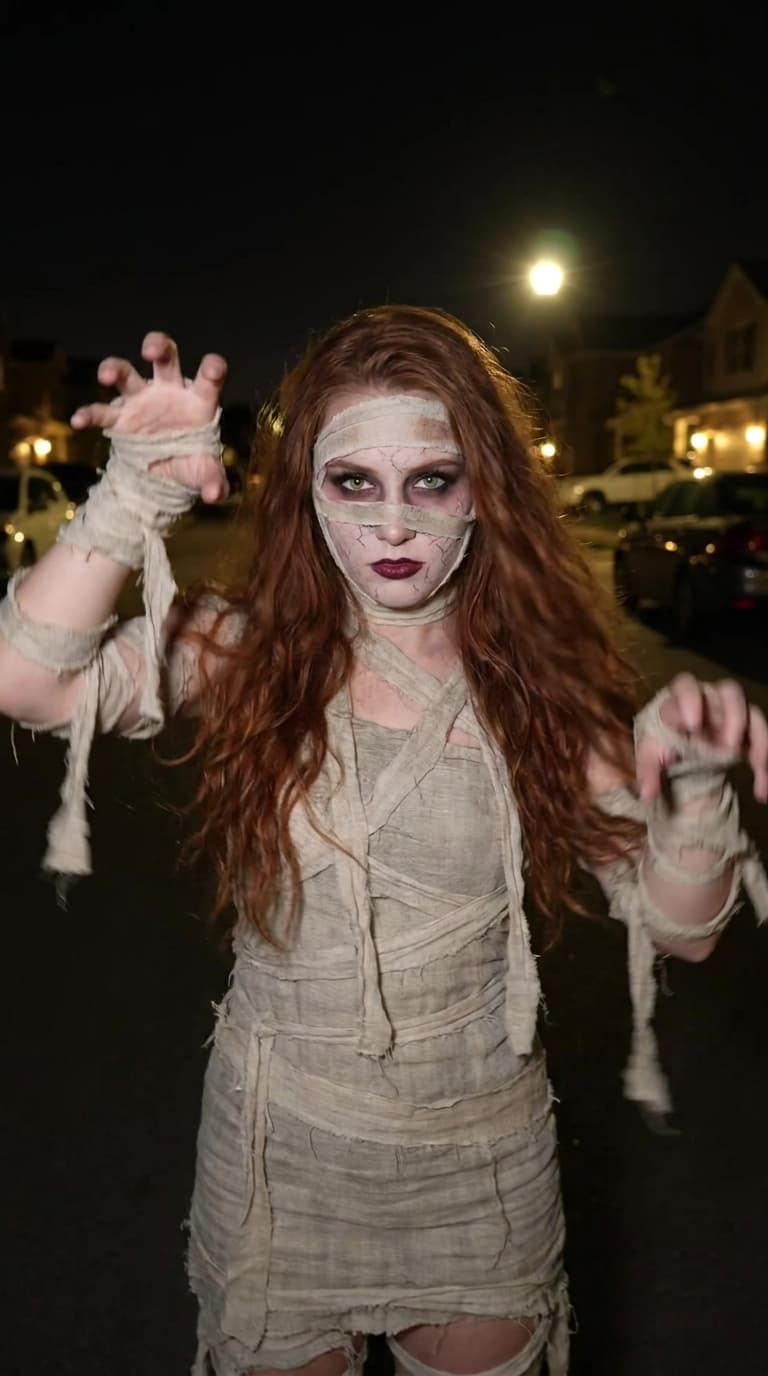
Mummy Zombie
Mummy Zombie AI Video Generator
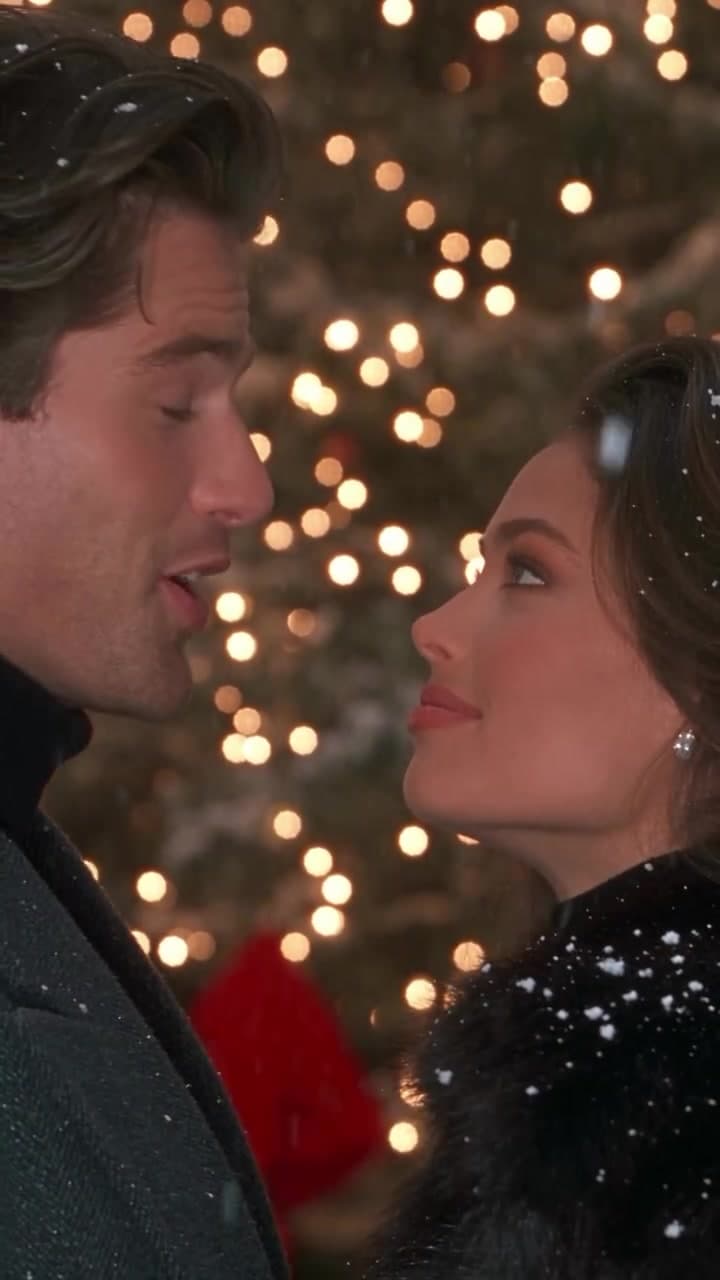
Don't You Dare Christmas AI Video
Don't You Dare Christmas AI Video
Witchcore
Witchcore AI Video Generator

Phone on the Train
Phone on the Train AI Video Generator
Flying Roadster
Flying Roadster
Vampire Duo Night Dance
Vampire Duo Night Dance
Blade Runner Hologram AI Video
Blade Runner Hologram AI Video
Unforgettable 24 Car Trend AI Video
Unforgettable 24 Car Trend AI Video