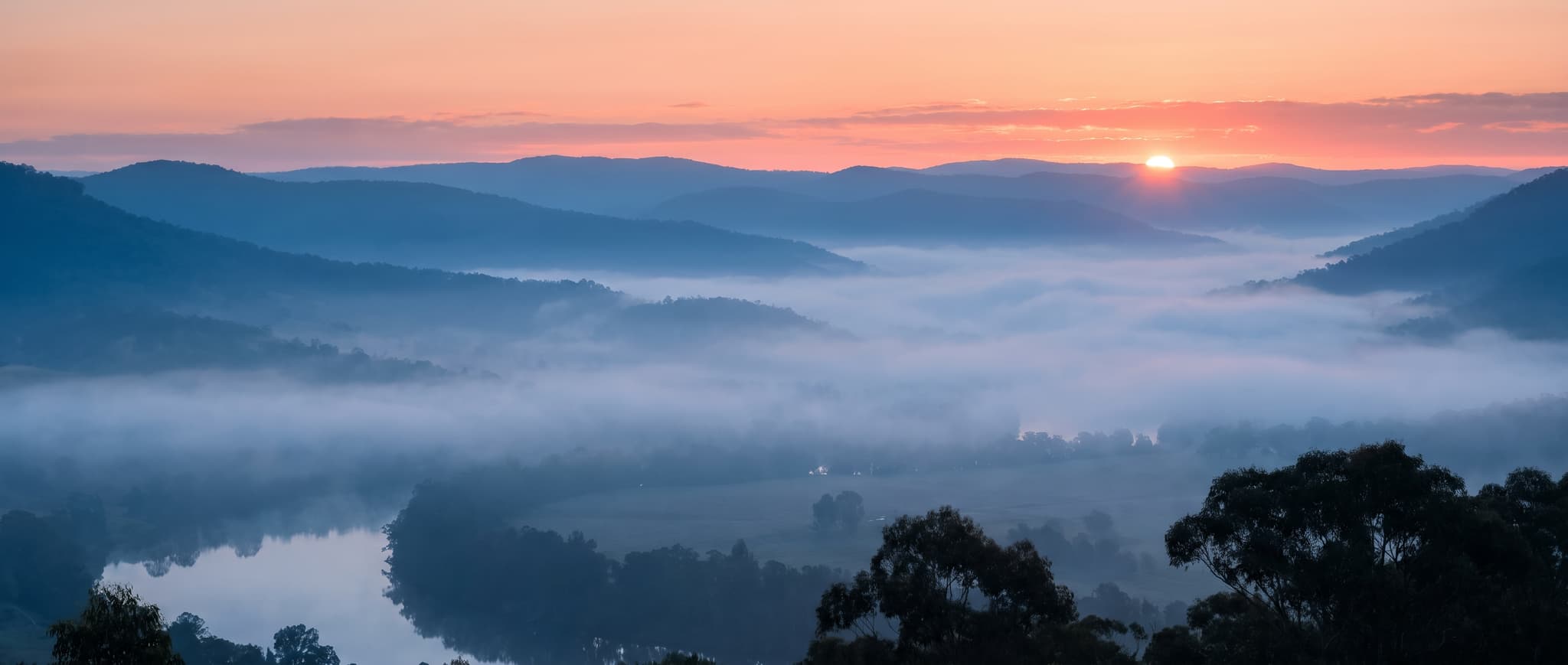
Phone · 9:16
Personal Lock Screens
A quiet scene that still reads clearly behind the clock and notifications.
Create original phone, desktop and 4K wallpapers from a simple prompt. Choose your screen, describe your idea and generate a wallpaper made to fit.
Original results · Multiple AI models · No design skills needed
Every example here was generated on imageat. Open one to load its prompt and aspect ratio into the generator.
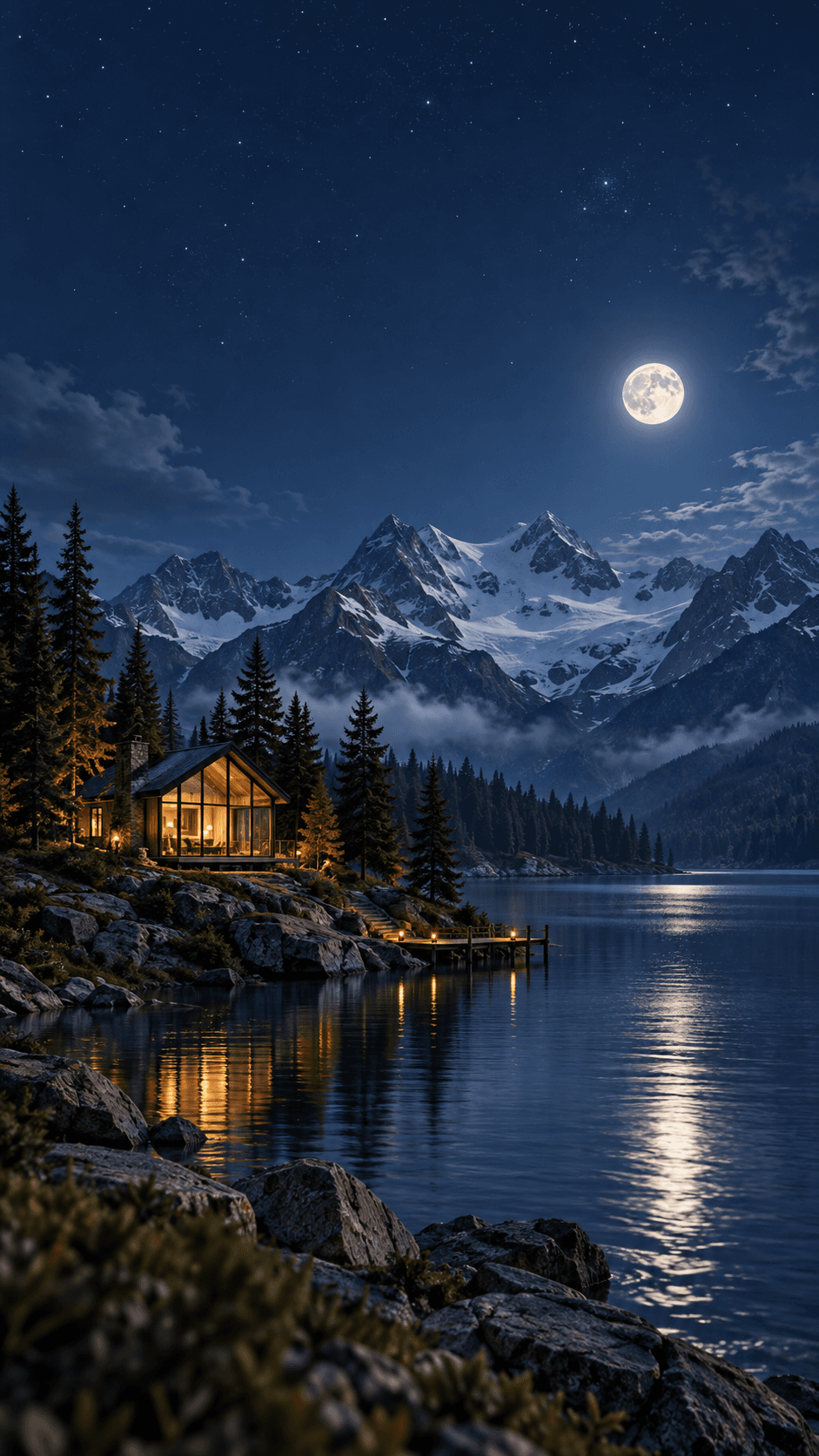
A quiet moonlit lake surrounded by alpine peaks, warm cabin lights…
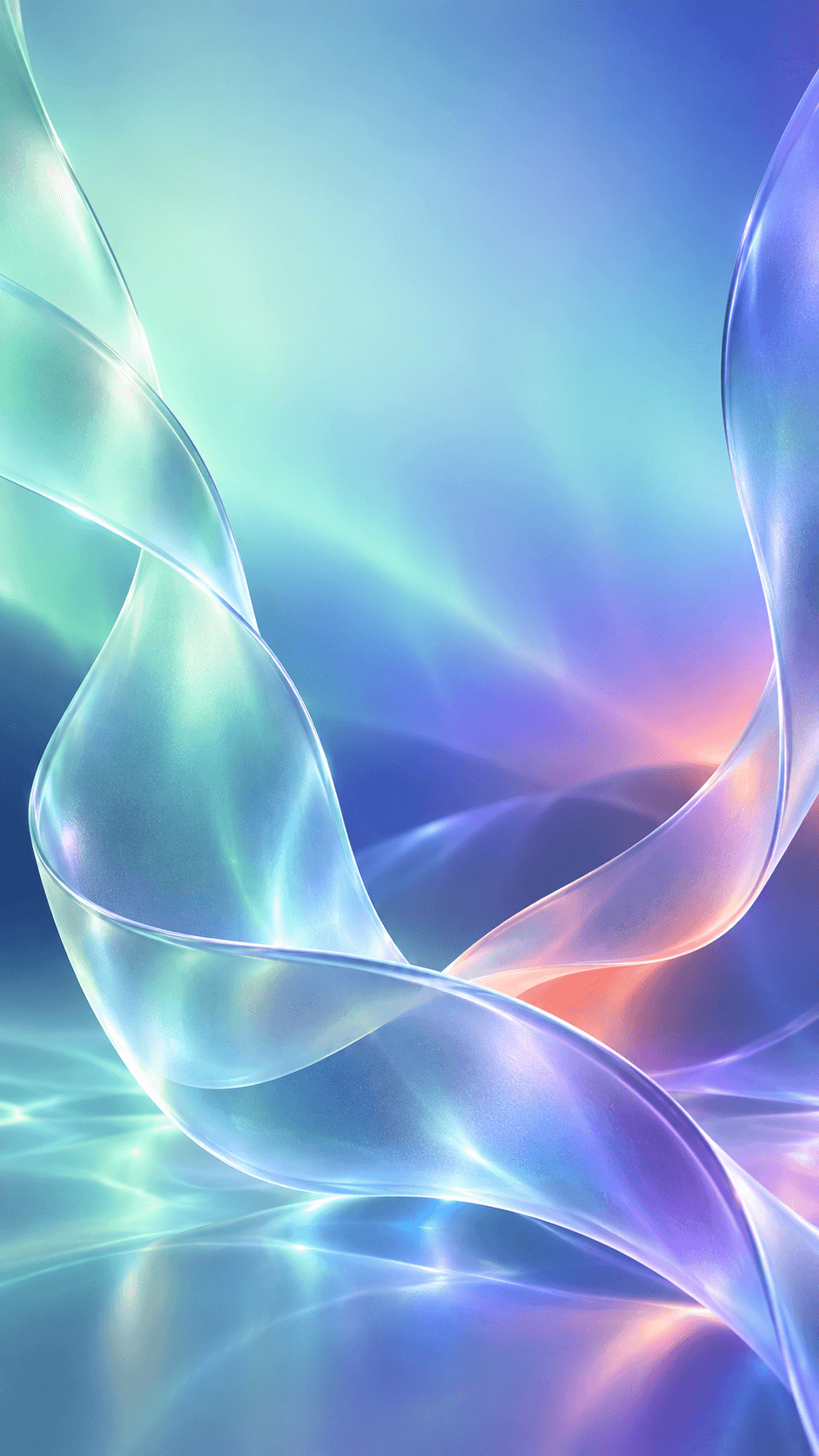
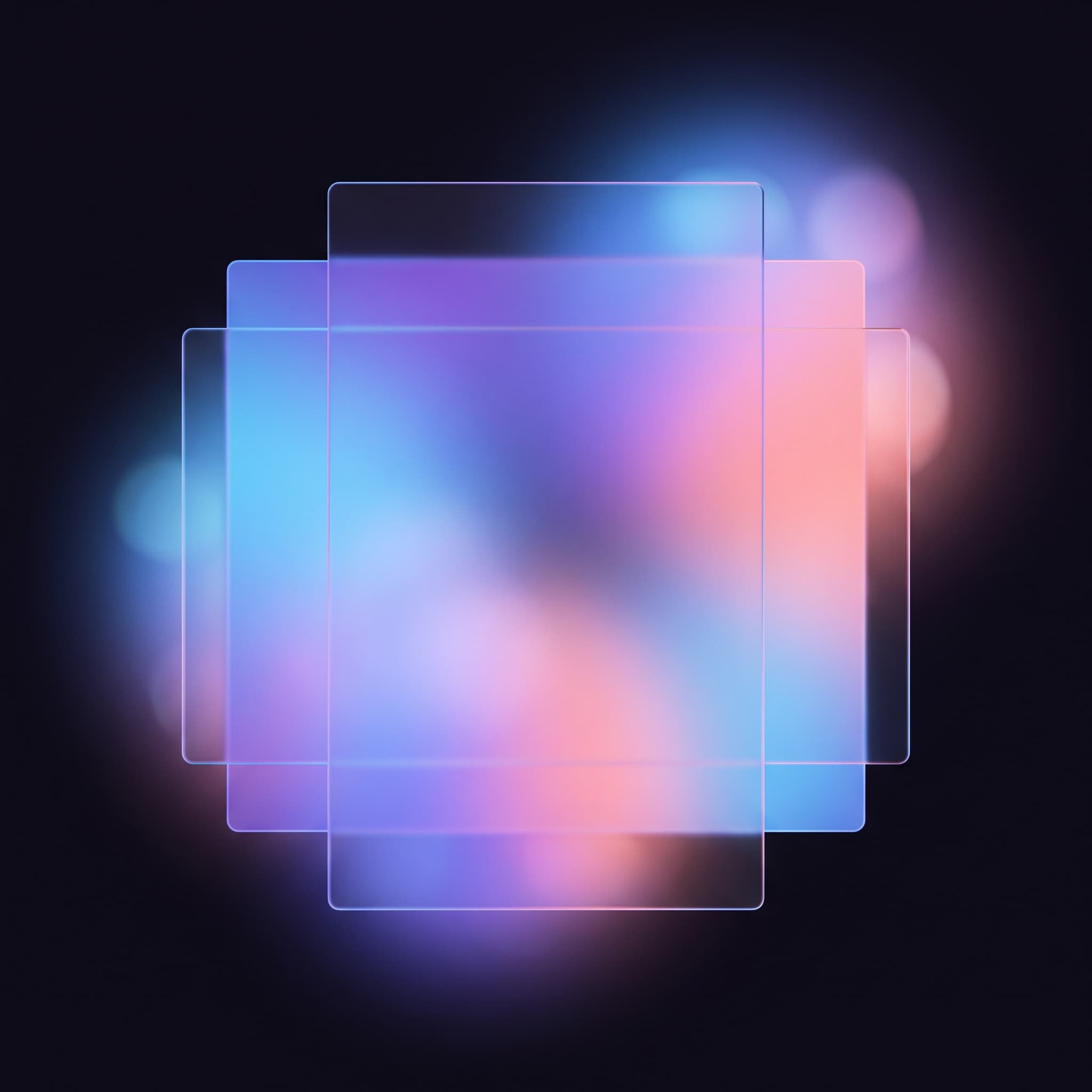
Translucent ribbons of glass catching aurora blue and violet light…
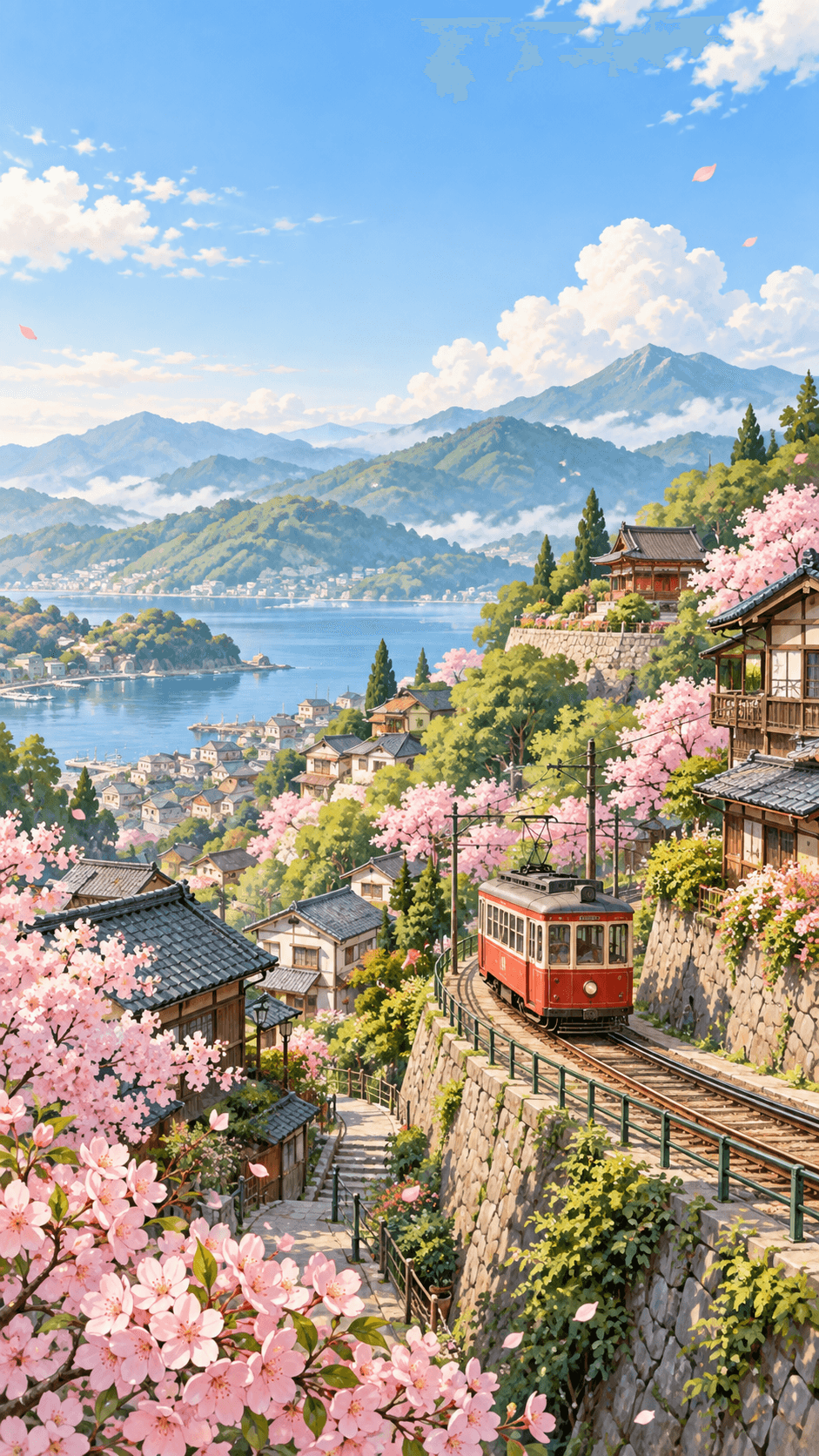
A red tram climbing a blossoming hillside village, pastel illustration…
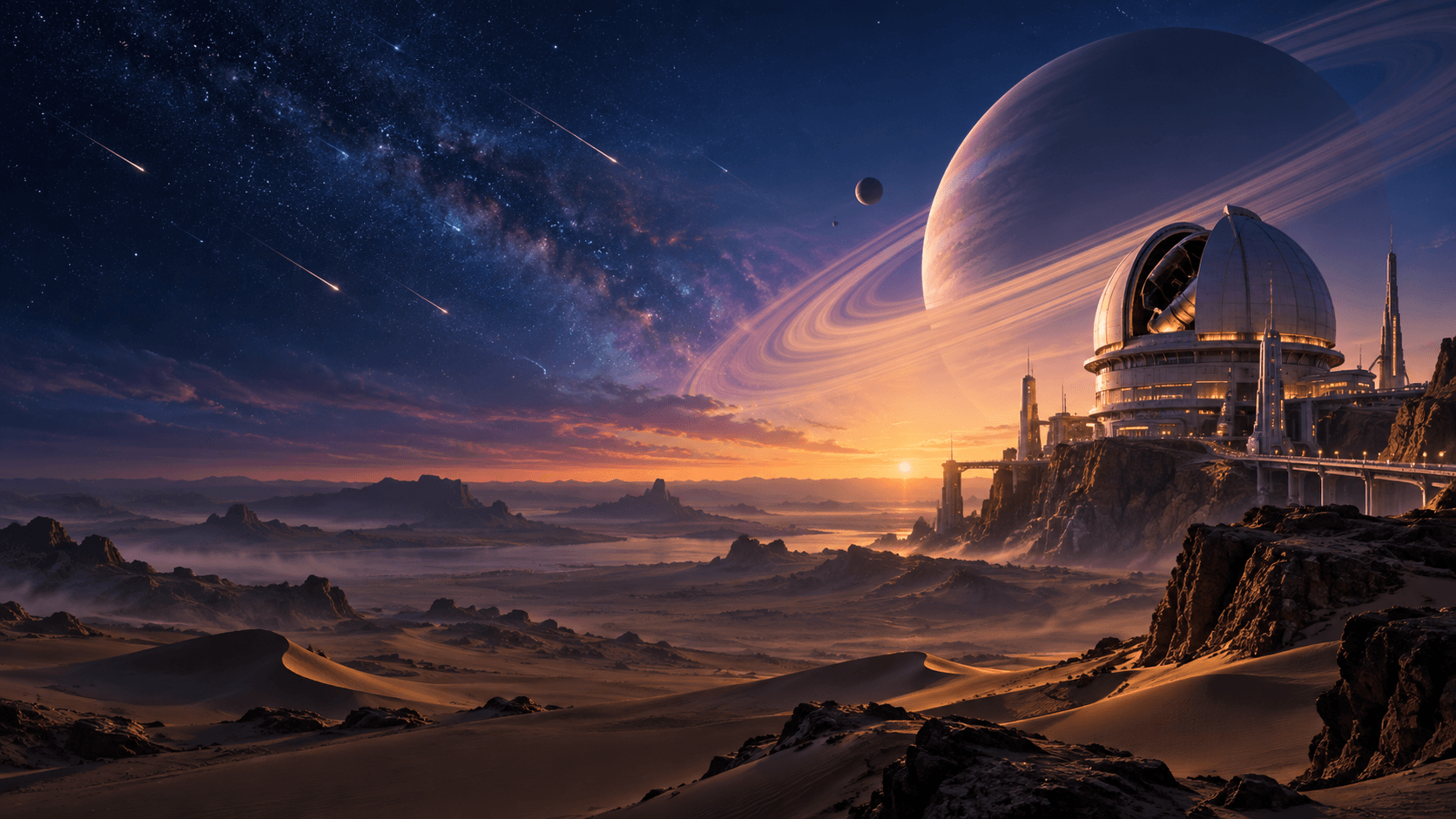
A futuristic observatory on a desert plateau beneath a band of stars…
Made for every screen
Choose a phone, desktop, square or ultrawide canvas before you generate. The right aspect ratio gives your wallpaper room to breathe and reduces unwanted cropping.
Designed around your interface
Describe where the focal point should sit and ask for calm negative space around your lock-screen clock, widgets or desktop shortcuts.
One idea, many directions
Turn the same idea into a cinematic landscape, soft illustration, minimal abstract background or dark AMOLED-friendly wallpaper.
Square 1:1 works for tablets, smart displays and social backdrops where the crop is unpredictable.
Describe a scene in plain words and generate it as an original image.
Pick 9:16, 16:9, 1:1 or 21:9 before generating so the shape fits your screen.
Choose between models such as Nano Banana Pro, GPT Image 2.5 and Seedream.
Start from a curated prompt, then edit any part of it to suit your idea.
Bring an image into the generator and describe the changes you want.
Generate at higher resolution in the generator, or enlarge a result afterwards.
Write what you want to see in plain language. Name the subject, the colours and the mood, for example a misty pine forest at dawn in muted blue and grey.
Pick phone 9:16, desktop 16:9, square 1:1 or ultrawide 21:9 so the wallpaper is generated in the shape of the screen you want to use it on.
Open the image generator with your prompt and format already filled in, generate the wallpaper, then download the result and set it as your background.
The same subject changes completely depending on the style you ask for. Pick one to preview it, then edit the prompt to suit your idea.
One simple shape or gradient with plenty of empty space around it.
A single soft gradient orb floating on an off-white background, minimal composition, muted sand and slate tones, generous negative space, no text, no watermark
A quiet scene that still reads clearly behind the clock and notifications.
Soft gradients keep desktop icons and windows easy to pick out.
Wide cinematic scenes built for monitors and multi-screen desks.
Refresh your screens as the year turns, from spring pastels to deep winter blue.
Name the subject, the style, the colours, the light and the mood. Then add the part most people forget: where the empty space should sit.
[subject], [style], [colors], [lighting], [mood], [screen composition], no text, no watermark
Screen composition is the part worth spelling out. Asking for calm empty space in the upper third keeps a lock-screen clock readable, and quiet edges stop desktop icons competing with the picture.
Misty pine forest at dawn, soft realistic photography, muted blue and grey palette, diffused morning light, calm and still, vertical composition with clear empty space in the upper third, no text, no watermark
A single glowing cyan arc, minimal abstract design, pure black and cyan palette, soft rim light, quiet and modern, vertical composition with deep empty space around the shape, no text, no watermark
Snow-covered mountain ridge at blue hour, cinematic landscape, cool blue and pale gold palette, low horizon light, spacious and quiet, wide composition with calm corners for icons, no text, no watermark
Layered desert dunes under a wide star band, painterly illustration, warm sand and deep indigo palette, faint starlight, vast and peaceful, panoramic composition with interest spread across the frame, no text, no watermark
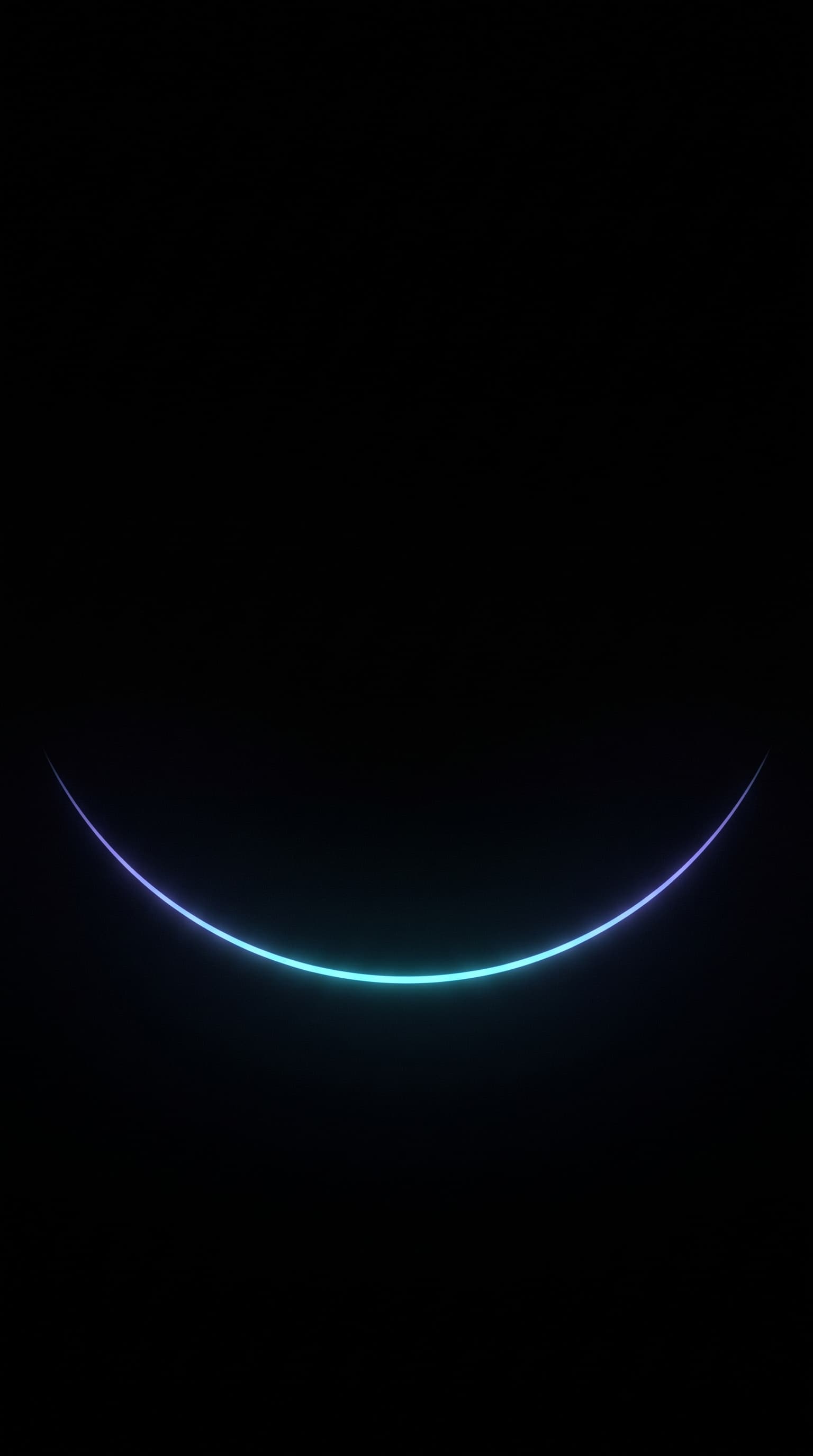
Generated from the AMOLED prompt beside it.
Prefer to start from a blank canvas? Open the image generator directly, or use the advanced generator when you want more control over models and resolution. To enlarge a finished wallpaper for a high-resolution display, run it through the image upscaler.
It is a text-to-wallpaper tool. You describe the background you want, choose the shape of your screen, and an AI image model creates an original picture from that description instead of you searching through stock wallpaper packs.
Describe your idea in the prompt field, pick a device format such as phone 9:16 or desktop 16:9, then open the imageat image generator with those settings already applied and generate. When you like the result, download it and set it as your background.
Yes. Phone 9:16, desktop 16:9, square 1:1 and ultrawide 21:9 are all available as presets, and the imageat image generator supports more aspect ratios and higher resolutions once you are inside it.
Use 9:16 for phone lock and home screens, 16:9 for most laptops and monitors, 21:9 for ultrawide displays and 1:1 for tablets, smart displays and social backgrounds. Your device may still crop the image slightly to match its exact screen, so keep the important part of the scene away from the edges.
Yes. The imageat image generator accepts reference images, so you can upload a photo and describe how you want it restyled into a wallpaper rather than starting from a text description alone.
Yes. Ask for a true black background with a single light source or a small amount of colour. Phrases such as pure black background, minimal, and deep empty space give you the kind of dark wallpaper that suits AMOLED displays.
No. imageat does not offer free generation credits, because every render has a real compute cost. Creating an account is free and you can browse the examples on this page and in the community gallery before you subscribe. Paid plans start at $9.99 per month, and each generation uses credits based on the model and resolution you choose.
Under the imageat terms of service you own the images you generate and imageat does not claim ownership of them. Commercial use of the wider service requires appropriate licensing, so check the terms of service for your specific case before using a wallpaper in a commercial product.
Pricing details live on the pricing page, and ownership terms are set out in the terms of service.
Describe the screen you want to look at every day, pick the shape of your device, and generate it in a couple of minutes.