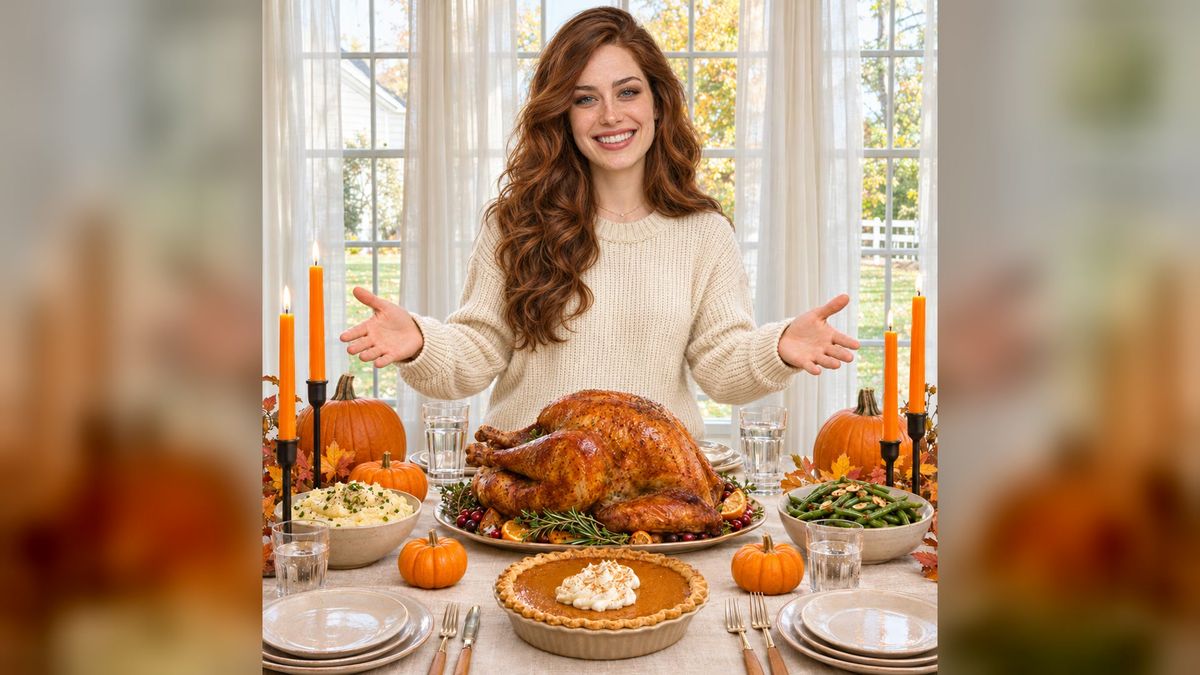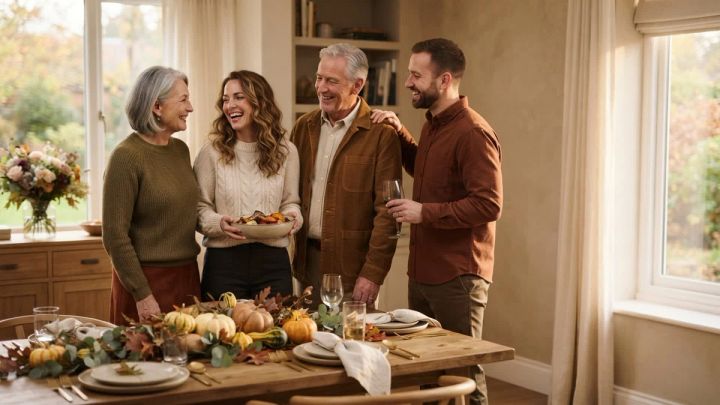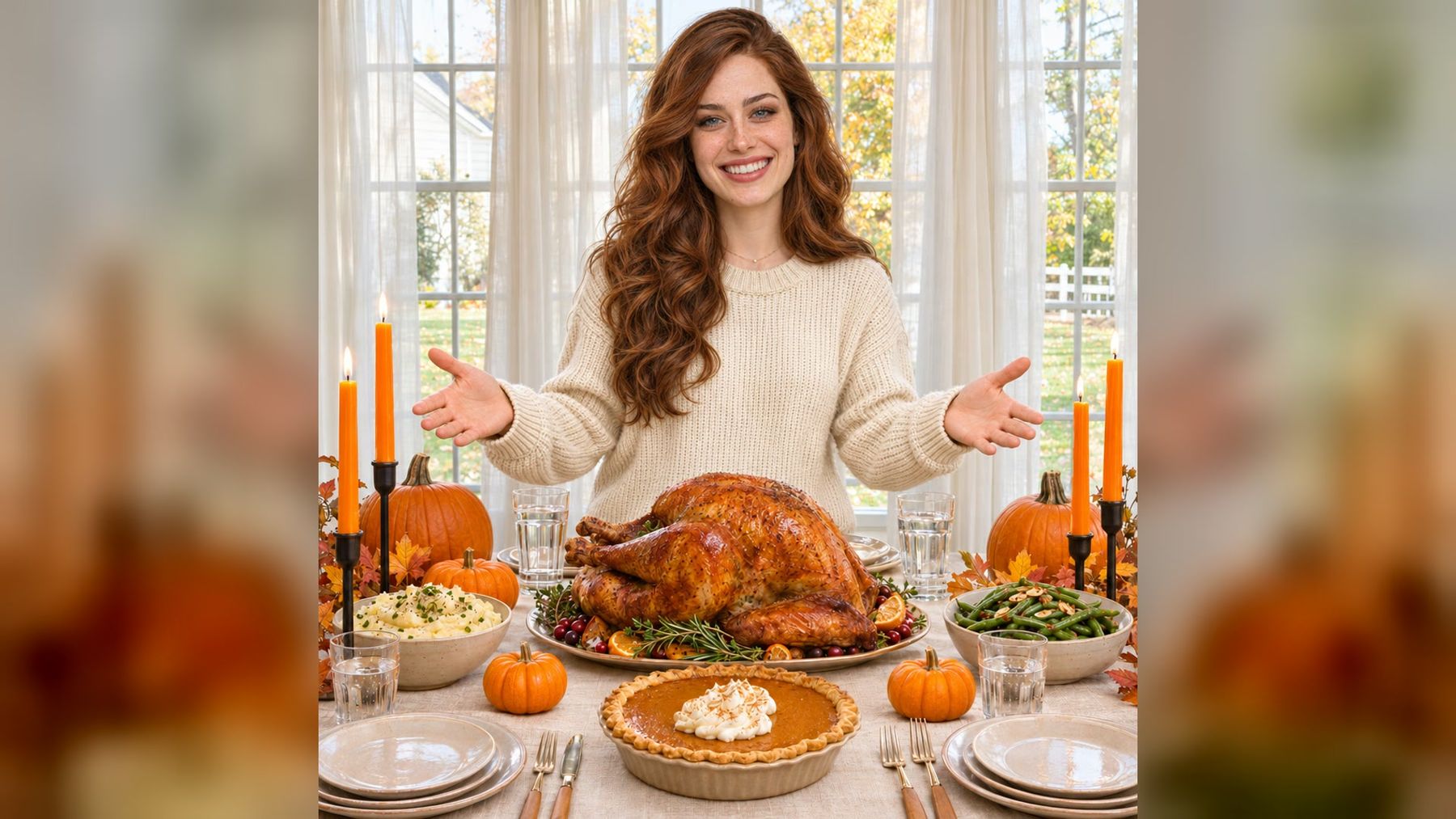
Thanksgiving videos work best when they preserve one recognizable part of the day instead of trying to record every dish, guest, and conversation. Choose a simple story—preparing the meal, welcoming family, recreating an old memory, or sharing one honest message—then build a short beginning, middle, and ending around it. The Thanksgiving Dinner Cooking video on imageat offers one ready-made approach: a single portrait becomes a fast holiday cooking vlog with a turkey, flour mishap, pie tasting, table reveal, voice, and kitchen sound.
You can also film the day entirely on your phone or combine real clips with generated scenes. The 15 ideas below cover funny, sentimental, practical, solo, family, and social-first formats. Each one includes a shot plan so you can finish a coherent video without spending the holiday staring through a screen.
The quick answer: what should a Thanksgiving video include?
A useful Thanksgiving video needs five things:
- One clear subject, such as the cook, a family tradition, or the finished table
- An opening shot that establishes where you are
- Three to seven short moments that move the story forward
- Natural sound, a short voiceover, or music you have permission to use
- A final beat that provides closure, such as the first serving, a toast, or an empty table
For a Reel, TikTok, or Short, aim for one idea that viewers can understand immediately. For a longer family film, organize the footage into chapters rather than uploading an untrimmed record of the day.
15 Thanksgiving video ideas
1. The 30-second cooking timeline
Turn several hours of preparation into a compact sequence. Start with an empty counter, then capture ingredients arriving, chopping, mixing, oven doors opening, steam, plating, and the completed table. Record each action from the same side of the kitchen when possible so the cuts feel connected.
A practical shot list is:
- Ingredients on the counter
- Hands preparing one signature dish
- The turkey or main course entering the oven
- A timer, recipe card, or flour-covered worktop
- Side dishes being finished
- The table before guests sit down
- The first serving
Do not stage risky shots near hot pans or open flames. Place the phone securely, finish the action safely, and then capture a close-up.
2. A one-second-per-hour diary
Record one second at the same point in every hour, from the quiet morning kitchen to the last plate being cleared. The repeated interval gives the video a structure without requiring constant filming.
Use a recurring visual anchor: the dining table, kitchen window, front door, or oven. The changes in light, people, food, and clutter will show the passage of time. Add small time labels only if they remain readable on a phone; the sequence should still make sense without them.
3. The family recipe story
Choose one dish with a personal history and make the video about the person behind it. Film the recipe card, key ingredients, the cook’s hands, and one short explanation of where the dish came from. The most valuable moment may be an imperfect detail—a handwritten correction, an unusual measuring habit, or a story about the first attempt.
Ask permission before recording. If the cook dislikes being on camera, use hands, utensils, and voice instead of a face. This format becomes a useful family archive as well as a social post.
4. Thanksgiving dinner in 15 seconds
Build a speed-run version of the meal: turkey, sides, pie, table, greeting. A fixed template is useful when you did not record the actual preparation or want a playful fictional version starring one person.
The imageat cooking trend currently creates a 15-second, 16:9 video from one clear photo. It first builds an identity sheet, then uses a fixed Seedance 2.5 reference-to-video sequence with generated voice, kitchen sound, and three established lines. The result is available at 480p or 720p. When checked for this guide, the page displayed 66 credits for 480p and 126 credits for 720p, including the identity sheet; failed generations were listed as refundable. This is a paid generation, not a free local render, and the price shown before generation should be treated as current.
5. The “expectation versus reality” edit
Pair a calm plan with the actual holiday. Begin with a neat recipe, spotless kitchen, formal outfit, or carefully arranged table. Cut to harmless chaos: too many timers, a collapsed decoration, mismatched serving spoons, a pet waiting under the table, or everyone eating later than planned.
Keep the joke affectionate. Do not embarrass a guest, expose a genuine argument, or turn a cooking mistake into criticism. The best contrast is about the situation, not a person.
6. A gratitude chain
Ask each willing guest to complete one sentence: “This year, I am thankful for…” Keep every answer to five or ten seconds. Alternate talking clips with details connected to the answers, such as a shared meal, a child’s drawing, a pet, or a familiar room.
Avoid forcing emotional disclosure. Let people pass, answer off camera, or offer something light. A gratitude video feels sincere when the responses vary; it does not need to become a formal speech.
7. The arrival montage
Place the camera near the entryway and collect quick moments as people arrive: coats, hugs, food carriers, flowers, children running inside, and shoes gathering by the door. End with the same doorway after everyone has entered.
For privacy, keep house numbers, car plates, package labels, and security controls out of frame. Post after the gathering rather than announcing that a home is occupied or empty in real time.
8. Recreate an old Thanksgiving clip
Find a family photo or home-video moment and rebuild its composition. Match the seating order, camera angle, pose, or serving dish, then cut from the old image to the new one. The contrast between years supplies the story without elaborate narration.
Use material your family owns or has permission to share. If relatives appear in the original, ask before posting it publicly. A private version can remain longer and more personal; a public version should reveal less.
9. The table transformation
Start with a bare table and lock the camera in one position. Add the cloth, plates, glasses, candles, decorations, and food one item or layer at a time. Edit the clips as jump cuts so the table appears to assemble itself.
Mark the tripod or phone position with tape and avoid changing zoom. Stable framing matters more than perfect decorations. If people will eat soon afterward, use food-safe décor and keep flammable materials away from candles.
10. A dish-by-dish host tour
Give viewers a quick tour of the meal before serving. Identify each dish, who made it, and one detail worth noticing. Keep descriptions short: “Aunt Maya’s cornbread stuffing,” “the cranberry sauce with orange,” or “the pie that nearly did not survive the drive.”
Record the tour before plates are filled, but do not delay hungry guests for multiple takes. One continuous walkthrough can feel warmer than a highly polished commercial-style shoot.
11. The guest point-of-view mini vlog
Tell the story from arrival to goodbye as a guest. Capture what you bring, the trip, the front door, one kitchen detail, the meal, a game or walk, dessert, and the journey home. This creates a natural narrative while keeping the host from carrying the filming workload.
Do not record private rooms or conversations simply because you are holding the camera. Ask before filming inside someone else’s home and keep location details out of a public post.
12. The leftover challenge
Make the day-after meal the subject. Show three leftovers, set one simple rule, and turn them into a sandwich, bowl, soup, pie, or entirely new plate. A top-down shot works well for ingredients; a waist-height angle is better for the cook’s reactions.
Include safe storage context without presenting yourself as a food-safety authority. If an ingredient has been left out too long or stored incorrectly, do not use it for the sake of a video.
13. A pet’s Thanksgiving report
Follow the day from a pet-safe perspective: watching preparations, greeting guests, waiting near the kitchen, taking a walk, and settling down afterward. Use a voiceover or captions to give the pet a point of view.
Never feed unsafe foods, encourage counter jumping, or stage contact with hot cookware. A pet observing from a mat or doorway is enough. The joke should come from editing and narration, not risk.
14. Thanksgiving through the years
Create a decade-by-decade montage from family photos, or film a playful series of era-inspired scenes. Use clothing colors, table settings, music choices, and camera treatment to suggest each period without claiming perfect historical accuracy.
For a generated alternative, the Thanksgiving Through the Decades trend uses two photos to place a couple at Thanksgiving tables from the 1950s through the 2020s. Check that page’s live controls and price before generating; like other hosted generation workflows, it uses imageat credits rather than rendering locally for free.
15. The quiet ending
Film what remains after the gathering: half a pie, stacked plates, folded chairs, extinguished candles, a sleeping pet, or the last kitchen light. Add one short sentence about what you want to remember.
This can be the final scene of any idea in this list. A quiet ending gives a fast montage emotional contrast and makes the video feel complete rather than abruptly stopped.
How to plan the video before guests arrive
Write a one-sentence brief. “A funny 20-second cooking speedrun” is usable; “capture Thanksgiving” is too broad. Then choose five essential shots and treat everything else as optional.
Charge the phone, clear storage, clean the lens, and decide whether the final video will be vertical or horizontal. Vertical 9:16 fits most short-form feeds. Horizontal 16:9 works well for YouTube, television viewing, and family archives. If you need several destinations, record important moments a little wider so you have room to reframe later.
Use window light when possible, but avoid placing people directly in front of a bright window. Lock focus and exposure on the face or food. Record a few seconds before and after each action; those handles make editing easier.
How to combine real footage with generated video
A hybrid edit can use real clips for truth and atmosphere, then a generated sequence for an impossible or deliberately fictional beat. For example, begin with actual ingredients and family arrivals, use the fictional cooking speedrun in the middle, and return to the real table for the ending.
If you want to animate a real still without using a fixed holiday scene, an image-to-video workflow gives you more control over motion and framing. For an idea that starts from text or requires a different setting, compare options in the video generation studio. Hosted model runs consume credits; recording and editing your own phone footage does not create an imageat generation charge.
Keep generated and recorded material visually distinct enough that viewers understand the creative treatment. Label realistic fictional scenes as AI-generated when they could be mistaken for genuine footage. Use only photos you have permission to upload, especially when children or guests are identifiable.
A simple editing workflow
1. Select before you trim
Choose only clips that serve the one-sentence brief. Fifteen strong shots are more useful than seventy similar ones.
2. Build the silent story
Place the opening, key actions, and ending on the timeline before adding music. If the story is confusing without sound, improve the shot order first.
3. Keep natural sound
A knife on a cutting board, an oven door, a room greeting, pouring gravy, and plates touching the table make the video feel present. Lower music briefly so these sounds can breathe.
4. Add text sparingly
Use text for a date, dish name, relationship, or essential setup—not to describe everything viewers can already see. Keep captions inside safe margins and check them on a phone.
5. Finish for the destination
Use the online video editor when you need to assemble or revise clips in a browser. If the finished file is too large, prepare a smaller copy with the video compressor. If the aspect ratio is wrong for the destination, create a separate version with the video resizer rather than stretching the picture.
Common Thanksgiving video mistakes
Recording everything
Constant filming makes people self-conscious and leaves you with too much footage. Capture the planned moments, then put the phone down.
Mixing vertical and horizontal footage without a plan
A few mismatched clips can be reframed, but switching orientation throughout creates awkward crops. Choose the main destination before recording.
Using copyrighted music casually
A song playing in the room may create platform restrictions when it becomes part of the upload. Use music you have the right to publish or let natural sound carry the edit.
Sharing private details
Review frames for addresses, school names, travel plans, medication, mail, family documents, and children’s information. A brief background detail can remain visible for the entire post.
Making AI footage look like evidence
Generated holiday scenes are creative media, not proof that an event happened. Do not use them to fabricate attendance, relationships, meals, or statements. Follow imageat’s responsible-use terms and disclose realistic synthetic scenes when context could be unclear.
Thanksgiving video FAQ
How long should a Thanksgiving video be?
For short-form social posts, 15 to 45 seconds is enough for one idea. A family recap can run two to five minutes if it has chapters and varied footage. Length matters less than whether every shot adds something new.
Should I film vertically or horizontally?
Film vertically for Reels, TikTok, and Shorts. Film horizontally for television, standard YouTube viewing, or a family archive. When uncertain, keep the subject centered and record a wider composition that can tolerate cropping.
Can I make a Thanksgiving video from one photo?
Yes. A fixed trend can turn one clear portrait into an established holiday sequence, while image-to-video tools can animate a still with more custom direction. Review the live input requirements, output format, and credit price before generating.
What photo works best for the cooking template?
Use one clear image in which the face is easy to see. Avoid heavy shadows, extreme angles, obstructions, and distant group photos. The live page labels the required input as “Your photo, face clear.”
Does the generated voice clone my voice?
No. The Thanksgiving cooking page says the generated voice matches the person’s look but is not a copy of their real voice.
How do I make the video feel personal?
Include one detail only your group would recognize: a recipe card, annual joke, seating tradition, familiar dish, old photo, or honest closing line. Specific details create personality more reliably than elaborate effects.
Make one memory, not a complete record
The strongest Thanksgiving video is selective. Pick one story, plan five essential shots, record people with permission, and leave enough of the day unfilmed to experience it. If a funny cooking montage fits your idea, create the Thanksgiving Dinner Cooking video on imageat, confirm the current credit price, and clearly frame the result as a generated holiday scene.