GTA 6 Style
AI Video Generator
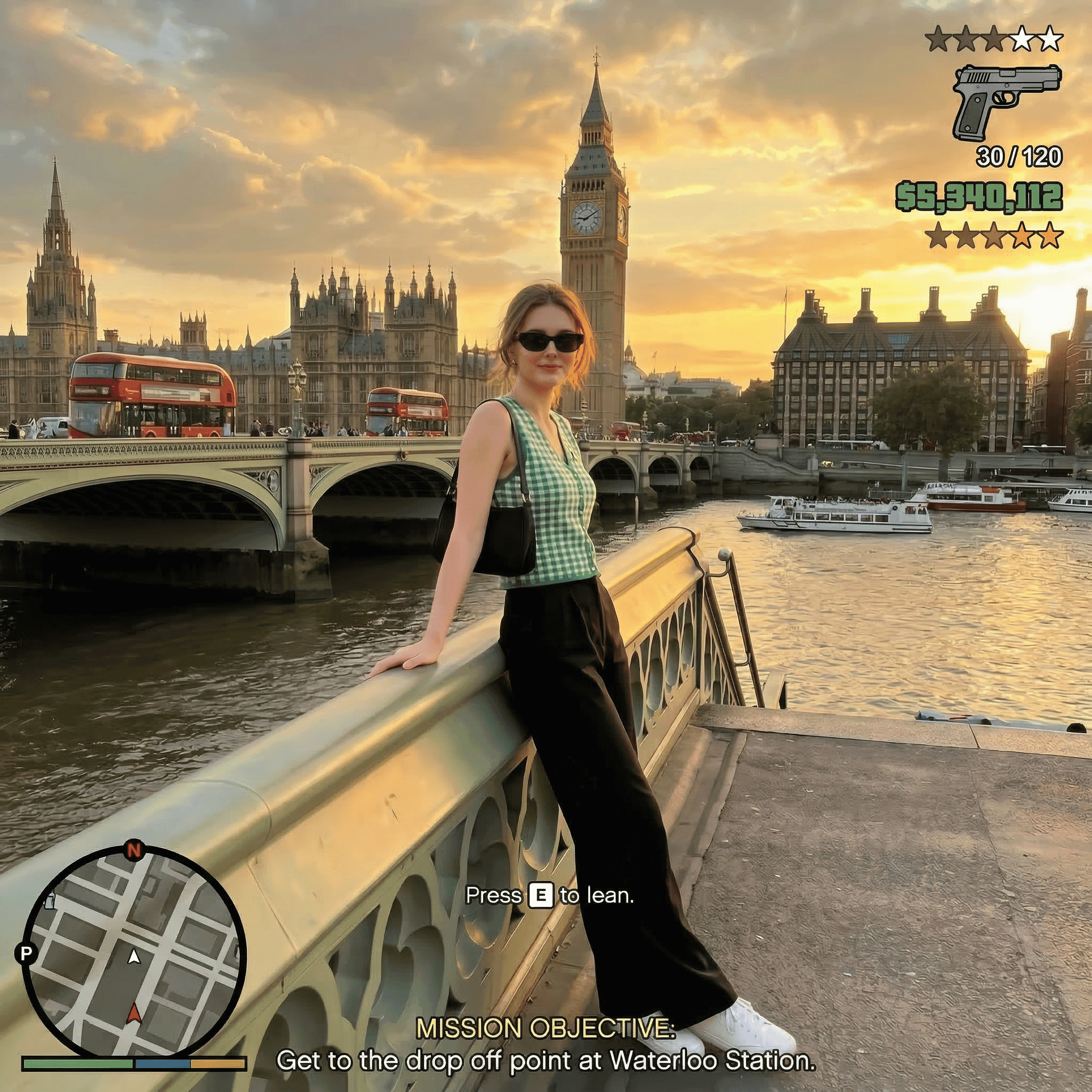
Upload a selfie and star in your own Vice City cinematic: the sunset pier GTA 6 moment, a neon store heist with a friend and a red convertible getaway. Vertical videos with sound, made for TikTok and Reels.
What is a GTA 6 AI video generator?
A GTA 6 AI video generator turns a photo of you into a short, game-trailer style video set in a Vice City inspired world. On imageat you pick a ready-made GTA 6 template, upload one photo (or two for a duo), and the AI keeps your face while it builds the scene, camera moves and sound. The result is a vertical 9:16 MP4 in 480p or 720p, usually ready in 3 to 8 minutes. For still images, use the GTA 6 AI Photo Generator.
Pick your Vice City scene
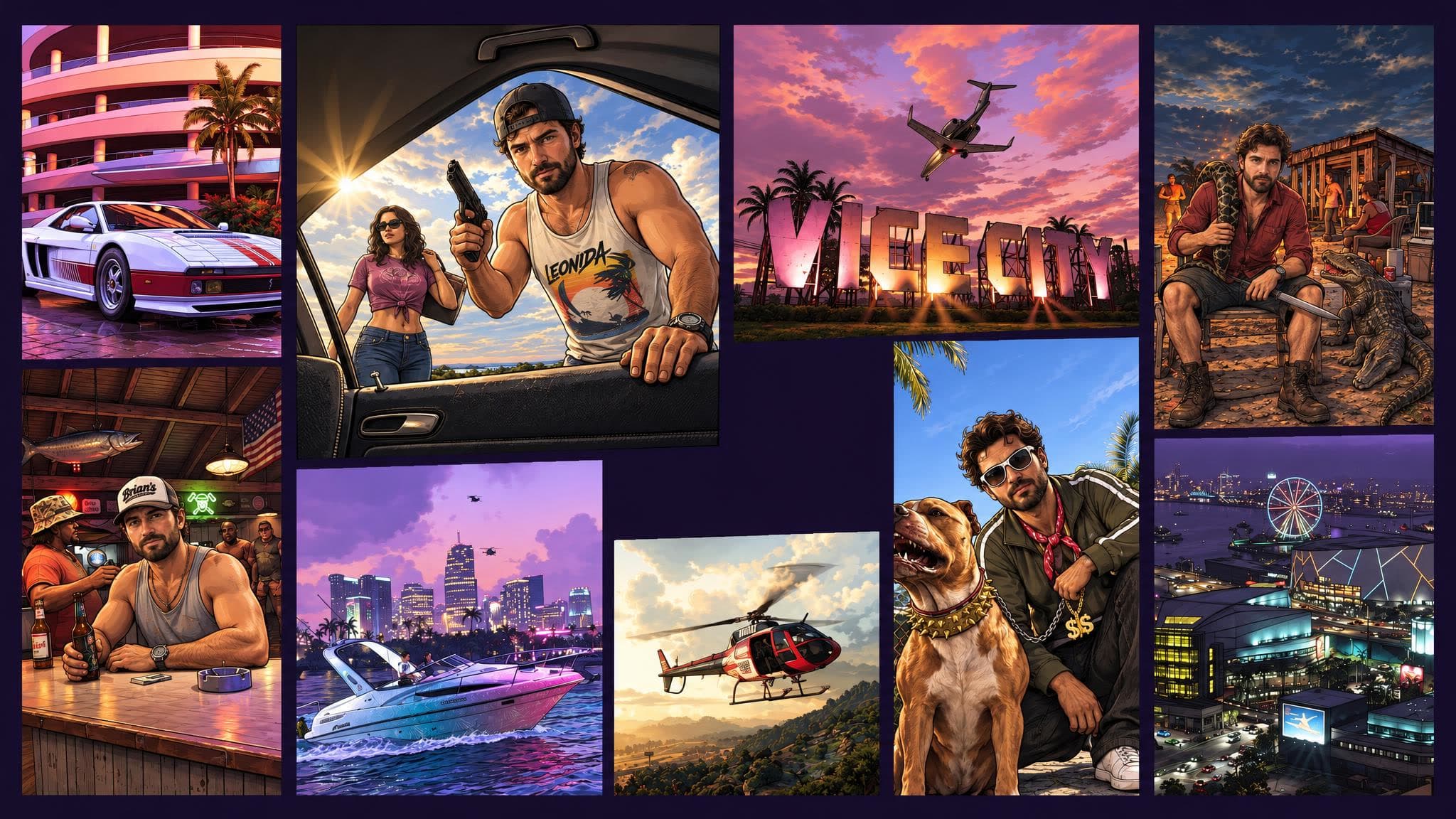
Open a template to watch its example and see the price, then upload your photo. Every GTA trend on imageat is here.
How to make a GTA 6 AI video
Pick a GTA 6 template
The sunset pier GTA 6 moment, a neon store getaway with a friend, or a Vice City photo. Each one shows a real example and its price.
Upload your photo
One clear, front-facing photo of your face is enough. Duo templates ask for one photo per person.
Generate and post
Scenes, camera moves, outfits and music are already set. Download the vertical MP4 and post it.
Your own GTA 6 trailer
in a few minutes
TikTok & Reels
Vertical 9:16 clips with sound, ready for the GTA 6 trend on TikTok, Instagram Reels and YouTube Shorts.
You and a friend
Duo templates put two people in the same Vice City scene: the heist, the getaway, the convertible.
Open-world action
Neon streets, sports cars, sunset piers and police lights, filmed like a game trailer.
Sound included
Each video template comes with its music or original sound, so the clip is ready to post.
 GTA 6 AI Photo Generator
Need a cover
instead of a clip?
Turn a selfie into a GTA 6 style poster in 11 styles: mafia boss, wanted poster, jet-ski chase, loading-screen art and more.