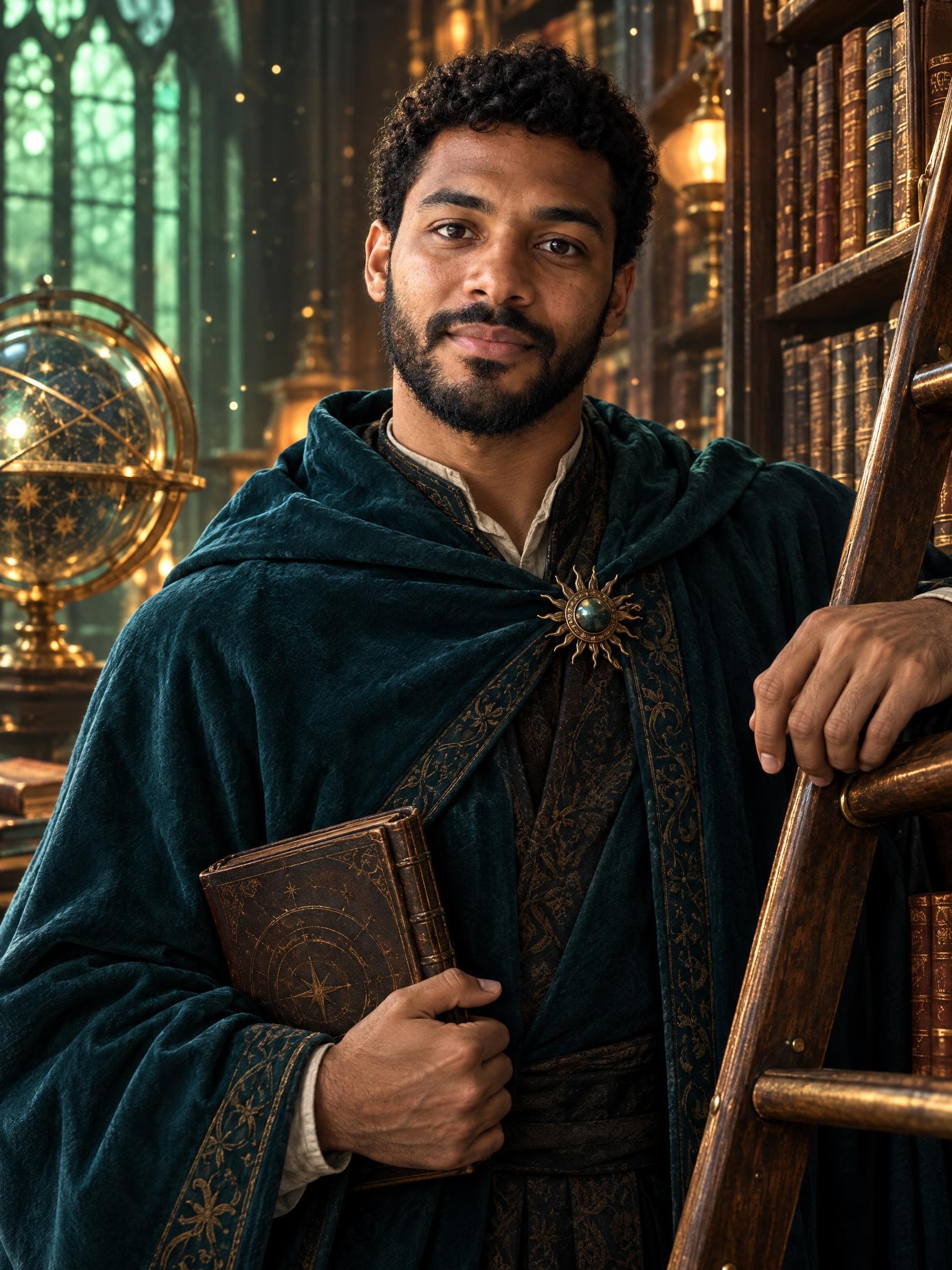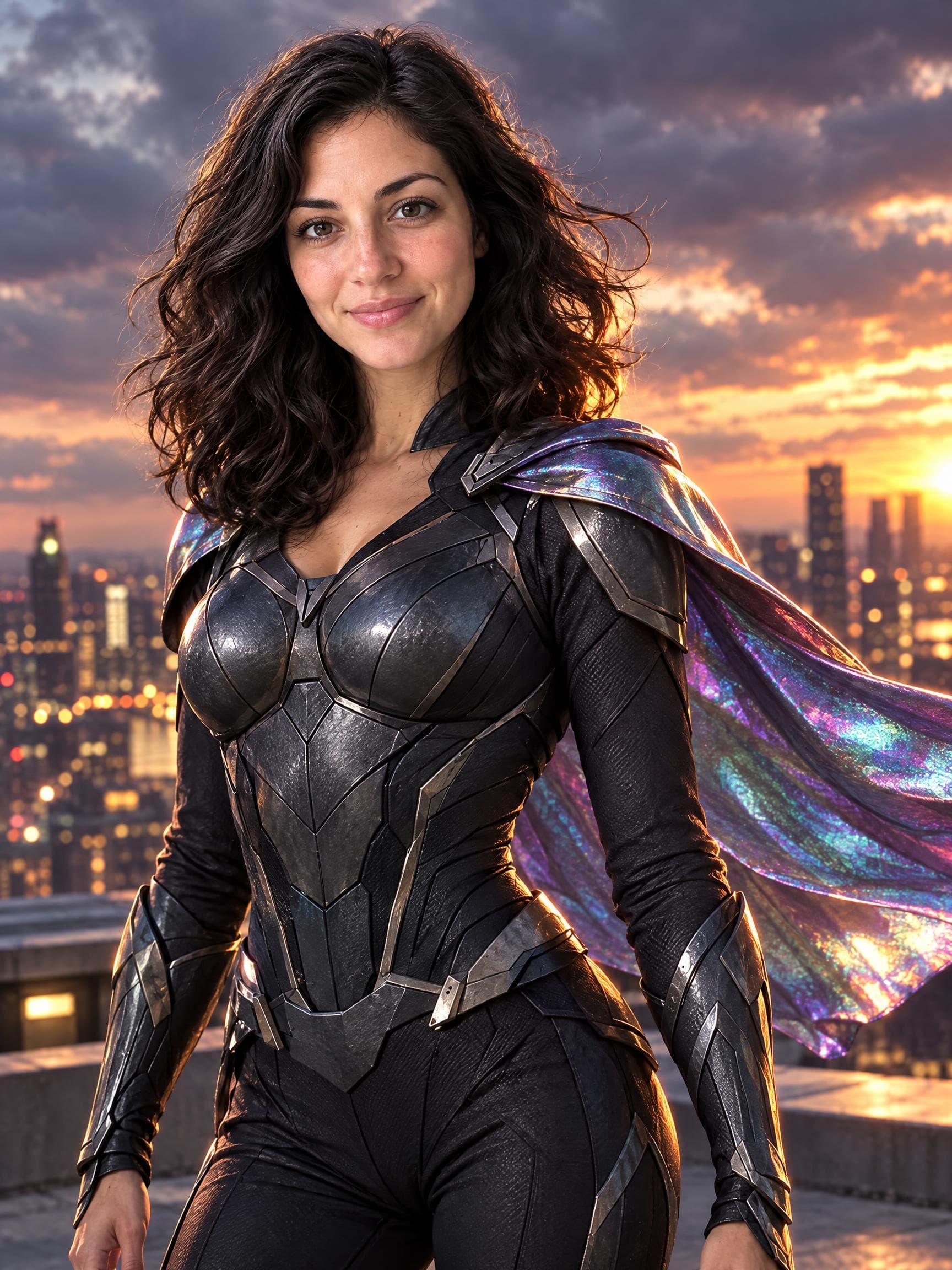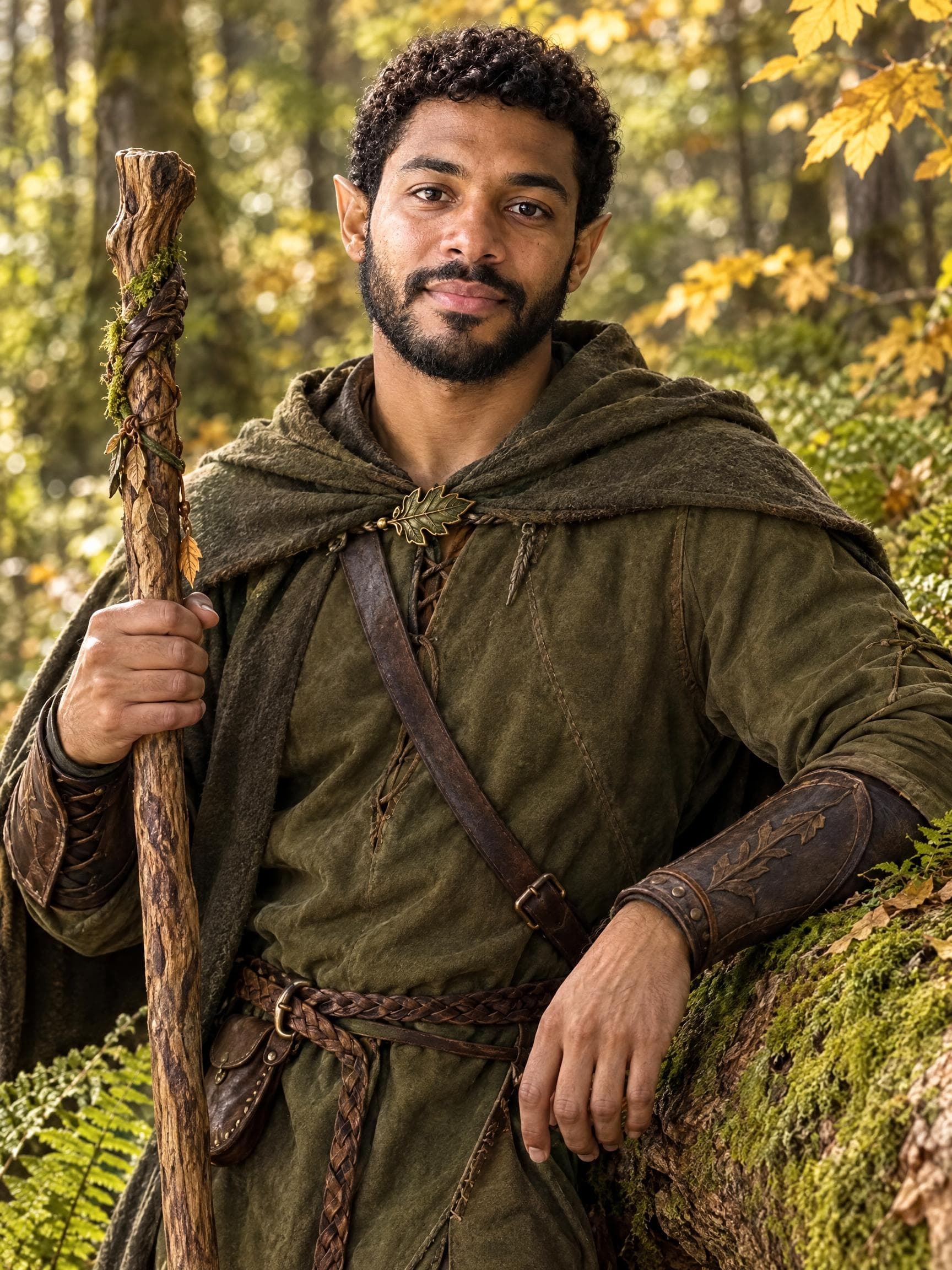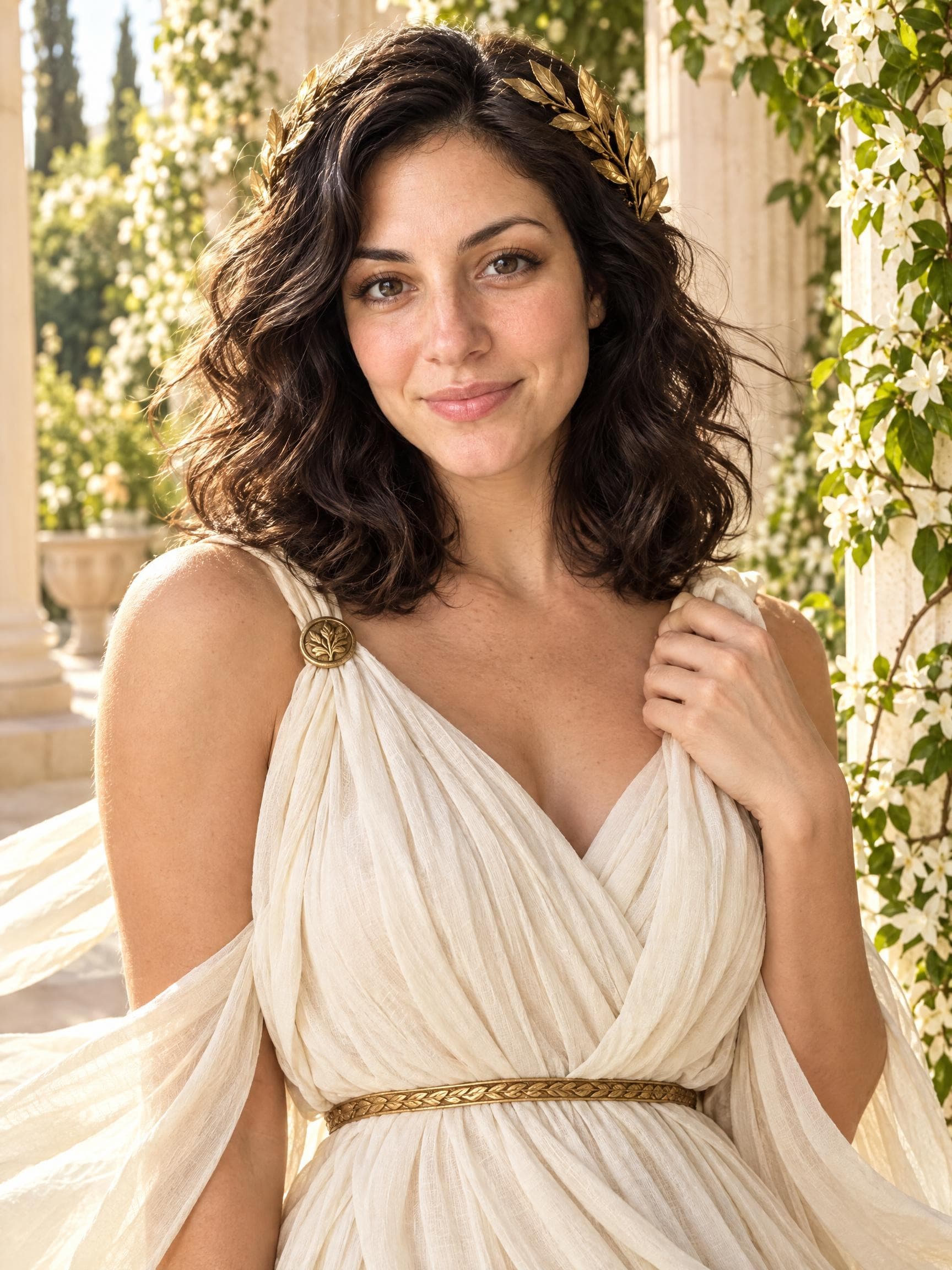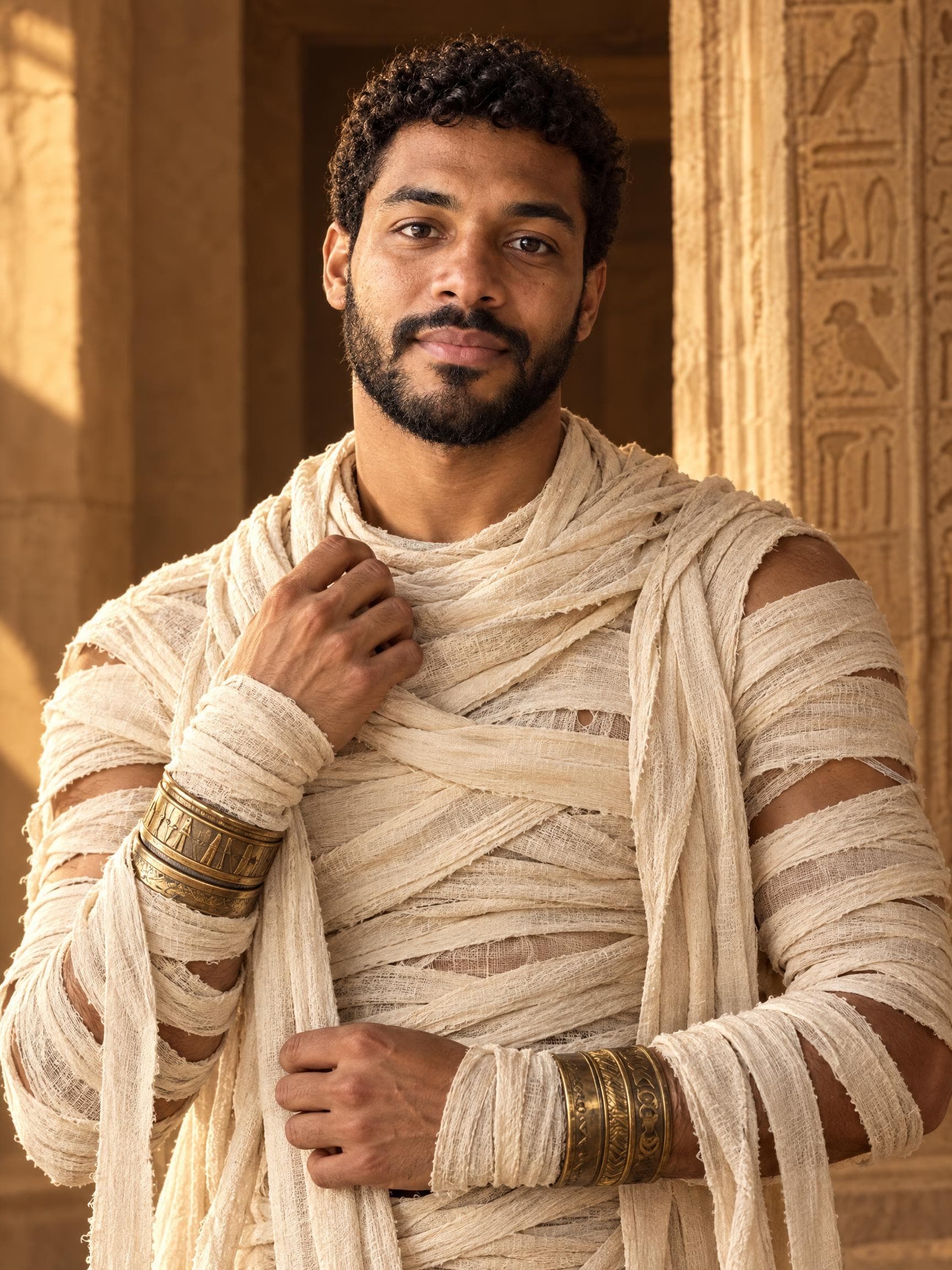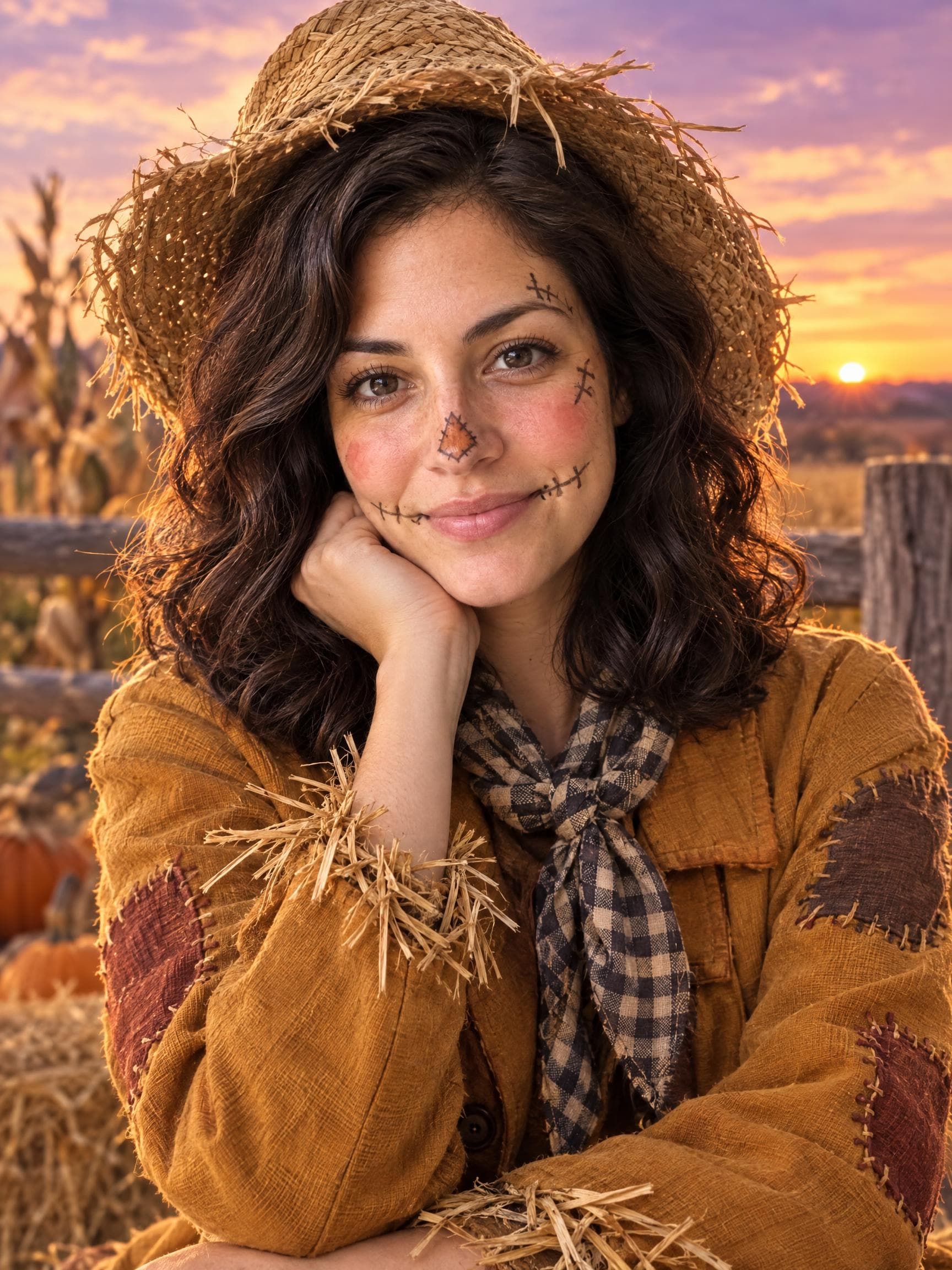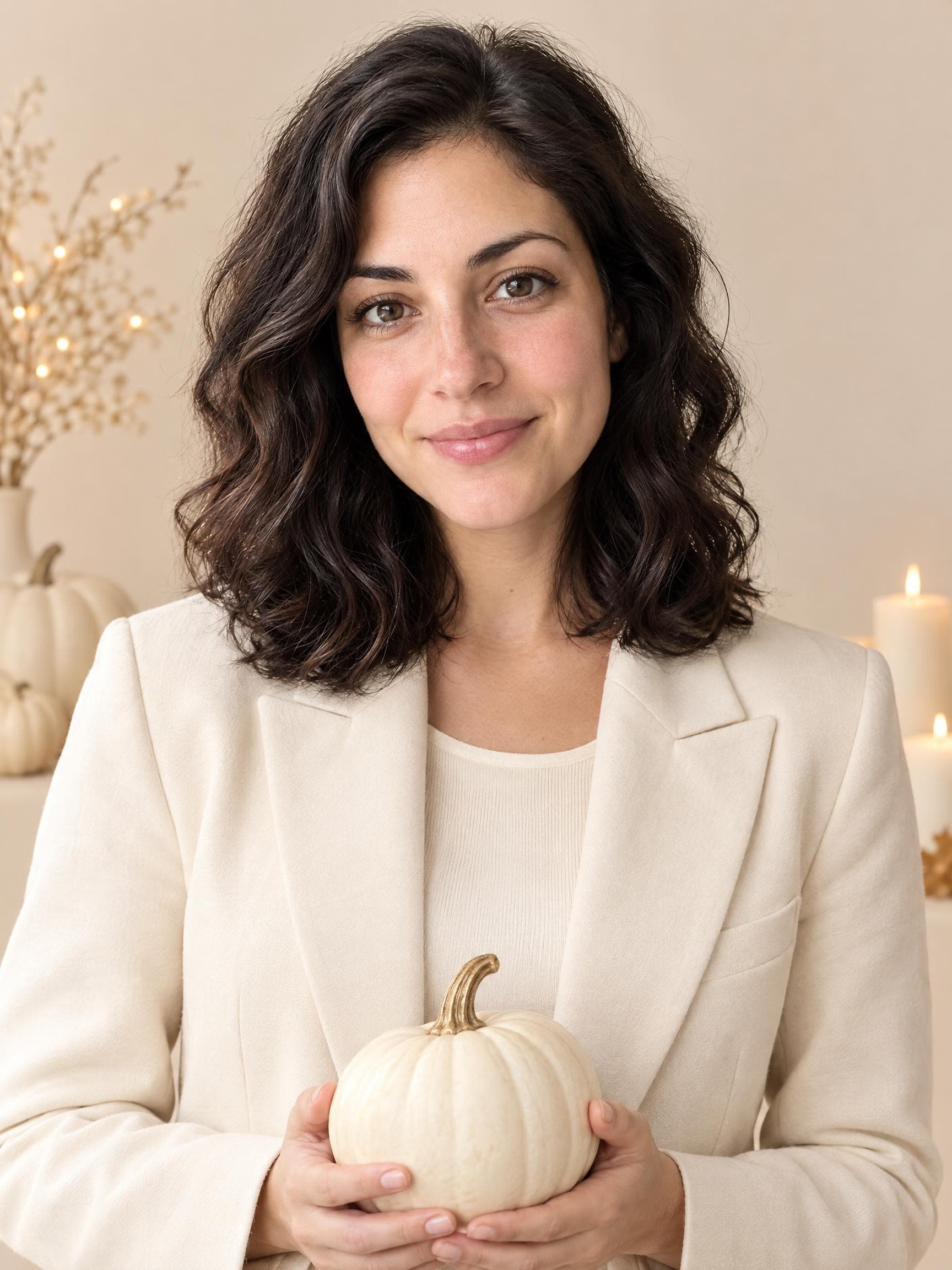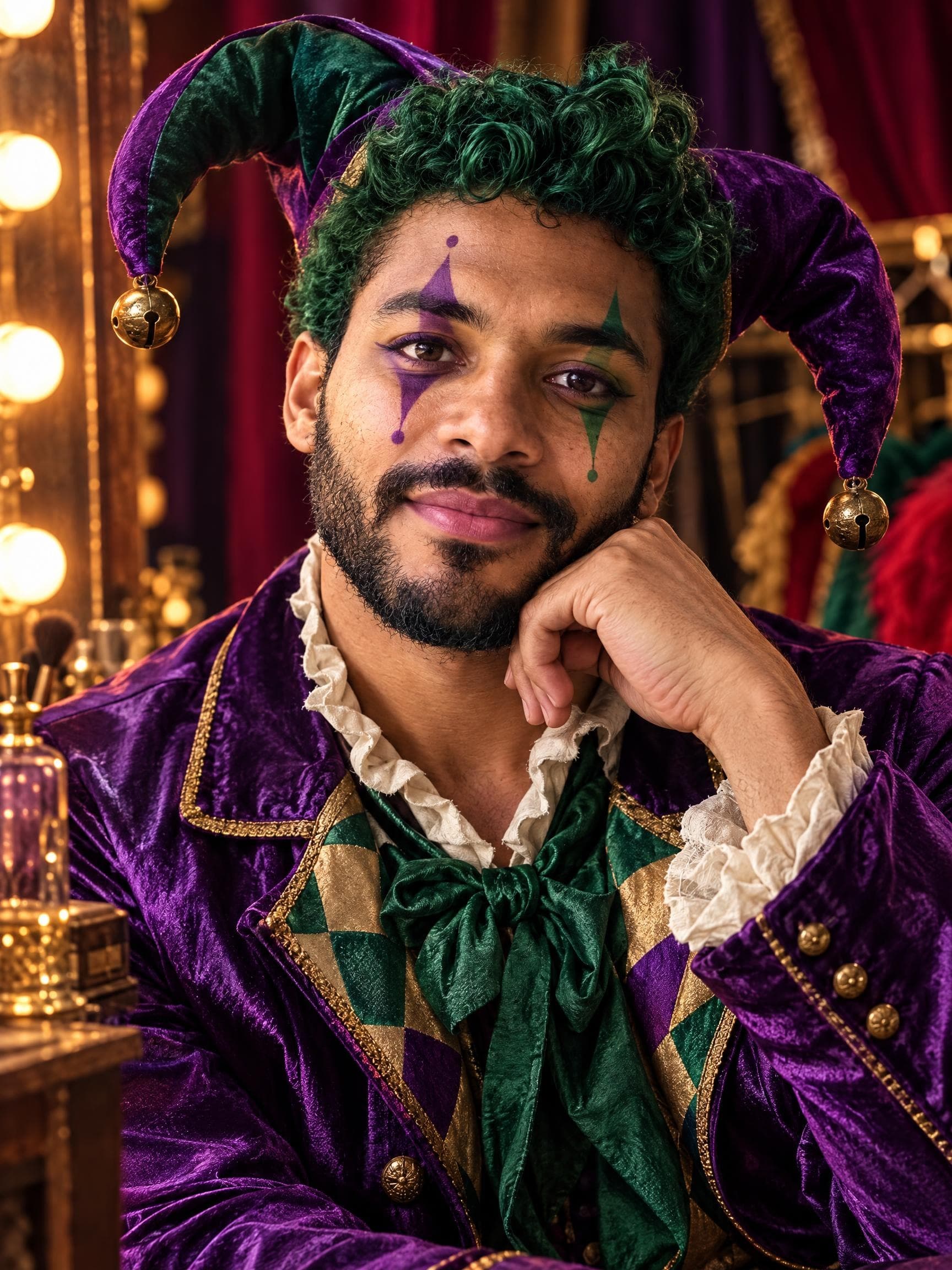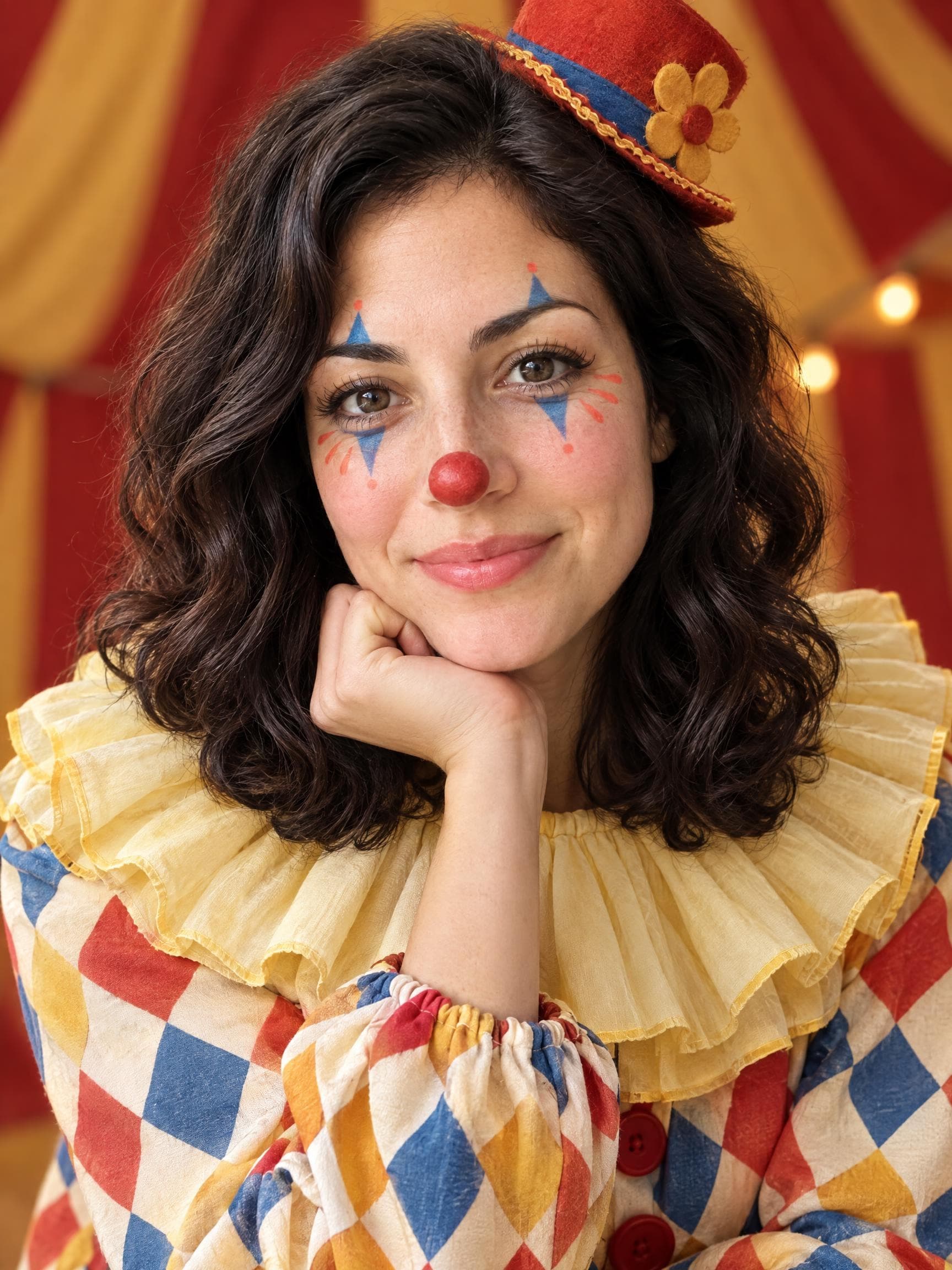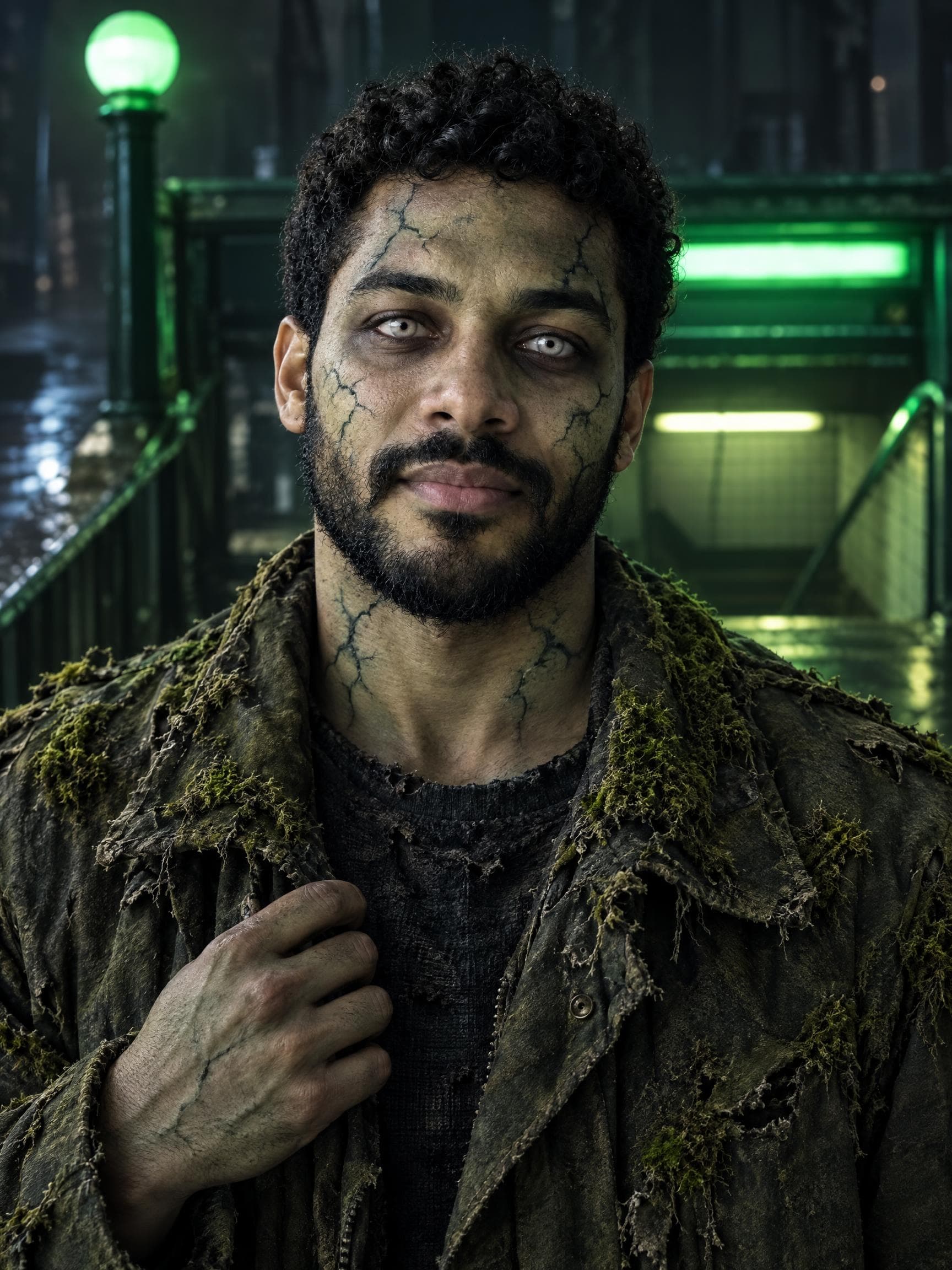
Costumes
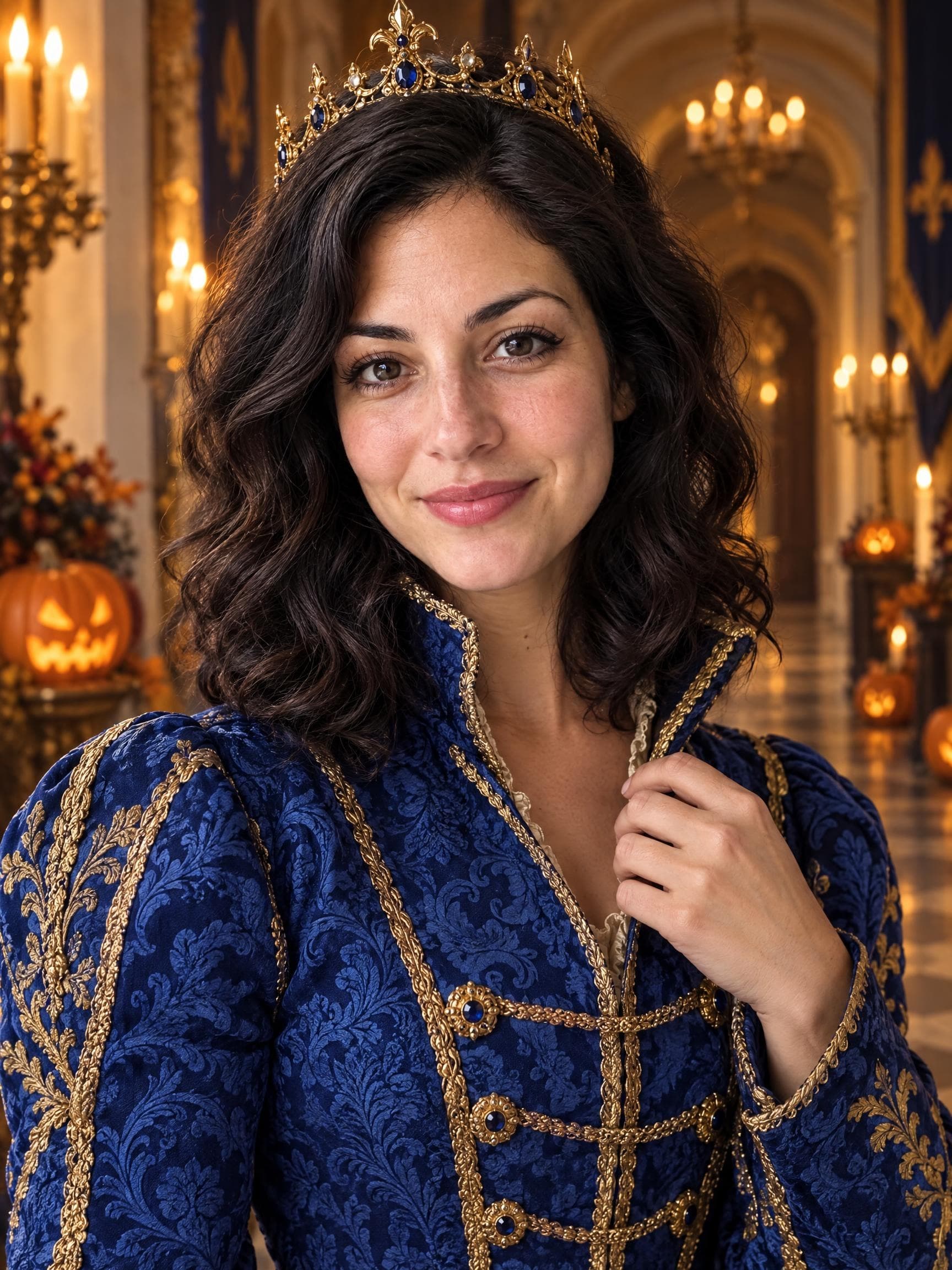
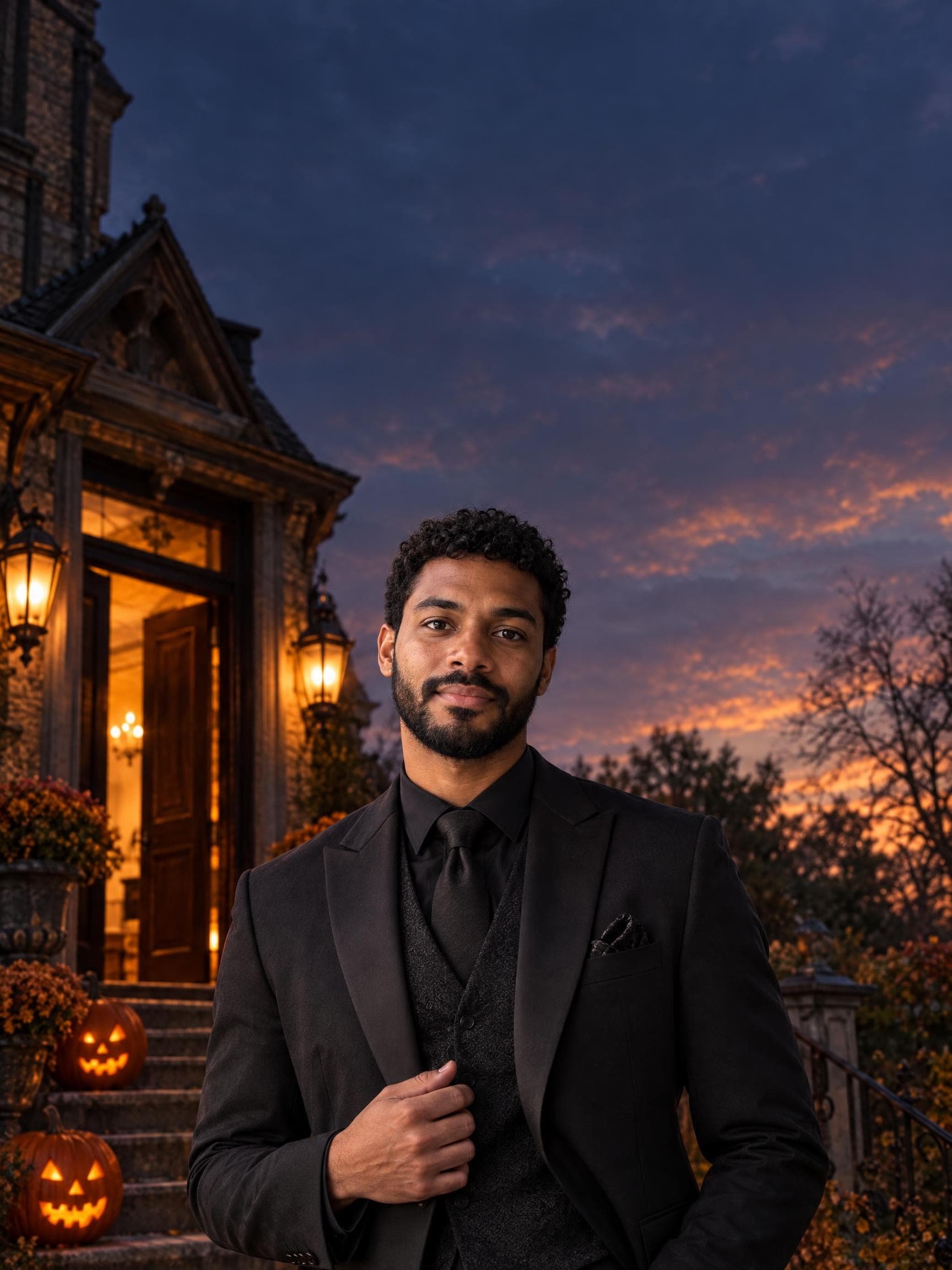
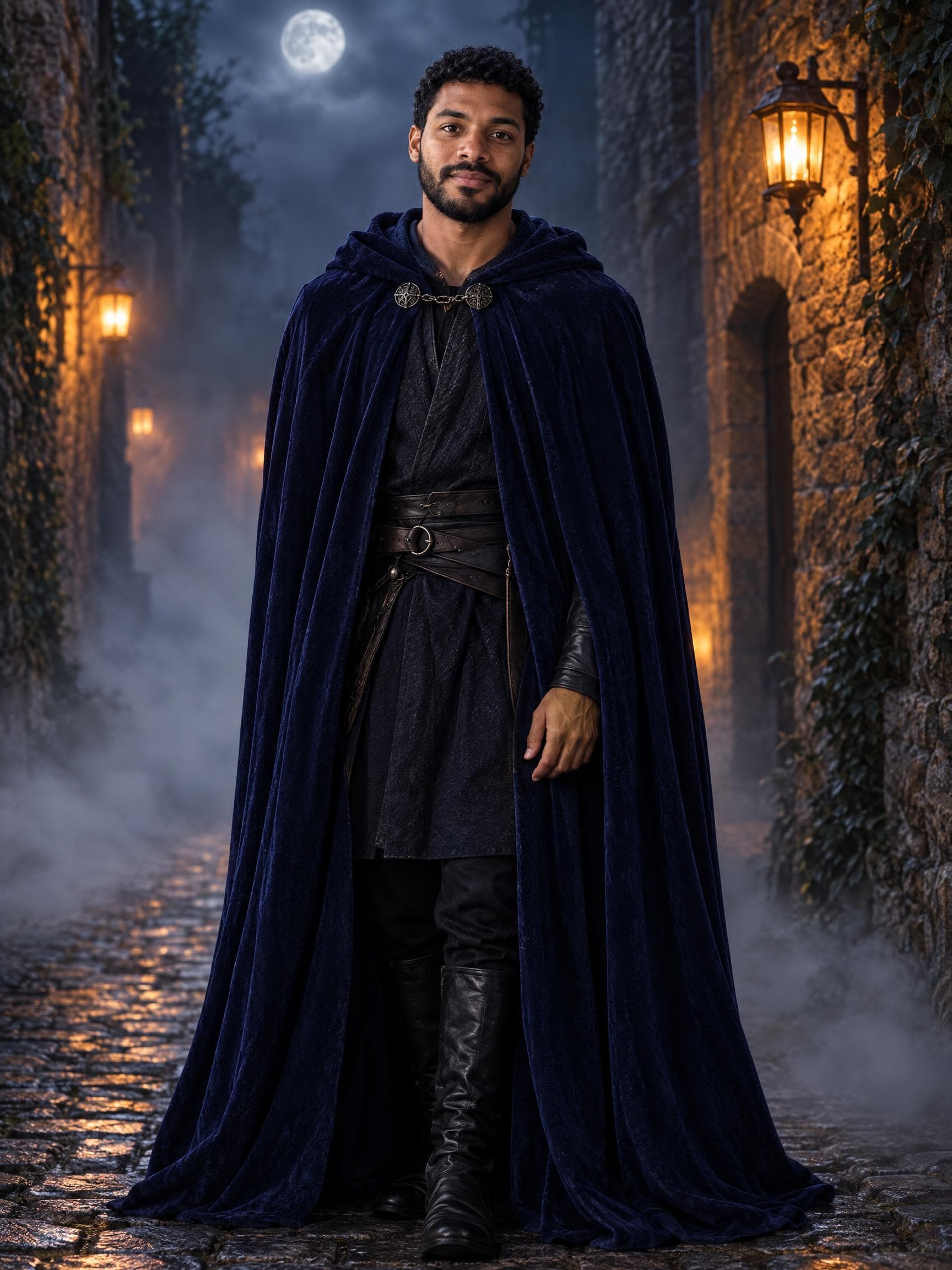
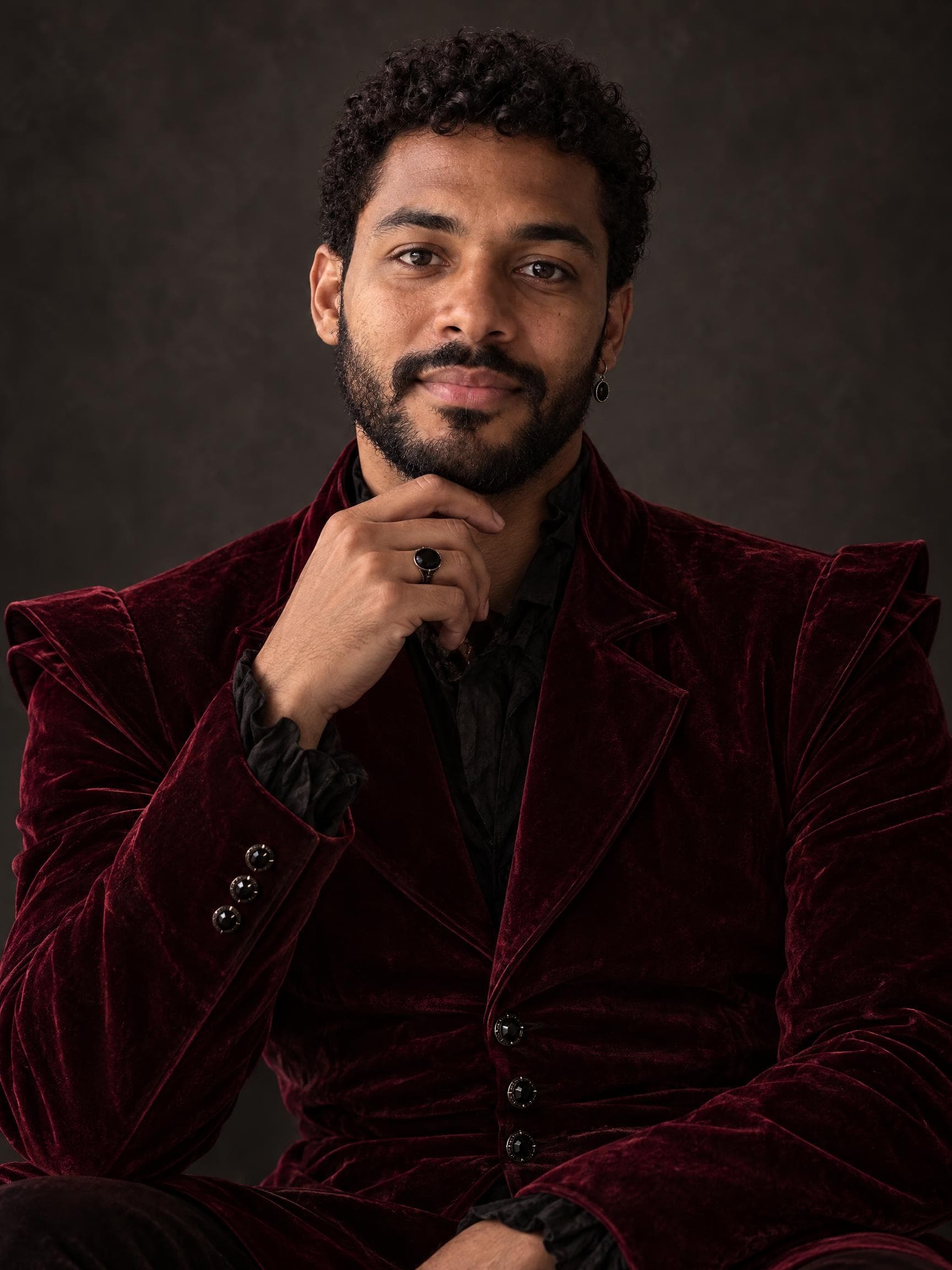
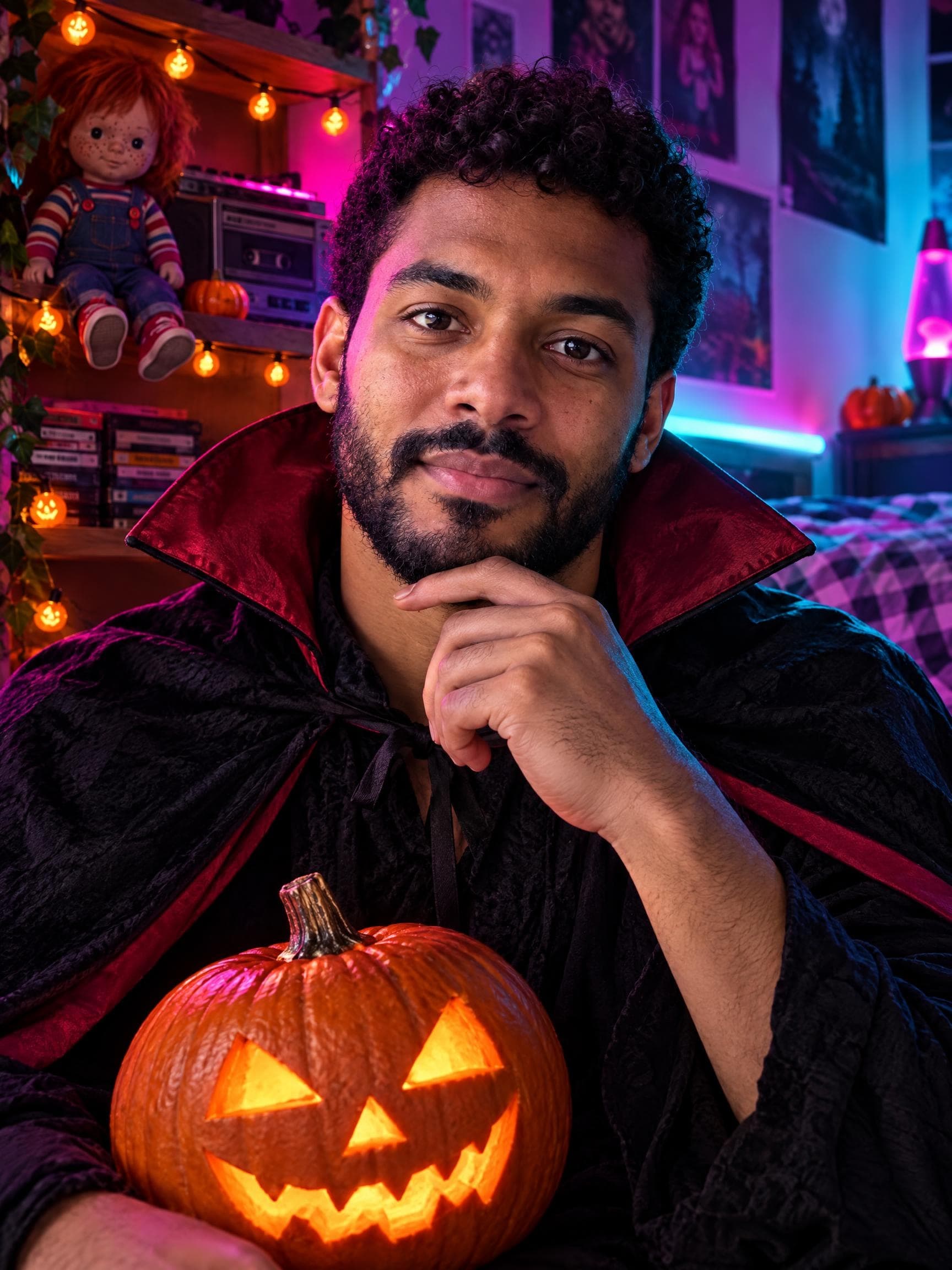
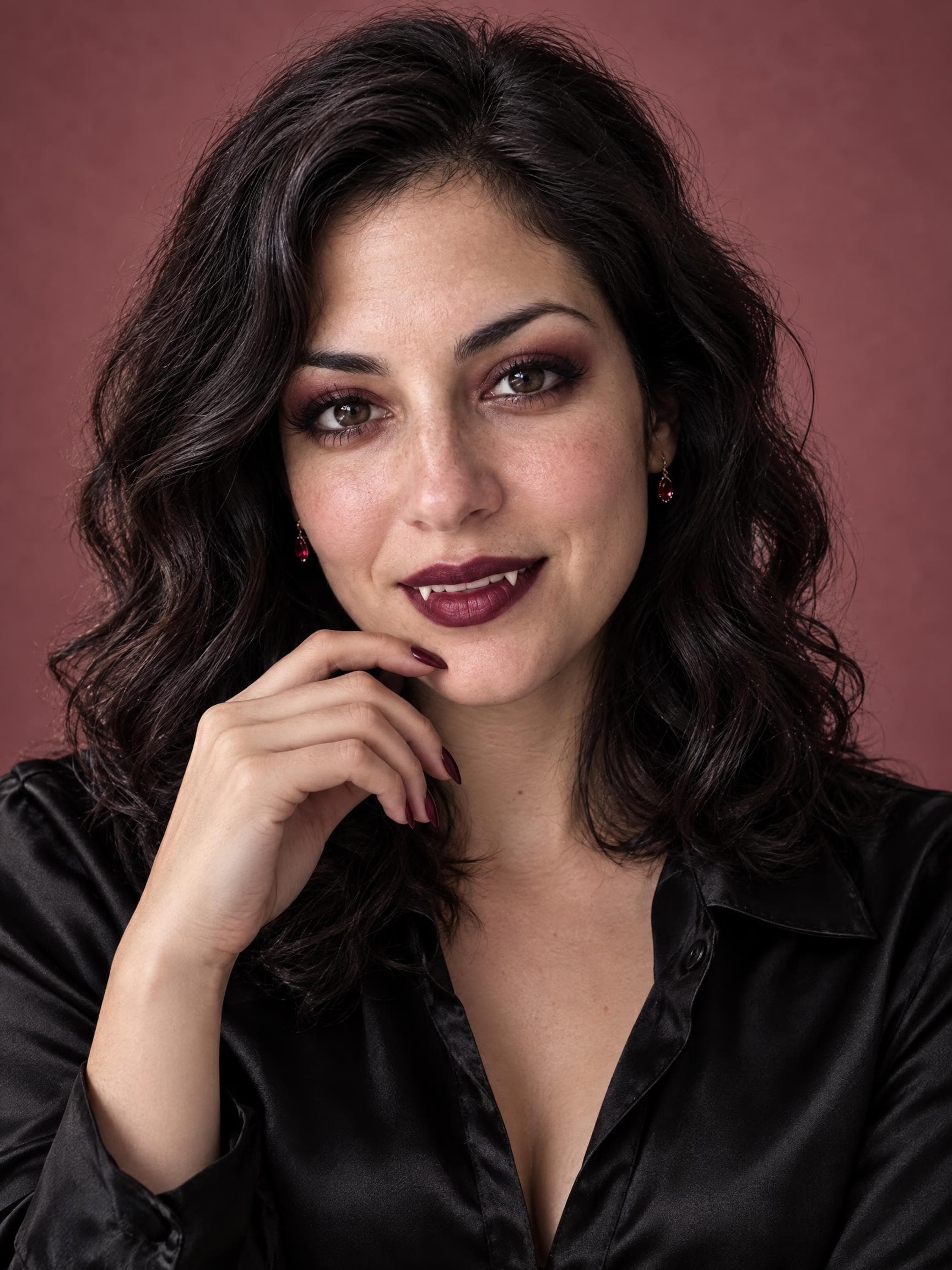
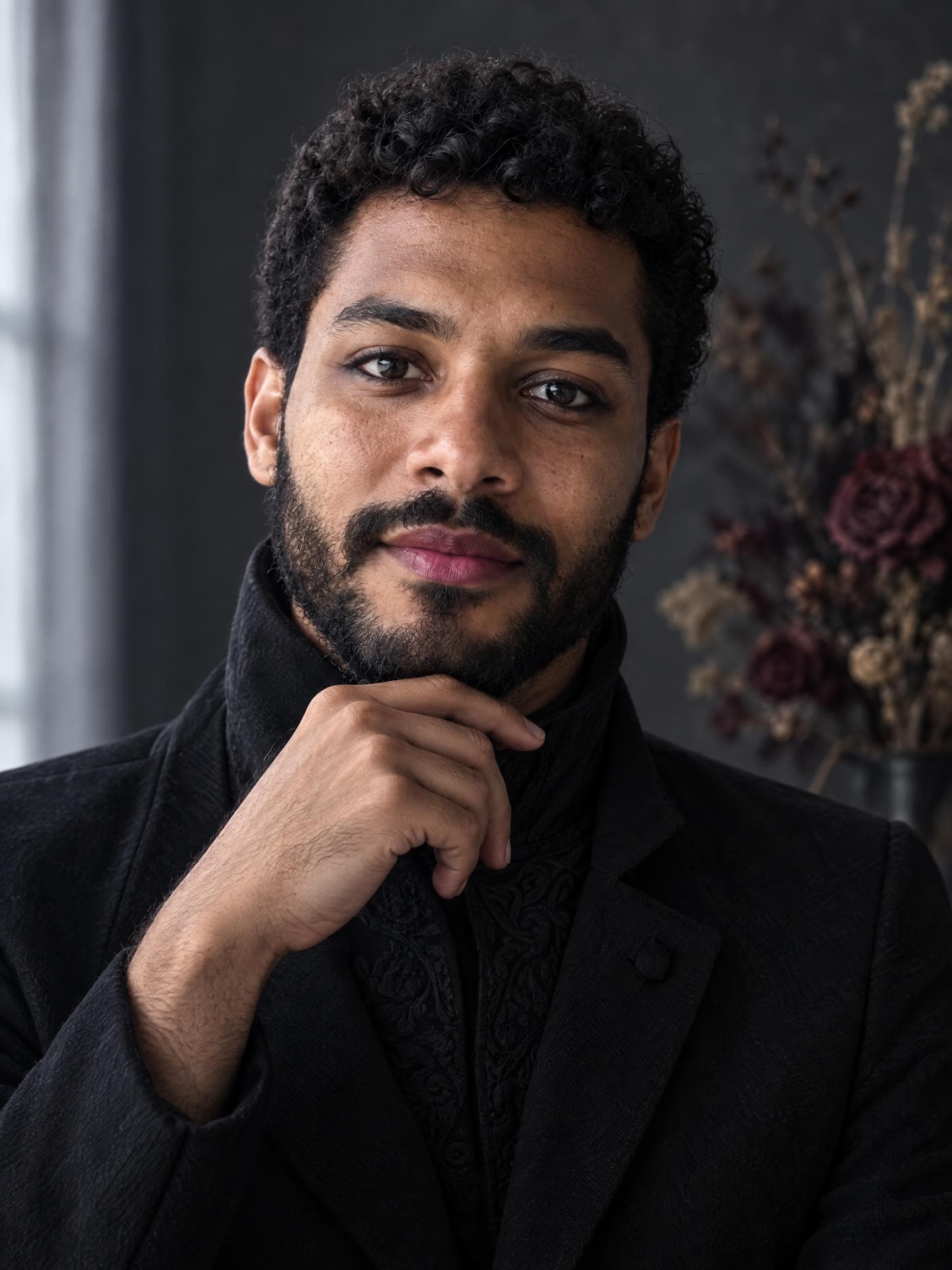
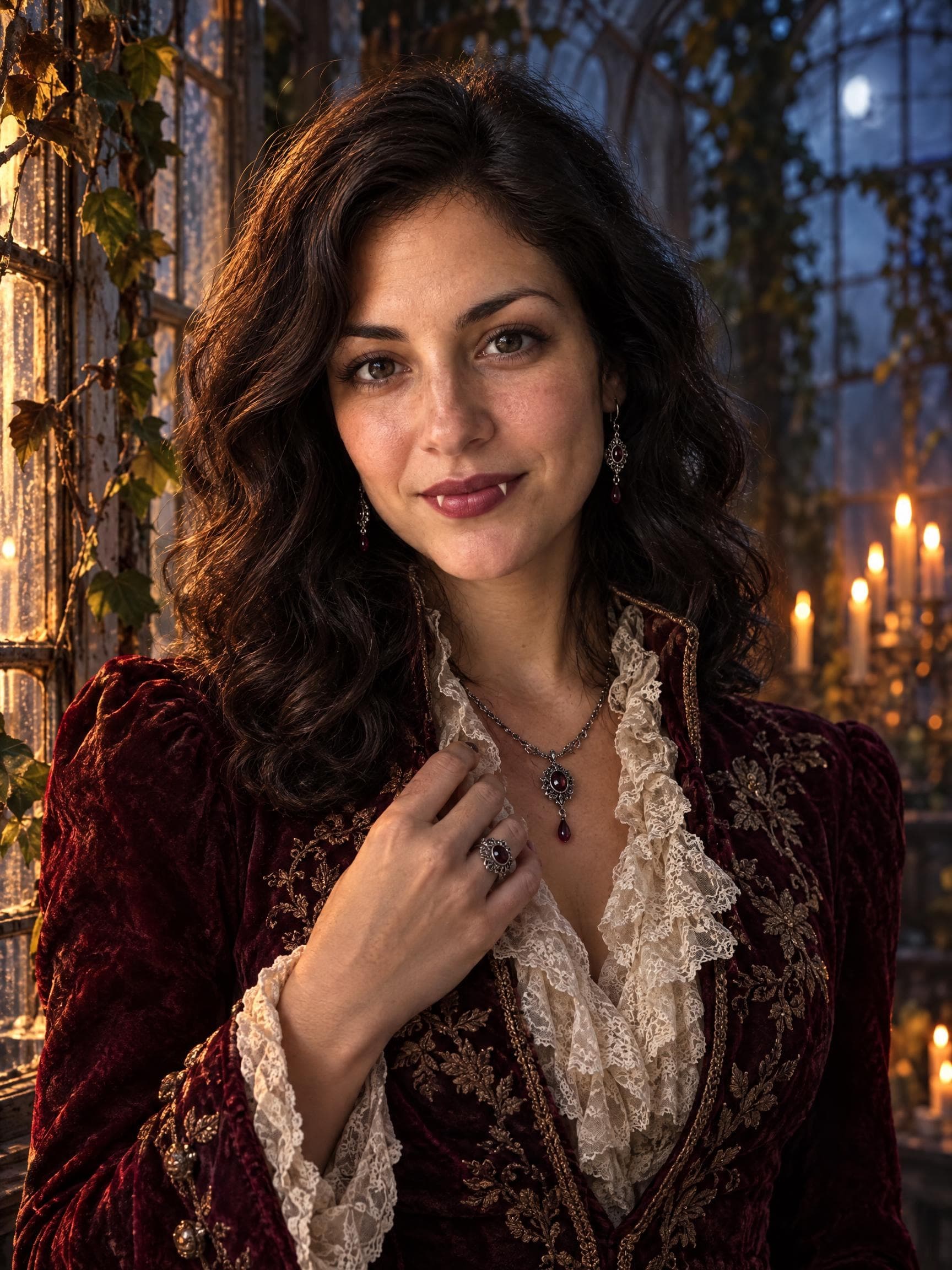
Velvet Vampire
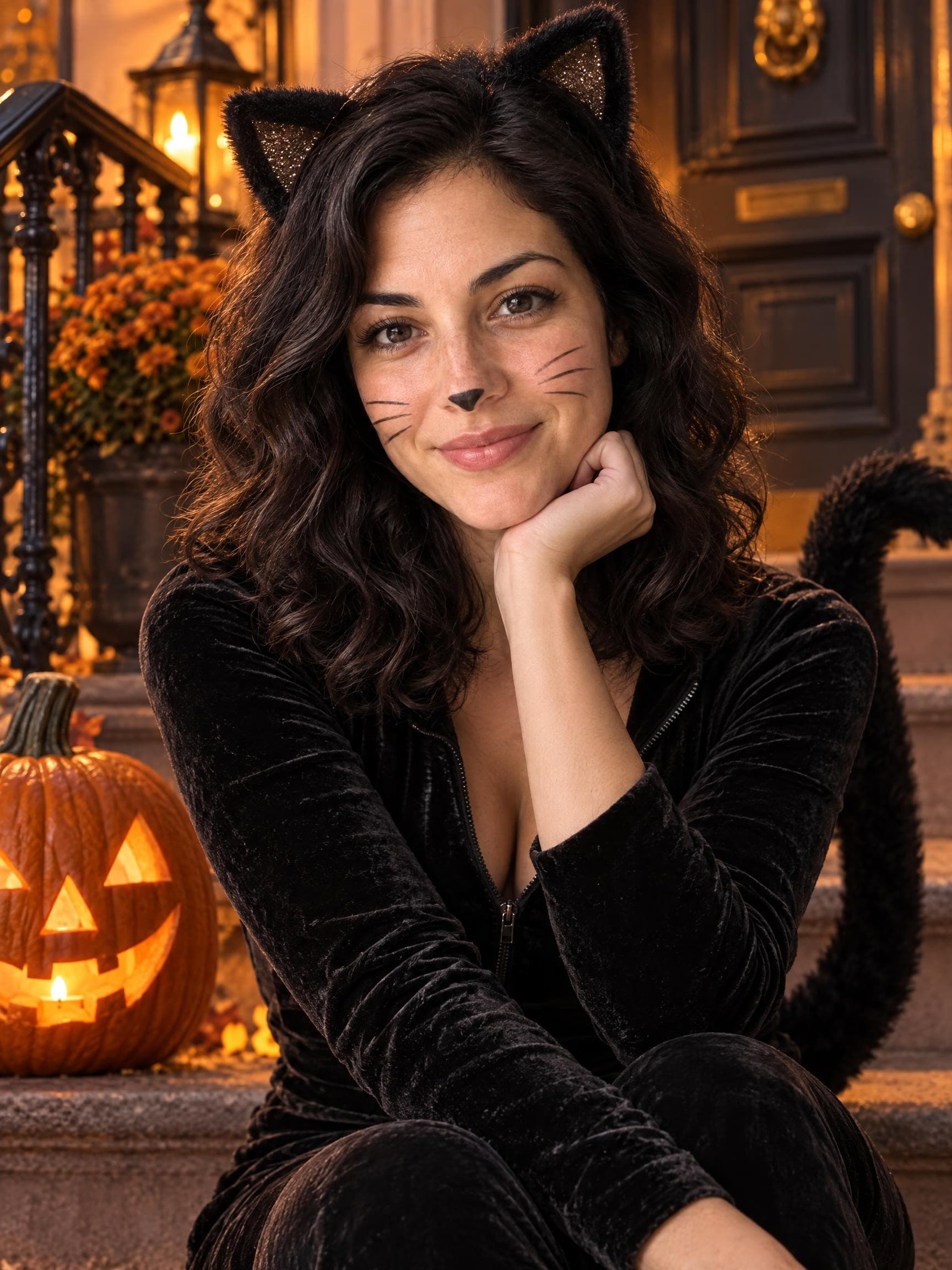
Gothic tailoring, candlelit atmosphere and a little vampire charm. A dramatic Halloween profile photo.
A vampire after dark. A witch in the woods. Or just you, surrounded by pumpkins. Turn one photo into your own Halloween photoshoot.
45 looks · One photo · 2K portraits · 4 credits per generation
Velvet Vampire
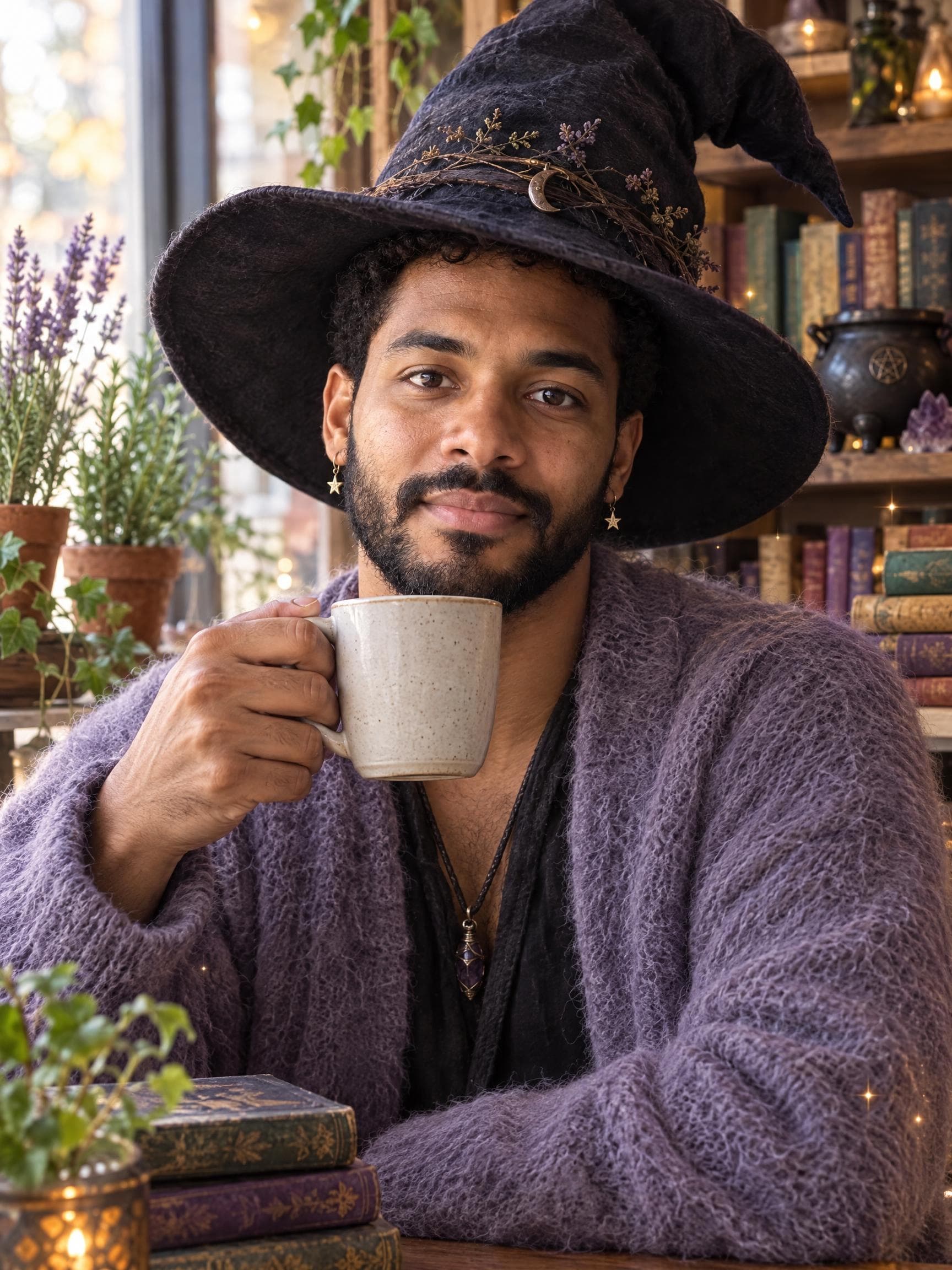
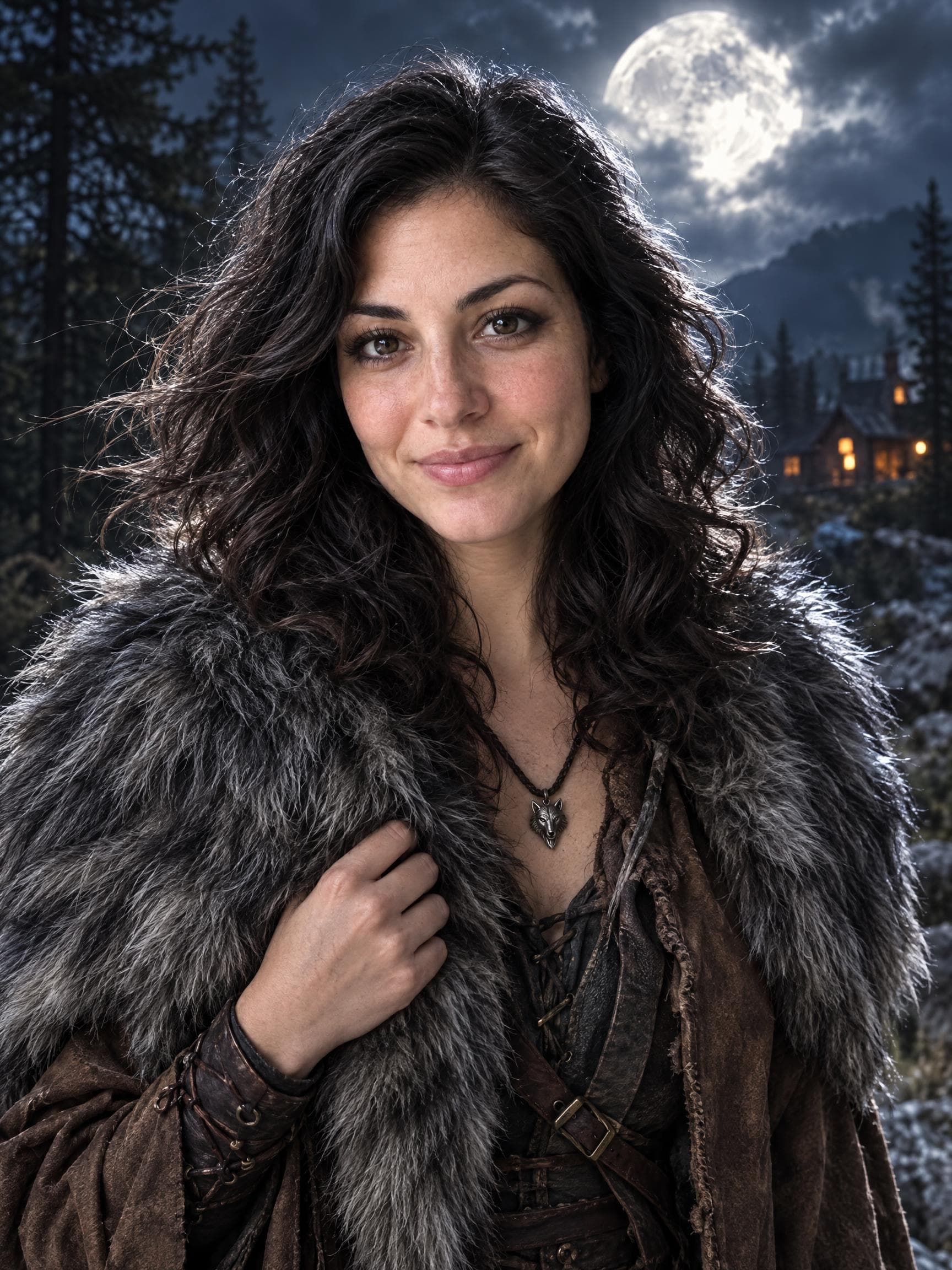
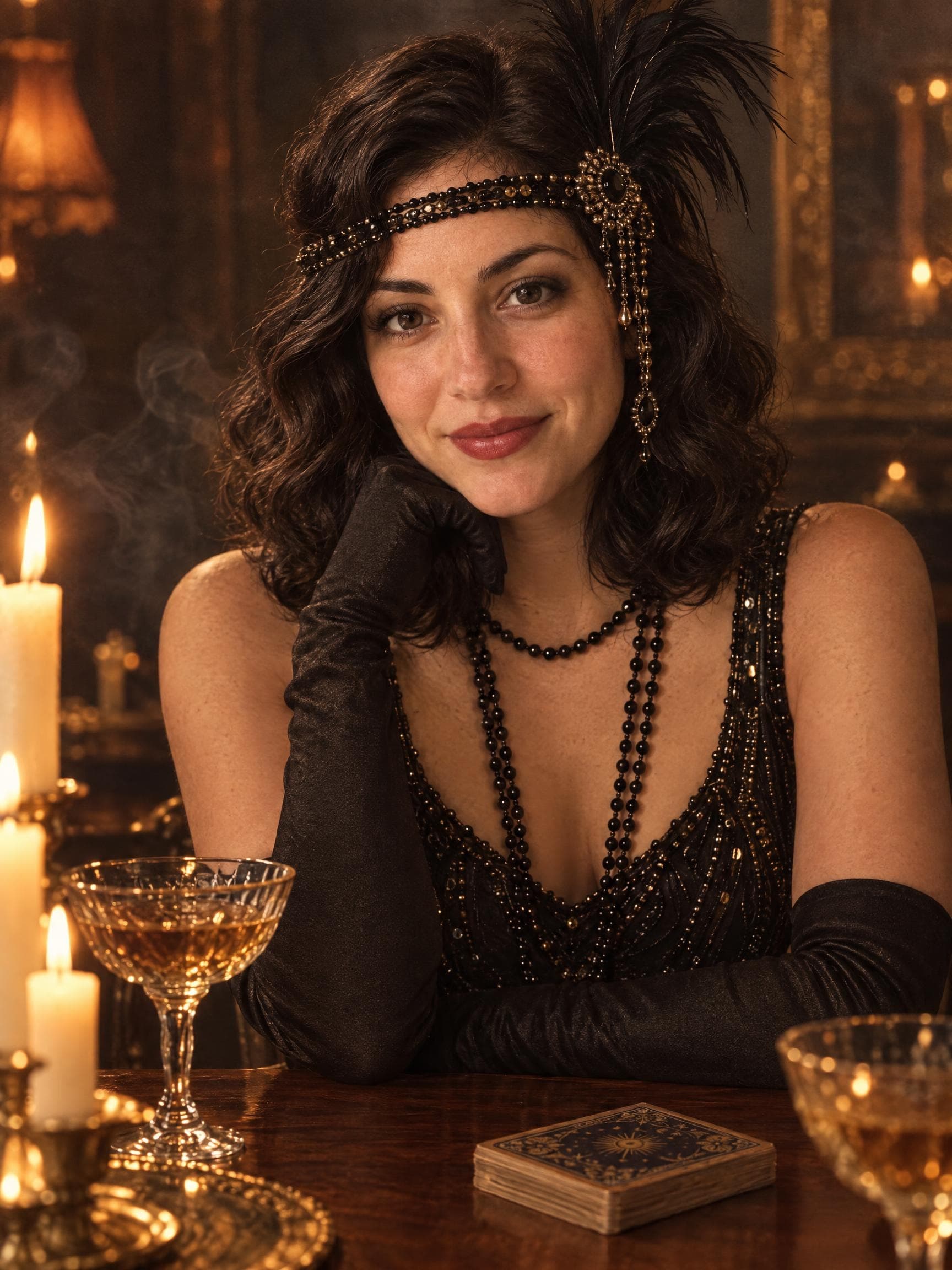
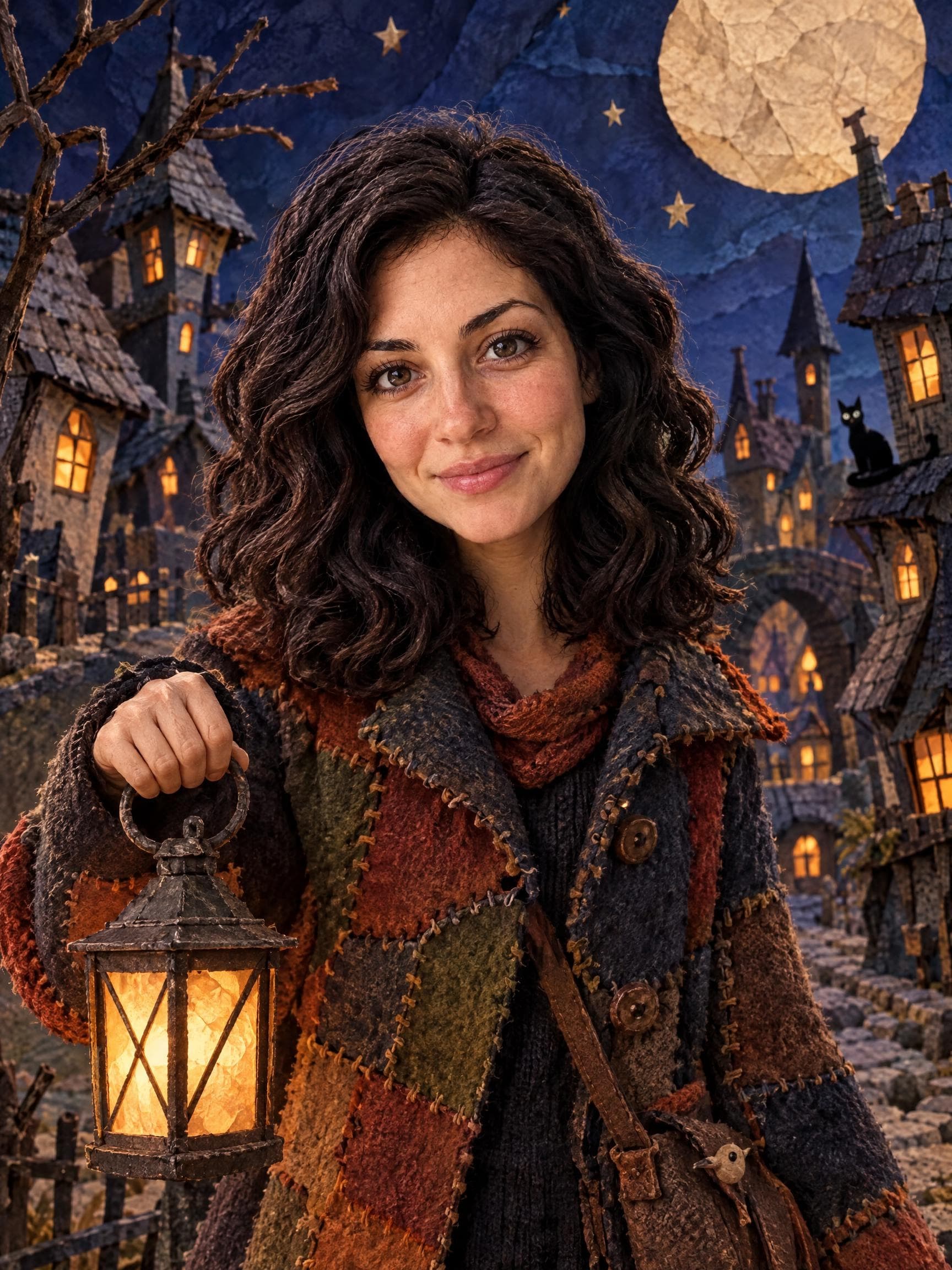
Moonlit Witch
Original AI examples · Your photo creates your own version
Halloween AI photos, without the prompt writing. Choose a visual style, upload one clear photo and create a vertical portrait. imageat uses GPT Image 2.5 to reimagine the costume, makeup and setting around your reference photo.
Try the creatorPick your alter ego
Halloween costumes, retro party photos, detailed makeup and cozy autumn portraits. Tap a look to make it yours.
Showing 12 of 45 Halloween looks
Costumes
Gothic tailoring, candlelit atmosphere and a little vampire charm. A dramatic Halloween profile photo.
Costumes
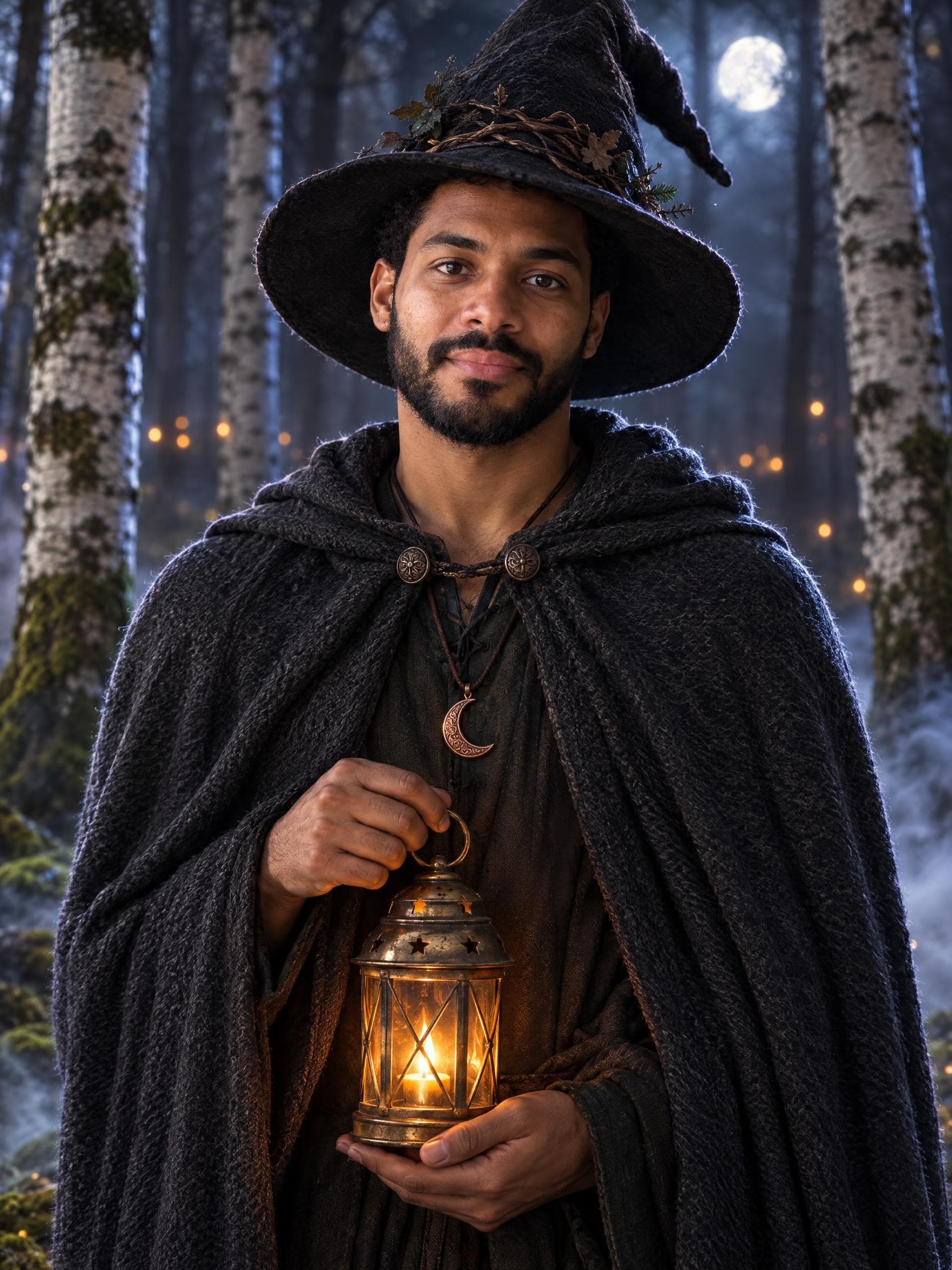
A woodland costume portrait with a pointed hat and lantern glow. Made for a mysterious October mood.
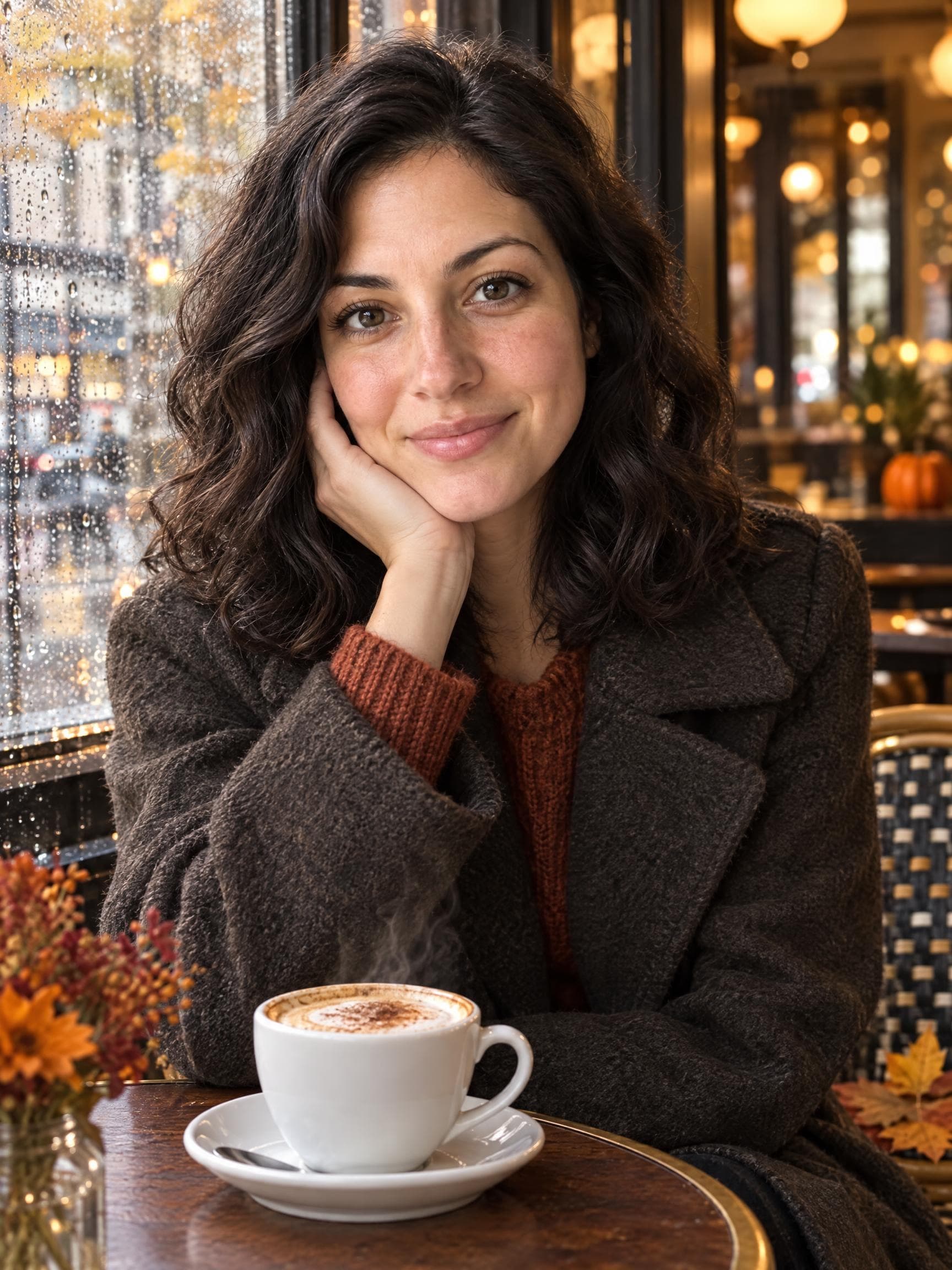
Autumn
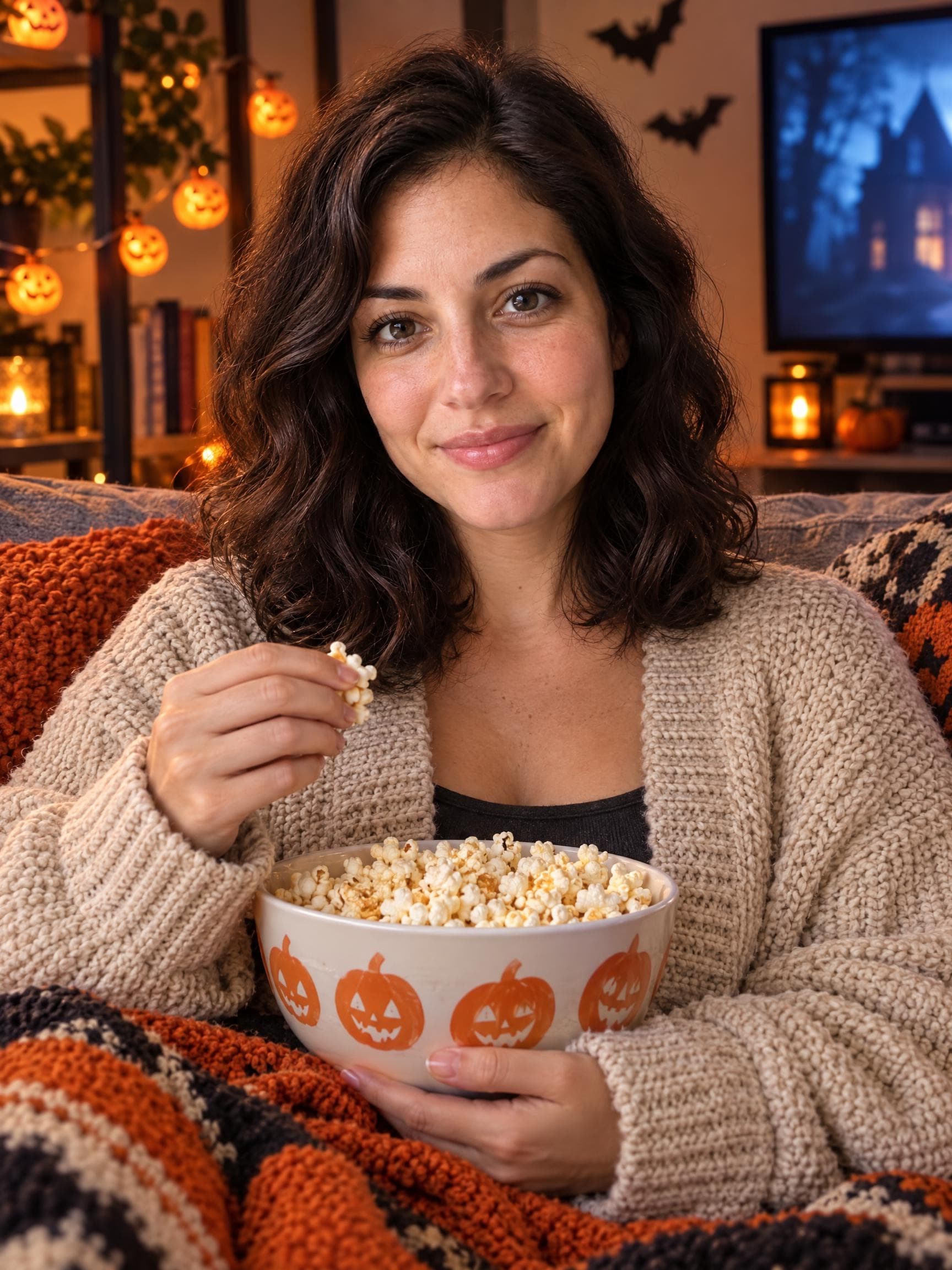
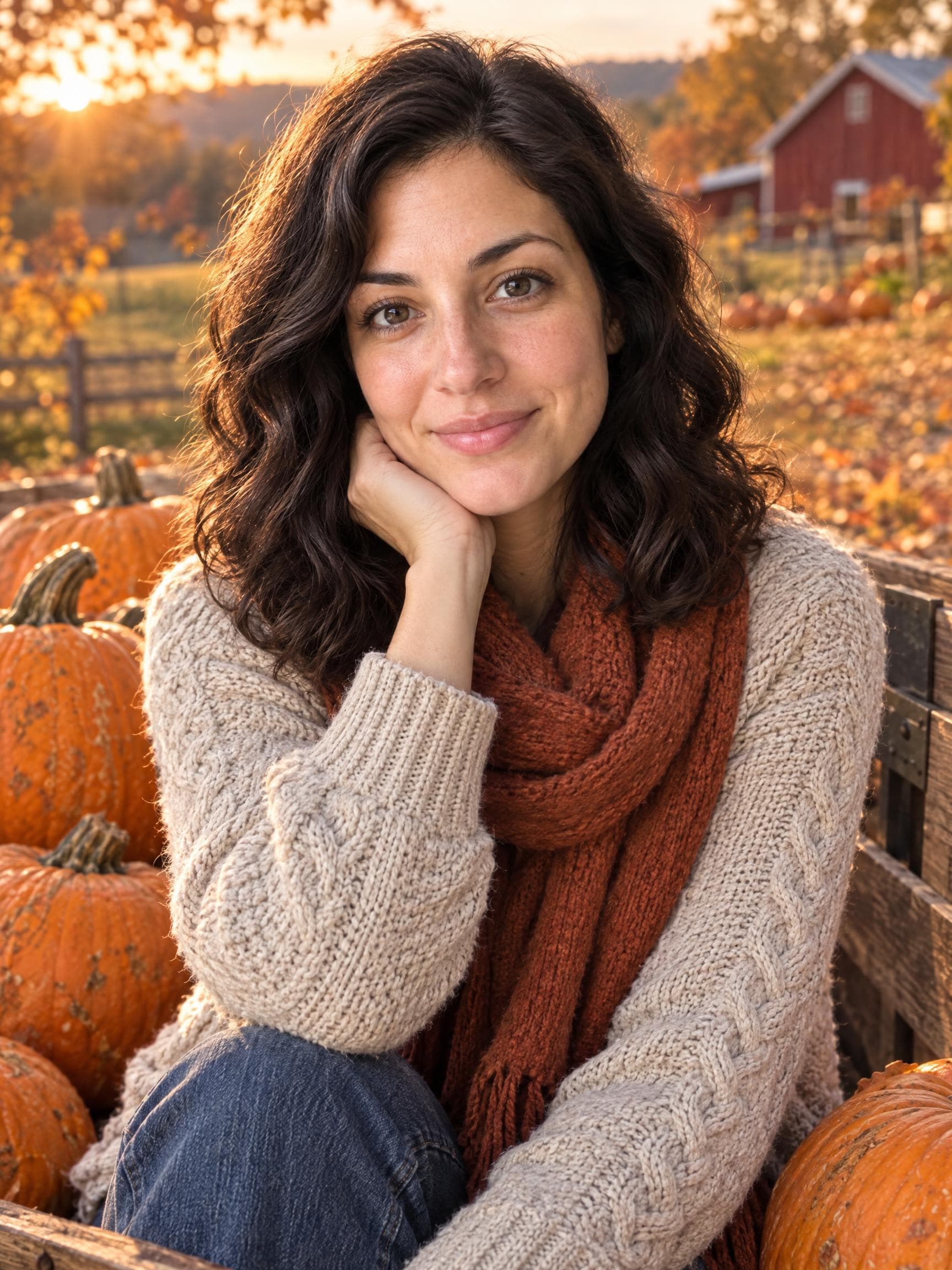
Cozy knitwear and warm fall colors. An autumn photoshoot for anyone who prefers pumpkins to costumes.
Party
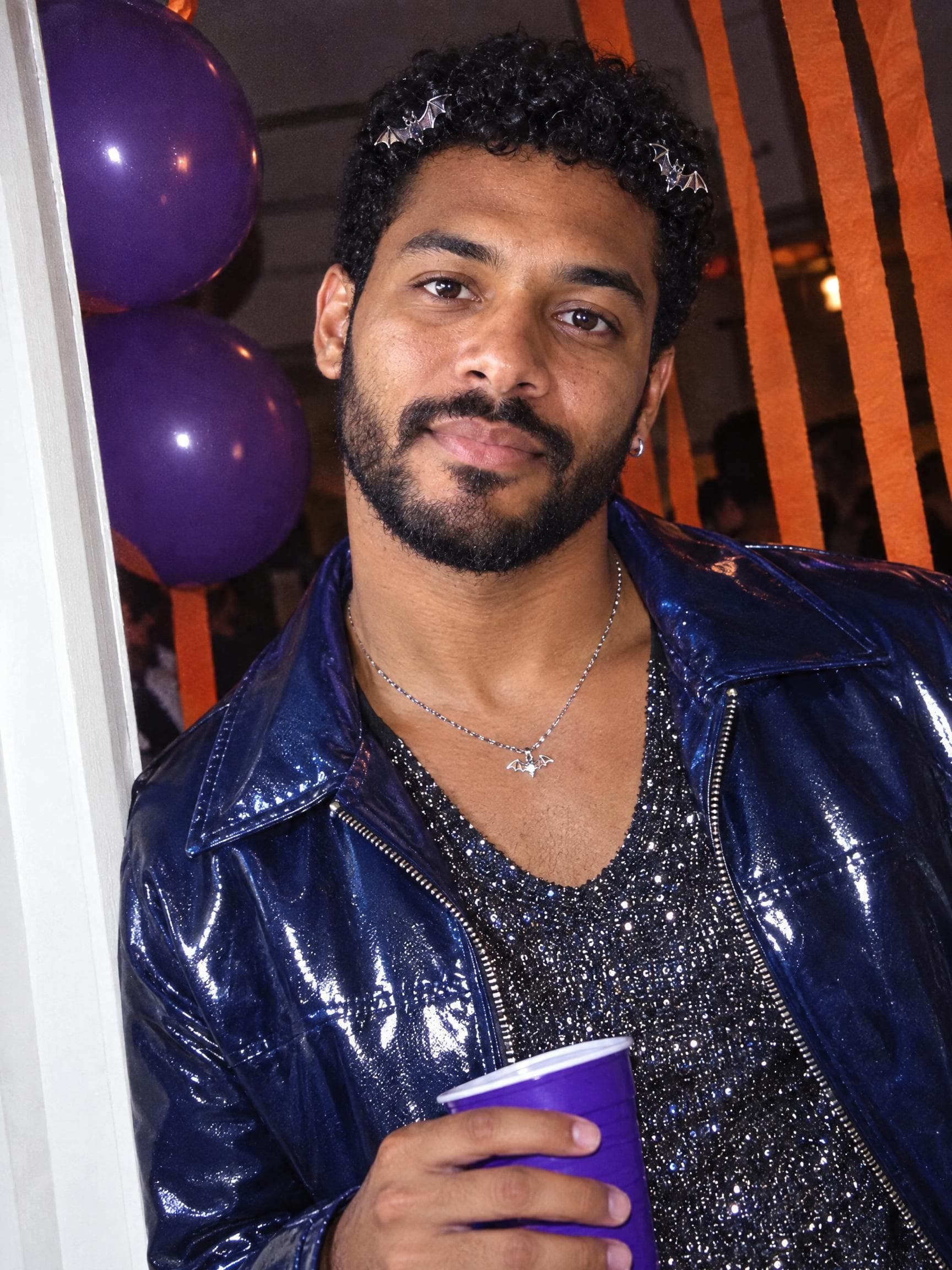
Flash photography and retro party energy. A casual Halloween snapshot with a nostalgic feel.
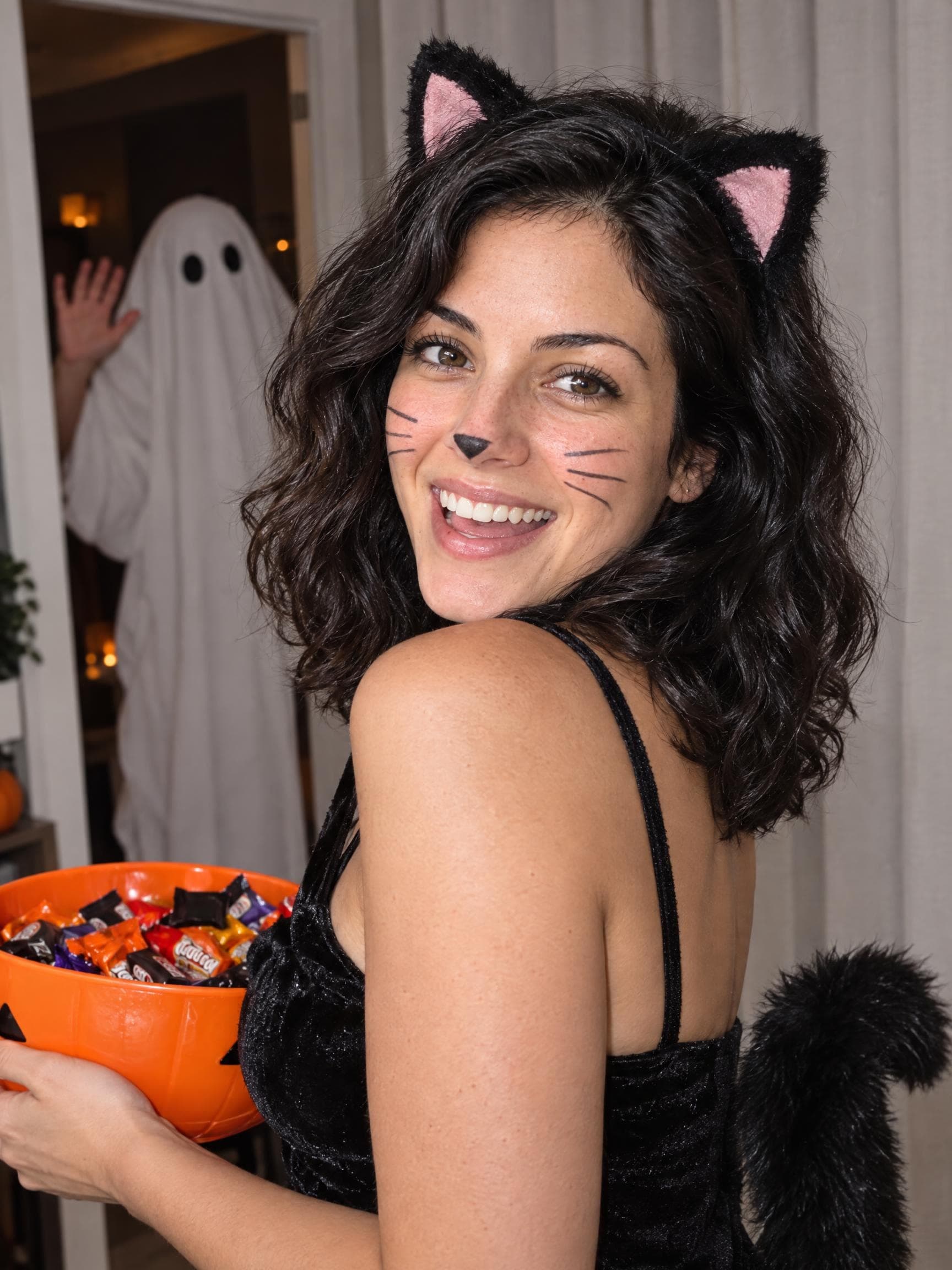
Party
A cheerful portrait with an unexpected ghost guest. Playful Halloween energy for your social feed.
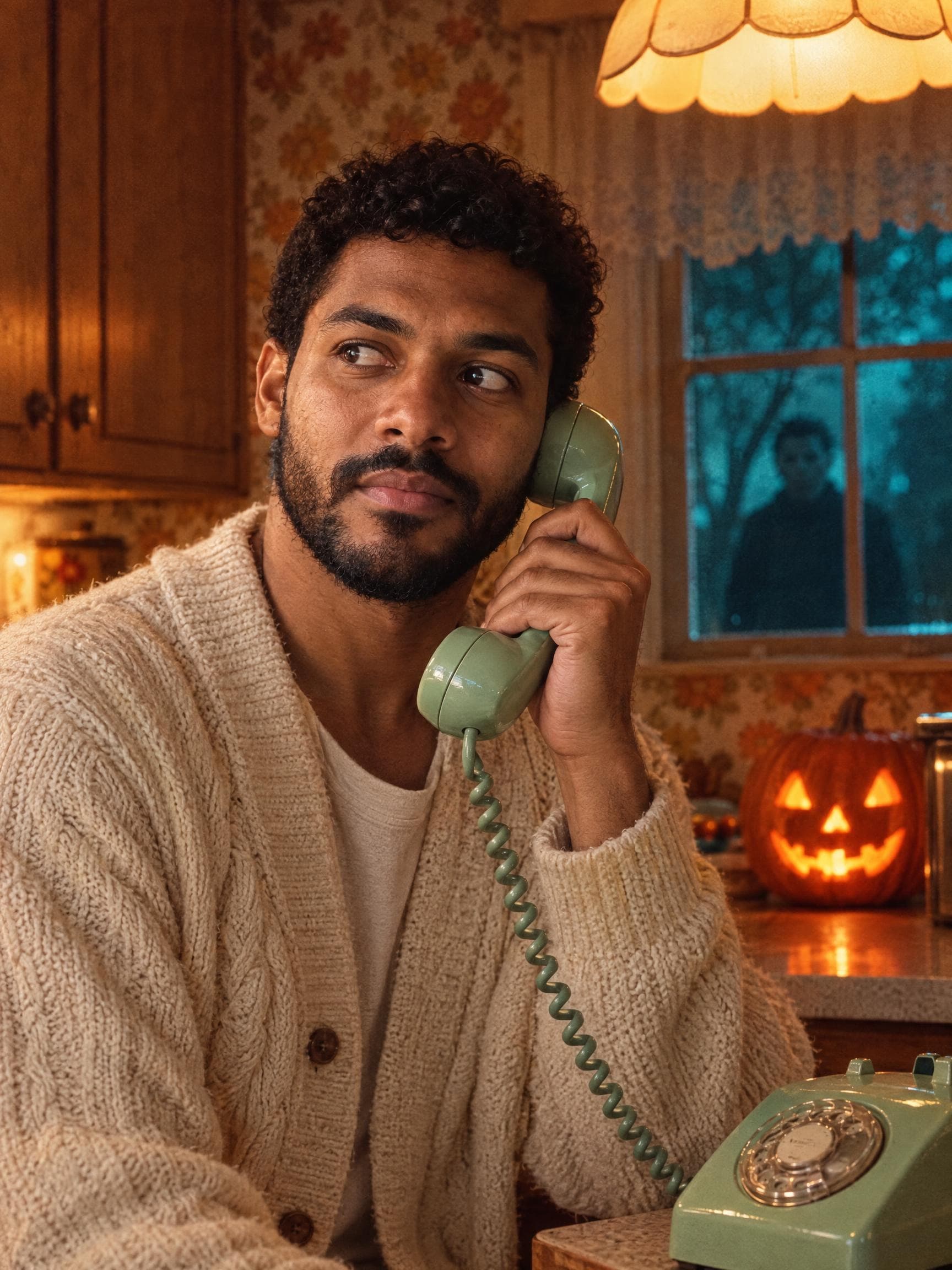
Party
An old-school kitchen, a rotary phone and a hint of suspense. A cinematic Halloween scene without gore.
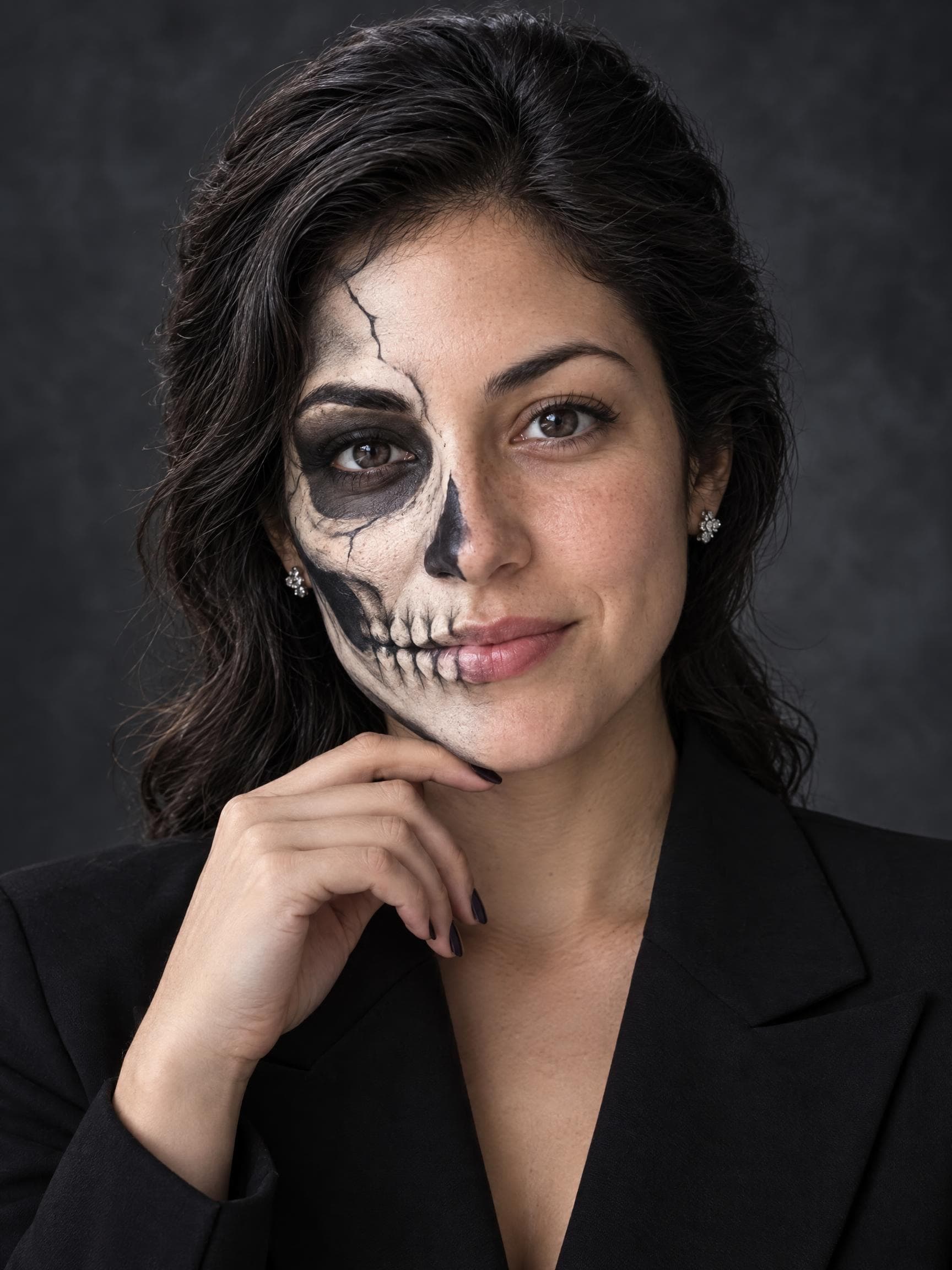
Makeup
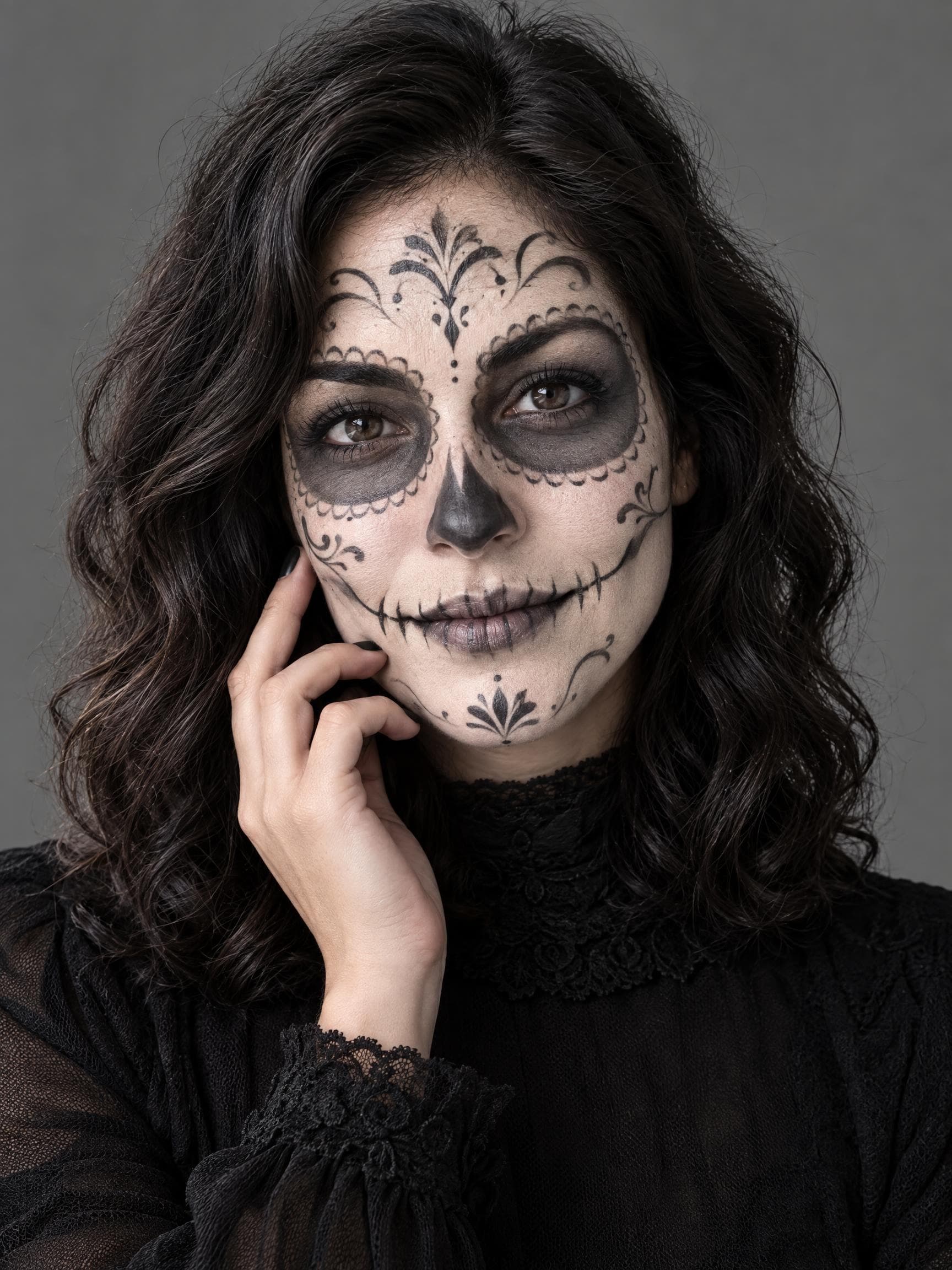
Half-face skeleton makeup with an editorial finish. Explore a bold Halloween beauty look before dressing up.
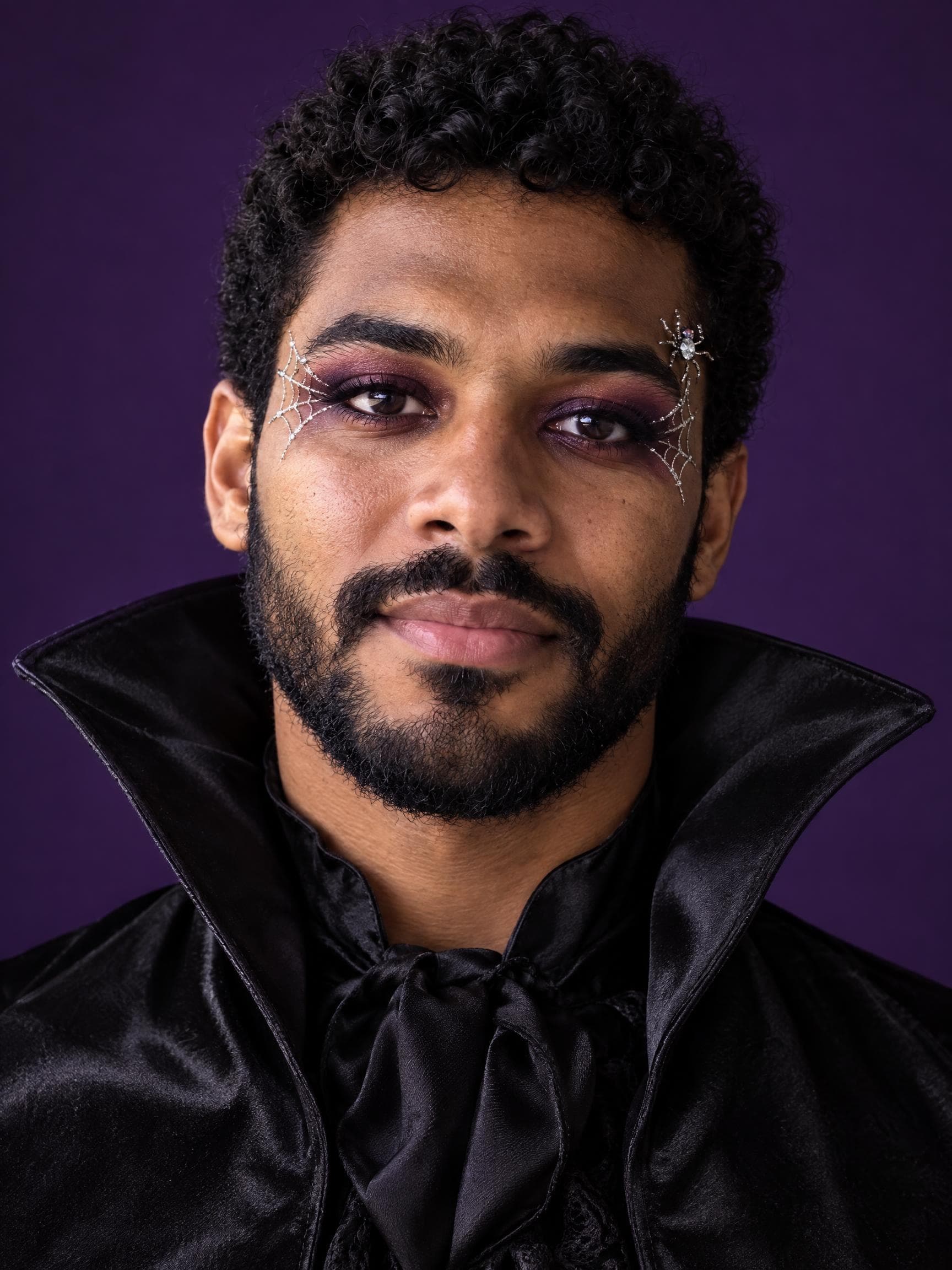
Makeup
Delicate spiderweb details and dark beauty styling. An elegant Halloween makeup idea for a close-up portrait.
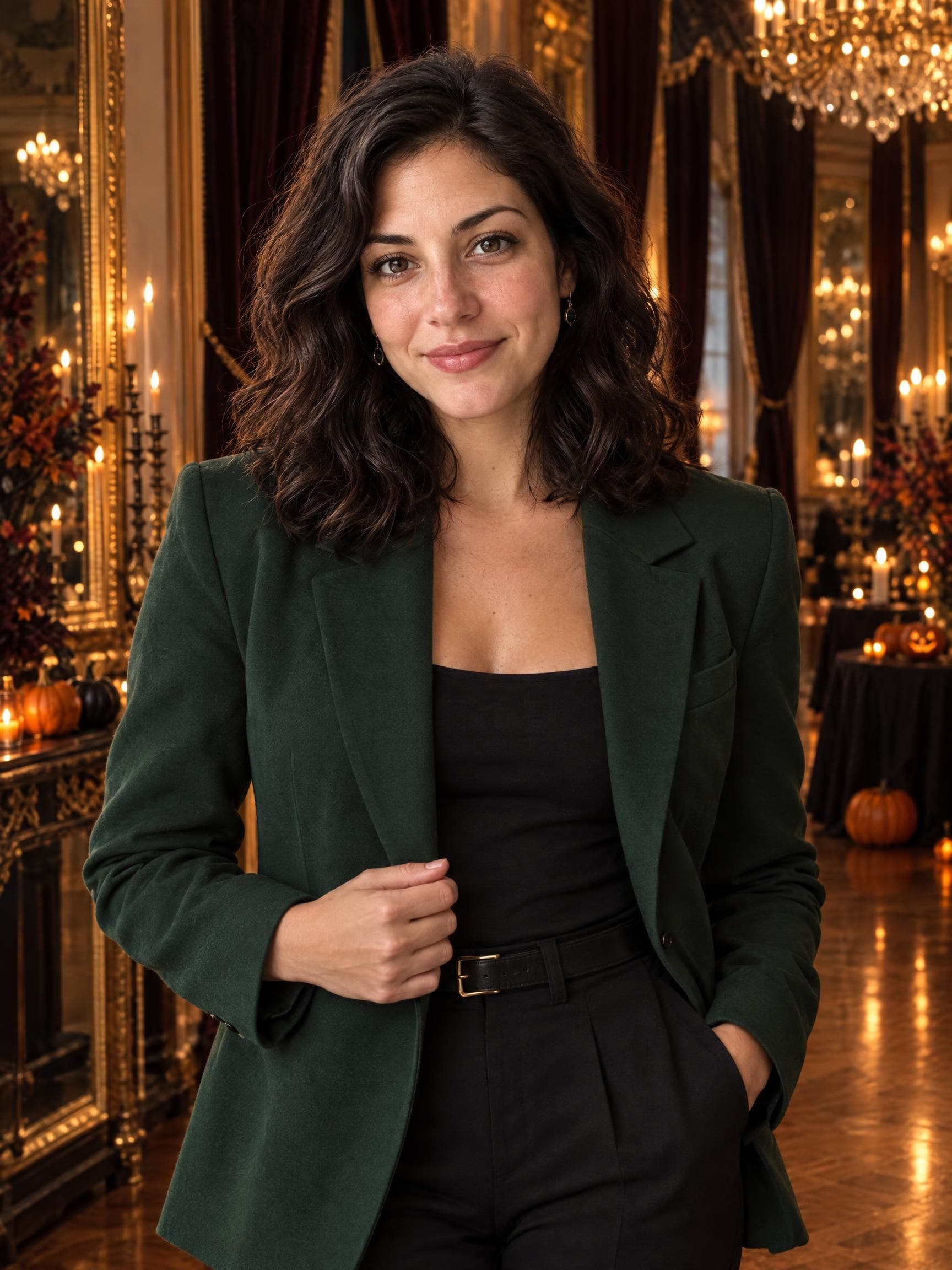
Gothic
An elegant gothic portrait for a dramatic costume reveal.
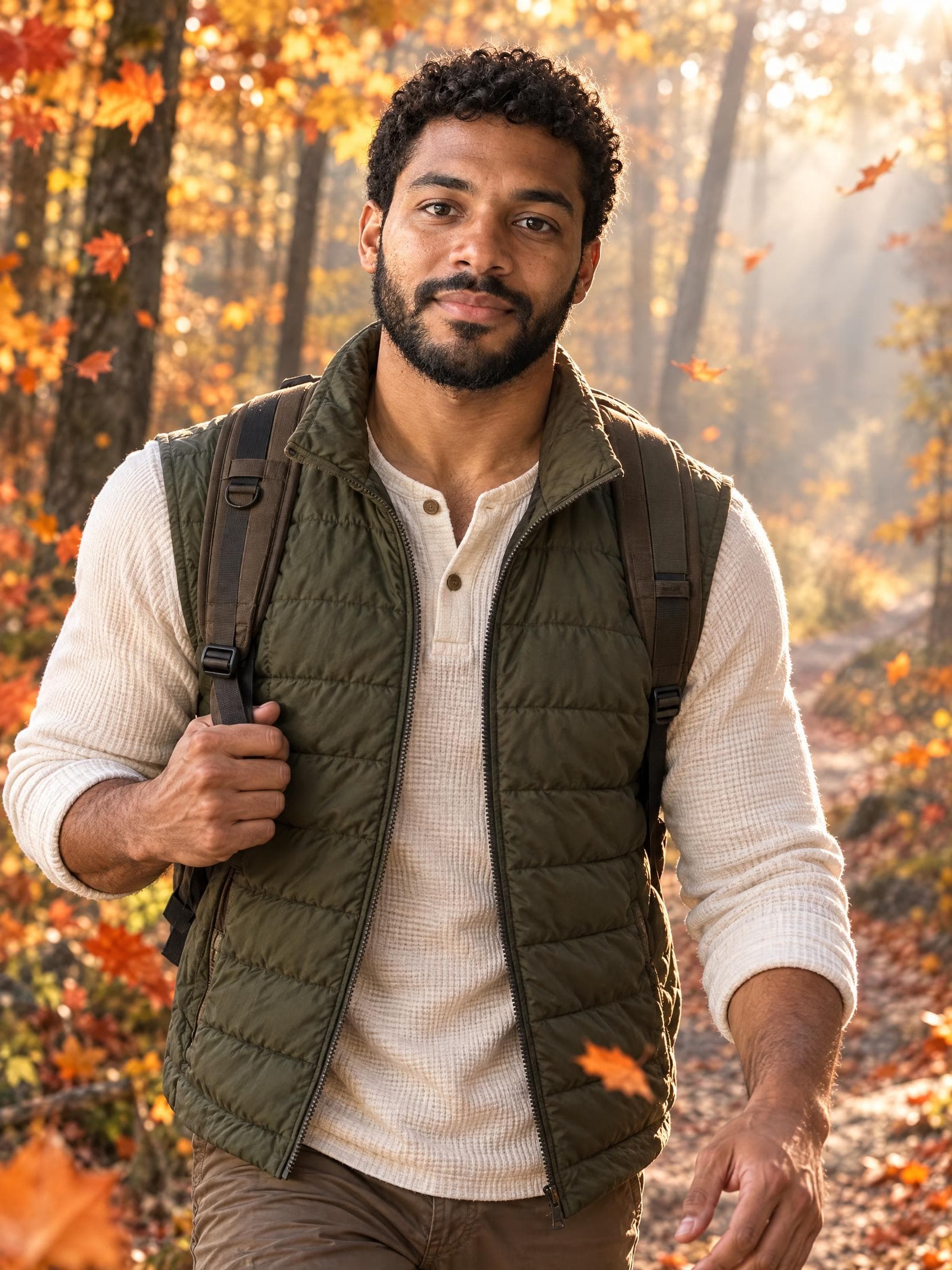
Autumn
A relaxed fall portrait among changing leaves.
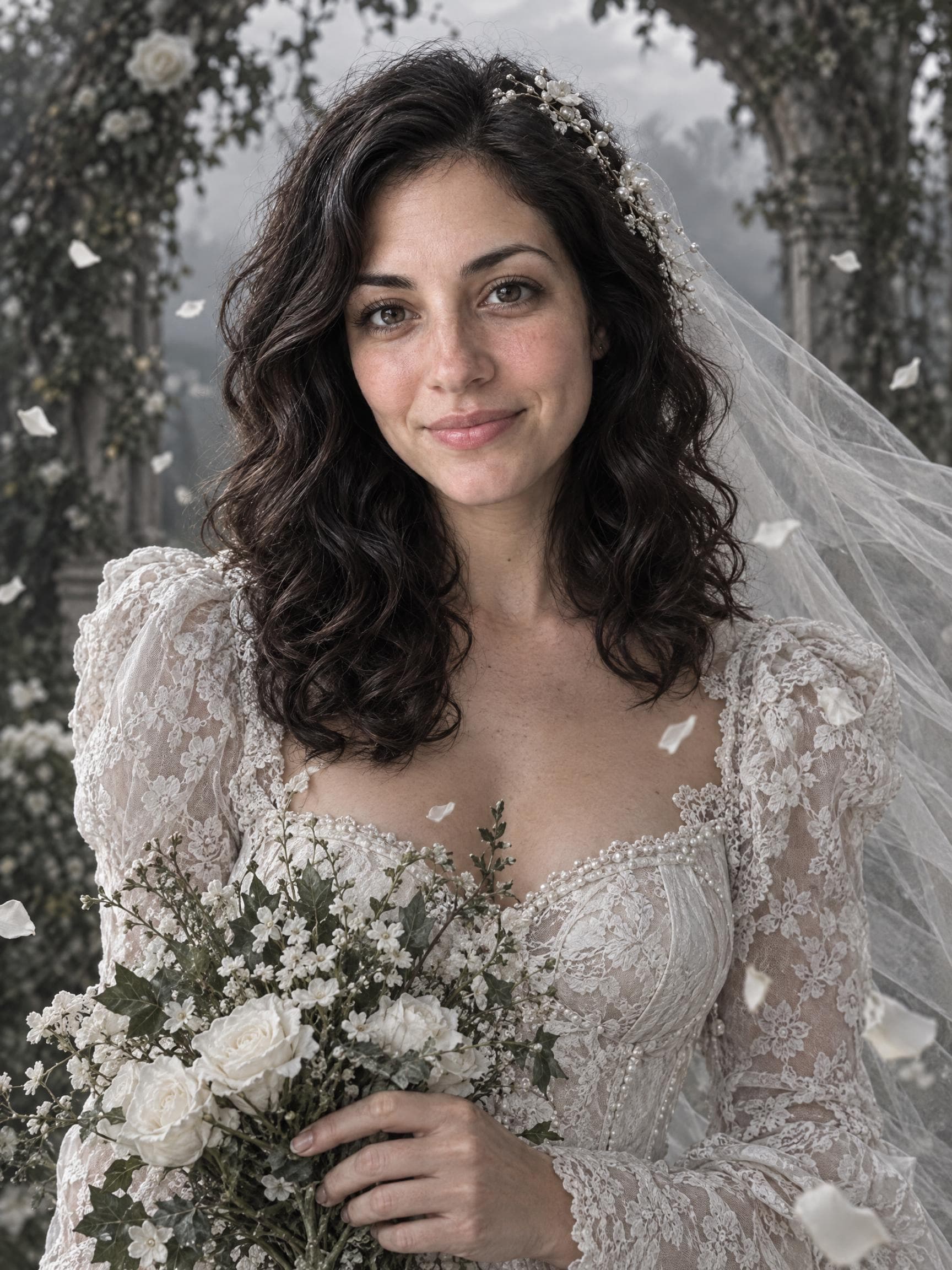
Gothic
An ethereal bridal costume with a haunting mood.
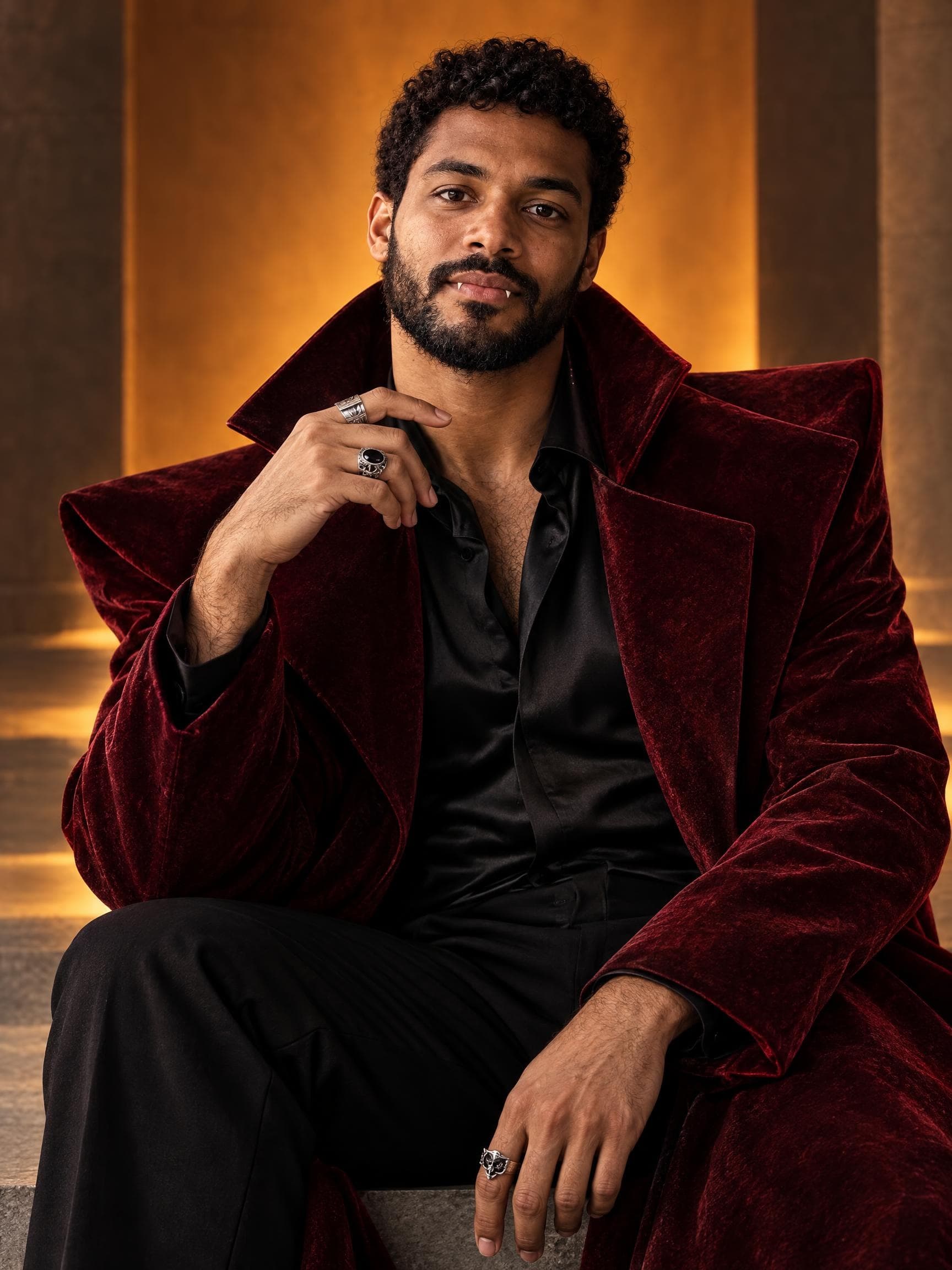
Gothic
A fashion-forward take on the vampire costume.
These examples feature fictional adults generated with GPT Image 2.5. Results vary with your photo. Each new portrait uses credits.
The masked guest collection
Discover imageat’s existing Ghostface photo creators, from the Y2K bedroom trend to movie-night portraits. Each card opens its own generator with its own settings and credit price.
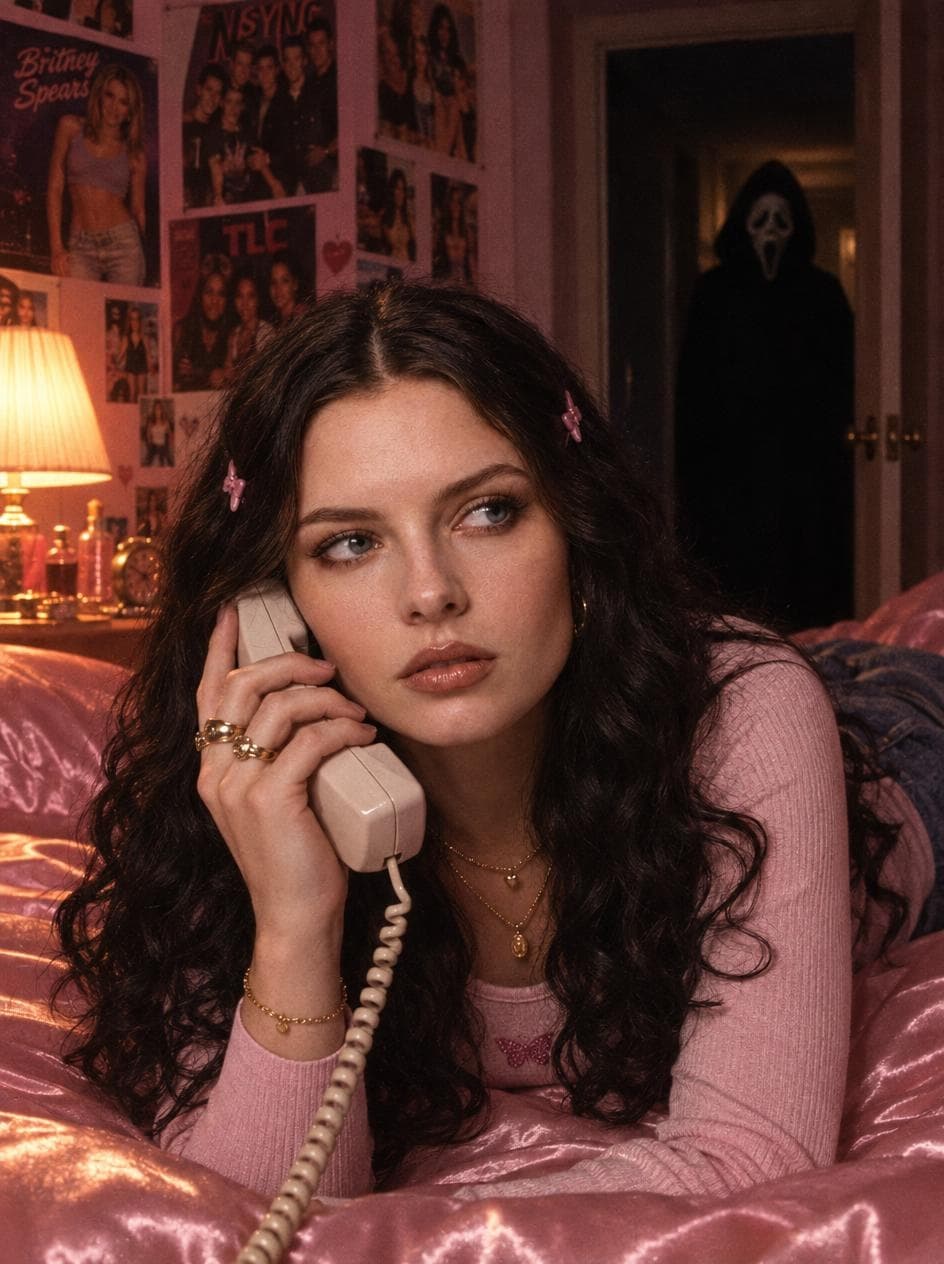
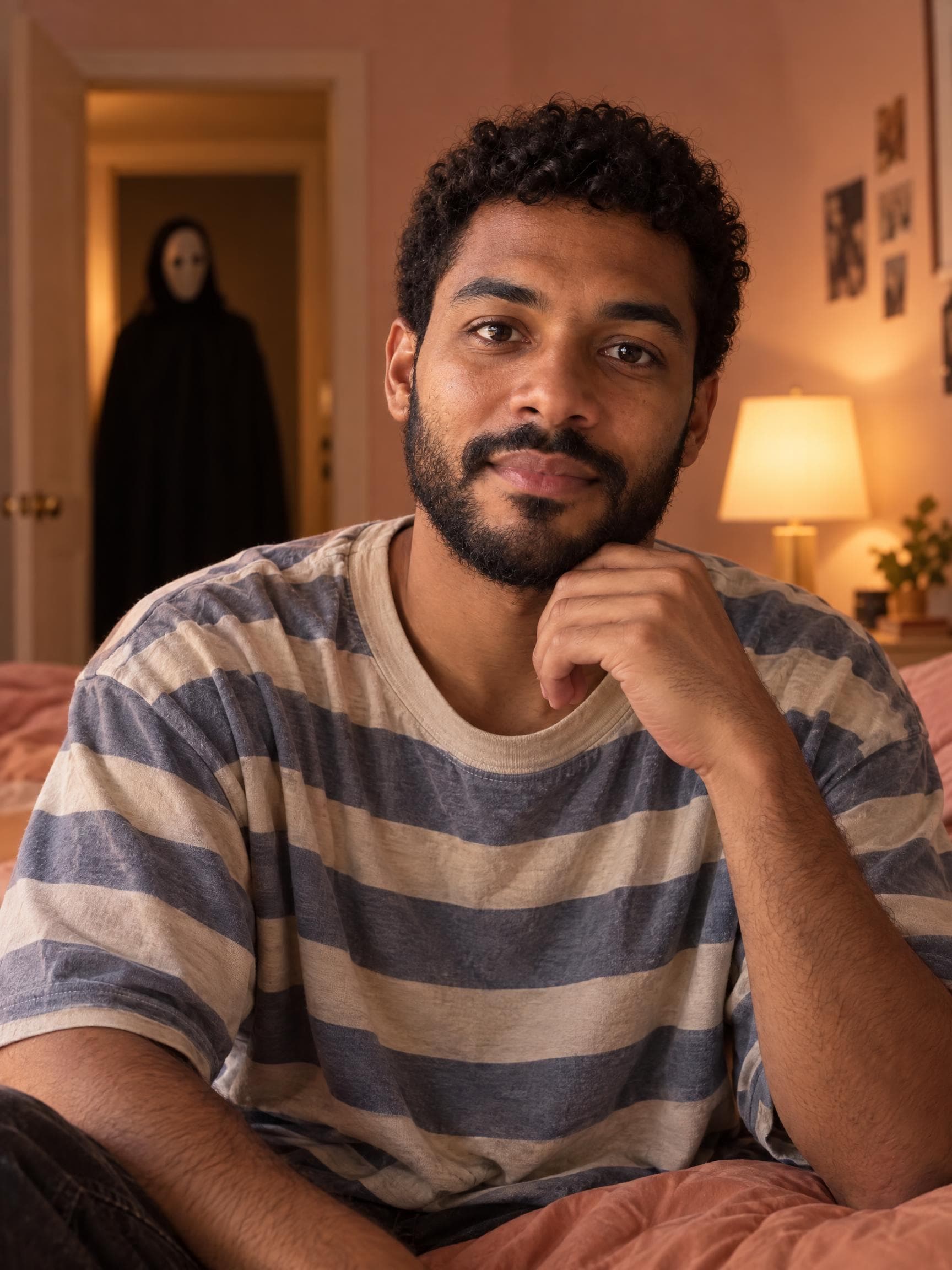
Pink satin, a retro phone and a familiar masked figure in the doorway.
Try this trend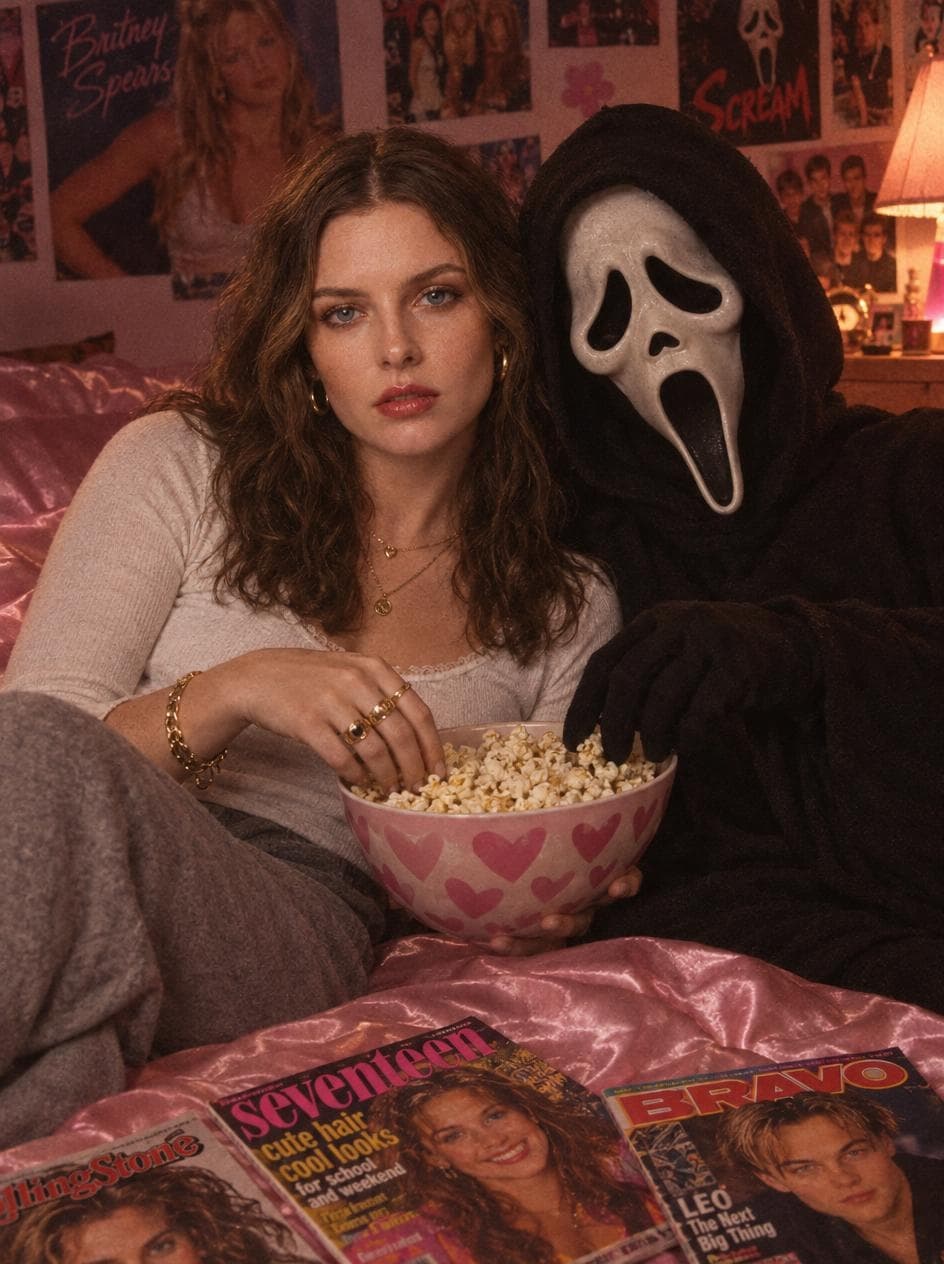
A playful movie-night portrait with popcorn and nostalgic bedroom styling.
Try this trend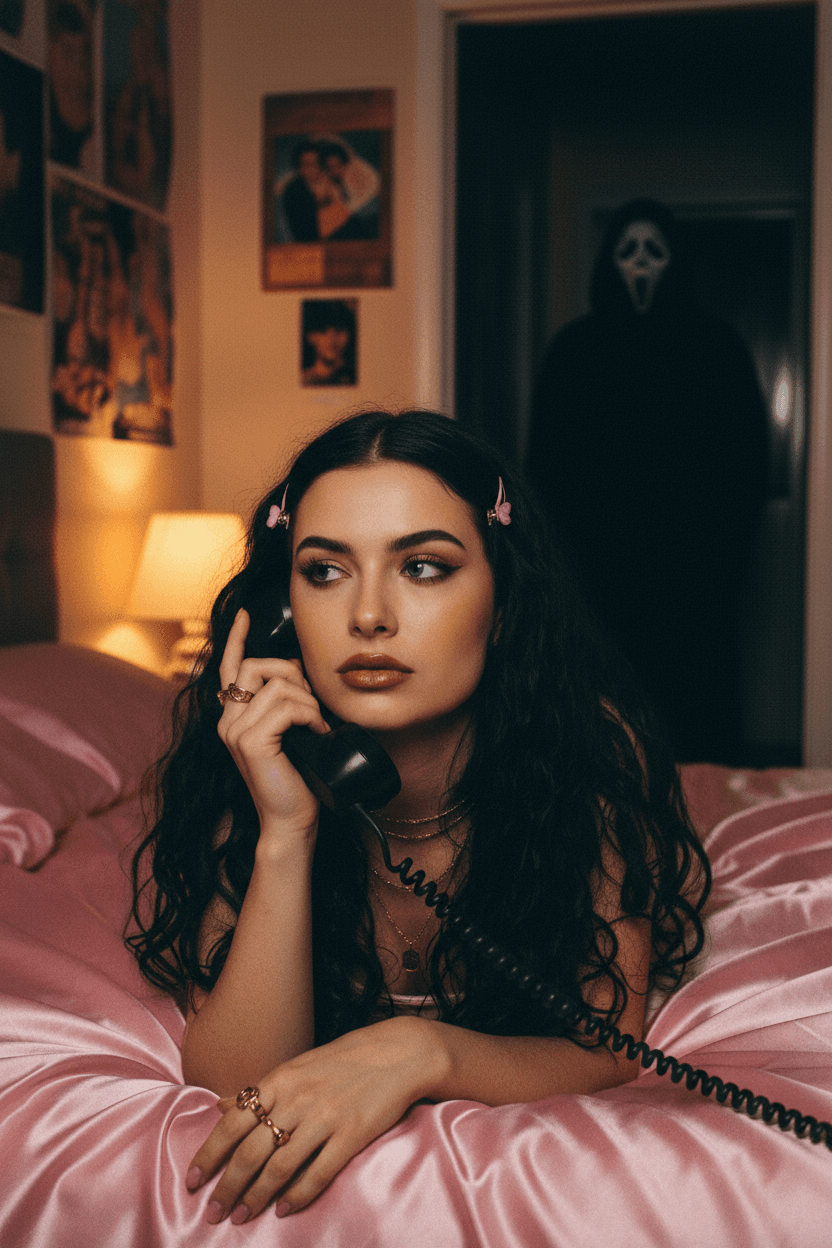
Explore the original masked-horror photo trend in its dedicated creator.
Try this trend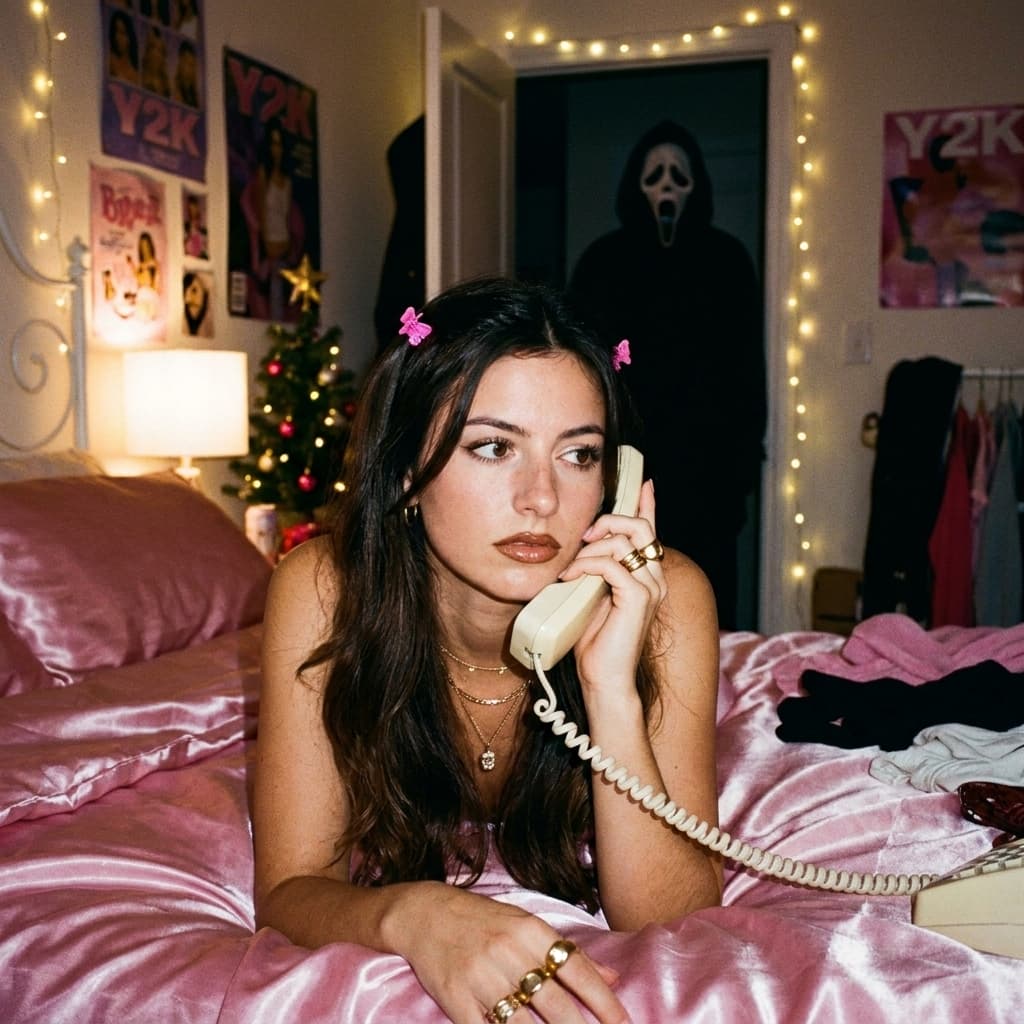
A festive twist on the Ghostface aesthetic, for a spooky holiday crossover.
Try this trend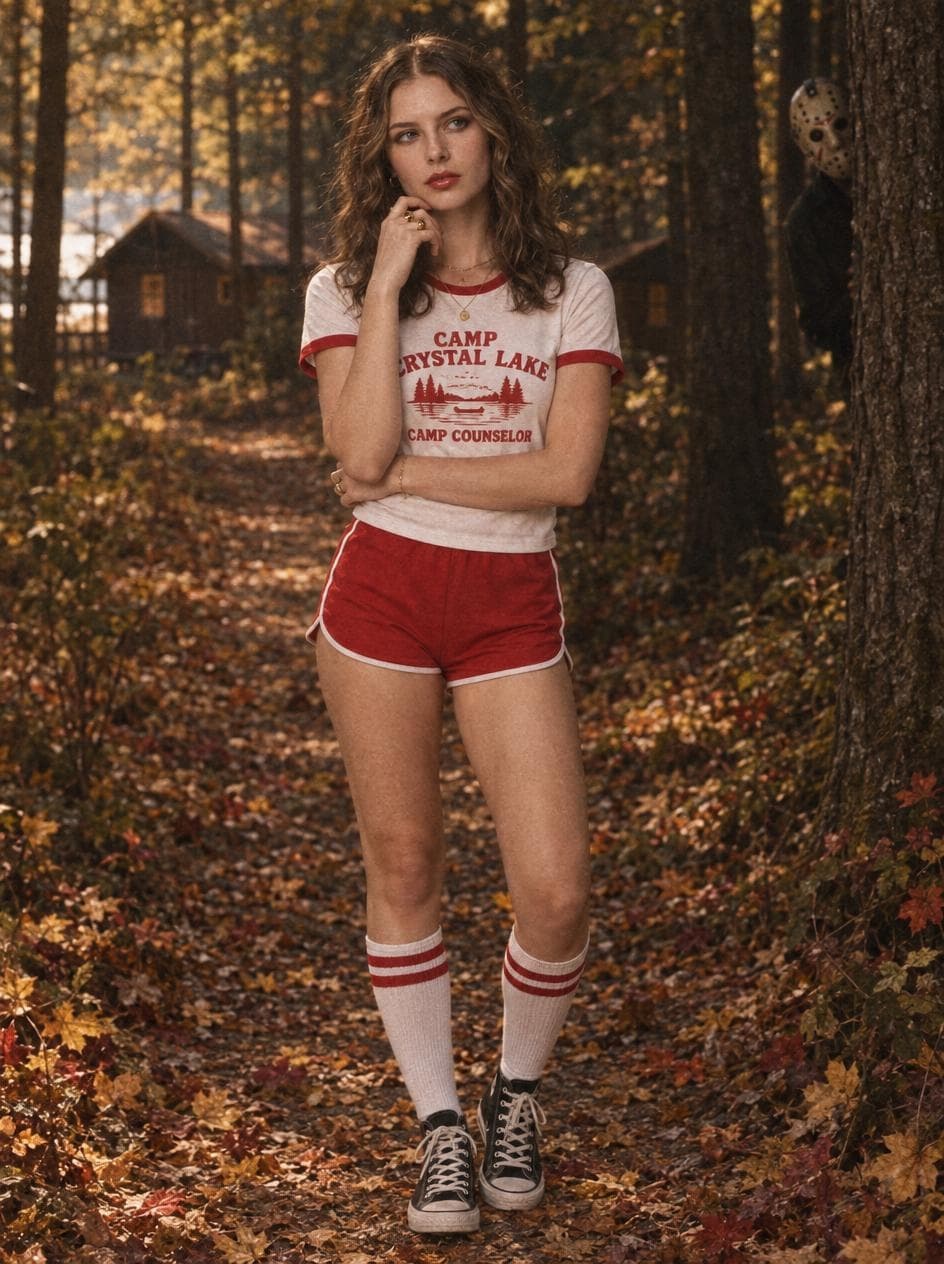
A retro camp portrait with autumn woods and a hockey-masked figure. A different masked-horror look.
Try this trendFrom selfie to spooky
Browse the gallery and pick a costume, a party scene or a makeup look. Your choice opens directly in the creator.
Upload a clear photo of yourself with your face visible. One person, natural light and no heavy filters work best.
Check the credit price and generate. Download your portrait from your Library, or try another look for a matching set.
Find the right feeling
Think about where your picture will go. An avatar needs a clear face; a carousel gives you room for a bigger scene. Choose the mood first, then let the creator handle the rest.
Velvet Vampire · Moonlit Witch
Costume details and a dark atmosphere make these looks easy to recognize in a small avatar. Keep your face in the center when cropping.
Y2K Halloween · Ghost Photobomb
These party portraits feel more casual. Choose them for a Halloween carousel, a group chat or a fun October feed update.
Skeleton Glam · Spiderweb Beauty
Get a visual direction for your Halloween makeup. Treat the portrait as inspiration; a real makeup application can look different.
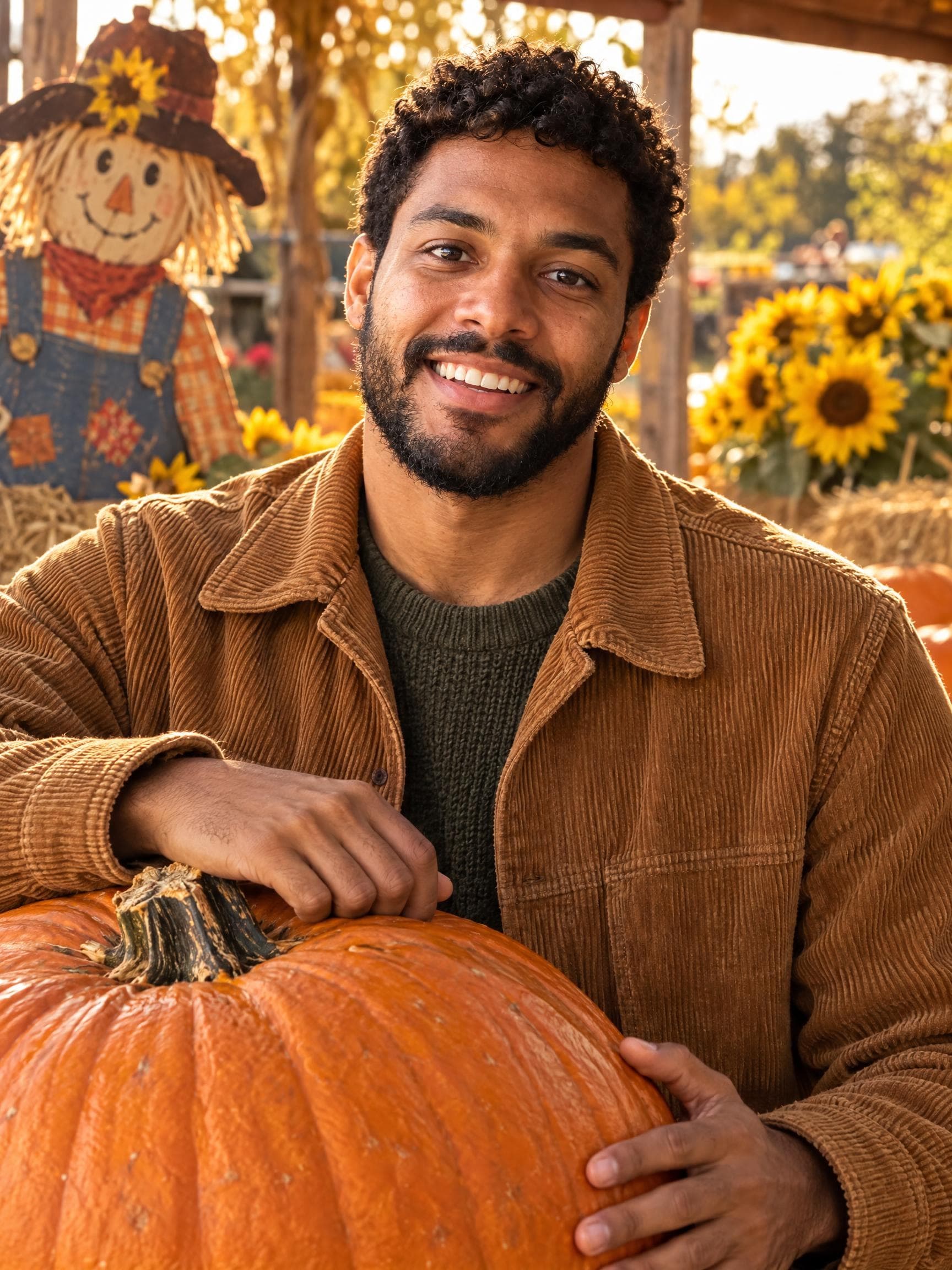
Pumpkin Patch
Warm colors and a relaxed autumn setting suit seasonal posts before and after Halloween. You can skip the costume and keep the October feeling.
The Halloween generator uses your photo as an identity reference. A strong source image gives it more of your features to work with, especially for detailed makeup looks.
AI can change facial details. Dramatic makeup and lighting may affect resemblance; an exact identity match is not guaranteed.
A Halloween photo idea starts with a mood: gothic costume, playful party, dramatic makeup or cozy autumn. Lighting and the setting make that idea feel like a photograph. imageat packages that creative direction into each look, so you can explore the result without writing or copying a detailed prompt.
If you discovered the idea through Gemini Halloween photos or ChatGPT costume edits, the workflow here is familiar: start with your photo and choose how you want to look. This collection runs on GPT Image 2.5 inside imageat.
Use your portrait for an October profile picture, a costume reveal or a seasonal carousel. Try the same style for separate portraits of friends to build a coordinated set. For a Halloween party invitation, add your event details after generating the image.
The creator outputs a vertical 3:4 image at the 2K tier. Keep the face inside the crop when making a square avatar; a 9:16 story needs a taller layout. You can continue working on the portrait in the imageat photo editor.
A few things to know
What to upload, which look to choose and what you get back.
Plans and creditsYes. The Ghostface collection on this page links to imageat’s dedicated Y2K, movie-night and classic Ghostface photo creators, plus a holiday crossover. Open the look you want to see its reference-photo requirements and credit price. Crystal Lake Camp is a separate hockey-mask horror style.
An AI Halloween photo generator turns a reference photo into a new Halloween-themed image. On imageat, you upload one photo, choose a costume, party, autumn or makeup style, and generate a portrait with GPT Image 2.5. The model changes the scene and styling while using your photo as the identity reference.
Choose a look from the gallery, upload one clear photo of yourself and select Generate Photo in the creator. Use a photo with one person, even lighting and a visible face. The generated portrait appears in your Library, where you can download it.
No. Each look has a prepared creative direction for its costume, makeup and setting. You choose the visual style instead of copying a long prompt or adjusting camera instructions. The creator handles the generation recipe for you.
The Halloween costume and makeup ideas are similar to styles you may have seen in Gemini Halloween photo posts, but this imageat creator uses GPT Image 2.5 Flare. You do not need Gemini, ChatGPT or a separate image-model account to use it.
Your uploaded photo is used as the identity reference, and the generation instructions ask to preserve recognizable facial features. Lighting, makeup and the source photo affect resemblance. AI can change details, so an exact match is not guaranteed. A clear, unfiltered photo gives the model a better reference.
One high-quality 2K Halloween portrait currently uses 4 imageat credits. The creator shows the current price before you generate. Generating another style is a separate generation. Check imageat’s pricing page for available plans and credit packs.
The creator produces a vertical 3:4 portrait at the 2K resolution tier. It works as a portrait post and can be cropped for a profile picture or story. A square avatar or a full-screen 9:16 story may need a different crop.
Choose Velvet Vampire or Moonlit Witch for a costume portrait, Y2K Halloween or Ghost Photobomb for a playful post, and Skeleton Glam or Spiderweb Beauty for makeup inspiration. Pumpkin Patch is the cozy autumn option. Retro Horror Night gives you a cinematic scene with a little suspense.
No. The gallery contains original AI examples made from fictional adult reference portraits with GPT Image 2.5. They demonstrate each style; your result depends on your own reference photo and can differ from the example.
This creator is designed for one person and one uploaded photo at a time. For a coordinated set, each person can generate a separate portrait in the same style and share the results together as a carousel.
Your October starts here
One photo. A new costume, a little mystery, or a cozy autumn moment. Find your favorite look and make it yours.
Create my Halloween photo