Airport Transition AI Video Generator
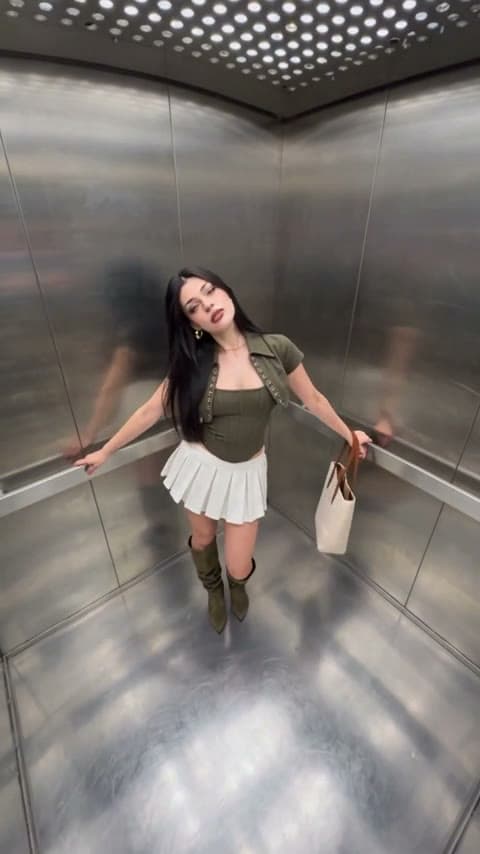
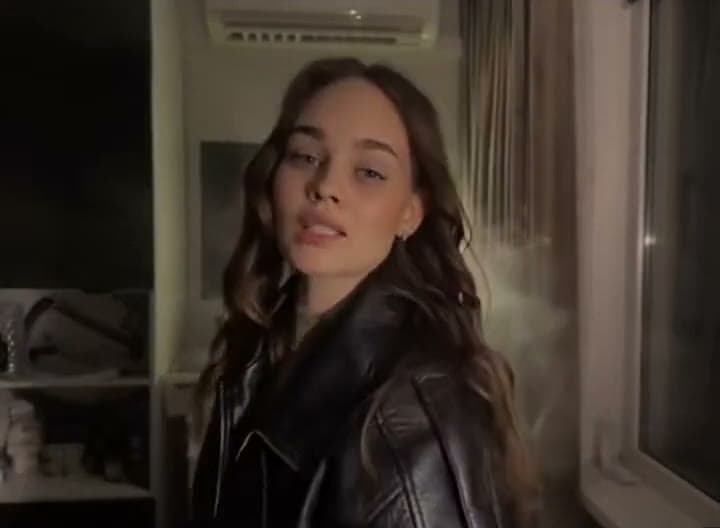
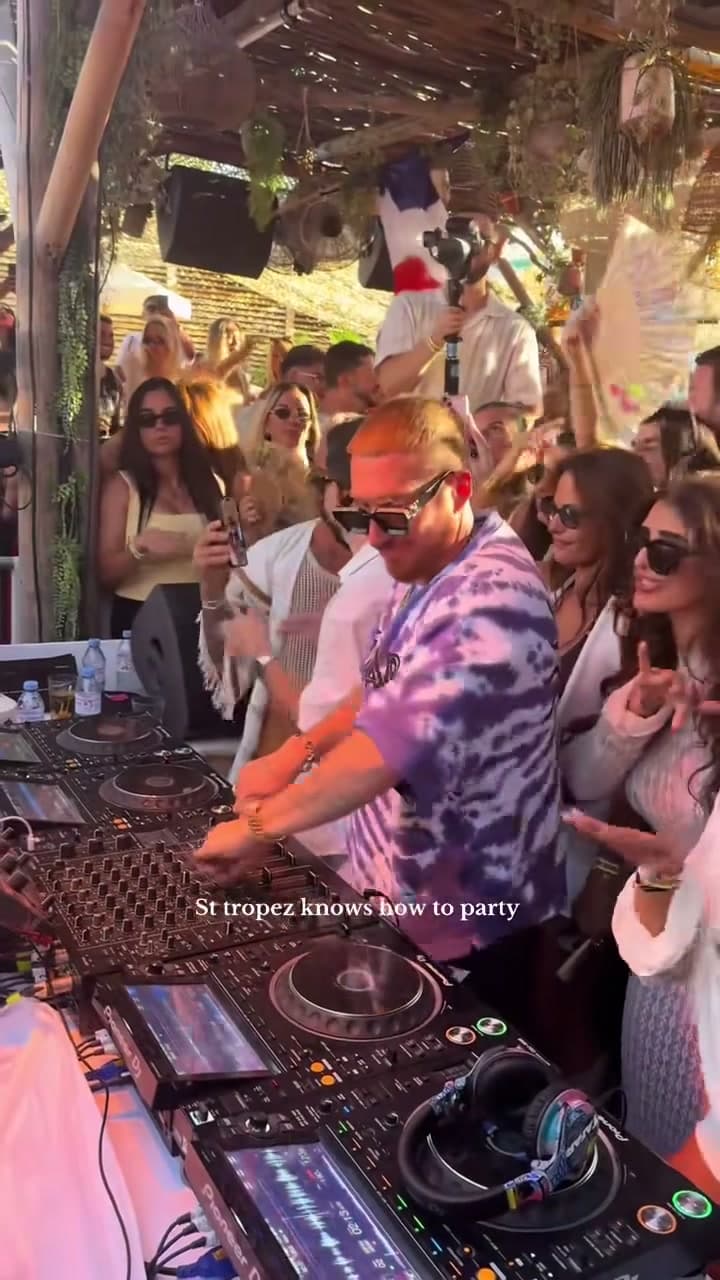
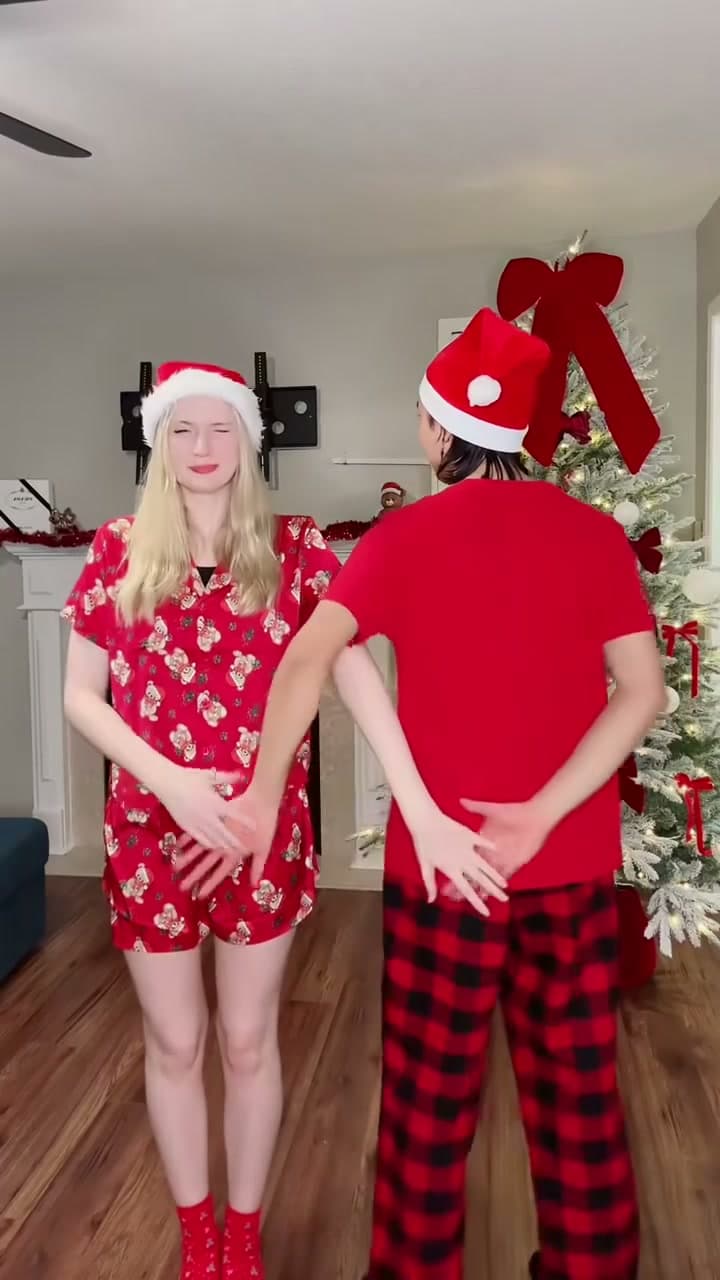
You make a finger circle at the airport gate and pass through it to a night city street, walking and posing.
Example results
Watch video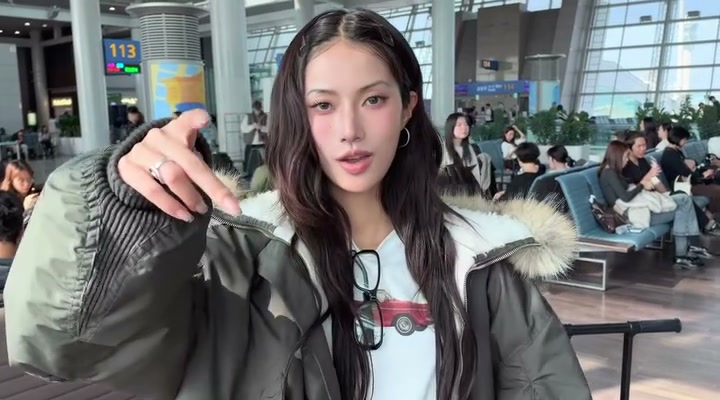
Airport Transition
Airport Transition
Upload Your Photo
Upload one clear, front-facing photo of yourself with good light on your face. Both outfits, the airport, the street and the song come from the clip. Likeness is not guaranteed.
Resolution
9s · 16:9 · source audio. Higher resolution uses more credits per generation.
9s · 16:9 · source audio
Quick answer
To do the Airport Transition trend, upload one clear photo where your face is easy to see, then press generate. imageat places you into the trend's original video, and the video is ready to download when it finishes. One generation costs 27 imageat credits; no prompt writing or editing app is needed.
The airport transition is a travel-vlog trick: a finger circle in front of the lens takes you from the departure gate straight to your destination. This template puts you in both scenes. Upload one photo. Genjutsu Light keeps the transition, the camera movement and the song and gives the traveler your face and build. The video runs about 9 seconds in horizontal 16:9; pick 480p for a cheaper draft or 720p for a sharper result.
What is the Airport Transition?
The airport transition is a viral travel video trend where a finger circle in front of the lens jumps from the airport gate to a new city. Here you make it from one photo.
How to Do the Airport Transition Trend
Here is how to make your own video on imageat:
- 1Upload one clear photo: You — the traveler, face clear and well lit. JPG, PNG or WEBP, up to 10 MB.
- 2Choose 480p or 720p and check the credit cost on the button.
- 3Generate the video.
- 4Preview and download your MP4.
Tips for Best Results
- A clear, front-facing face photo matters most here.
- Use even light and no sunglasses.
- One person in the photo.
Airport Transition at a Glance
What to upload
You — the traveler, face clear and well lit.
What you get
An AI video (9s · 16:9 · source audio) that follows the trend's original take, ready to download and post on TikTok, Reels or Shorts.
What it costs
27 imageat credits per video at 480p. The price is shown before you generate, and a failed generation is refunded.
FAQs About Airport Transition
Create this trend with imageat
Go beyond the airport transition — generate any AI video from text or an image with Veo, Kling, Seedance and more.
Similar trends
View all
Airport Star Arrival
Airport Star Arrival
Glitch Makeup Transition
Glitch Makeup Transition
Christian Dior Dance
Christian Dior Dance
Deck the Halls Dance
Deck the Halls Dance
Riding Lion
Riding Lion