Snowy Christmas Effect
Uses Nano Banana Edit to create a joyful spinning moment in a snowy Christmas setting, with festive lights and a red Santa-style outfit, while fully preserving the uploaded person’s face and identity.
Example results
Preview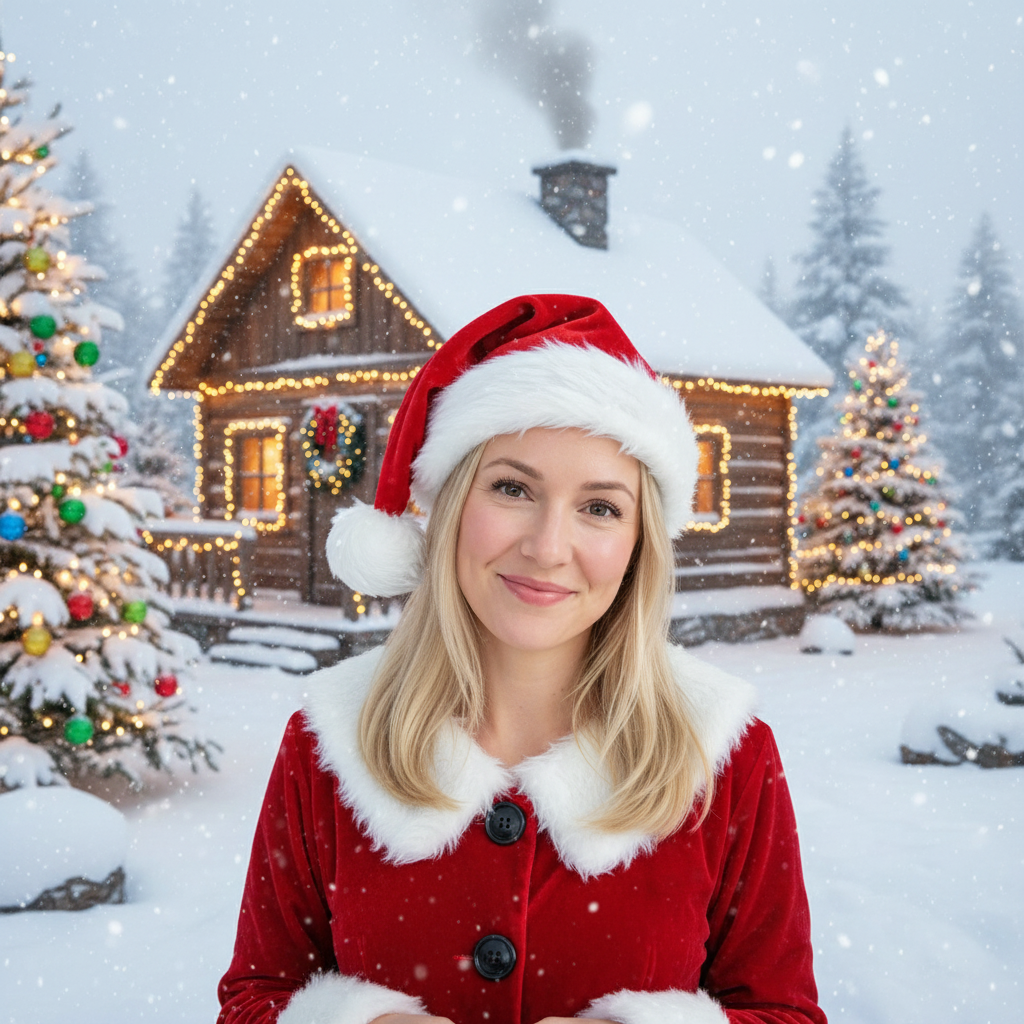
Snowy Christmas Effect
Snowy Christmas Effect
Upload Your Photo
By uploading or generating, you confirm you own these photos or have the person's permission, and you won't impersonate real people or celebrities. Responsible use
Quick answer
To do the Snowy Christmas trend, upload one clear photo where your face is easy to see, then press generate. imageat recreates your photo in the trend's look, and the image is ready to download when it finishes. One generation costs 8 imageat credits; no prompt writing or editing app is needed.
The Snowy Christmas look has been everywhere this month, and now you can create your own version in a single click. Our AI keeps your face and pose intact while applying the trend's distinctive aesthetic for a clean, share-worthy result.
What is the Snowy Christmas Effect?
The snowy christmas is part filter, part scene generation. Instead of laying an effect on top of your photo, the model regenerates the image from the ground up using your reference, which is why the results look so much more natural than a typical preset.
How to Do the Snowy Christmas Trend
Here is how to make your own version on imageat:
- 1Drop in a recent selfie or portrait — higher resolution photos give cleaner output
- 2Generate — we queue your job immediately and surface the finished image here as soon as it's ready
- 3Download in full resolution and share wherever you post
Tips for Best Results
- Face the camera directly for the most realistic effect
- Try different expressions for varied results
- Experiment with group photos for fun comparisons
- Avoid heavy filters on the source — the AI works better on neutral input
Best Prompts for Snowy Christmas Effect
Want more control over the look? Copy one of these prompts and use it in our AI image generator to fine-tune the snowy christmas effect style.
Snowy Christmas look as a clean studio portrait, even softbox lighting, neutral background, crisp skin texture
Snowy Christmas style during golden hour, warm backlight, lens flare, natural skin tones, bokeh background
Snowy Christmas aesthetic as a fashion magazine cover, bold styling, sharp detail, professional color grade
Snowy Christmas effect with vintage 35mm film grain, faded colors, light leaks, nostalgic mood
Snowy Christmas Effect at a Glance
What to upload
Person.
What you get
An AI image, ready to download and post on TikTok, Reels or Shorts.
What it costs
8 imageat credits per image. The price is shown before you generate, and a failed generation is refunded.
FAQs About Snowy Christmas Effect
Create this trend with imageat
Create unlimited variations beyond the snowy christmas effect with imageat's AI image generator.
Similar trends
View all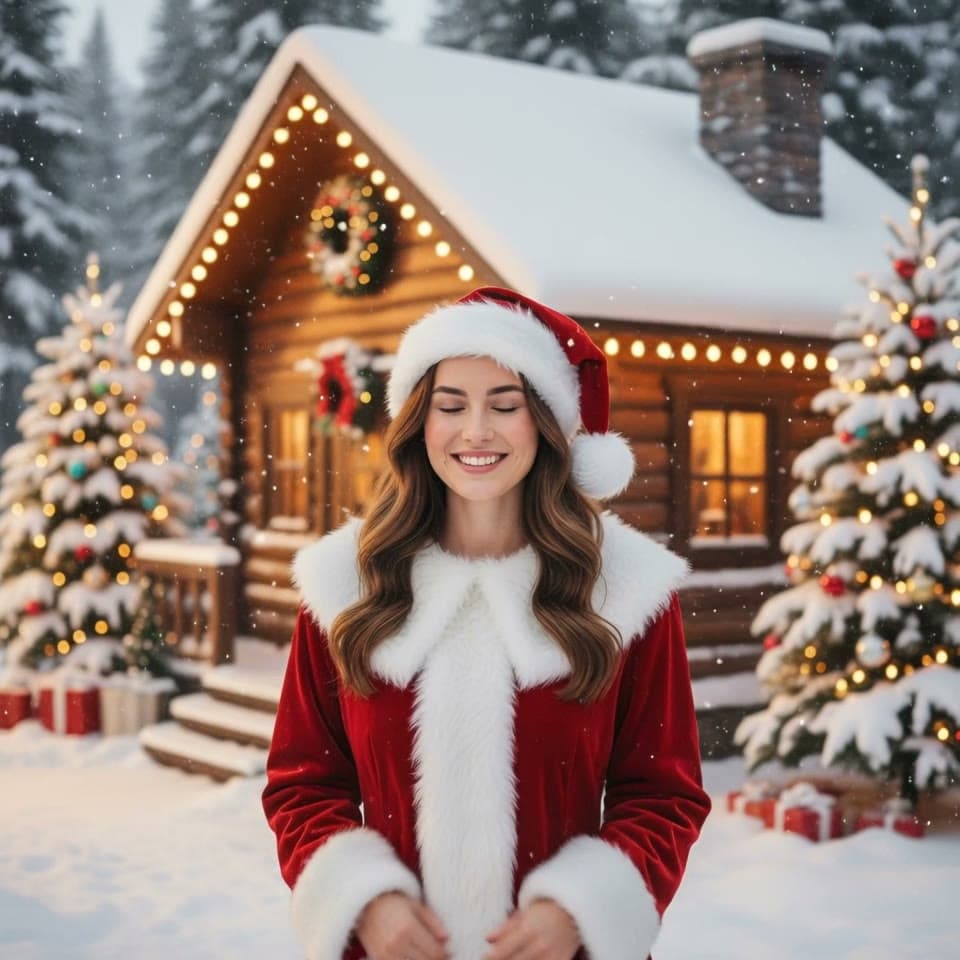
Snowy Christmas Video
Snowy Christmas Video
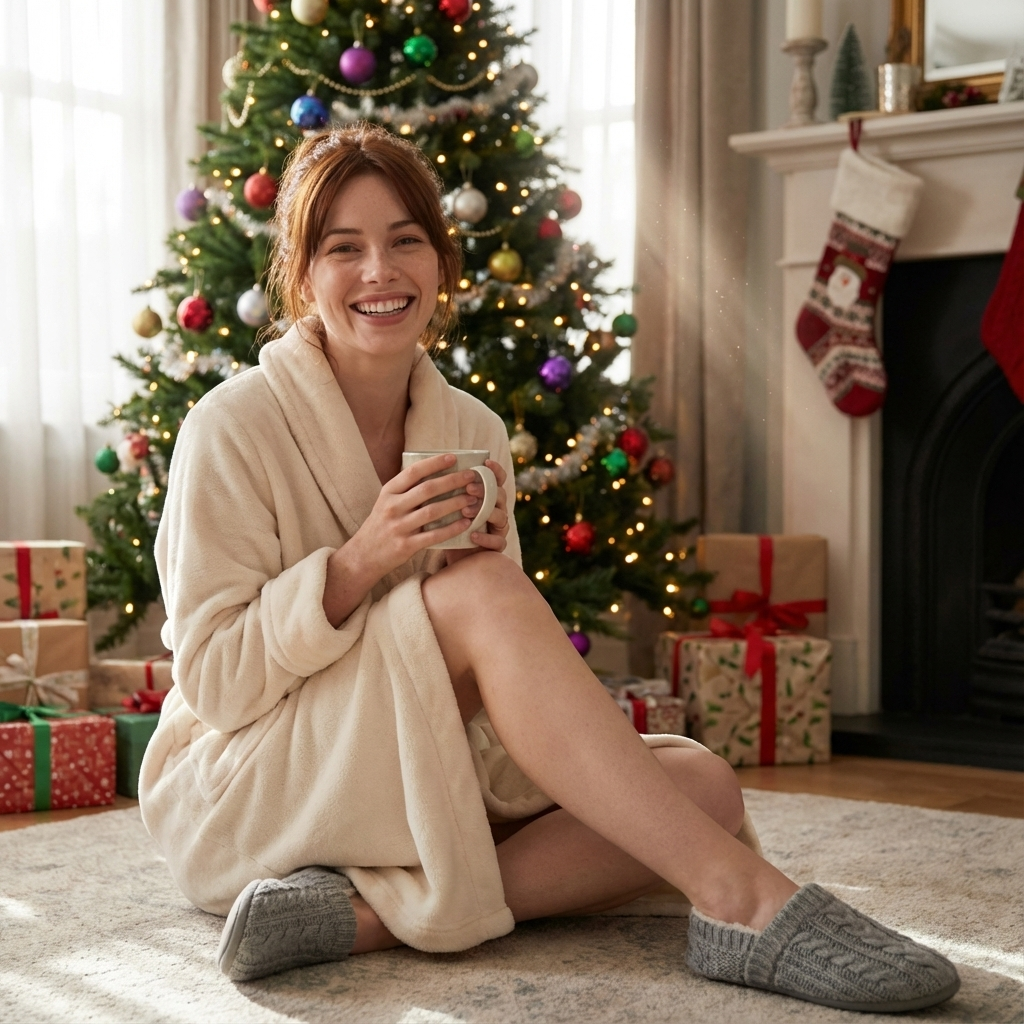
AI Christmas Photo Trend
AI Christmas Photo Trend
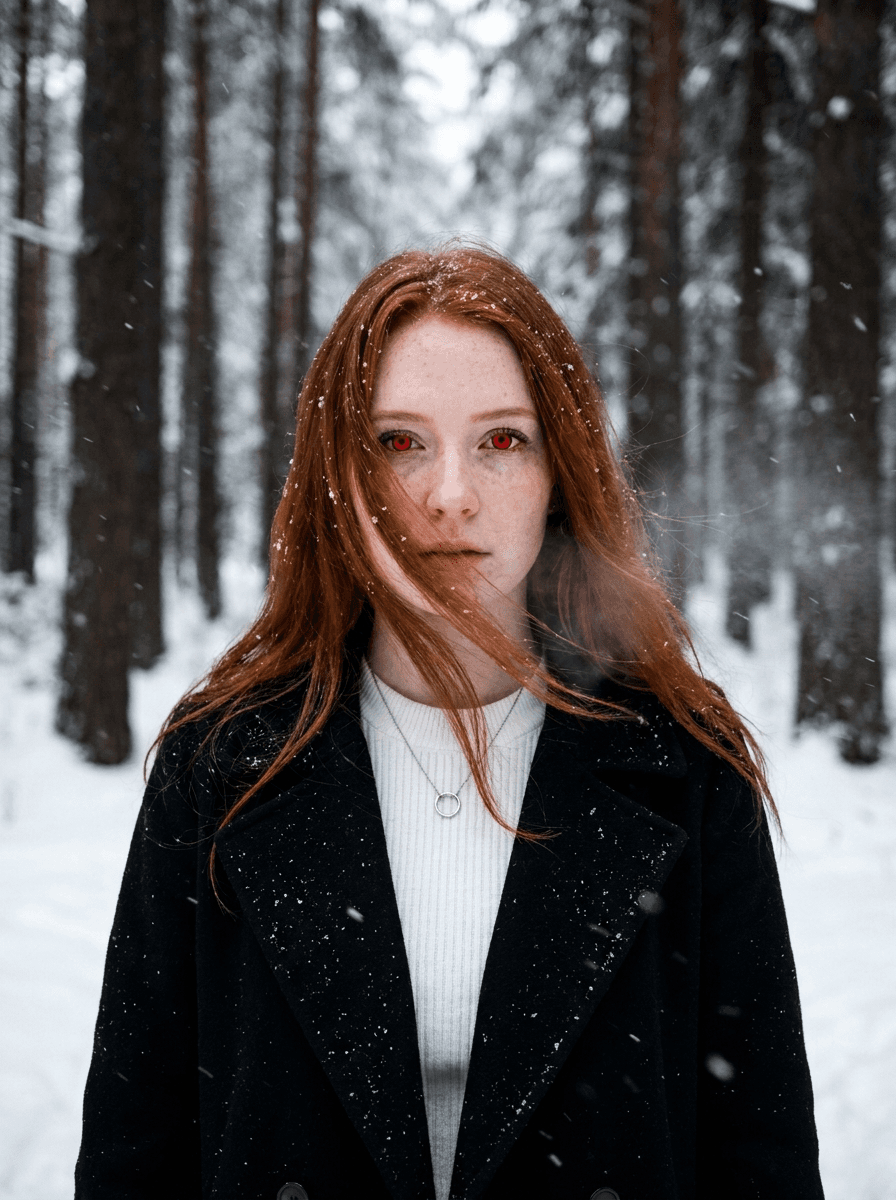
Twilight Effect
Twilight Effect Video Generator
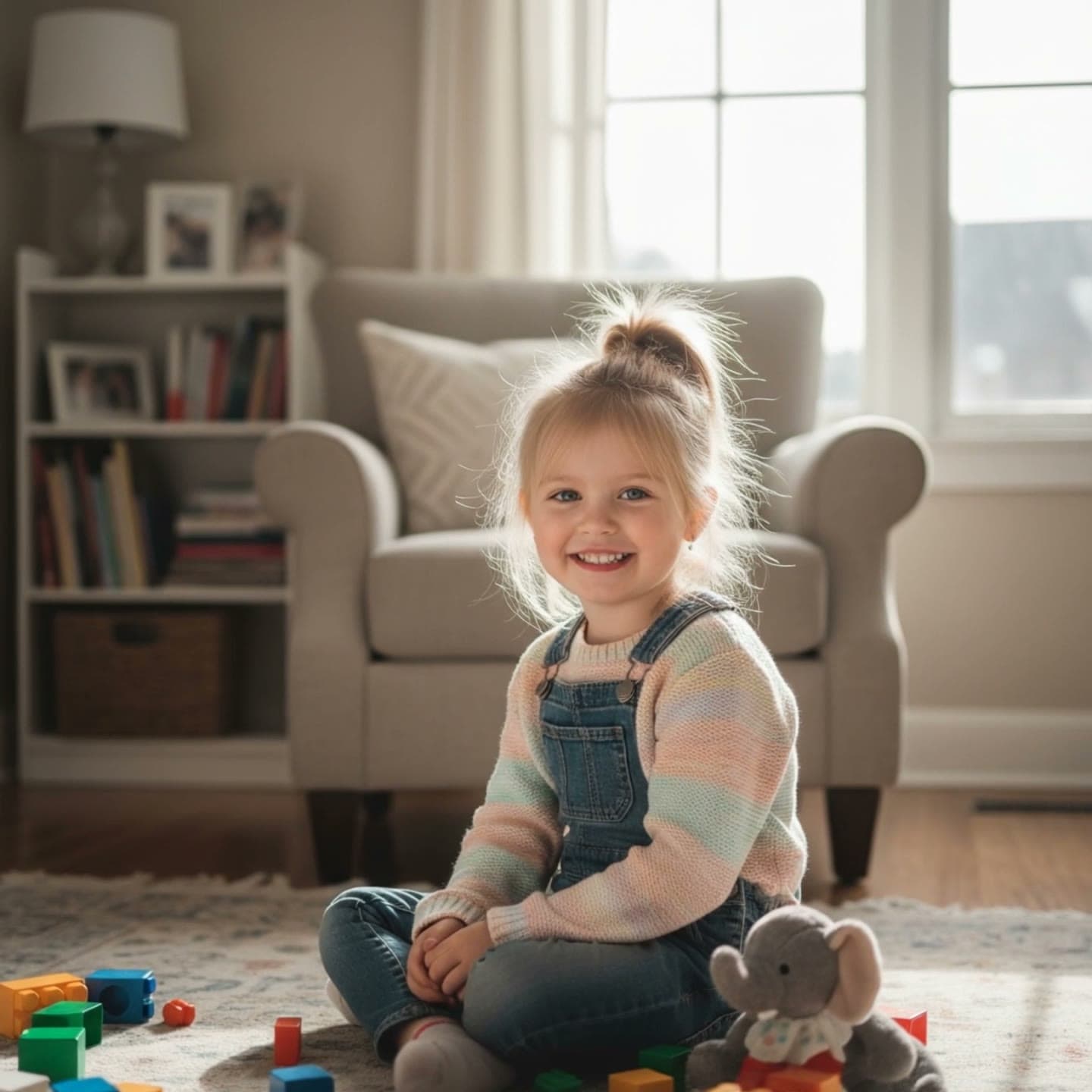
When I Grow Up
When I Grow Up Effect Generator
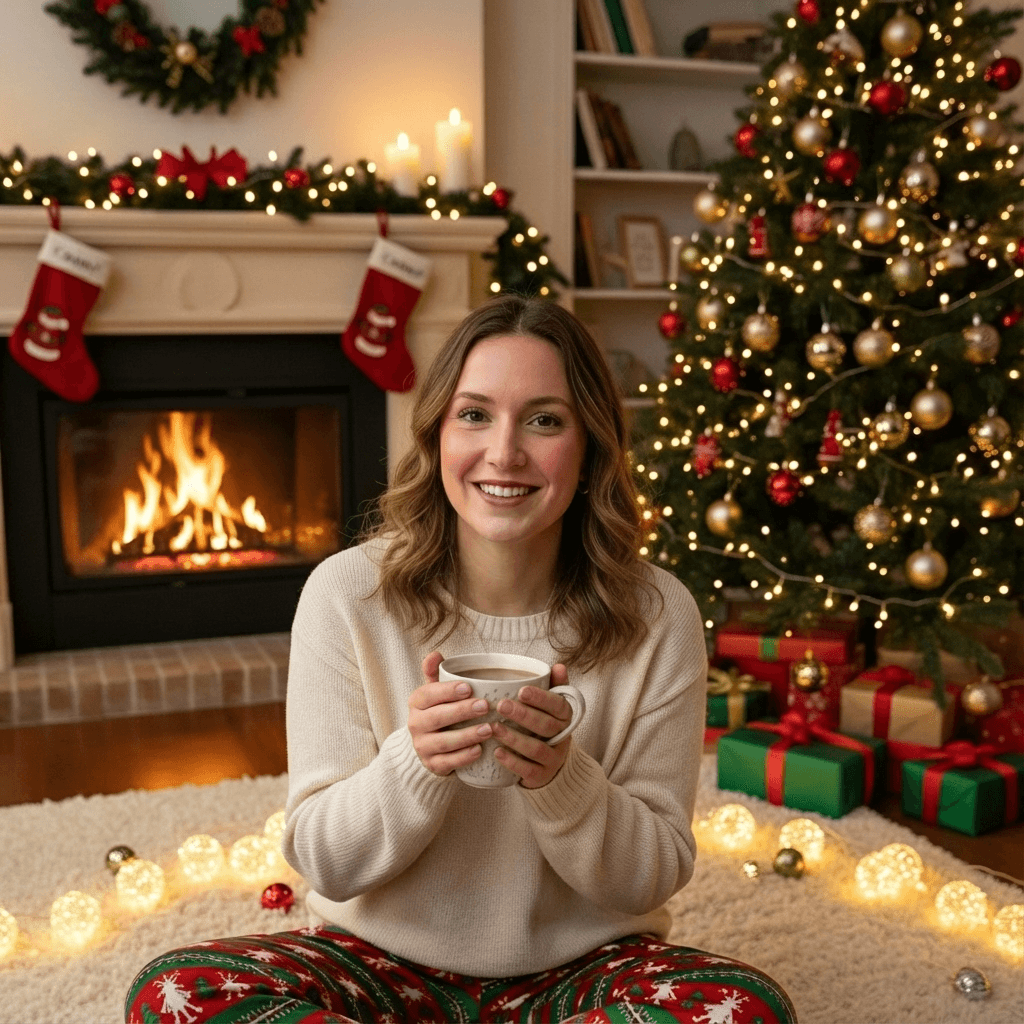
Christmas Tree Portrait
Christmas Tree Portrait
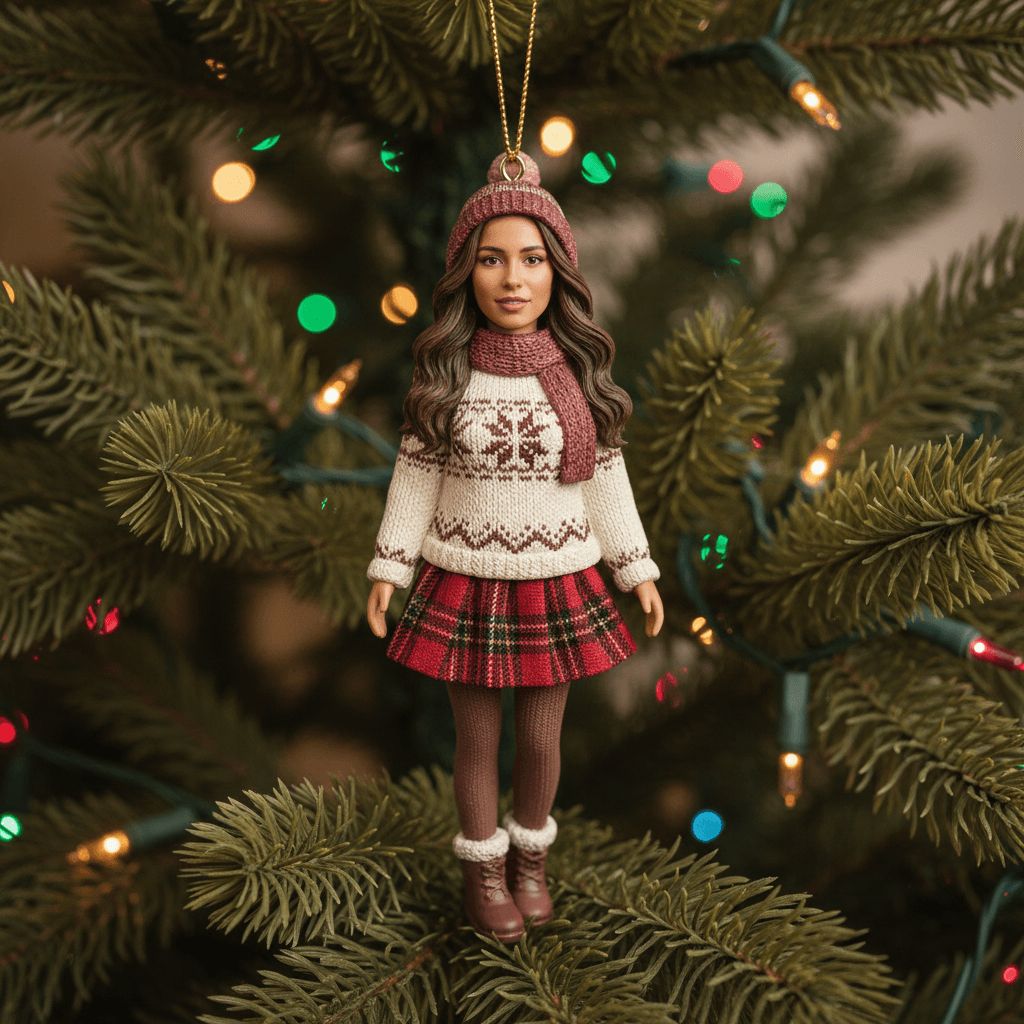
Christmas Ornament Effect
Christmas Ornament Effect

AI Christmas Couple Trend
AI Christmas Couple Trend
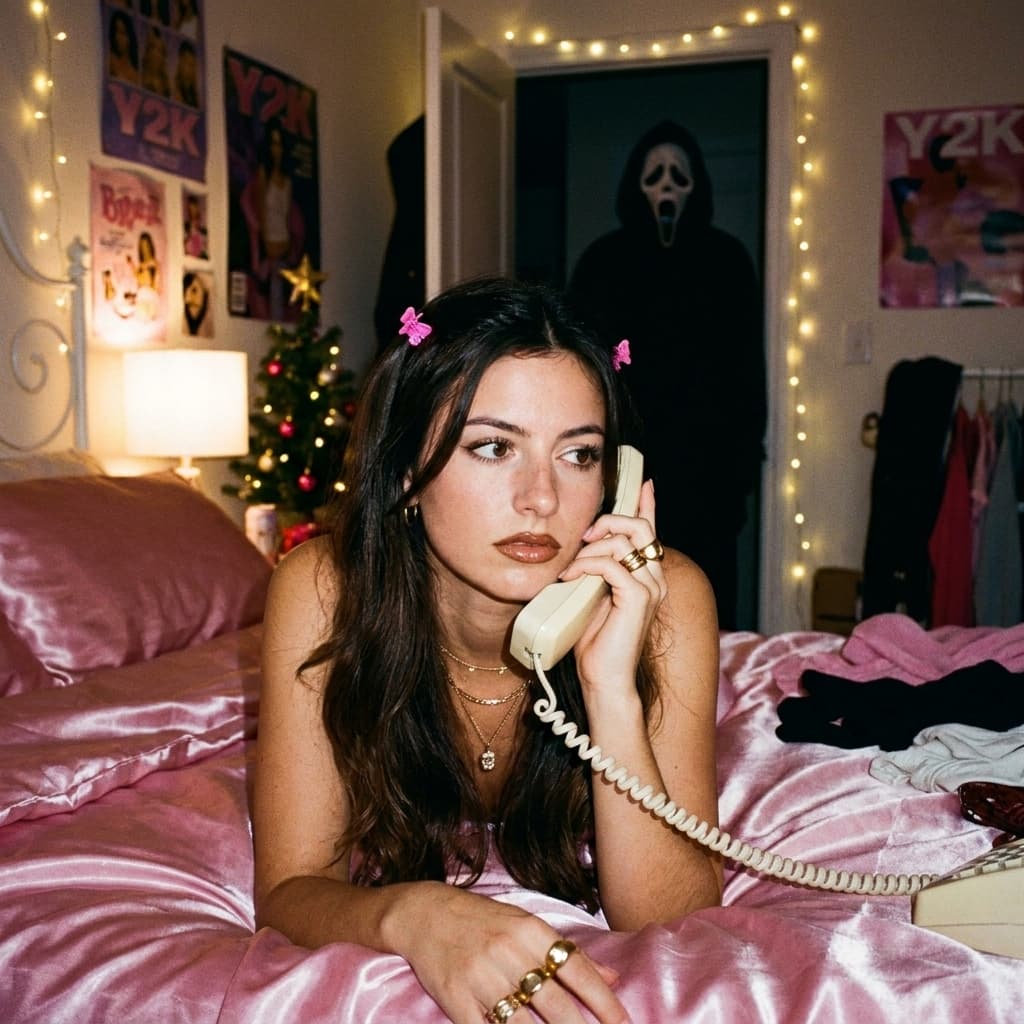
AI Christmas Ghostface Trend
AI Christmas Ghostface Trend
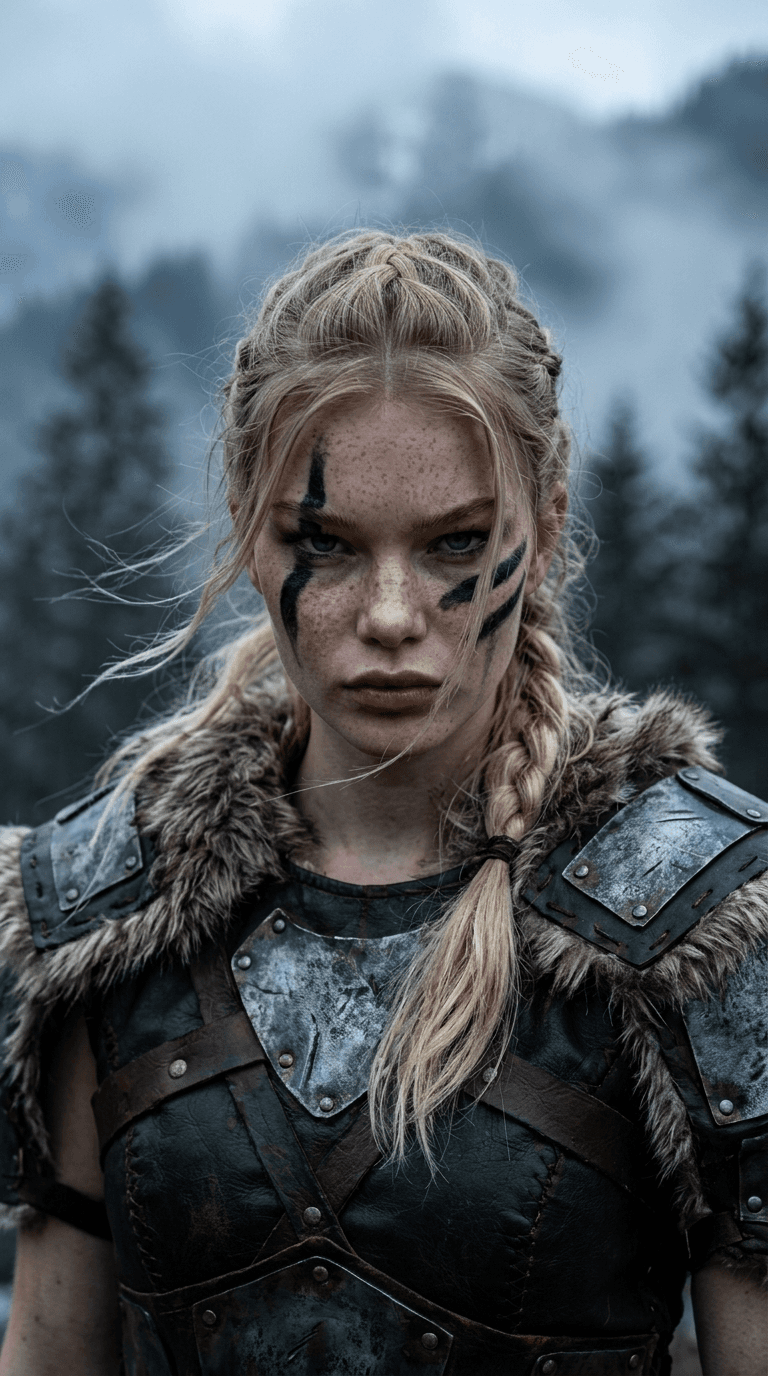
Viking Warrior Transform
Viking Warrior Transform Video Generator

Decorating Christmas Tree
Decorating Christmas Tree