GTA Filter AI Photo Generator
Redraw any photo in GTA loading-screen art: bold outlines, cel shading and sunny saturated colors. Works on selfies, couples, friends, pets and cars.
Style reference, not a personalized result
Preview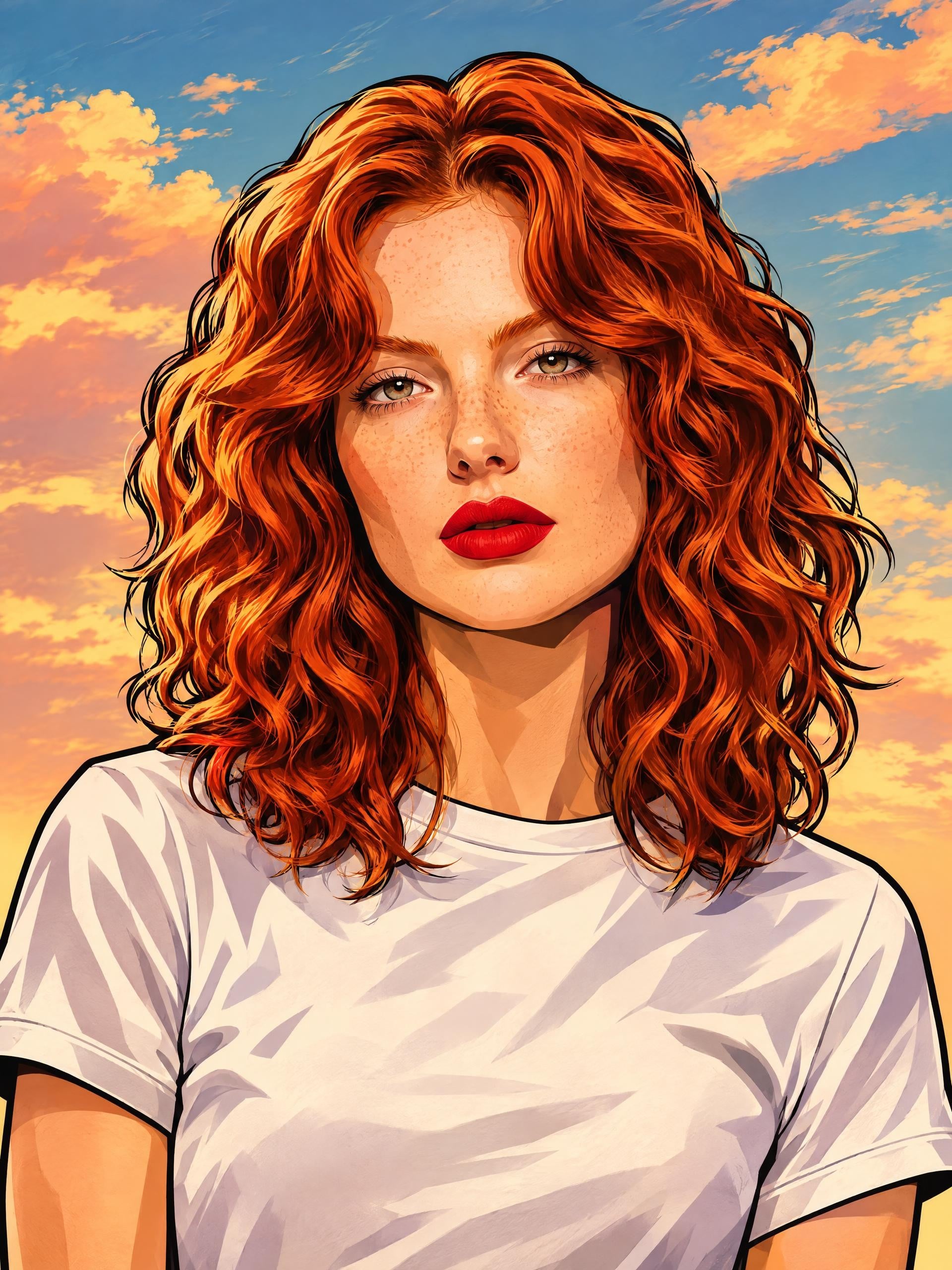
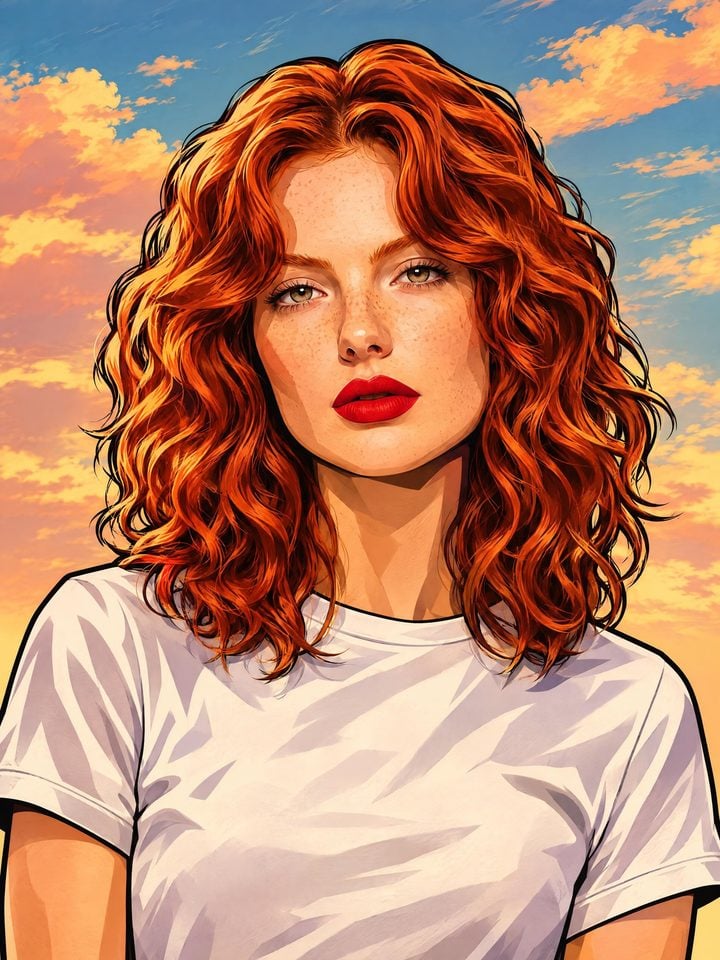
GTA Filter AI Photo
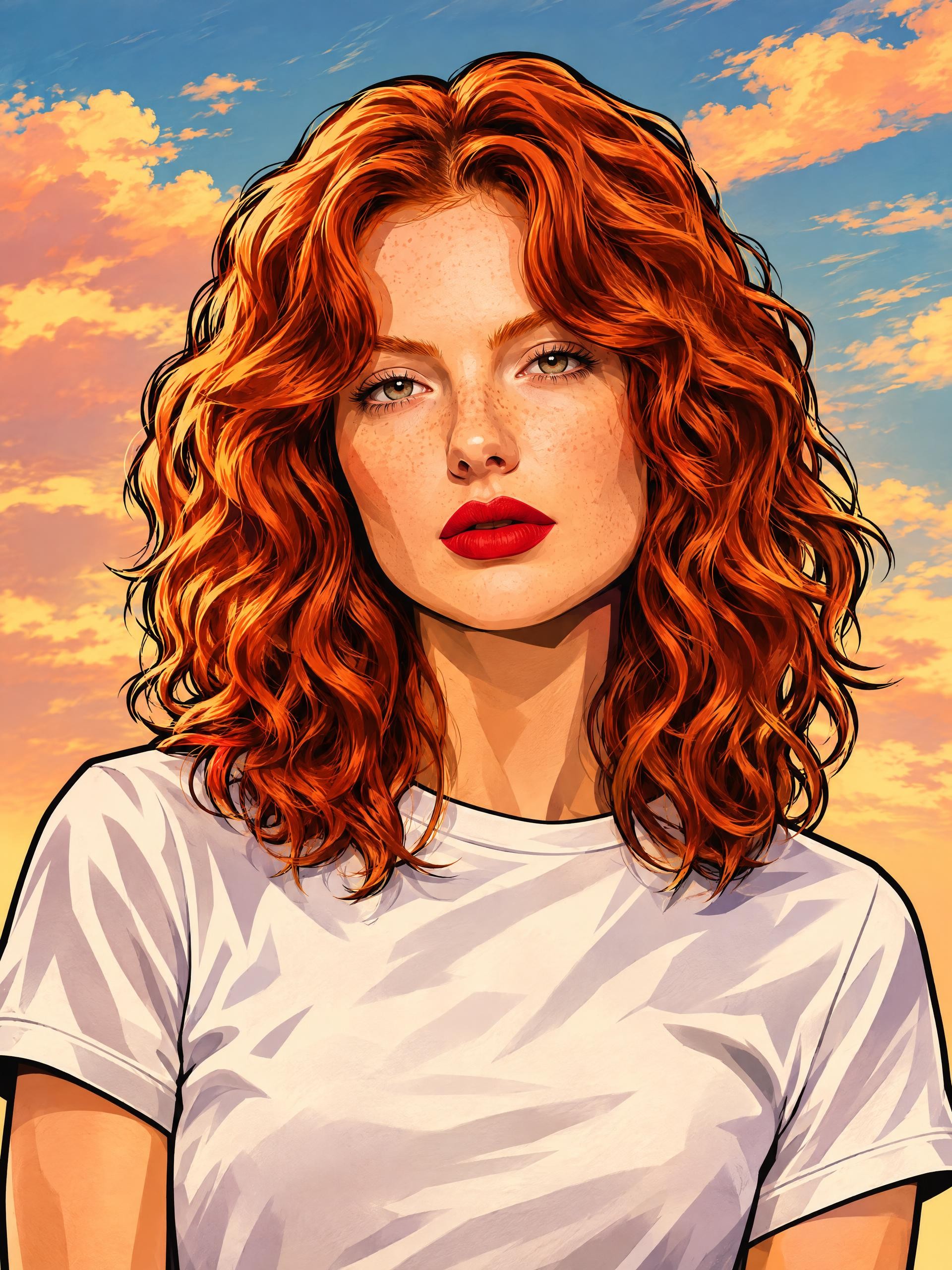
GTA Filter AI Photo
Upload Your Photo
Output
1K · 3:4 photo
Quick answer
To do the GTA Filter trend, upload one clear photo where your face is easy to see, then press generate. imageat places you into the trend's original video, and the image is ready to download when it finishes. One generation costs 4 imageat credits; no prompt writing or editing app is needed.
The GTA filter is the look of the game's loading screens applied to your own photo, and the most common way people make a GTA PFP. Upload any photo and the AI redraws all of it in that illustrated style while keeping the composition, the faces and the setting. It works with one person, a couple, a group, a pet or a car. You get a vertical 3:4 image in seconds. For a Vice City poster with a new background, try the GTA 6 AI Photo Generator.
What is the GTA Filter AI Photo?
The GTA Filter AI Photo redraws any photo in Grand Theft Auto loading-screen art style, keeping the people and the scene.
How to Do the GTA Filter Trend
Here is how to make your own version on imageat:
- 1Upload one clear photo: Your photo — a selfie, couple, friends, pet or car. JPG, PNG or WEBP, up to 10 MB.
- 2Check the credit cost on the button.
- 3Generate the photo.
- 4Preview and download your photo.
Tips for Best Results
- Sharp photos with clear faces give the best outlines.
- Crop close for a profile picture.
- Pets and cars work as well as people.
GTA Filter AI Photo at a Glance
What to upload
Your photo — a selfie, couple, friends, pet or car.
What you get
An AI image (1K · 3:4 photo) that follows the trend's original take, ready to download and post on TikTok, Reels or Shorts.
What it costs
4 imageat credits per image. The price is shown before you generate, and a failed generation is refunded.
FAQs About GTA Filter AI Photo
Create this trend with imageat
Create unlimited variations beyond the gta filter ai photo with imageat's AI image generator.
Similar trends
View all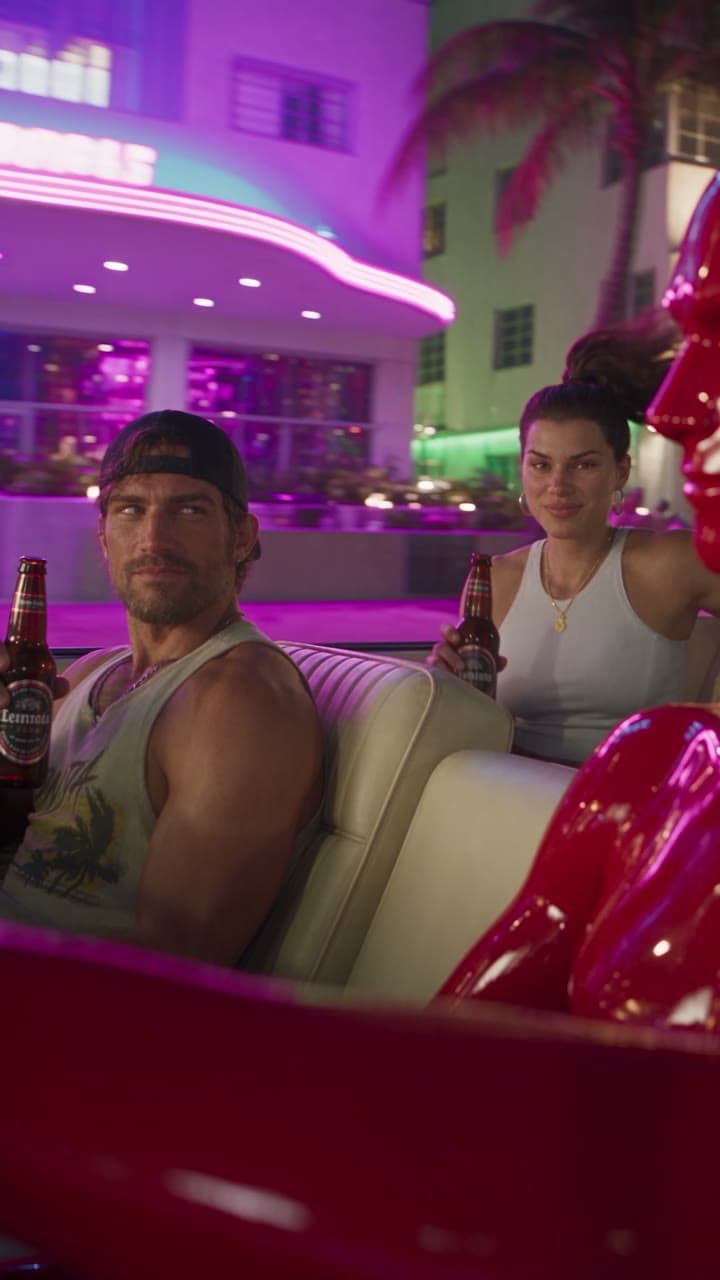
Convertible Drive Recast GTA 6 Version
Convertible Drive Recast GTA 6 Version
GTA 5 Goodbye Farewell Video
GTA 5 Goodbye Farewell Video
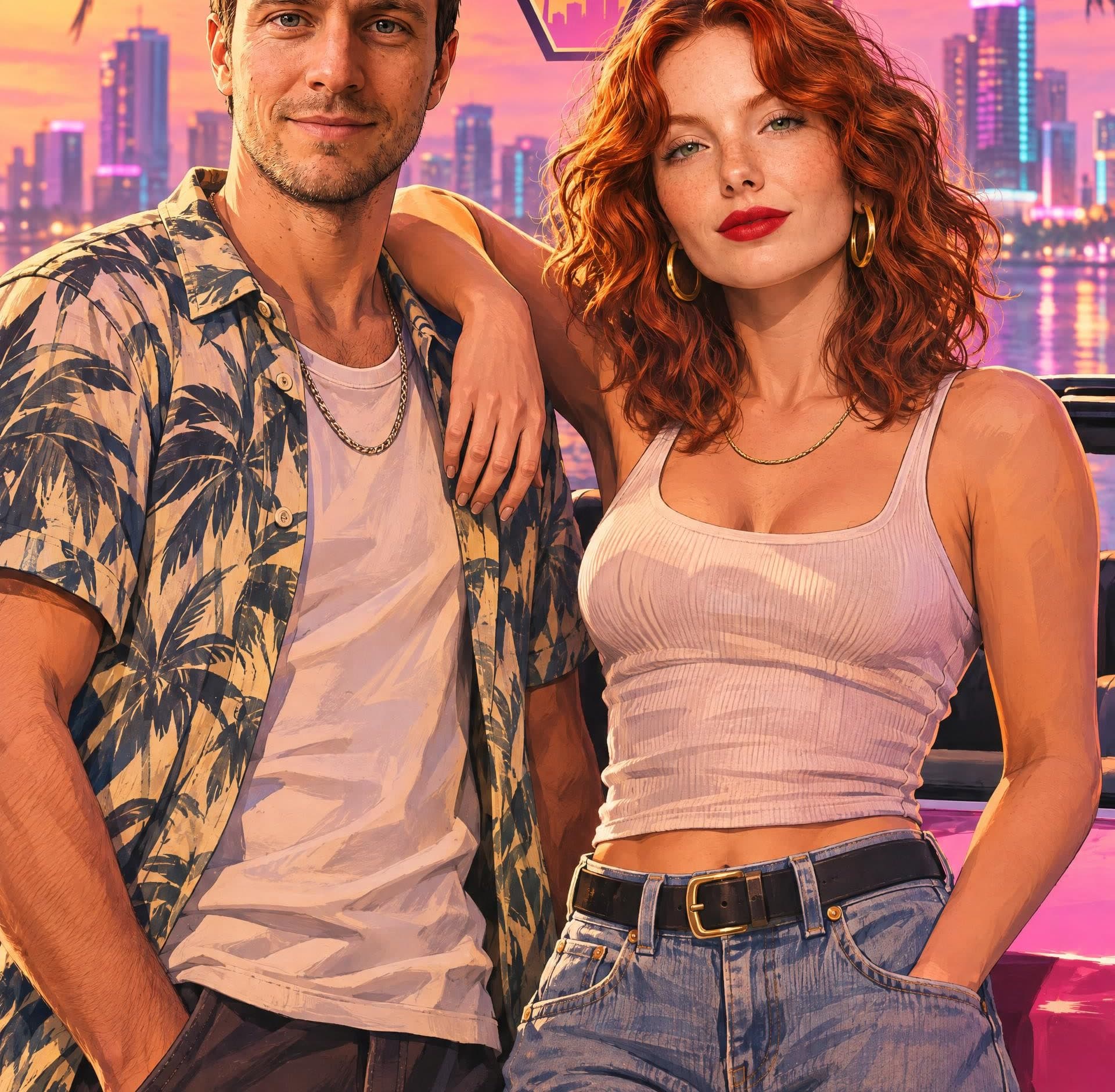
GTA 6 Jason and Lucia Couple AI Photo
GTA 6 Jason and Lucia Couple AI Photo
Snowman Bestie AI Photo
Snowman Bestie AI Photo
GTA Wasted Meme AI Photo
GTA Wasted Meme AI Photo
Cow Makeup
Cow Makeup
Gamer Apocalypse Swap GTA 6 Version
Gamer Apocalypse Swap GTA 6 Version
GTA 6 Car and Pet Loading Screen AI Photo
GTA 6 Car and Pet Loading Screen AI Photo
GTA Wasted AI Video
GTA Wasted AI Video
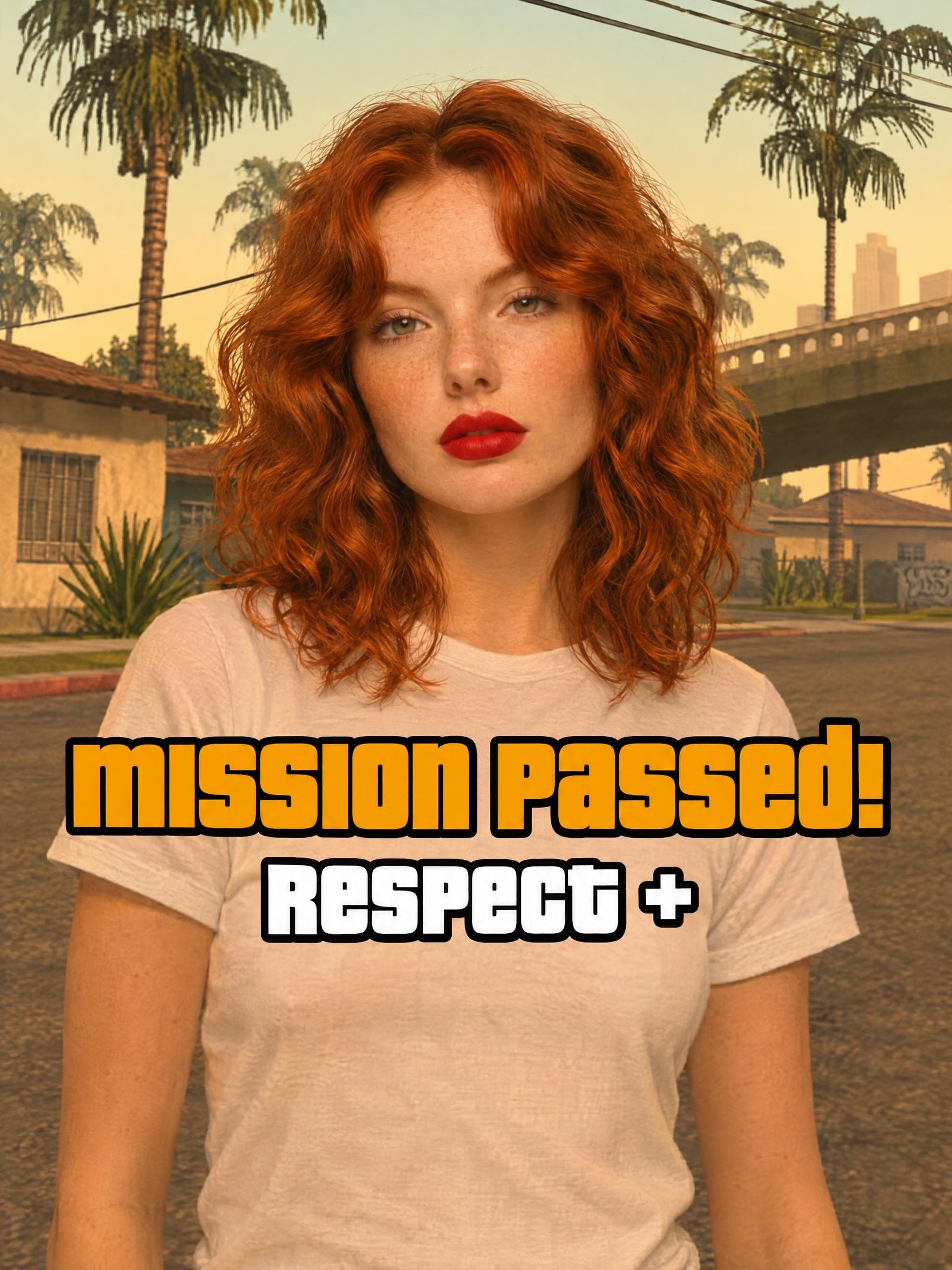
GTA Mission Passed Respect+ AI Photo
GTA Mission Passed Respect+ AI Photo