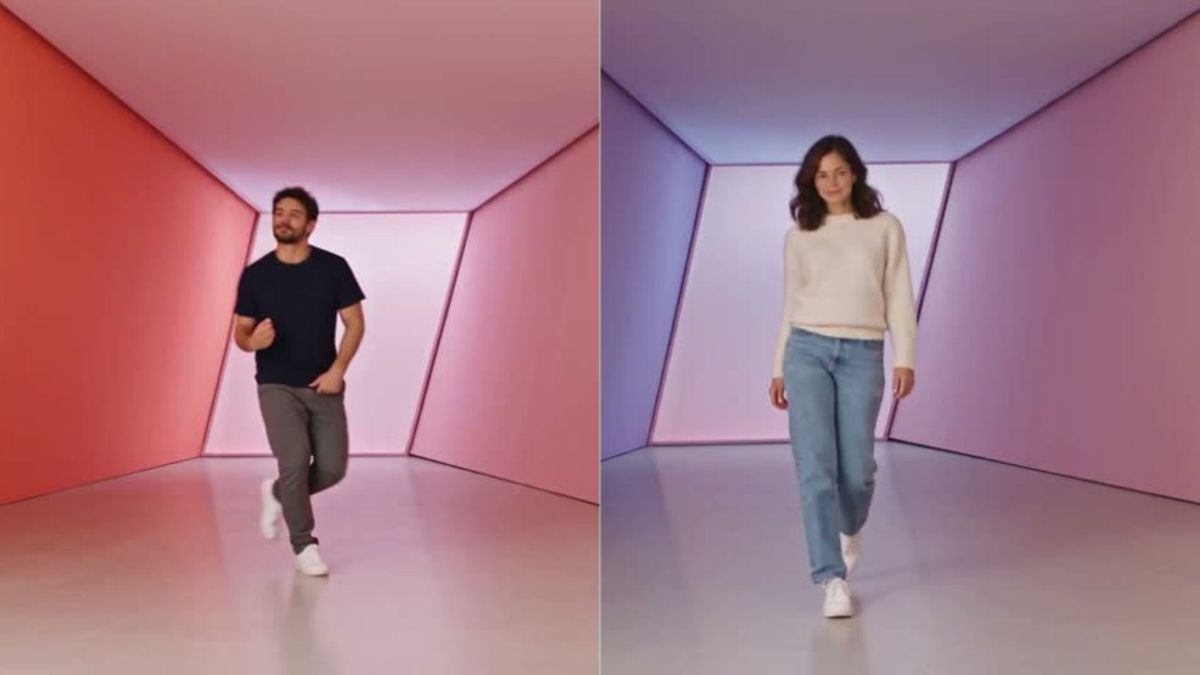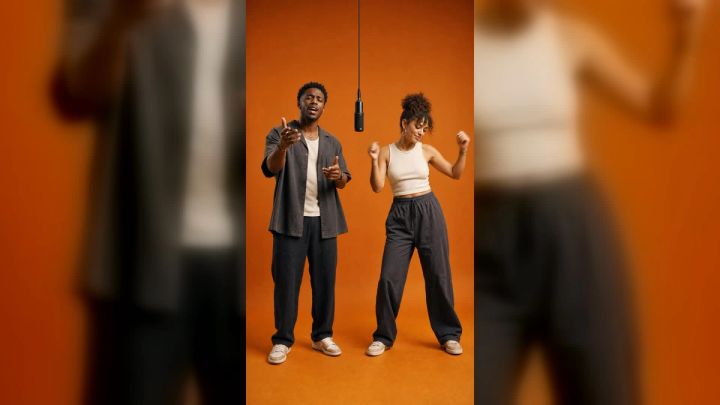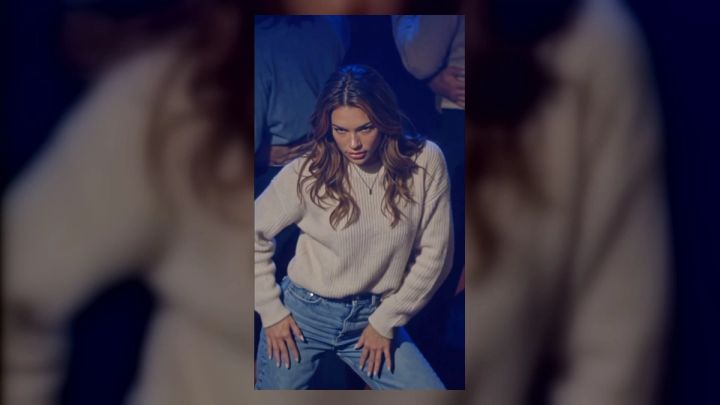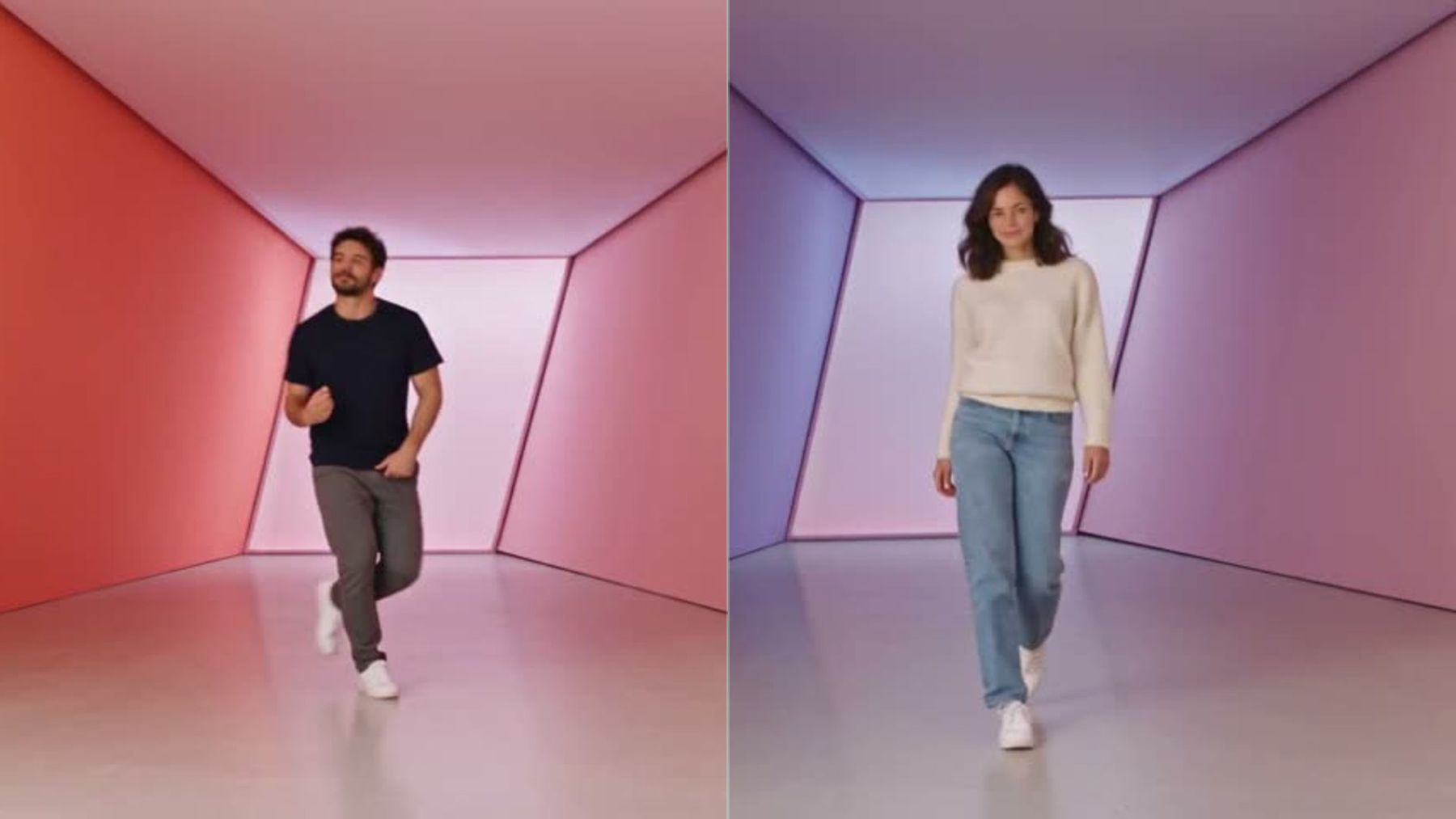
A good duo dance is not simply the same choreography performed twice. It gives each person a clear role, creates visual conversation, and uses the camera to make the handoff between dancers easy to follow. If you want the polished pastel-room format without filming every cut yourself, the Popular Duo Dance trend on imageat turns two separate photos into a short widescreen dance clip with lead, partner, solo, and close-up shots.
This guide focuses on the part the template page does not cover: how to choose a two-person concept, assign roles, plan formations, and make the final post feel intentional. You will also find 12 adaptable duo dance ideas, a practical shot-planning method, common mistakes, and posting checks for music and consent.
What makes a two-person dance work on camera?
The strongest two-person routines create contrast and connection. Viewers should understand who leads, who answers, when the focus changes, and why both people are in the frame. Perfect synchronization can be satisfying, but a duet becomes more memorable when it also includes reaction, counterpoint, or a role swap.
Five elements usually make the difference:
- A readable relationship: friends competing, partners mirroring, a lead and responder, or two characters with opposite moods.
- A shared visual rule: matching colors, complementary outfits, one repeated gesture, or the same move performed at different scales.
- A focus change: the eye moves from one dancer to the other instead of staying on a single person throughout.
- A recognizable hook: one phone-hand gesture, turn, shoulder hit, pose, or reveal that viewers can remember.
- A clean ending: both people land on the final beat, exchange a look, or resolve the idea with a deliberate pose.
You do not need difficult choreography to achieve this. Clear timing and role design usually read better on a phone than complicated footwork filmed too wide.
Choose a duo format before choosing moves
Start with the relationship between the dancers. This decision controls the framing, the transitions, and the emotional tone.
Lead and response
One person introduces a move or expression; the second answers it. This format suits sing-along clips, playful challenges, and routines where one dancer is more comfortable on camera. The response can copy the lead, exaggerate it, or deliberately do the opposite.
Mirror
Both people perform symmetrical movements, as though a line between them were a mirror. It is instantly readable, even without sound. Use simple arm shapes and turns so the symmetry survives vertical crops and small screens.
Pass the spotlight
The dancers alternate solo moments, then reunite for a shared ending. This is useful when the people were photographed or recorded separately. The Popular Duo Dance template follows this logic: Photo 1 becomes the lead dancer and singer, while Photo 2 gets several partner solo shots before the sequence closes.
Contrast
Give each person a different energy: controlled versus chaotic, formal versus casual, warm colors versus cool colors, or sharp hits versus smooth motion. Contrast creates a story without requiring dialogue.
Role swap
Person A leads the first phrase, Person B takes over after a transition, and both finish as equals. A role swap prevents the supporting dancer from feeling like a background extra.
12 duo dance ideas for two people
These concepts are creative frameworks rather than fixed choreography. Adapt them to your skill level, space, wardrobe, and chosen music.
1. Call-and-response close-ups
Open with Person A performing one simple hand gesture toward the camera. Cut to Person B answering with a variation. Repeat the exchange once, then end with a wide shot or matching close-ups.
This format works because the viewer can follow the conversation even if the dancers never share the same frame. Keep each response short—one or two counts—and use consistent eye lines so it feels as if the dancers are addressing each other.
Creative starter: “One dancer sends a playful phone-hand signal, the partner answers with…” Add your own expression, color palette, camera distance, and final pose.
2. Mirror-wall duet
Place the dancers on opposite sides of the frame and use movements that travel inward and outward. Start with mirrored arms, turn away together, then return with one intentional difference.
Choose a plain or geometric background. Visual clutter makes symmetry harder to read. If filming manually, mark both standing positions so the spacing remains balanced.
3. Outfit-color conversation
Build the routine around complementary wardrobe colors. One dancer can wear the stronger accent while the other uses a quieter base, then accessories can repeat the opposite person’s color.
The movement does not need to be fashion-focused. The color relationship itself creates cohesion across solo shots. Avoid tiny patterns that flicker after compression; broad blocks of color survive social uploads better.
4. Solo-solo-together structure
Give each dancer one short solo, then combine their signature moves in the last phrase. Person A might use a shoulder-and-hand sequence; Person B might use a step and turn. The ending lets both perform those motifs in the same count.
This is one of the safest structures for beginners because each person can rehearse independently. It also works well for AI-assisted clips that build separate identity shots before assembling the sequence.
5. Mood-switch duet
Start with both dancers restrained and serious. Use a beat change, camera cover, or whip pan to switch into a brighter, more playful mood. Keep one repeated pose on both sides of the transition so the change feels connected rather than random.
The mood change can come from expression, light, or movement quality instead of a full wardrobe replacement. A calm-to-energetic contrast often reads more clearly than adding many effects.
6. Best-friend character roles
Assign simple characters such as “the planner” and “the improviser,” or “the confident one” and “the reluctant one.” Show those roles through timing and reaction—not labels or readable text on screen.
Person A might begin perfectly on count while Person B enters late, watches, then takes over. Finish with both people synchronized to resolve the joke. Keep the characterization affectionate; avoid turning a real person into a punchline without their agreement.
7. Pass-the-gesture transition
Person A pushes, points, throws, or slides an imaginary object out of frame. Person B catches that motion in the next shot and transforms it into a dance move.
Match the direction precisely. If A sends the gesture toward screen right, B should receive it from screen left. Similar hand height, speed, and framing make the cut convincing.
Creative starter: “A hand gesture travels across the cut and becomes…” Finish the transition type, second move, camera angle, and ending yourself.
8. One move, three scales
Perform the same hook in a full-body wide shot, a waist-up medium shot, and a facial or hand close-up. Alternate which dancer owns each scale.
This approach creates variety without inventing more choreography. It also highlights expression and small gestures that disappear in a wide frame. The Popular Duo Dance format uses wide dance shots and sing-to-the-lens close-ups for this reason.
9. Freeze-and-move duet
One person freezes in a strong pose while the other dances for two or four counts. They switch on a beat, then both move for the ending.
A convincing freeze needs still hands and a stable gaze. If the stationary dancer fidgets, the concept becomes unclear. Use a shorter hold than you think; long pauses can drain momentum from a social clip.
10. Color-room solo relay
Give each dancer a different colored corner or lighting state, then use a recurring movement to connect the spaces. The background changes, but framing and gesture stay consistent.
This is especially effective when the source photos have different clothing or lighting. Rather than trying to hide every difference, make contrast part of the art direction. Keep skin tones natural and avoid colored light that overwhelms facial detail.
11. Camera-distance challenge
Person A begins far from the camera and travels forward. Person B starts close and moves back. Intercut the progress so their apparent sizes trade places.
Use floor marks and lock the lens if filming. Sudden focal-length changes can make the motion feel like a zoom rather than a purposeful exchange. End when both reach a matching medium distance.
12. Shared final-frame reveal
Build the entire routine toward one final composition: back-to-back, shoulder-to-shoulder, a mirrored hand shape, or both looking into the lens. The earlier shots can remain separate as long as the last image visually unites the pair.
Hold the ending for a fraction longer than the previous cuts. That pause gives viewers time to register the relationship and creates a clean thumbnail candidate.
How to turn one idea into a short shot plan
A shot plan prevents the clip from becoming a collection of unrelated poses. You can outline a concise duo video in five beats:
- Hook: show the main gesture or visual premise immediately.
- Lead: let Person A establish the rhythm or character.
- Response: let Person B answer rather than merely repeat.
- Exchange: use a cut, handoff, role swap, or contrast shot.
- Resolve: bring both roles together in one final idea.
For a short social edit, one clear purpose per shot is enough. If a shot tries to introduce a location, outfit, character, camera move, and complex step at the same time, the audience will miss most of it.
When using the AI dance video generator for a custom concept, describe the relationship and camera behavior before listing decorative details. A useful partial direction might begin, “Two friends alternate lead and response in a clean pastel studio…” Then add your own pacing, shot sizes, safe movements, wardrobe constraints, and ending.
How the Popular Duo Dance format uses two photos
The Popular Duo Dance page asks for two photos, one adult per image. Photo 1 is assigned the lead role, including the wide dance sections, the phone-hand move, and the close-up sing-along moments. Photo 2 becomes the partner, with separate solo scenes and the closing smile.
The page says the template first prepares an identity sheet for each person. The resulting clip follows a built-in pastel-room sequence, including its cuts, movement timing, lip movement, and song. The current page offers 480p and 720p output and describes the result as an approximately 18-second, 16:9 video.
Generation uses credits from a paid plan. Check the current cost displayed on the Generate button before starting because resolution and product pricing can change. No custom prompt is required for this fixed template.
Photo checklist for a cleaner result
- Use one adult per photo.
- Choose a sharp, front-facing image with the face easy to see.
- Prefer waist-up or full-body framing so body shape is clear.
- Avoid sunglasses, masks, heavy motion blur, and hands covering the face.
- Use photos with compatible visual quality; one polished portrait and one dark screenshot can make the edit feel uneven.
- Upload only photos you own or have permission to use.
The two source images do not need matching backgrounds. Faces, hair, skin tone, body shape, and the visible outfit inform the personalized identity, while the template provides the room, camera framing, choreography, cuts, and audio.
Choosing roles when both people want equal screen presence
A lead-and-partner template still needs informed role assignment. Put the person who is comfortable with direct-to-camera expression in Photo 1, because that role carries the sing-along close-ups and primary hook. Use Photo 2 for the person whose look suits the softer solo and closing moments.
If equal prominence is essential, choose a custom structure instead of assuming a fixed template will rebalance itself. You can create two versions with reversed photo order, or plan a different sequence with AI video creation. Compare the current Generate-button cost before committing to multiple versions.
Do not choose roles solely by gender, popularity, or who supplied the better photo. Discuss the intended result first. A clear agreement is especially important when the final clip may be posted publicly.
Common duo dance video mistakes
Both dancers compete for attention
When every shot has two unrelated actions, viewers do not know where to look. Give one dancer focus while the other supports, reacts, freezes, or echoes the move.
The second person has no narrative job
A partner who appears only to fill empty space weakens the concept. Assign a response, contrast, handoff, or reveal. Even a two-second reaction can define the relationship.
Transitions ignore screen direction
A gesture exiting right should usually enter from the left in the next shot. Mismatched direction makes pass-the-object and hand-swipe transitions feel accidental.
Source photos are inconsistent
Large differences in sharpness, face angle, lighting, and crop can make identity continuity harder. Select both images as a pair, not as two independent favorites.
Too many ideas appear in one clip
One hook plus one variation is often enough. Save extra wardrobe changes, locations, and camera tricks for another post rather than diluting the central concept.
The caption overstates what happened
If the clip was made from photos with an AI template, describe it honestly. Do not imply that the people performed choreography they did not perform, especially in a portfolio, audition, or documentary context.
For broader troubleshooting, the guide to common AI video prompt mistakes explains why overloaded directions, conflicting camera instructions, and vague motion often produce weaker results.
Music, consent, and posting checks
A catchy song can make a duo edit feel complete, but a soundtrack included in a generated clip does not automatically grant rights for every public or commercial use. Check the rules of the platform where you plan to post, use its licensed music library when appropriate, and avoid promising commercial rights you have not verified.
Get permission from both people before uploading their photos and again before publishing the result. Do not use celebrity images, impersonate a real person, or present a synthetic performance as evidence of something that happened. imageat’s responsible-use guidance provides additional rules for consent and identity-based media.
Before posting, review the full clip rather than only the thumbnail:
- Does each face remain recognizable and consistent?
- Do hands and fingers look plausible in close-ups?
- Are gestures safe and physically believable?
- Does clothing remain stable between cuts?
- Is either person shown in a way they did not approve?
- Is the aspect ratio right for the destination?
- Does the soundtrack need replacement inside the social app?
For a three-person variation, the Trio Night Dance trend uses a different role map and adds a third source photo. It is a better fit when the concept depends on a center performer and two side positions rather than a lead-and-response pair.
Frequently asked questions
What is a dance for two people called?
“Duet” is the broad performance term. “Duo dance” is also common, while “partner dance” often suggests that the dancers physically interact or follow an established social-dance form. Online short videos may use all three terms more loosely.
What are easy duo dance ideas for beginners?
Try call-and-response gestures, mirrored upper-body moves, freeze-and-move turns, or a solo-solo-together structure. These formats create a clear two-person idea without requiring lifts, floor work, or difficult footwork.
Do both dancers need to be in the same frame?
No. Alternating solo shots can still feel like a duet if the dancers share a visual rule and appear to answer each other. Match eye lines, screen direction, gesture height, lighting, or color to connect separate shots.
How do you make a duo video from separate photos?
Use a two-person template that explicitly accepts separate identity inputs. On imageat’s Popular Duo Dance page, Photo 1 and Photo 2 have fixed roles in a built-in sequence. Use clear photos of consenting adults and check the role assignment before generation.
Should both people wear matching outfits?
Not necessarily. Complementary colors and consistent levels of formality often look more interesting than exact matches. Avoid combinations that make one dancer disappear into the background or visually dominate every shot unless that contrast is intentional.
Can I change the choreography in a fixed trend template?
A fixed trend template follows its documented scene and motion structure. For a different dance, camera plan, or ending, use a custom video workflow instead of expecting the template to rewrite its sequence.
Make the concept readable before making it complicated
The best duo dance ideas give both people a reason to be there. Decide who leads, who responds, how the focus changes, and what the last frame resolves. Once those choices are clear, color, styling, transitions, and camera movement can support the concept instead of competing with it.
To make the polished lead-and-partner version from two separate photos, open the Popular Duo Dance trend, assign the two roles deliberately, confirm that both people consent, and review the current credit cost on the Generate button before creating the video.