18 generators
AI Image Generators
Every imageat generator that starts from a written description — art, illustration, stock photography, logos, posters, book covers, wallpapers, QR codes and optical illusions. Each one is set up for a different job, and they all open the same image generator.
Create
Start from an idea and make an original picture.
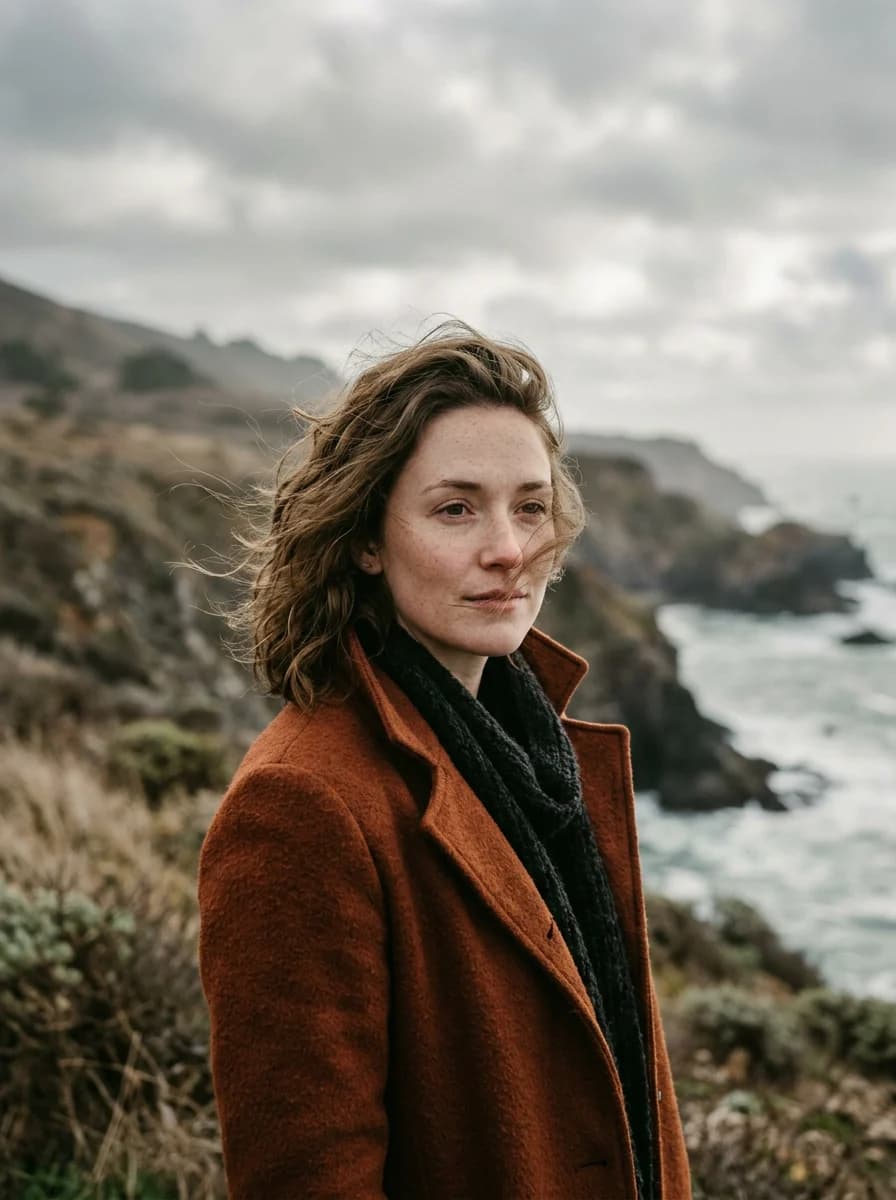
AI Retake Photo Generator
Give an almost-perfect photo another take with natural expressions, softer light and subtle retouching.
- 5 natural edits
- Likeness references
- Nano Banana 2.1 & GPT Image 2.5
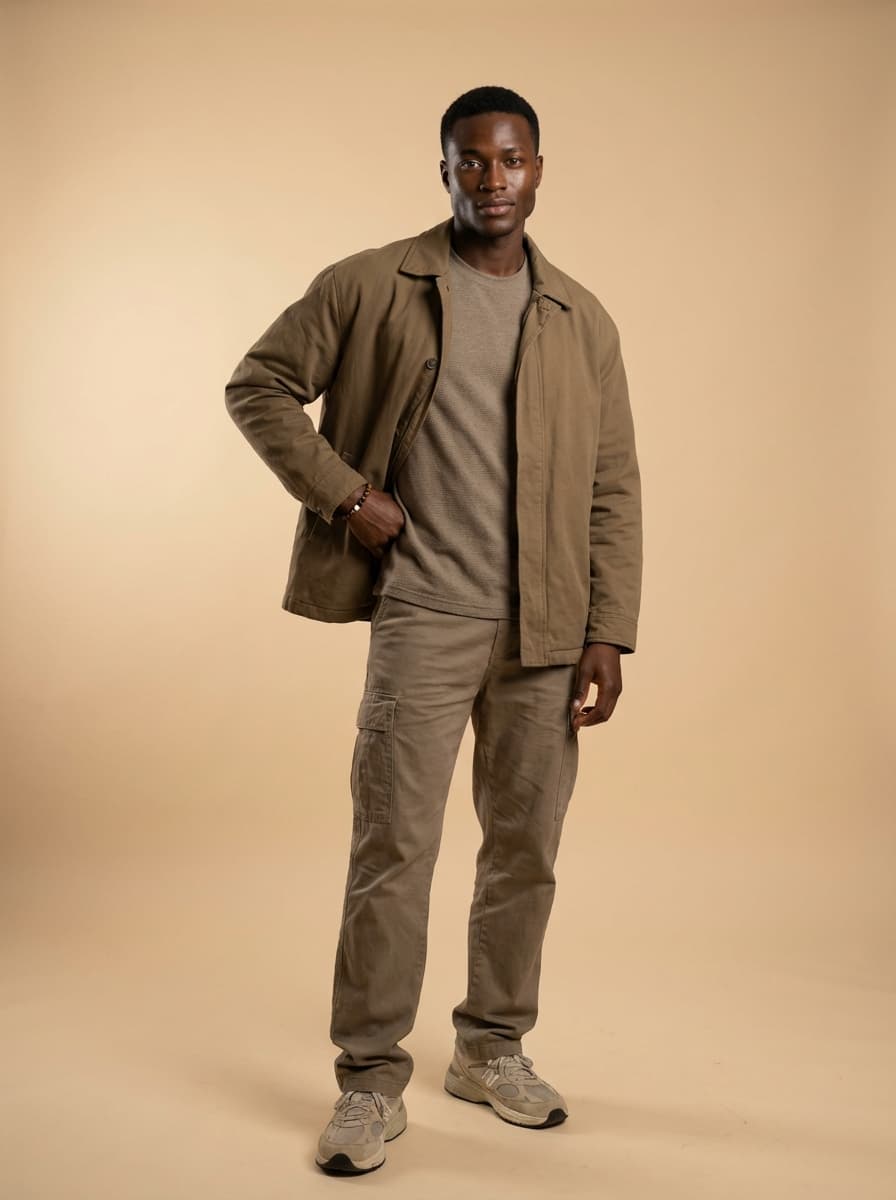
AI Influencer Studio
Build human and animal characters with visual appearance controls and reusable character sheets.
- Human & animal characters
- Identity and outfit references
- 2K character sheets
AI Portrait Director
Direct your own portrait with natural skin, intentional light and an editable photographic prompt.
- Identity and style references
- Editable Director prompt
- Nano Banana 2.1
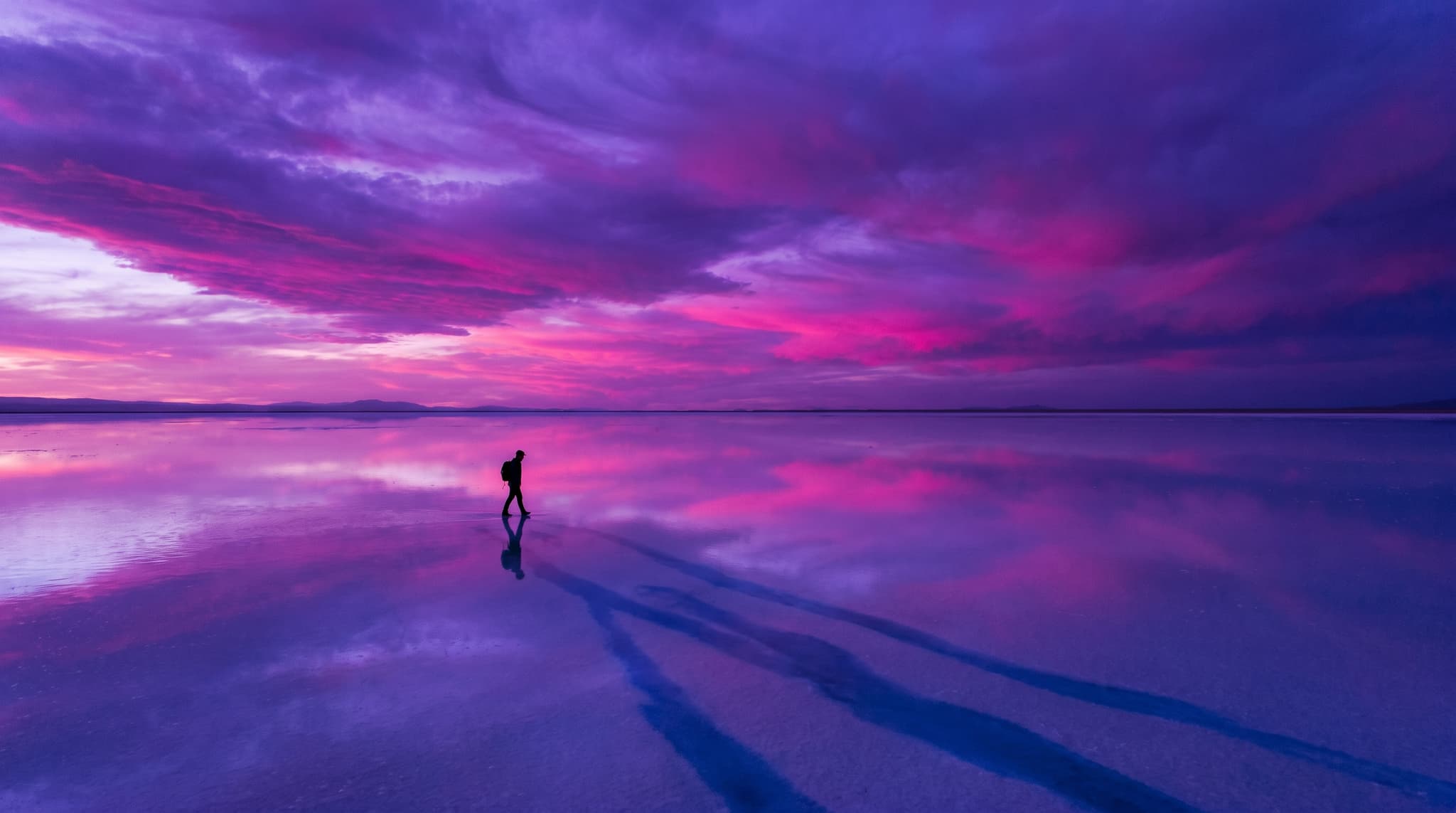
AI Art Generator
Original artwork from a description, built around media and movements rather than imitating one artist.
- Oil, watercolour, concept art
- Reference image upload
- Print and album formats
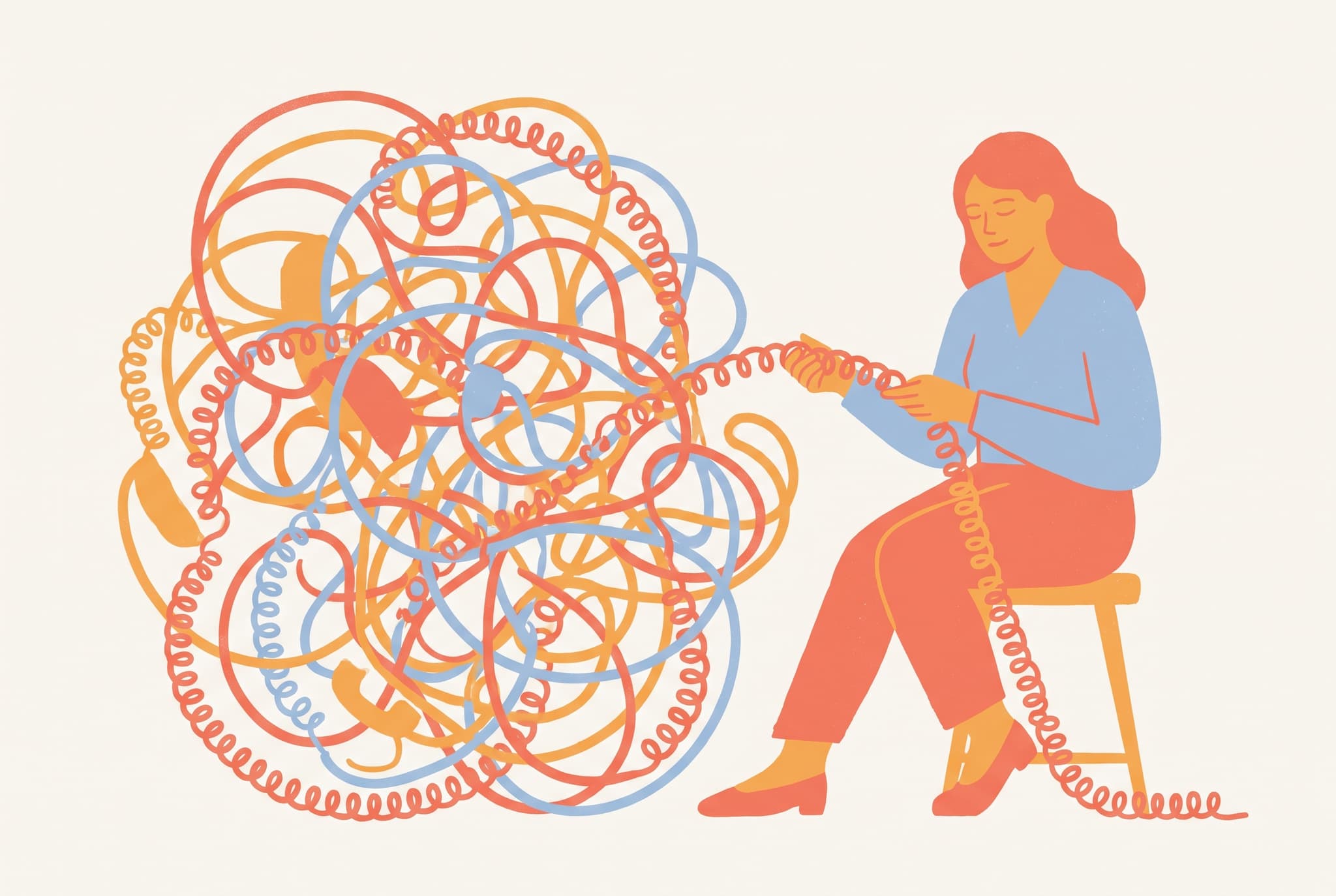
AI Illustration Generator
Illustrations for articles, books, brands and products, in a style you can hold across a whole series.
- Editorial and storybook
- Flat vector-style and isometric
- Consistent character guidance
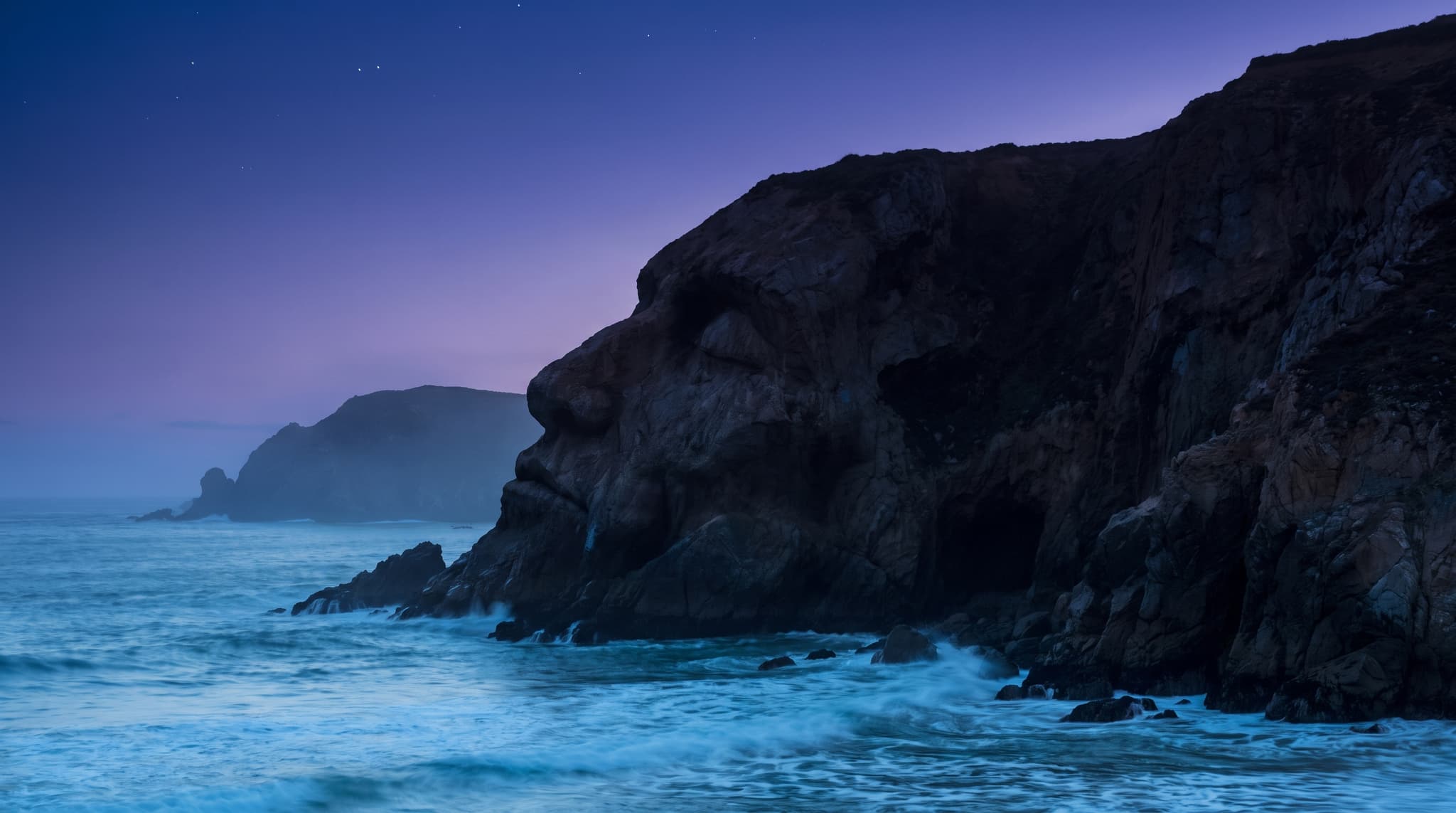
AI Illusion Generator
Images that read two ways — hidden forms, impossible architecture, forced perspective and surreal scale.
- Eight illusion types
- Prompt anatomy guide
- Still images, no animation
Brand and print
Work that has to carry a name, a headline or a title.

AI Stock Image Generator
Commercial-looking stock photography made to your brief, instead of searching a generic library.
- Editorial, product, lifestyle
- Publishing formats
- Copy space kept clear
AI Logo Generator
Turn a short brand brief into visual logo directions you can react to, then develop properly.
- Eight logo types
- Personality and colour presets
- Text-accurate model by default
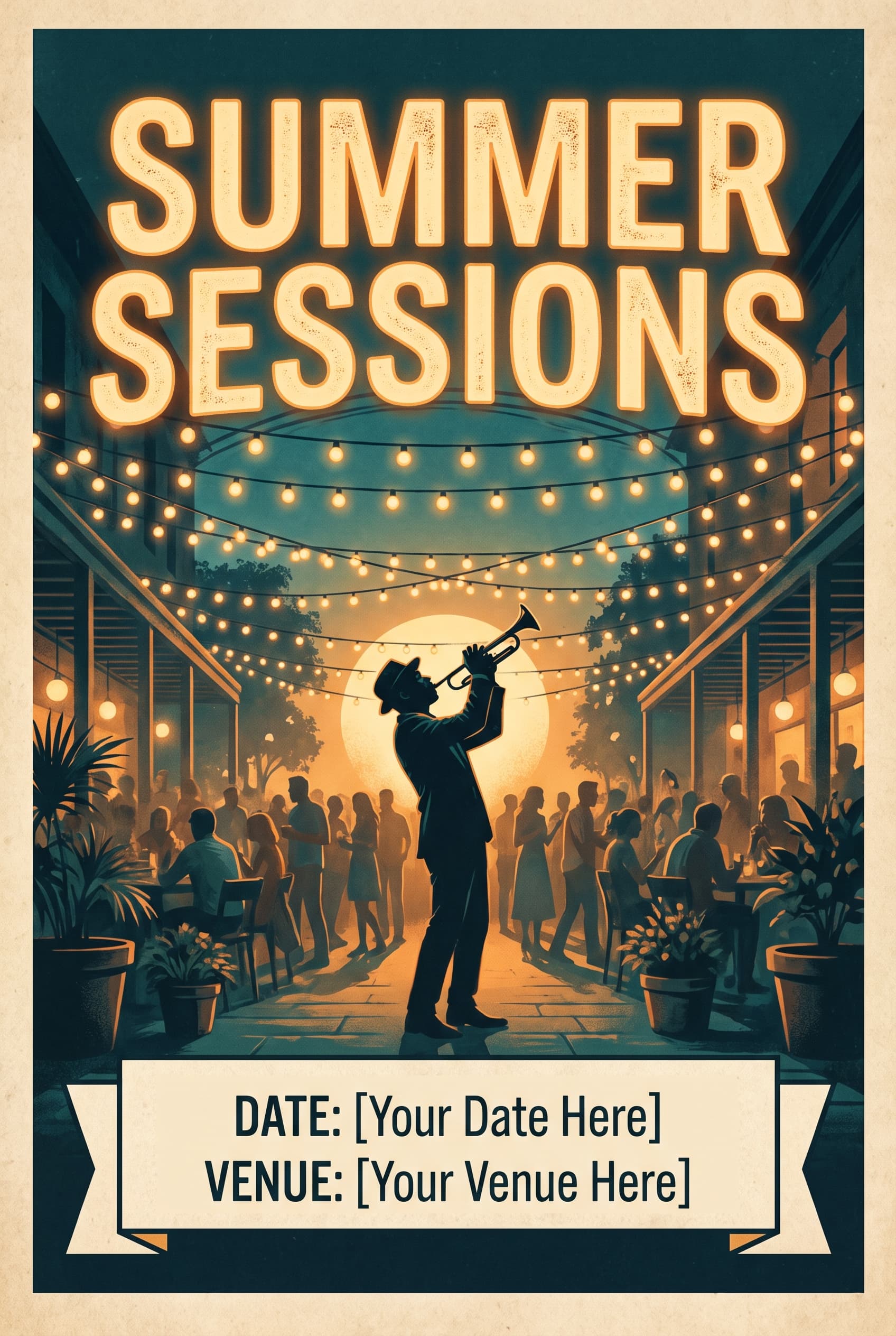
AI Poster Generator
Event, concert and campaign posters with a headline, and the details area deliberately left clear.
- Optional headline
- Print and story formats
- Visual hierarchy guide
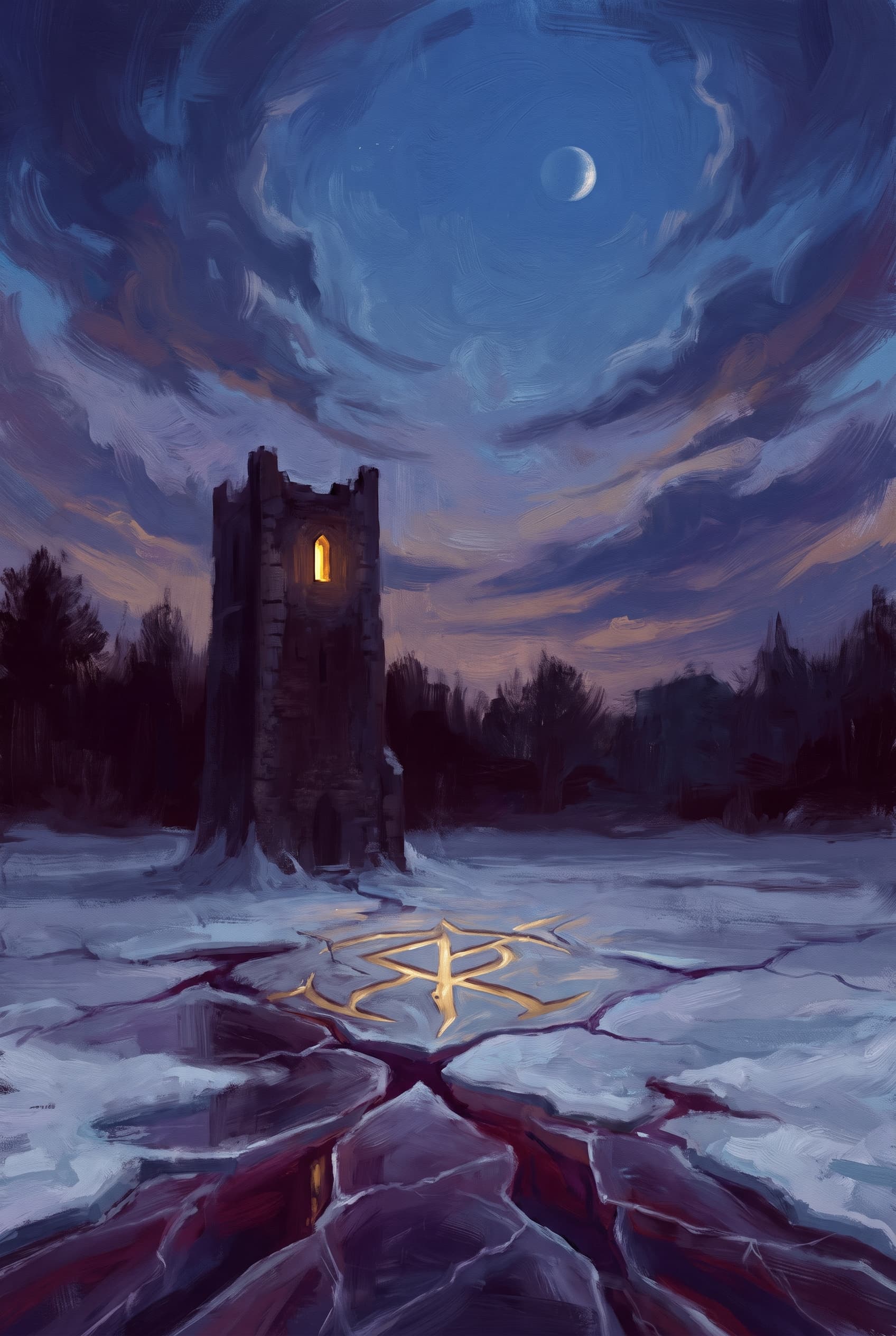
AI Book Cover Generator
Front-cover concepts by genre, with space reserved for the title block and a thumbnail check.
- Eight genres
- Portrait cover ratios
- Front cover concepts
Social media
Sized and composed for the feed it is going into.
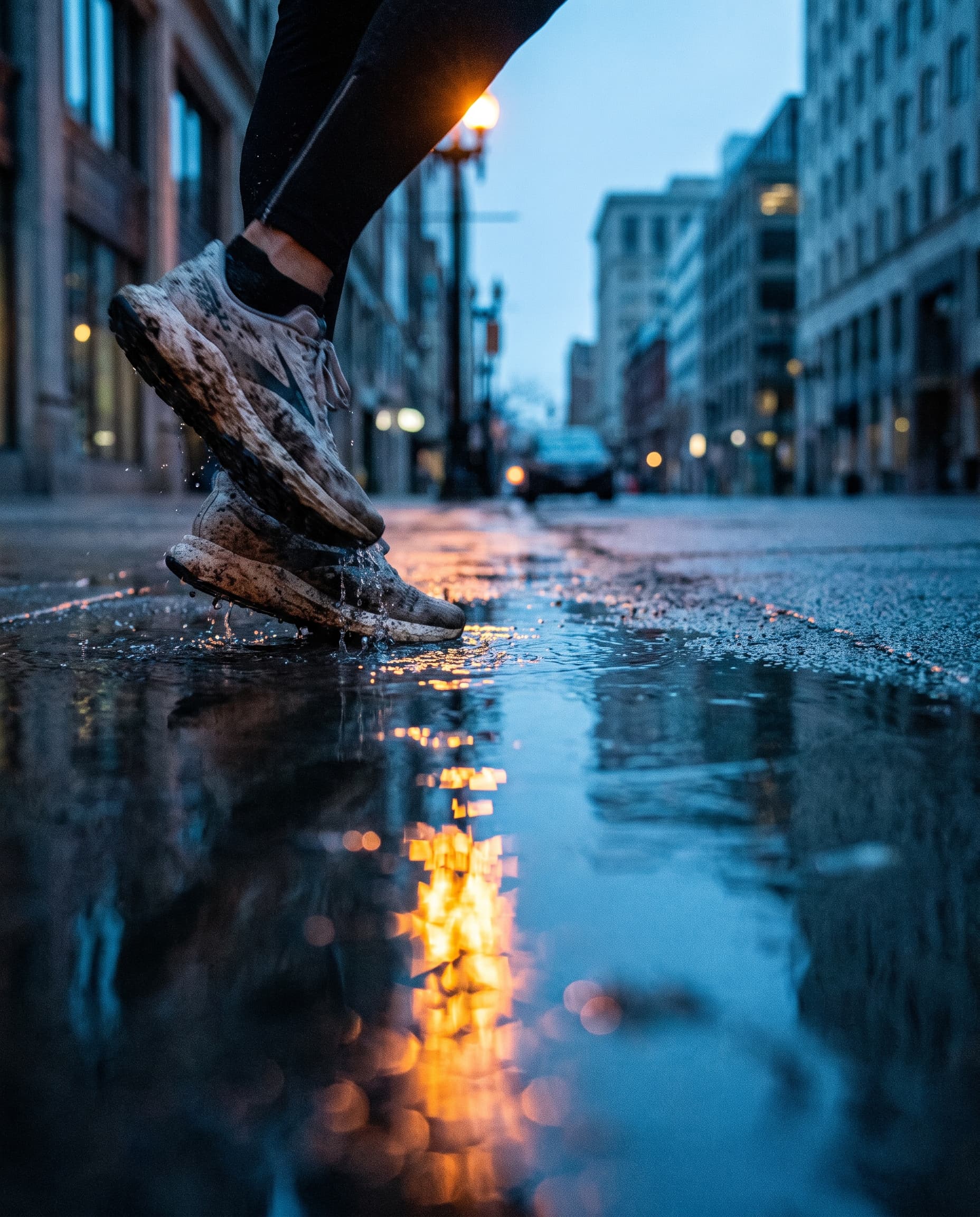
Instagram Post Generator
Square and portrait feed images with space kept clear for the caption or headline you add after.
- 1:1 and 4:5 feed crops
- Eight post types
- Brand consistency guide
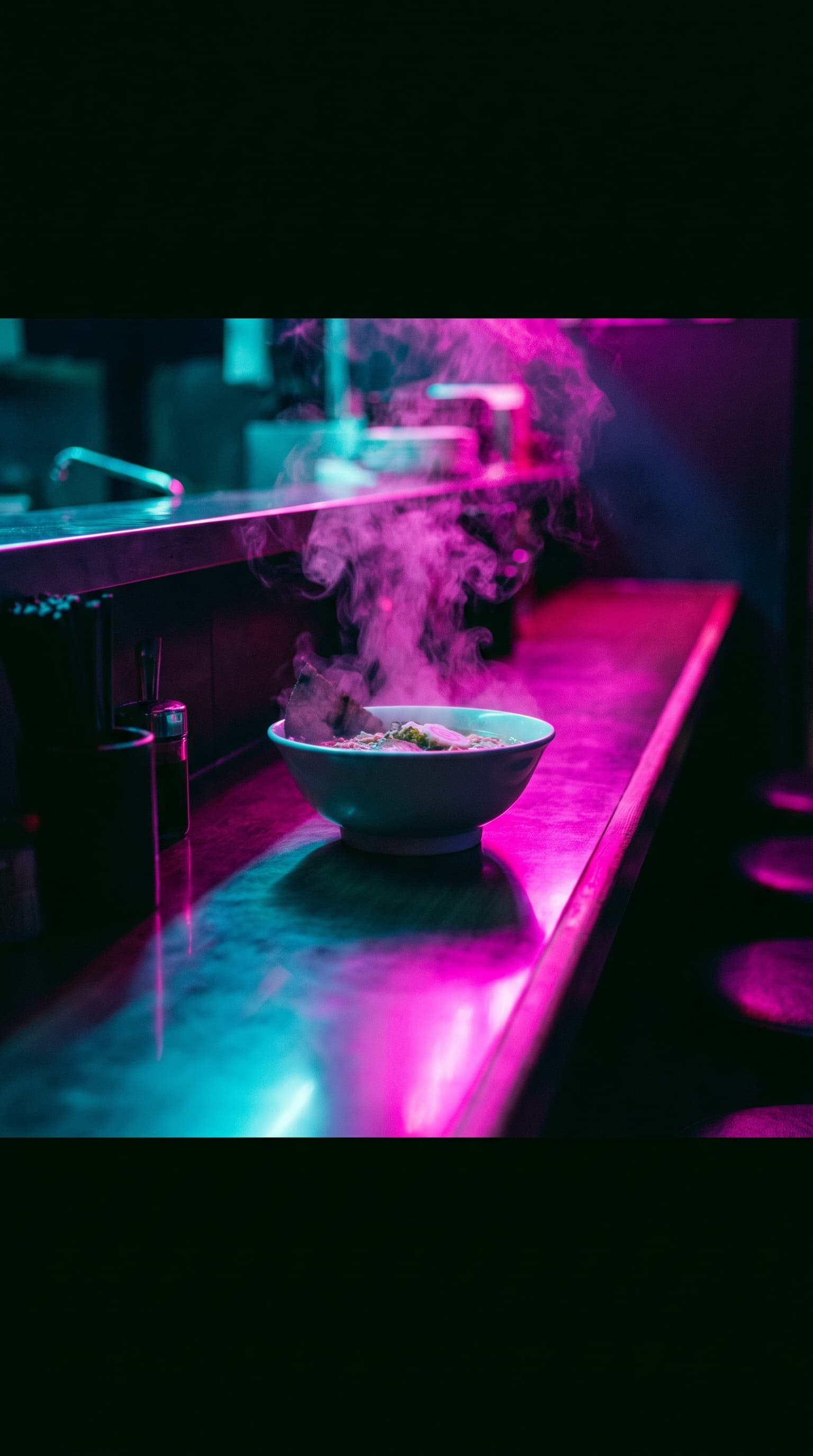
Instagram Story Generator
Full-screen 9:16 frames composed for the middle band, so the app interface never covers the subject.
- Safe zones applied automatically
- Campaign sequences
- Eight story types

LinkedIn Post Generator
Professional post images for updates, hiring and reports, with no invented logos or figures.
- Company vs personal voice
- Abstract data visuals
- Four feed formats
E-commerce
Built around a product you already sell.
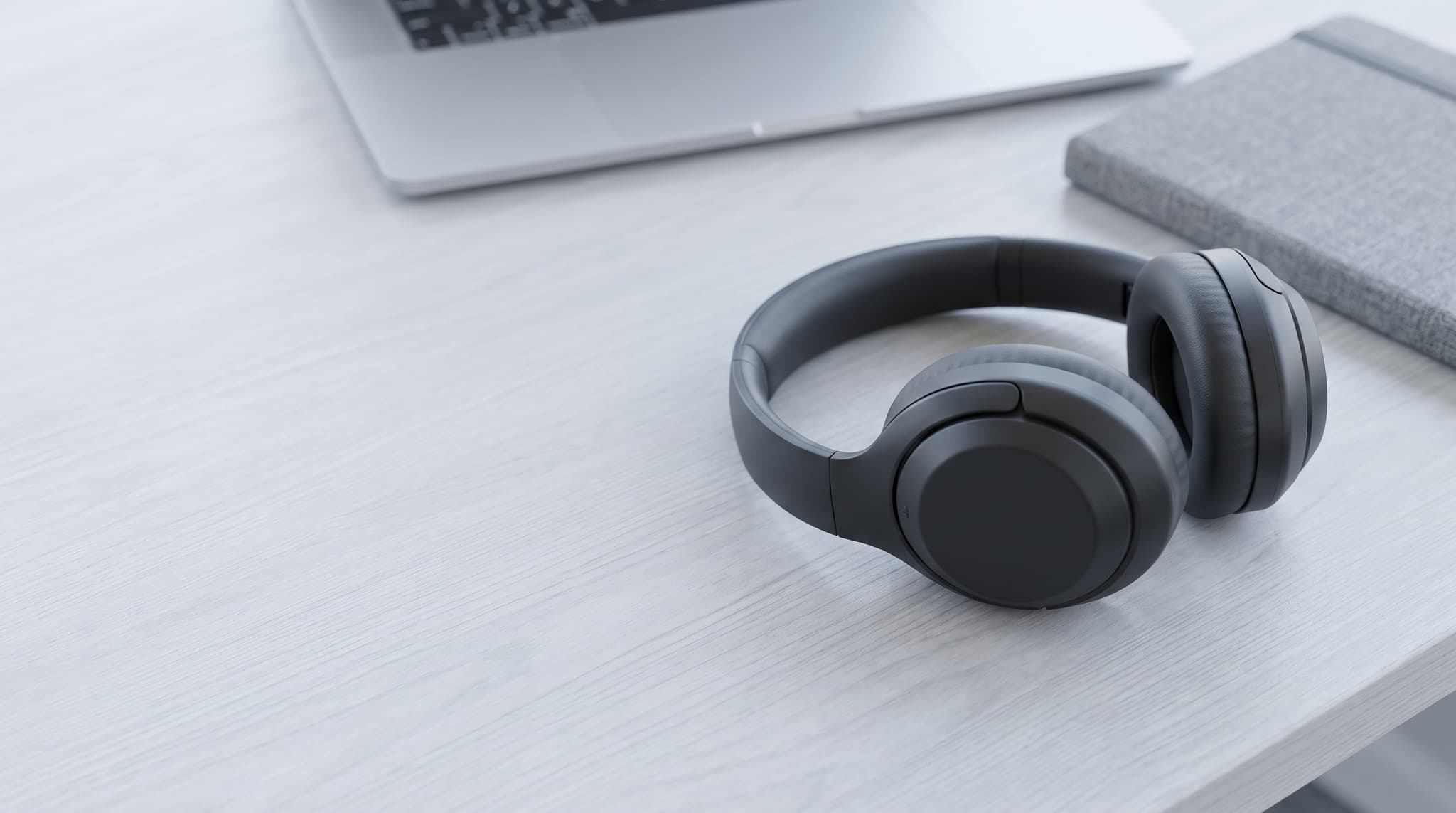
AI Product Photo Generator
One photo of your product, restaged as the studio, lifestyle and campaign shots a shop needs.
- Your product as the reference
- Eight scene presets
- Listing and ad formats
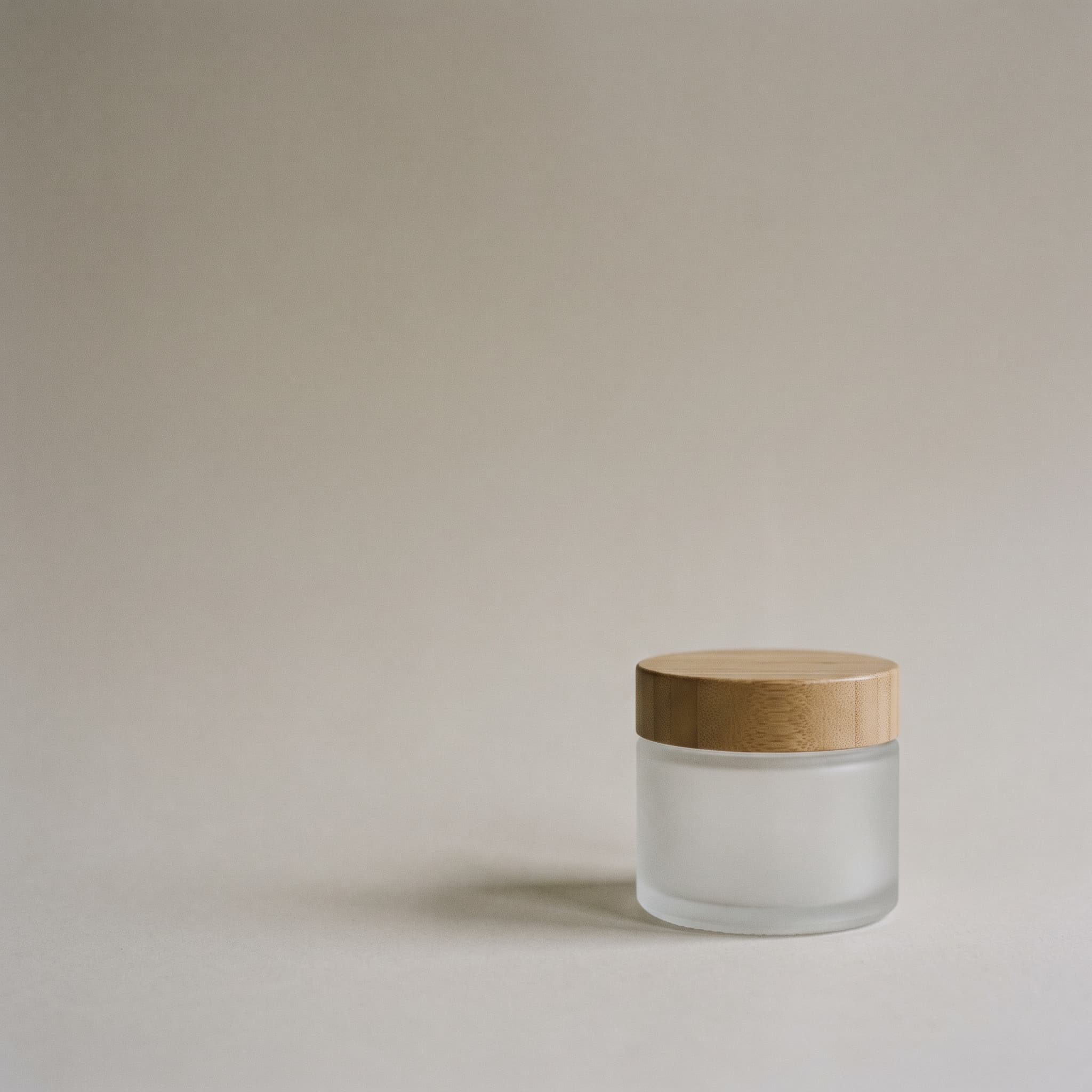
AI Product Post Generator
Campaign posts built around your product, with negative space left clear for your own headline.
- Six platform formats
- Eight campaign types
- Never invents copy
Screens and utilities
Made to fit a screen, a wall or a scanner.
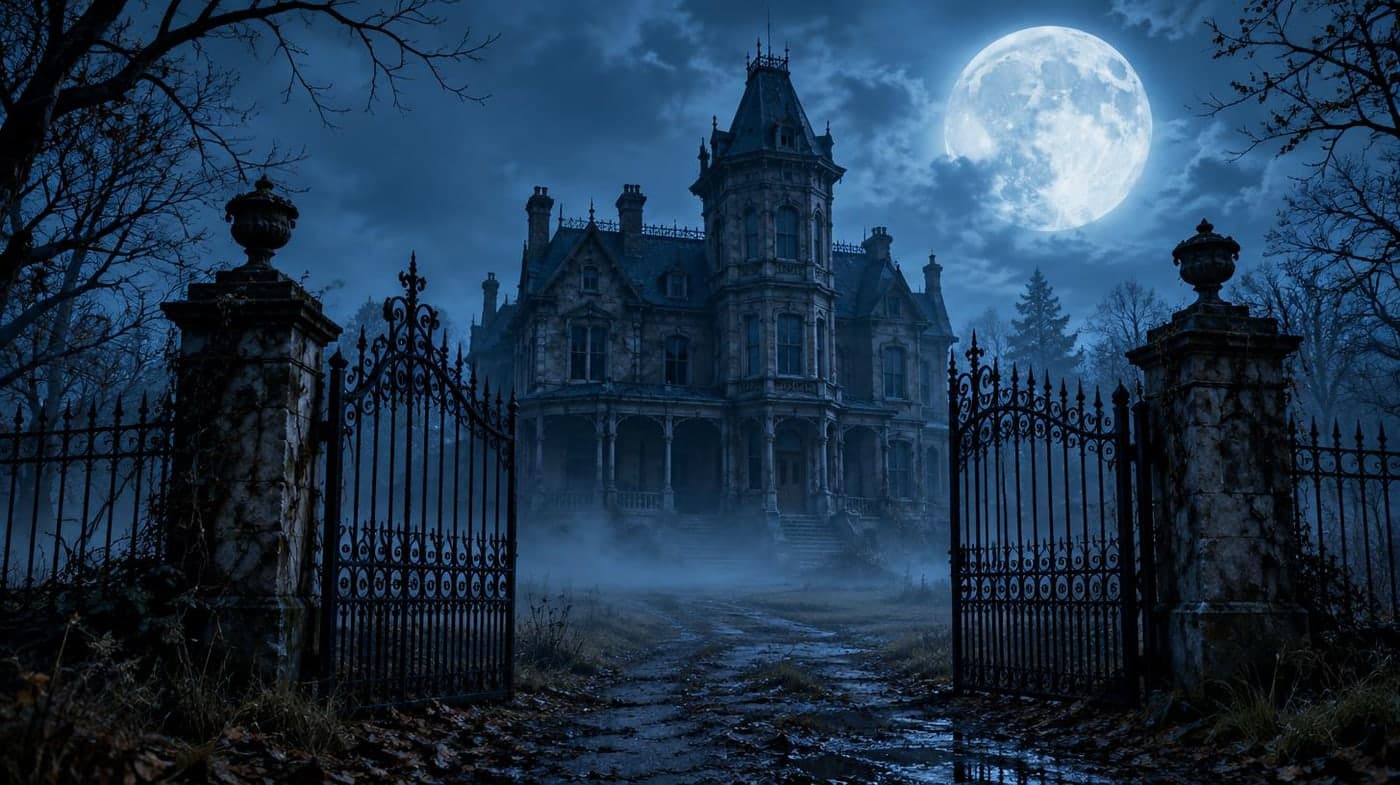
Halloween Background Photo Generator
50 cute, spooky, minimal, Zoom and party backgrounds with editable prompts.
- 50 original examples
- Phone, desktop and Zoom
- GPT Image 2.5 and Nano Banana 2
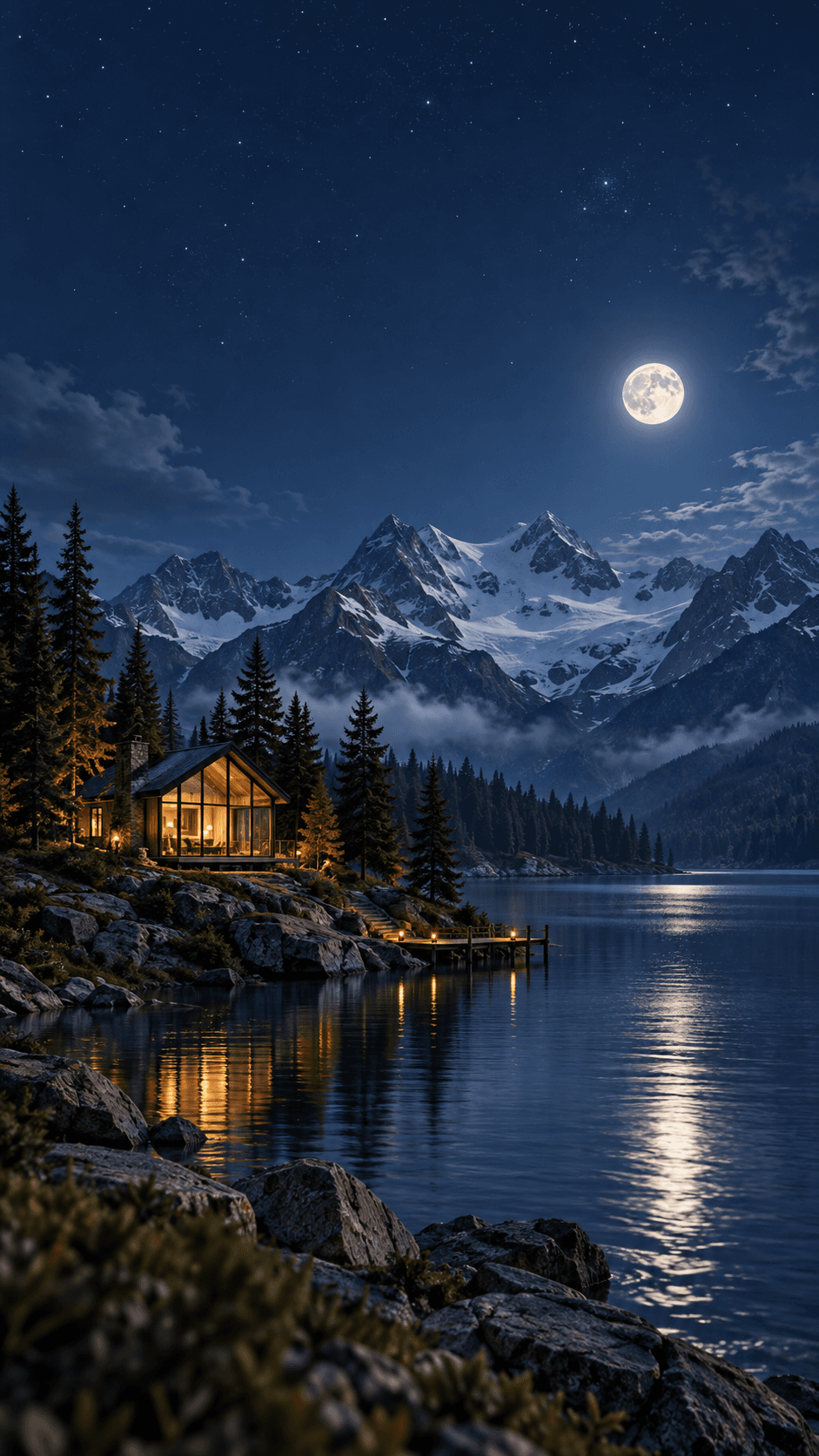
AI Wallpaper Generator
Wallpapers sized for phones, desktops and ultrawide screens, generated to fit the display you use.
- Phone, desktop, ultrawide
- Device-matched ratios
- Reference image upload
AI QR Code Generator
Styled QR codes encoded in your browser by a real encoder, with a live contrast check before you print.
- PNG and SVG download
- Scan-safety meter
- Nothing is uploaded
Working from a photo you already have?
The generators here all start from a description. For editing an existing image — changing a haircut, swapping a background, restoring an old photo or converting a file — the tools page collects those instead.
FAQ
Questions about the generators
Which generator should I use?
Pick by what the image has to do. Art and illustration are for pictures that stand on their own or sit beside text. Stock, logo, poster and book cover are for work that carries a name, a headline or a title. Wallpaper and QR are shaped by where the result is displayed. All of them open the same image generator, so you can switch at any point.
Do they all work the same way?
Nearly. Each page composes a detailed prompt from what you describe plus the presets you choose, then hands it to the imageat image generator with the right aspect ratio and model already set. The QR generator is the exception: it encodes codes directly in your browser rather than generating a picture.
Do I need an account or credits?
You can browse every page and open the generator without signing in, but generating an image requires an account and spends credits. The cost depends on the model and settings, and the generator shows the price before you run it. Signing up is free; credits come with a monthly plan, and subscribers can top up with one-time credit packs. The QR generator is free and needs no account, because nothing is generated on a server.
Can I use what I generate commercially?
Under the imageat terms of service you own the images you generate and imageat does not claim ownership of them. What you can do commercially still depends on your plan and on the terms, and AI output is not cleared for trademarks or likenesses. Check the terms of service, and read the caveats on the logo and book cover pages before using those in public.
How is this different from the tools page?
The generators here all start from a written description and make a new image. The tools page collects things that work on a photo you already have — changing a haircut, swapping a background, restoring an old picture, converting a file.