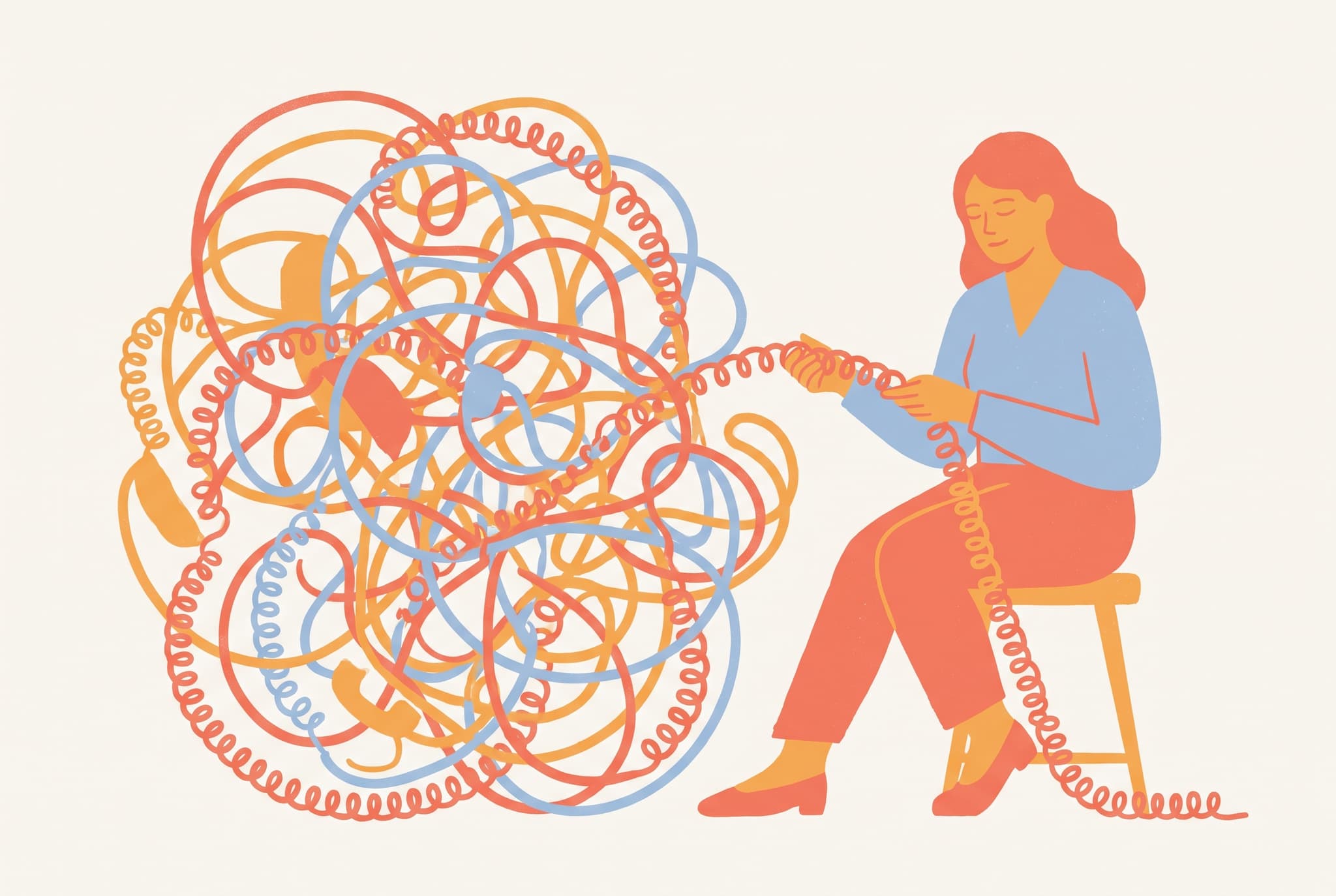
Editorial
Built to sit beside an argument.
- One conceptual idea, not a literal scene
- Limited palette, confident flat shapes
- Generous space for a headline
- Reads instantly at small sizes
Illustration on a brief
Create illustrations for stories, articles, brands, products and teaching material. Describe the scene or the idea, pick a style, and build a set that holds together.
Original results · Consistent styles · No drawing skills required
Made with imageat
Each image below came from the prompt shown with it. Open one in the generator with its prompt and ratio already set, then make it yours.
3:2 · Article
Editorial
A conceptual metaphor carried by one clear idea and a lot of space.
A woman patiently untangling an enormous knot of coiled telephone cord, editorial illustration as a metaphor for a complicated process, limited palette of coral, amber and soft blue, confident flat shapes, generous negative space, no text, no watermark
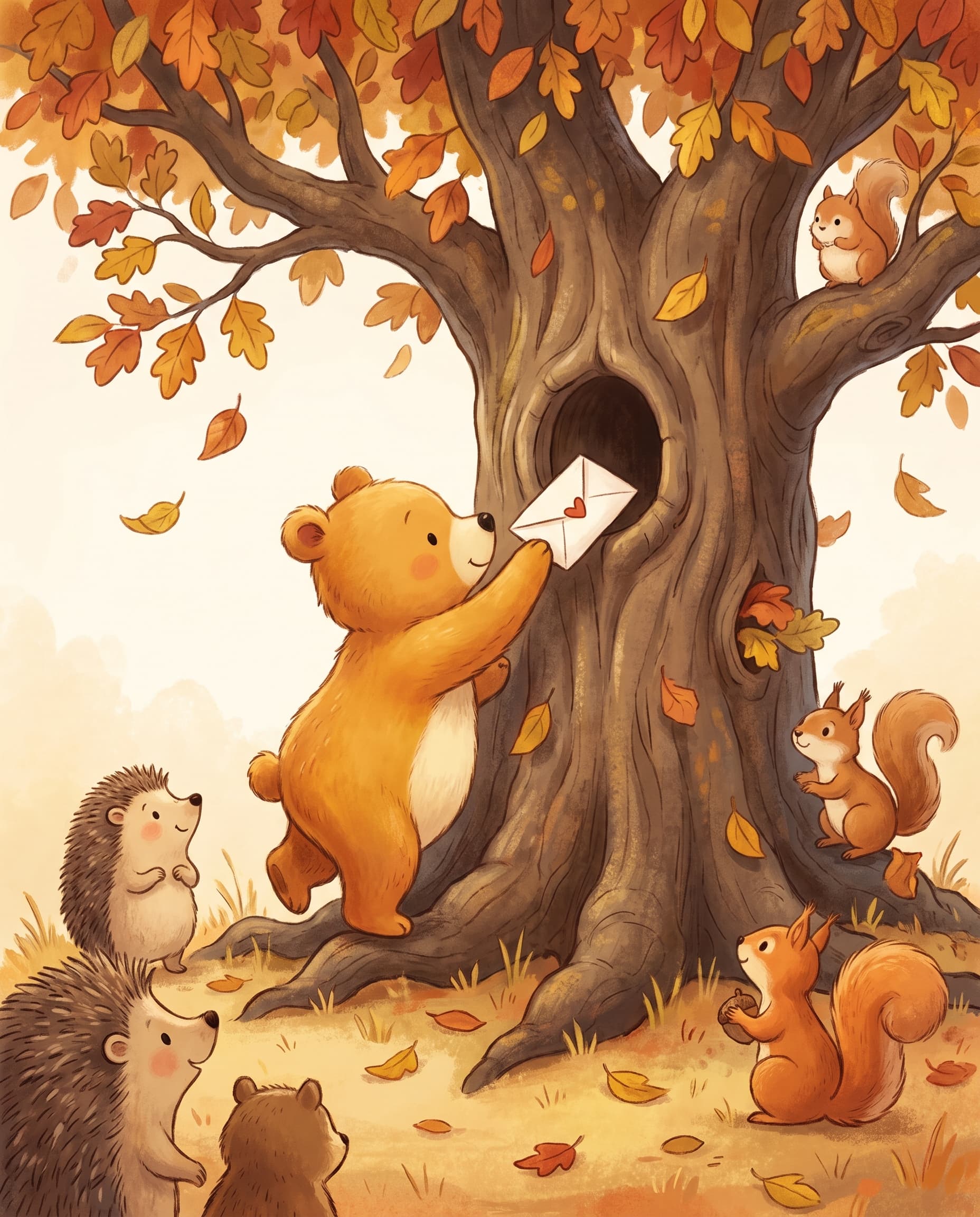
4:5 · Picture book
Children's book
A warm storybook page, built around one small friendly moment.
A small round bear standing on tiptoe to post a letter into a hollow tree used as a postbox, children's book illustration with warm friendly characters and soft rounded shapes, gentle autumn palette of amber, rust and cream, no text, no watermark
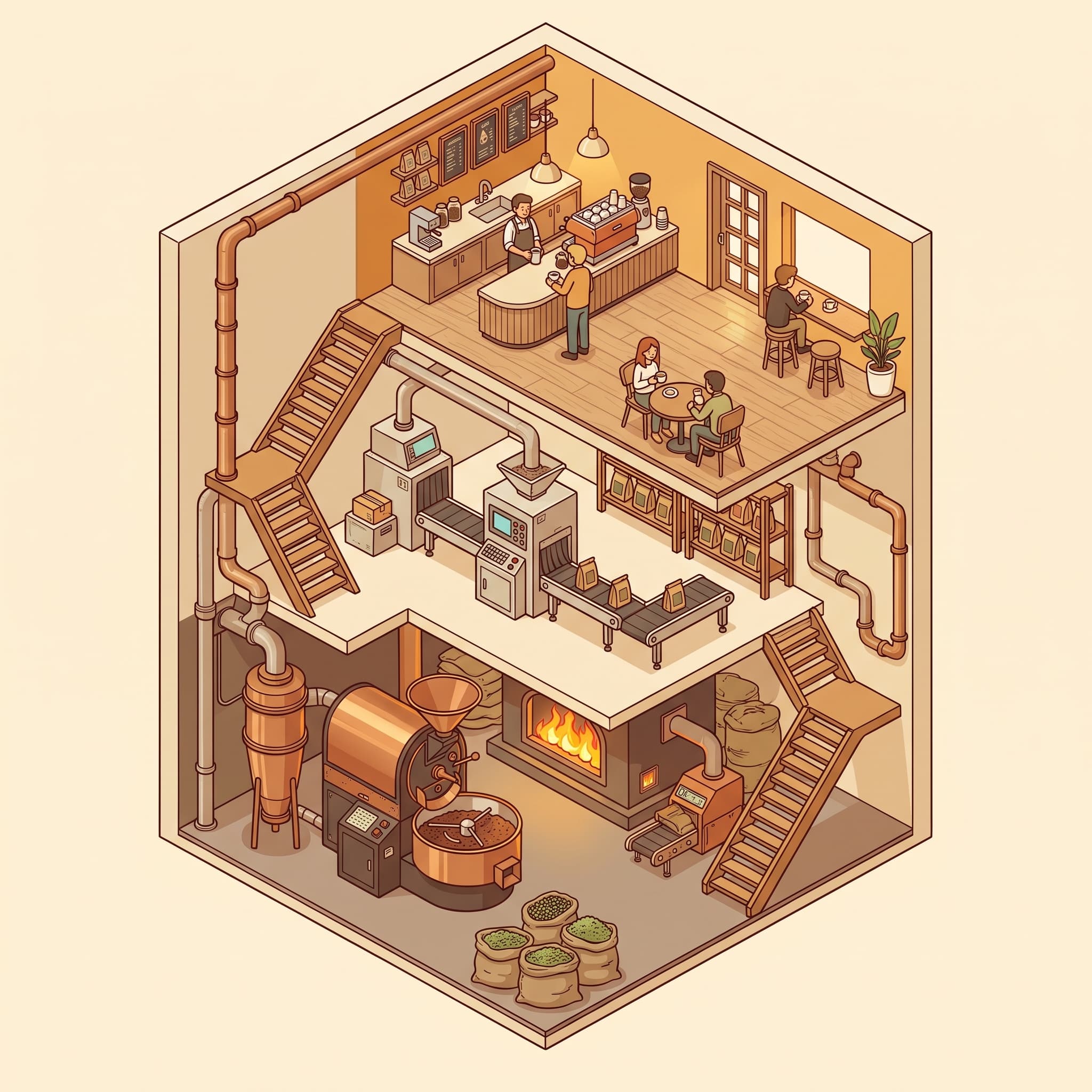
1:1 · Product
Isometric
A cutaway with three levels of activity, drawn on a strict grid.
An isometric cutaway of a tiny three-level coffee roastery, roasting below, packing in the middle, a small cafe on top, isometric illustration at 30-degree projection with precise geometry and consistent lighting, warm amber and cream palette, no text, no watermark

16:9 · Banner
Flat vector
Flat shapes, solid fills, and one idea you read instantly.
A cyclist riding across the pages of an enormous open book as if it were a winding road, flat vector-style illustration with clean geometric shapes and solid fills, no gradients, coral, amber and soft blue palette, wide composition with clear space on the left, no text, no watermark
Two different jobs
Both are illustration, but they are solving different problems. Picking the right one before you write the prompt saves more time than any amount of rewording afterwards.
Built to sit beside an argument.
Built to be looked at, slowly.
Where it goes
Writers, editors, product teams, educators and brand designers use the same generator for one-off images and for whole series.
Give a piece an image that carries its argument, instead of a photo that only decorates it.
Develop characters and scenes in a consistent style while you are still drafting the story.
Empty states, onboarding screens and feature graphics that match your interface rather than fight it.
Build a small library of images that share a palette, line weight and level of detail.
Diagrams, cutaways and explainers for lessons, courses and documentation.
A recognisable illustrated header for each post, produced in minutes rather than days.
Prompt guide
For characters, describe build, clothing and colours the same way every time. For scenes, lead with the idea the picture has to carry, then the style and palette.
A person carefully balancing a stack of mismatched suitcases while crossing a narrow beam, editorial illustration as a metaphor for competing priorities, limited palette of coral and slate blue, confident flat shapes, generous negative space, no text, no watermark
Three views of the same friendly fox character — front, three-quarter and side — standing on a plain cream background, children's book illustration with soft rounded shapes and consistent proportions, warm rust and cream palette, no text, no watermark
A small open cardboard box with a single paper plane flying out of it, flat vector-style illustration with clean geometric shapes and solid fills, soft blue and coral palette, centred with generous margins for an empty-state screen, no text, no watermark
A cutaway illustration of a espresso machine showing the water path from tank to group head, technical illustration with precise forms and clear separation between components, restrained functional palette of steel grey and amber, no text, no watermark
How it works
Say who or what is in the picture and what is happening. For editorial work, describe the idea you want the image to carry, not just the objects in it.
Choose an illustration style such as editorial, flat vector or storybook, then set the aspect ratio to match the article, page or screen it is going into.
Generate the illustration, then reuse the same style and palette wording for the next one so a series holds together as a single visual language.
FAQ
It creates illustrations from a written brief. You describe the scene, character or idea, choose a style such as editorial, flat vector or storybook, and the image is generated to match — which is useful when the picture you need does not exist as a photo.
No. The generator produces high-resolution raster images, not vector files. The flat vector style gives you that clean, geometric look, but the result is a PNG-style image rather than editable paths. If you need true vectors, use the generated image as a reference and redraw it in a vector editor.
Reuse the same wording for the parts that should not change — the style, the palette, the line weight and the level of detail — and change only the subject. Keeping that description identical across runs is what makes a set read as one visual language.
You can get close by describing the character the same way every time — species or age, build, clothing, colours and proportions — and by uploading a previous result as a reference image. Expect some variation between runs rather than an exact match.
Editorial suits opinion pieces and features, because it is built around a single conceptual idea with room for a headline. Storybook suits narrative pieces, flat vector suits product and UI contexts, and technical suits explainers and documentation.
Under the imageat terms of service you own the images you generate and imageat does not claim ownership of them. Commercial use still depends on your plan and on the terms, and AI output is not cleared for trademarks or likenesses, so check the terms of service for your specific case.
The art generator is built around fine-art media and moods — painting, surrealism, abstraction — for pieces that stand on their own. This page is built around commissioned illustration: images made to sit alongside text, in an article, a book, a product or a brand system.
Rights and permitted use are governed by the imageat terms of service. The generator produces high-resolution raster images, not editable vector files.
Start from a blank brief or open one of the prompts above, then keep the style wording and change only what is in the frame.