Stock photography, on demand
AI Stock Image Generator
Create original, commercially useful stock images from a prompt — without searching through generic stock libraries. Describe the shot you need, pick the format, and get an image made for your brief.
Original results · Multiple AI models · No photography skills required
Made with imageat
Stock photography, generated to brief
Every image below was generated from the prompt shown with it. Open any one in the generator with its prompt and aspect ratio already filled in, then change whatever you need.
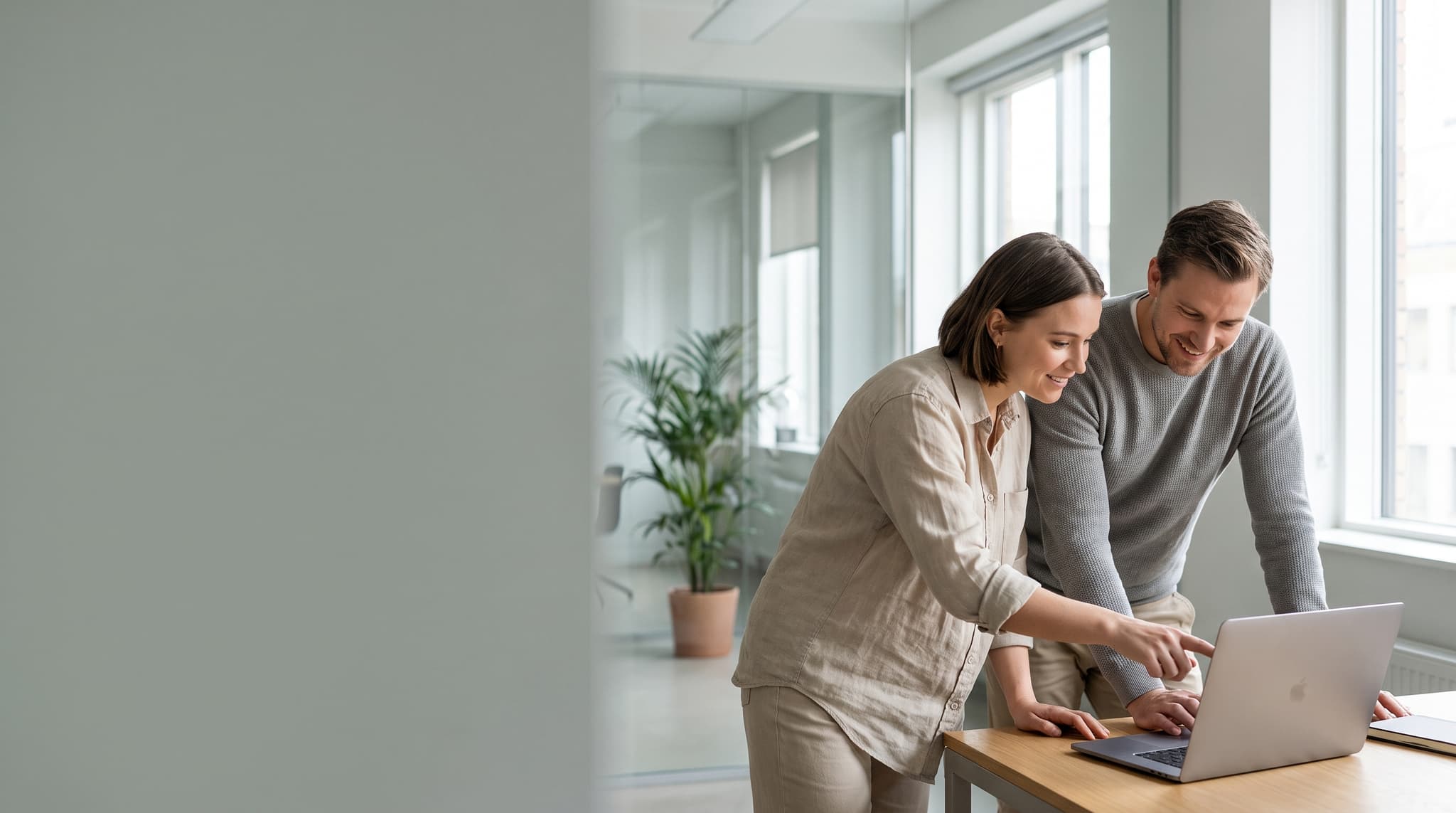
Working Session
16:9 · Blog hero
Business and teamwork
Two colleagues mid-discussion over a laptop, lit by a wide office window.
Show the promptHide the prompt
Two colleagues reviewing work on a laptop in a bright modern office, candid unposed moment, large window light from the right, soft neutral palette, shallow depth of field, generous copy space on the left, editorial photography, no text, no watermark
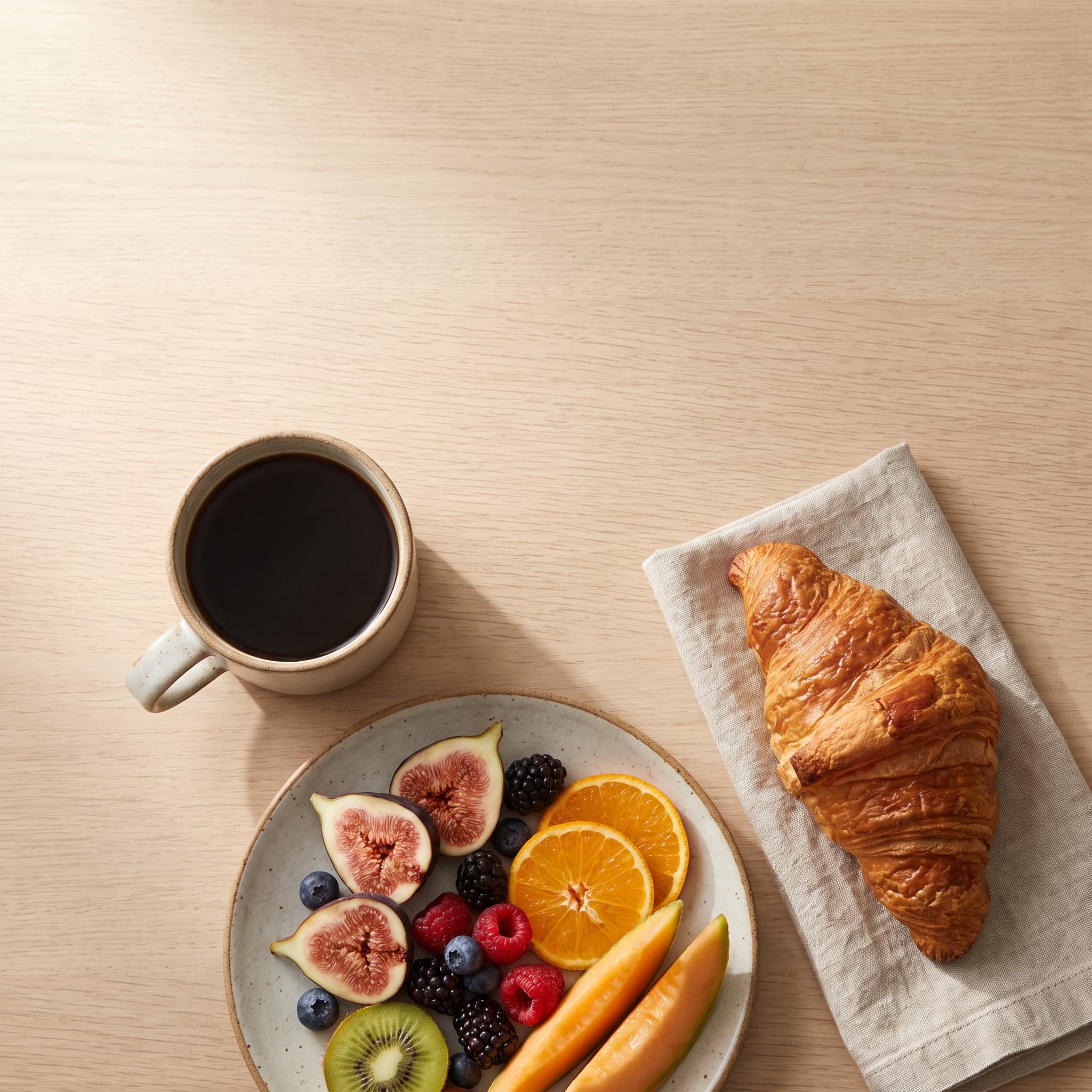
Morning Table
1:1 · Social post
Food and hospitality
An overhead breakfast spread with room left open for a headline.
Show the promptHide the prompt
Overhead flat lay of a breakfast spread on a pale oak table, black coffee, sliced fruit and a croissant, soft morning daylight from one side, warm neutral palette, generous negative space in the upper third, appetising food photography, no text, no watermark
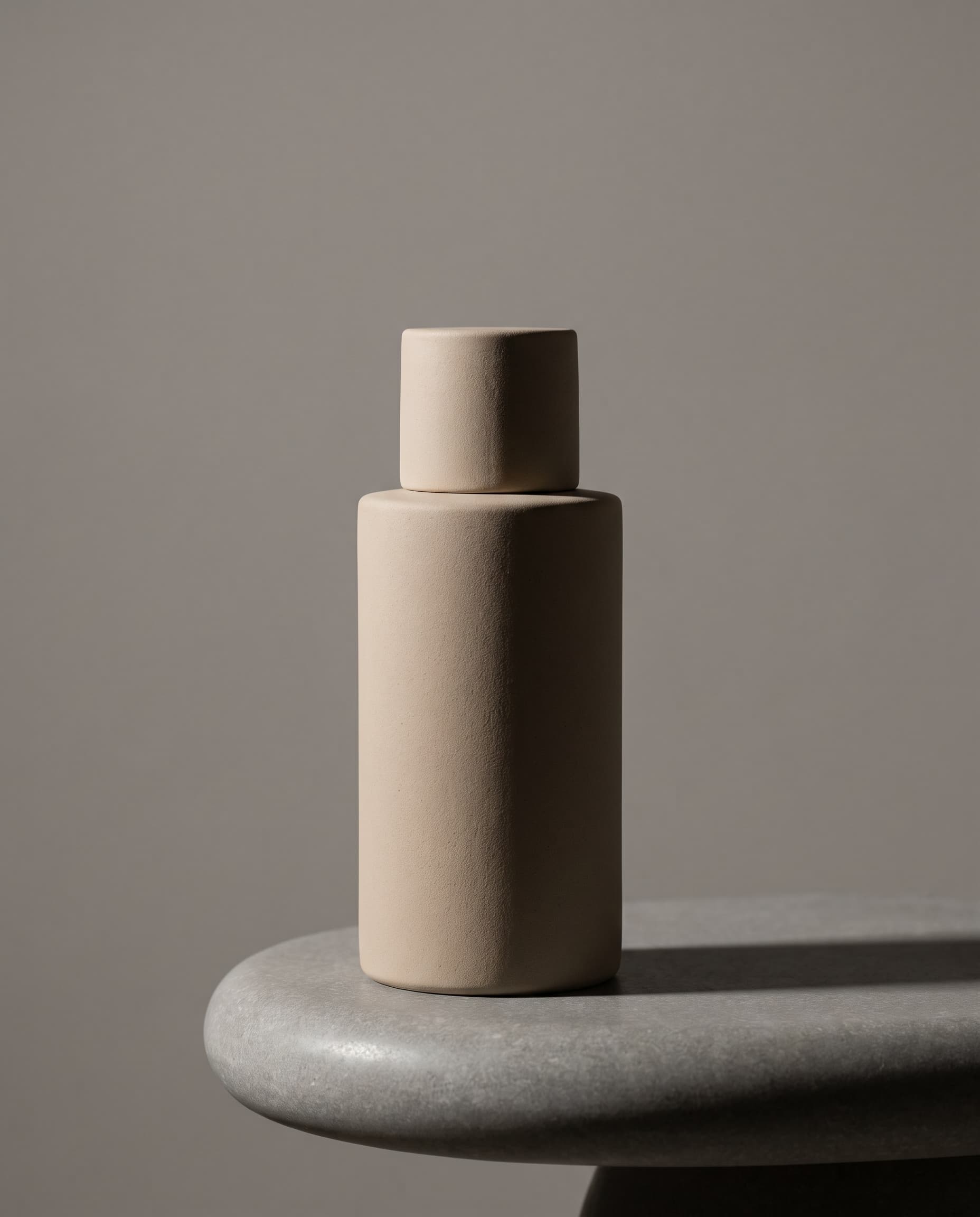
Serum Still Life
4:5 · Product feature
Product
An unbranded bottle on stone, lit with a single soft key.
Show the promptHide the prompt
An unbranded matte ceramic skincare bottle standing on a smooth stone plinth, single softbox from the left, deep shadow falloff, muted sand and grey palette, commercial product photography, clean seamless backdrop, crisp detail, no text, no logos, no watermark
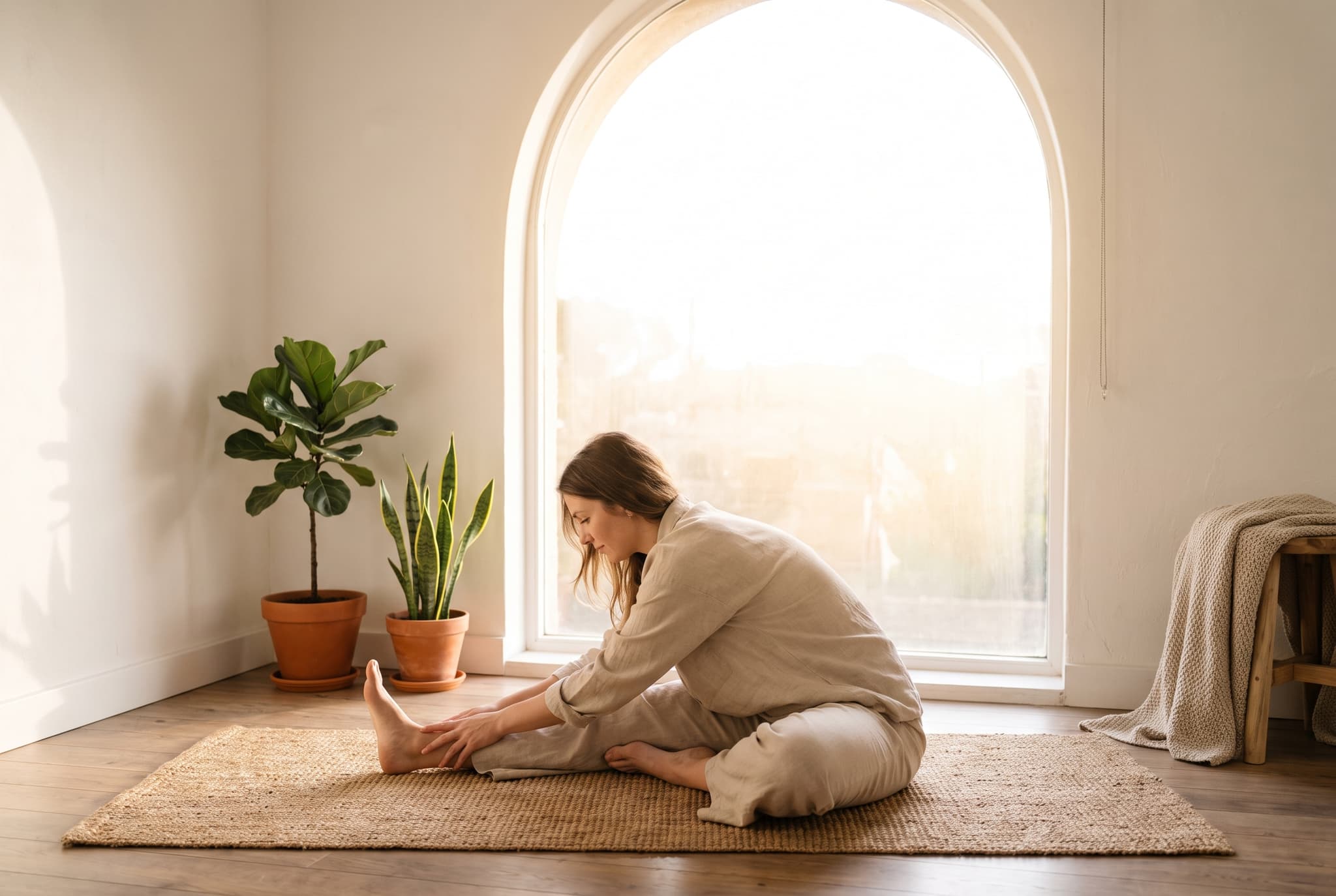
Quiet Practice
3:2 · Editorial
Health and wellness
A calm stretch by the window, soft light and uncluttered space.
Show the promptHide the prompt
A woman stretching on a yoga mat beside a sunlit window, calm neutral interior with plants, soft diffused morning light, muted warm palette, uncluttered composition with empty space above, wellness photography, no text, no watermark
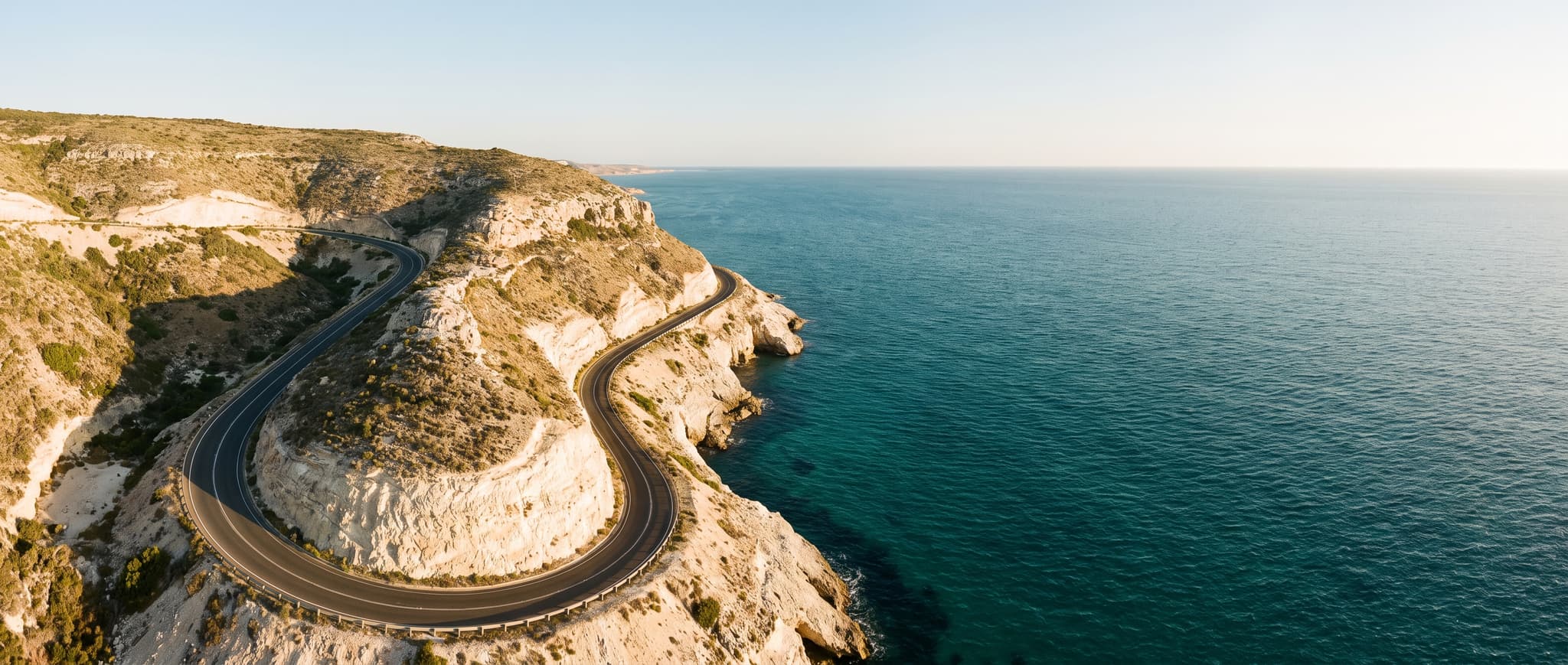
Coast Road
21:9 · Page banner
Travel
An aerial coast road at golden hour, built for full-width banners.
Show the promptHide the prompt
Aerial view of a winding coastal road along pale cliffs above a deep teal ocean at golden hour, wide establishing shot, rich natural colour, long soft shadows, travel photography, clean horizon with space for a headline, no text, no watermark
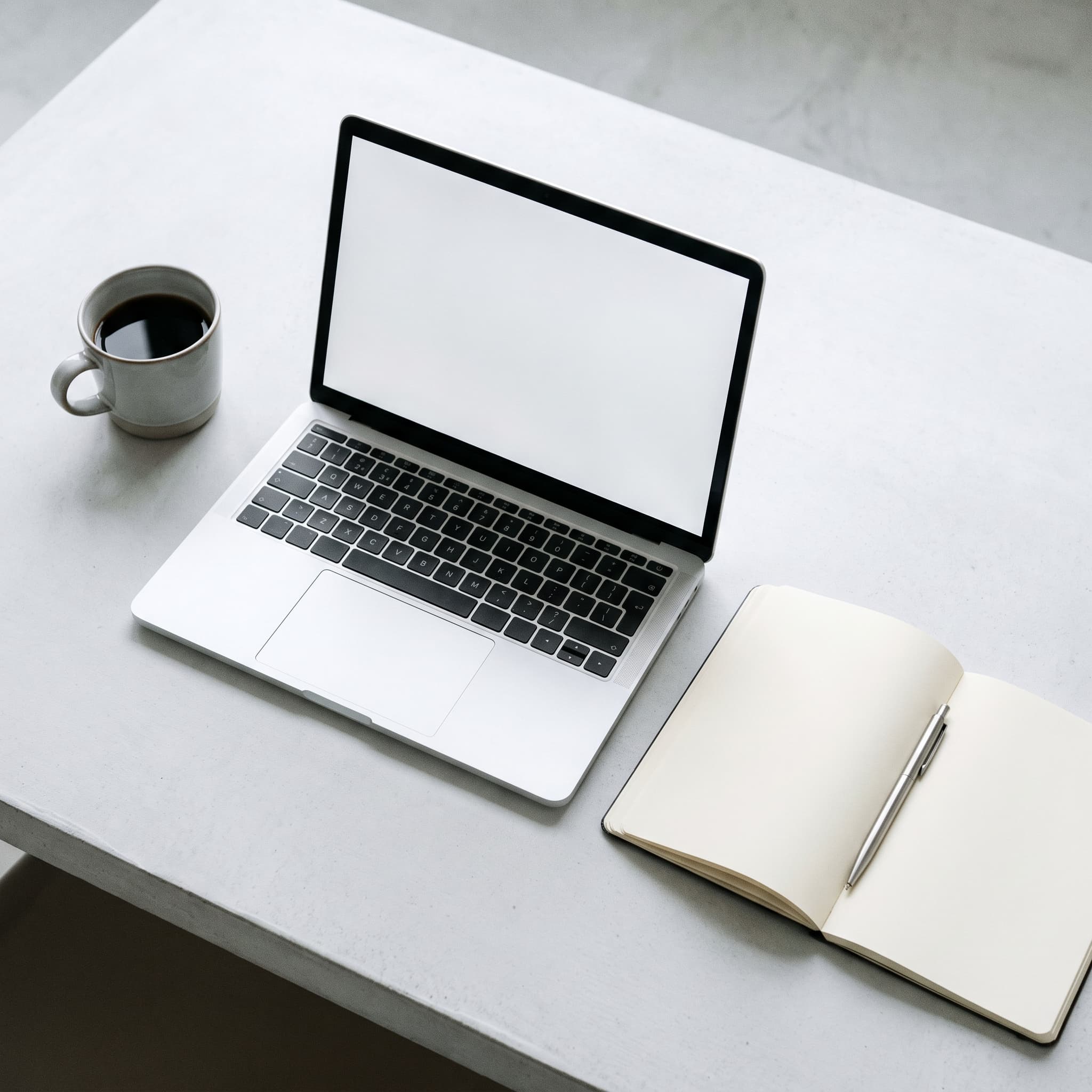
Desk Overhead
1:1 · Thumbnail
Technology
A tidy overhead desk in a cool, neutral palette.
Show the promptHide the prompt
Overhead view of a tidy desk with an unbranded laptop, an open notebook, a pen and a coffee cup, cool neutral grey and white palette, soft even daylight, clean uncluttered surface, technology photography, generous negative space, no text, no logos, no watermark
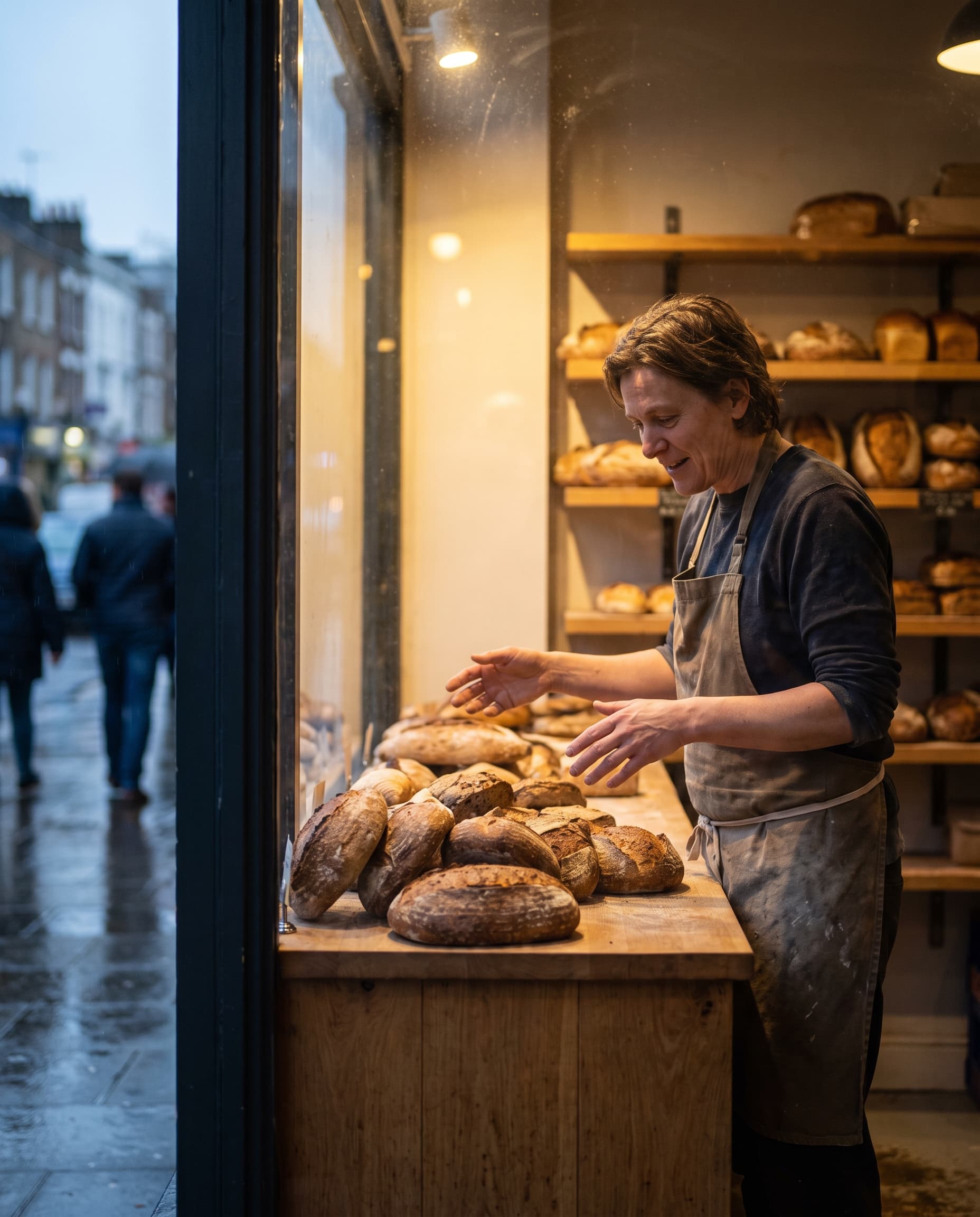
Behind the Counter
4:5 · Story feature
People and lifestyle
A small-business portrait shot as documentary, not as a pose.
Show the promptHide the prompt
A small bakery owner arranging loaves of fresh bread on the counter, warm interior light from a shopfront window, documentary framing, candid unposed expression, shallow depth of field, rich warm palette, lifestyle photography, no text, no watermark
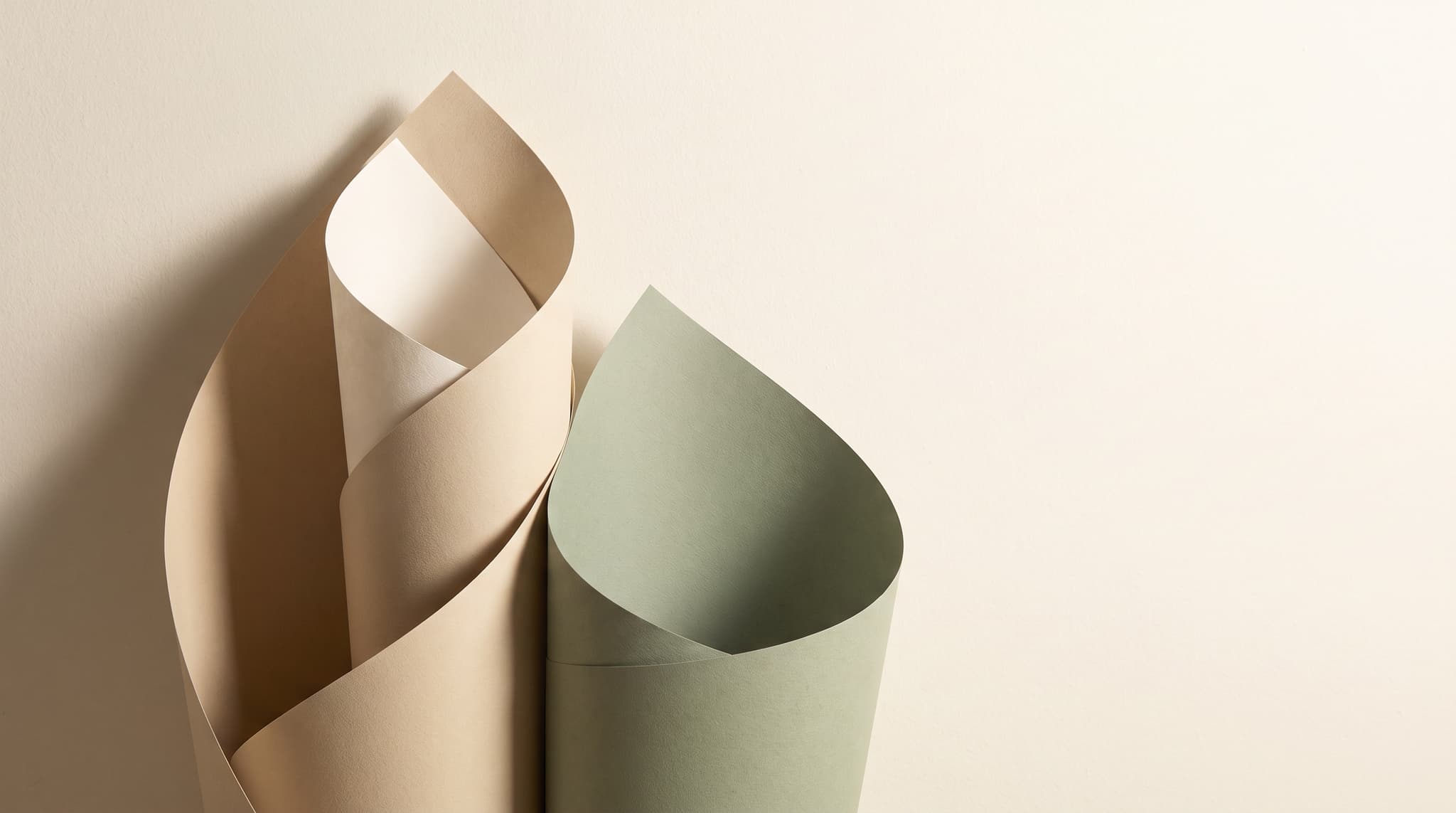
Paper Layers
16:9 · Slide backdrop
Abstract backgrounds
A quiet abstract backdrop that text sits on cleanly.
Show the promptHide the prompt
Abstract layered paper forms curving across the frame in soft sand, ivory and sage tones, gentle directional shadows, smooth matte texture, minimal composition with a large clear area on the right, studio lighting, no text, no watermark
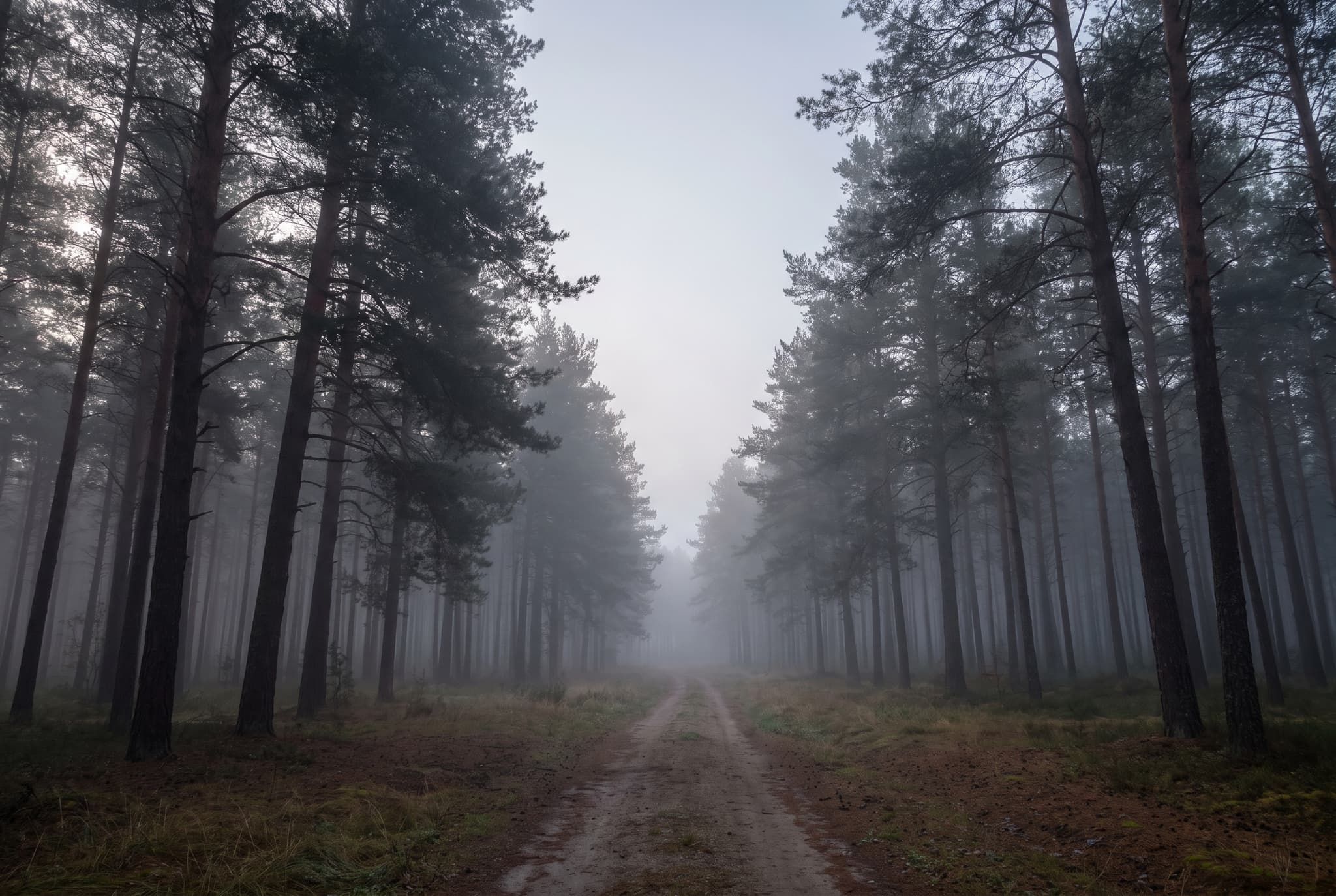
Morning Path
3:2 · Newsletter
Nature
A misted forest path with depth built in for overlaid type.
Show the promptHide the prompt
A narrow path leading through tall pine trees in morning mist, layered silhouettes fading into pale grey, soft even light, muted green and grey palette, calm landscape photography, clear space in the upper half, no text, no watermark
Where it goes
Images for the places you actually publish
Marketers, bloggers, designers, agencies and small teams use the same generator for everything from an article header to a full-width campaign banner.
16:9
Blog hero images
Give every article an opening image that matches the subject instead of a stock photo three other sites already used.
Website banners
21:9Generate page-width artwork at 21:9 with the composition kept open where your headline and button sit.
Social media campaigns
1:1Run the same idea as a square post and a vertical story so a campaign stays recognisable across placements.
Presentation visuals
16:9Fill slide backgrounds and section dividers with imagery that suits the deck rather than clip-art filler.
Newsletter artwork
3:2Produce a header image per issue at a consistent 3:2 crop so the template keeps its rhythm.
Ads and landing pages
4:5Test several visual directions for the same offer without booking a shoot or licensing a new photo each time.
Editorial content
3:2Illustrate reporting and explainers with scenes that are hard to source, shot in a consistent documentary style.
Product and service marketing
4:5Show a product in context, or stage a clean still life, with the lighting and palette you actually want.
Explore variations
Create multiple directions from one idea
The fastest way to a usable stock image is rarely the first attempt. Keep the brief and change one thing at a time — each run gives you another take on the same concept, and every result stays in your history so you can compare them.
- Composition
Move the subject in the frame and decide where the empty space goes, so headlines have somewhere to sit.
subject offset to the right, generous negative space on the left
- Lighting
Lighting changes the mood faster than anything else in the frame. Name the source and its direction.
single softbox from the left, deep shadow falloff
- Lens
Camera language tells the model how much of the scene to show and how sharply the background falls away.
shot on 85mm at f/1.8, shallow depth of field
- Mood
Say how the scene should feel. Calm, busy, warm and social, focused and quiet — each reframes everything else.
calm and unhurried, quiet early-morning atmosphere
- Subject
Swap who or what is in the frame while keeping the setting, and a single scene turns into a small series.
a single founder, then a team of three, in the same room
- Setting
Keep the subject and move them somewhere new. The same action reads differently in a studio and a workshop.
same subject, relocated to a sunlit workshop
- Colour palette
Pin the palette to your brand so a set of images looks like it belongs together.
muted sand, ivory and deep green palette
- Aspect ratio
Run the prompt again at another ratio to get a version shaped for a different placement.
16:9 for the hero, 4:5 for the social cut
Prompt guide
A formula for commercial-looking results
Stock photography prompts work best when they read like a brief to a photographer. Work through these nine parts — you rarely need all of them, but the first five make the biggest difference.
- 01SubjectWho or what the photo is of
- 02ActionWhat they are doing, in the moment
- 03EnvironmentWhere the scene takes place
- 04CompositionFraming, angle and where space is left
- 05LightingThe source, direction and softness
- 06LensFocal length, aperture, depth of field
- 07Colour paletteThe two or three colours that dominate
- 08Intended placementWhere the image will be used
- 09ExclusionsWhat must not appear
Worked examples
Six complete prompts for common briefs. Copy one as a starting point, or open it directly in the generator at the ratio it was written for.
SaaS blog hero
16:9A product manager sketching a workflow on a glass wall while a colleague watches, bright modern office, wide framing with the pair on the right, soft daylight from tall windows, shot on 35mm at f/2.8, cool grey and warm wood palette, intended as a blog hero with copy space on the left, no text, no logos, no watermark
E-commerce product feature
4:5An unbranded amber glass bottle standing on a ribbed concrete block, centred with space above, single softbox from the upper left and a subtle fill from the right, shot on 100mm macro at f/8, muted terracotta and grey palette, intended as a product page feature image, no text, no logos, no watermark
Newsletter header
3:2A cup of black coffee and a closed notebook on a windowsill beside a rain-streaked window, tight three-quarter framing from above, soft overcast daylight, shot on 50mm at f/2, muted blue-grey and warm brown palette, intended as a newsletter header with the lower third kept clear, no text, no watermark
Vertical social campaign
9:16A runner tying a shoelace on a city stairway at dawn, low angle looking up the steps, cool blue ambient light with a warm sunrise rim from behind, shot on 35mm at f/2.8, slate blue and amber palette, intended as a vertical story ad with the top third left open for a headline, no text, no logos, no watermark
Agency case study
21:9An empty modern conference room seen from the doorway, long table and city skyline beyond the glass, symmetrical wide framing, late afternoon light raking across the table, shot on 24mm at f/5.6, warm oak and pale grey palette, intended as a full-width case study banner, no people, no text, no watermark
Restaurant menu feature
1:1A bowl of roasted vegetables on a speckled ceramic plate, shot at a 45-degree angle on a dark linen surface, soft diffused window light from behind with a white bounce in front, shot on 85mm at f/3.5, deep green and burnt orange palette, intended as a square menu or social feature, no text, no watermark
How it works
From brief to finished image in three steps
- 01
Describe the image
Write what the photo should show — the subject, what they are doing, the setting and the light. The more specific the brief, the closer the first result lands.
- 02
Choose the format and visual direction
Pick the aspect ratio that matches where the image will be placed, then choose a photography style such as editorial, product or lifestyle.
- 03
Generate, refine and download
Generate the image, adjust the prompt to change lighting, lens or composition, then download the version you want from your history.
FAQ
Questions about AI stock images
What is an AI stock image generator?
It is a way to create the stock photo you need from a written description instead of searching a library for something close enough. You describe the subject, setting, lighting and framing, choose an aspect ratio, and the image is generated for you — so the result matches your brief rather than whatever happens to exist in a catalogue.
How do I write a better stock image prompt?
Name the subject and what they are doing, then the environment, the composition, the lighting, the lens, the colour palette and where the image will be placed. Finish with exclusions such as no text or no logos. A prompt like 'two colleagues reviewing a laptop in a bright office, window light from the right, shot on 35mm, copy space on the left' gives far more usable results than 'business people working'.
Which aspect ratios can I use?
The generator offers 1:1, 3:4, 4:3, 4:5, 5:4, 2:3, 3:2, 9:16, 16:9 and 21:9, plus an auto option that lets the model choose. This page sends you into the generator with the ratio you selected already applied, and you can change it there at any time.
Can I create images for business content?
People use imageat for marketing pages, blog posts, social campaigns, decks and newsletters. Under the imageat terms of service you own the images you generate and imageat does not claim ownership of them. Commercial use of the service still depends on your plan and on the terms, and AI-generated images are not cleared for trademarks, likenesses or brand elements, so review the terms of service and take your own legal advice for anything high-stakes.
How are my generated files stored?
Completed generations are saved to your imageat account and served from imageat's own CDN, so the links stay valid rather than expiring with a provider. You can open any past image from your history and download the full-resolution file.
Do I need an account or credits?
You can browse this page and open the generator without signing in, but generating an image requires an account. Each generation spends credits, and the cost depends on the model and settings you choose — the generator shows the price before you run it. Signing up is free; credits come with a monthly plan, and subscribers can top up with one-time credit packs.
How does image history work?
Every completed generation is added to your history in the image generator, with the prompt it was made from. You can return to it later, reuse or edit the prompt to produce a variation, and download the file again without regenerating it.
How is this different from the AI wallpaper generator?
Both pages open the same image generator, but they are set up for different jobs. The wallpaper generator is built around screen sizes and decorative styles for phones and desktops. This page is built around commercial photography — editorial, product, lifestyle and business direction, publishing formats such as 16:9 and 4:5, and prompts written for placements like blog heroes and banners.
Rights and permitted use are governed by the imageat terms of service. AI-generated images are not checked for trademarks, likenesses or brand elements, so take your own legal advice before using one in a high-stakes commercial context.
Describe the shot you need
Start from a blank brief or open one of the prompts above. Change the lighting, the lens or the format, and generate until the image fits the page it is going on.