
From the company page
Shows the work, not a person.
- Several people, or none — rarely one face
- Wider framing that reads as a place of work
- Cooler, more even light and a controlled palette
- Copy space for a headline and a logo
Images for a professional feed
Generate images for product updates, hiring posts, thought leadership and reports — in a visual language that reads as credible rather than staged.
Original results · Square, landscape and portrait formats · No invented logos or figures
Made with imageat
Each image below came from the prompt shown with it. Open one in the generator and adapt it to your own team, product or announcement.
16:9 · Feed post
Product update
A credible working moment with the left side left open for a headline.
Two colleagues reviewing a prototype on a tablet in a bright modern meeting room, candid unposed moment, large window light from the right, professional corporate photography in a cool neutral palette, generous copy space on the left, landscape social post, no text, no logos, no watermark
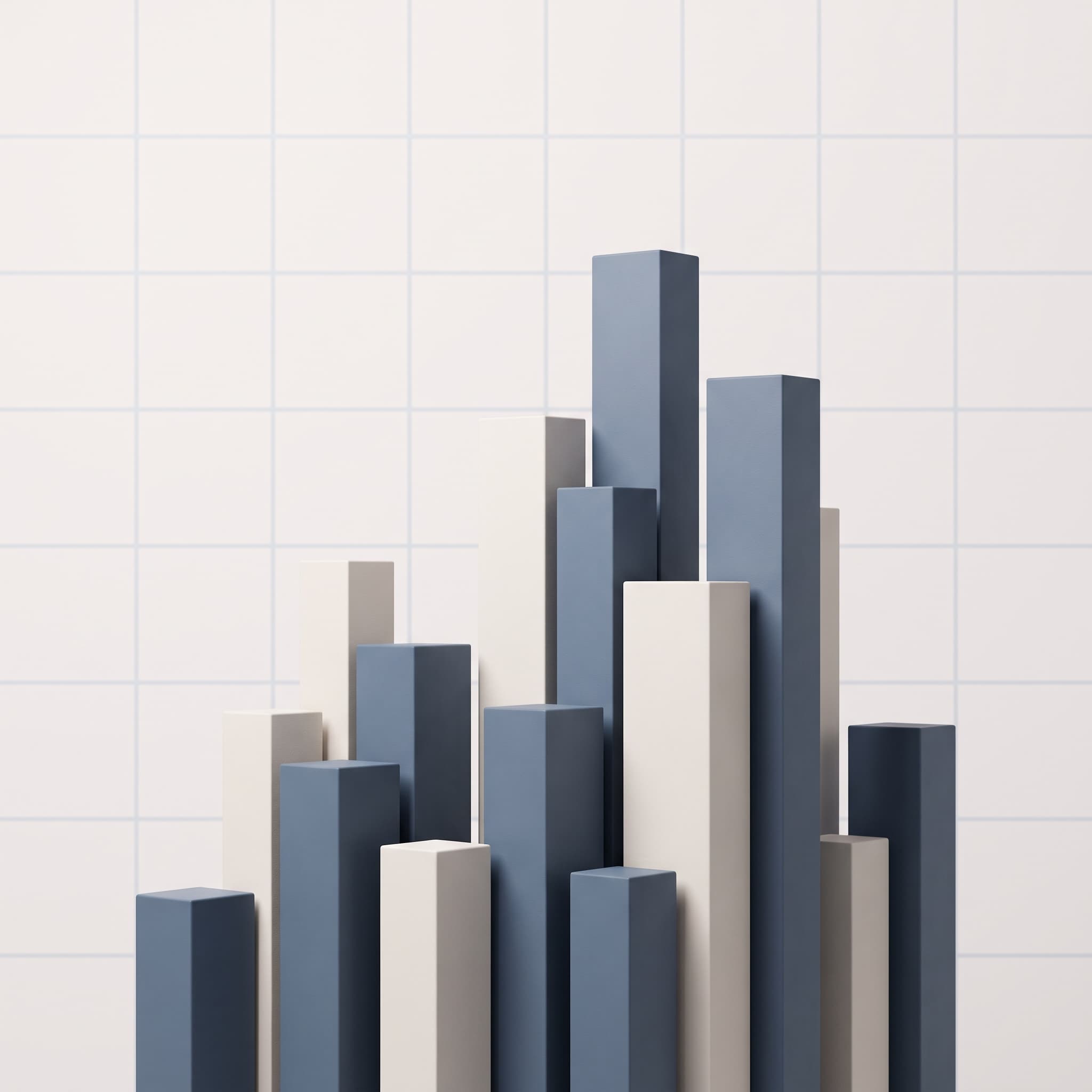
1:1 · Feed post
Report
A data-shaped abstract — form only, with no invented figures.
An abstract data-inspired composition of clean geometric bars rising across a pale grid, ordered and analytical, soft even studio light, restrained slate blue and bone palette, no real numbers, no labels, no readable text, square social post, no watermark

4:5 · Feed post
Personal brand
One person, real light, no stock-photo handshake.
A founder working alone at a desk in a quiet early-morning office, warm light through tall windows, founder-led candid framing with the person in a real working environment, muted warm palette, shallow depth of field, vertical social post, no text, no logos, no watermark

1:1 · Feed post
Hiring
A team mid-conversation — useful for hiring and culture posts.
A small team standing around a whiteboard mid-discussion, genuine interaction and unposed body language, bright natural light in a modern workspace, human-centred photography in a warm neutral palette, whiteboard marks kept abstract and unreadable, square social post, no text, no logos, no watermark
Eight professional registers
A polished corporate frame and a candid founder-led one say very different things about who is posting. Each card runs the same brief through a different visual language, so you can hear the difference in tone before you commit to one.
“A small team reviewing work together in a modern office”
professional corporate photography, bright modern workspace, natural window light, credible and understated
editorial photography, documentary framing, available light, restrained colour grade
abstract data-inspired composition of clean geometric bars, lines and grids, ordered and analytical, no real numbers or labels
polished corporate visual language, architectural lines, cool neutral palette, precise and structured
founder-led candid framing, one person in a real working environment, natural light, direct and personal
minimal composition, one clear subject, generous negative space, restrained two-tone palette
technology photography, clean modern surfaces, cool neutral palette, precise directional light
human-centred photography, genuine interaction between people, warm natural light, unposed body language
Who is posting?
The same announcement needs a different image depending on who is signing it. A company post that looks like a personal one reads as oddly informal; a personal post that looks corporate reads as a press release.
Shows the work, not a person.
Shows a person thinking.
Where it helps
Marketing teams, founders and recruiters use the same generator for one-off posts and for multi-post campaigns.
Give a release post an image that shows the work rather than a generic office photo.
Show what working somewhere actually looks like, without a staged stock shoot.
One clear visual metaphor with room for a headline, so the idea reads before the caption does.
Abstract data-shaped artwork for a whitepaper or findings post — form without invented figures.
Scene-setting images for a conference talk, a panel or an online session.
A consistent set of images across a multi-post campaign, sharing one palette and tone.
Prompt guide
A concrete working scene, then the light and the palette, then the copy space — and always ask for screens and charts to stay abstract.
A designer and an engineer looking at a screen together in a bright open-plan office, candid unposed moment, natural window light, professional corporate photography in a cool neutral palette, interface on the screen kept abstract and unreadable, generous copy space on the right, landscape social post, no text, no logos, no watermark
A single paper boat crossing a large expanse of still dark water, one clear conceptual metaphor, minimal composition with generous negative space in the upper half for a headline, restrained slate and bone palette, soft even light, square social post, no text, no watermark
Three colleagues talking over coffee in a relaxed office kitchen, genuine interaction and unposed body language, warm natural light, human-centred photography in a warm neutral palette, welcoming and credible, vertical social post, no text, no logos, no watermark
An abstract composition of overlapping translucent geometric planes arranged on a precise grid, ordered and analytical with a sense of layered structure, cool slate blue and pale grey palette, studio lighting, no real numbers, no labels, no readable text, landscape social post, no watermark
How it works
Say what the image should show and what the post is about. Concrete working scenes read as more credible on LinkedIn than staged handshakes or generic stock setups.
Choose 1:1, 16:9, 4:5 or 3:2, then set a content type and a visual style so the composition matches whether it is a product update, a hiring post or a report.
Generate the image and download it. Ask for copy space in the prompt so any headline or logo you add afterwards has somewhere clean to sit.
FAQ
It creates images for LinkedIn posts from a written description. You describe the scene, choose what the post is for — a product update, hiring, thought leadership, a report — and the image is generated in a visual language that suits a professional feed.
No on both counts. This generates images only: it does not write captions and it has no connection to your LinkedIn account, so it cannot post, schedule or publish. You download the image and use it in your own post.
No, and it deliberately does not try. The data-led style produces abstract compositions — bars, grids and planes — with no numbers or labels, because an AI model would otherwise invent figures that look authoritative and are simply wrong. For real data, make the chart in a charting tool and use generated imagery around it.
1:1 and 4:5 take up more vertical space in the feed, which tends to hold attention. 16:9 suits event banners and anything that will also be used as a header elsewhere. All four supported ratios are here, and you can run the same prompt at more than one to compare.
Do not rely on it. AI models render lettering unreliably and will happily invent logos that resemble real brands, which is a problem on a professional network. The prompts here ask for no logos and unreadable screens by default — add your own logo afterwards in a design tool.
Reuse the same palette, lighting and style wording across posts and change only the subject. That consistency is what makes a series of posts read as one campaign rather than as unrelated images.
You can browse this page and open the generator without signing in, but generating an image requires an account and spends credits. The cost depends on the model and settings, and the generator shows the price before you run it. Signing up is free; credits come with a monthly plan, and subscribers can top up with one-time credit packs.
Under the imageat terms of service you own the images you generate and imageat does not claim ownership of them. Commercial use still depends on your plan and on the terms, and AI output is not cleared for trademarks or likenesses — which matters more on LinkedIn, where posts represent a company. Review the terms of service for your specific case.
imageat generates images only — it does not write captions, connect to LinkedIn or publish. Charts are abstract by design: for real figures, build the chart in a charting tool. Rights and permitted use are governed by the imageat terms of service.
Describe a real working scene rather than a staged one, pick the format, and generate until it looks like your company rather than a stock library.