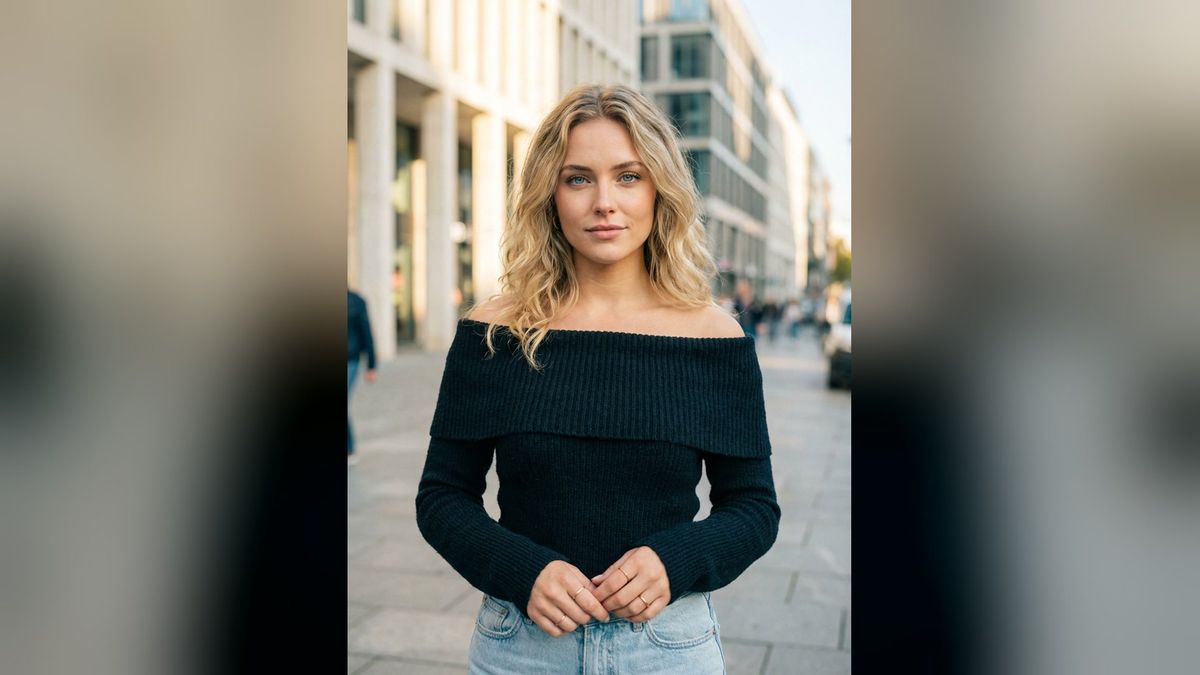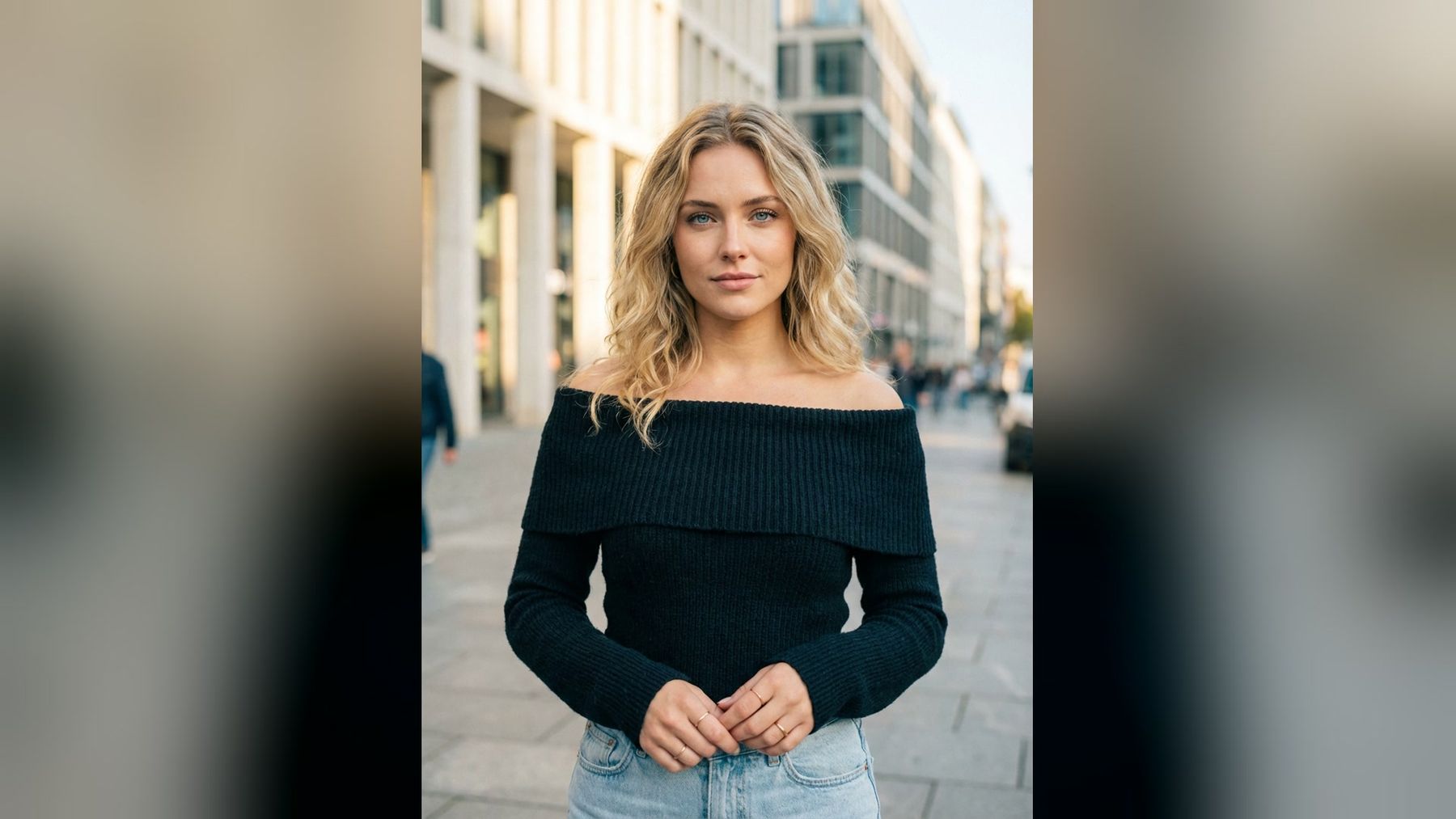
An AI influencer needs more than a recognizable face. Without a content system, the account quickly becomes a gallery of unrelated portraits: one luxury hotel today, a gym selfie tomorrow, and a product placement that belongs to a different character entirely. A useful calendar gives every post a role while preserving the persona’s identity, audience, visual world, and commercial boundaries.
This 30-day AI influencer content calendar combines discovery posts, short-form video, audience interaction, trust-building, and campaign-ready concepts. Use it as a working template rather than a requirement to publish daily. You can develop the character with the imageat AI influencer generator, create supporting stills in the AI image generator, and animate selected moments with the AI video generator.
The objective is not to imitate a real person or hide how the content was made. It is to build a clearly defined fictional creator with a consistent editorial point of view.
Before day one: write the character brief
A calendar only works when the character is stable. Define these fields before generating the first batch:
NAME AND DISCLOSURE: fictional AI-created persona; disclosure wording
NICHE: one primary subject and two supporting subjects
AUDIENCE: who follows and what they want
POINT OF VIEW: opinions, tastes, values, and boundaries
VOICE: sentence length, vocabulary, humor, emoji rules
VISUAL IDENTITY: face, hair, wardrobe, palette, locations, camera style
RECURRING DETAILS: accessories, routines, props, supporting characters
NEVER DO: prohibited claims, topics, products, locations, or visual treatments
COMMERCIAL RULES: approved categories, disclosure process, review steps
Make identity details observable. “Stylish and authentic” is too vague. “Minimal tailoring, muted earth tones, candid eye-level photography, practical captions, and no luxury-status language” gives writers and image creators usable constraints.
If one character must remain recognizable across many scenes, start with a small reference set rather than a single lucky portrait. The guide to keeping the same character across AI images and videos explains how to define identity anchors, wardrobe references, environments, and acceptance checks.
Choose five content pillars
A balanced account should not repeat the same sales message in different outfits. Use five pillars and assign each post to one primary purpose:
- Identity: personality, origin, preferences, routines, and recognizable details.
- Utility: tutorials, checklists, recommendations, and demonstrations.
- Story: situations, progress, setbacks, behind-the-scenes decisions, and recurring series.
- Community: questions, polls, responses, challenges, and audience participation.
- Campaign: product context, branded concepts, launches, offers, and collaborations.
The 30 ideas below rotate these pillars. Adapt the setting to fitness, fashion, travel, beauty, food, technology, or another niche. Do not manufacture testimonials, personal histories, travel experiences, or product results. A fictional persona can tell a fictional story, but the presentation should not deceive the audience about evidence or endorsement.
A practical weekly rhythm
This calendar uses a repeatable cadence instead of thirty disconnected ideas:
- Monday: establish a theme or useful goal.
- Tuesday: teach one practical action.
- Wednesday: show process or behind the scenes.
- Thursday: invite audience participation.
- Friday: publish the strongest Reel or campaign concept.
- Saturday: expand the character’s world.
- Sunday: recap, reflect, and preview the next theme.
Batch the planning, not the final judgment. Draft several hooks at once, create shots by shared wardrobe or location, and schedule approved assets. Review every caption, image, clip, disclosure, and destination link before it goes live.
Week 1: introduce the persona and visual world
Day 1: the character introduction carousel
Create a four-to-six-frame carousel that establishes the persona without inventing a human biography. Show a clean hero portrait, the niche, three recurring interests, and what followers can expect.
Caption prompt: “Write a concise introduction for a disclosed fictional AI creator focused on [niche]. State what this account will help the audience do. Mention three recurring series. Do not imply a real childhood, residence, credentials, or personal experience.”
CTA: Ask which recurring series should appear first.
Day 2: one useful tip in one visual
Lead with immediate value. Choose a small problem your audience can solve today: styling one garment, framing a home workout, composing a product shot, or planning a weekend itinerary.
Use one image with intentional negative space and add accurate typography during design, not inside the generated scene. Browse the Instagram photo prompt ideas when you need variations in framing and lighting.
Day 3: the visual identity board
Show the palette, materials, wardrobe shapes, lighting, and locations that define the account. This can be a behind-the-scenes carousel rather than a claim that the persona physically owns every item.
Post structure: anchor portrait, palette, wardrobe detail, location texture, camera rule, final combined frame.
Community question: “Which element should stay in every post?”
Day 4: this-or-that Story poll
Create two credible options within the same visual system: studio or street, morning or evening, monochrome or warm color, tutorial or diary. Let the result influence a later post so the poll has a consequence.
Do not change the character’s face, age, body, or core identity just to produce contrast. Change one variable at a time.
Day 5: first motion portrait Reel
Animate an approved anchor image with one restrained action: a slow turn, walking toward camera, adjusting a jacket, picking up a product, or looking toward a changing light source.
Preserve the reference identity, hairstyle, wardrobe, and facial proportions.
Subject performs one natural [action]. Camera makes a slow [movement].
Maintain realistic cloth motion, foot contact, and background geometry.
No scene cuts, speaking, added people, text, logos, or sudden transformation.
End in a stable composition suitable for a loop.
Use the image-to-video workflow when the source composition must remain recognizable.
Day 6: a niche-specific “three favorites” post
Share three editorial picks: color combinations, workout structures, camera angles, creative references, or travel-planning principles. Frame them as the account’s curated preferences, not products personally tested by a real human.
Give every choice a reason. “Three favorites” without criteria is decoration; explaining when each option is useful turns it into saveable content.
Day 7: week-one recap and next-week teaser
Use a short carousel or montage to recap what the audience chose and preview the next theme. Identify the winning poll option, the most useful lesson, and one open question.
Avoid unsupported superlatives such as “everyone loved this.” If you have platform data, describe the observed signal accurately; otherwise say what the series will explore next.
Week 2: earn attention through useful content
Day 8: a three-step tutorial carousel
Choose one narrow outcome and make each frame perform one job: starting point, action, result, and limitation. For a fashion persona, this might be building an outfit around one layer. For a fitness persona, it could be structuring a warm-up without making medical claims.
Caption structure: problem, three steps, common mistake, save prompt.
Day 9: myth versus reality
Correct one misconception in the niche without manufacturing controversy. Use neutral language and cite reliable sources when the claim is factual or consequential.
Separate opinion from evidence: “The character’s preferred composition” is editorial; “this method improves performance by a specific percentage” requires real data.
Day 10: day-in-the-life storyboard
Create a fictional but clearly framed sequence from morning to evening. Keep wardrobe changes, light direction, locations, and props logically connected. The value is continuity, not pretending that generated scenes document a real day.
A six-shot plan works well: opening environment, preparation detail, main activity, transition, quiet moment, closing frame.
Day 11: audience question box
Ask for questions about the niche, creative process, or next content theme. Do not invite the persona to fabricate lived experiences. Answer process questions honestly: the account can explain how its fictional world, images, scripts, and videos are designed.
Collect responses into three groups: quick answers, future posts, and questions requiring research.
Day 12: a before-and-after creative breakdown
Show how a rough brief becomes a finished image or clip: reference notes, composition draft, selected frame, motion test, and final crop. This is a creative-process transformation, not a deceptive body, product, or financial result.
Include what was rejected and why. Audiences learn more from a specific correction—unstable hands, inconsistent garment, wrong light—than from an unexplained polished result.
Day 13: trend adapted to the character
Choose a current format only if it fits the persona. Preserve the character’s voice and visual rules instead of copying every detail of a meme. The TikTok creative prompt library can help generate format variations, while imageat’s trends hub can supply current visual starting points.
Confirm that music, footage, trademarks, and references are appropriate for your intended use. A trend is not automatically licensed for a campaign.
Day 14: weekly field notes
Publish a calm recap: one useful observation, one experiment that failed, one audience answer, and next week’s objective. Let the persona have preferences and constraints rather than presenting every output as flawless.
Caption prompt: “Write field notes in [voice]. Be specific about one creative decision and one revision. Do not claim real-world attendance, ownership, testing, or personal experience.”
Week 3: build recurring formats and campaign readiness
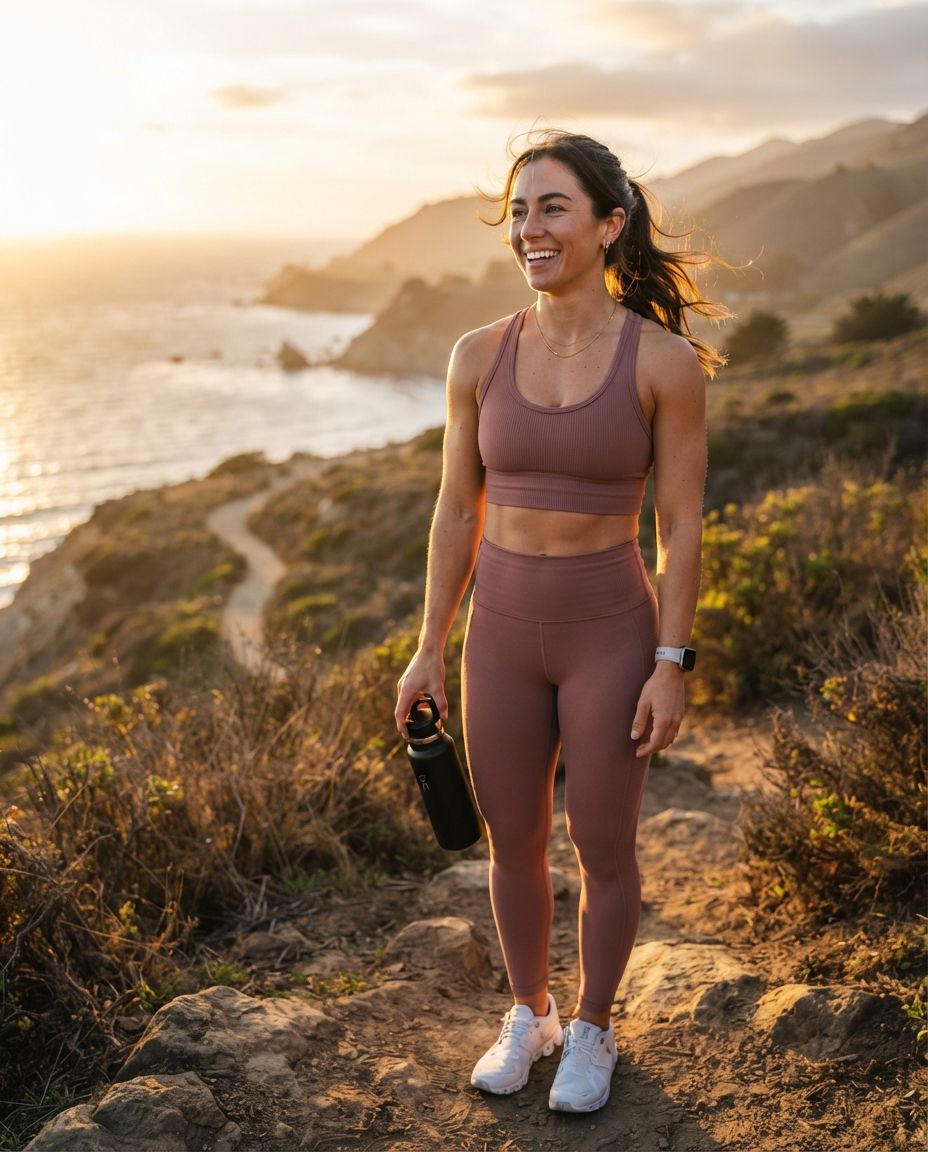
Day 15: launch a named recurring series
Create a format followers can recognize, such as “One Item, Three Scenes,” “Frame Fix Friday,” “Weekend Route,” or “Thirty-Second Breakdown.” Define the title, opening shot, recurring graphic, number of steps, and closing question.
A repeatable series reduces ideation pressure and creates meaningful continuity. Keep the name clear rather than clever enough to require explanation.
Day 16: one product, three contexts
Place the same product in three plausible use moments: discovery, use, and result or storage. Preserve packaging geometry and label accuracy. If readable text matters, use a real product reference and add exact label elements during compositing instead of asking a model to redraw them.
For campaign planning, the AI product photo generator can support controlled still concepts, while the AI UGC generator is designed around product-ad video workflows.
Day 17: an audience-led variation
Use the result from day 4 or day 11. State which option the audience selected, then deliver it. This closes the participation loop and makes interaction part of the editorial process.
Keep all non-selected variables locked. If the vote was about location, do not also change hair, outfit, lighting, and camera style.
Day 18: tutorial Reel with a visible result
Build a short video around one clear sequence: problem, action, result, caveat. The opening frame should show what is being solved, not a generic establishing shot.
Create a shot list before generating clips. The article on turning a script into an AI video provides a detailed storyboard-to-edit method.
Day 19: values and boundaries post
Explain what the account will and will not do: disclosure, responsible product categories, use of fictional scenes, source checking, likeness rules, and sponsored-content labeling.
This post should be plain and easy to find. Do not bury disclosure behind playful language or make the persona claim independent human judgment it did not perform.
Day 20: niche challenge template
Invite followers to complete a safe, accessible task and share their version: recreate a color palette, improve a shot with window light, plan three hooks, or build a mood board. Avoid challenges involving unsafe physical acts, medical advice, harassment, or deceptive transformations.
Provide a template followers can screenshot or copy.
Day 21: campaign concept board
Create a speculative campaign board for a fictional or clearly labeled sample product: audience, problem, promise, key visual, three formats, CTA, and disclosure placement.
Use the UGC ad prompt ideas for shot inspiration. Never present a speculative brand concept as an actual partnership.
Week 4: deepen the story and test formats
Day 22: location-led photo story
Choose one coherent setting and tell a small visual story in five frames. Keep weather, time, outfit, accessories, and architecture consistent. Useful themes include arriving, exploring, noticing one detail, completing an activity, and leaving.
Travel-oriented accounts can study the Bali influencer ideas and Dubai influencer ideas as prompt starting points. Treat generated places as illustrative unless they accurately represent a verified location.
Day 23: answer three audience questions
Select questions that reveal the account’s editorial method or provide niche value. Put one answer per frame and keep each answer specific enough to stand alone.
For uncertain factual questions, research first or say that the topic needs verification. A consistent fictional voice should not become a license to improvise facts.
Day 24: outfit, setup, or scene breakdown
Deconstruct one approved visual into components: silhouette, palette, hero item, lighting, camera height, background, and finishing detail. Fitness creators can use the fitness influencer prompt ideas for setting variations without claiming exercise outcomes.
Day 25: controlled A/B creative test
Create two versions that differ in only one important variable: hook, opening frame, crop, camera movement, or CTA. Publish according to the platform’s available testing options or compare the results over a clearly defined window.
Do not call one version a winner without enough comparable data. Record impressions, watch behavior, saves, clicks, or another metric that matches the post’s purpose.
Day 26: reaction or commentary Reel
Let the persona explain a design choice, campaign pattern, or niche trend using original commentary. If the Reel includes external media, confirm permission and provide context. Do not manufacture a reaction to an event the persona did not witness.
A talking segment can use an intentionally fictional presenter through the AI avatar generator, with AI lip sync applied only to authorized audio and likenesses.
Day 27: campaign-ready UGC concept
Create a product-focused vertical video brief:
AUDIENCE PROBLEM: [one specific situation]
PRODUCT ROLE: [what can be demonstrated truthfully]
HOOK SHOT: [visible problem or outcome]
DEMO SHOTS: [three actions, one purpose each]
PROOF AVAILABLE: [real product facts or approved claims]
CTA: [clear next step]
DISCLOSURE: [visible wording and placement]
EXCLUDE: invented testimonial, unsupported result, altered label, fake interface
For a full workflow, use the guide to making AI UGC videos for Reels, TikTok, and product ads.
Day 28: monthly mood recap
Build a nine-frame grid or short montage from the strongest visual families. This is not simply a “best of” post; use it to reveal which colors, settings, angles, and topics now define the account.
Keep crops consistent and remove duplicate compositions. A good recap should look like one world, not nine unrelated generations.
Days 29 and 30: learn and plan the next cycle
Day 29: transparent lessons post
Share three production lessons from the month: what created continuity, which format was difficult, and what will change. Use real workflow observations rather than invented audience reactions.
Possible lessons include locking the source image before video, reducing simultaneous motion, writing captions before generating decorative shots, or adding exact text in post-production. The troubleshooting guide on why AI videos look fake can help turn rejected clips into concrete quality rules.
Day 30: next-month trailer and choice
Finish with a short trailer containing three possible themes for the next cycle. Give each one a distinct audience benefit and invite a vote. Reuse approved assets where possible instead of generating a completely new identity for the teaser.
Trailer structure: familiar opening portrait, three rapid theme cards, one sample moment per theme, final voting question.
How to batch-produce the calendar
Do not generate day 1 through day 30 in chronological order. Organize production around shared dependencies.
Batch 1: lock strategy
Approve the persona brief, disclosure language, five content pillars, voice sheet, visual bible, product restrictions, and campaign review process. Assign a purpose and success metric to every calendar entry.
Batch 2: write the editorial layer
Draft all hooks, captions, questions, CTAs, and shot intentions. Check factual claims before any script becomes audio or on-screen text. A reusable prompt generator can help standardize briefs without replacing editorial review.
Batch 3: create anchor stills
Generate the stable portraits, products, locations, and wardrobe references first. Approve identity and geometry before making variations. For accounts with a formal brand system, follow the guide to building a consistent AI brand kit.
Batch 4: produce motion
Animate only approved frames. Group clips by aspect ratio, character reference, wardrobe, and setting. Keep each shot focused on one action and one camera move. Review the full clip, not just its thumbnail.
Batch 5: edit and quality-check
Use the AI video editor for targeted edits where appropriate, then verify captions, exact product text, audio rights, pacing, disclosure, safe crops, and destination links. Export platform-specific versions from an approved master.
The guide to creating 30 social videos in one day provides a detailed batching system. Treat “30 in one day” as a production framework, not a reason to publish unreviewed material.
AI influencer prompt templates
Consistent editorial portrait
Use the approved fictional character reference [ID]. Preserve facial structure,
apparent age, hairline, eye color, and identifying details. [Waist-up/full-body]
portrait in [setting], wearing [approved wardrobe]. [Lighting] from [direction],
[shot size] at eye level, [lens character], natural skin texture, restrained color.
The image should communicate [editorial purpose]. Exclude readable text, logos,
watermarks, extra people, altered anatomy, beauty-filter skin, and background clutter.
Lifestyle carousel sequence
Create a six-shot sequence in one continuous fictional setting. Keep character,
outfit, accessories, weather, time of day, and color grade consistent. Shot 1 establishes
[place]. Shot 2 shows [detail]. Shot 3 performs [action]. Shot 4 reveals [useful point].
Shot 5 provides [contrast]. Shot 6 closes with [stable composition]. No location jump,
wardrobe change, duplicate objects, text, logos, or unexplained props.
Short-form video brief
GOAL: [one viewer outcome]
FORMAT: vertical short-form video
HOOK: show [specific visual] immediately
BEATS: [problem] > [action] > [result] > [limitation] > [CTA]
IDENTITY LOCK: [reference IDs and immutable traits]
MOTION: one subject action per shot; restrained camera movement
ACCURACY: add exact labels and captions in post
DISCLOSURE: [wording and placement]
REJECT IF: face changes, product warps, text mutates, contact fails, or scene jumps
Quality and safety checklist
Before scheduling each post, confirm:
- the character matches the approved identity references
- the caption matches the image or video rather than describing an absent action
- fictional scenes and AI-generated identity are disclosed where required or appropriate
- no real person’s face or voice is used without authorization
- product labels, logos, features, prices, and claims are accurate and approved
- sponsorship or affiliate relationships are clearly disclosed
- the post does not invent firsthand testing, attendance, credentials, or results
- generated text has been replaced with accurate designed typography
- hands, eyes, teeth, accessories, reflections, contact, and object geometry pass review
- music, footage, fonts, and source assets are cleared for the intended use
- links lead to the expected page
- the CTA asks for a proportionate next step
Frequently asked questions
How often should an AI influencer post?
Choose a cadence the team can research, produce, review, and sustain. This 30-day calendar supplies thirty concepts; it does not require thirty consecutive publishing days. Three strong weekly posts plus Stories may be more useful than daily posts that weaken identity or accuracy.
Should every post show the influencer’s face?
No. Alternate portraits with point-of-view details, products, environments, diagrams, carousels, and process content. The account needs a recognizable perspective, not a face in every frame.
How do I keep an AI influencer consistent?
Use approved references, immutable identity traits, a wardrobe library, recurring settings, and a visual acceptance checklist. Change one major variable at a time. Reject attractive outputs that do not belong to the established character.
Can an AI influencer work with brands?
A fictional creator can be used in branded content, but the team must handle permissions, product accuracy, sponsorship disclosure, platform rules, and applicable advertising law. Do not fabricate personal use, a testimonial, or performance evidence.
What should I measure?
Match the metric to the post’s purpose. Awareness content may be evaluated through qualified reach or view behavior; utility posts through saves and useful replies; community posts through relevant responses; campaigns through approved conversion or lift measures. Avoid treating one universal engagement rate as proof of quality.
How far ahead should content be created?
Prepare evergreen foundations and campaign dependencies ahead of time, but leave room for current audience feedback and timely formats. Lock the persona, references, product facts, and repeatable series early; finalize trend-dependent posts closer to publication.
Turn the calendar into a recognizable series
The strongest AI influencer calendars are not thirty isolated prompts. They create memory: the same point of view, recurring formats, visual cues, and honest boundaries appearing in useful new situations.
Start with the character brief, select five pillars, and produce the first seven days as a pilot. Review identity consistency, editorial usefulness, workflow friction, and audience response before scaling. When the system is stable, use imageat to create the approved stills and motion assets while keeping factual, creative, rights, and publishing decisions under human review.