Fashion week style looks spontaneous in photographs, but the strongest outfits are usually built around a simple idea: one memorable focal point, a clear silhouette, and enough practical structure to survive a long day. You do not need a head-to-toe designer wardrobe. You need clothes that read clearly from a distance, feel intentional up close, and still let you walk, sit, and handle changing weather.
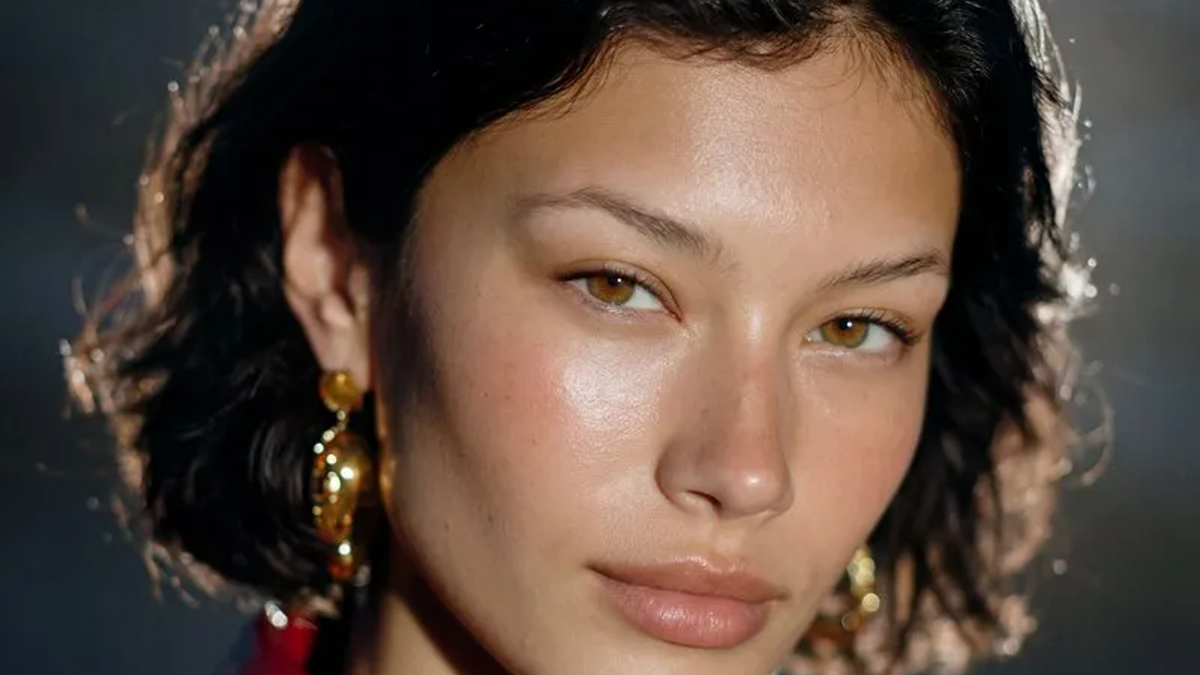
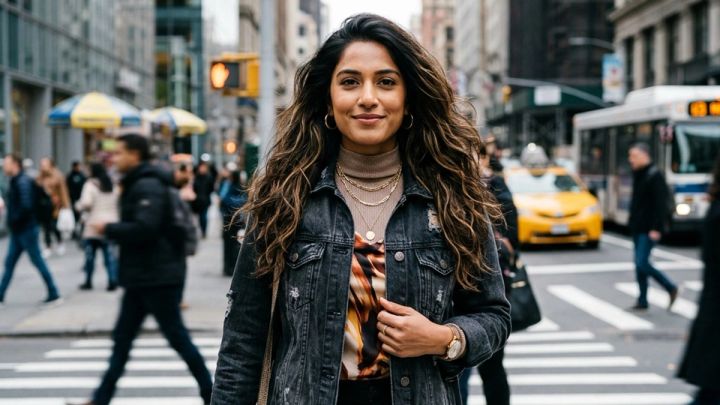
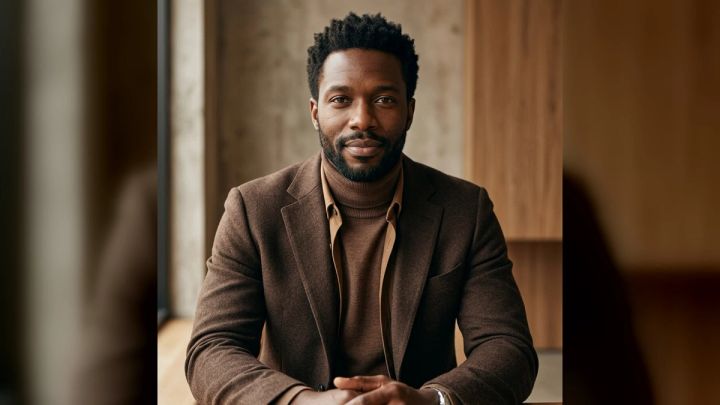
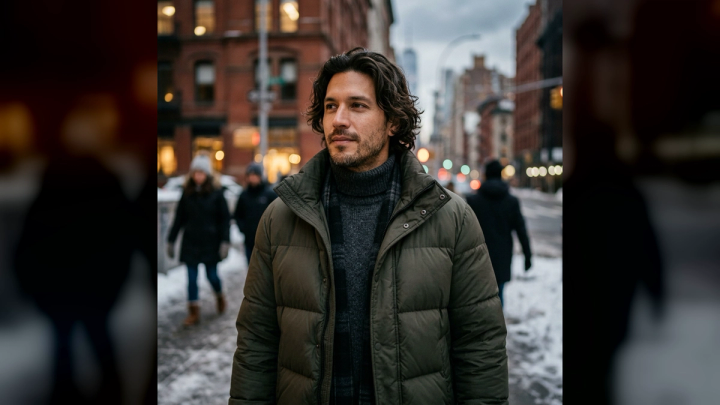
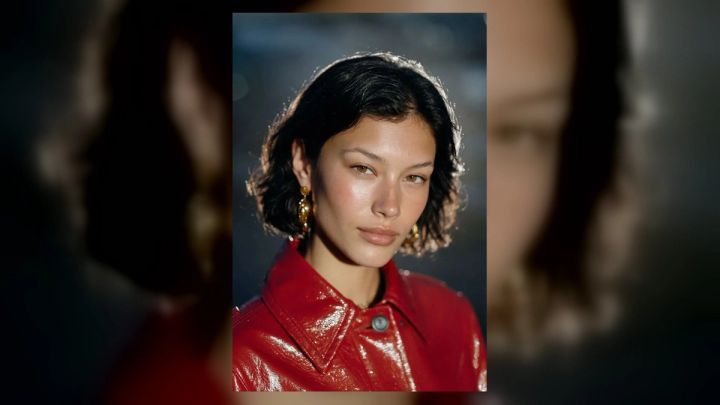
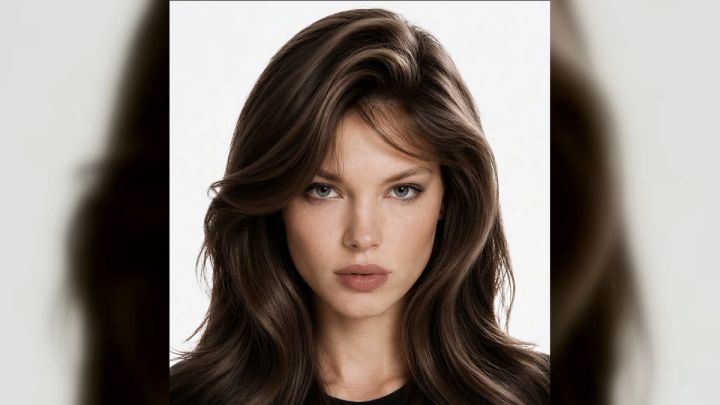
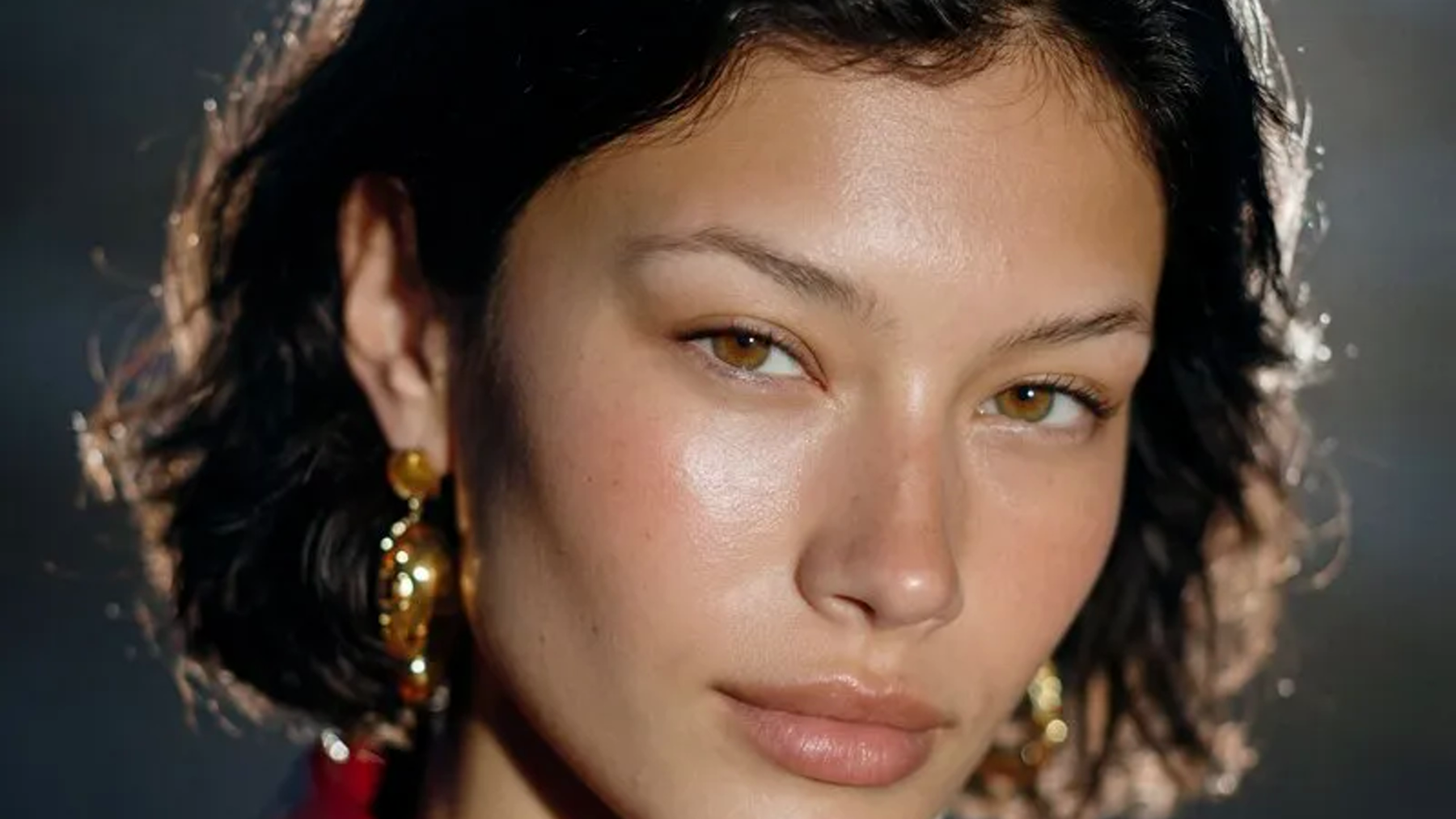
If you want to preview an editorial direction before pulling clothes from your closet, the imageat AI Fashion Week Photo Generator turns one clear portrait into runway- and street-style-inspired imagery. The current pack creates a polished 4:5 portrait, offers ready-made looks, and does not require prompt writing. Treat the result as visual planning—not proof of how a real garment will fit.
Below are 15 fashion week outfit ideas, followed by styling, posing, photography, and AI-preview tips. The goal is not to copy a specific runway look. It is to create a coherent outfit that feels like you.
The quick formula
Start with this five-part checklist:
- Focal piece: a coat, jacket, dress, bag, shoe, or strong color.
- Supporting base: pieces that give the focal item room to work.
- Repeated detail: echo one color, material, or shape elsewhere in the outfit.
- Practical layer: account for temperature, rain, walking, and venue rules.
- Photo test: view the full outfit through a phone camera from several meters away.
An outfit can contain many interesting items and still look unfocused. If you cannot identify the focal point in one sentence, remove or simplify one element.
15 fashion week outfit ideas
1. The statement coat with a quiet base
Build around an oversized wool coat, glossy trench, sculptural puffer, or saturated longline jacket. Keep the layer underneath restrained: a fitted knit, straight trousers, and a shoe in one of the coat’s secondary colors.
This works because the coat creates one large, legible shape. Leave it open for movement shots and close it for a cleaner portrait. Check that the hem does not drag and that the shoulders look deliberate rather than simply too large.
2. Monochrome with contrasting textures
Choose one color family, then vary the finish: matte knit, polished leather, soft wool, sheer fabric, or brushed denim. All-black is the obvious version, but chocolate, cream, gray, burgundy, navy, and olive can feel just as refined.
The texture changes keep a single-color outfit from becoming flat. Photograph it in daylight before leaving; similar dark shades can clash if one reads blue and another reads brown under the actual light.
3. Tailoring with one unexpected piece
Pair a structured suit with a sporty shell, graphic knit, sheer layer, embellished shoe, or relaxed cap. The contrast should feel purposeful. A sharply cut blazer plus five novelty pieces becomes costume rather than tension.
For a cleaner line, match either the jacket and trousers or the base top and shoe. That repeated relationship holds the look together when the unexpected item takes attention.
4. The modern skirt suit
A cropped or boxy jacket with a mini, midi, or column skirt can move from classic to experimental depending on proportion. Try a long jacket with a shorter skirt, or a compact jacket with a longer skirt and tall boot.
Editorial proportions still need to work in transit. Add tights, a fine knit, or a long coat when weather requires it.
5. Elevated denim
Use dark, raw, coated, paneled, or unusually cut denim as the anchor. Combine it with a tailored coat, crisp shirt, sculptural jewelry, and a polished bag rather than adding every casual staple at once.
A Canadian tuxedo can work when the denim shades are intentionally matched or clearly different. Two almost-matching blues may look accidental. Keep distressing limited if the silhouette already has a lot happening.
6. Red as the focal color
Red photographs strongly and can appear as a lacquered jacket, knit dress, pointed shoe, tights, or bag. Pick one dominant red item, then repeat a smaller touch once if needed. Black, charcoal, cream, camel, and dark denim provide dependable support.
Direct flash can create bright highlights on glossy red surfaces. Take a test frame so the material retains detail instead of turning into a featureless patch.
7. Soft sheer layers over a solid foundation
Layer organza, mesh, lace, or a translucent knit over an opaque bodysuit, slip, shirt, or trouser. The solid foundation makes the outfit easier to wear and gives the camera a clear silhouette.
Inspect the look in daylight and with flash. A layer that appears opaque in a mirror may become transparent under backlight. Secure delicate hems and bring a compact repair kit; crowded seats and street barriers are unfriendly to fragile fabric.
8. Utility pieces with polished accessories
Start with a flight jacket, cargo trouser, workwear vest, or multi-pocket skirt, then sharpen it with a clean boot, structured bag, metal jewelry, or precise eyewear. Choose one utility family rather than stacking military, hiking, and industrial references together.
Keep pockets lightly filled so the planned silhouette stays clean. Carry a small bag for batteries, charger, tickets, and cosmetics.
9. A long column silhouette
Use a maxi dress, long tunic over narrow trousers, or matching top and floor-skimming skirt to create an uninterrupted vertical line. A cropped jacket can add definition without breaking the effect too aggressively.
Confirm that the hem clears the ground in the exact shoes you will wear. A column looks elegant standing still, but it must permit a normal stride. Side slits, stretch, or a slightly raised front hem can make it practical.
10. Graphic black and white
High-contrast blocks, stripes, checks, or a white shirt beneath black tailoring read well in crowded backgrounds. Scale matters: one large graphic relationship is usually stronger than several tiny competing prints.
Watch exposure in photographs. White fabric can lose texture while black fabric becomes a flat shadow. Soft side light or open shade helps retain detail in both.
11. The oversized blazer and compact base
Place a broad-shouldered blazer over a fitted dress, bodysuit and leggings, short skirt, or narrow trouser. The difference in volume makes the jacket feel intentional. Push or roll sleeves only if the lining and cuff remain neat.
The shoulder seam, sleeve length, and button stance determine whether oversized tailoring looks designed. Temporary fashion tape can solve a small shift, but it cannot rescue a jacket that prevents natural arm movement.
12. Tonal neutrals with one metallic detail
Combine sand, stone, cream, taupe, and camel in related values, then add a silver shoe, gold cuff, mirrored bag, or metallic belt. The metal becomes a controlled highlight rather than a separate theme.
Neutral outfits depend on fit and fabric condition. Steam visible creases, remove lint, and check pale hems before photographing. Small maintenance details become obvious in high-resolution portraits.
13. Sport-meets-evening
Pair a track jacket with a fluid skirt, technical trouser with a tailored bustier, or a jersey layer beneath an evening coat. Repeat one color or material so the categories connect.
Avoid wearing performance gear that you cannot comfortably move in. The successful version feels relaxed, not like an evening outfit was placed over gym clothes at the last minute.
14. A controlled print mix
Combine two prints that share a color, scale relationship, or geometric logic. For example, use a broad check with a fine stripe in the same palette. Keep shoes and outerwear simple unless one of them is the intended anchor.
Fine patterns can create moiré on camera. If the thumbnail looks noisy, replace one print with a related solid.
15. Minimal clothes, maximal accessories
Use a black dress, white shirt and trouser, or simple knit set as a neutral stage for a sculptural earring, unusual eyewear, strong shoe, gloves, or a single memorable bag.
Choose a hierarchy. Statement earrings, giant sunglasses, a complex necklace, gloves, and a novelty bag all near the face divide attention. One hero accessory and one supporting detail usually make a stronger portrait.
How to style the outfit as a complete look
Decide what the photograph should say
“Fashionable” is too vague to guide choices. Pick three useful adjectives, such as *sharp, graphic, relaxed* or *romantic, layered, luminous*. When two items compete, keep the one that better serves those words.
Consider context too. A guest outfit, street-style shoot, portfolio test, and social concept have different needs. Check invitations and venue guidance for actual dress requirements. An AI concept cannot confirm admission, etiquette, or the weather.
Build from silhouette before color
Take a neutral mirror photo after choosing the main proportions. Look at shoulder width, waist placement, leg line, and total length. Only then solve color and accessories. A beautiful palette cannot fix a silhouette that feels unbalanced on you.
Use the imageat AI Stylist when you want to explore broader fashion directions, but compare any generated idea with garments you actually own or can verify. Fabric drape, sizing, and construction remain real-world decisions.
Repeat, do not duplicate
A repeated burgundy shoe and lip, silver buckle and earring, or curved bag and rounded eyewear can make a look coherent. Exact matching is optional. The aim is a visual rhythm that feels noticed but not mechanical.
Plan for the entire day
Try the outfit with the intended layers, bag, and outerwear. Walk, sit, reach overhead, and use stairs. Pack blister care, a stain wipe, safety pins, fashion tape, and a lint roller where appropriate.
Do not trade safety for an image. Keep sight lines clear, avoid hems that create a trip hazard, and choose a backup shoe when the schedule involves long distances.
Street-style posing and photo tips
Use movement with a destination
Walk toward a mark rather than pacing randomly. Keep steps slightly shorter than normal, relax the hands, and look toward your destination or just past the camera. Shoot a burst as the front foot lands and the coat or skirt settles.
Create clean separation
Turn the torso 20 to 45 degrees, move one arm slightly away from the body, and avoid pressing a bag flat against the outfit’s most important detail. For a static pose, place weight mainly on the back leg and let the front foot indicate direction.
Match the pose to the garment
A structured suit benefits from still, angular poses. A fluid dress needs motion. A dramatic sleeve should not be hidden behind the torso. A long coat can be held briefly at the lapel, but repeated tugging looks unnatural.
Choose light that preserves fabric
Open shade provides even detail. Low side light reveals texture but can emphasize wrinkles. Direct flash creates energetic nightlife or street-style frames, especially with glossy materials, but test reflections on glasses, jewelry, patent leather, and makeup.
Capture a vertical 4:5 portrait, a full-length frame, a waist-up detail, and a horizontal environmental image. Leave enough room around shoes and hair to crop safely. If a good image needs additional output resolution after cropping, use the imageat image upscaler; upscaling cannot repair missed focus or motion blur.
How to preview a fashion week concept with imageat
The current fashion week pack uses a straightforward workflow:
- Open the AI Fashion Week Photo Generator.
- Upload one clear JPG, PNG, or WebP portrait.
- Choose a ready-made style.
- Generate the 4:5 fashion week image and inspect the result closely.
The page positions the feature for runway and street-style portraits inspired by international fashion-week energy. It states that no prompt writing is required and that uploads are not automatically published to the community gallery. Credit costs and interface details can change, so confirm the value shown on the live page before generating.
Use a source portrait with a visible face, natural detail, and simple lighting. Avoid sunglasses, heavy motion blur, a face covered by hair, or multiple people when the feature asks for one portrait. A clean input gives the system less ambiguity.
Treat the output as a mood board. Check identity, hands, earrings, garment closures, repeating patterns, reflections, and background anatomy. Never assume an invented logo, label, or garment exists. For a controlled revision, the imageat AI Photo Editor can support a wider editing workflow. For a fully custom visual direction rather than a ready-made pack, start with the AI Photo Generator.
Common fashion week outfit mistakes
Wearing several focal points at once
If the coat, print, shoe, eyewear, bag, and jewelry all demand first place, the viewer has nowhere to look. Remove one item, then take another full-length photo.
Ignoring the unglamorous angles
Check the back, side, seated position, and coat-over-outfit combination. A look that works only from one front-facing angle will be difficult to wear and photograph naturally.
Testing only in a mirror
Mirrors encourage close inspection; street photographs compress the outfit into one shape. Use the rear phone camera at chest height and step back. Review the image both full-size and as a thumbnail.
Letting AI replace fit decisions
Generated previews can suggest color, proportion, and mood. They cannot tell you whether a real shoe hurts, a waistband moves, a fabric is transparent, or a hem survives rain. Verify every practical choice offline.
Frequently asked questions
What should I wear to fashion week as a guest?
Follow the invitation and venue guidance first. Then choose an outfit with one clear focal point, comfortable footwear, practical outerwear, and a bag that holds essentials without distorting the look. You do not need to wear every trend at once.
Do fashion week outfits have to be designer?
No. Fit, proportion, condition, and a coherent point of view matter more than stacking recognizable labels. Tailoring, thoughtful repetition, and good garment care can make accessible pieces look intentional.
What colors photograph well for street style?
Red, cobalt, white, metallics, and high-contrast black-and-white combinations read strongly, but any palette can work when it separates from the background. Test very dark outfits for lost detail and very pale outfits for clipped highlights.
How many accessories should I wear?
There is no fixed number. Give one accessory the lead and use the others to support it. If every piece competes near the face, remove at least one and photograph the outfit again.
Can I use AI to plan a fashion week outfit?
Yes, as a concept tool. Use it to explore mood, color, silhouette, or portrait direction, then translate the useful ideas into real garments. Verify fit, material, weather suitability, accuracy, and any generated details before sharing or buying.
What photos should I capture?
Get a vertical 4:5 portrait, a full-length image, a moving street-style frame, a waist-up portrait, one detail shot, and a horizontal environmental composition. That set supports social posts, profiles, recaps, and banners without forcing one photograph into every crop.
Make one idea memorable
The best fashion week outfit is not necessarily the loudest. It is the one whose silhouette, focal piece, styling details, and movement tell the same story. Start with one strong idea, remove anything that weakens it, and test the full look in real light.
Browse the imageat photo packs for ready-made portrait directions, or preview an editorial street-style concept with the imageat fashion week pack. Use the result to sharpen your plan, then let real fit, comfort, and personal style make the final decision.