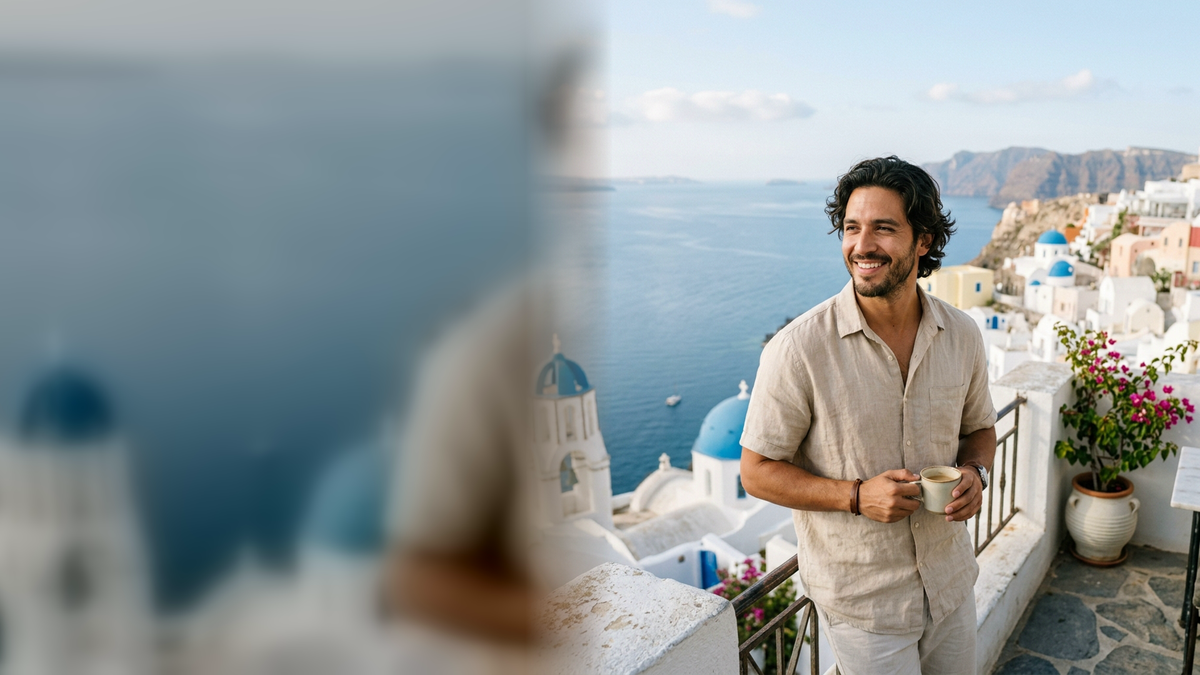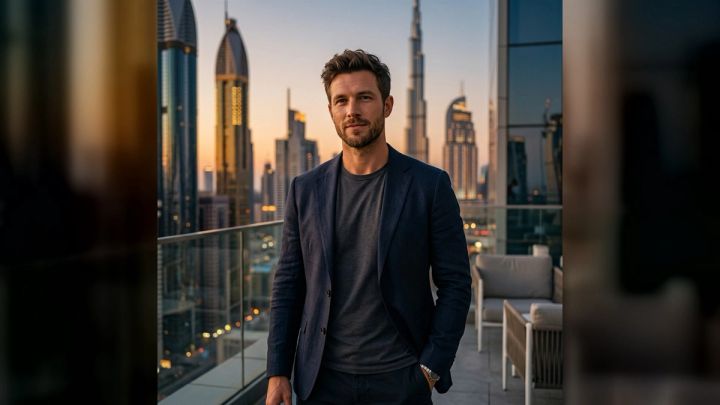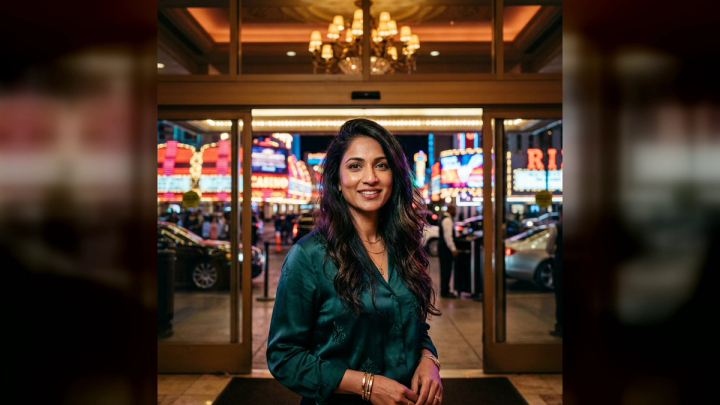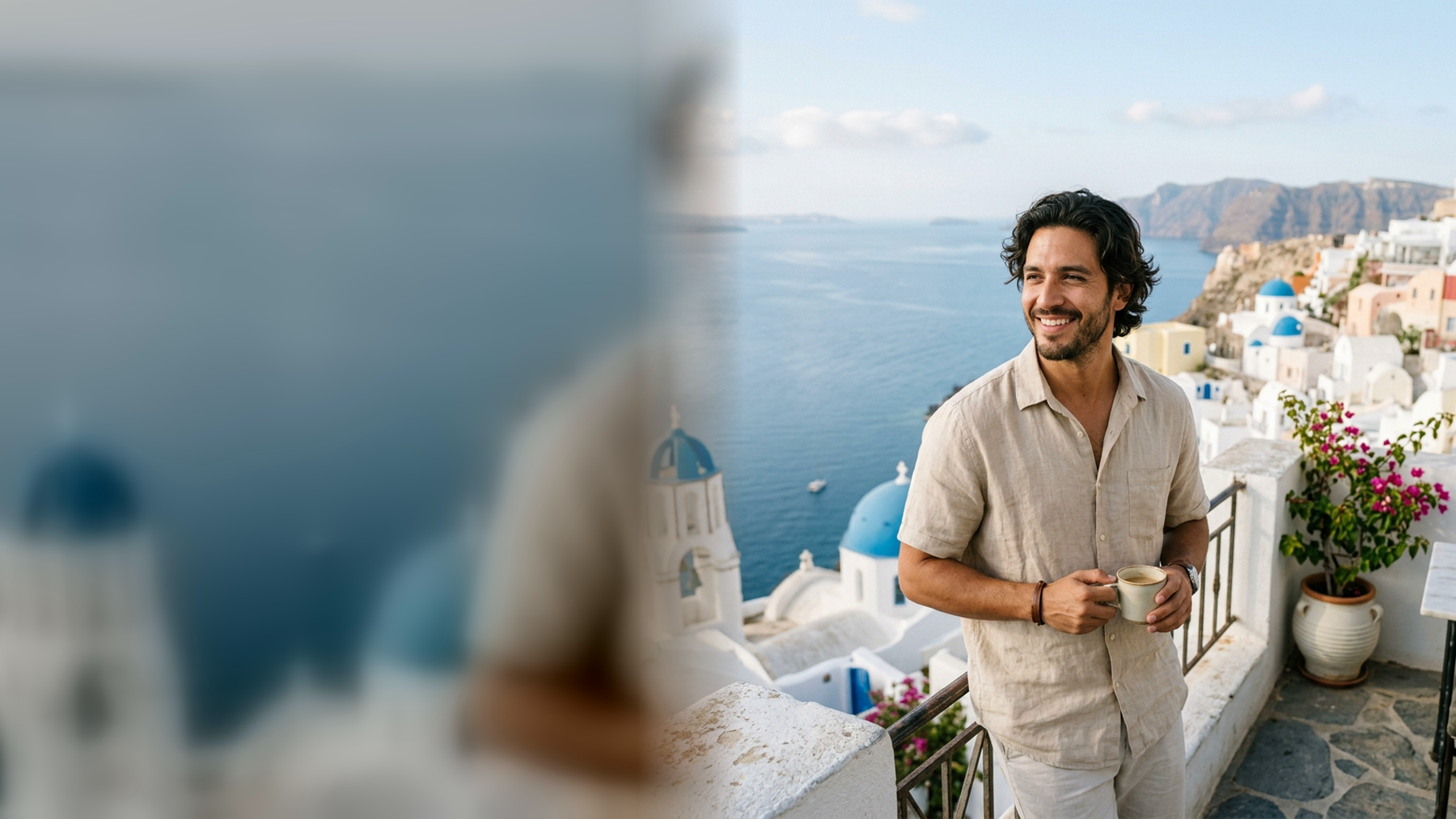
Santorini gives a portrait photographer an unusually simple palette: white architecture, deep blue water, dark volcanic stone, and warm evening light. The hard part is not finding a beautiful background. It is deciding what to wear, how to pose, and how to keep the scene from overpowering the person in it. If you want to test the mood before planning a shoot, the Santorini Summer Photo Generator in imageat turns one clear portrait into a polished 4:5 concept using a ready-made island direction.
This guide covers practical Santorini photoshoot ideas for solo portraits, couples, and relaxed travel content. You can use the ideas on location, adapt them near home, or preview the overall look before packing. An AI concept is best treated as creative planning or clearly labeled social artwork—not proof that you visited a place you did not visit.
What makes a Santorini photo feel distinctive?
A convincing Santorini-inspired portrait usually relies on contrast rather than a complicated set. Bright walls create clean shapes. Blue domes, sky, and sea provide a cool accent. Bougainvillea adds a small burst of color, while stone paths and railings create leading lines.
Keep three principles in mind:
- Let one landmark lead. A dome, cliff edge, stairway, or sea view is enough. Too many competing details make the frame look like a postcard collage.
- Separate the subject from the whites. Beige, navy, terracotta, yellow, olive, or a saturated dress reads more clearly than head-to-toe pure white against white walls.
- Protect the highlights. White architecture can lose texture in strong sun. Expose for the brightest wall, then lift the face gently in editing if needed.
The goal is not to squeeze every recognizable element into one shot. It is to create a portrait with a clear person, place, and mood.
How to preview a Santorini portrait in imageat
The live Santorini pack is designed for bright island portraits with whitewashed architecture and Aegean views. It uses one clear portrait and offers three curated directions: Clifftop morning, Blue-dome walk, and Aegean sunset. The workflow is identity-preserving, needs no written prompt, produces a polished 4:5 image, and supports a high-resolution download.
- Open the Santorini photo pack.
- Upload a sharp JPG, PNG, or WebP portrait. A front-facing image with an unobstructed face gives the workflow the clearest identity reference.
- Choose Clifftop morning for bright, clean light; Blue-dome walk for a more editorial island scene; or Aegean sunset for a warmer lifestyle mood.
- Generate the image. The live page currently lists the generation cost as 6 credits.
- Check the face, hands, clothing edges, horizon, and architectural lines before downloading.
Uploads are used to make the requested result and are not automatically published to the community gallery. If you want to explore a broader range of ready-made looks, browse the full photo packs collection.
12 Santorini photoshoot ideas
1. The clifftop morning pause
Stand at a slight angle to the camera with your shoulders relaxed and your gaze directed toward the view. Keep both feet grounded instead of forcing a dramatic stance. Morning-style light, a pale linen shirt, and a wide area of sky make this feel quiet and editorial.
Framing tip: place the subject on one third of the image and leave the opposite side open. The negative space is useful for a carousel cover or travel story title.
2. The blue-dome walk-by
Create movement by walking slowly past the camera rather than posing directly in front of it. Take several frames while the front foot lands, the fabric moves, and the arms swing naturally. A medium focal length helps the person remain prominent while the blue-and-white setting stays readable.
Pose cue: walk toward a fixed point just beside the photographer. This produces a more believable expression than repeatedly looking into the lens.
3. The rail-side three-quarter portrait
Use a simple railing to give the hands a job. Rest one hand lightly on it, turn the torso about 30 degrees, and look back toward the camera. Avoid gripping the rail or leaning your full weight onto it; light contact looks more polished.
This pose works with tailored trousers, a midi dress, or a relaxed matching set. Keep bags and loose straps behind the far arm so they do not cut across the body.
4. The café cup candid
A cup, glass, or small plate creates an easy lifestyle moment without requiring a large prop setup. Hold the cup around waist or chest height, turn toward the light, and look away as if responding to someone nearby.
Shoot a wide environmental frame, a waist-up portrait, and a close detail of the hands. The three images form a natural mini-story for a carousel.
5. The wind-aware fabric shot
Santorini-style images often use flowing clothes, but movement should support the portrait rather than hide it. Hold one edge of a skirt or loose shirt away from the body and turn slowly. Keep the face visible and the chin slightly forward.
For an actual outdoor shoot, test the wind direction before taking position near a viewpoint. Secure hats and avoid long fabric where it could catch on steps, railings, or other people. Never step beyond barriers for a cleaner background.
6. The stairway leading-line portrait
A stairway can guide the eye directly to the subject. Position yourself off-center on a broad, publicly accessible section, then turn your front shoulder toward the camera. Sitting can work too, provided you are not blocking a path or entering private property.
Keep the camera level. Strongly tilted architecture can make an otherwise elegant portrait feel unstable. If the vertical lines need correction, use the AI photo editor for a restrained finishing pass.
7. The doorway color frame
Use a blue door, warm wood, or a shaded arch as a graphic frame around the subject. Stand a step forward from the doorway so the face catches light while the background stays darker. A simple outfit works best because the composition already contains a strong shape.
Expression cue: begin with a neutral look, then make a small turn and soften the eyes. Subtle changes often produce more usable portraits than an exaggerated smile in every frame.
8. The bougainvillea side profile
Colorful flowers are most effective as an accent. Place them near one corner rather than filling the entire background. Turn the face toward the brighter side of the scene and keep the nearest flowers slightly out of focus.
Do not pull, rearrange, or lean into plants for a shot. A longer lens can make distant flowers appear closer without damaging them or entering restricted space.
9. The volcanic-stone contrast
Not every Santorini portrait needs white walls. Dark stone, muted cliffs, or a simple textured path can make a light outfit stand out. Use an olive, rust, cream, or navy layer to connect the subject with the landscape.
This is also a useful backup when midday whites are too harsh. Find open shade, turn the subject toward the sky, and let the darker setting create depth.
10. The Aegean sunset silhouette
For a clean silhouette, expose for the sky and keep the pose recognizable. Separate the arms slightly from the torso, turn the face into profile, and avoid overlapping both legs. A single figure or a couple facing each other reads better than a crowded group.
Take one silhouette and then a brighter portrait while there is still ambient light. Sunset changes quickly, so decide the poses before the color peaks.
11. The seated terrace story
Sit at the edge of a chair rather than sinking back. Angle the knees away from the camera, lengthen the spine, and rest the hands naturally around a cup or on one knee. Include enough of the surroundings to explain the setting.
For couples, stagger the shoulders and have one person look at the other. For a solo portrait, alternate between looking at the view and toward the camera. The variation feels candid without relying on fake laughter.
12. The three-frame travel sequence
Instead of trying to make one perfect hero photo, plan three connected frames:
- a wide scene with the subject small in the architecture;
- a medium walking or seated portrait;
- a close detail such as sunglasses, jewelry, sandals, or a hand on a railing.
Use one outfit and consistent color treatment across all three. This sequence is more useful for a post or travel diary than a set of nearly identical close-ups.
What to wear for a Santorini photoshoot
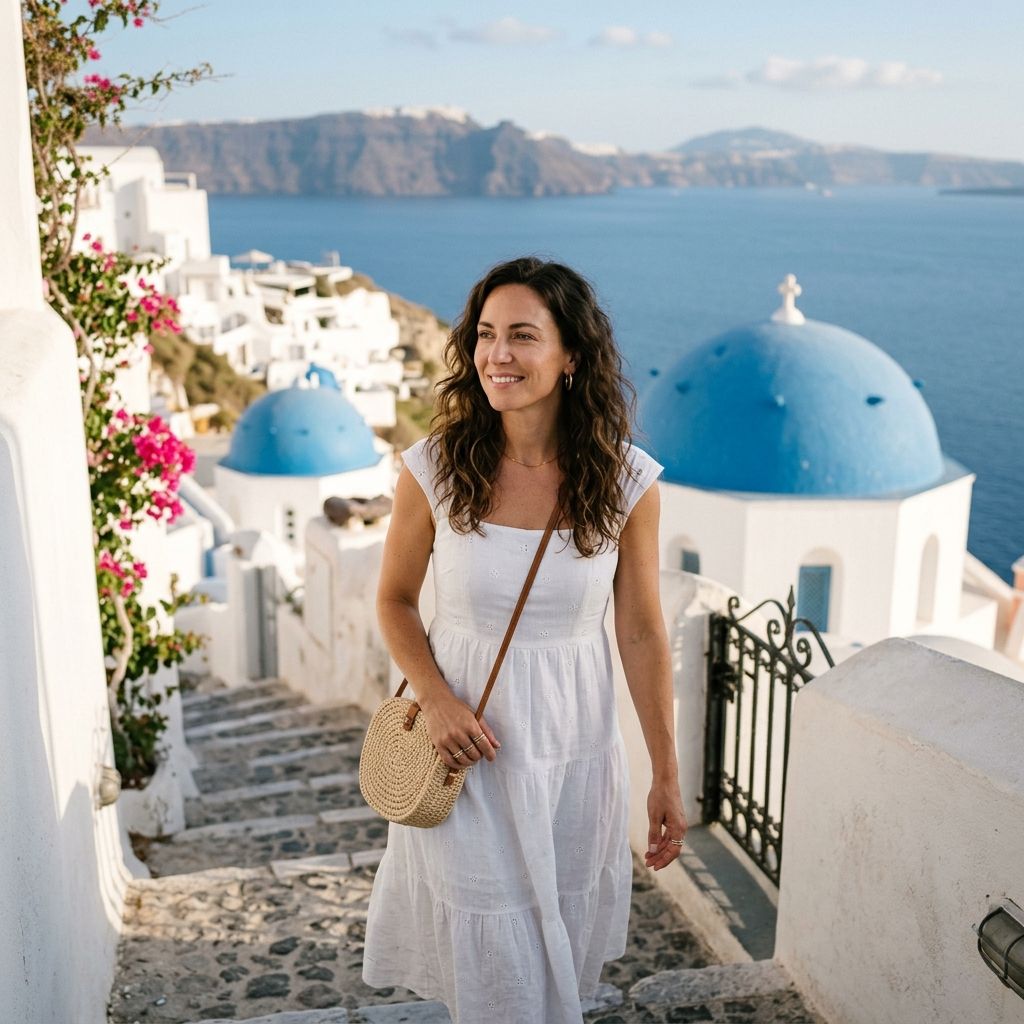
Search results for Santorini outfits consistently emphasize breathable pieces, dresses, linen, sandals, and light layers. The best choice still depends on the shoot—not on a rigid island uniform.
Colors that work with blue and white
- Terracotta or rust: warm contrast without looking neon.
- Yellow: energetic against blue water and sky.
- Navy: crisp, graphic, and easy to coordinate.
- Olive: grounded beside stone and plants.
- Beige or oatmeal: soft and understated, especially in morning light.
- White: classic, but add texture or a contrasting accessory so the body does not disappear into the architecture.
Avoid tiny high-contrast stripes if you expect the image to be resized heavily. Large logos also pull attention away from the face and location.
Fabric and footwear
Linen, cotton, light knits, and fluid fabric photograph well because they show movement without looking overly formal. Bring a layer for wind and changing evening conditions. Choose footwear you can safely walk in on stone paths and steps; change into statement shoes only when you are stationary and permitted to do so.
Outfit formulas
- Linen shirt + tailored shorts or trousers + understated sandals
- Midi dress + small earrings + flat sandals
- Monochrome co-ord + one blue, gold, or terracotta accent
- Relaxed shirt dress + woven bag + simple jewelry
- Dark polo or open-collar shirt + light trousers for strong contrast
Previewing an outfit does not guarantee that every generated garment detail will be physically practical. Treat the image as a mood board, then test the real clothes for fit, movement, wind, and comfort.
Timing and light: morning, midday, or sunset?
Morning-style light suits clean portraits, open eyes, and calm backgrounds. On location, an early start may also make it easier to work without interrupting pedestrian flow, though access and crowd conditions vary.
Midday light creates bold blue-and-white contrast but demands careful exposure. Look for open shade beside a bright wall, keep the face near the edge of the shade, and avoid placing the subject under patchy overhead foliage.
Late light and sunset add warmth and atmosphere. Build a simple shot list in advance because the flattering transition is brief. Photograph the must-have portrait first, then experiment with silhouettes and movement.
Always check local weather, opening conditions, and property rules close to the shoot. Respect signs, homes, religious sites, walkways, and other visitors. A safe public angle is more valuable than a risky imitation of a viral frame.
Editing without making the scene look artificial
Begin with basic corrections: straighten the horizon, protect white-wall detail, and adjust the face locally. Reduce strong blue color casts on skin rather than removing all blue from the scene. Keep texture in fabric and architecture.
If an unwanted small distraction remains, the general image editor can help refine the frame. For a final file that needs more output resolution, use the image upscaler after the composition and color are finished. Upscaling should be the last step, not a substitute for checking eyes, hands, edges, and background geometry.
For a coherent carousel, edit one reference frame first and match the rest to it. Consistent white balance matters more than applying a heavy preset to every image.
Common mistakes to avoid
- Wearing pure white with no texture or separation against a white wall
- Blowing out architectural highlights to brighten the face
- Using every iconic element in one crowded frame
- Letting a dramatic dress cover the hands, feet, or face
- Blocking stairs or paths while repeating the same pose
- Entering private property or crossing barriers for a photo
- Over-smoothing skin or pushing the blues until they look electric
- Posting an AI-generated travel scene without context when viewers could mistake it for documentary photography
A quick quality check at full size catches most problems. Look at facial resemblance, fingers, cup handles, jewelry, railings, dome edges, horizon lines, and repeating textures.
A compact Santorini shot list
Save this list before a real or virtual shoot:
- Wide clifftop scene with negative space
- Three-quarter portrait beside a railing
- Walking frame with fabric movement
- Doorway or arch composition
- One floral accent portrait
- Seated café lifestyle frame
- Dark-stone contrast portrait
- Sunset profile or silhouette
- Close detail for a carousel
- Clean vertical 4:5 cover image
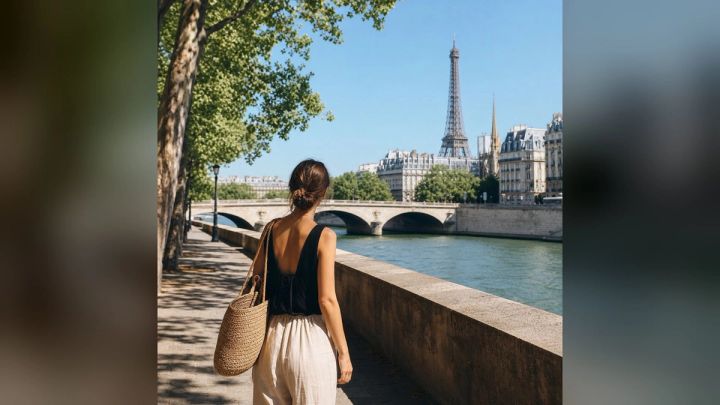
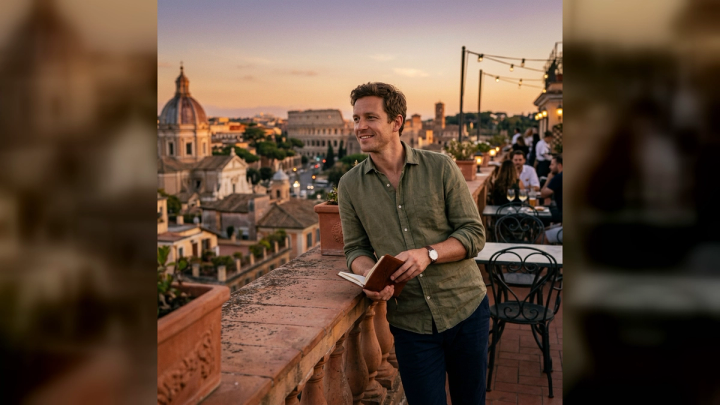
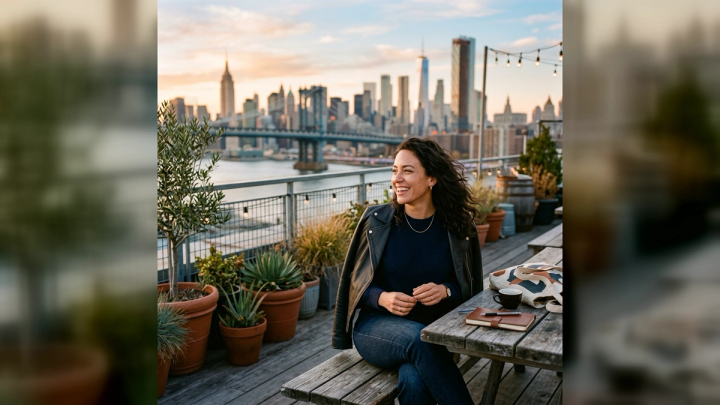
If you want a different destination mood, imageat also offers a Summer in Paris Photo Generator, a Bali Influencer Photo Generator, and an Outdoor Adventure Photo Generator. Each deserves its own visual plan rather than the same outfit and pose pasted onto a new background.
Frequently asked questions
How do I pose for photos in Santorini?
Use simple actions that match the setting: walk slowly, rest one hand on a railing, turn toward the view, hold a cup, or adjust a sleeve. Keep the shoulders relaxed and give the hands a clear purpose. Take a wide, medium, and close frame instead of forcing many unrelated poses.
What color should I wear for Santorini photos?
Navy, terracotta, yellow, olive, beige, and textured white all work well with blue-and-white architecture. Choose a color that separates you from the background and suits your skin tone. Comfort, safe footwear, and wind-friendly fabric matter as much as color.
When is the best light for a Santorini photoshoot?
Morning-style light is clean and gentle, while late light adds warmth. Midday can work in open shade if you protect the bright walls from overexposure. For an actual trip, confirm local weather and access shortly before the shoot rather than relying on a fixed rule.
Can I create a Santorini-style photo without writing a prompt?
Yes. The live imageat Santorini pack provides Clifftop morning, Blue-dome walk, and Aegean sunset as ready-made directions. You upload one clear portrait, choose a look, and generate without writing a prompt.
Does the imageat Santorini pack publish my upload publicly?
No. The live feature page states that uploads are not automatically published to the community gallery. Review imageat’s current terms and privacy information if you need details about handling and permitted use.
Can I use an AI Santorini portrait on social media?
The feature page says generated results can be downloaded and used on profiles and social channels, subject to imageat’s terms and third-party platform rules. Label creative or AI-generated travel imagery when it could otherwise imply a real trip, event, endorsement, or documentary moment.
Plan the story before the pose
The strongest Santorini photos are not simply blue domes behind a person. They connect styling, light, gesture, and background into one believable moment. Start with a clear story—quiet morning, editorial walk, or warm sunset—then choose the outfit and pose that support it.
To test those three directions before packing or shooting, create a Santorini portrait in imageat, inspect the result carefully, and use it as a practical visual plan for your final image.