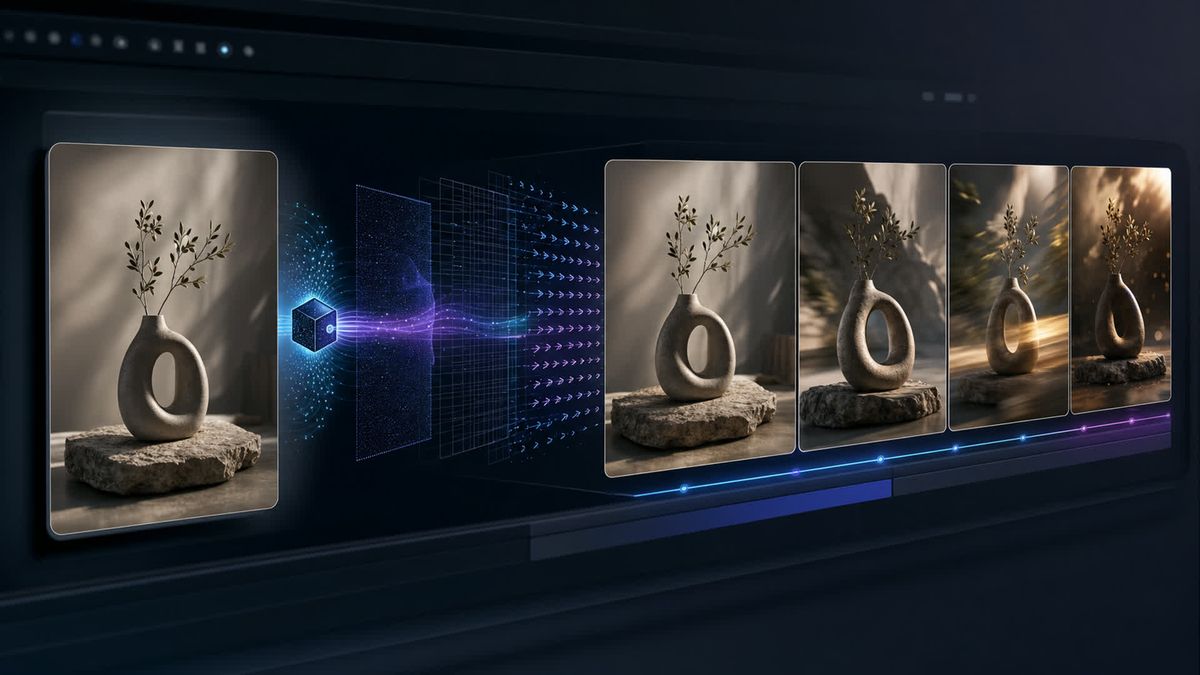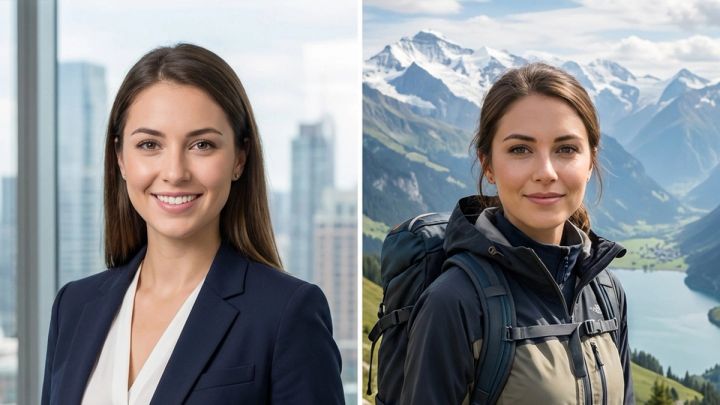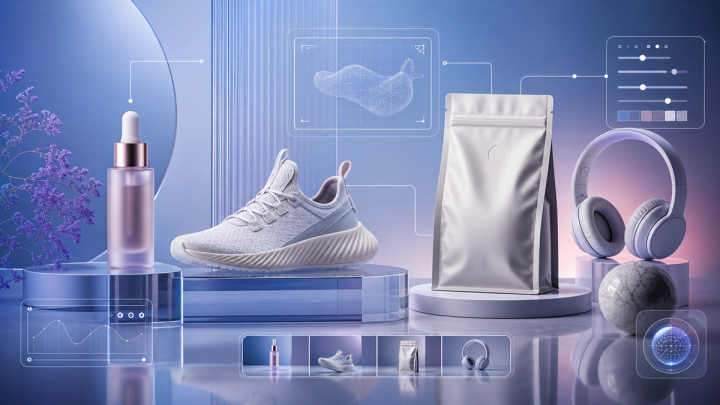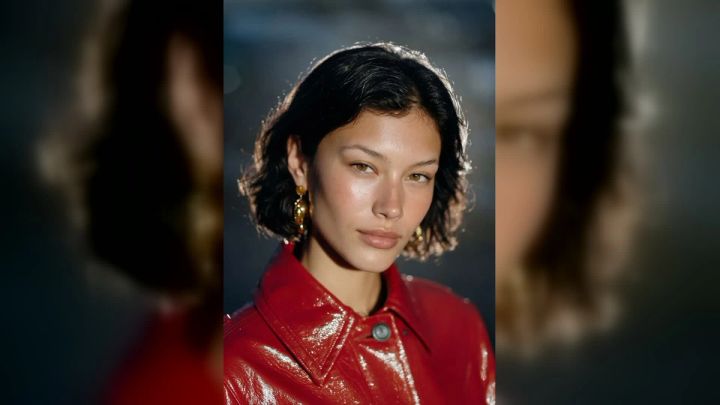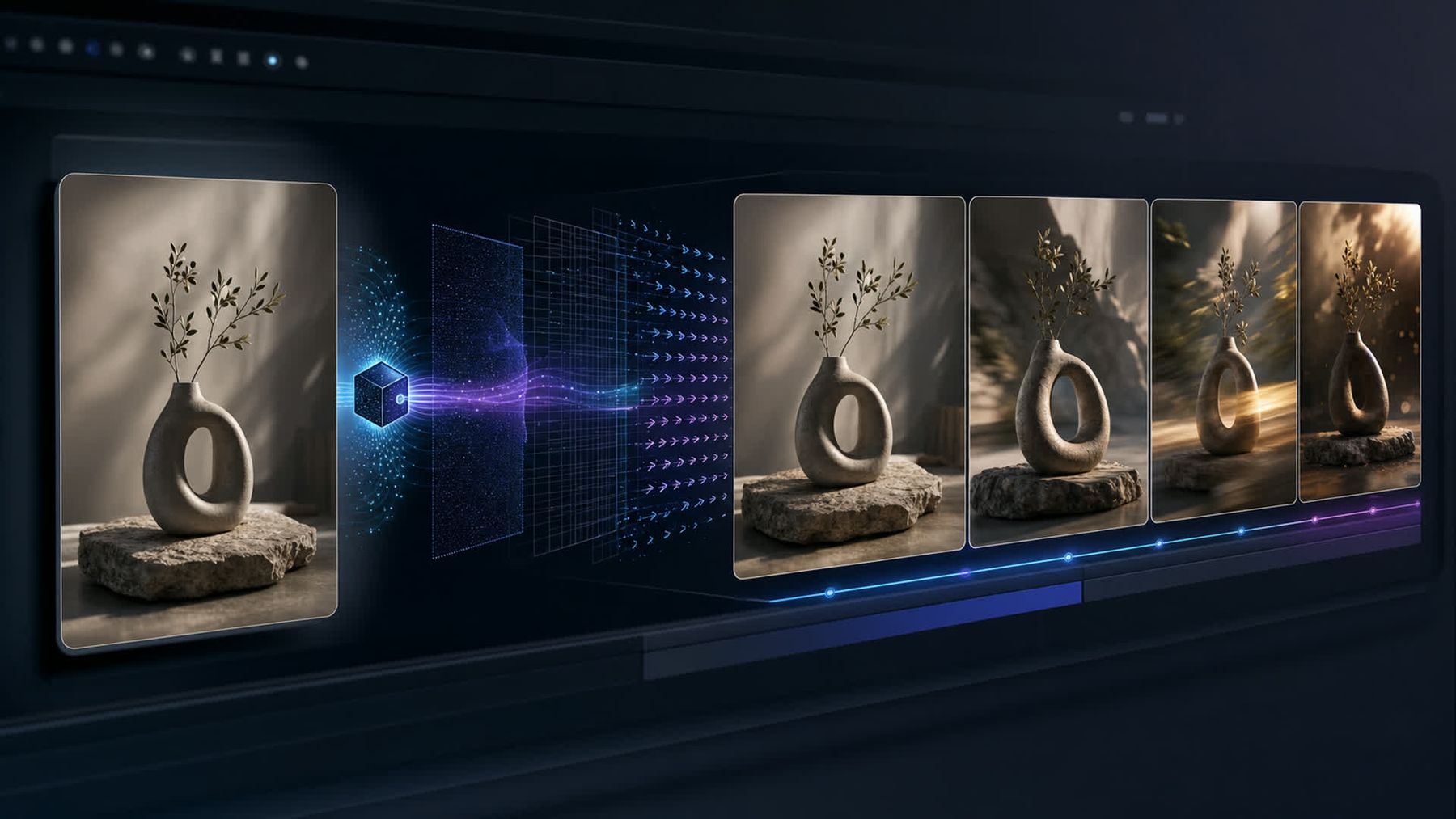
An image-to-video result can fail before you write a single word of the prompt. The model has to infer depth, hidden surfaces, physical structure, identity, lighting, and plausible motion from one still frame. If that frame is blurry, tightly cropped, visually contradictory, or full of details that cannot survive movement, even a carefully written prompt starts from weak evidence.
This guide focuses on that first input. Use it before uploading a photo to the image-to-video AI tool, before changing models, and before spending another generation on a longer prompt. It will help you identify whether the source image supports the motion you want, repair common problems, and decide when you need a different image rather than a different prompt.
The short answer
A strong source image is clear, structurally believable, appropriately framed, and compatible with the intended movement. It gives the model enough visible information to preserve the important subject while leaving enough space for motion. A weak source image asks the model to reconstruct missing anatomy, invent hidden product surfaces, resolve reflections, preserve tiny text, and create large camera movement at the same time.
Before generating, check these eight things:
- Subject clarity: Is the main subject sharp, large enough, and easy to distinguish from the background?
- Composition: Is there room for the subject and camera to move without revealing missing content immediately?
- Anatomy and structure: Are hands, faces, limbs, product edges, and contact points visible and believable?
- Identity anchors: Are the features that must stay consistent unobstructed?
- Lighting: Does the image have one understandable lighting direction rather than conflicting highlights and shadows?
- Surface complexity: Does the frame contain mirrors, glass, water, fine patterns, tiny text, or repeated objects that may drift?
- Motion compatibility: Could the requested action plausibly begin from this exact pose and scene?
- Technical quality: Is the image free from heavy compression, accidental blur, extreme noise, and previous AI artifacts?
If several answers are no, repair or replace the image first. Do not treat prompt length as a substitute for usable visual evidence.
Why the source image controls the result
In text-to-video, the model constructs the starting scene from language. In image-to-video, it receives a visual commitment: this person, this object, this pose, this camera position, this lighting, and this background. Your prompt can guide what happens next, but it does not erase the constraints encoded in the starting frame.
That distinction explains a common frustration. A creator asks for a person to turn around, but the photo only shows a tight front-facing headshot. The model has no reliable information about the back of the head, clothing, shoulders, or surrounding room. It must invent all of them while preserving the face. The result may include identity drift, changing clothes, unstable hair, or a background that bends around the subject.
The same problem appears in product video. A single frontal packshot may not reveal the side panel, cap geometry, material thickness, or rear label. A dramatic orbit asks the model to manufacture those surfaces. If exact product fidelity matters, the source should show sufficient form for the intended movement—or the motion should remain modest.
First diagnose the kind of failure
Do not replace the image blindly. Identify what broke, then connect the failure to evidence in the frame.
The subject changes identity
Typical symptoms include a face becoming older or younger, hair changing shape, clothing details appearing and disappearing, or a product changing proportions. Look for a small subject, soft facial detail, heavy occlusion, extreme profile angle, beauty filters, or inconsistent generated details in the source.
For a person, a clear face with visible eyes, nose, mouth, jawline, and hair silhouette provides more identity anchors. For a product, the equivalent anchors are the silhouette, major edges, material, closures, and distinctive design elements.
If faces are the main problem, use the dedicated guide on stopping faces from changing in AI videos alongside this checklist.
The scene melts when the camera moves
This often happens when the requested camera move reveals areas that the source image never defined. A close crop, shallow depth of field, blocked background, mirror, or complex foreground can leave the model too much to reconstruct.
Reduce the camera move or choose a wider source with stable scene geometry. A subtle push-in usually asks less of the model than a full orbit, rapid crane move, or sweeping reveal.
Hands, limbs, or objects deform
Inspect the still before blaming the animation. Are fingers overlapping? Is one arm hidden? Is a hand merged with clothing or an object? Are legs cropped at a joint? Is a product handle partly concealed? Motion exposes ambiguities that look acceptable in a still image.
Select a frame with clean separation between body parts and important objects. If that is impossible, request restrained motion that does not force the ambiguous area to articulate.
The subject slides instead of moving
A static pose may not contain the weight distribution needed for the requested action. Someone standing evenly on both feet is not automatically a good first frame for a sprint, spin, or jump. A product sitting on a table may slide when asked to rotate because the contact point and intended force conflict.
Use a source pose closer to the first beat of the action. A walking pose supports walking; a body already leaning into a turn supports a turn; a lifted product supports a hand-held reveal.
Logos and text mutate
Generative video should not be your only layer for exact typography or mandatory legal copy. Tiny labels, packaging text, interface elements, and logos can change from frame to frame, especially during deformation, rotation, or motion blur.
Use a clean source with large, high-contrast marks; keep movement gentle around them; and plan to composite exact text or branding in the edit when accuracy is non-negotiable. The guide to preventing warped products, logos, and text in AI ads covers the downstream ad workflow in more detail.
The complete source image checklist
1. Make the main subject unmistakable
The model should not have to guess what the shot is about. Avoid frames where the subject blends into the background, occupies only a tiny part of the image, or competes with several equally prominent objects.
Check the image at thumbnail size. If you cannot immediately identify the subject and its silhouette, simplify the frame. Crop with care, increase separation, or choose a cleaner alternative. Background separation can come from contrast, depth, color, or lighting; it does not require removing the environment completely.
For multi-subject scenes, decide whether every subject needs independent motion. Two people embracing, several hands touching one product, or a crowd with overlapping bodies greatly increases the number of relationships the model must preserve.
2. Start with real sharpness, not artificial crispness
Motion models need stable edges and meaningful features. Motion blur, missed focus, low-light smearing, and aggressive compression remove that information. Excessive sharpening is not a reliable fix: it creates halos and false edges rather than recovering detail.
Zoom in on the face, hands, product boundary, and any essential texture. Look for blocky JPEG artifacts, ringing around edges, waxy skin, smeared hair, or crunchy noise. If the original is genuinely low resolution, consider recreating or cleaning the image with an AI image generator, but review the replacement closely before animation. Do not upscale a flawed image and assume the structural problems disappeared.
3. Protect the frame boundaries
Crops become risky when they cut through a joint or an object that must move. A hand cut off at the wrist, a shoe clipped at the ankle, hair touching the top edge, or a product touching the side of the frame leaves no visual reserve for motion.
Add breathing room in the direction of travel. If the person will look left, leave space on the left. If the camera will push forward, ensure the image has enough resolution and foreground structure to support the change. If the product will rise, leave headroom above it.
A crop is not automatically bad. A tight portrait can work for blinking, breathing, or a subtle expression. The failure comes from combining a restrictive crop with motion that needs information outside it.
4. Check faces at full size
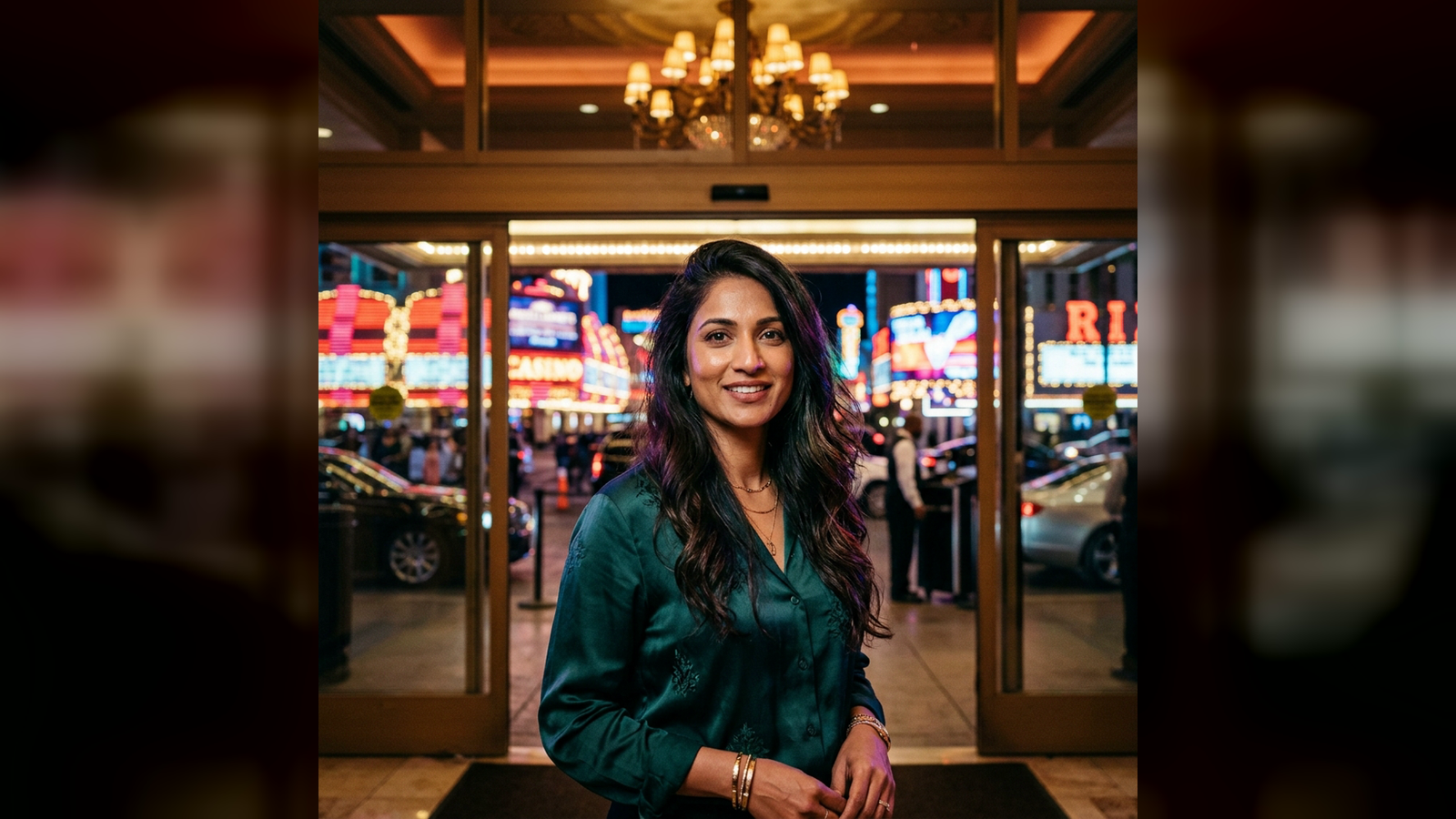
For a face-led shot, confirm that both eyes are coherent, the mouth has a clear shape, the jaw is not merged into clothing, and hair edges are readable. Strong sunglasses, hands over the face, extreme shadows, or hair crossing key features can weaken identity evidence.
Also inspect whether the still already contains AI artifacts: mismatched earrings, asymmetrical glasses, inconsistent teeth, irregular pupils, or hair that dissolves into the background. Animation tends to magnify those defects.
Choose the face angle that matches the planned movement. A front-facing portrait is useful for a small expression or direct-to-camera beat. A three-quarter view may support a gentle turn. A hard profile is a poor input if the first action demands a full frontal reveal and identity must remain exact.
5. Inspect hands and contact points
Hands fail most visibly when the still does not define fingers, grip, and contact. Check whether each visible hand has a plausible shape and whether it actually touches the object it appears to hold. A gap between fingers and a cup, a merged phone and palm, or an extra knuckle may become a larger deformation once motion begins.
Contact also matters beyond hands. Feet should meet the floor; a seated body should align with the chair; a product should rest convincingly on its surface; clothing should not fuse with nearby objects. These relationships provide the physical constraints for motion.
If a hand is not essential, frame it out cleanly rather than leaving a confusing partial hand at the edge. If it is essential, use a source where the grip is visible and uncomplicated.
6. Simplify hair, fabric, and fine patterns
Loose hair, fringes, jewelry chains, sheer fabric, plaid, stripes, lace, and dense prints contain many small elements that can move independently. They are not forbidden, but they reduce the margin for aggressive motion.
Choose larger, simpler shapes when continuity matters more than visual complexity. For fashion, start with a clean garment silhouette and avoid asking every layer to flap in a different direction. For portraits, keep wind subtle unless the source already establishes a clear hair shape and lighting setup.
Repeated background patterns can also wobble. Brick walls, window grids, railings, shelves, and crowds often reveal temporal inconsistency faster than a soft, uncluttered background.
7. Audit reflections, glass, screens, and water
Reflective surfaces multiply the scene. A mirror must agree with the subject; a glossy package must follow changing light; a window must preserve both reflection and transmission; water must respond to movement and perspective. These are demanding relationships even when the starting image looks polished.
Ask whether the reflection is necessary. If not, use a matte angle or simpler environment. If it is central to the shot, reduce camera travel and subject motion. Avoid source images where a reflection already contradicts the object or where generated highlights do not follow the apparent light source.
Screens introduce a second problem: exact interface content. Keep UI as an editable layer when possible rather than expecting a generative clip to preserve small controls and text.
8. Use one believable lighting logic
The source should have understandable key light, fill, and shadows. Watch for a face lit from the left while the body shadow falls as if the light came from the right, a product highlight with no corresponding source, or a composited background whose color temperature conflicts with the subject.
Consistent lighting helps preserve volume as the subject moves. It also makes subtle animation look more realistic. If you are preparing a source in imageat's image generator, specify a simple lighting setup and review whether shadows, reflections, and highlights agree before moving to video.
Avoid crushed black areas that hide necessary structure and blown highlights that erase texture. The model cannot reliably animate detail that is absent from the pixels.
9. Remove accidental depth contradictions
A still can hide impossible geometry: a subject may be too large for the room, a hand may pass behind an object that should be farther away, or a composited shadow may place the product above the surface. Camera motion makes these contradictions visible.
Trace the major depth layers: foreground, subject, supporting objects, background. Make sure overlaps make sense. Look at floor lines, horizon, furniture scale, and cast shadows. For a product shot, confirm that the base and surface share the same perspective.
A cleaner image with fewer depth layers often produces a more controllable clip than an elaborate composite.
10. Match aspect ratio before generation
Decide where the clip will be used before selecting the source. A landscape composition may not survive a vertical crop, while a close vertical portrait may not provide enough side space for a landscape camera move.
Prepare the source around the intended final frame. Keep faces, products, and important action away from unsafe crop zones. Do not rely on the video stage to invent large missing side areas while also preserving identity and motion.
When one campaign needs several aspect ratios, create approved source variants first. Then animate each composition with a motion plan suited to that frame.
11. Match the first frame to the first action
The prompt should describe a plausible continuation of the image, not an unrelated scene replacement. Before generating, say the opening action aloud: “The subject slowly turns toward camera,” “The camera gently pushes toward the bottle,” or “The curtain moves in a light breeze.” Now look at the image and ask whether the action could begin in the next real-world instant.
If not, change the source or split the idea into shots. A standing portrait cannot cleanly become a backflip, wardrobe change, location transition, and orbiting camera in one continuous beat without substantial invention.
For help translating a viable frame into motion language, use the AI prompt generator and the practical image-to-video prompt examples. Keep the source-image diagnosis separate from prompt polishing.
12. Verify rights, consent, and authenticity
Use imagery you own or have permission to animate. Obtain appropriate consent when animating a recognizable person, especially for commercial, sensitive, or potentially misleading contexts. Do not present fabricated movement as documentary evidence.
Check the source for third-party logos, artwork, private information, or location details you should not reproduce. Technical success does not resolve rights, disclosure, or brand-safety concerns.
Match the source image to the intended motion
Subtle portrait motion
For blinking, breathing, a small smile, or a gentle head turn, use a sharp medium close-up with a clear face, visible hair outline, simple background, and no hand crossing the face. Keep the head away from the frame edge. Avoid a source with a frozen open mouth unless speech is the goal.
Prompt pattern:
The person holds a natural posture, breathes subtly, blinks once, and gives a restrained smile. The camera remains steady. Preserve facial identity, hairstyle, clothing, lighting, and background.
Product push-in
Use a product image with clean edges, stable contact with the surface, visible material texture, and enough resolution for the closer view. Large readable branding is safer than tiny label copy, but exact text should still be checked frame by frame.
Prompt pattern:
A slow, controlled camera push toward the product. A soft highlight moves naturally across the surface while the product remains perfectly still. Preserve silhouette, proportions, packaging design, label placement, and background geometry.
Walking or full-body action
Use a full-body or three-quarter source with both legs readable, feet connected to the ground, arms separated from the torso, and open space in the travel direction. A transitional walking pose is better than a rigid catalog stance.
Prompt pattern:
The subject takes two natural steps forward at a relaxed pace. Arms swing subtly, clothing responds with restrained secondary motion, and the camera tracks smoothly. Preserve identity, body proportions, outfit, and environment.
Environmental movement
For wind, rain, curtains, foliage, steam, or water, pick a source where those elements are visually distinct and their physical direction can be inferred. Avoid requesting simultaneous movement in every layer.
Prompt pattern:
A light breeze moves the curtain and a few loose strands of hair. The subject remains still. Lighting and camera position remain unchanged, with realistic restrained motion and stable background geometry.
A repair workflow before you regenerate
Step 1: Save the failed clip and name the symptom
Write one sentence: “The face changes during the turn,” “The bottle label warps during the orbit,” or “The background bends during the push-in.” A precise symptom prevents random edits.
Step 2: Return to the first frame
Compare the still with the first visible failure. Inspect the relevant region at full size. Look for missing detail, occlusion, crop pressure, impossible geometry, existing artifacts, or a mismatch between pose and action.
Step 3: Make the smallest useful image change
Replace a blurred source, widen the composition, simplify the background, correct the hand, remove conflicting reflections, or choose a pose closer to the action. Do not redesign every variable at once or you will not know what fixed the result.
Step 4: Reduce the motion burden
Keep either subject motion or camera motion simple for the next test. Shorten the action. Remove secondary effects. If an orbit fails, test a push-in; if a full turn fails, test a glance; if running fails, test one controlled step.
Step 5: Use a literal prompt
State subject motion, camera behavior, environment motion, and preservation constraints. Avoid stacking mood words that do not tell the model what changes over time. The article on common AI video prompt mistakes explains how to reduce contradictory instructions.
Step 6: Generate a diagnostic test
Treat the next output as a test of one hypothesis, not the final ad. Review frame by frame around the previous failure. If the same defect appears at the same moment, the source may still be under-specified for that action.
Step 7: Change models only after isolating the input problem
Different models can interpret the same frame differently, and imageat's AI video generator provides a workflow for text- and image-led video creation. But switching models repeatedly is not a substitute for fixing an unusable input. Once the frame and motion are compatible, compare available AI models for the specific kind of shot you need.
Step 8: Finish in the edit
Use the strongest stable take, trim unstable opening or ending frames, add exact titles and logos in post, and assemble multiple controlled shots rather than forcing one generation to do everything. The AI video editor can support a broader edit workflow when transformation or follow-up work is required.
What not to fix with a longer prompt
A long prompt cannot recover a face that occupies a few pixels. It cannot reveal the true back of a product from a frontal image. It cannot guarantee exact tiny packaging text through a rotating shot. It cannot turn a tightly cropped headshot into a reliable full-body dance without inventing a body, clothes, and environment.
Preservation phrases can help communicate priorities, but they do not add missing evidence. If you keep appending “do not change” while asking for motion that necessarily reveals hidden information, the instructions are in conflict.
Use this rule: repair pixels for visual problems; revise motion for physical problems; revise the prompt for instruction problems. Sometimes all three need attention, but they are not interchangeable.
Five-minute preflight checklist
Before you click generate, confirm:
- The intended subject is obvious at thumbnail size.
- The face, hands, limbs, or product edges needed for the shot are sharp and coherent.
- No critical joint or object is accidentally cut by the frame.
- There is visual space in the direction of subject or camera movement.
- The pose can plausibly lead into the requested action.
- Contact points with hands, floors, chairs, and surfaces make sense.
- Lighting, shadows, reflections, and perspective agree.
- Fine patterns, loose accessories, glass, mirrors, water, and screens are necessary rather than accidental complexity.
- Logos and text are large enough to review, with exact typography planned for post when needed.
- The source aspect ratio matches the intended delivery.
- The image does not already contain AI artifacts.
- You have permission to animate the image and the people in it.
- The first test uses restrained motion and one clear camera instruction.
- You know which failure you will inspect after generation.
Frequently asked questions
What is the best image for image-to-video AI?
The best image is not simply the highest-resolution file. It is a clear, coherent frame whose pose, crop, lighting, and visible structure support the intended motion. A simple sharp image with adequate space often works better than a visually complex image with hidden limbs, reflections, tiny text, and an extreme crop.
Should I use a portrait or full-body image?
Use a portrait for facial expressions, eye movement, breathing, or a small head turn. Use a three-quarter or full-body image when legs, walking, clothing motion, or broader gestures matter. Do not ask a portrait crop to reveal a reliable unseen body.
Does higher resolution prevent failed generations?
Higher resolution can provide clearer source detail, but it does not repair bad anatomy, contradictory lighting, hidden surfaces, or an incompatible pose. Structural clarity matters more than raw pixel count.
Why does the video change my face even when the source is sharp?
Sharpness is only one factor. Extreme head rotation, occlusion, expression changes, fast camera motion, heavy beauty filtering, or a very tight crop can still reduce identity stability. Start with a smaller action and preserve the face angle before adding camera movement.
Why does my product change shape during an orbit?
A single image may not define the sides and back of the product. The model invents hidden geometry during the orbit, which can alter proportions, labels, or closures. Use a gentler camera move, a more informative three-quarter source, or multiple controlled shots instead of a wide orbit.
Can I animate an AI-generated image?
Yes, but inspect it as strictly as a photograph. AI-generated stills may contain inconsistent fingers, asymmetry, impossible reflections, warped text, or merged objects that become more obvious in motion. Correct the still before using it as a source.
Should I remove the background first?
Not automatically. A coherent background provides depth and lighting context. Remove or simplify it when clutter, overlapping objects, repeated patterns, or bad compositing create ambiguity. A clean, believable environment is often better than an artificial cutout.
When should I stop retrying the same image?
Stop when the same structural failure persists after one focused source repair and one reduced-motion test. Choose a more suitable image or split the action into separate shots. Repeating the same incompatible input with cosmetic prompt changes is rarely an efficient workflow.
Build the motion on a frame that can support it
Image-to-video quality begins with choosing what the model should not have to guess. Give it a readable subject, believable structure, consistent light, sufficient framing, and an action that can start from the pose on screen. Then use a short, literal motion prompt and expand complexity only after the basic test holds together.
When the source is ready, upload it to imageat's image-to-video workflow, begin with controlled motion, and review the result against the checklist rather than judging it only at playback speed. Better inputs do not guarantee every generation, but they make failures easier to diagnose—and successful shots far easier to repeat.