Image to Minecraft skinJava & Bedrock
Upload a photo and get a ready-to-use Minecraft skin. Spin it in 3D, then download the 64x64 PNG.

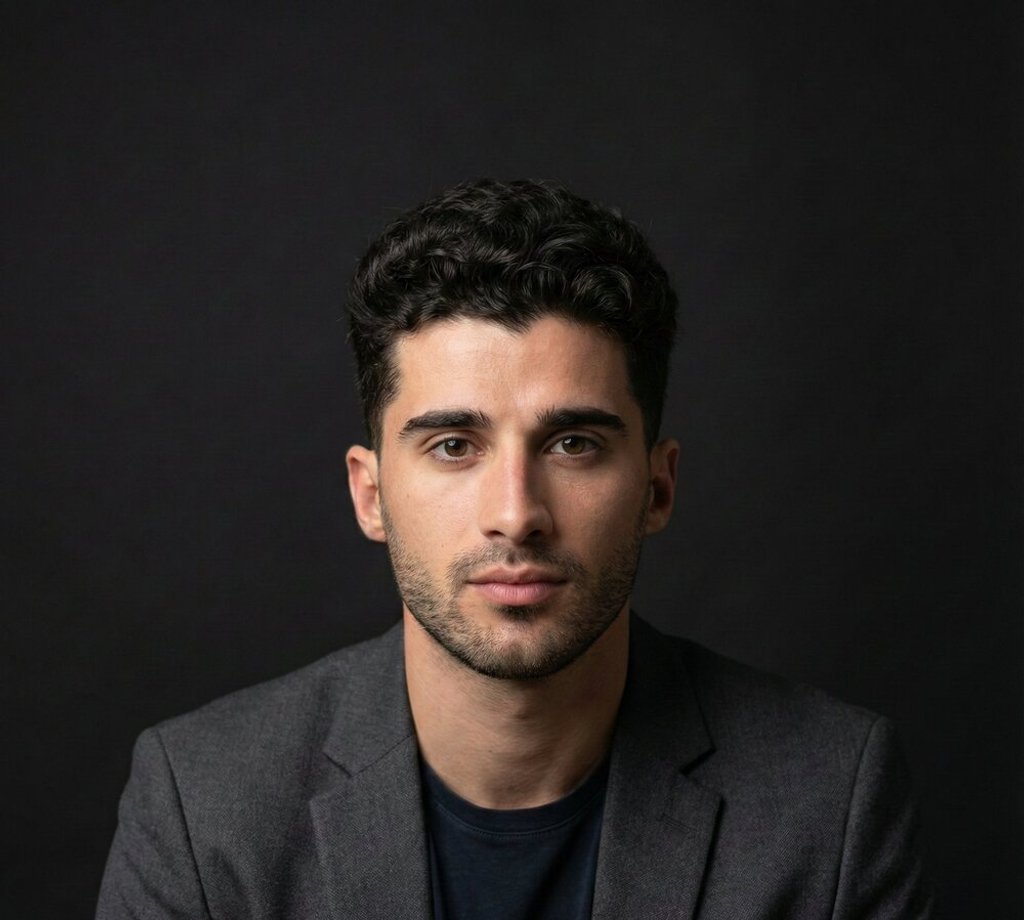
Upload a photo of yourself, a friend, a pet or a character to get a skin like this.
Examples
From photo to skin
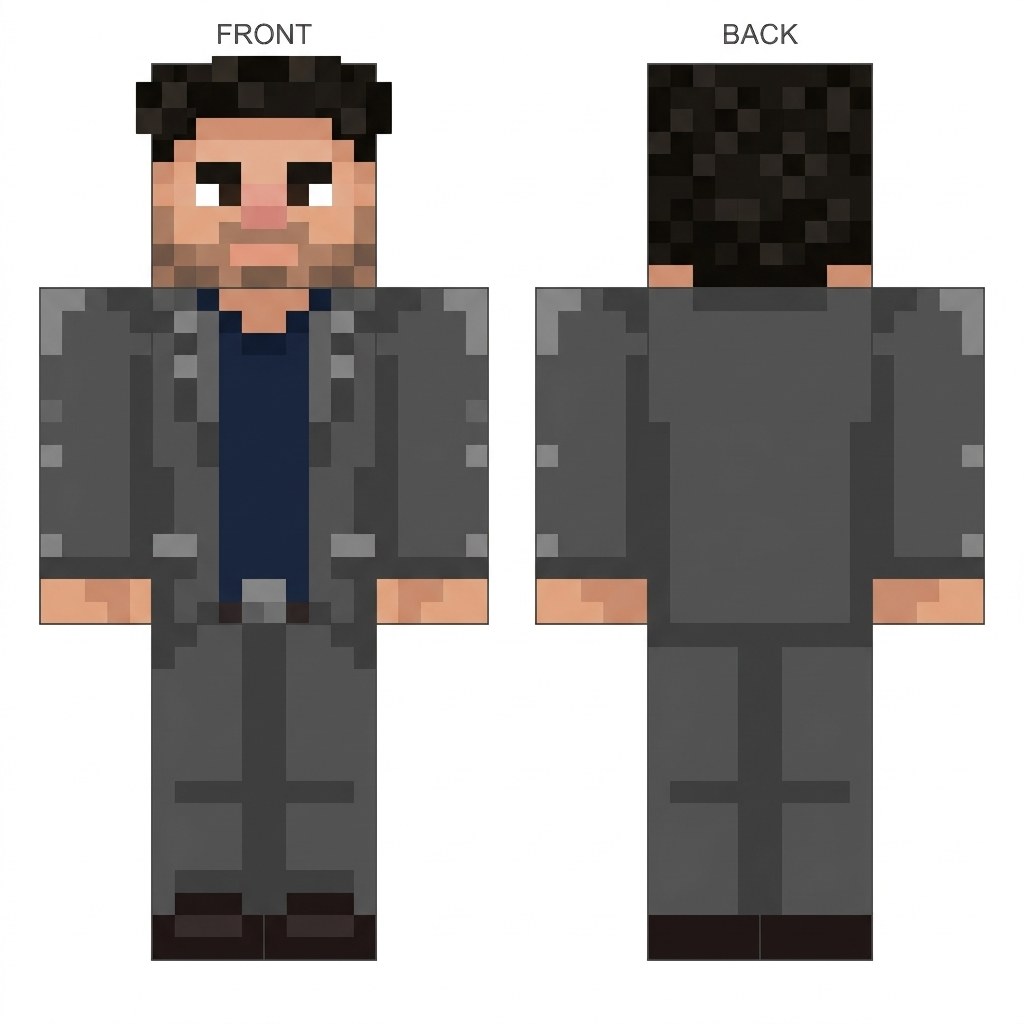
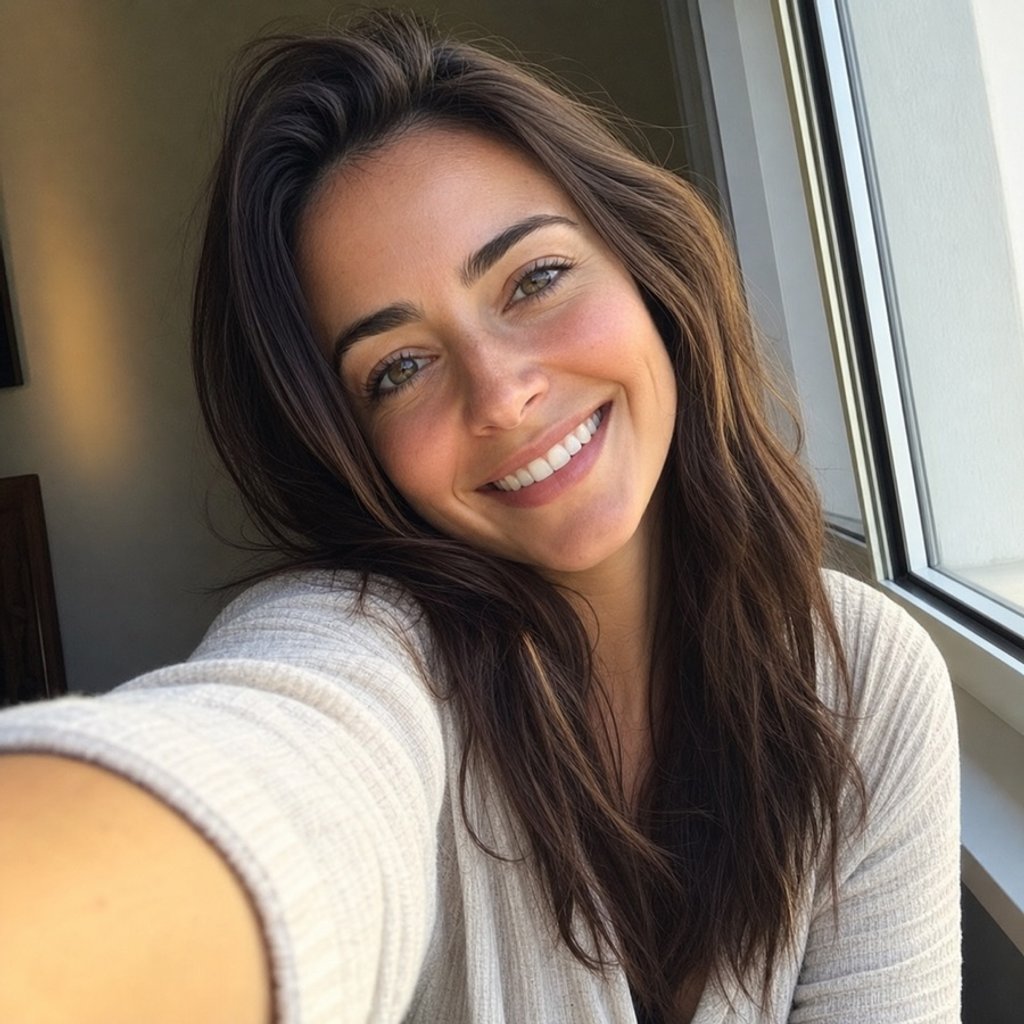
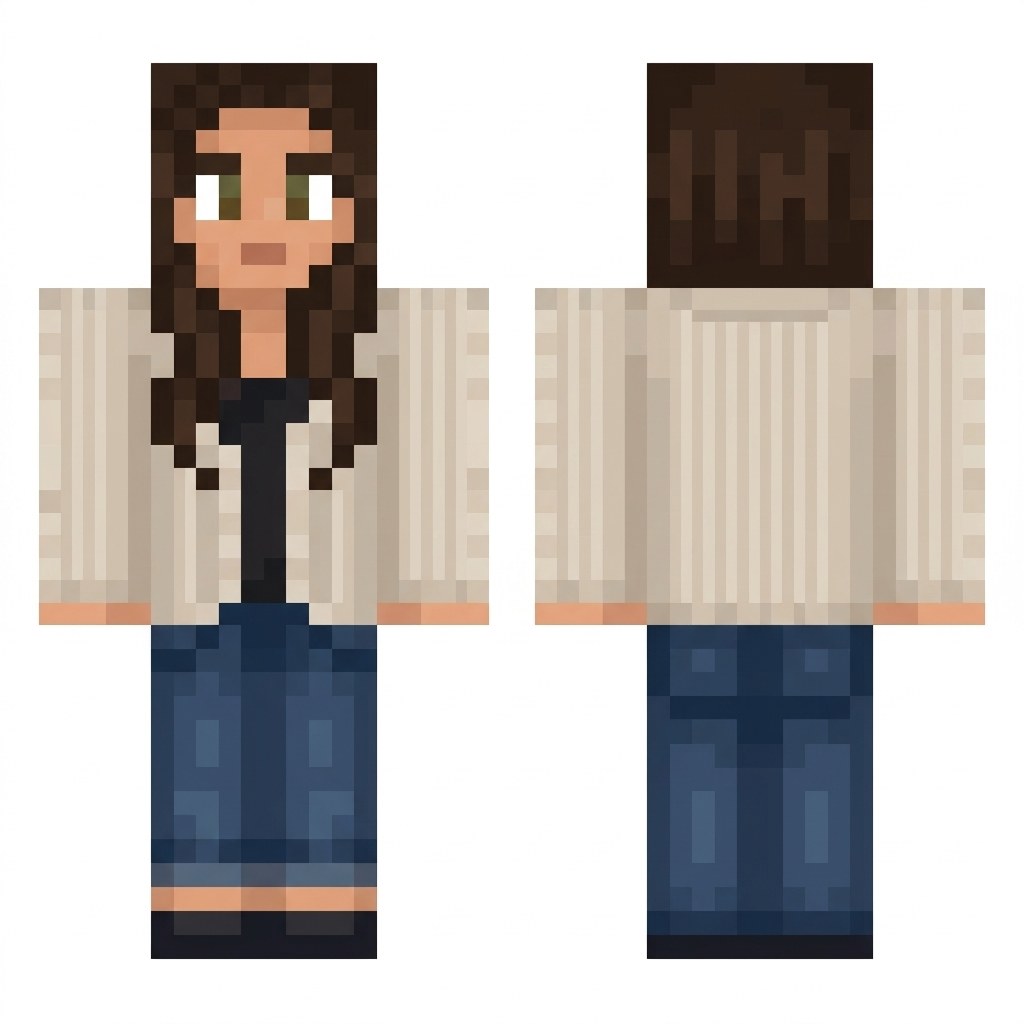
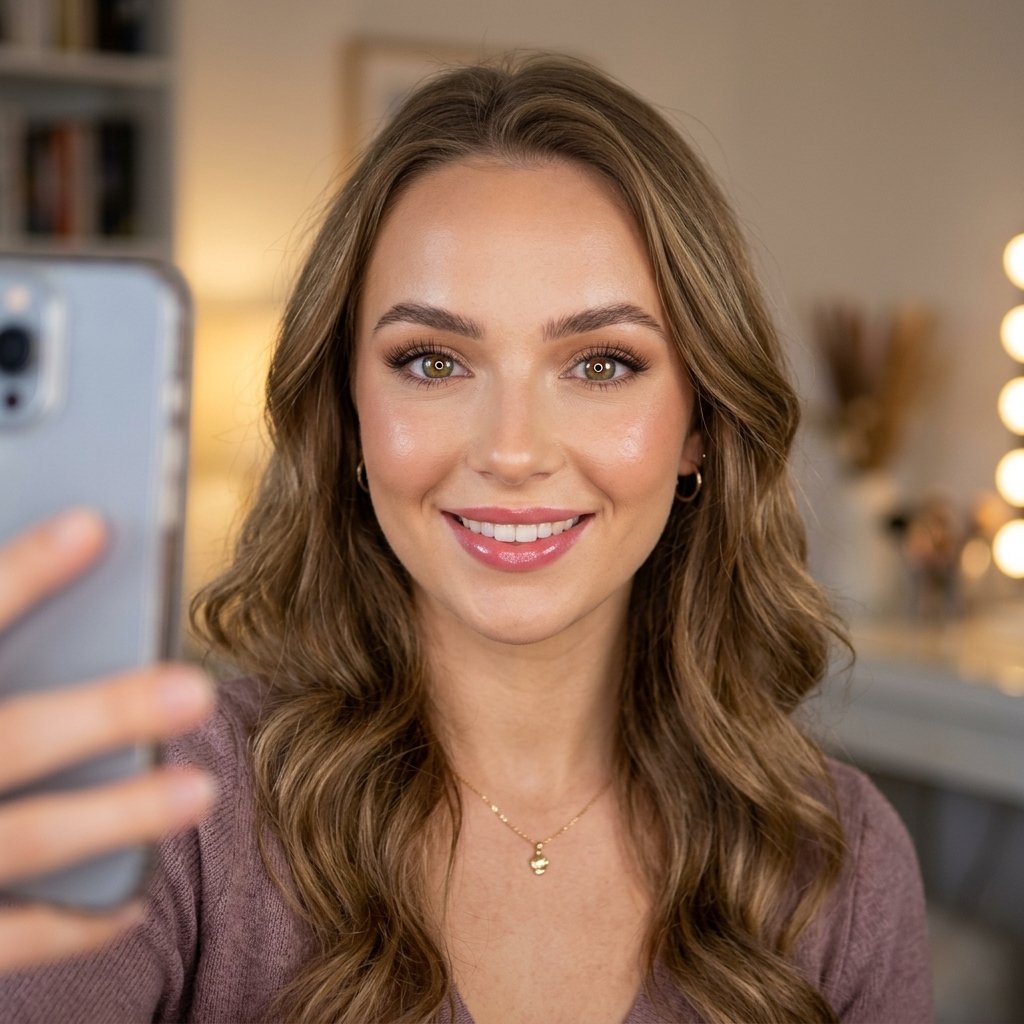
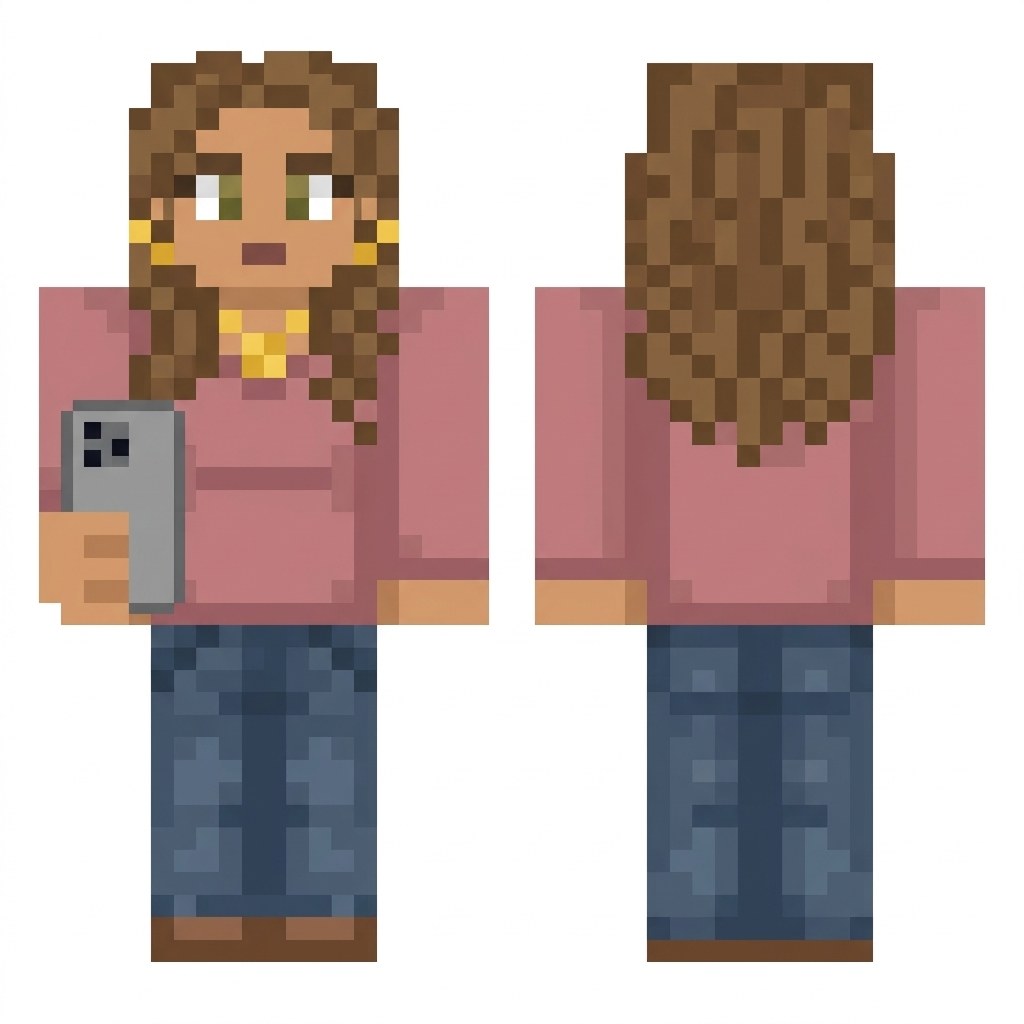
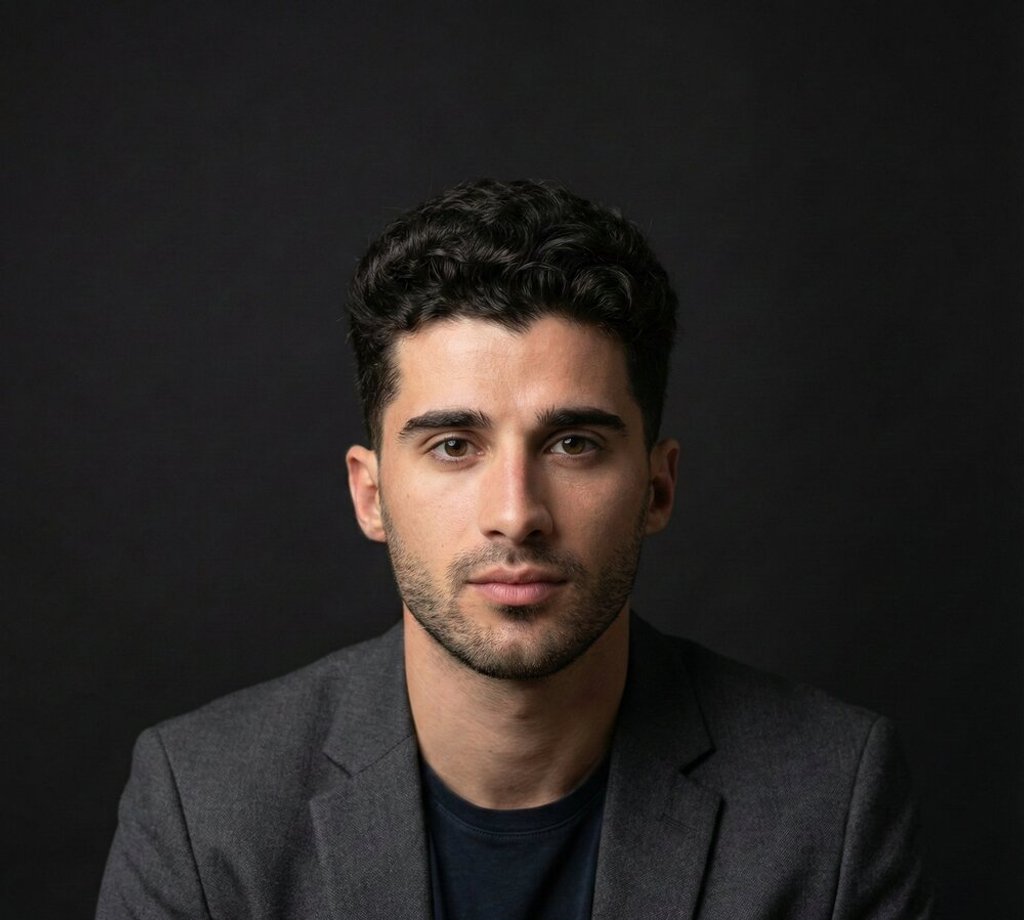
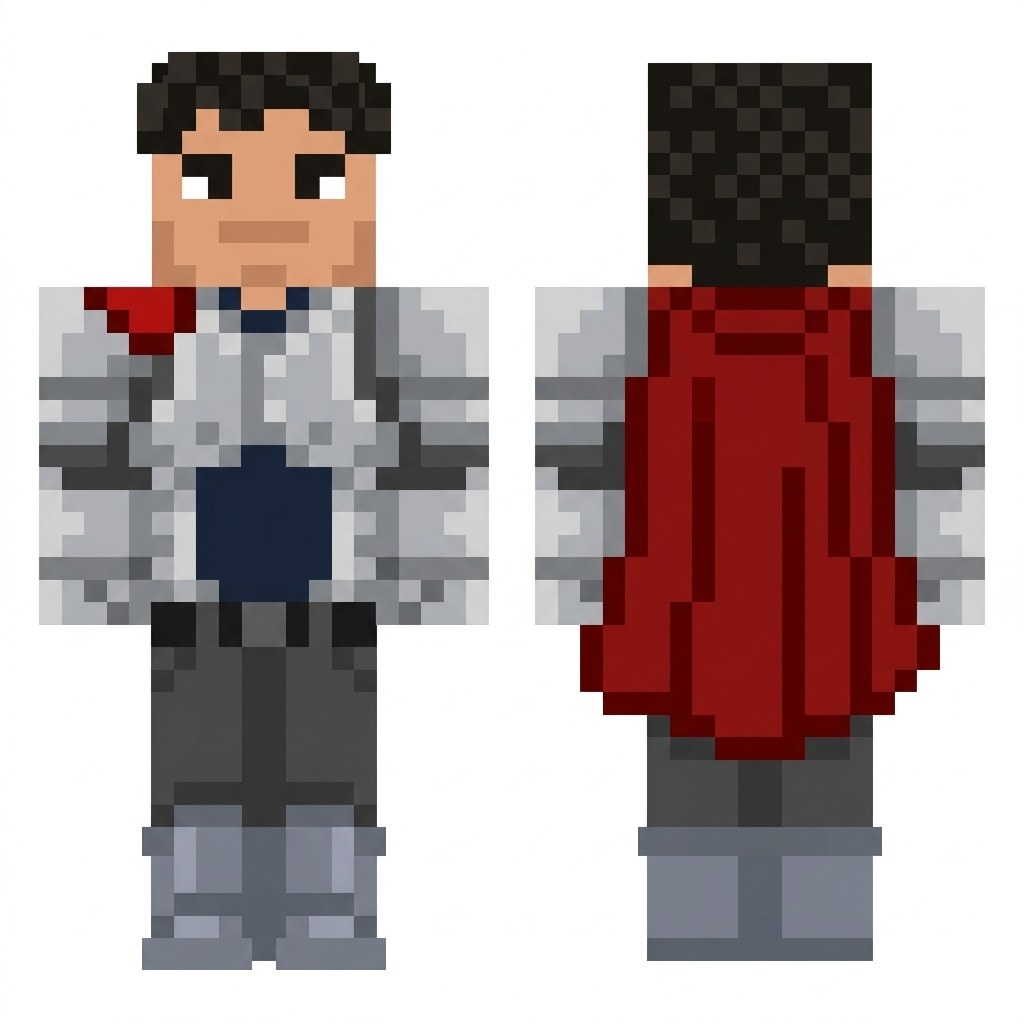
Each skin below was made from the photo next to it. The last one uses the same photo as the first, with "wearing shiny silver knight armor with a red cape" in Extra details.







How to make a Minecraft skin from a photo
01
Upload a photo
Use a selfie, a headshot, a drawing or a character. Clear faces and outfits give the best skins.
02
Add details
Optional: describe an outfit or accessory, like a hoodie, armor or a cape.
03
Download and play
Spin the 3D preview, download skin.png and upload it in the Minecraft Launcher or the Bedrock Dressing Room.
Minecraft skin questions
How do I turn a picture into a Minecraft skin?
Upload a photo, add optional details such as an outfit or accessory, then select Create skin. In about 30 seconds you get a 3D preview and a 64x64 PNG skin file to download.
Does the skin work in Java and Bedrock Edition?
Yes. The file uses the standard 64x64 classic (Steve) layout. In Java Edition, upload it in the Minecraft Launcher under Skins. In Bedrock Edition, open Dressing Room, choose Classic Skins, then Import.
What kind of photo works best?
A clear photo where the face, hair and outfit are visible. Selfies, headshots and full-body photos all work. You can also upload a drawing, a game character or a pet.
Can I change the outfit?
Yes. Use Extra details to describe what the skin should wear, for example knight armor, a hoodie, a space suit or a red cape. The face and hair still come from your photo.
How much does it cost?
Each skin uses 4 imageat credits. If creation fails, the credits are refunded automatically. See the pricing page for plans and credit packs.
Where can I find my skins later?
Every skin is saved to your Library, so you can download it again at any time.
See pricing for plans and credit packs. Making a game instead? Try the AI Game Generator or the Sprite Sheet Generator.