Script
to Video
Already have the words? Paste your script and get a narrated, captioned short where every sentence is read exactly as you wrote it.
Your script or topic, read by an AI voice with captions over gameplay
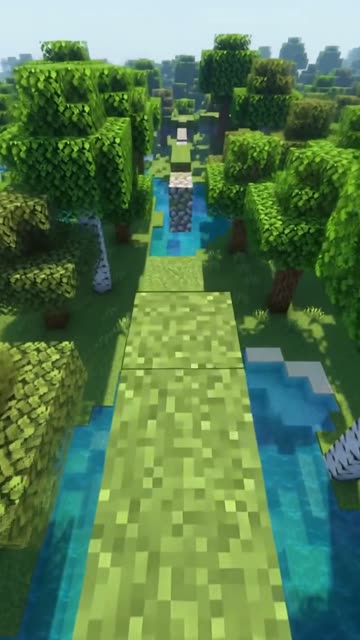
Voxel parkour · original loops made for imageat, safe to post
9:16 MP4 · no watermark · failed videos are refunded automatically
AI Voiceover
Your script or topic, read by an AI voice with captions over gameplay
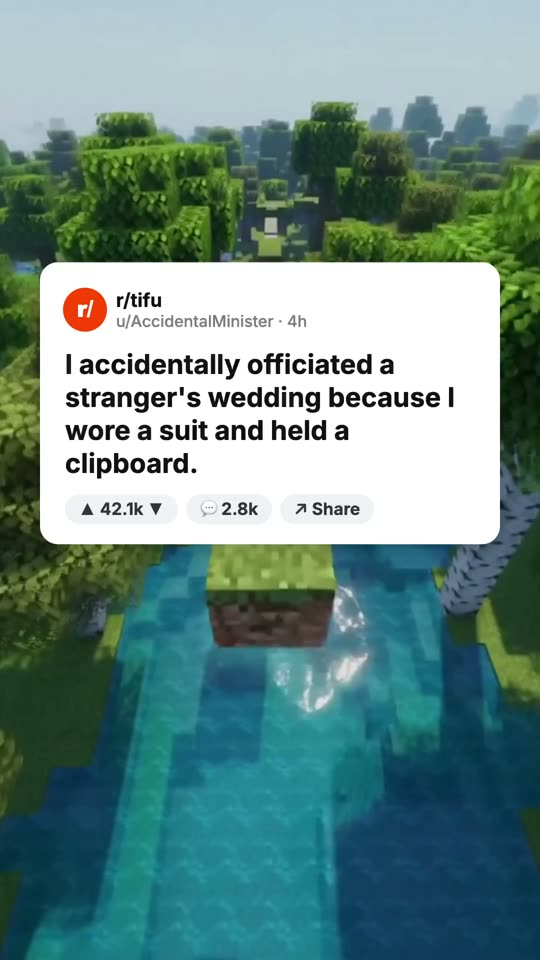
Script to video turns text you wrote into a finished video with narration and visuals. On imageat, the AI Voiceover and Brainrot formats read your script word for word with an ElevenLabs voice, add synced captions and place it over a looping background or an AI picture split-screen. Nothing is rewritten unless you choose topic mode instead.
One prompt. One finished video.
Every clip below is the first result for the prompt under it, straight out of the studio. Tap one to hear it.
Keep Your Script, Skip the Editing
Start Now!Word for word
The narrator reads your script as written, no paraphrasing or added lines.
Two layouts
AI Voiceover puts captions over a full background loop; Brainrot adds AI pictures on top with the loop below.
Synced captions
Captions follow the voice word by word in Bold, Karaoke, Box or Minimal style.
Pace control
In Brainrot, set the narration to Normal, Fast or Brainrot speed.
Long enough for a Short
Scripts up to 4,000 characters, with 30, 60 or 90 second videos.
Any of 30 languages
Write the script in your language and pick a matching voice language.
How it works
Paste the script
Drop in your text; script mode is already selected.
Pick layout and voice
Choose AI Voiceover or Brainrot, a voice, captions and background.
Render
The video renders in your browser and is saved to your history.
Script to Video
specs
| Formats | AI Voiceover, Brainrot |
|---|---|
| Input | Your script, up to 4,000 characters |
| Reading | Word for word |
| Voice | ElevenLabs Eleven v4, 9 voices |
| Length | 30, 60 or 90 seconds |
| Credits | 10 per video |
| Output | 1080×1920 MP4, no watermark |
Get better videos
Time your script
At normal pace speech runs about 2.5 words per second: around 75 words for 30 seconds, 150 for 60.
Spell out numbers
Write numbers and abbreviations the way you want them spoken to avoid odd readings.
Use punctuation for pauses
Commas and periods shape the voice's rhythm, so punctuate the way you would speak.
Paste one and generate
- Paste your newsletter intro and turn it into a 60-second voiceover
- Read a 75-word product tip as a 30-second Short
- Turn a blog post summary into a brainrot split-screen
- Narrate a short horror story you wrote at brainrot speed
- Read your top five tips for beginners in your niche
Pay per video
The script, voice, pictures, music and MP4 render are all included. A failed video refunds its credits automatically.
 Script to Video
Make your first
faceless video
Already have the words? Paste your script and get a narrated, captioned short where every sentence is read exactly as you wrote it.